
Invoice maker
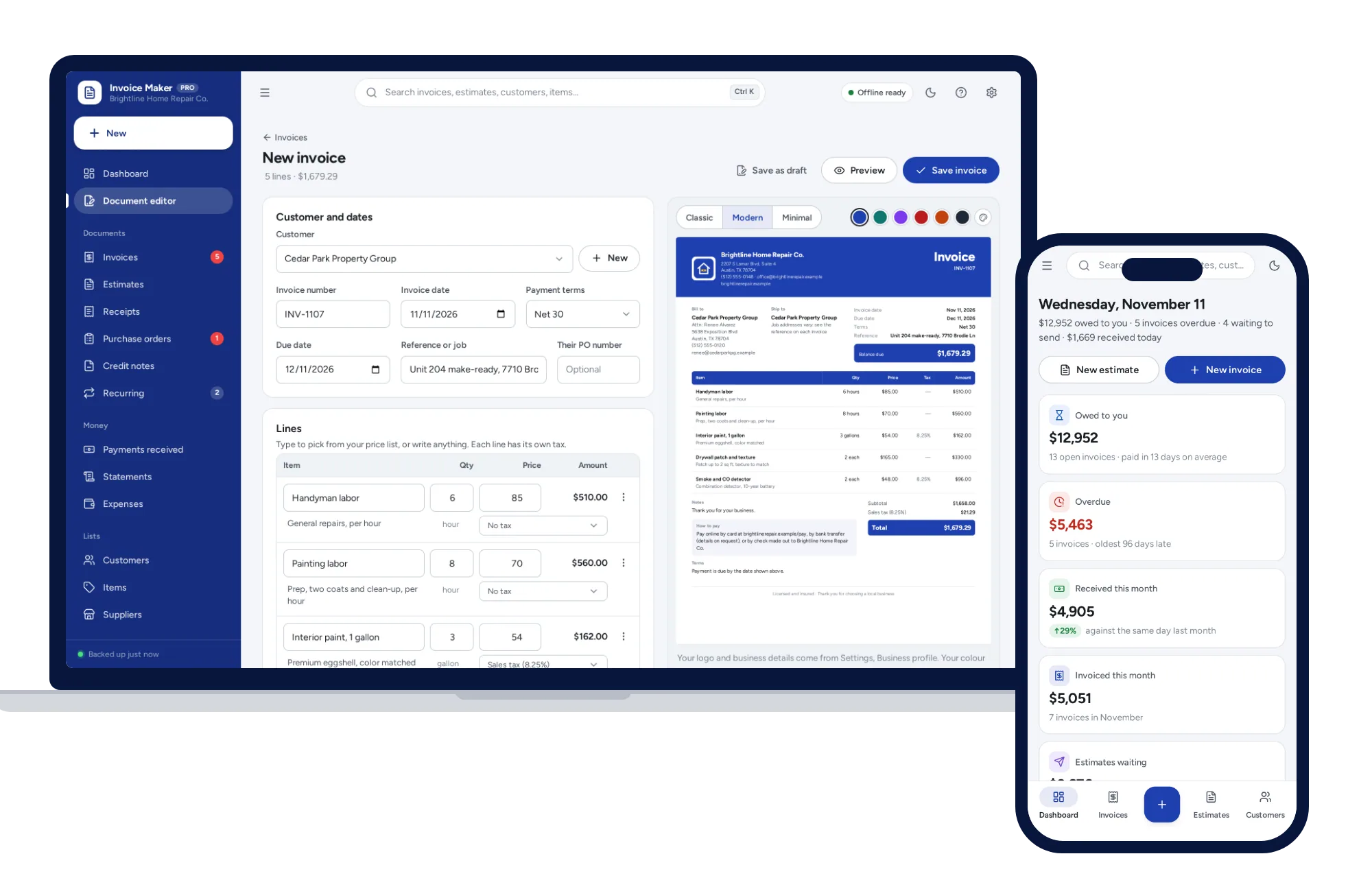
See the finished invoice as you type
- Pick items from your price list, or type any line
- Classic, Modern or Minimal, with your logo and colour
- Real-text PDFs on Letter or A4
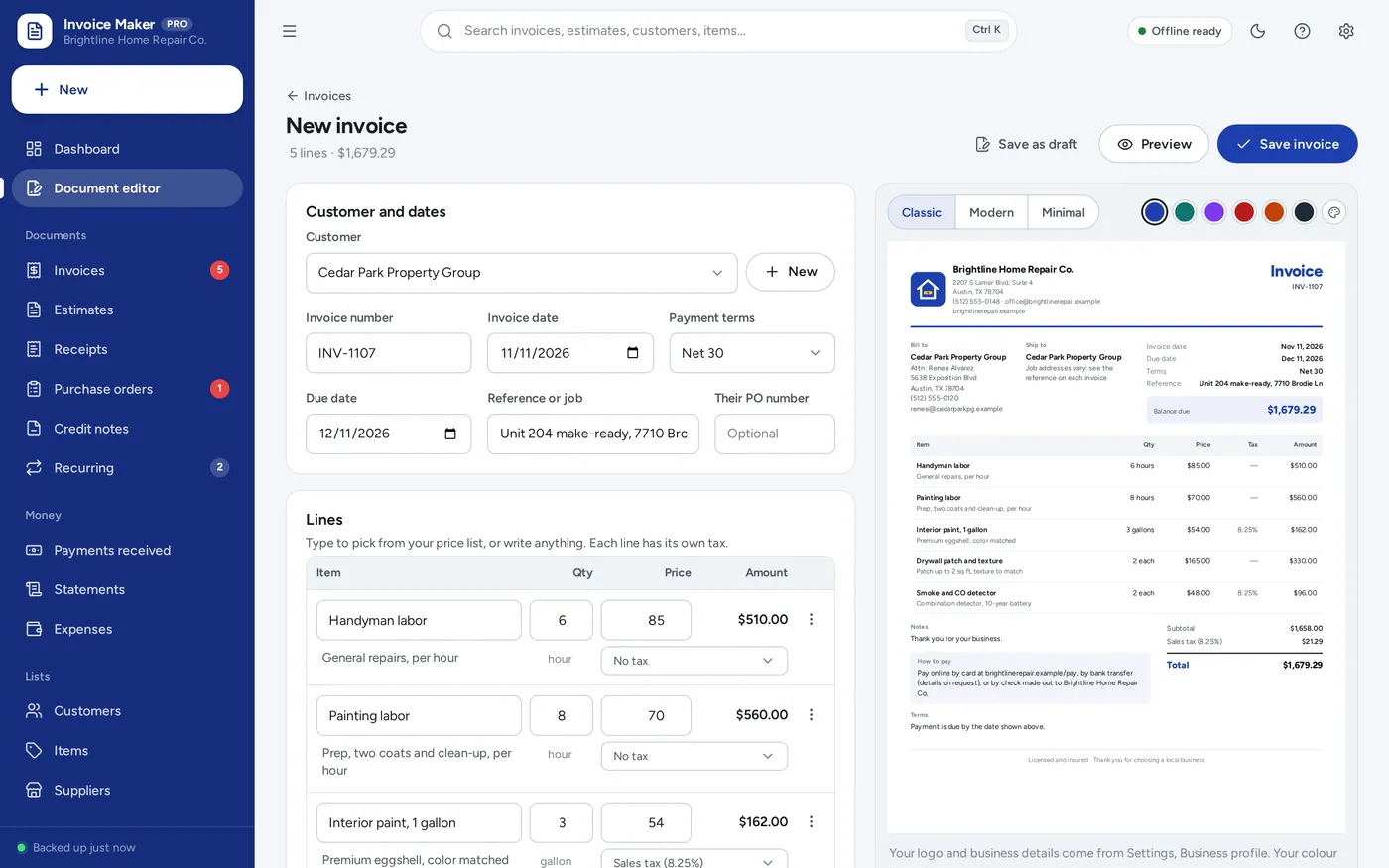
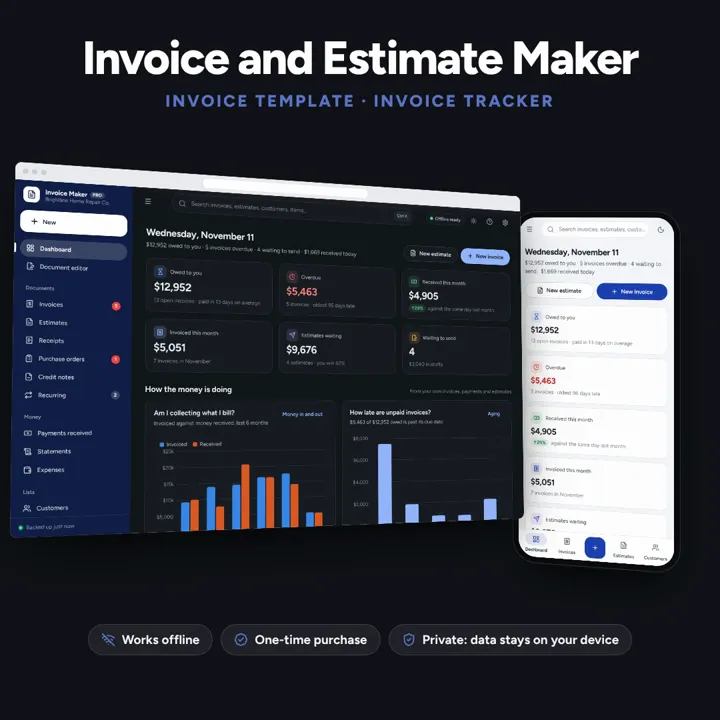
Invoices, estimates and receipts in your own look, with payments, balances, reminders and statements. Works offline, no subscription.
No subscription. Pay once and keep it.
Try the live demoWith sample data, right in your browserCheckout by Lemon Squeezy. Tax is added where it applies, and you download straight after paying.
Made for Freelancers, contractors, handymen, consultants and small service or product businesses that send their own invoices and estimates
An invoice maker and invoice tracker for freelancers, contractors and small businesses: invoices, estimates and quotes, receipts, purchase orders, credit notes and customer statements in three looks with your logo and colour, a live preview while you type, several tax rates, discounts, deposits and delivery lines, partial payments and balances, overdue reminders, recurring invoices, and reports on aging, sales and tax — offline, no subscription.
Invoice maker
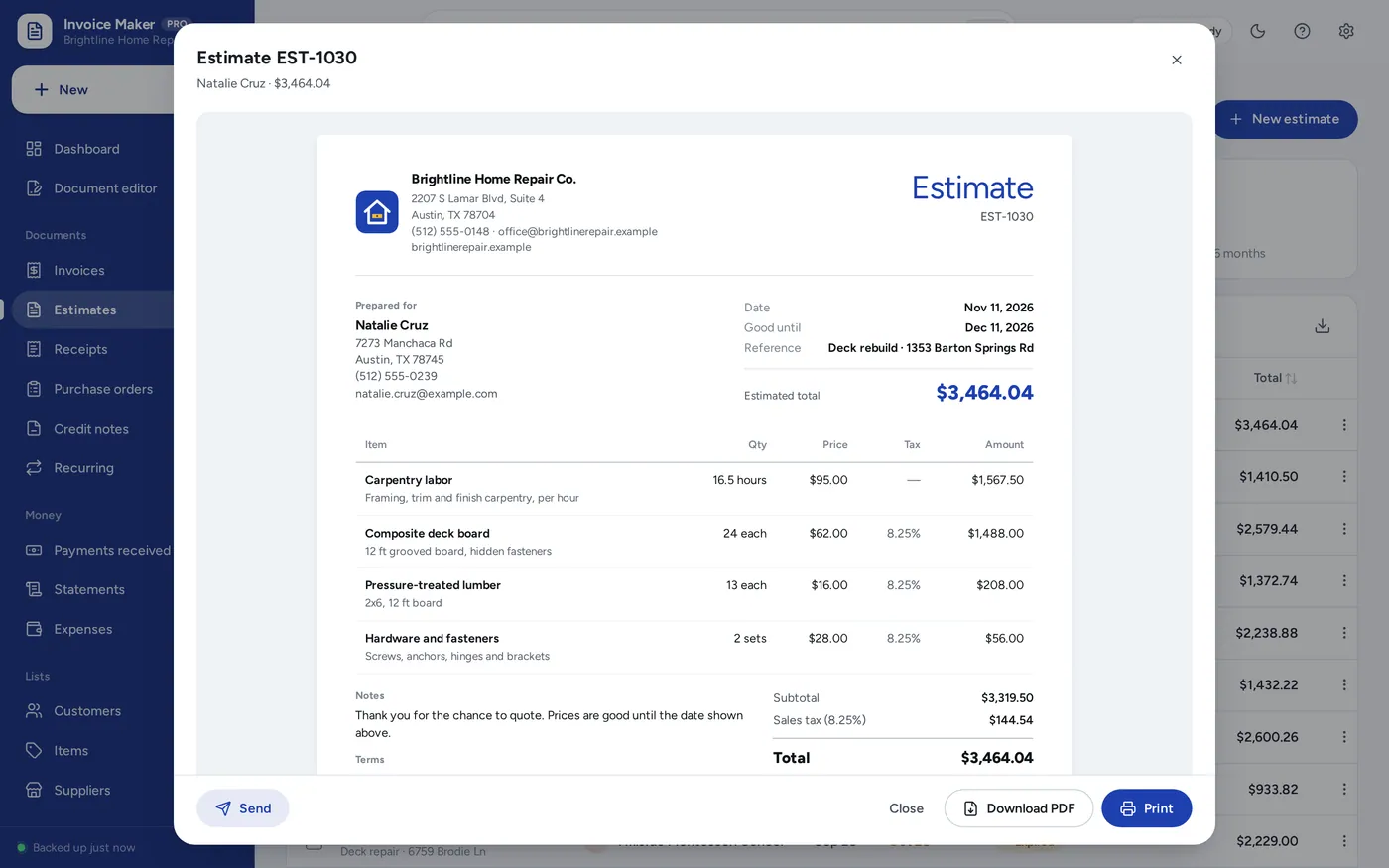
Estimate and quote maker
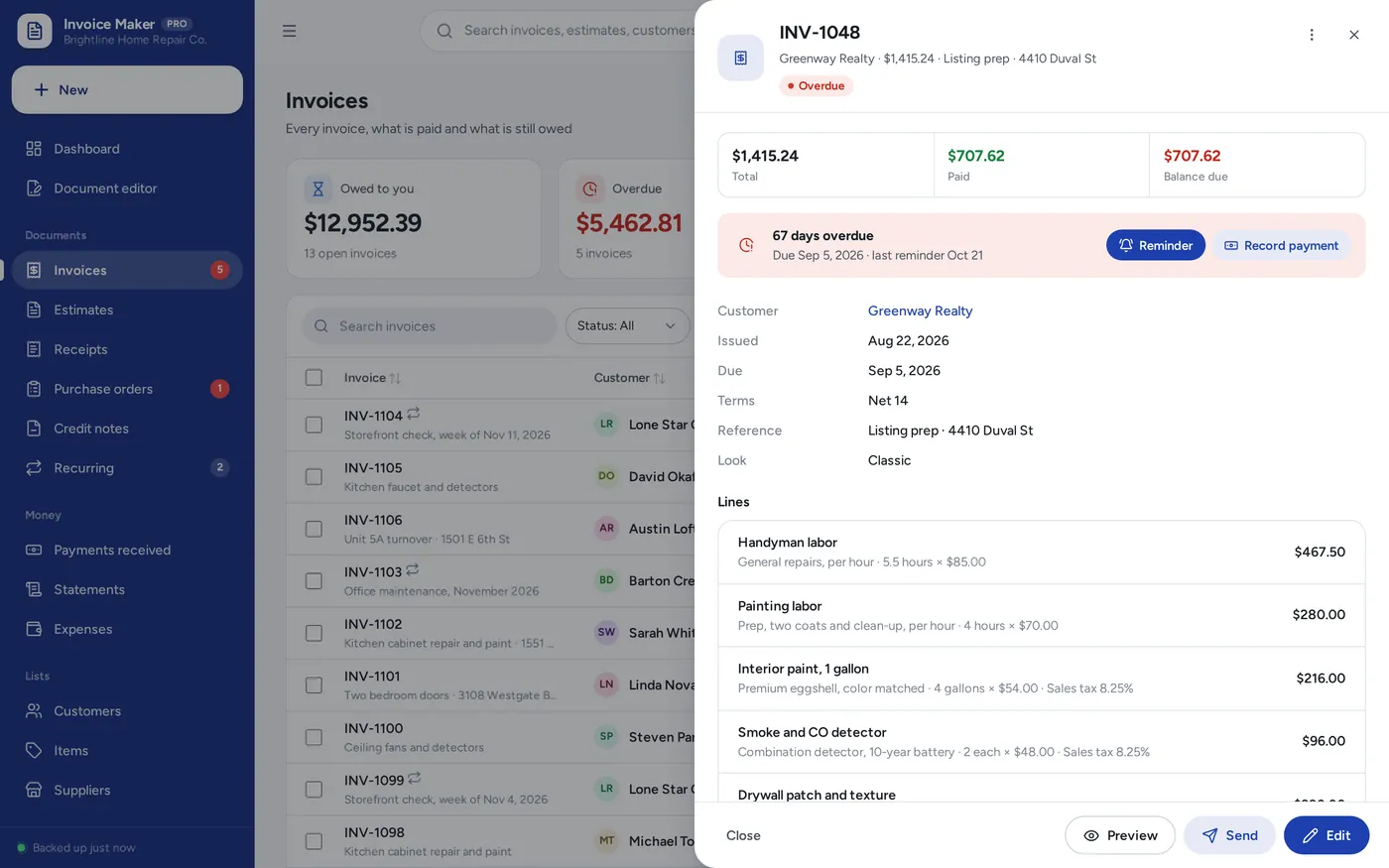
Invoice tracker
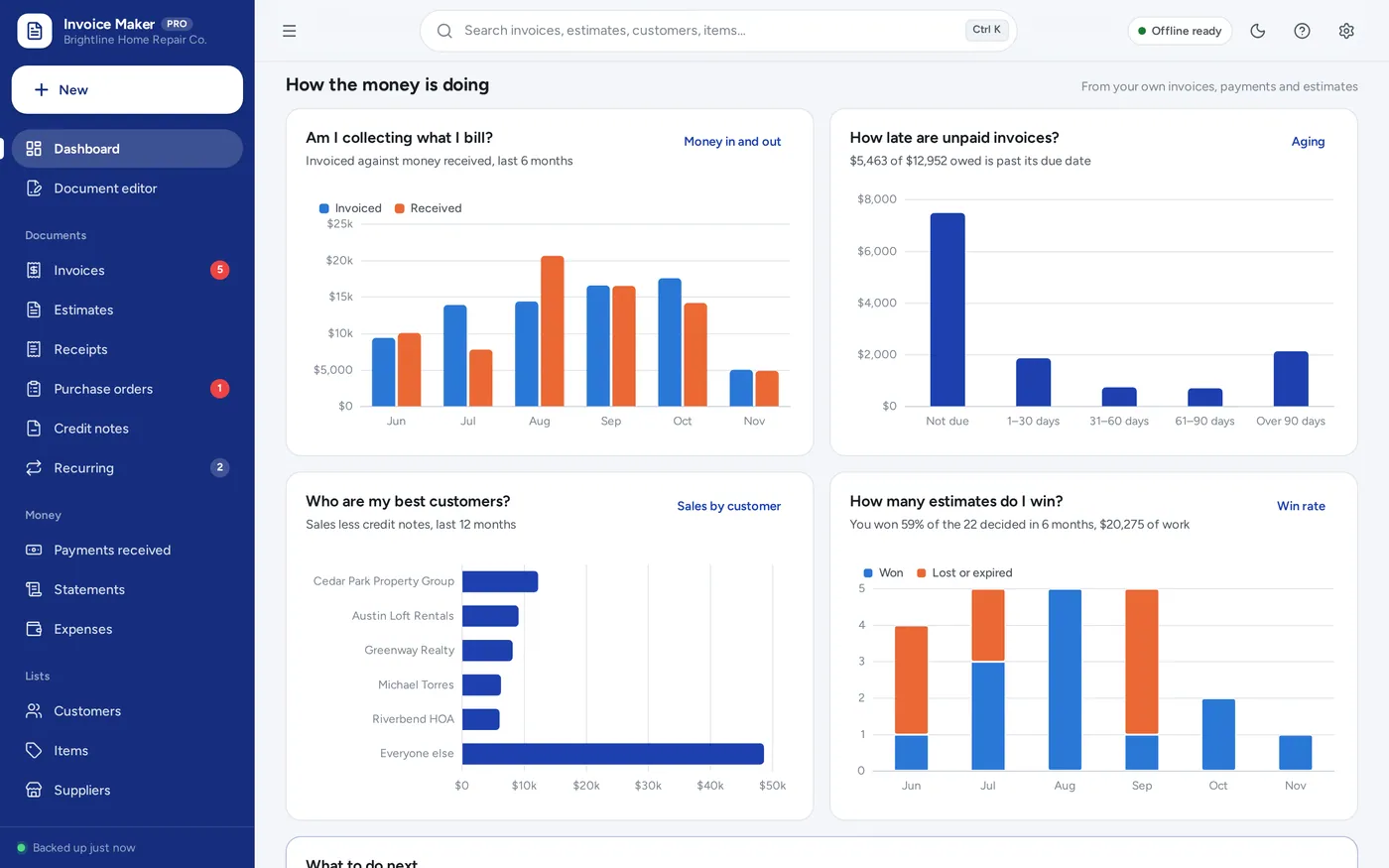
Invoice tracker dashboard
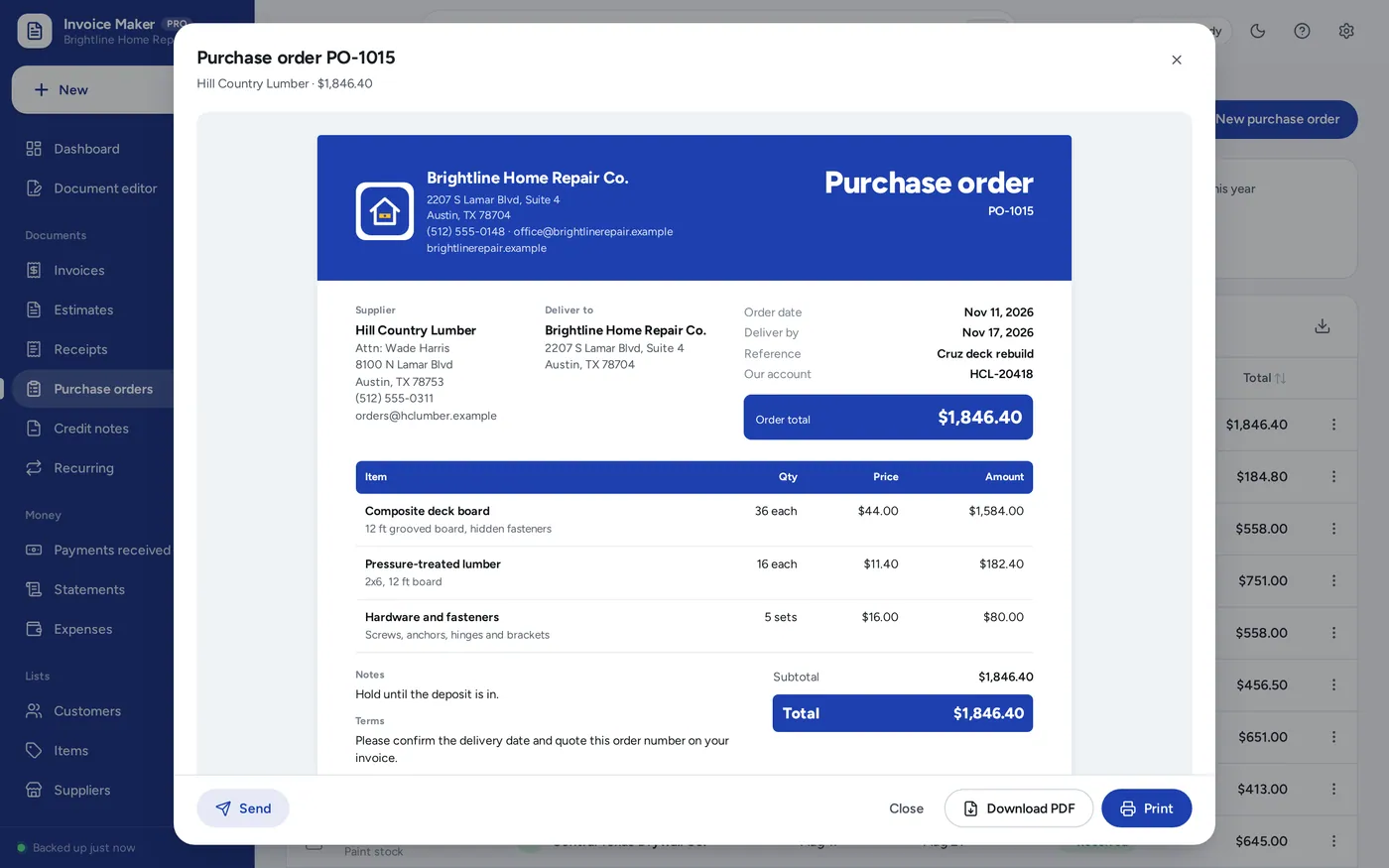
Receipts and purchase orders
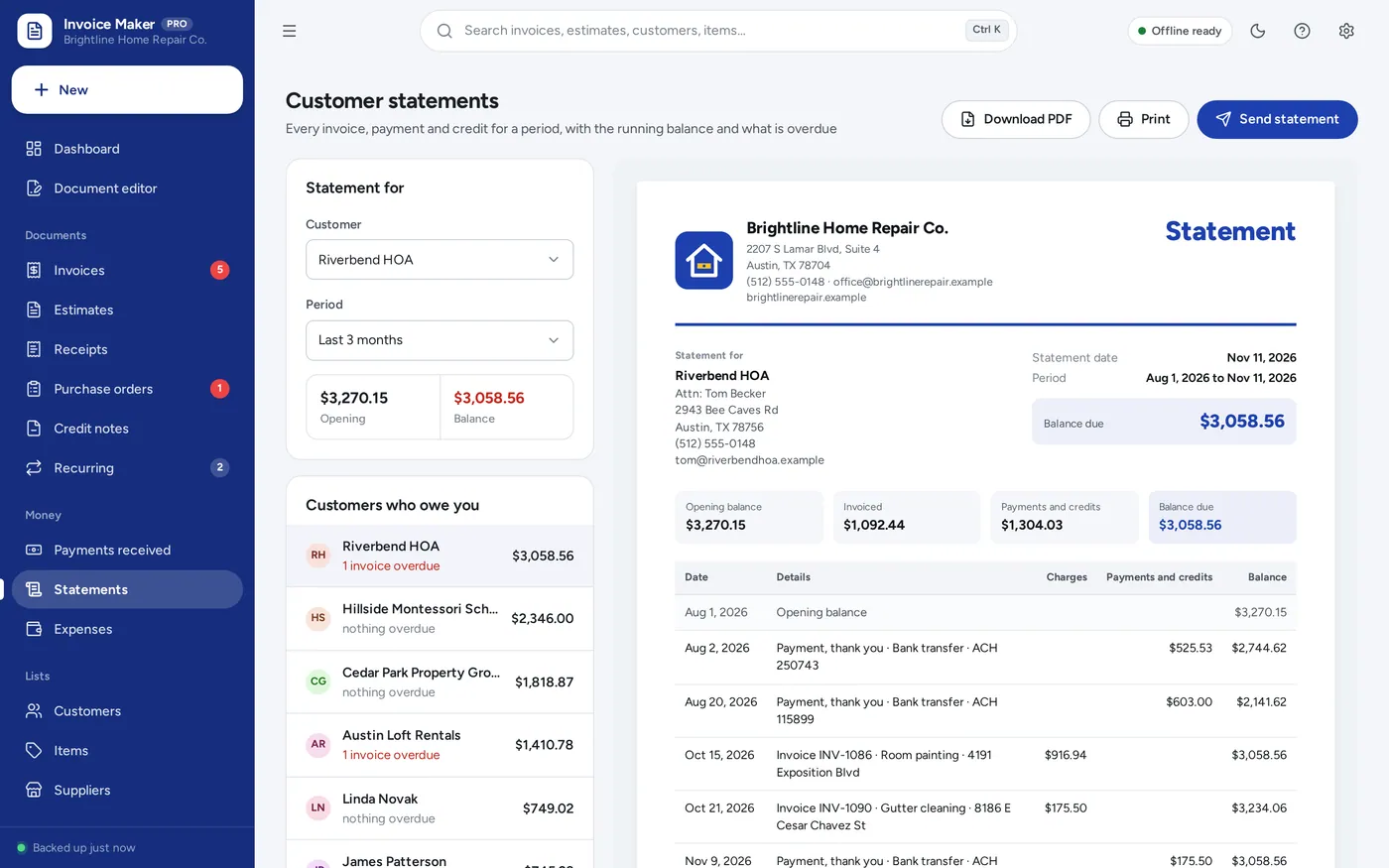
Statements and reports
For freelancers, contractors, handymen, consultants and small service or product businesses: the invoice template, estimate template and receipt template in one, plus the payments, reminders and statements a template leaves to you.
An invoice template has to be retyped for every customer, numbered by hand and tracked somewhere else. Online invoicing charges every month. This keeps your customers, items, numbers and payments together, works offline on your own computer, and is paid for once.
What it needs, and what it does not do.
Invoice & Estimate Maker is an offline app from ColadoSystems that runs in your web browser from a folder on your own device. It costs $29 once, with no subscription and no account, and includes 16 tools, sample data to explore and a PDF guide. Your records stay on your device and are never uploaded.
Something else? Ask us and we'll answer before you buy.
Everything is saved inside your browser on this device. Nothing is uploaded and there is no account, so no company holds a copy of your invoices or customers. The records are not locked with a password, though: anyone who can use this device and browser can open them, so keep the device locked. Download a backup regularly (Settings → Data & backup → Back up now) and keep it somewhere safe.
Yes. Open index.html and it runs fully offline, including making PDFs. Send needs a connection only for the email itself to go out.
Go to Settings → Data & backup → Erase records. Your business profile and settings are kept, all sample records are removed and numbering starts again at 1001. Change the business profile to your own before you send anything.
Yes. Open the invoice and tap Send, then Share: the iPad’s share sheet opens with the PDF attached, so you choose Mail or Messages, pick the customer and send. The same works on an iPhone and in Chrome or Edge on Windows and Mac. Where a browser cannot share files, the app downloads the PDF and starts an email for you instead.
An iPad cannot open the app from a downloaded file, so it has to be opened from a web link. Put the app folder on a website or free static host, open the link in Safari, then tap Share → Add to Home Screen. From then on it opens from its own icon and works without internet. Records stay on the iPad; nothing is uploaded.
Yes. Add as many tax rates as you need in Settings → Taxes. Each line picks one, and an item in your price list can have its own. A customer marked tax-exempt gets their exemption on every line automatically. The document lists each tax with its rate.
It adds the rates you set and reports the tax collected for any period. It does not know your local rules or file anything. Ask an accountant or your tax office which rates to charge and which basis to report on.
Yes. Settings → Terms and notes → Call estimates: Estimate, Quote or Proposal. The word changes on the menu, the pages and the printed document.
Yes. Settings → Numbering sets the format and the next number for each kind of document, so you can carry on from where your old system stopped. You can also type any number on a document yourself; the app warns you if it is already used.
Choose your currency and how many decimal places to show in Settings → Currency & dates; every document uses it. The app keeps one currency at a time.
Only what you put in Settings: your business name, logo, address, phone, email, website and tax number, plus how to pay and the footer from Document look. Nothing is invented. Leave the profile blank and documents simply say “Your Business Name”.
There is no limit built in. The sample business has about a hundred invoices and thirty estimates over six months, and the app works the same with thousands. Back up regularly and export to Excel whenever you want a copy for your accountant.
No. It is made for one person on one device, and records do not sync between devices. To move to another device, save a backup and restore it there.
No. It runs offline on your own device, so there is no booking page for customers and it does not take card payments. You record bookings and payments in it yourself, including ones taken by phone, card reader or another website.
Taking orders and sending invoices? These systems are close cousins. Here is who each one is for.
Customers, quotes, invoices, stock and profit together, for services or products.
Made-to-order products: a production board by due date, deposits, packing slips and shipping.
Just the paperwork: invoices, estimates, receipts, purchase orders and statements.
Handmade sellers: pricing, marketplace fees and true profit per item.
Practical how-tos from our blog, useful with or without the system.
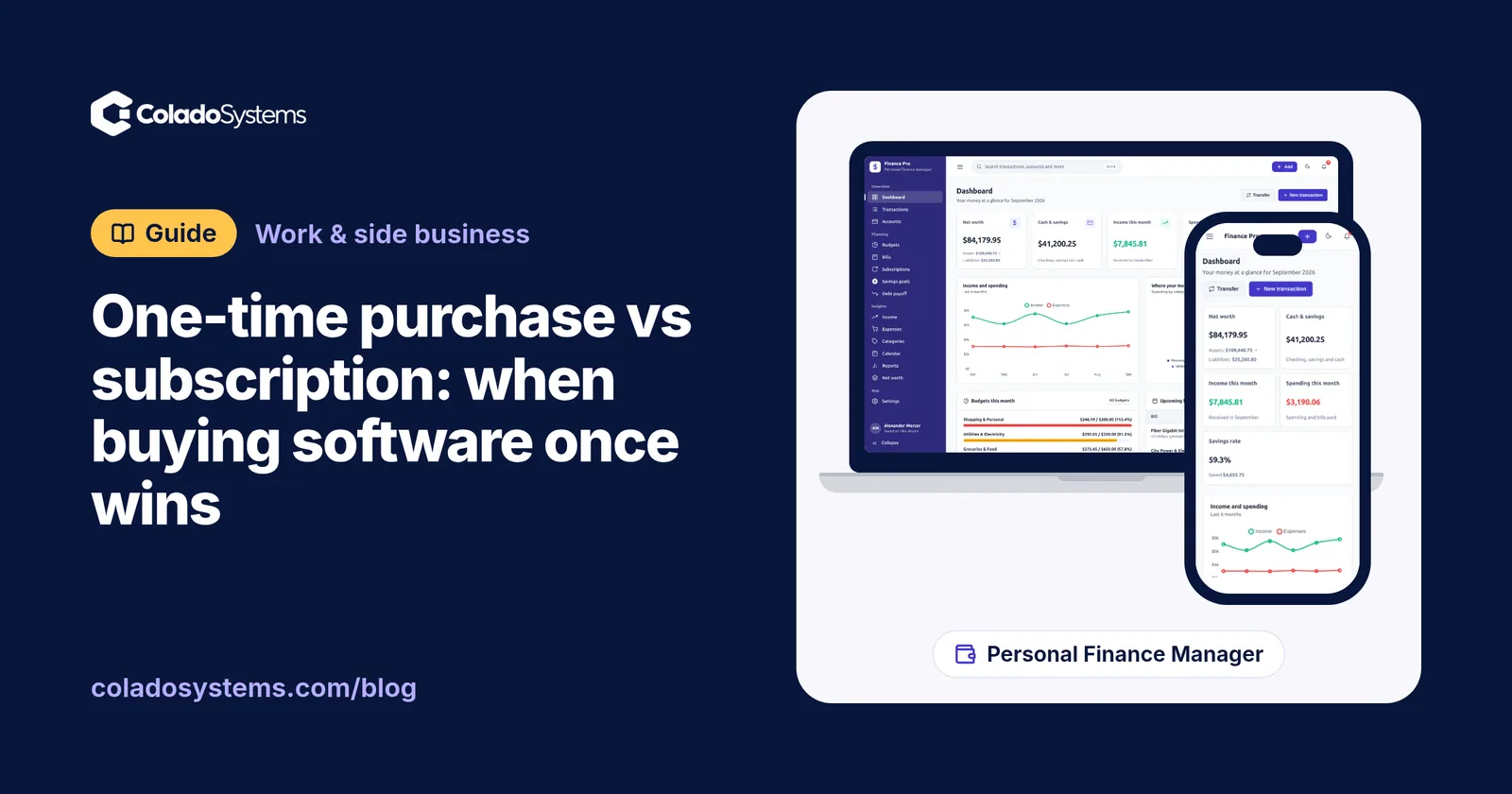
Work & side business
Buy software once when one person uses it for years; pay monthly for live sharing or bank feeds. One-time purchase vs subscription, with five-year math.
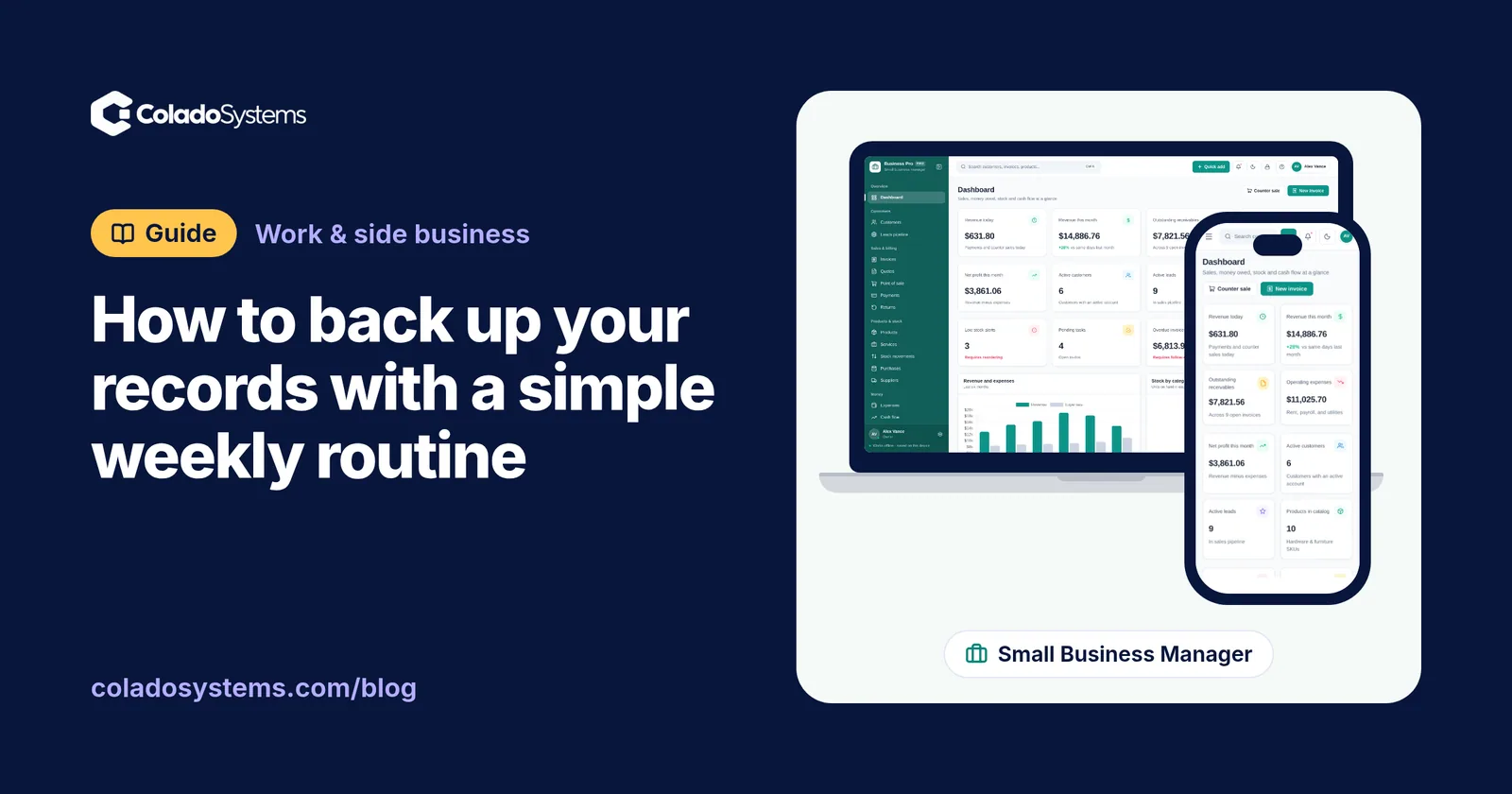
Work & side business
Keep three copies on two kinds of storage, one away from home, and test a restore every three months. A 10-minute weekly routine to back up your records.
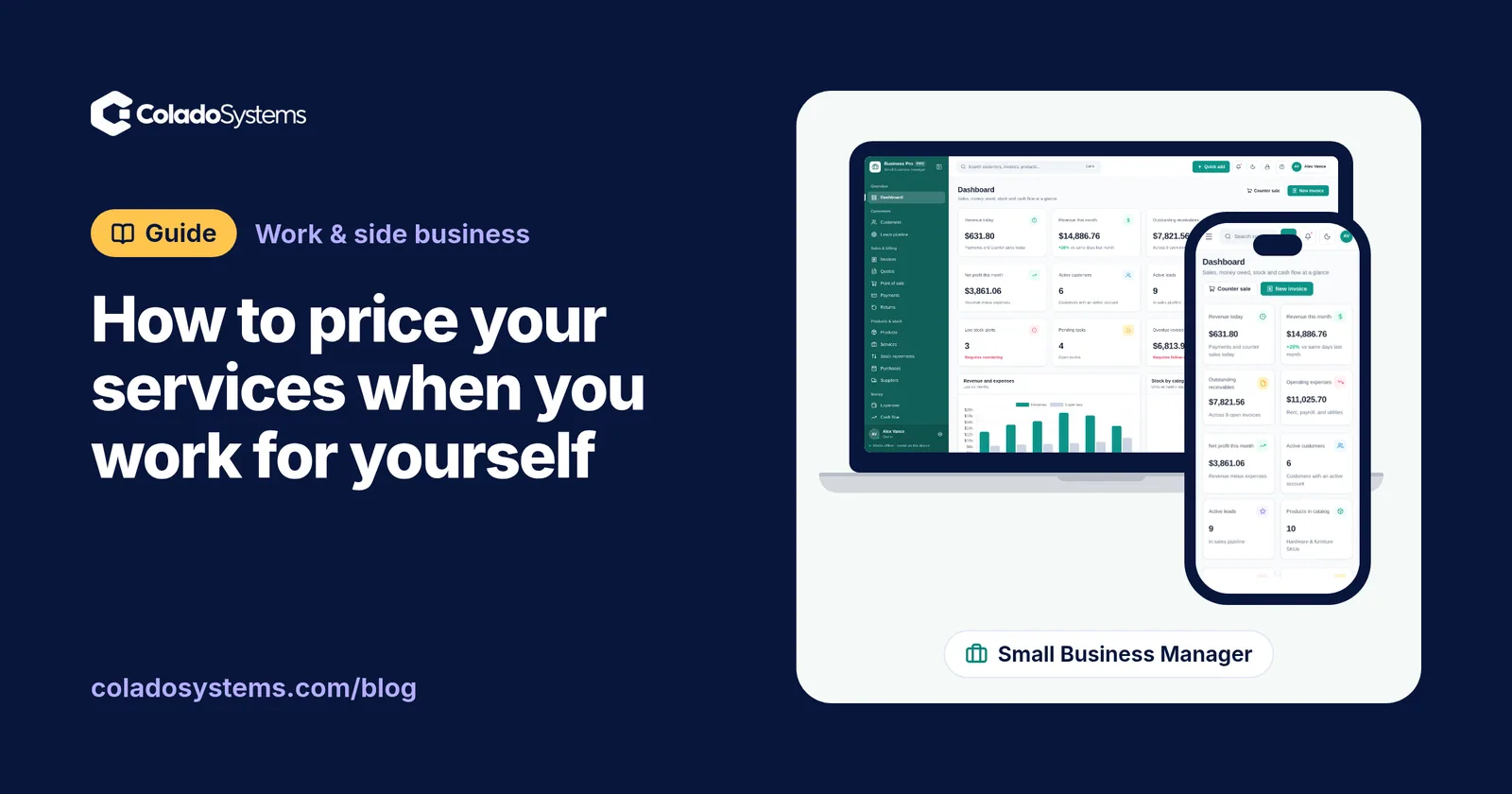
Work & side business
Add target income to a year of business costs, divide by real billable hours and add a margin: a worked example to price your services when self-employed.
The work & side business bundle has every system in this category for one price.
Invoices, projects, books, job search and content planning for people working for themselves.
$59for 6 systems, $181.97 if bought one by one
You save $122
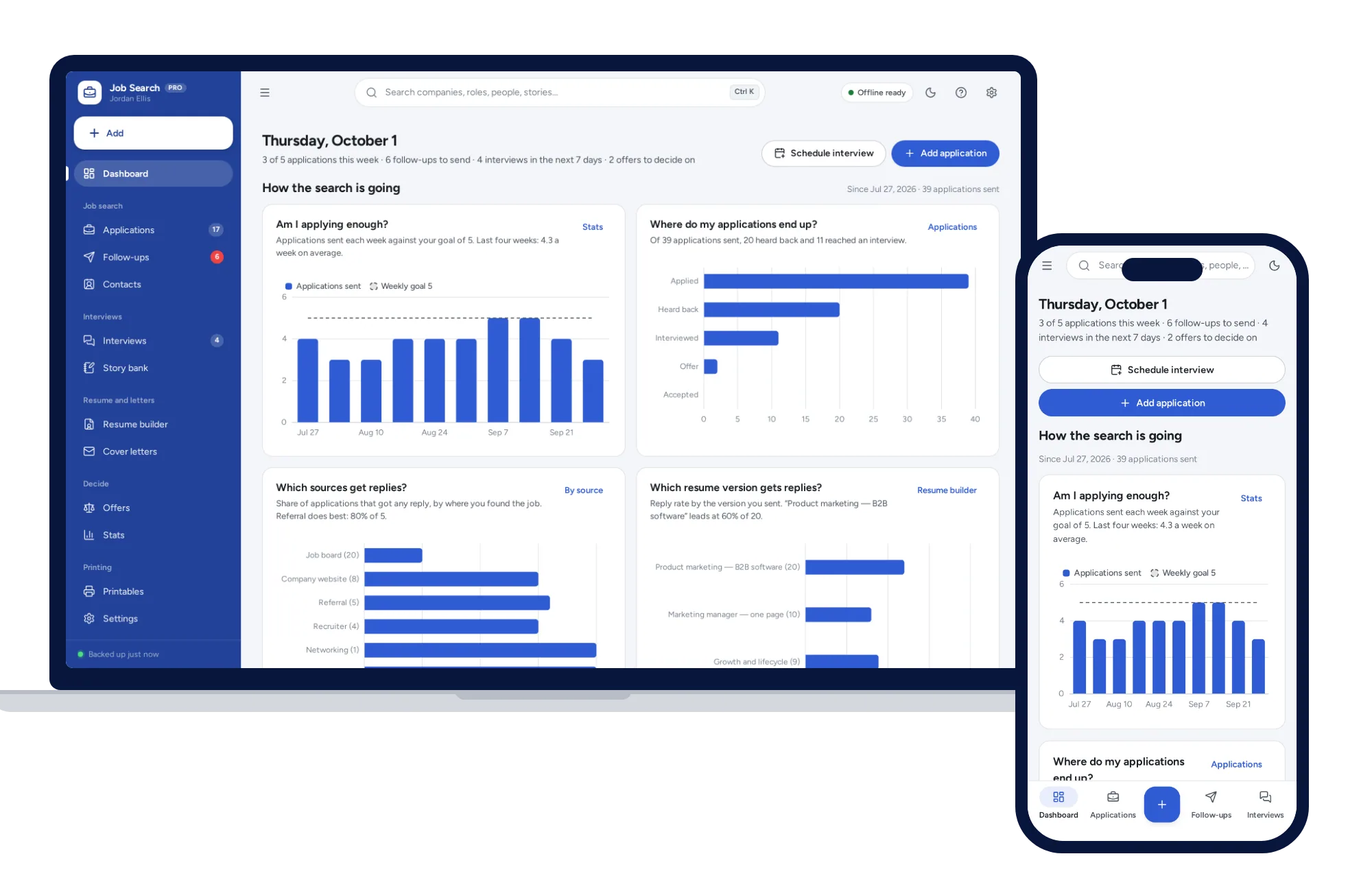
Work & side business
Track every application from wish list to offer, with follow-ups that schedule themselves and a resume builder that prints three clean layouts.
$24.99one-time
Work & side business
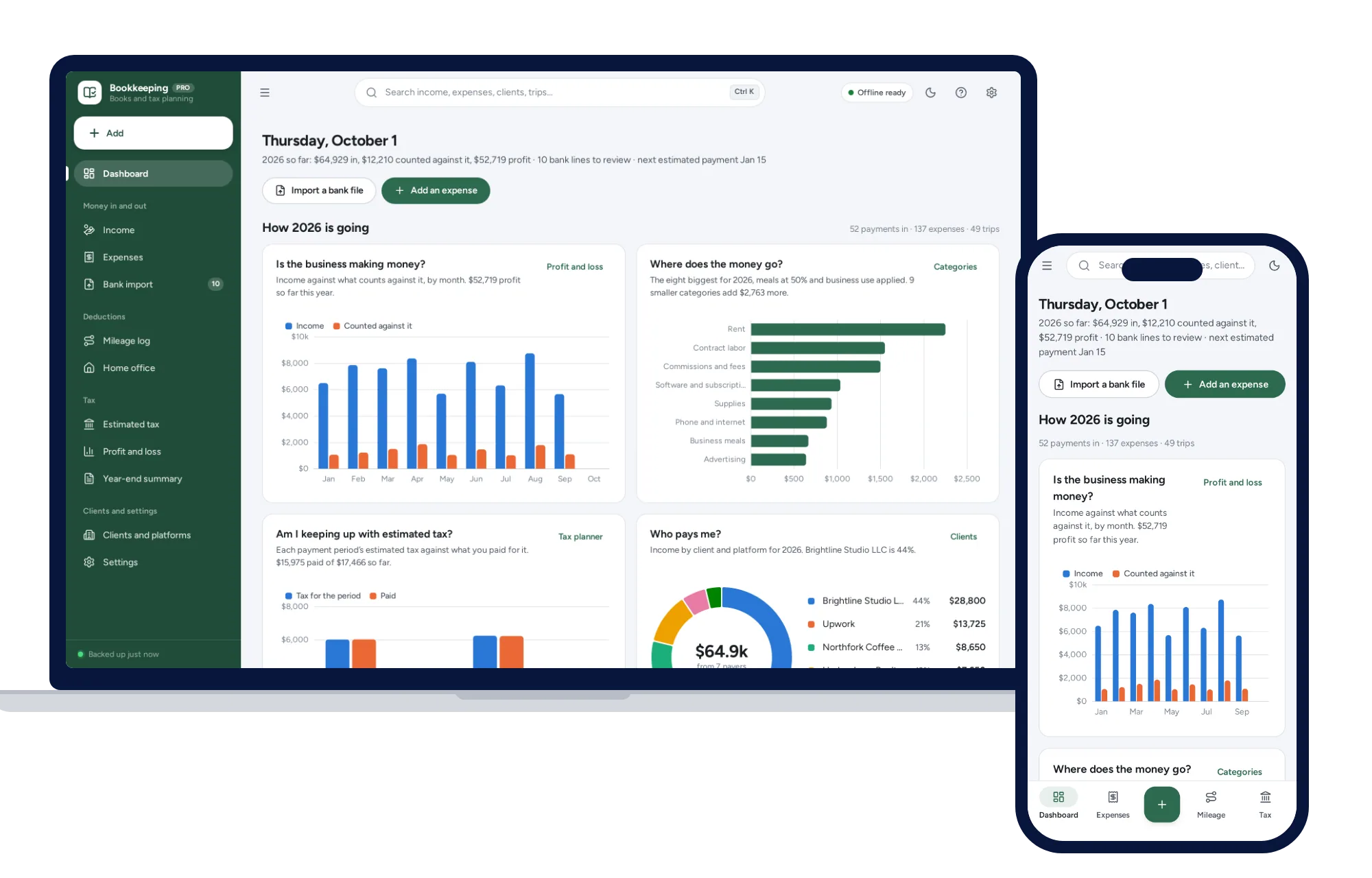
Import your bank CSV, sort it with your own rules, log mileage and see the quarterly tax to set aside.
$39one-time
Work & side business
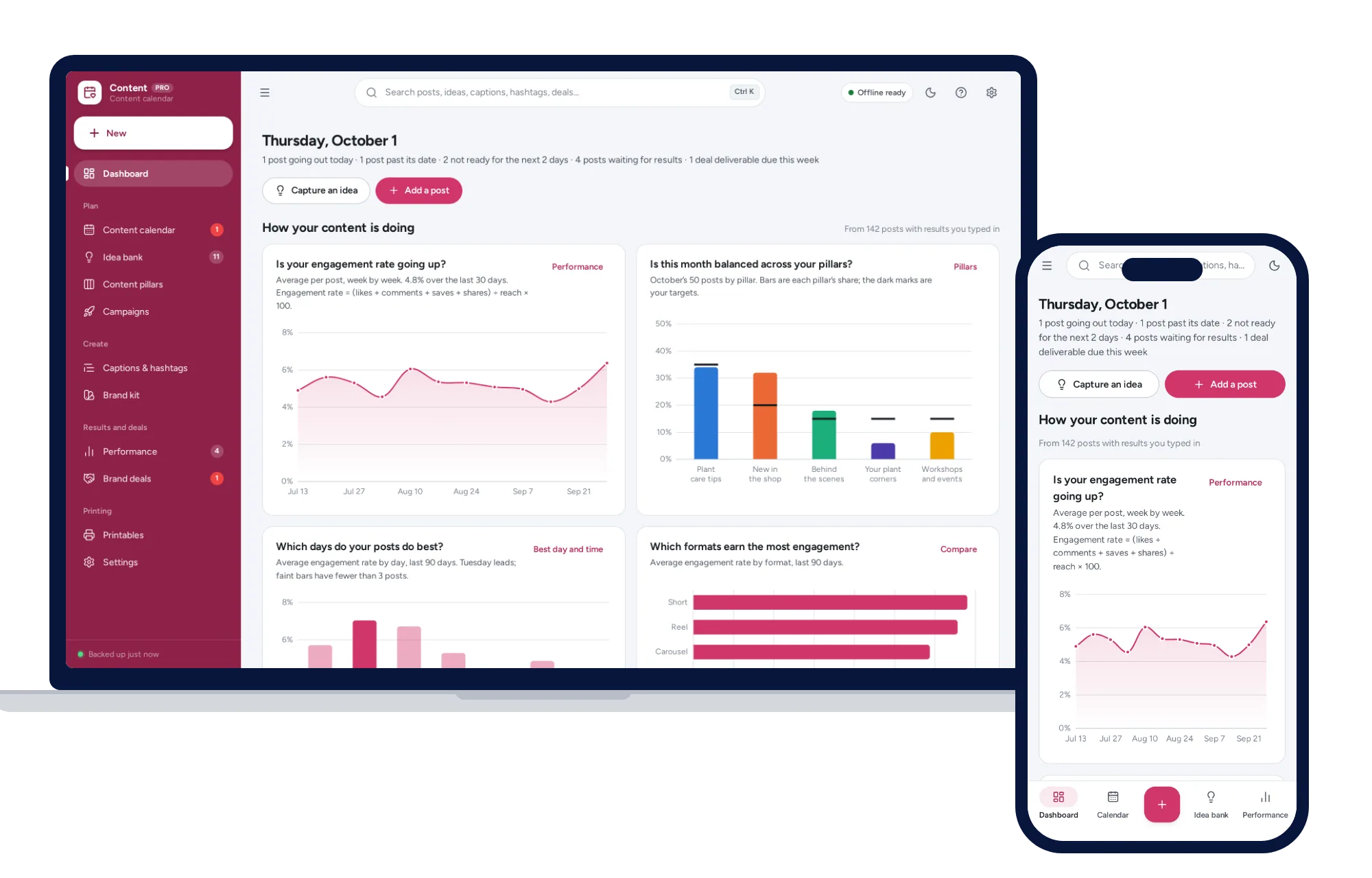
A content calendar you can drag, balanced content pillars, a caption bank and the days and formats that perform best.
$24.99one-time
Work & side business
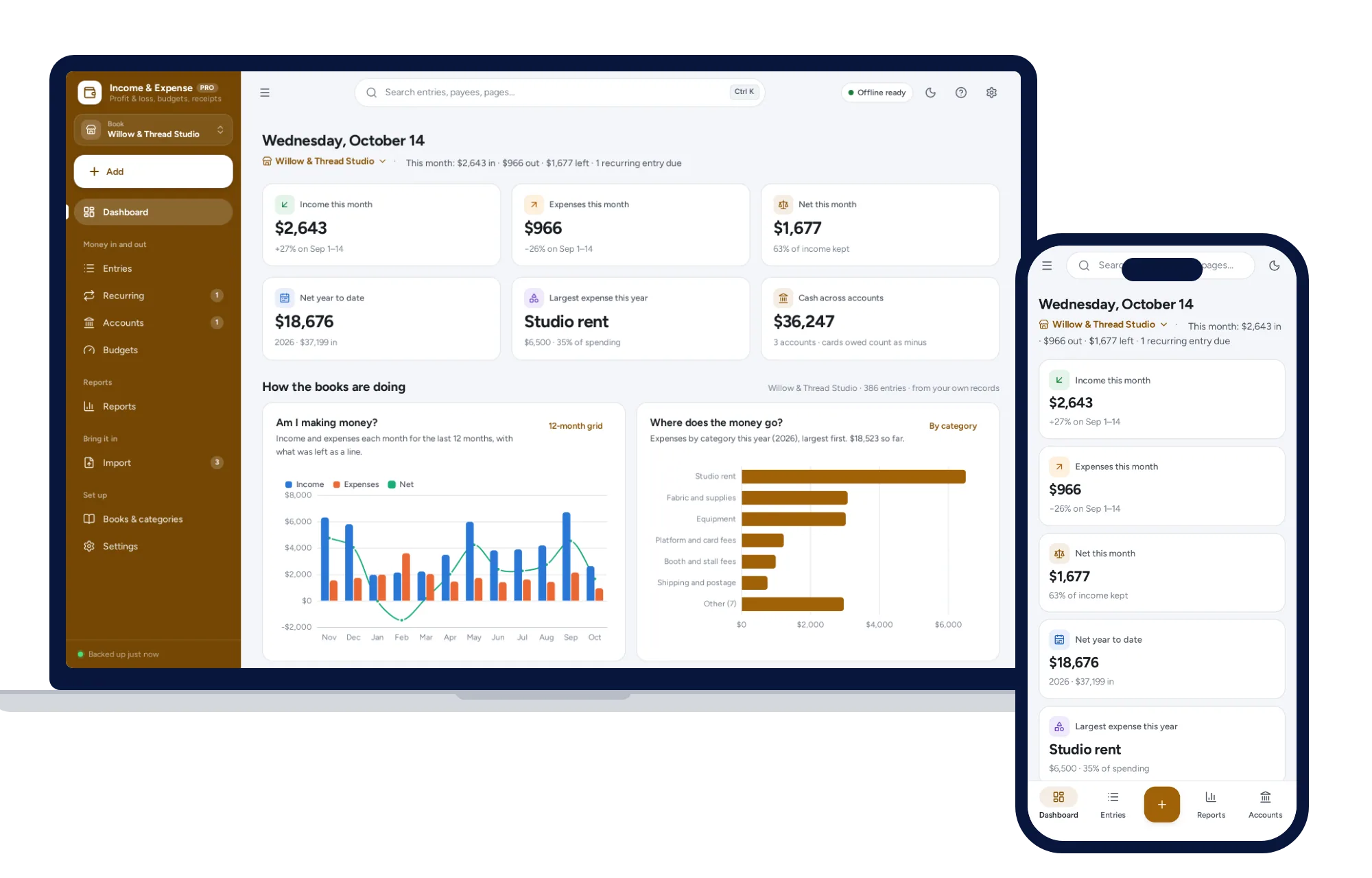
Money in and out with a receipt for each, separate books for a business, household or club, and a profit and loss or treasurer’s report in one click.
$24.99one-time