
Expense tracker
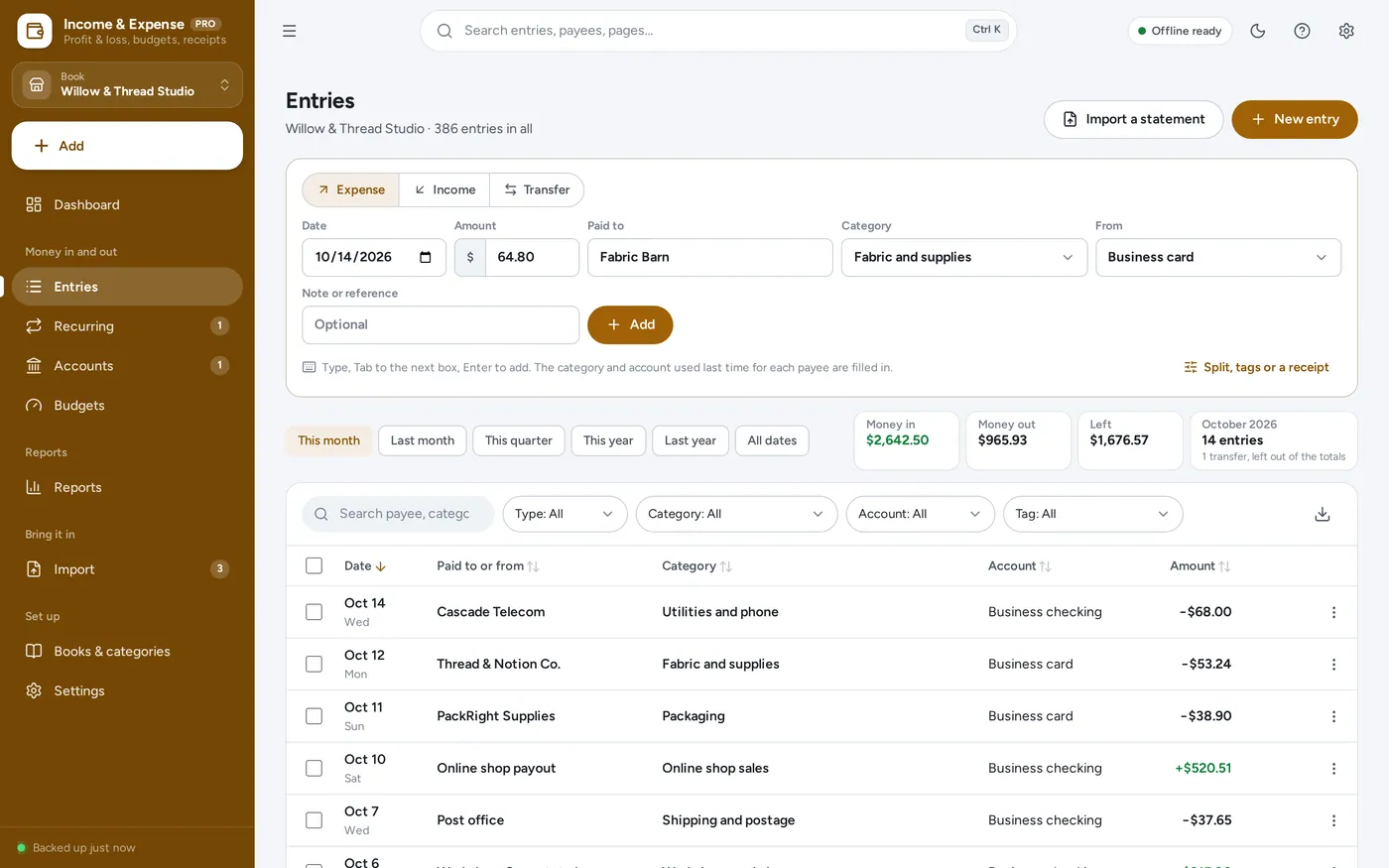
Type the amount, Tab, Enter. Next.
- Remembers the category and account for each payee
- Splits, refunds, transfers and tags
- A receipt photo or PDF on every entry
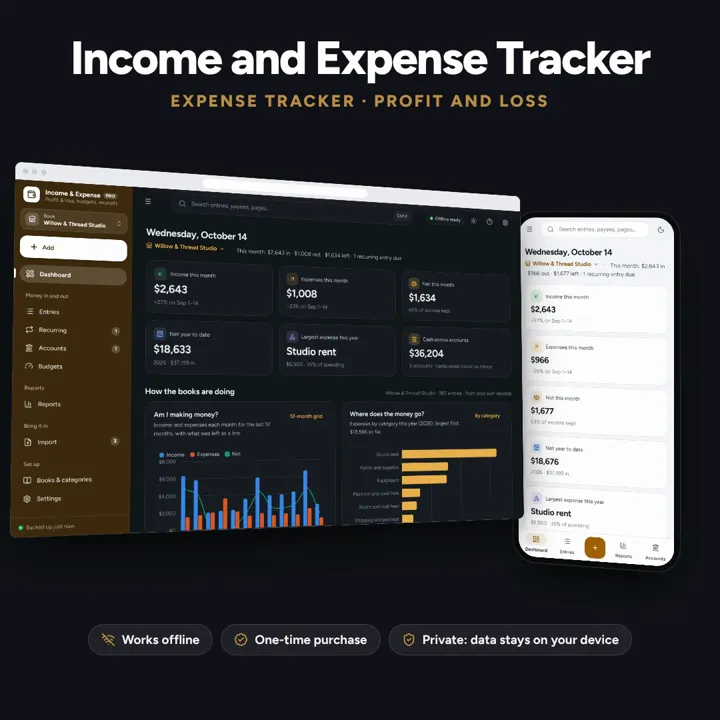
Money in, money out and a receipt for each, what is left each month, and a profit and loss for the year. Separate books for a business, household or HOA. Works offline, no subscription.
No subscription. Pay once and keep it.
Try the live demoWith sample data, right in your browserCheckout by Lemon Squeezy. Tax is added where it applies, and you download straight after paying.
Made for Small business owners, side hustlers, households, landlords, and the treasurers of clubs, HOAs, PTOs and churches who keep an income and expense spreadsheet today and want a profit and loss without the formulas
An income and expense tracker and expense tracker with a profit and loss for any month, quarter or year: separate books for a small business, side hustle, household, rental or HOA, categories and splits, refunds and transfers, receipt photos, recurring entries, budgets, reconciling, bank statement import with rules and duplicates caught, and a printable treasurer’s report — offline, no formulas to break. For your records; figures are what you enter.
Expense tracker
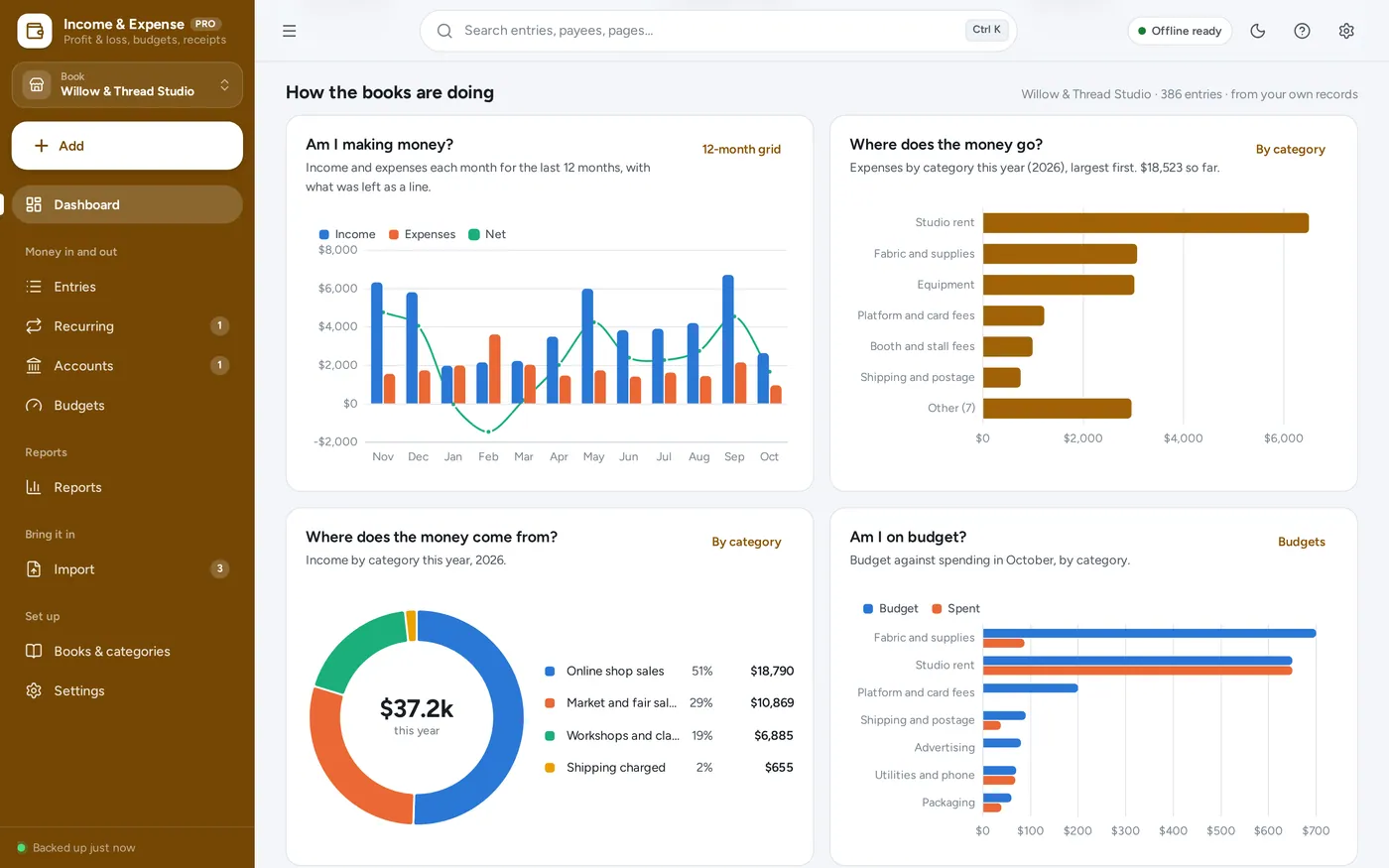
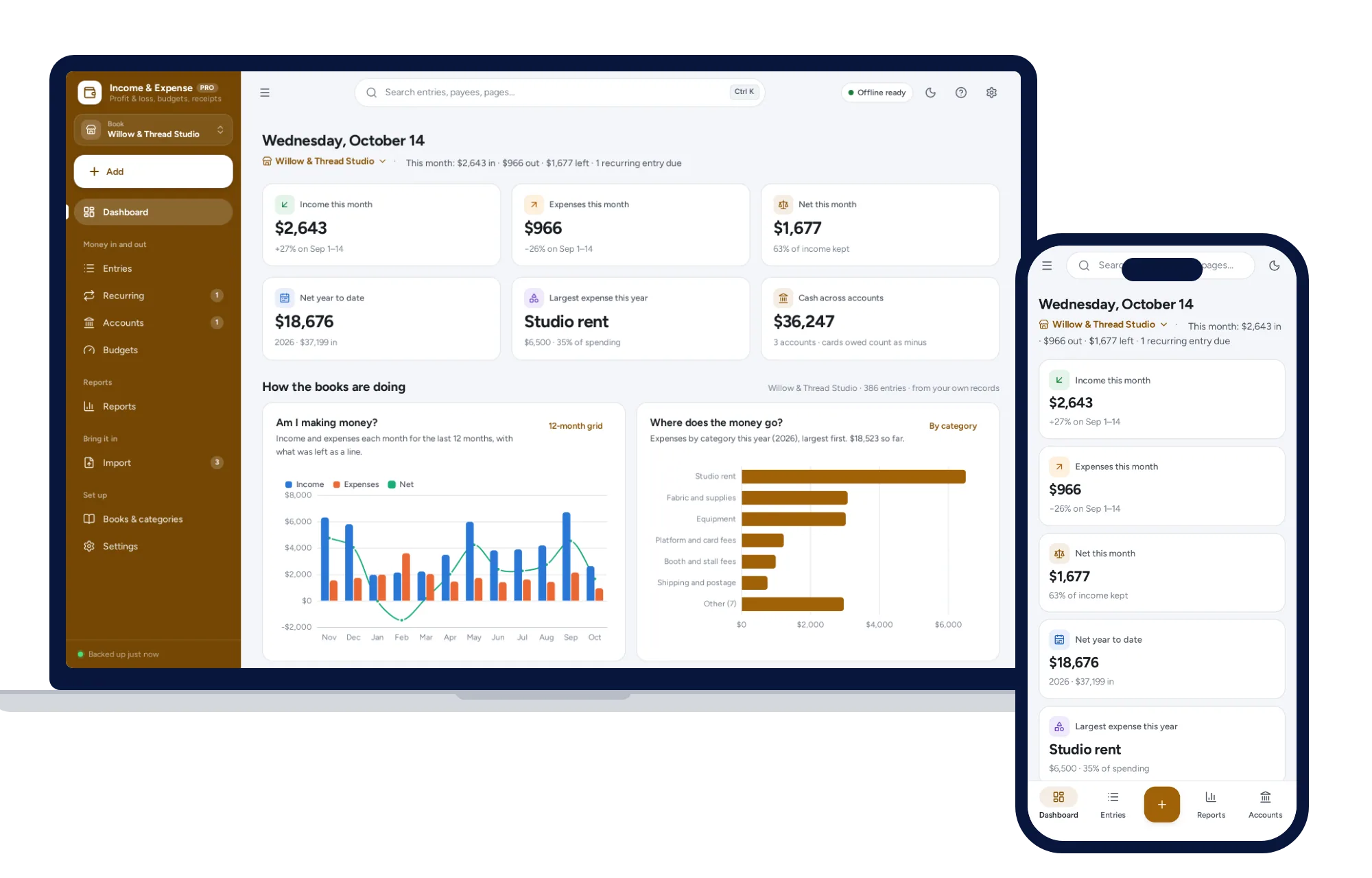
Income and expense dashboard
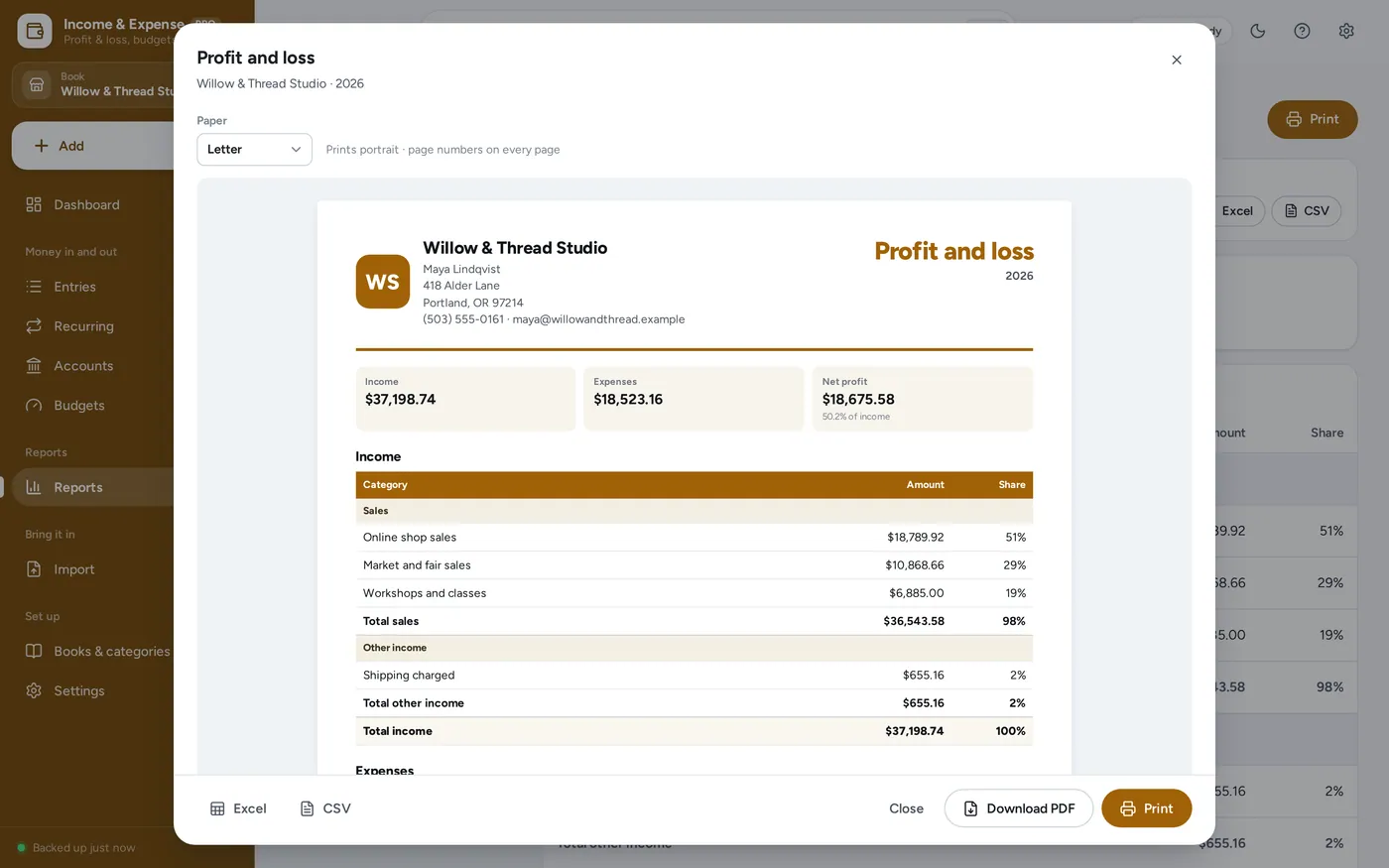
Profit and loss
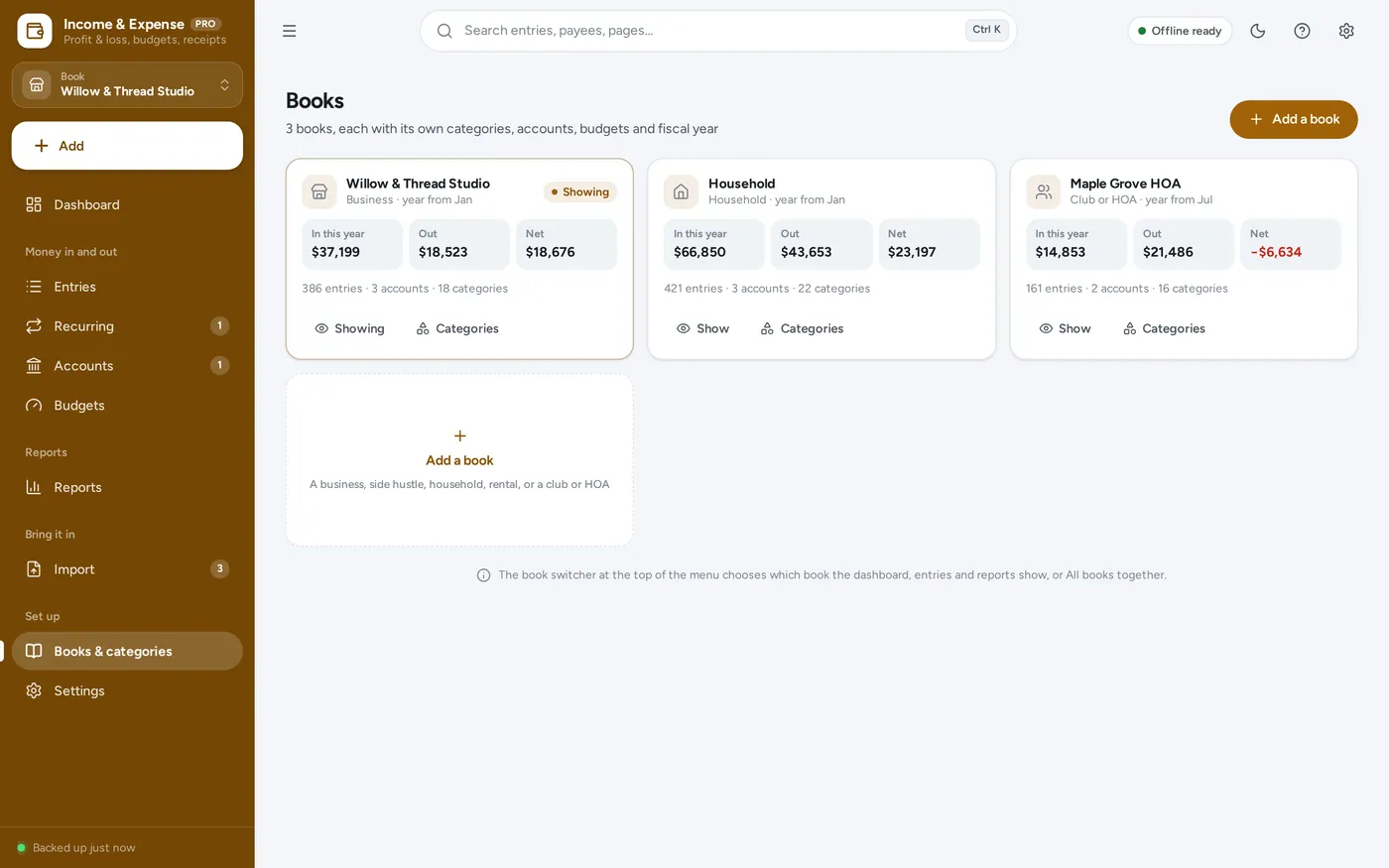
More than one set of books
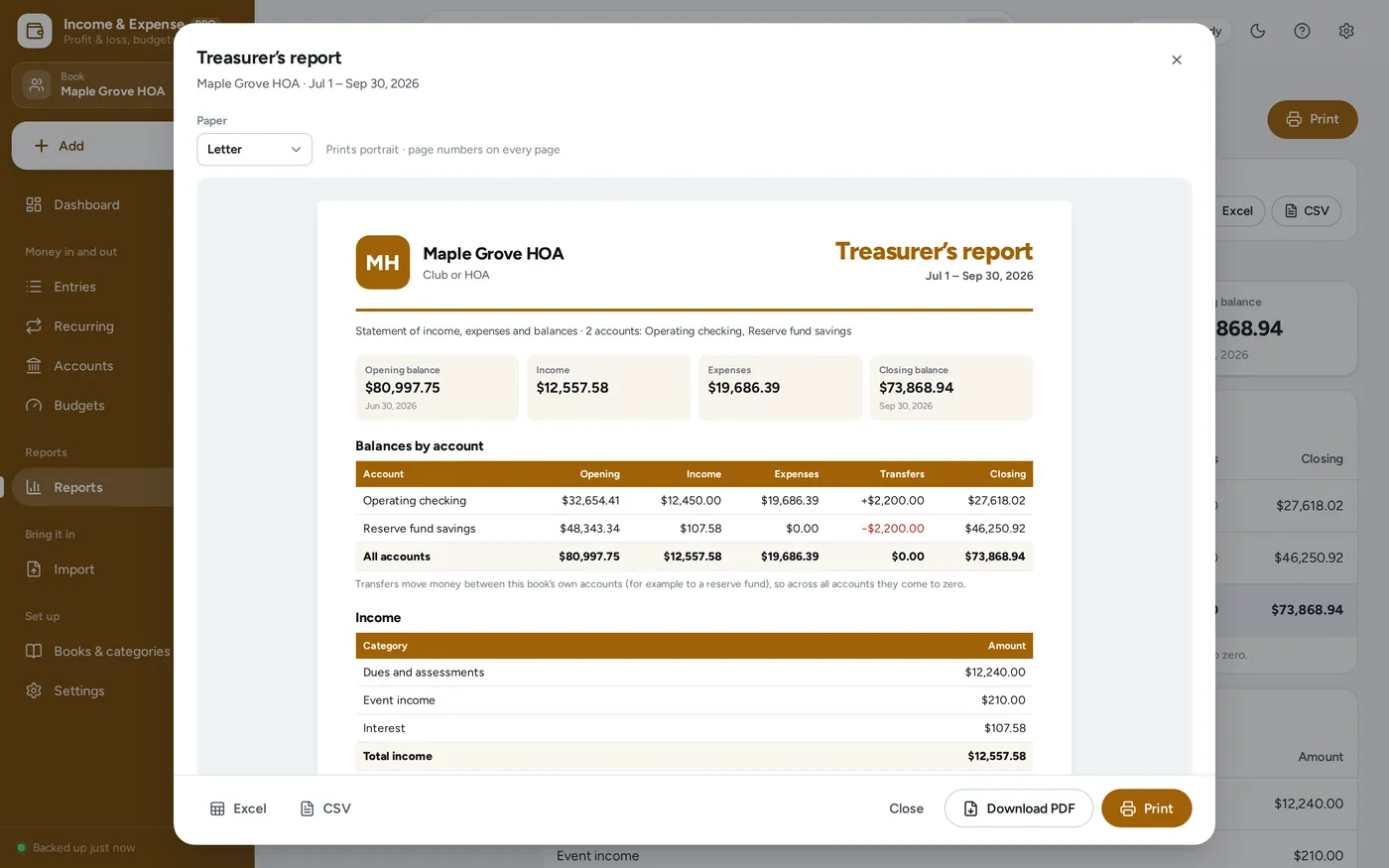
Treasurer’s report
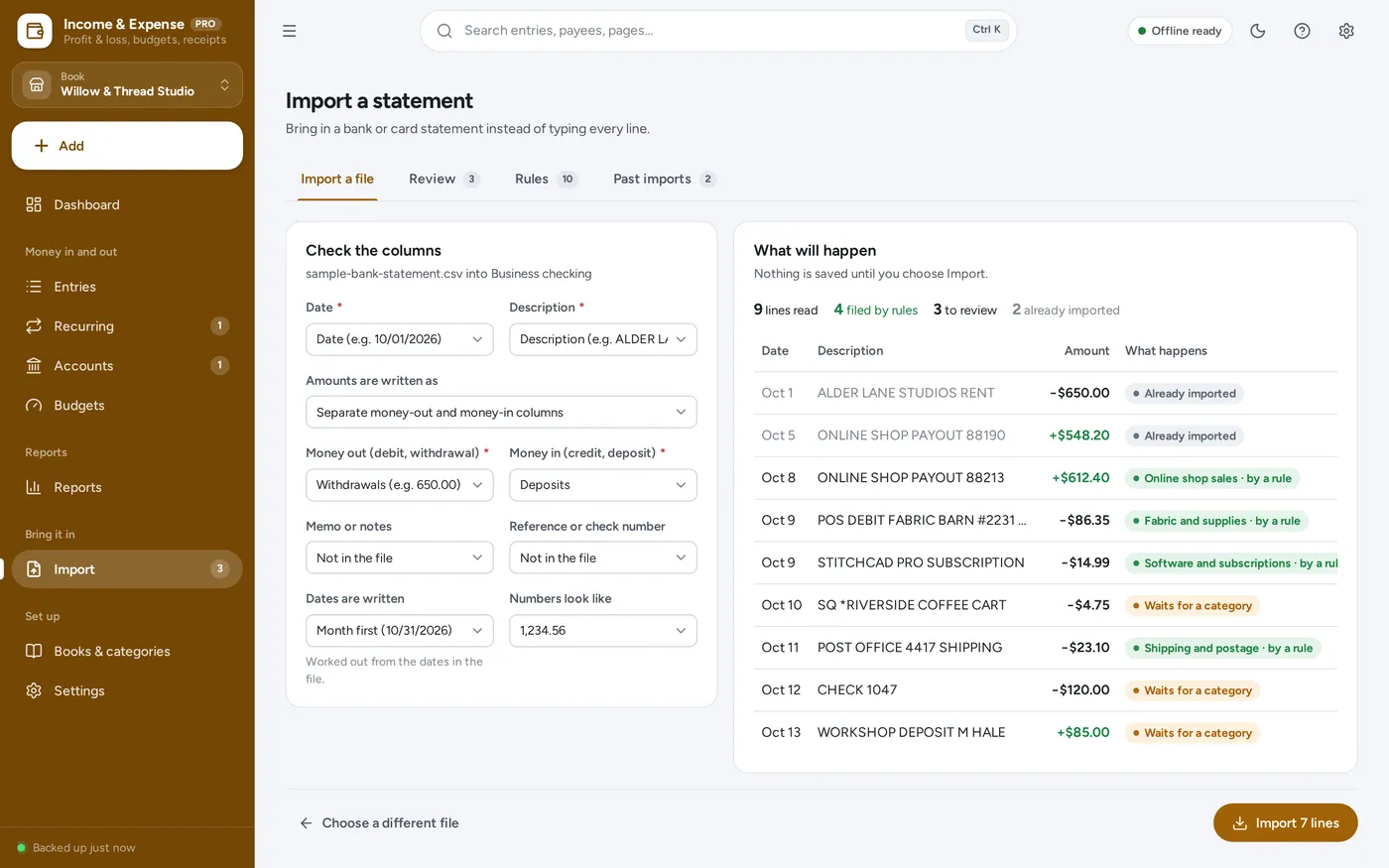
Bank statement import
For small businesses, side hustles, households, landlords and club or HOA treasurers: the income and expense tracker a spreadsheet template promises, plus the profit and loss, budgets, receipts and reconciling it leaves to you. Ask an accountant about tax.
An income and expense spreadsheet breaks when a formula is typed over, needs a copy for every set of books, and cannot reconcile or catch a bank line twice. Bookkeeping apps charge every month and want your bank login. This works offline on your own computer, paid for once. For your records; figures are what you enter.
What it needs, and what it does not do.
Income & Expense Tracker is an offline app from ColadoSystems that runs in your web browser from a folder on your own device. It costs $24.99 once, with no subscription and no account, and includes 16 tools, sample data to explore and a PDF guide. Your records stay on your device and are never uploaded.
Something else? Ask us and we'll answer before you buy.
Everything is saved inside your browser on this device. Nothing is uploaded and there is no account, so no company holds a copy of your books and receipts. They are not encrypted, though: anyone who can use this device and browser can open them, so keep the device locked. Download a backup regularly (Settings → Data & backup → Back up now) and keep it somewhere as safe as the records themselves.
Yes. Open index.html and it runs fully offline. You can also host the folder on any website and choose “Install app” in Chrome or Edge to get a desktop or phone icon that works offline.
Yes. The layout adapts to phones and tablets with a bottom navigation bar. Each device keeps its own data, so use Back up / Restore to move records between devices.
Go to Settings → Data & backup → Erase records. Every sample book, entry and receipt is removed, and the sample owner’s name and contact details are cleared too, so your first report never carries them. Your other settings are kept. Then add your own book.
No. It is an income and expense tracker for your records: figures are what you enter. There are no tax estimates, Schedule C lines, 1099s, mileage log or home office deduction; for those, see our Self-Employed Bookkeeping & Tax Planner. Ask an accountant about tax.
Yes. Each book has its own categories, accounts, budgets, rules and fiscal year. The switcher at the top of the menu chooses which book the dashboard, entries and reports show, or All books together (categories with the same name are added together there).
A transfer moves money between two of the book’s accounts and is never income or an expense, so it never touches profit. A refund received lowers the expense category it belongs to and puts the money back in the account; income marked as a refund lowers that income. Neither is counted twice.
In whole cents, so totals never drift by a cent the way a spreadsheet adding decimals can. A treasurer’s report squares opening balance + income − expenses = closing balance to the cent for every account.
No. It works offline and never goes online. Download a statement from your bank’s website as CSV and import it; nothing is uploaded.
No. For invoices, customers, point of sale and stock, see our Small Business Manager. For savings goals, net worth and debt payoff, see the Personal Finance Manager, and for a calendar of bills by payday, the Payday & Bill Planner.
Nothing is posted on its own. Each date waits under What to do next until you post it, skip it, or change it and post, so a missed month never sneaks into your books.
No. It is made for one person on one device, and records do not sync between devices. To move to another device, save a backup and restore it there.
No. It runs offline on your own device, so there is no booking page for customers and it does not take card payments. You record bookings and payments in it yourself, including ones taken by phone, card reader or another website.
Sorting out your money? These systems are close cousins. Here is who each one is for.
The whole picture: accounts, budgets, bills, subscriptions and goals.
Paid every week or two? Plan each paycheck against the bills it has to cover.
Paying debt down: snowball or avalanche, with a month-by-month payoff date.
Money in and out for a business, side hustle, household or club: profit and loss, budgets and a treasurer’s report.
Practical how-tos from our blog, useful with or without the system.
Work & side business
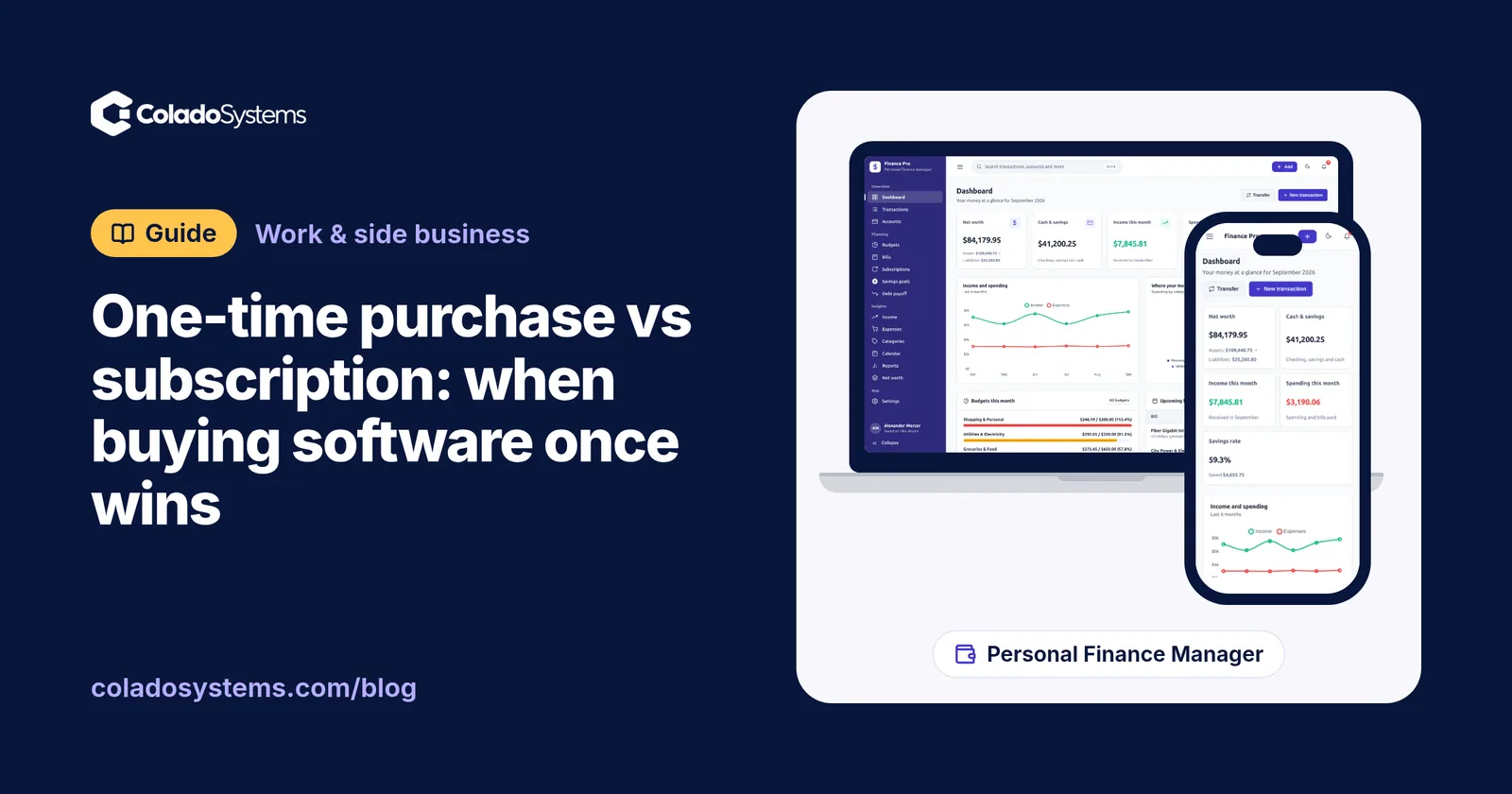
Buy software once when one person uses it for years; pay monthly for live sharing or bank feeds. One-time purchase vs subscription, with five-year math.
Work & side business
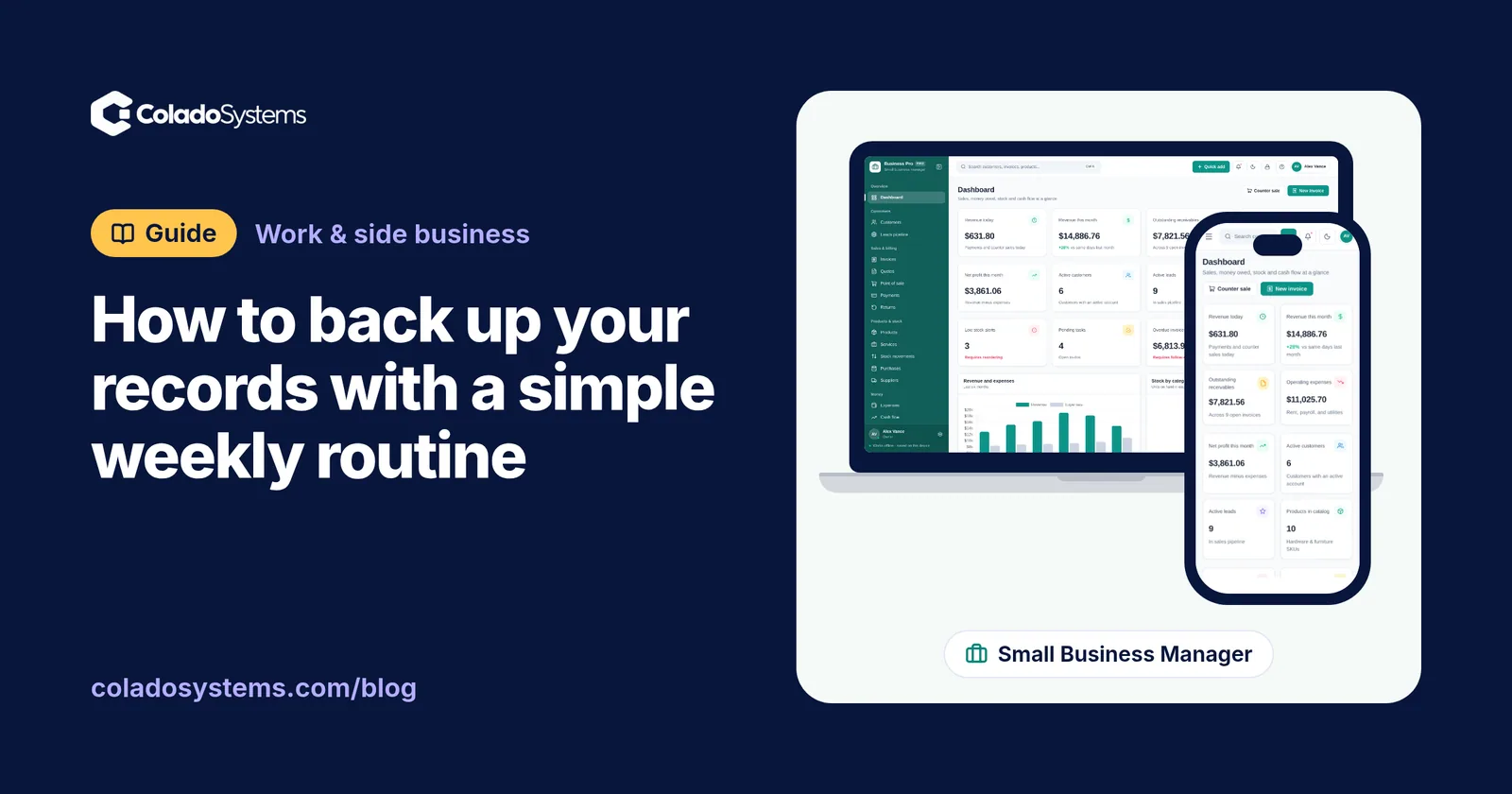
Keep three copies on two kinds of storage, one away from home, and test a restore every three months. A 10-minute weekly routine to back up your records.
Work & side business
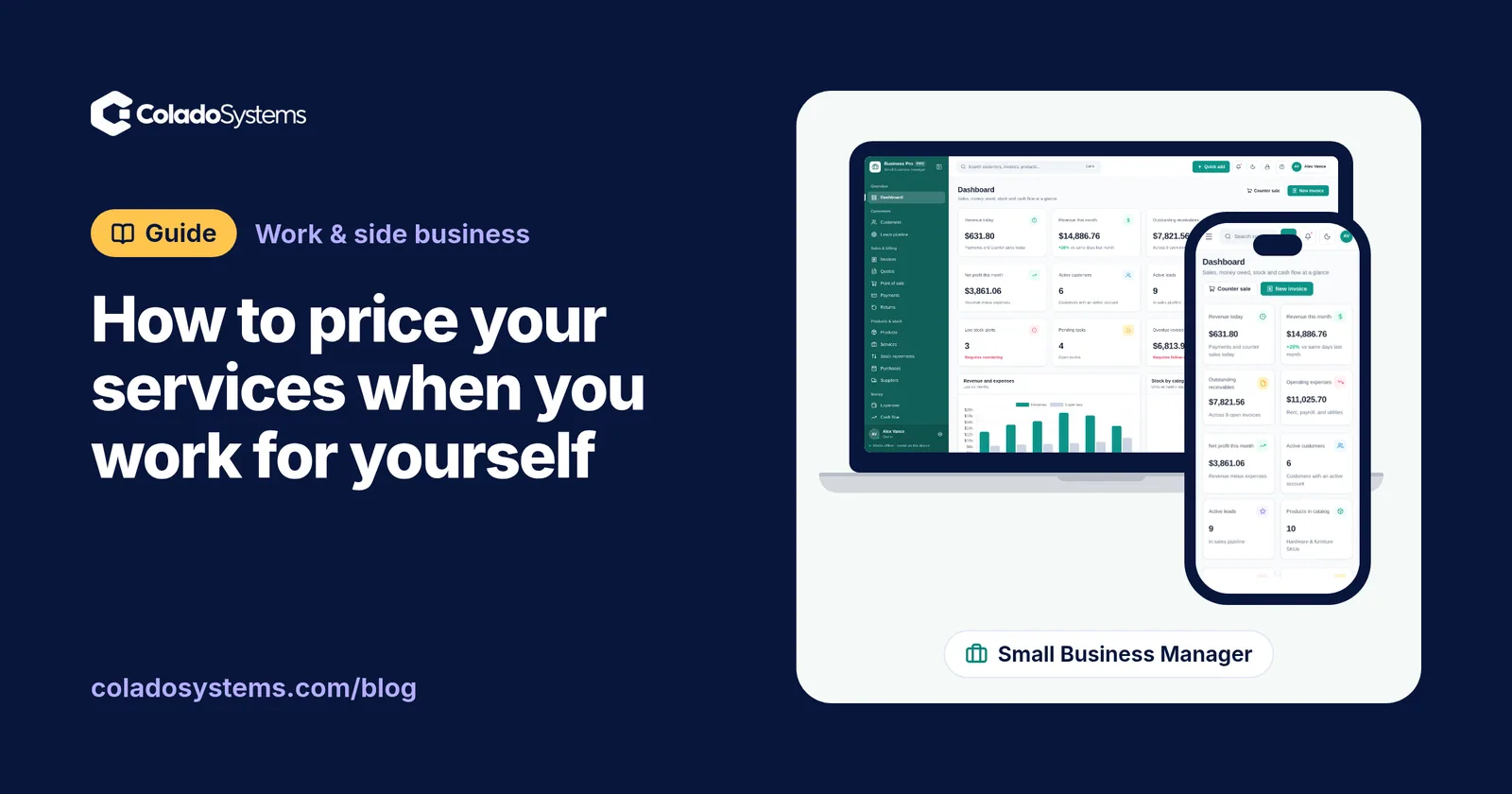
Add target income to a year of business costs, divide by real billable hours and add a margin: a worked example to price your services when self-employed.
The work & side business bundle has every system in this category for one price.
Invoices, projects, books, job search and content planning for people working for themselves.
$59for 6 systems, $181.97 if bought one by one
You save $122
Work & side business
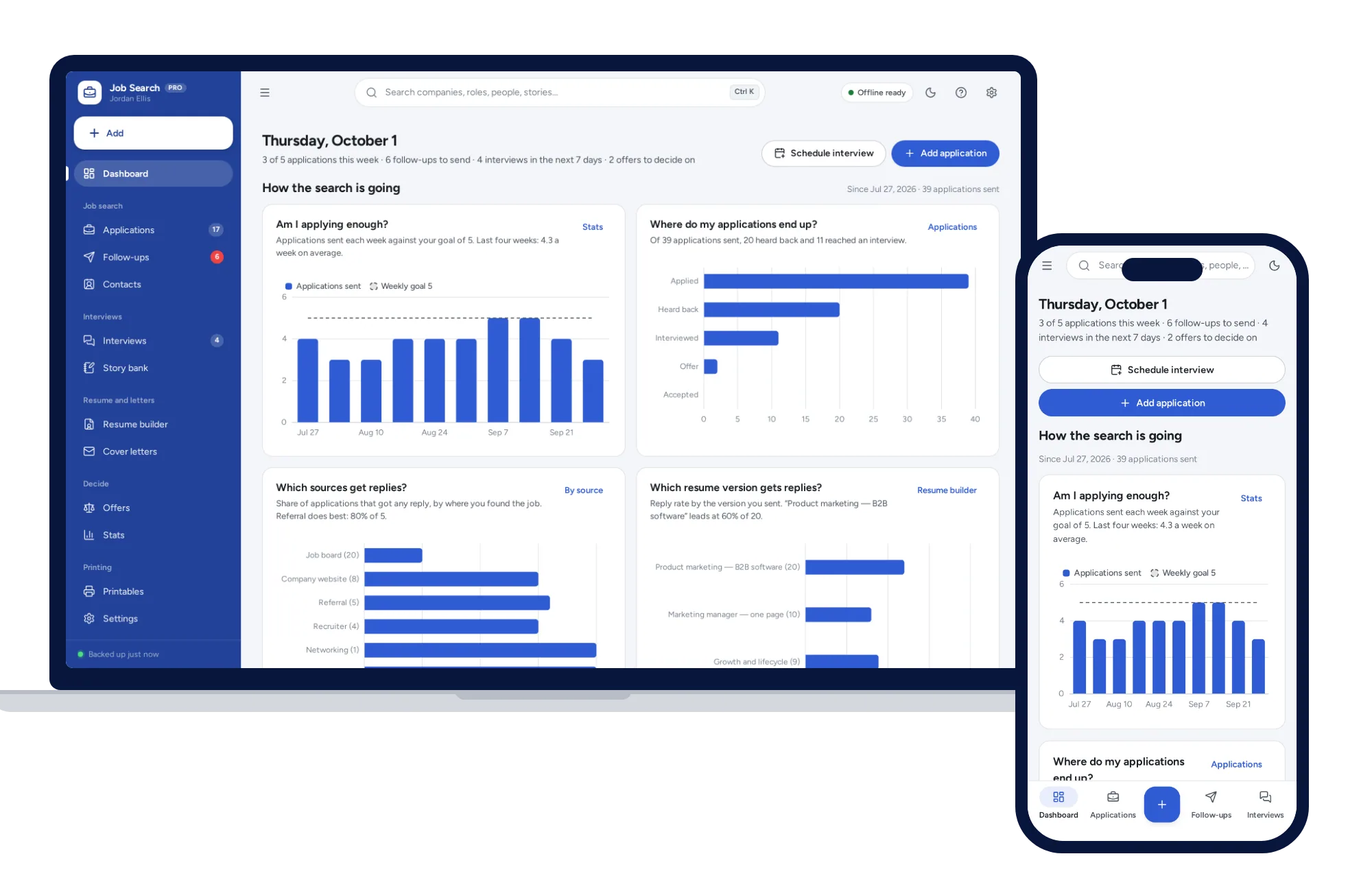
Track every application from wish list to offer, with follow-ups that schedule themselves and a resume builder that prints three clean layouts.
$24.99one-time
Work & side business
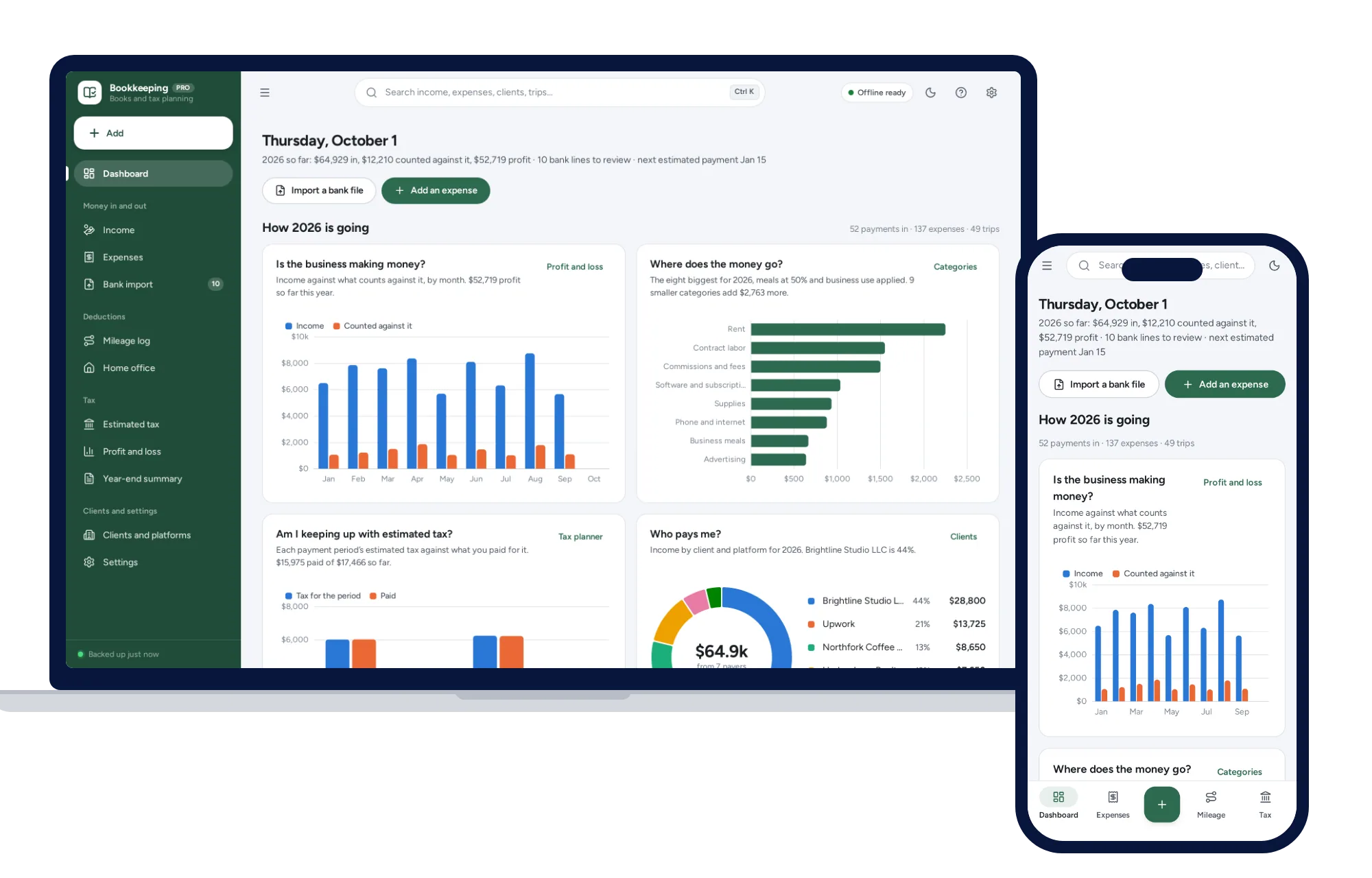
Import your bank CSV, sort it with your own rules, log mileage and see the quarterly tax to set aside.
$39one-time
Work & side business
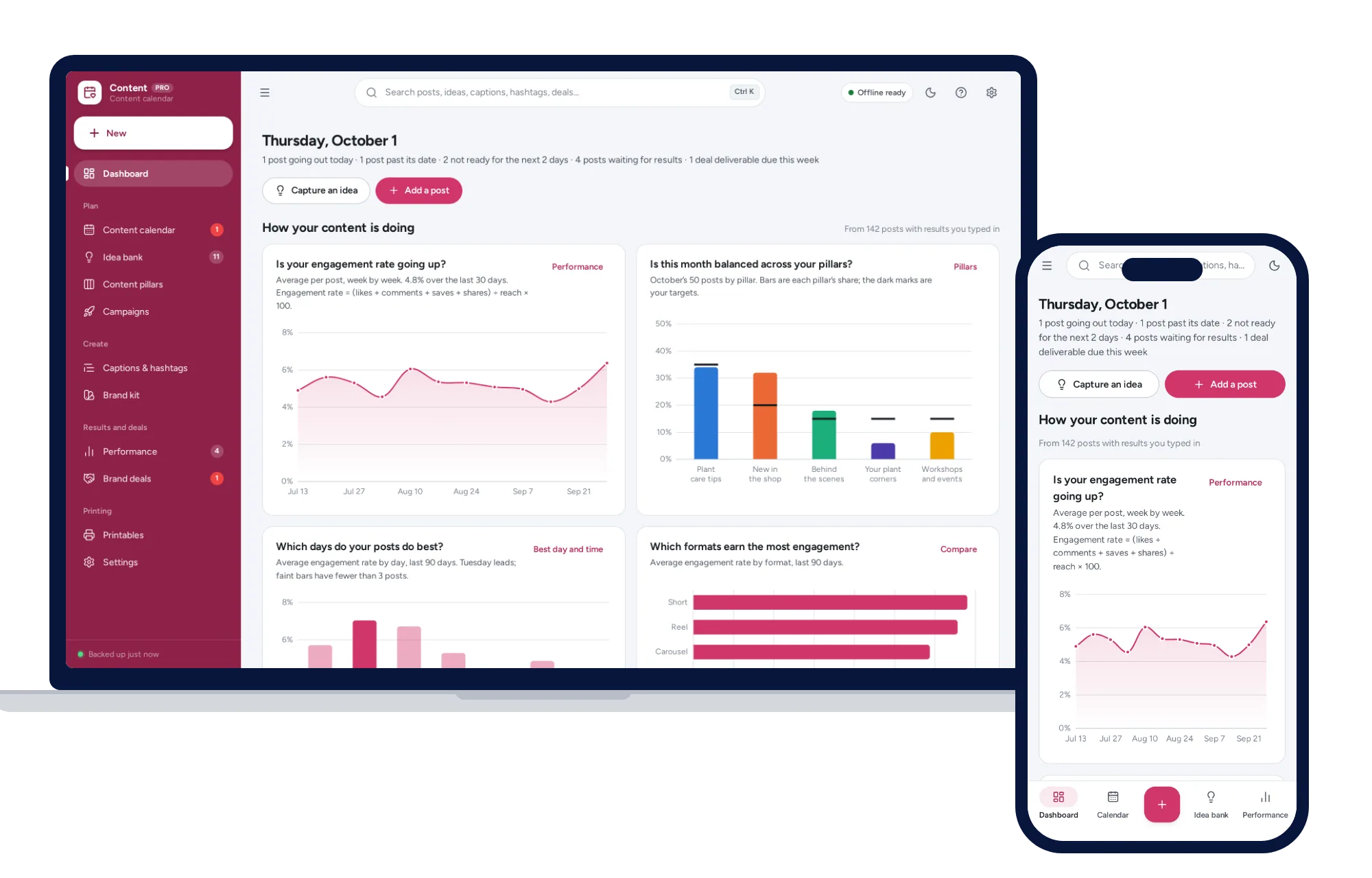
A content calendar you can drag, balanced content pillars, a caption bank and the days and formats that perform best.
$24.99one-time
Work & side business
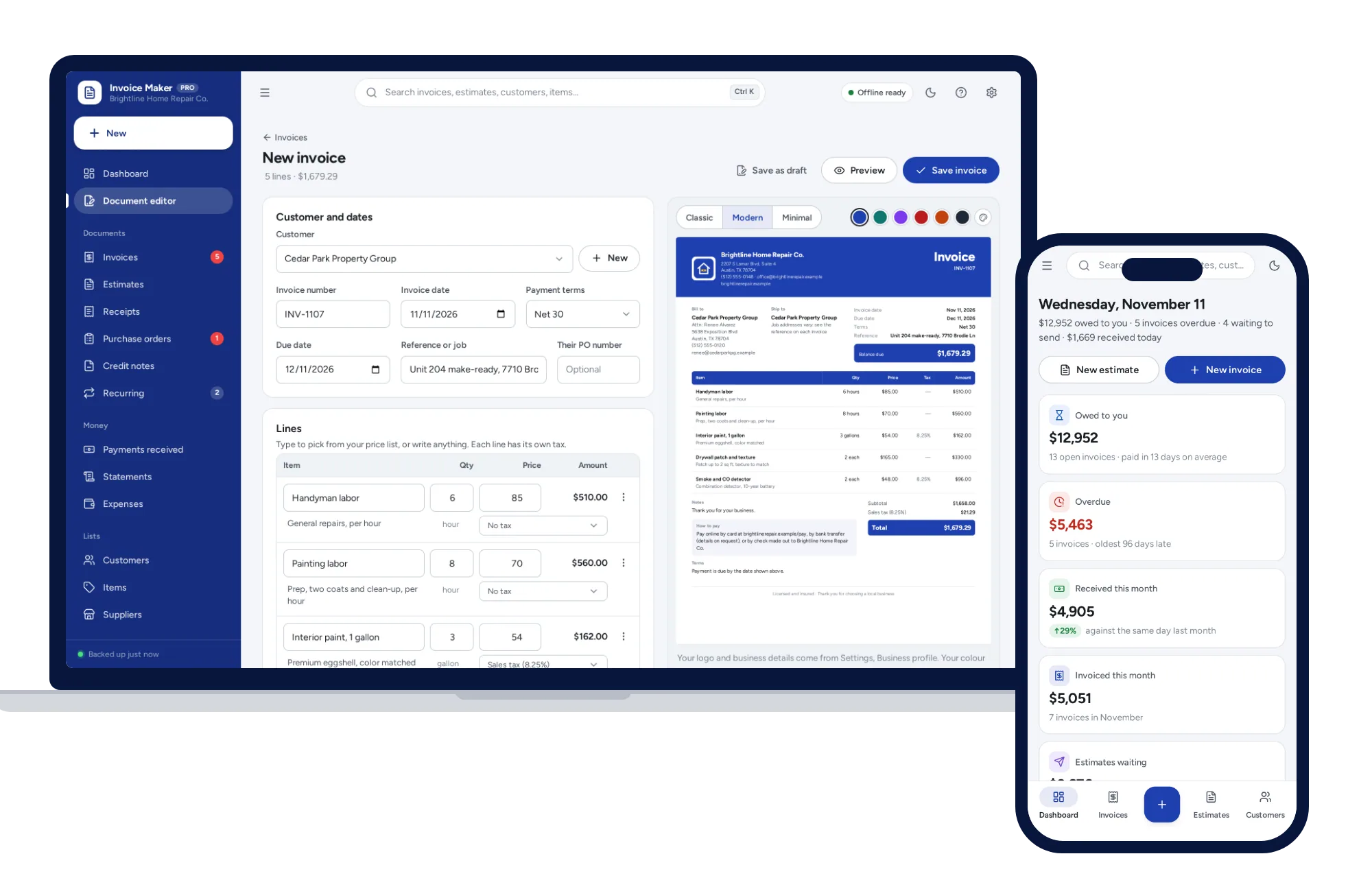
Invoices, estimates, receipts and purchase orders in your own look, with payments, reminders and customer statements.
$29one-time