
Job application tracker
Every application, from wish list to offer
- Wish list, applied, screening, interviewing, offer
- Salary, link, source and contacts on every job
- The next step on every card, so nothing stalls
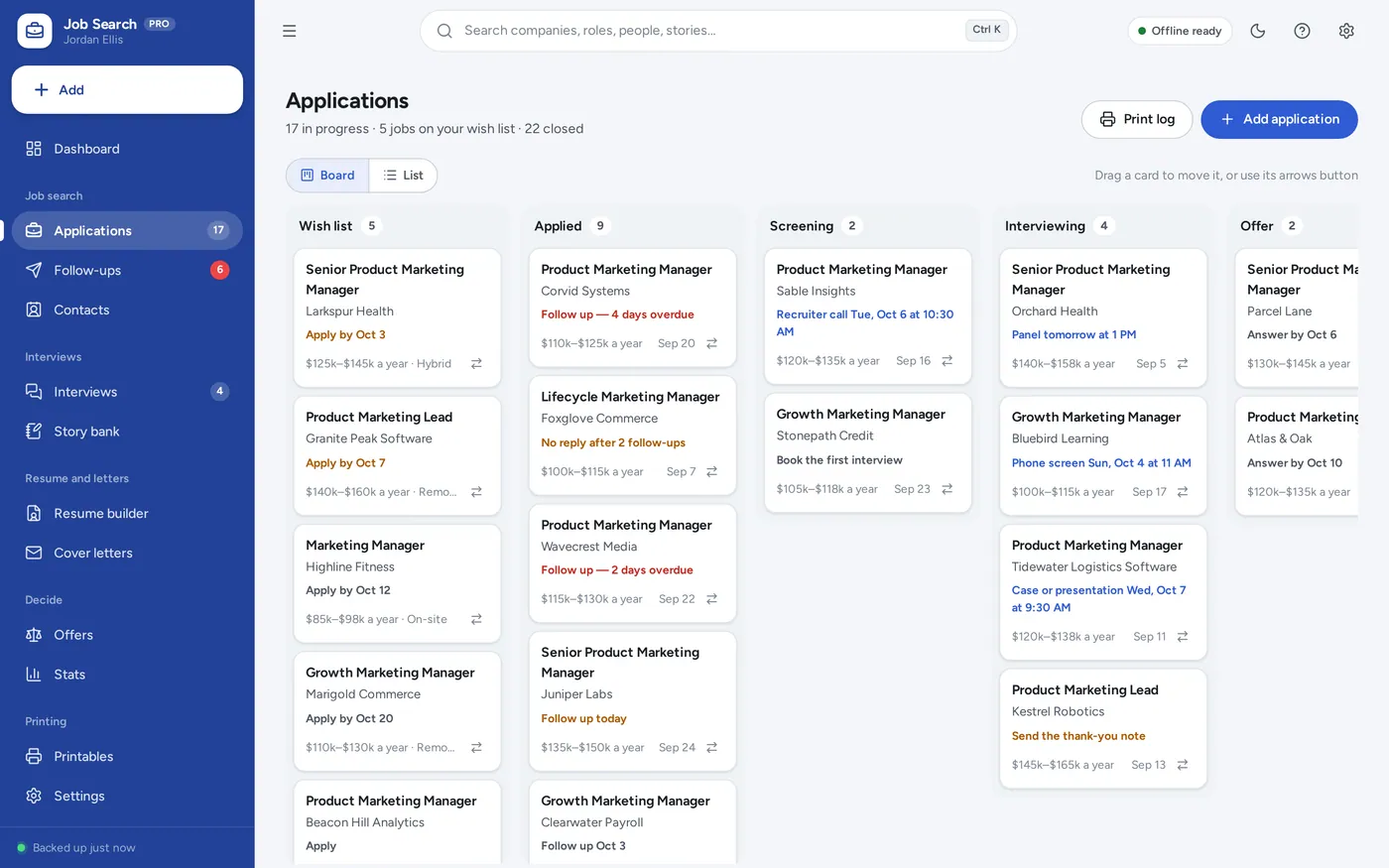
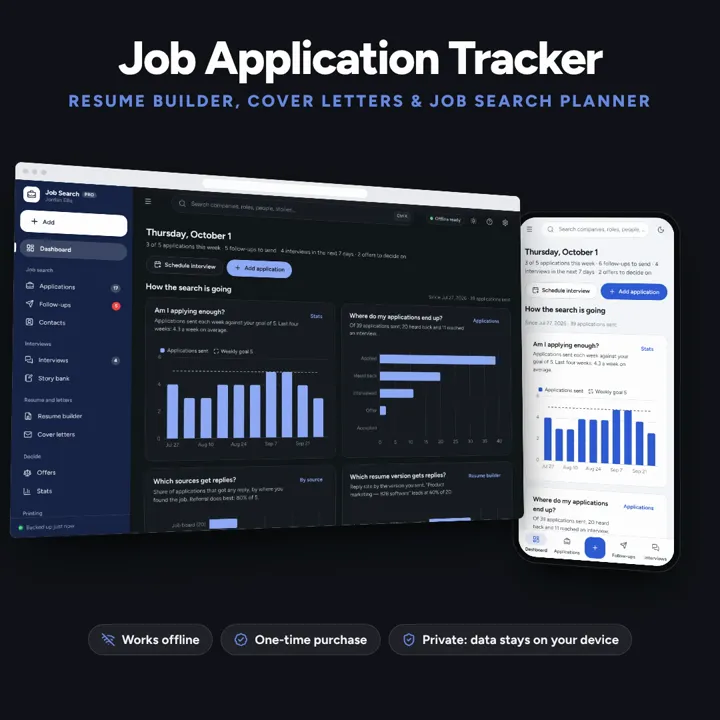
A job search dashboard with every application from wish list to offer, follow-ups that schedule themselves, and a resume builder that prints three layouts. No formulas to break, no subscription.
No subscription. Pay once and keep it.
Checkout by Paddle. Tax is added where it applies, and you download straight after paying.
Made for One person looking for a job — whether out of work or searching while employed — who tracks applications in a spreadsheet today and keeps the resume and cover letters in separate documents
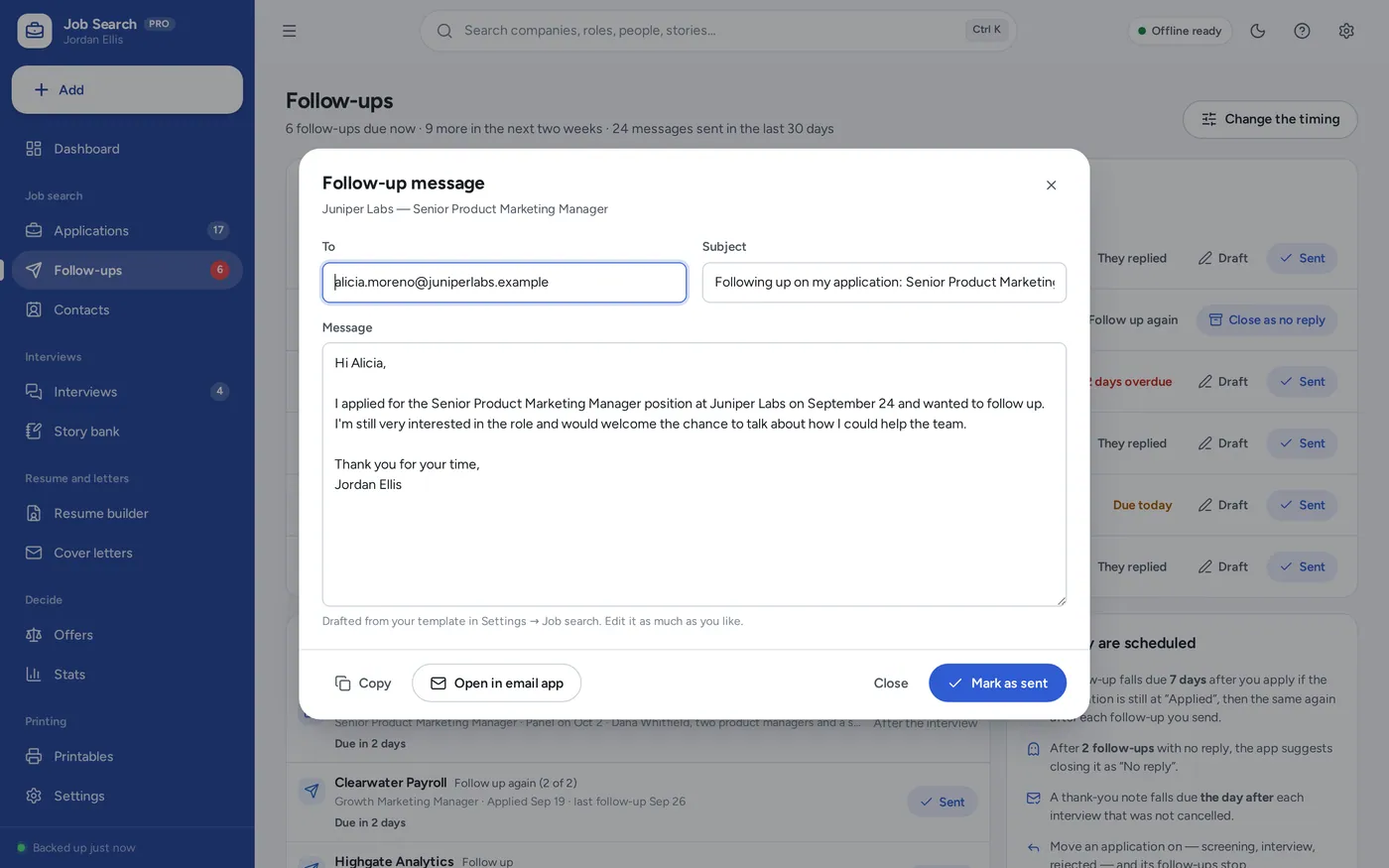
A job application tracker and job search planner for one person looking for work: an applications pipeline from wish list to offer, follow-up reminders that schedule themselves, interviews with a STAR story bank, a resume builder with versions for each role and three single-column print layouts, cover letter templates that fill in from each application, an offer comparison and your response and interview rates on a dashboard with four charts — offline, no formulas to break.
Job application tracker
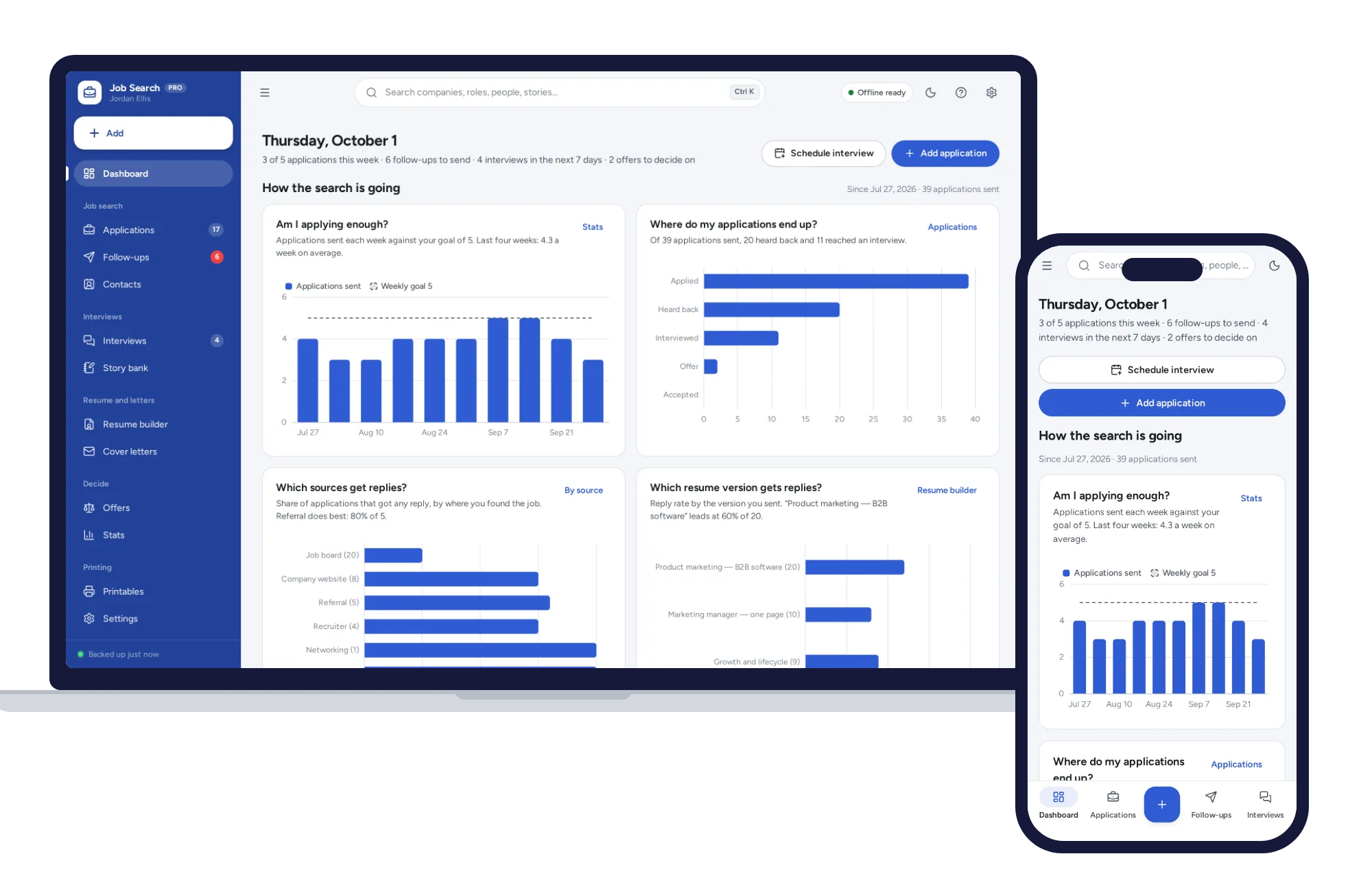
Job search dashboard
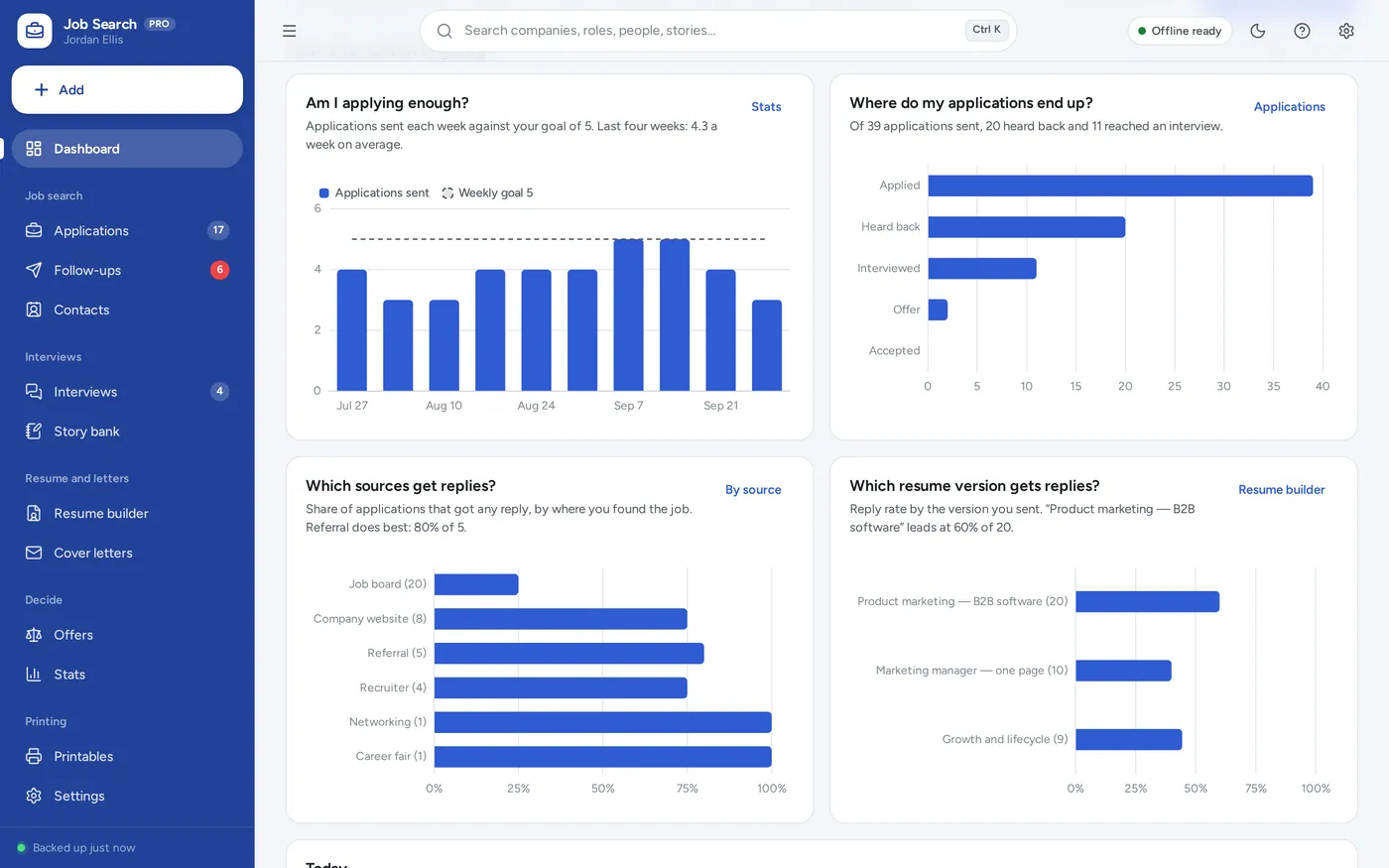
Follow-up reminders
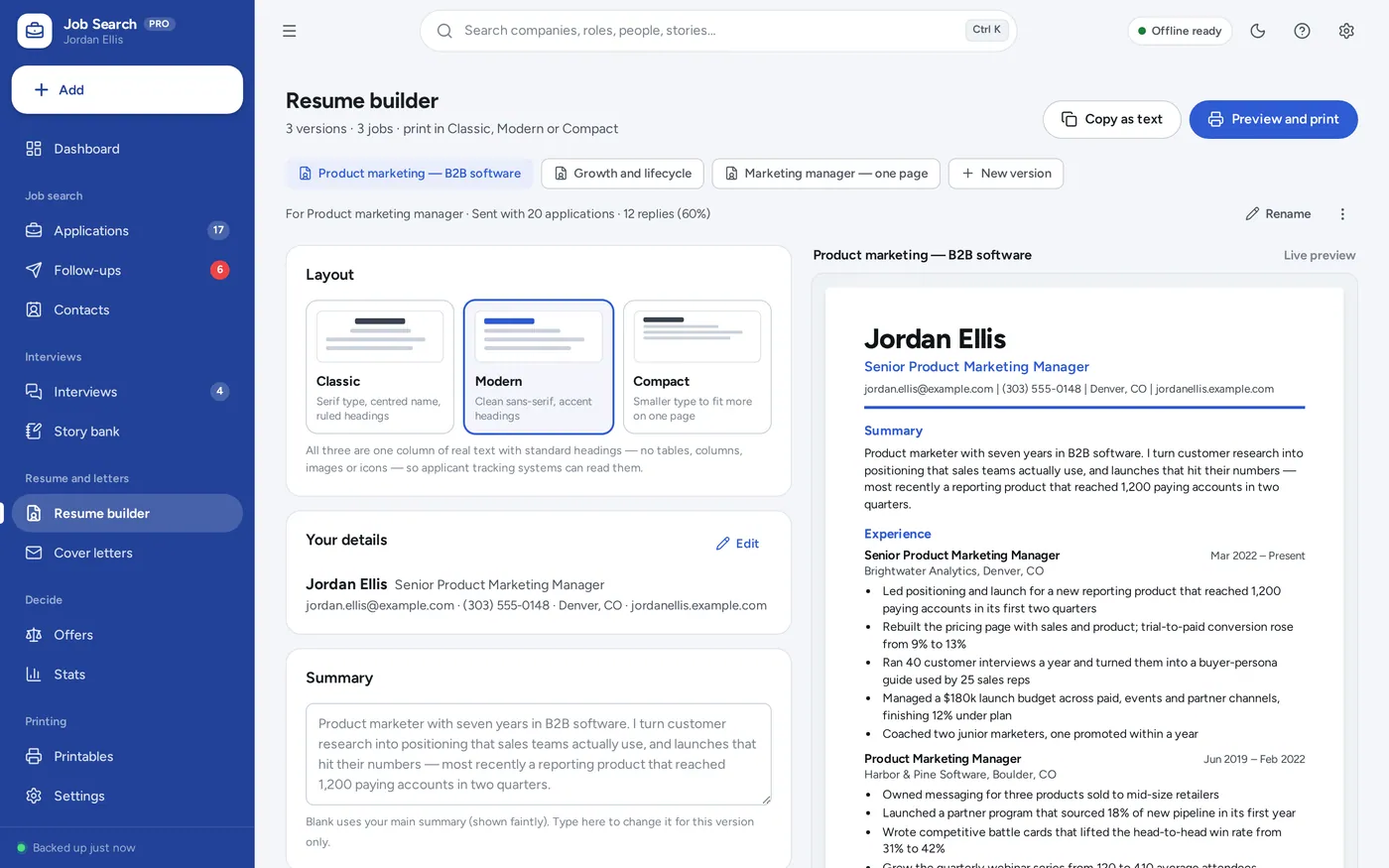
Resume builder
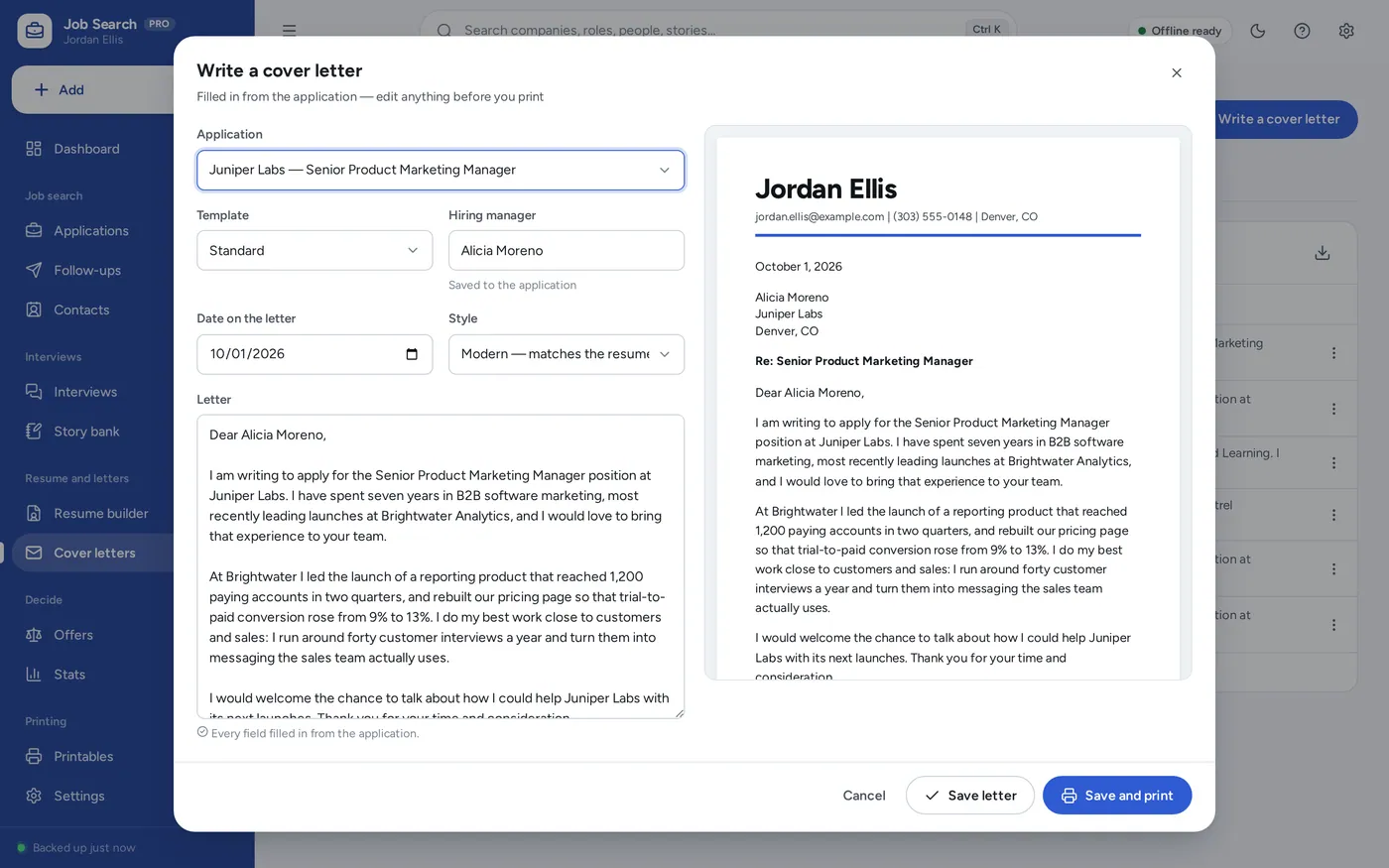
Cover letter template
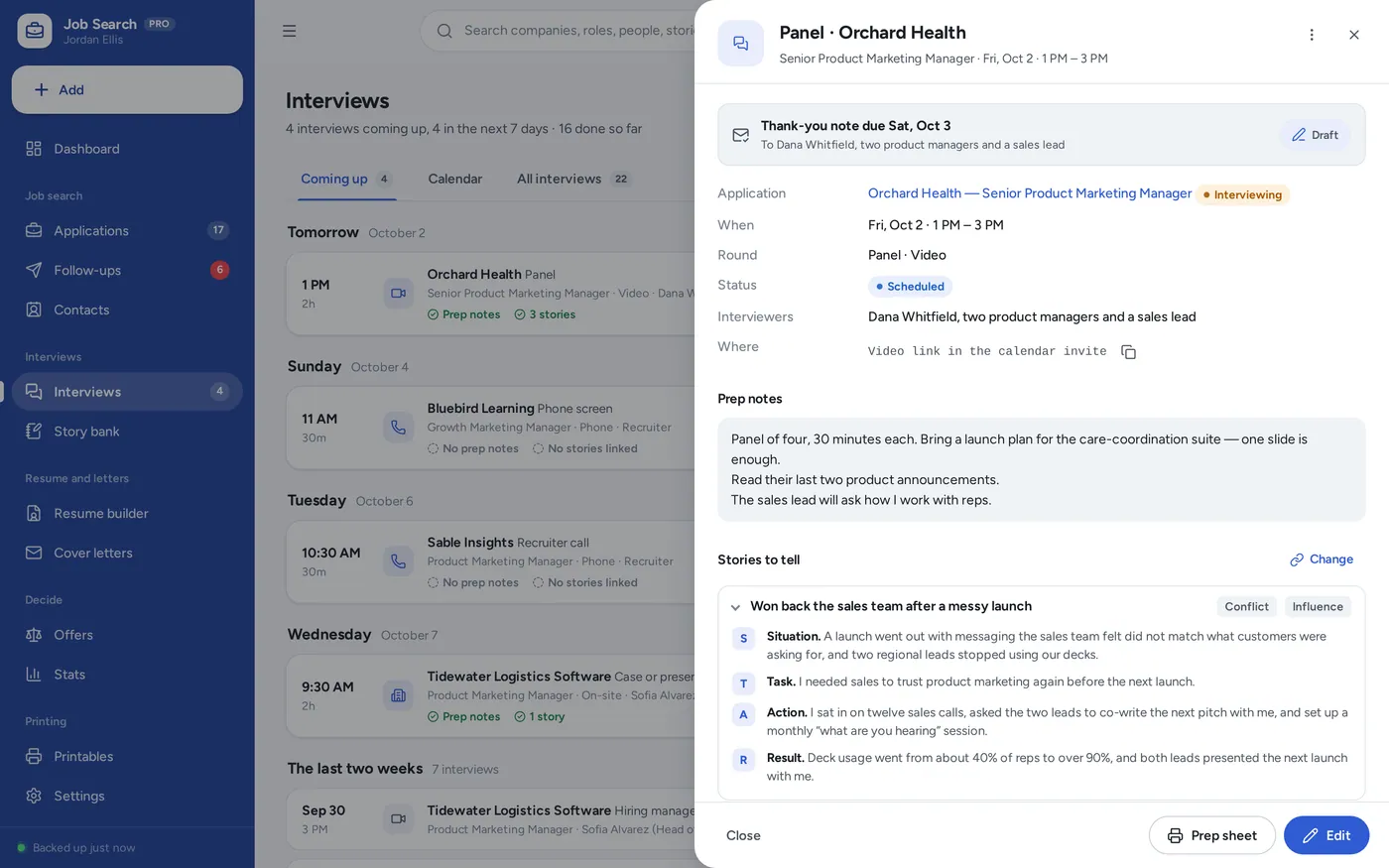
Interview prep
For one person looking for work: the job application tracker, resume template and cover letter template people buy separately, plus follow-up reminders, interview prep and an offer comparison — without the formulas.
A job application spreadsheet cannot remind you to follow up, and resume templates scatter your history across files. This opens from a double-click, works offline, and keeps your search on your own device — not on a work laptop or anyone else’s server.
What it needs, and what it does not do.
Job Search Planner is an offline app from ColadoSystems that runs in your web browser from a folder on your own device. It costs $24.99 once, with no subscription and no account, and includes 16 tools, sample data to explore and a PDF guide. Your records stay on your device and are never uploaded.
Something else? Email us and we'll answer before you buy.
Everything is saved inside your browser on this device. Nothing is uploaded and there is no account, so no company holds a copy of your job search records. They are not encrypted, though: anyone who can use this device and browser can open them, so keep the device locked. Download a backup regularly (Settings → Data & backup → Back up now) and keep it somewhere as safe as the records themselves.
Yes. Open index.html and it runs fully offline. You can also host the folder on any website and choose “Install app” in Chrome or Edge to get a desktop or phone icon that works offline.
Yes. The layout adapts to phones and tablets with a bottom navigation bar. Each device keeps its own data, so use Back up / Restore to move records between devices.
Go to Settings → Data & backup → Erase records. Every sample record is removed, and so are the sample person’s name, contact details, summary and skills, so nothing of theirs ends up on your resume or letters. Your other settings are kept.
No. Nothing here writes for you. It keeps your history once, lets you choose what each version includes, and fills in the company, role, hiring manager and your name in letters you have written yourself.
All three layouts are one column of real text with standard headings — Summary, Experience, Education, Skills, Projects and Certifications — and no tables, columns, images or icons, which is the format those systems read most reliably. The app does not score your resume, and no app can promise interviews.
A follow-up is due a set number of days (seven unless you change it) after the date you applied, while the application is still at “Applied”, then the same number of days after each follow-up you send. After the number of follow-ups you set (two unless you change it) the app suggests closing it as “No reply”. A thank-you note is due the day after each interview that was not cancelled.
Each rate is out of the applications you have sent in the period. A response is anything back from the employer, including a rejection; an application reached an interview if it has an interview that was not cancelled, or reached that stage on the board.
Base pay (or hourly rate × hours a week × 52) + target bonus + equity grant ÷ vesting years + retirement match + other benefits − commute cost per office day × office days a week × the weeks you work (52 less your paid days off ÷ 5). The sign-on bonus is shown separately. These are estimates for planning from what you entered.
No. It works offline and does not go online at all. Paste the link to each posting into the application; it is kept as text, with a button to copy it.
No. It is made for one person on one device, and records do not sync between devices. To move to another device, save a backup and restore it there.
The work & side business bundle has every system in this category for one price.
Job search, freelance books and content planning for people working for themselves.
$59.99for 3 systems, $79.97 if bought one by one
You save $19
Work & side business
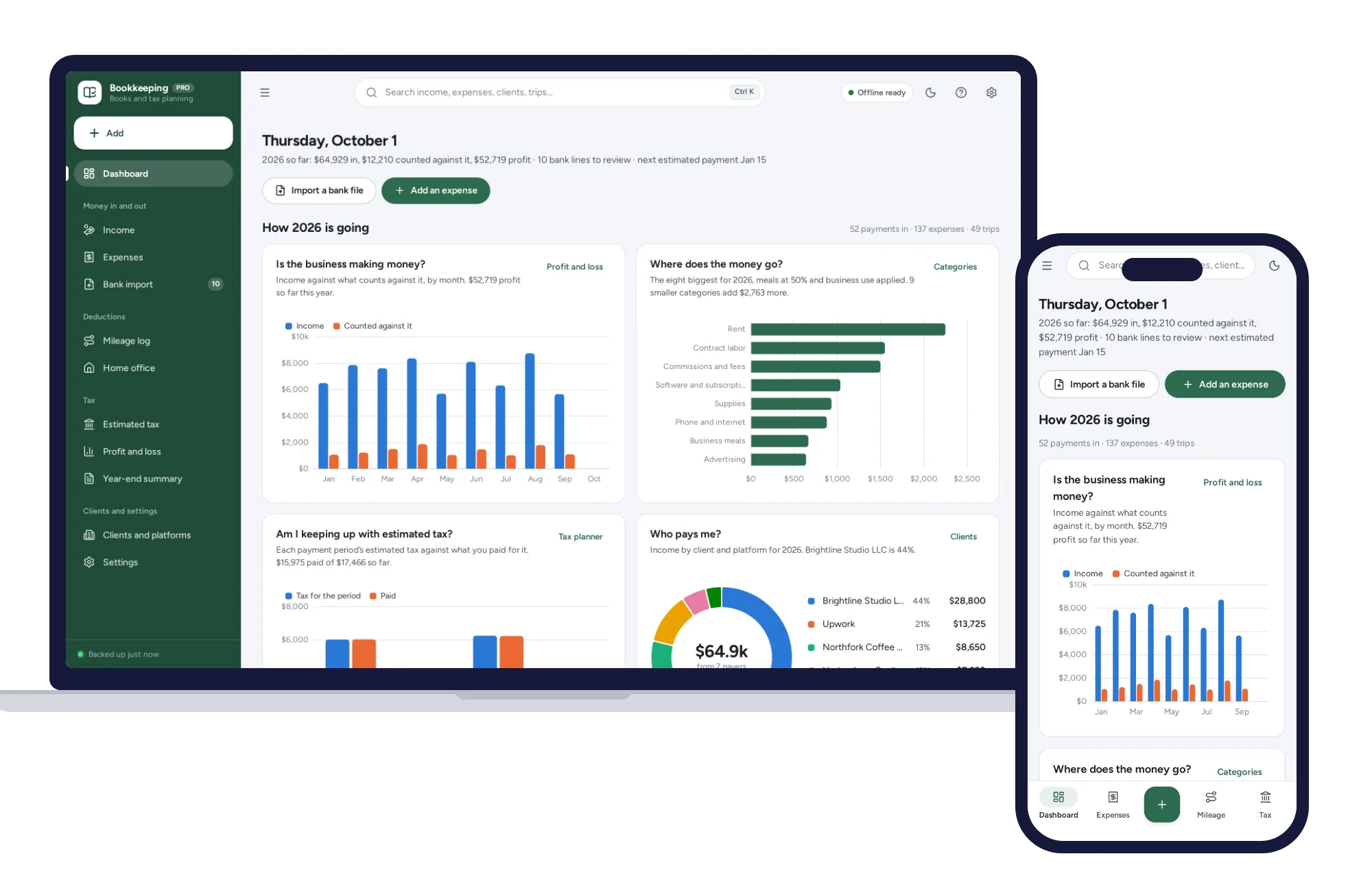
Import your bank CSV, sort it with your own rules, log mileage and see the quarterly tax to set aside.
$29.99one-time
Work & side business
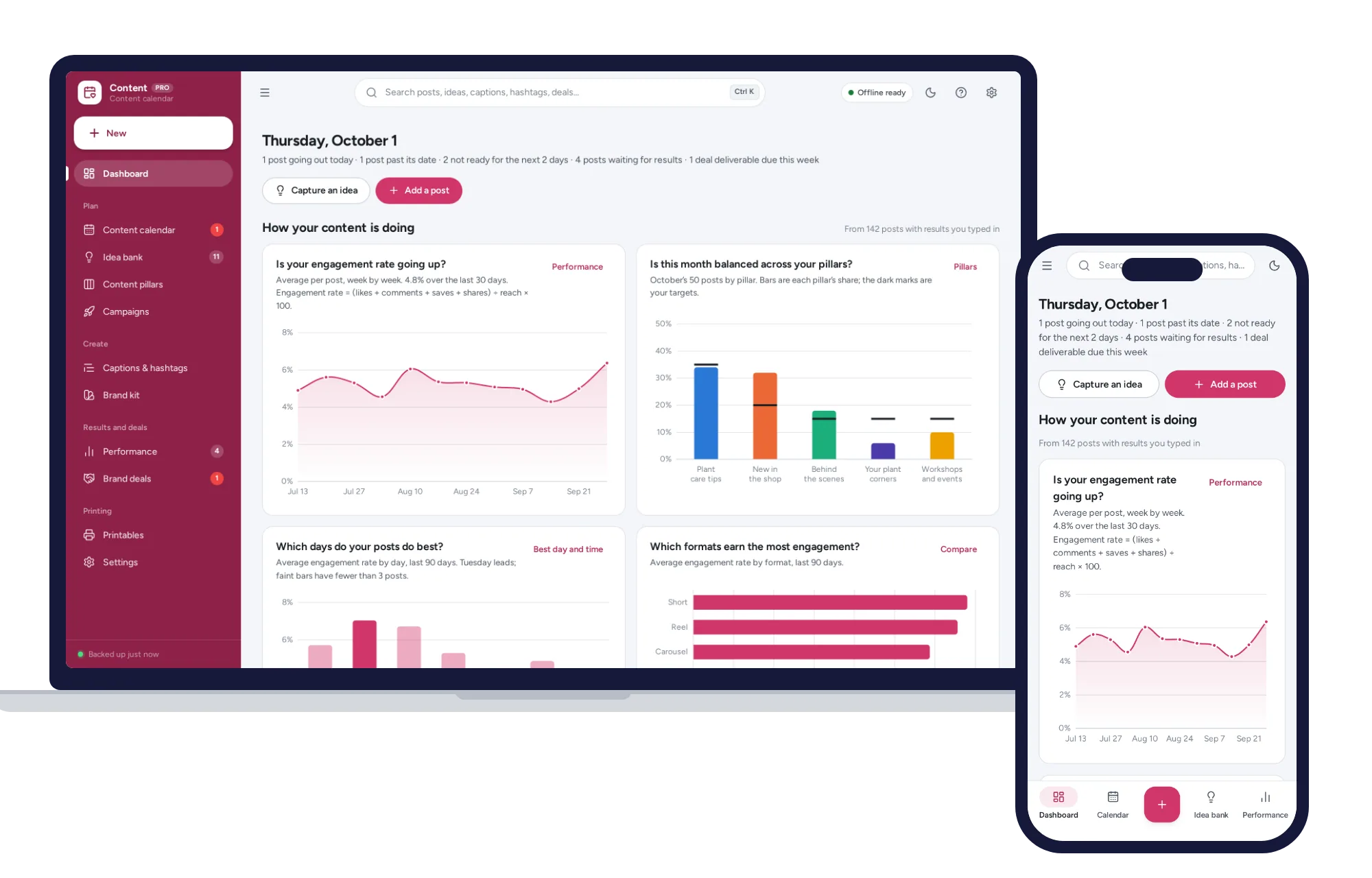
A content calendar you can drag, balanced content pillars, a caption bank and the days and formats that perform best.
$24.99one-time