
Order tracker production board
Every order on one board, by where it is
- New, confirmed, in production, ready, shipped
- Drag a card along, or tap its next-step button
- Due-date chips turn red the day an order is late
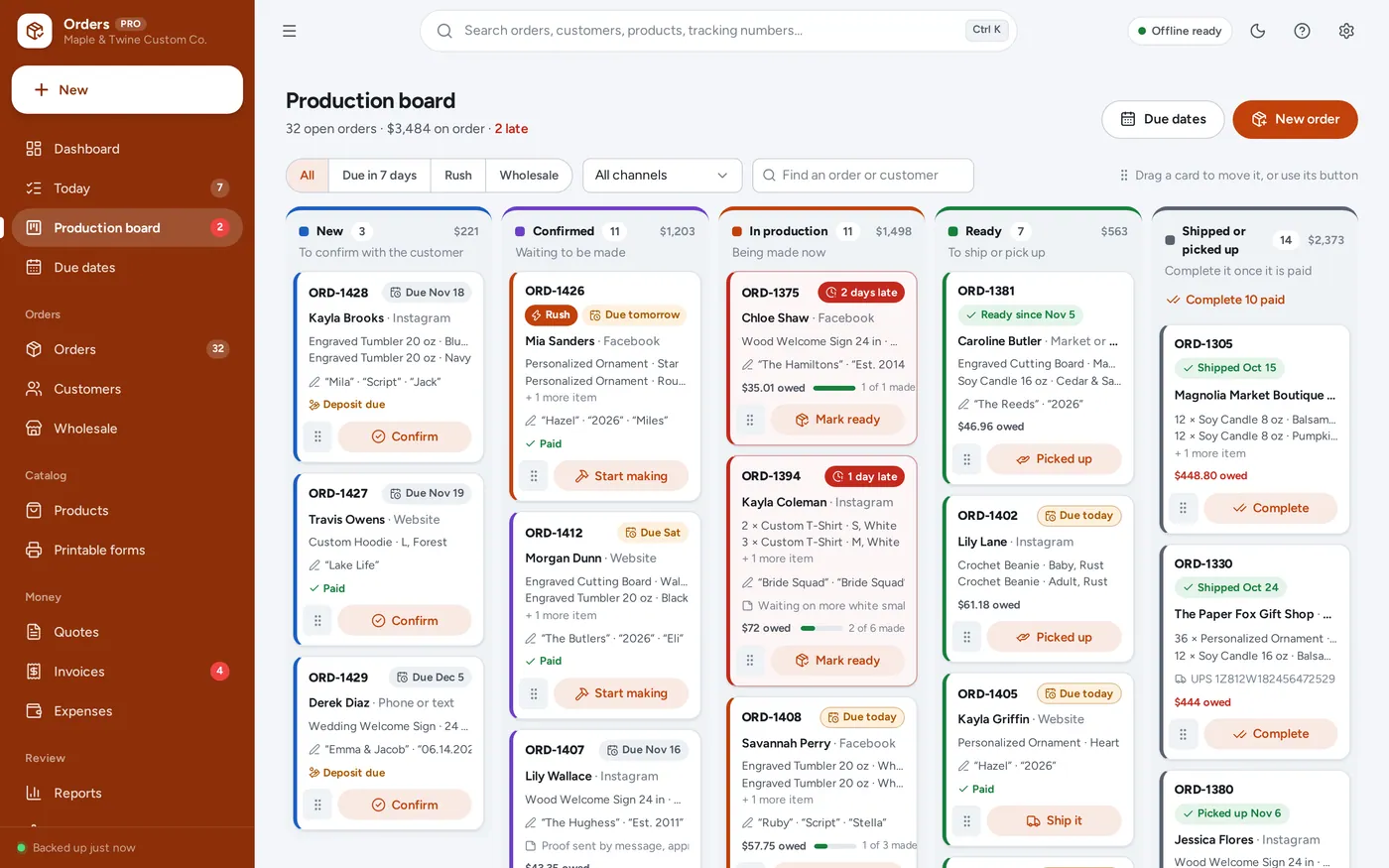
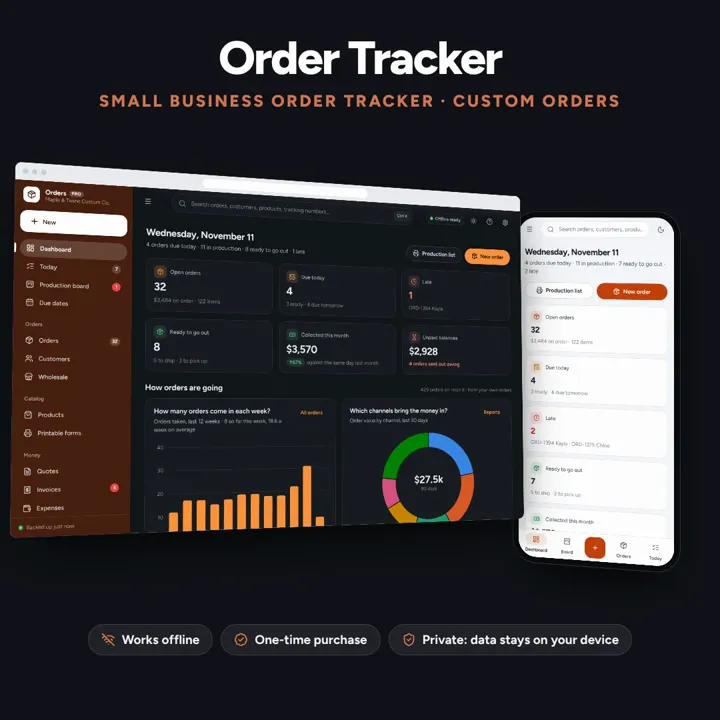
Orders from every channel with options and personalisation, a production board by due date, deposits and balances, packing slips and shipping. Works offline, no subscription.
No subscription. Pay once and keep it.
Try the live demoWith sample data, right in your browserCheckout by Lemon Squeezy. Tax is added where it applies, and you download straight after paying.
Made for Small product businesses that take orders from everywhere: custom makers (tumblers, shirts, candles, signs, crochet, print shops), boutiques and wholesale suppliers
An order tracker for small product businesses and custom makers: orders from messages, a website, the phone, markets and wholesale with options and personalisation on every item, a production board with drag and drop and due-date chips, a Today page of what to make, a due-date calendar, deposits and balances, order confirmations, packing slips, shipping with tracking and label cost, customers and repeat buyers, wholesale price tiers, printable order forms, quotes, invoices and reports — offline, no subscription.
Order tracker production board
Custom order tracker
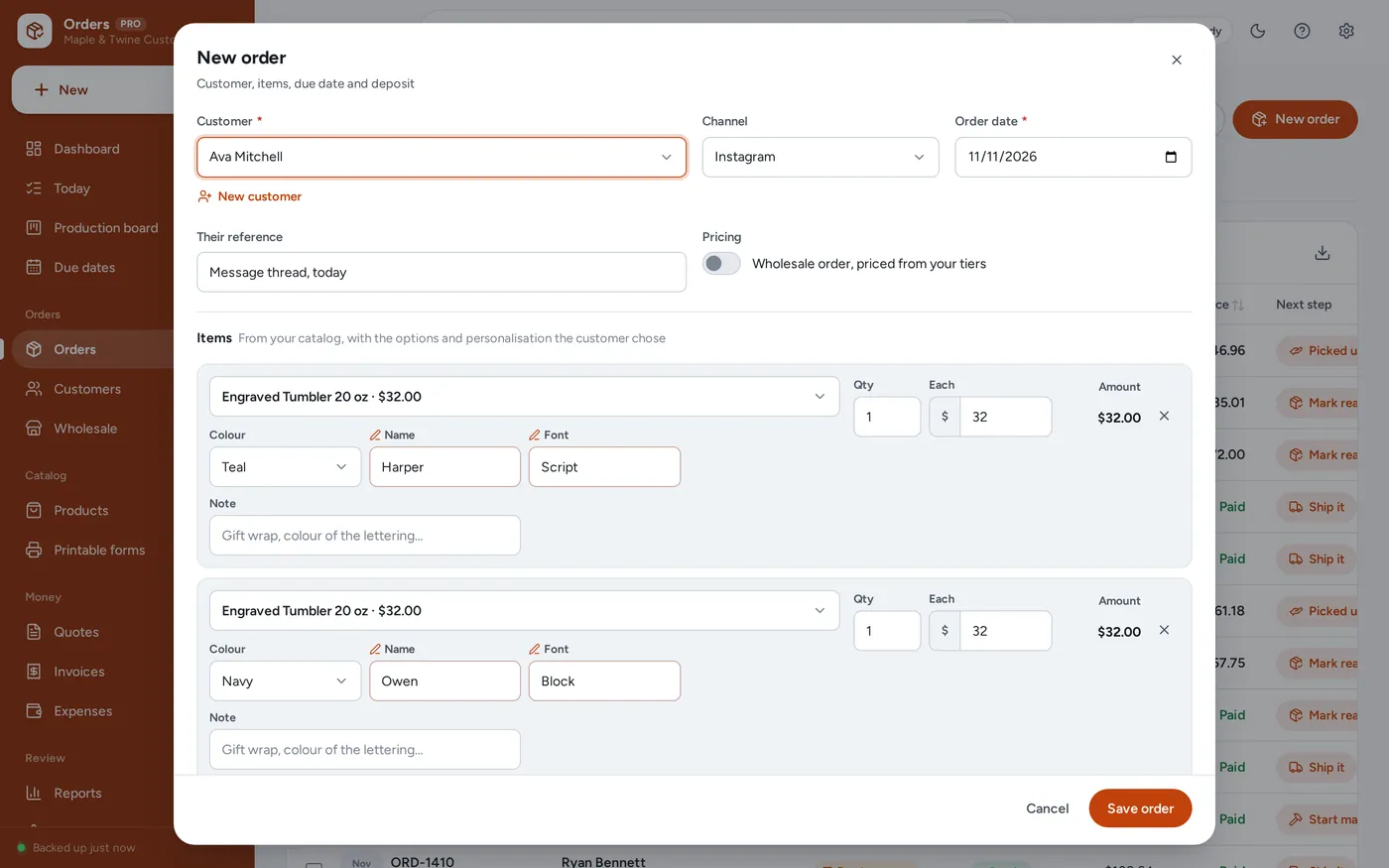
Today
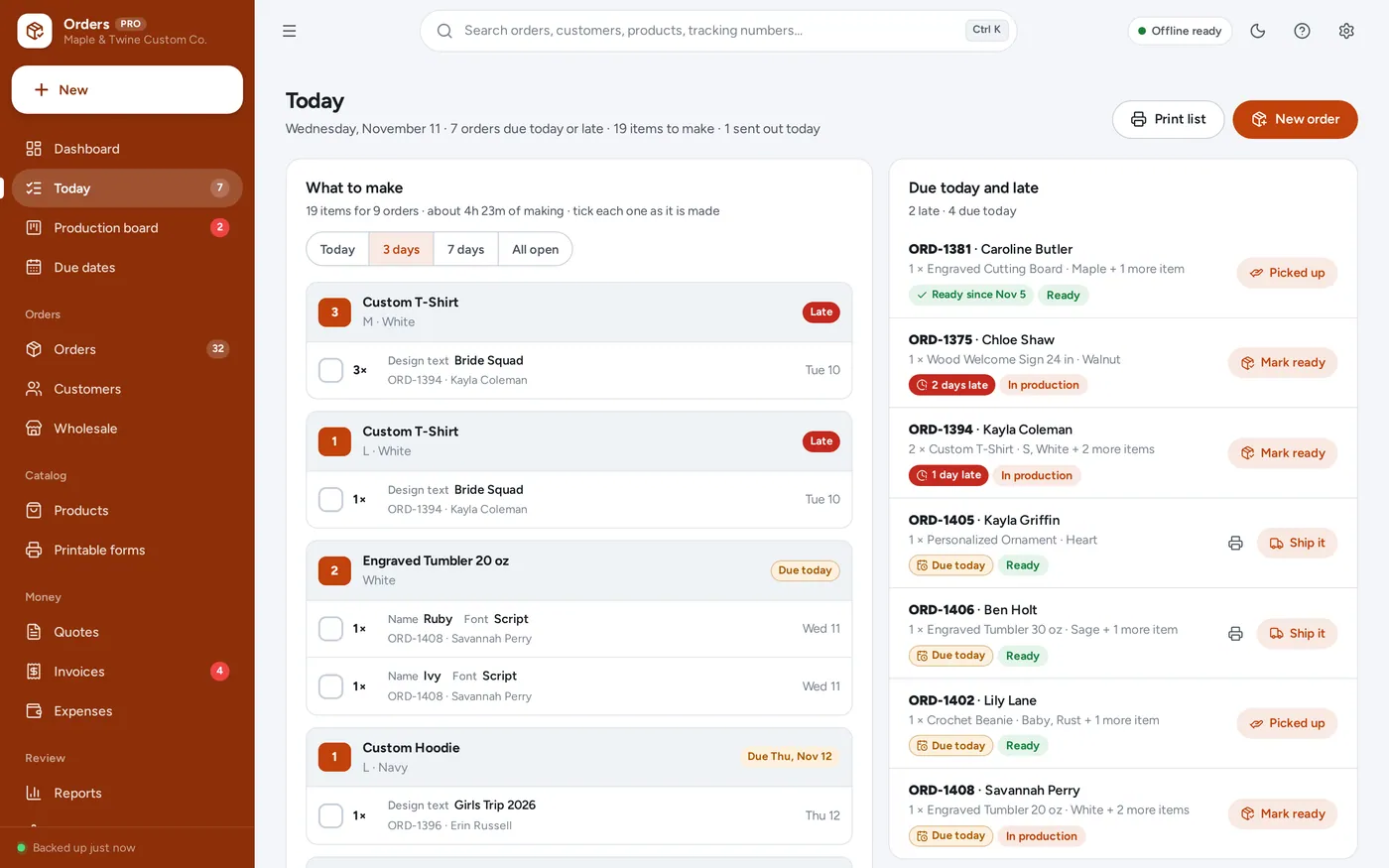
Deposits and balances
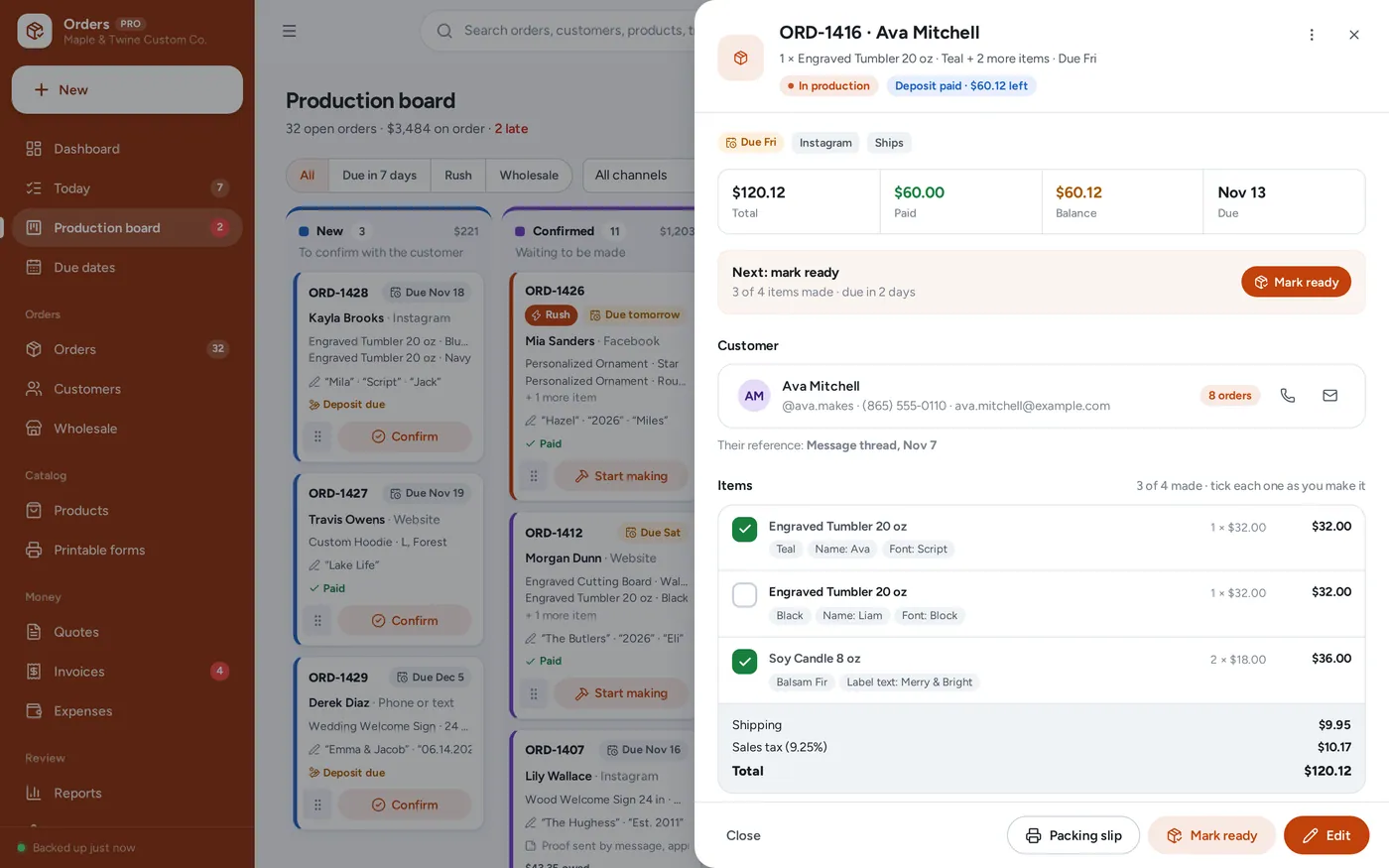
Packing slips and shipping
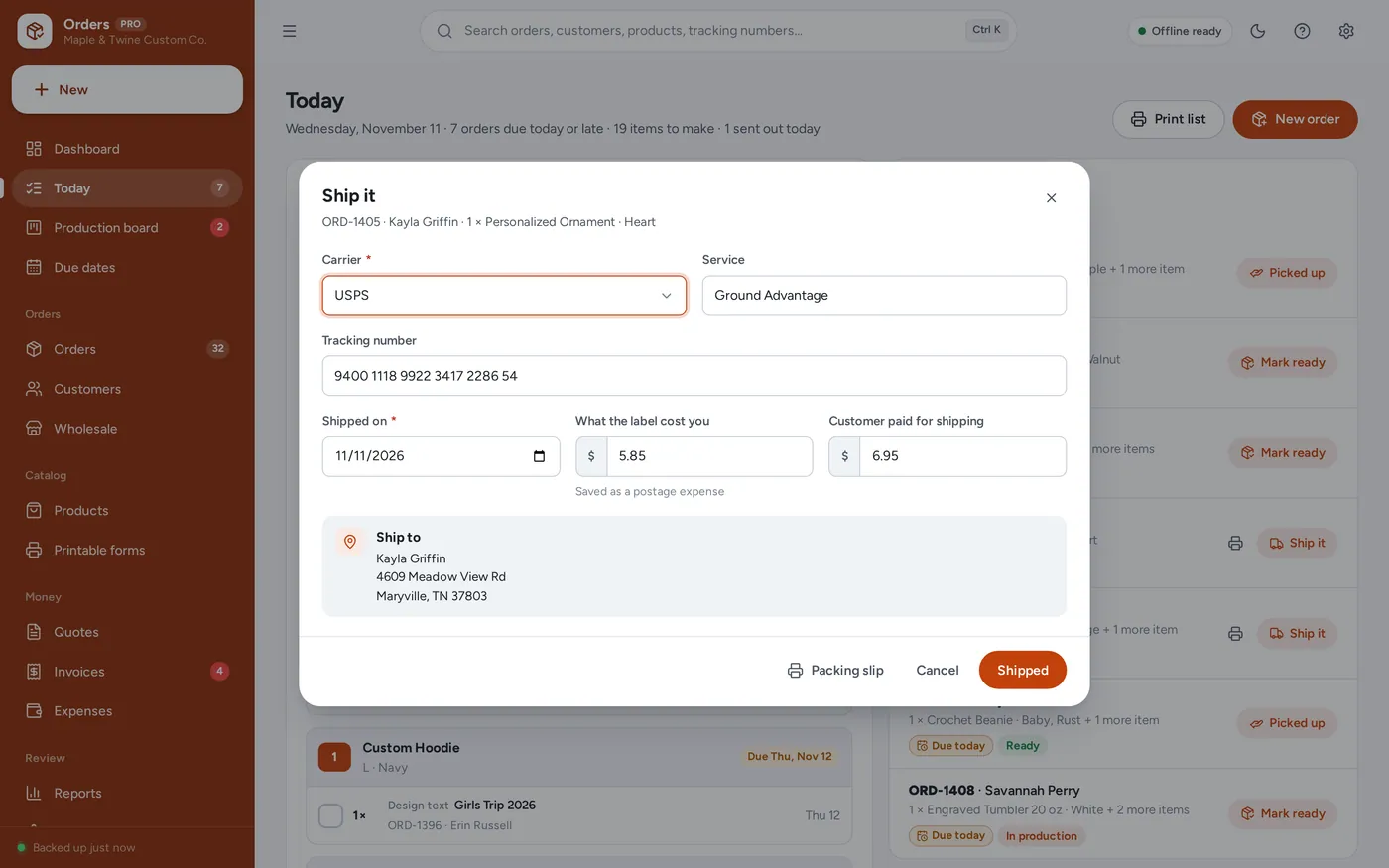
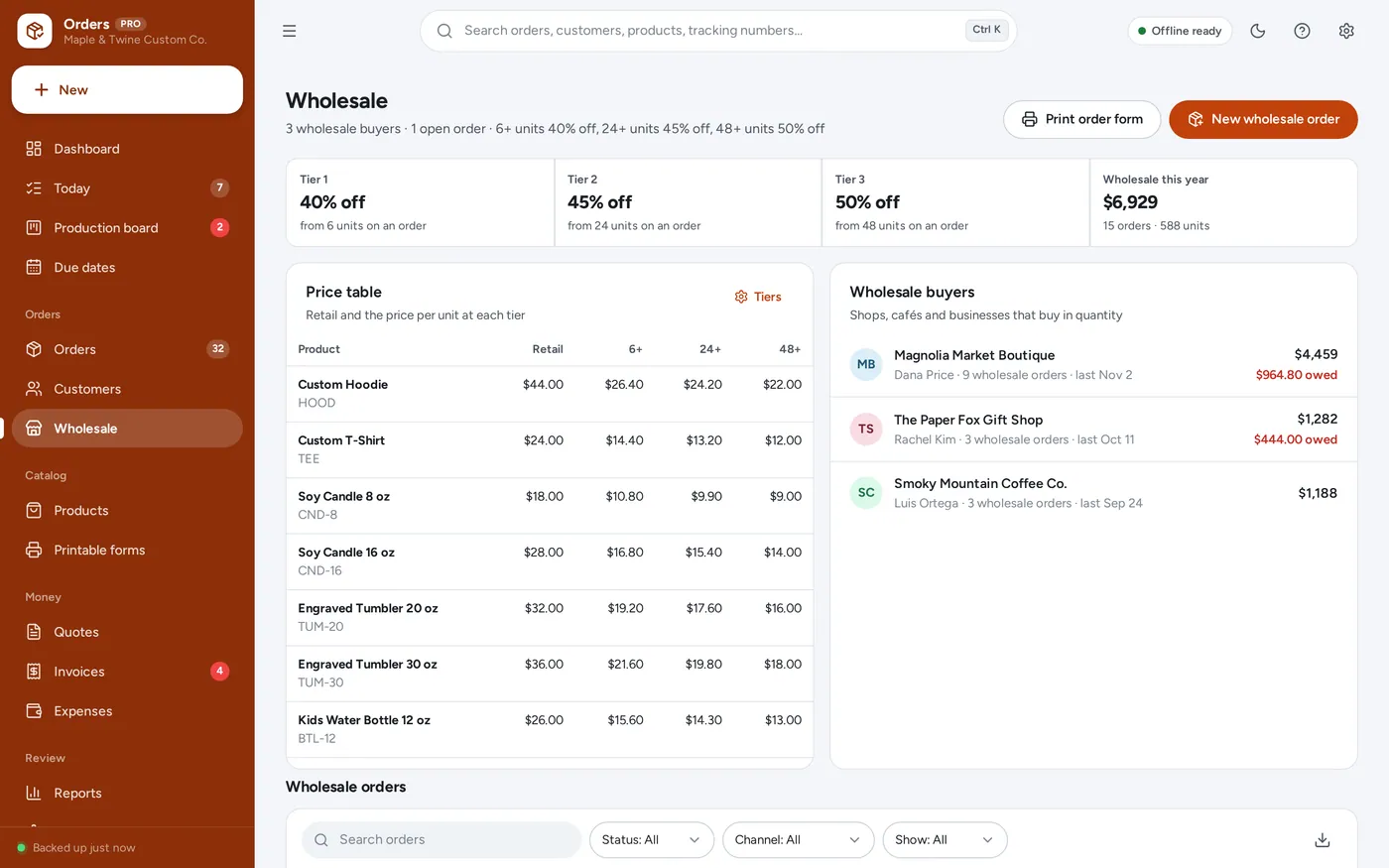
Wholesale and order forms
For custom makers, print shops, boutiques and small product businesses taking orders from messages, a website, the phone, markets and wholesale buyers: the order tracker a template promises, plus the board, the deposits and the packing slips it leaves to you.
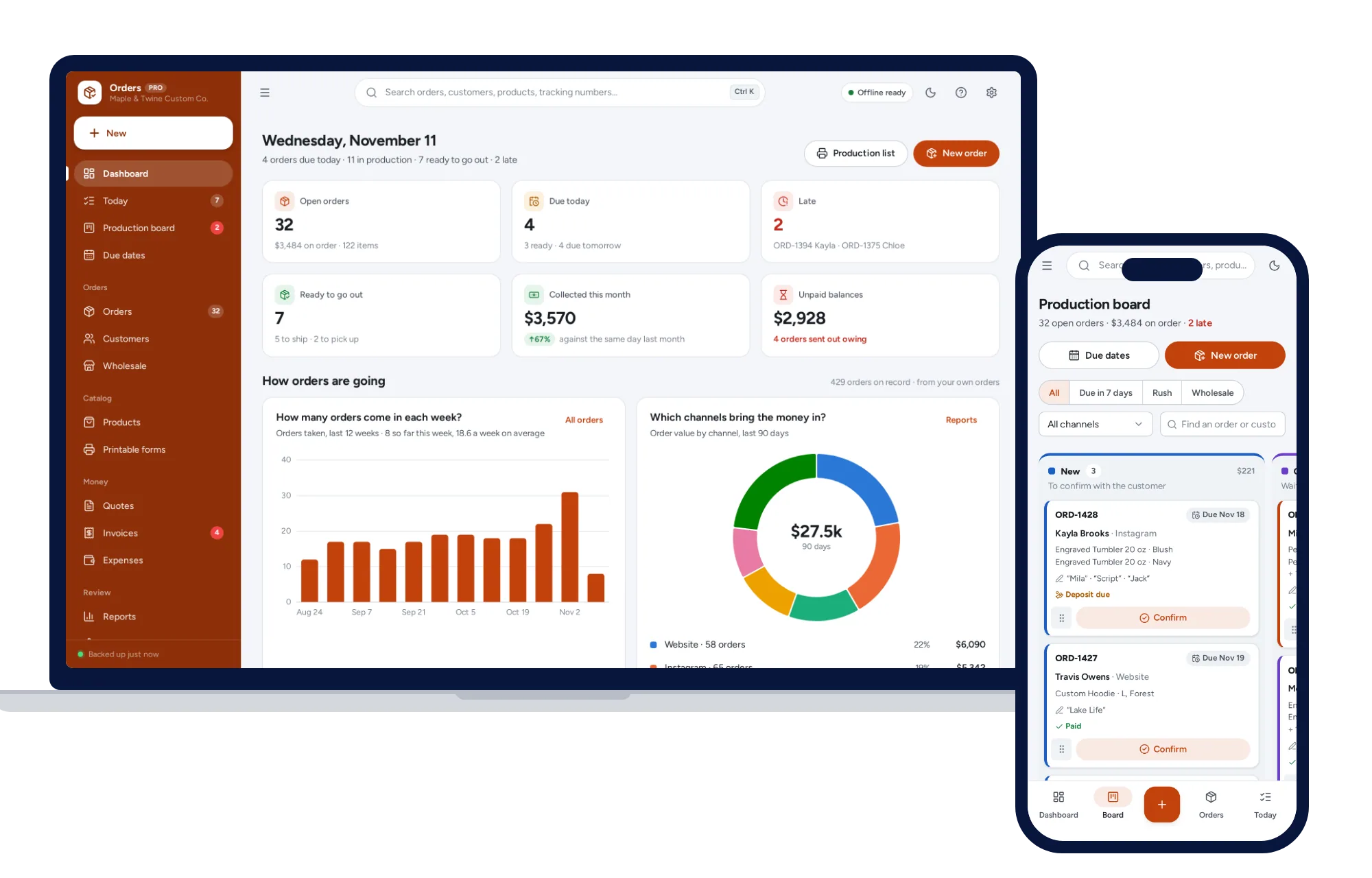
An order spreadsheet cannot show a production board, add up what to make, track a deposit or print a packing slip, and order apps charge every month. This runs offline on your own computer, paid for once, and the records stay on your device.
What it needs, and what it does not do.
Order Tracker is an offline app from ColadoSystems that runs in your web browser from a folder on your own device. It costs $39 once, with no subscription and no account, and includes 16 tools, sample data to explore and a PDF guide. Your records stay on your device and are never uploaded.
Something else? Ask us and we'll answer before you buy.
Everything is saved inside your browser on this device. Nothing is uploaded and there is no account, so no company holds a copy of your orders and customer records. They are not password-protected, though: anyone who can use this device and browser can open them, so keep the device locked. Download a backup regularly (Settings → Data & backup → Back up now) and keep it somewhere as safe as the records themselves.
Yes. Open index.html and it runs fully offline. You can also host the folder on any website and choose “Install app” in Chrome or Edge to get a desktop or phone icon that works offline.
Yes, the layout adapts to phones and tablets with a bottom navigation bar, and the board’s cards can be dragged by their grip on a touch screen. On a Windows or Mac computer it runs straight from the unzipped folder. An iPad or iPhone cannot run it from a downloaded file, so it has to be opened from a web link and added to the Home Screen (see “How do I put it on an iPad?”). Each device keeps its own records; use Back up now and Restore to move them between devices.
Go to Settings → Data & backup → Erase records. Your business profile and settings are kept; all sample records are removed.
No. The app has no internet connection of its own and does not read orders from anywhere. You add each order yourself, which takes under a minute, and you can put the website order number or the message thread in “Their reference”. That is what lets it hold orders from every channel in one place: messages, your website, the phone, markets and wholesale.
The Handmade Seller Planner is for one online marketplace shop: listings, marketplace fees and pricing from your materials. Order Tracker is the order desk for every channel: the production board, due dates, options and personalisation, deposits, packing slips, shipping and wholesale tiers. It does no marketplace fee maths.
Set the deposit in Settings → Orders and production, for example 50% on orders over $60. New orders fill in the deposit for you; change it on any order. Record deposit adds the payment to the order’s invoice, and the card shows “Deposit due” until it is paid. The balance is collected when you record the rest.
Each tier is a percent off your retail price from a number of units, for example 40% off from 6 units. A wholesale order takes the tier for its total units, and prices update as you add items. Prices you type yourself are left alone.
No. Buy labels from your carrier or shipping service as you do now. The app records the carrier, the tracking number and what the label cost, opens the tracking page for USPS, UPS, FedEx and DHL, and prints the packing slip that goes in the box.
An order is late when it is still open after its due date. A shipped order is on time when it shipped on or before its due date. A pickup order is on time when it was ready by its due date, whenever the customer came for it.
It adds the tax rate you set on each order (the default is in Settings → Invoices & tax) and shows the tax on the confirmation and invoice. It does not file tax or know your local rules; ask a tax professional what to charge.
Yes. Tap Send, then Share: the iPad’s share sheet opens with the PDF attached, so you choose Mail or Messages, pick the customer and send. The same works on an iPhone and in Chrome or Edge on Windows and Mac. Where a browser cannot share files, the app downloads the PDF and starts an email for you instead.
An iPad cannot open the app from a downloaded file, so it has to be opened from a web link. Put the app folder on a website or free static host, open the link in Safari, then tap Share → Add to Home Screen. From then on it opens from its own icon and works without internet. Records stay on the iPad; nothing is uploaded.
Only what you put in Settings → Business profile: your business name, logo, address, phone, email, website and tax number if you have entered one. Nothing is invented. Leave the profile blank and documents simply say “Your Business Name”.
There is no limit built in. The sample business has about 450 orders from the last six months, and the app works the same with thousands. Back up regularly, and export to Excel whenever you want a copy for your accountant.
No. It is made for one person on one device, and records do not sync between devices. To move to another device, save a backup and restore it there.
Taking orders and sending invoices? These systems are close cousins. Here is who each one is for.
Customers, quotes, invoices, stock and profit together, for services or products.
Made-to-order products: a production board by due date, deposits, packing slips and shipping.
Just the paperwork: invoices, estimates, receipts, purchase orders and statements.
Handmade sellers: pricing, marketplace fees and true profit per item.
Practical how-tos from our blog, useful with or without the system.
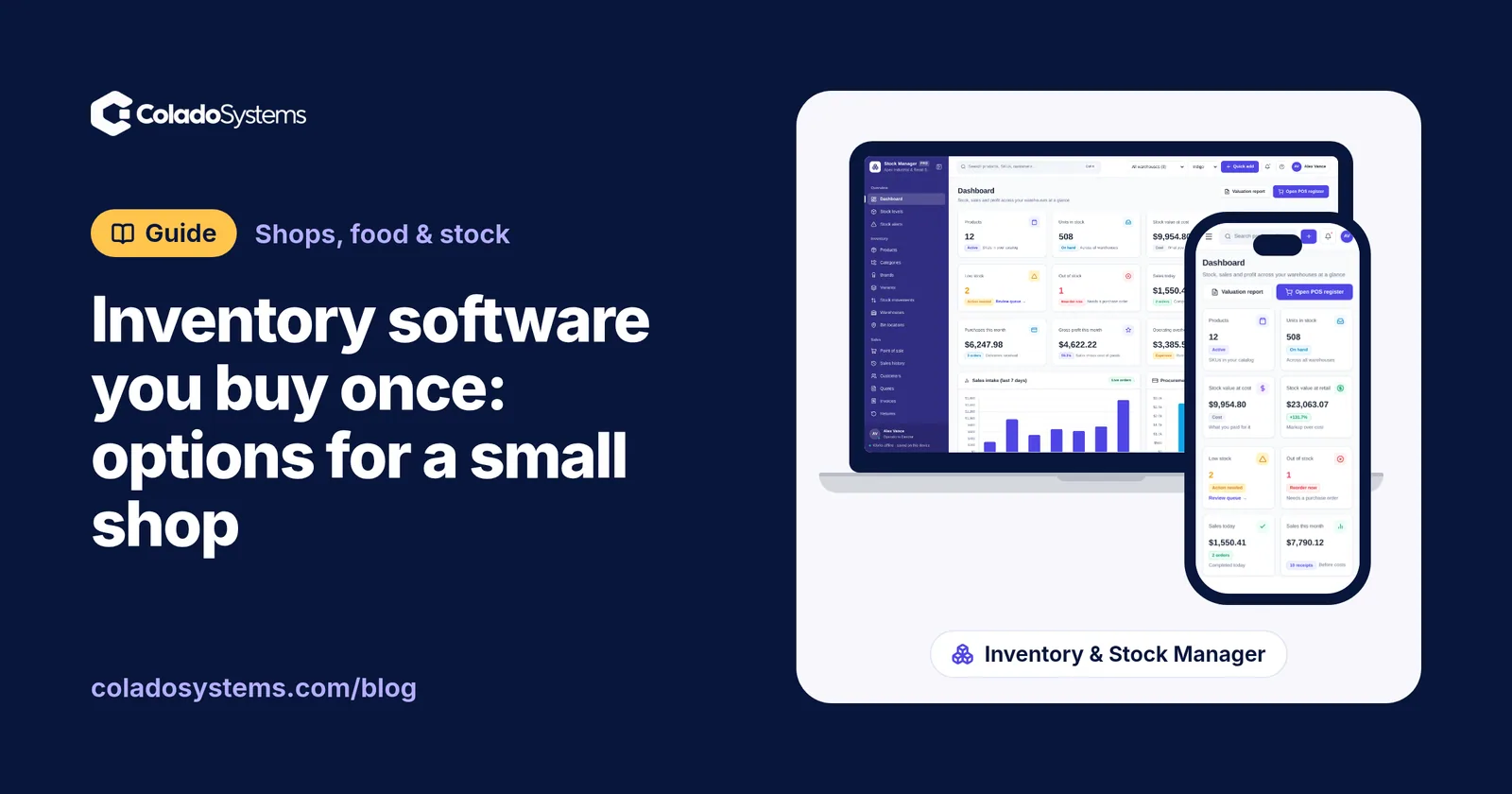
Shops, food & stock
Yes, inventory software can be a one-time purchase. See how spreadsheets, subscription apps, free POS plans and buy-once systems compare for a small shop.
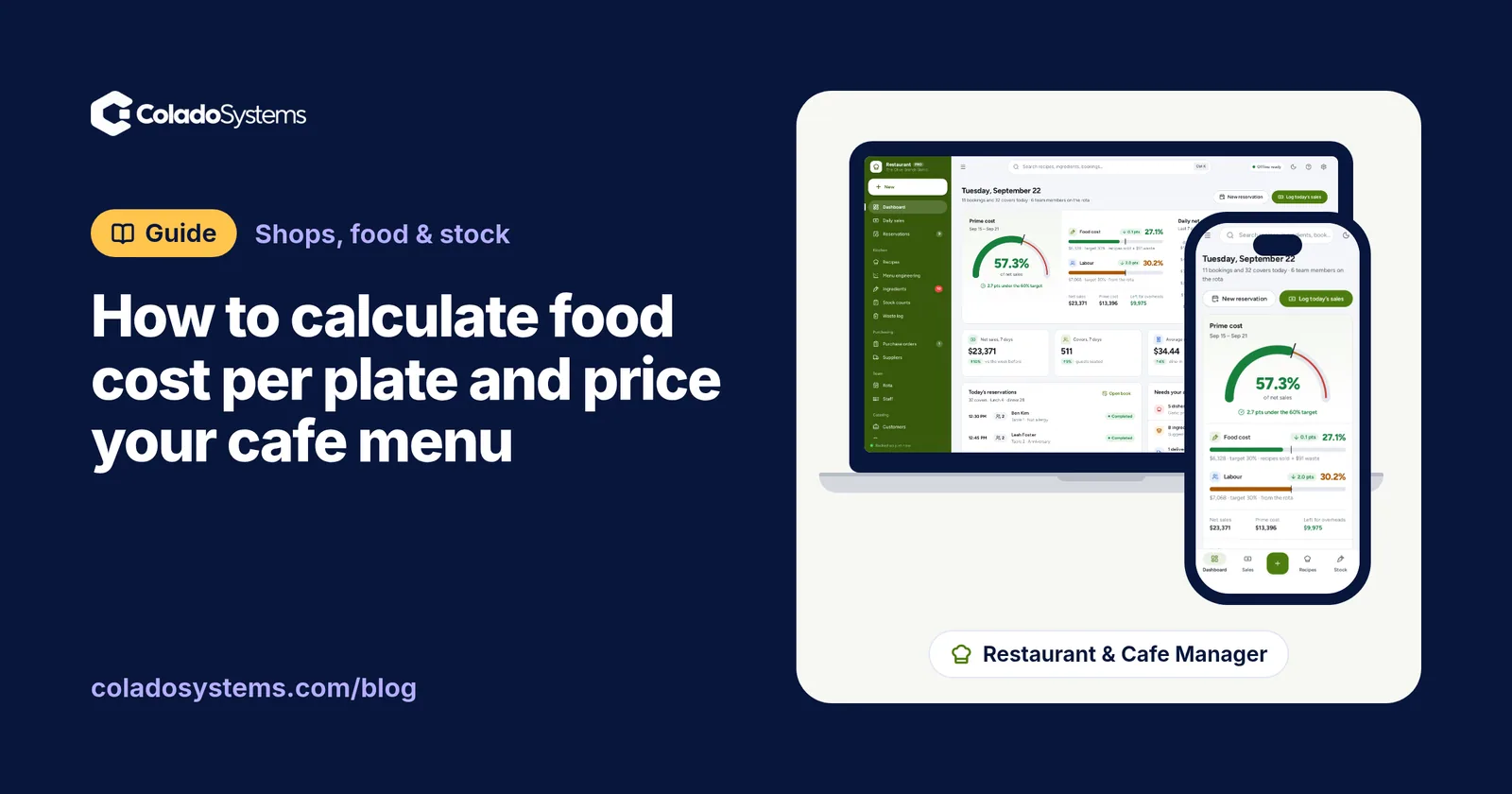
Shops, food & stock
Cost each ingredient at the portion served, after trim and cooking loss, to get food cost per plate, then divide by a target percentage to set menu prices.
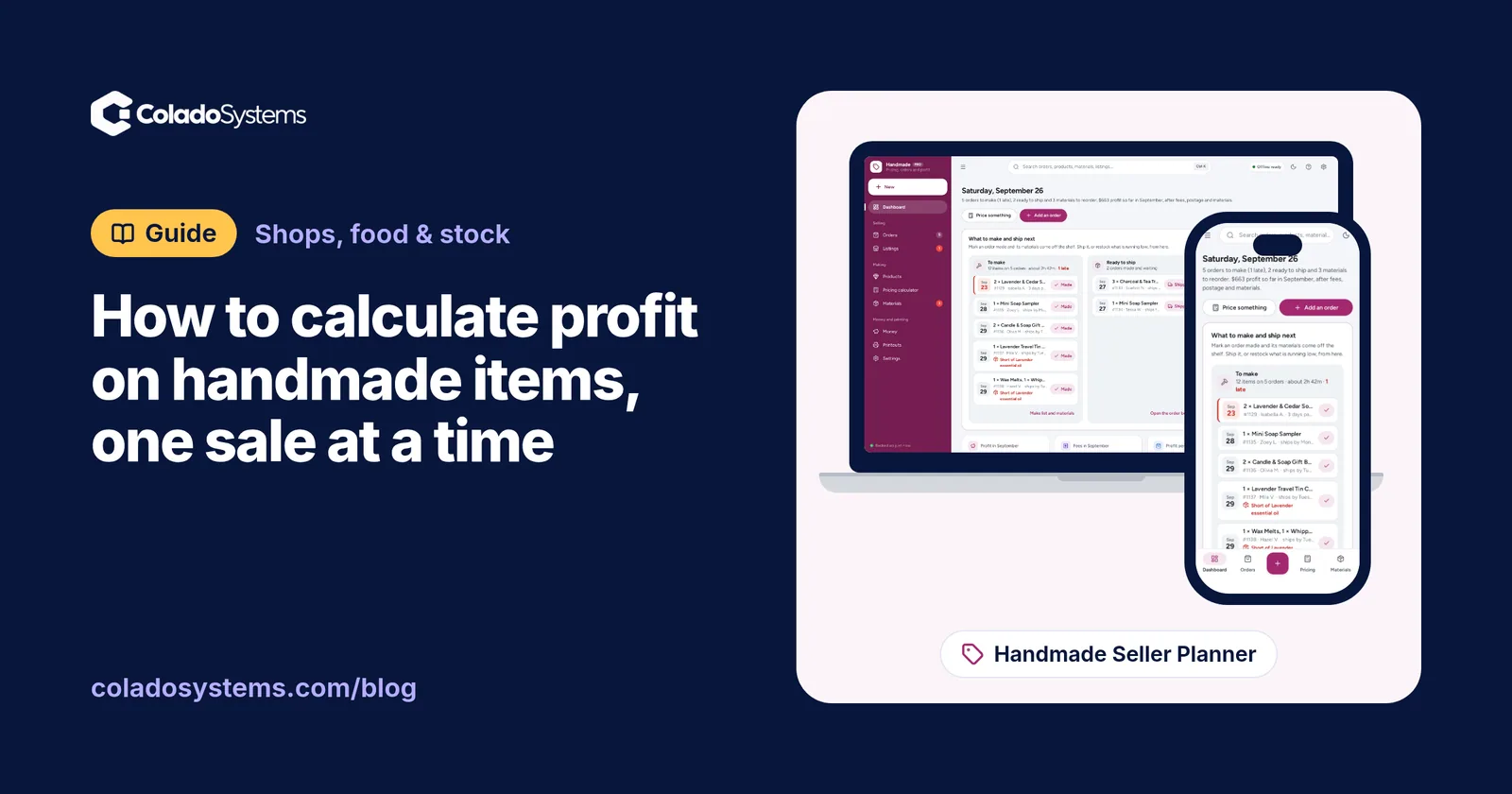
Shops, food & stock
Learn how to calculate profit on handmade items after materials, your time, marketplace fees, postage and packaging, with a worked example to copy.
The shops, food & stock bundle has every system in this category for one price.
Stock, orders, pricing and labels for shops, bakeries, kitchens and warehouses.
$199for 10 systems, $520 if bought one by one
You save $321
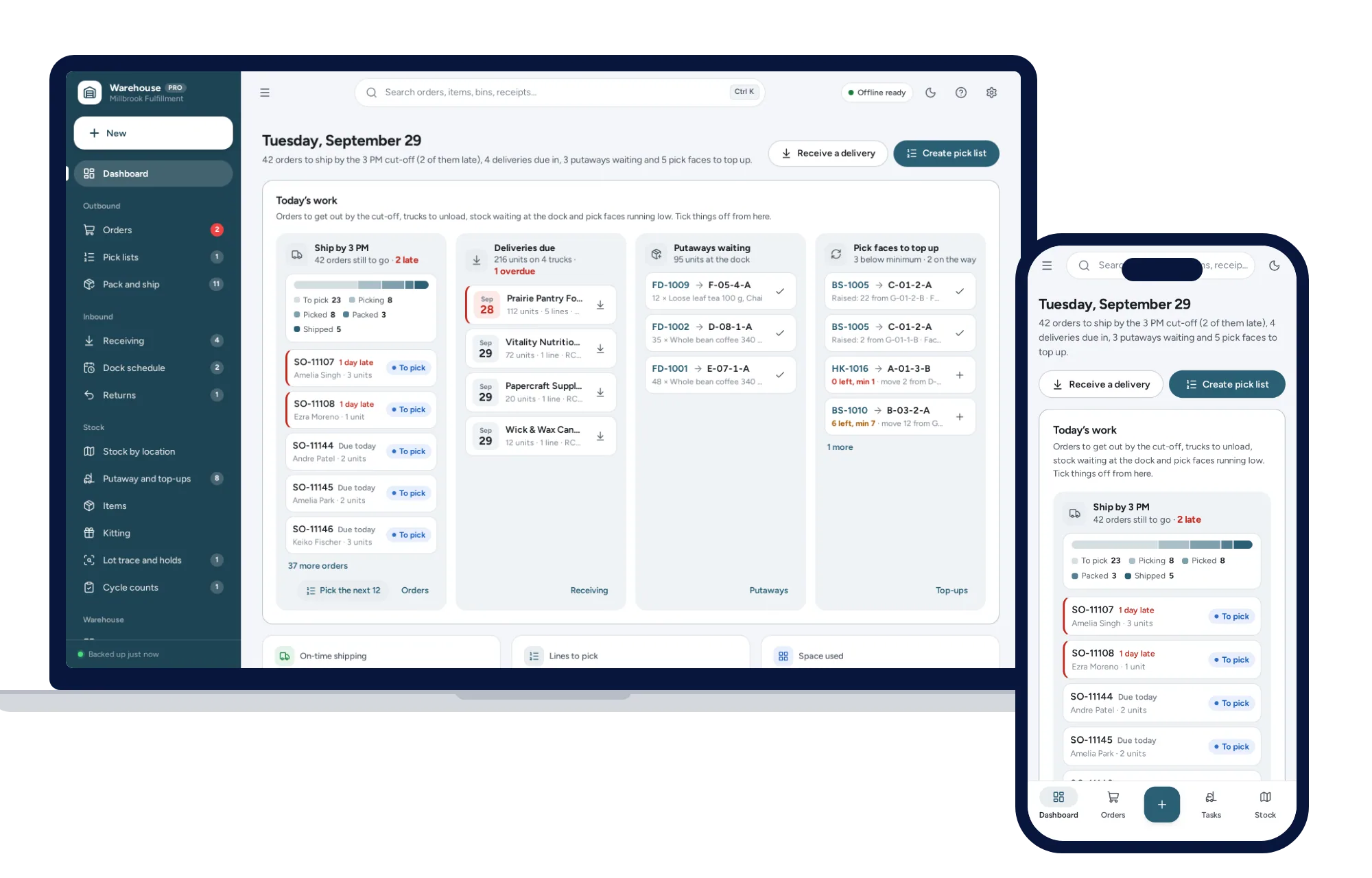
Shops, food & stock
Know which bin every item is in, pick orders in walking order and ship first-expired-first-out, from one dashboard. No formulas to break, no subscription.
$79one-time
Shops, food & stock
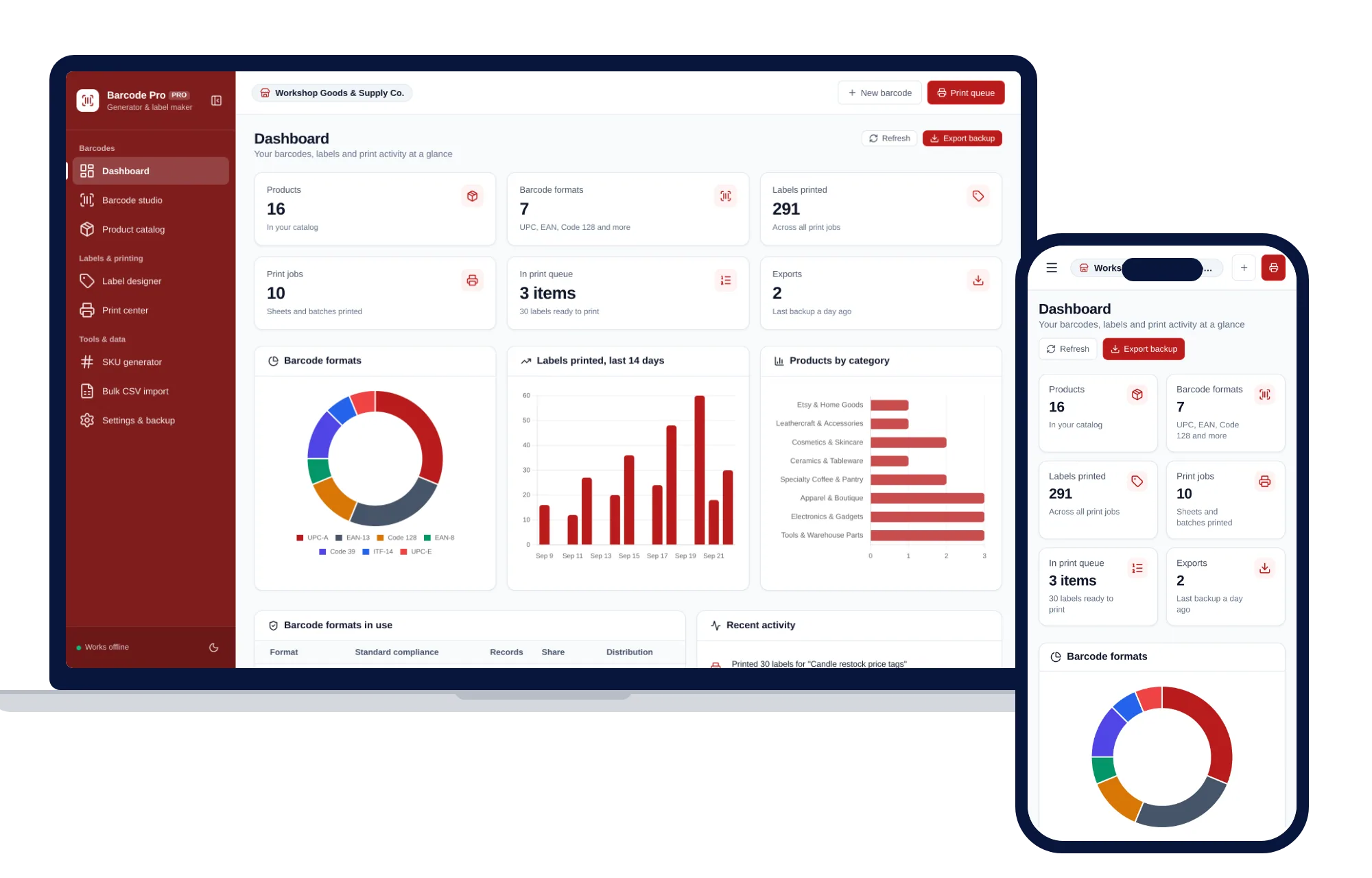
Create barcodes, keep a product catalog and print label sheets for your shop, all offline.
$39one-time
Shops, food & stock
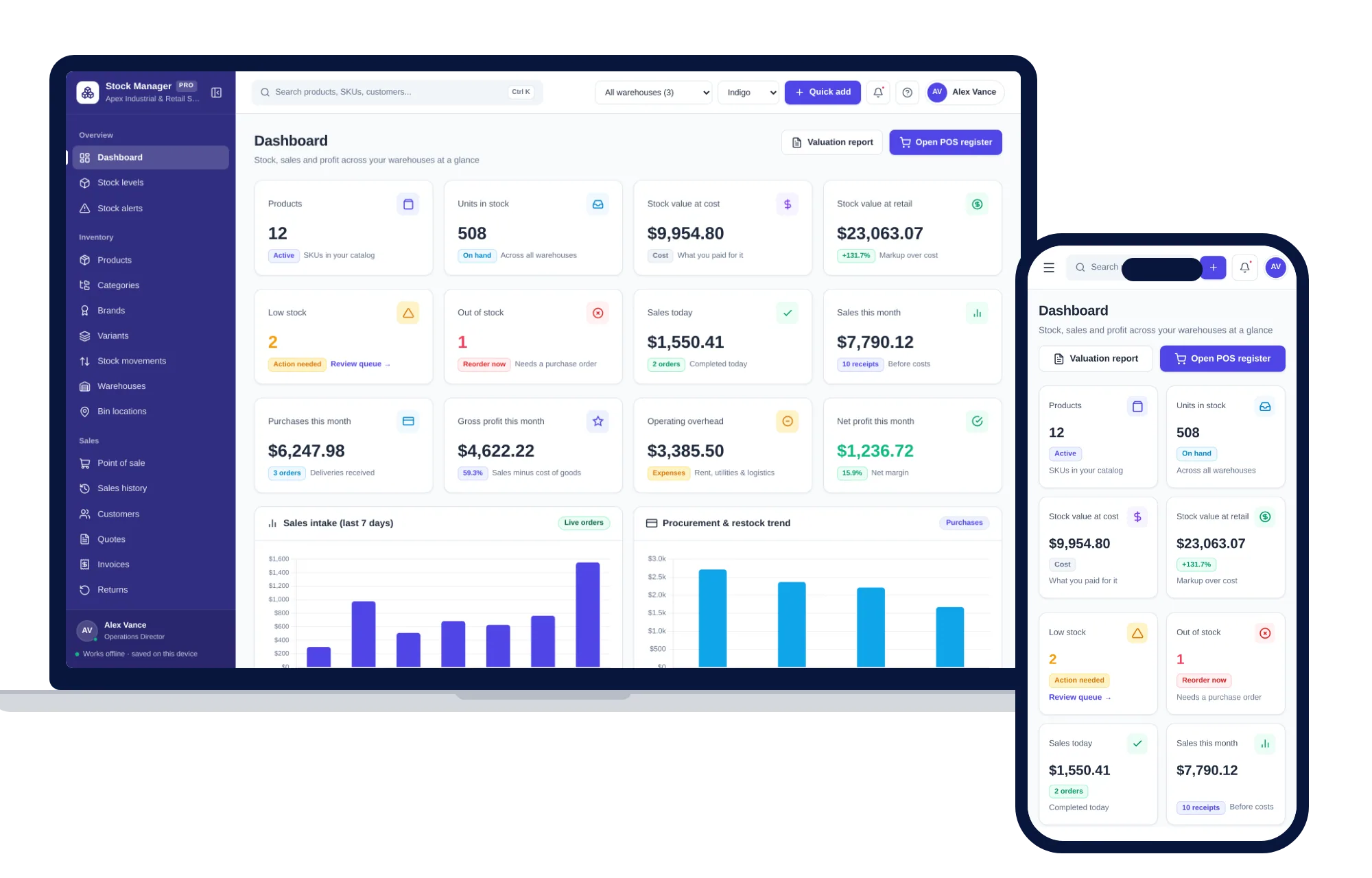
Products, stock levels, warehouses, point of sale, purchase orders and profit reports in one offline app.
$59one-time
Shops, food & stock
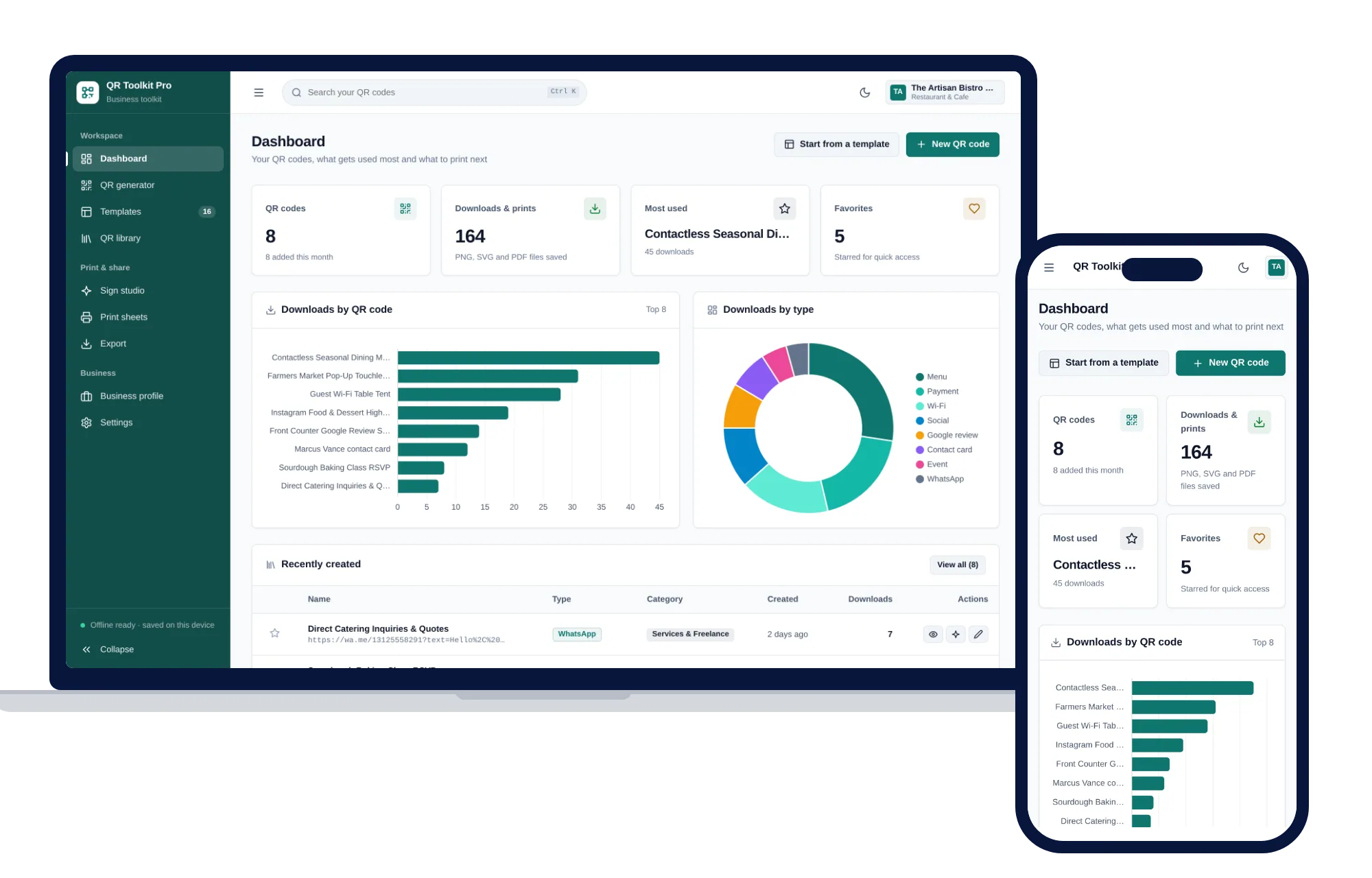
Create, design, print and export QR codes for your business — one offline app.
$39one-time