Yes, you can buy inventory software once and keep it. For a small shop the choices are a spreadsheet, a subscription inventory app, a free plan that comes with a card reader or online store, desktop software sold for a one-time price, or an offline system that runs in your browser, also bought once. The one-time options handle the core job well (stock levels, reorder points, purchase orders and margins) but cannot sync live with an online store or several tills.
So the deciding question is not really the price. It is where your sales happen.
What inventory software needs to do in a small shop
Strip it down and a shop needs eight things from its stock records:
- A product list with a code or barcode, a cost and a selling price for each item.
- Stock on hand that changes every time something sells, arrives or gets written off.
- Reorder points that flag an item before the shelf is empty.
- Purchase orders to suppliers, and a way to receive each delivery into stock.
- Sales that take stock off automatically, at the counter and anywhere else you sell.
- Counts and adjustments, with a reason recorded for each change.
- Reports: what your stock is worth, what sells, what sits, and the margin on each line.
- Locations, if you keep stock in more than one place, such as a back room and a market stall.
If you are still working out how often to count and how to set reorder points, a simple stock count routine for a small shop covers the method. This guide is about which tool should hold it.
Some shops find stock is only half the paperwork. If you also send quotes, chase invoices and track expenses, a small business system with stock built in may cover more of your week than an inventory tool on its own.
Where do your sales happen?
This one question sorts most shops.
Mostly at one counter. Walk-in sales, maybe a weekly market, a few phone orders. Stock changes in one place, so a tool on one computer can keep up.
Counter plus a website or marketplace. Every online sale has to come off the same stock count, ideally within minutes, or you end up selling something you no longer have. That needs software that connects to the online store.
Several tills or staff entering sales at once. Each till needs to see the same numbers live, which also means a connected system.
If you are in the first group, a one-time purchase can do everything you need. If you are in the second or third, be honest about how many online or parallel sales you get. A handful a week can be typed in. Dozens a day cannot.
Can you buy inventory software as a one-time purchase?
Yes, in two main forms.
Desktop inventory programs install on your computer and are sold for a single price. They work offline and the cost is fixed. Some run only on Windows or Mac, and major upgrades may be sold separately.
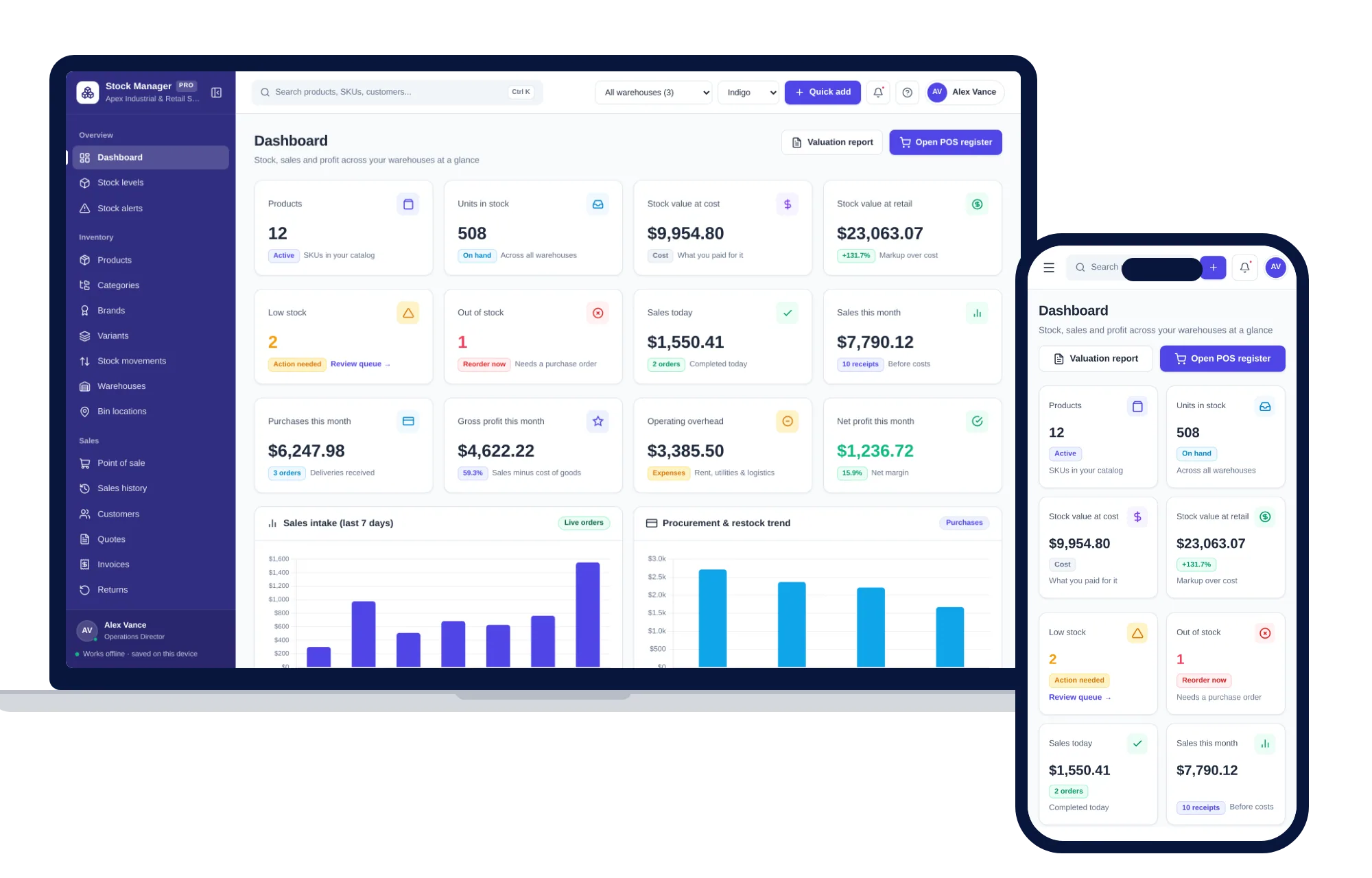
Offline browser systems open in Chrome, Safari, Edge or Firefox on your own computer, tablet or phone, with nothing to install and no account. ColadoSystems sells this kind, including Inventory & Stock Management. The records stay on the device.
Free plans are the third route people look at. Many card-reader and online-store platforms include basic inventory with no monthly charge and earn from the fee on each card payment or from paid add-ons. That can be a good deal if you already use their reader. Check which inventory features are in the free plan and which cost extra before you build your whole catalog there.
Inventory software options compared
| Option | What you pay | Good at | Where it falls short |
|---|---|---|---|
| Paper stock book or clipboard | Almost nothing | Quick for a few dozen items | No live totals, no margins, errors go unnoticed |
| Spreadsheet | Free or low, plus your time | Flexible, easy to start | Stock does not change when you sell, formulas break, no point of sale |
| Subscription inventory app | A fee every month, sometimes more per location or user | Syncs with online stores and several tills, staff logins | The fee never stops, your records live on the company’s servers |
| Free plan tied to a card reader or online store | No monthly fee; earns from payment fees or add-ons | Sales and stock together if you already use that platform | Features you need may be paid extras, hard to leave once your catalog is in |
| Desktop software bought once | A one-time price | Fixed cost, works offline | Often one operating system, upgrades may cost extra, no online store link |
| Offline browser system, like ColadoSystems | A one-time price | Stock, point of sale, purchase orders and reports on the device you have, sample data to try first | One person on one device, no sync with tills or a web store, no card processing, you keep your own backups |
What does inventory software cost over five years?
Take a subscription at, say, $40 a month. That is $480 a year and $2,400 over five years, before any charge for a second location or another user.
A spreadsheet is cheaper in money and dearer in time. If keeping it right takes two hours a month and you value your time at, say, $25 an hour, that is $600 a year you never see on a statement.
A one-time purchase costs its price once. Add your setup time, which is similar for any tool, and a USB drive for backups.
The subscription earns its fee when it does work you would otherwise do by hand: pulling in online orders, keeping three tills in step, letting staff log in from home. If you would not use those, you are still paying for them every month. There is more on this in spreadsheet vs software: how to choose, including what building your own really takes.
What you give up with offline inventory software
Here is the honest list for the kind of system we sell:
- No live link to a web store or marketplace. Online orders are entered by hand.
- One device at a time. Records are saved in the browser on one computer, tablet or phone. Moving them to another device means a backup file, not live sync.
- No card processing. The point of sale records the sale and the payment method. The card itself goes through your own reader.
- You keep the backups. Clearing the browser’s stored data on that computer erases the records, so download a backup regularly and keep a copy somewhere else.
None of that matters much for a gift shop, a hardware counter or a market trader selling mostly in person. It matters a lot for a shop doing most of its sales online.
Inventory software you buy once
If the one-time route fits, two systems on the shops, food and stock shelf cover a small shop.
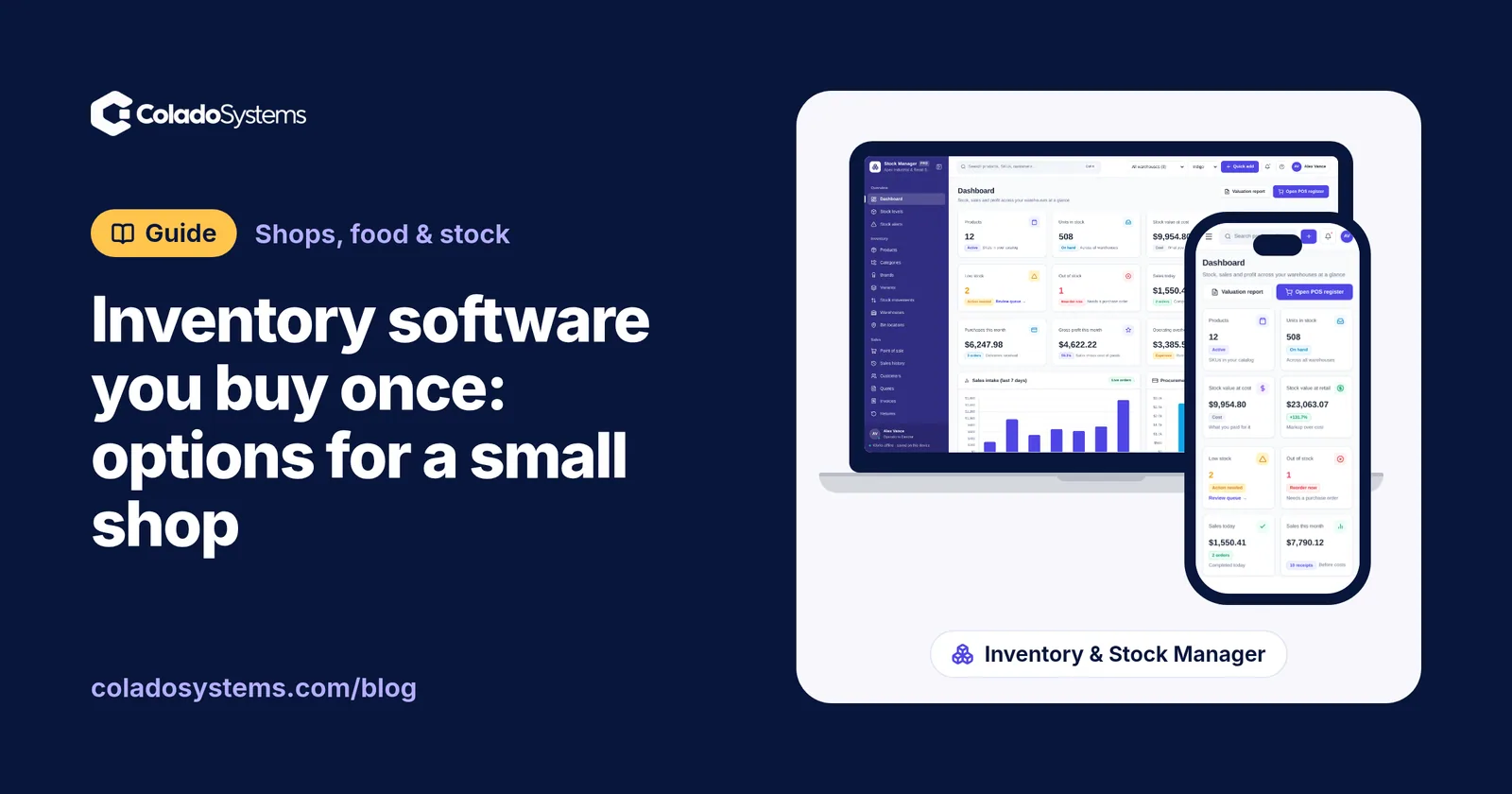
Inventory & Stock Management is for a shop where stock is the main job. It maps onto the list above:
- Products with SKUs, barcodes, categories, brands, cost and selling price
- Stock on hand, reserved and available, with reorder points that flag low items
- Purchase orders to any supplier, with deliveries received straight into stock
- A point of sale with discounts, tax and payment method, where stock and invoices update as you sell
- A log of every stock movement, plus quick counts and adjustments
- More than one warehouse or location, with transfers between them
- 14 reports, including stock valuation at cost and retail price, exported to Excel, CSV or PDF
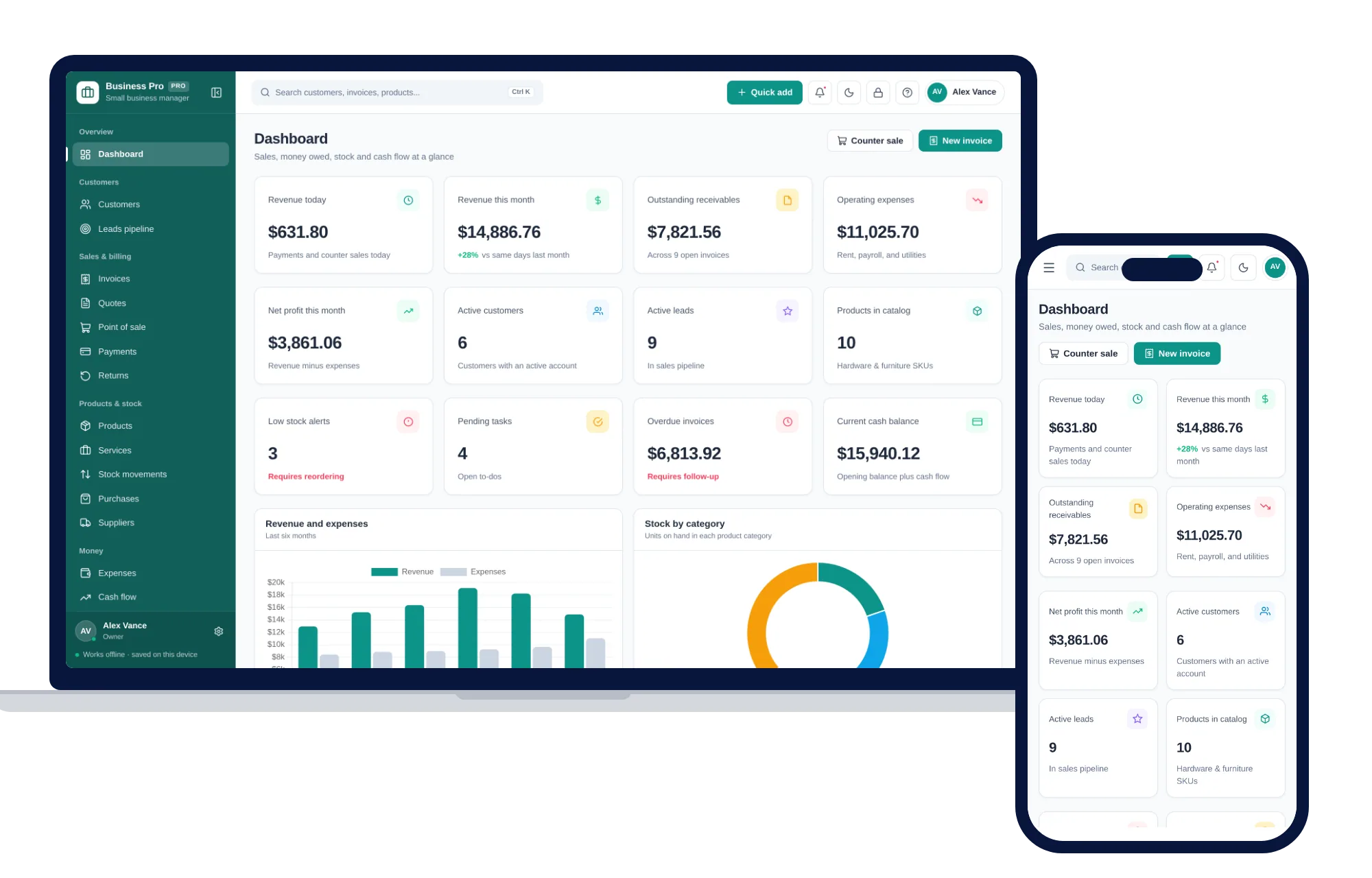
The Small Business Management System fits a shop that runs the business side from the same place: customers with balances, quotes that turn into invoices, a leads pipeline, counter sales, products with margins and low stock alerts, suppliers, expenses by category and a profit and loss statement your accountant can have as a CSV or Excel file. If your records go beyond stock, which records a small business should keep and how to file them is worth reading alongside it.
Both run offline on Windows, Mac, iPad and Android with no account and no monthly fee, and open with sample data so you can try a sale before entering your own products. If you need both, the shelf bundles cost less than buying them one by one. And if what you run is really a stockroom or fulfilment space with bins and pick lists, the Warehouse Management System is built for that instead. It holds no prices and does no invoicing.
Your next step: see everything inside Inventory & Stock Management and try it with the sample data the same day.
Skip the setup
The Inventory & Stock Manager has the records this guide describes already set up. Products, stock levels, warehouses, point of sale, purchase orders and profit reports in one offline app.
$59 one-time
- Try it free in the live demo, right in your browser
- Sample data to try it the same day
- Works offline, records stay on your device
- A PDF guide in the download
See everything inside the Inventory & Stock Manager. Or take the whole Shops, food & stock shelf: 10 systems for $199, $321 less than one by one.
Common questions
Is there inventory software with a one-time purchase?
Yes. Some desktop programs and offline browser systems are sold for a single price with no subscription. They cover stock levels, reorder points, purchase orders and counter sales on one device. What they usually cannot do is sync live with an online store or with several tills, because they do not connect to the internet.
What is the easiest way to track inventory for a small shop?
Give every product a code, record its cost and selling price, set a reorder point for the items you sell most, and take stock off every time something sells or is adjusted. Count fast movers often and the rest less often. Paper, a spreadsheet or software can all do this, but software saves the most time once your product list grows past what you can hold in your head.
Can offline inventory software connect to my online store?
No. Software that runs offline on your own computer has no connection to a web store or marketplace, so online orders do not arrive on their own. If most of your sales are in person and online orders are few, typing them in each day works. If you sell mostly online across several channels, a connected subscription tool is the better fit.
How do I move my inventory spreadsheet into new software?
Tidy the spreadsheet first: one row per product, with the code, name, cost, selling price and quantity on hand in separate columns, and no merged cells or totals in the middle. Enter the products in the new tool, check a handful against the shelf, then do a full count on the day you switch so your opening stock is right.