A small business should keep records of every sale and payment received, every expense with its receipt, bank and card statements, stock and equipment purchases, mileage, payroll, tax returns and payments, and legal papers such as licenses and contracts. File them in one folder per year, sorted by type, keep them current with a short daily, weekly and monthly routine, and ask your accountant or tax authority how long to keep each kind.
Small business record keeping does not have to be complicated, and it beats a shoebox of receipts the day your accountant asks for March. It needs two things: a clear idea of what to keep, and a routine small enough that you actually follow it. This guide covers both, in a way that works with a folder of paper, a spreadsheet or software. It is general guidance only. The rules on what you must keep, and for how long, depend on your country and business, so check the details with your accountant or tax authority.
What records should a small business keep?
Good records let you work out your real profit, file your taxes, answer questions from the tax authority, settle disputes and, one day, apply for a loan or sell the business. Most of them fall into these groups:
- Sales and income: invoices you send, receipts you give, daily sales summaries, payment platform reports
- Expenses: supplier invoices, receipts, utility bills, software charges
- Bank and card statements: for every account the business uses
- Stock and purchases: purchase orders, delivery notes, stock counts, what each item cost you
- Equipment and vehicles: what you bought, when and for how much
- Mileage: a log of business trips, if you drive for work
- Payroll and contractors: pay records and contractor invoices, if you pay people
- Tax: returns, payments and any letters from the tax authority
- Legal and admin: registration, licenses, contracts, leases, insurance policies
In the US, the IRS page on what kind of records to keep covers the tax side in more detail, and also suggests organizing them by year and type.
Customer records matter as well. Who owes you, and how much, is the record you will use most often. A small business management system with customer balances and invoice history shows that on one screen, but a running list in a notebook beats having no list at all.
How long should you keep business records?
The honest answer is that it depends on where you are and what the record is. Tax authorities set minimum periods, and they differ by country and by type of document. Records for equipment, property and the business’s legal setup are often kept longer than everyday receipts.
So do not take a number from a blog, this one included. Ask your accountant, or look up your tax authority’s guidance, such as the IRS page on how long to keep records in the US or HMRC’s rules for the self-employed on gov.uk in the UK, and write the answer on the front of your filing system. Until you know, keep everything.
A simple small business record keeping routine
The routine matters more than the software. Here is one that takes two to three hours a month in total.
Every day: two minutes
Photograph each receipt the day you get it. Drop the paper into one tray. Forward email receipts to one folder. That is all; no sorting yet.
Every week: fifteen minutes
- Enter the week’s sales and expenses
- Check that each expense has a receipt
- Chase any invoice that has gone past its due date
- Record stock that arrived, against the purchase order
If you hold stock, an inventory system that logs every stock movement and receives deliveries against purchase orders keeps that trail for you. For the counting side, see a simple stock count routine for a small shop.
Every month: about an hour
This is the step that keeps the shoebox from coming back. Open the bank statement and go through it line by line. Every line should match a record.
Say the month has 64 lines and 58 already match. Of the other six, two are card payments for supplies with no receipt (search your email, or write a note of what it was), one is a customer payment you never marked against its invoice, and three are fees you forgot to enter. Twenty minutes later the month is clean.
Then file the paper into that month’s folder, print or save a profit and loss for the month, and back everything up. If you are self-employed, a bookkeeping planner that imports your bank’s CSV file and sorts it by your own rules turns most of this hour into checking rather than typing.
Every quarter and every year
Each quarter, file any sales tax returns or estimated tax payments that apply to you, and do a fuller stock count. At year end, prepare summaries for your accountant, archive the year, and start fresh folders. If you are self-employed, setting aside money for taxes each month fits naturally into the monthly hour.
How to file business records so you can find them
A filing system is only good if you can find a receipt from 18 months ago in under a minute.
- One folder per year, with subfolders for income, expenses, bank, stock, tax and legal. Expenses can go one level deeper, by month.
- File names that sort themselves: date first, then supplier, then amount. “2026-10-12 Office supplier 84.50” lands in the right place automatically.
- One business account and one business card. Mixing personal and business spending is a common cause of a messy year end.
- Two backups in two places, such as an external drive and a cloud folder, updated monthly.
Shoebox, spreadsheet, accounting software or an offline system?
| Option | Good at | Watch out for |
|---|---|---|
| Shoebox and folders | Costs nothing, easy to start | No view of profit or unpaid invoices until someone sorts it |
| Spreadsheet | Free, flexible, your accountant can open it | Typing every bank line by hand, and formulas that break |
| Subscription accounting software | Live bank feeds, your accountant in the same books, payroll add-ons | A monthly fee for as long as you trade, and records on the company’s servers |
| Ready-made offline system | One-time price, works offline, records stay on your device | No live bank feed or shared login; you send exports and keep your own backups |
If you run payroll, or your accountant works in your books every week, subscription software can earn its fee. If you are one person who sends files at year end, do the math. Software at, say, $25 a month is $300 a year, every year, and $1,500 over five years.
The shortcut: start from a system that already has the parts
Building this in a spreadsheet means a sales sheet, an expense sheet with categories, a receipts folder matched to rows, a stock log, a profit and loss formula, and a year-end summary, all maintained by hand. Here is what is already built in three of our systems.
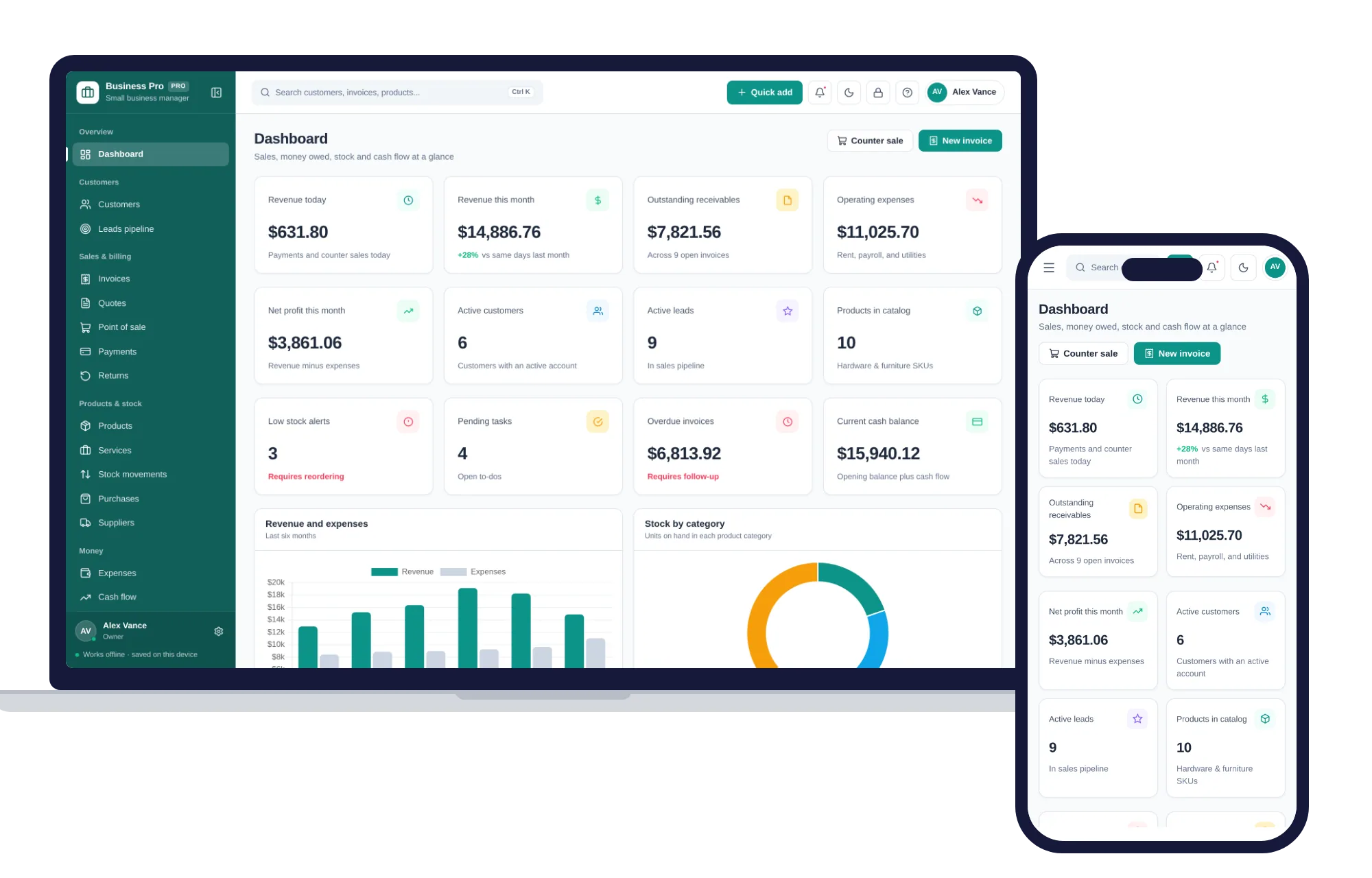
The Small Business Management System keeps customers with balances, quotes that turn into invoices, invoices with full or partial payments and overdue ones flagged, point of sale, products with margins and reorder levels, suppliers and purchases, expenses by category and a profit and loss for any period. Its 14 reports export to CSV or Excel for your accountant.
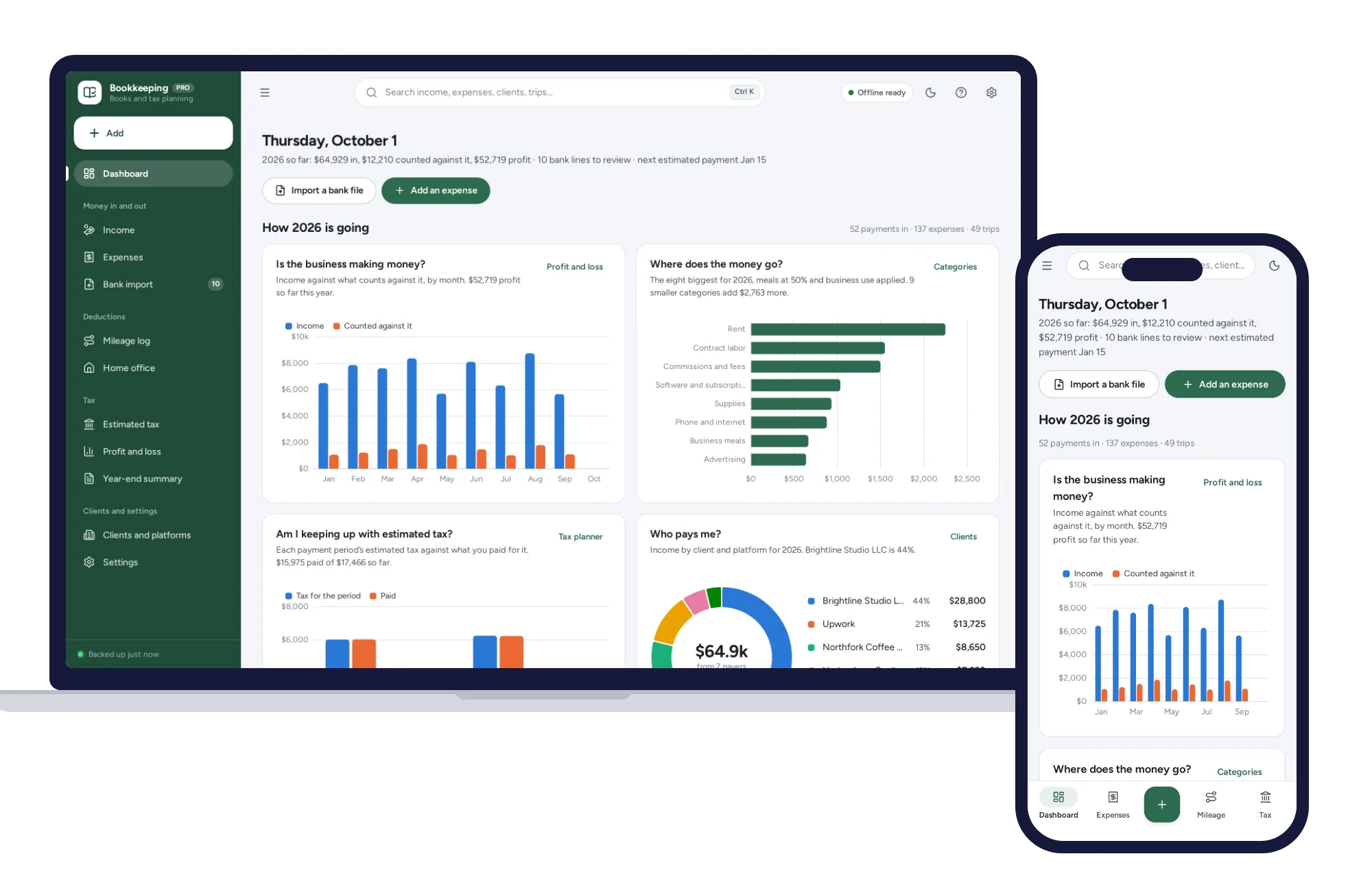
The Self-Employed Bookkeeping & Tax Planner is for one person filing Schedule C in the US. It imports your bank’s CSV file, sorts lines by your rules, catches duplicates, attaches receipt photos kept on your device, and keeps a mileage log, a tax payment log and a printable year-end summary. Its tax figures are estimates for planning; confirm them with a tax professional.
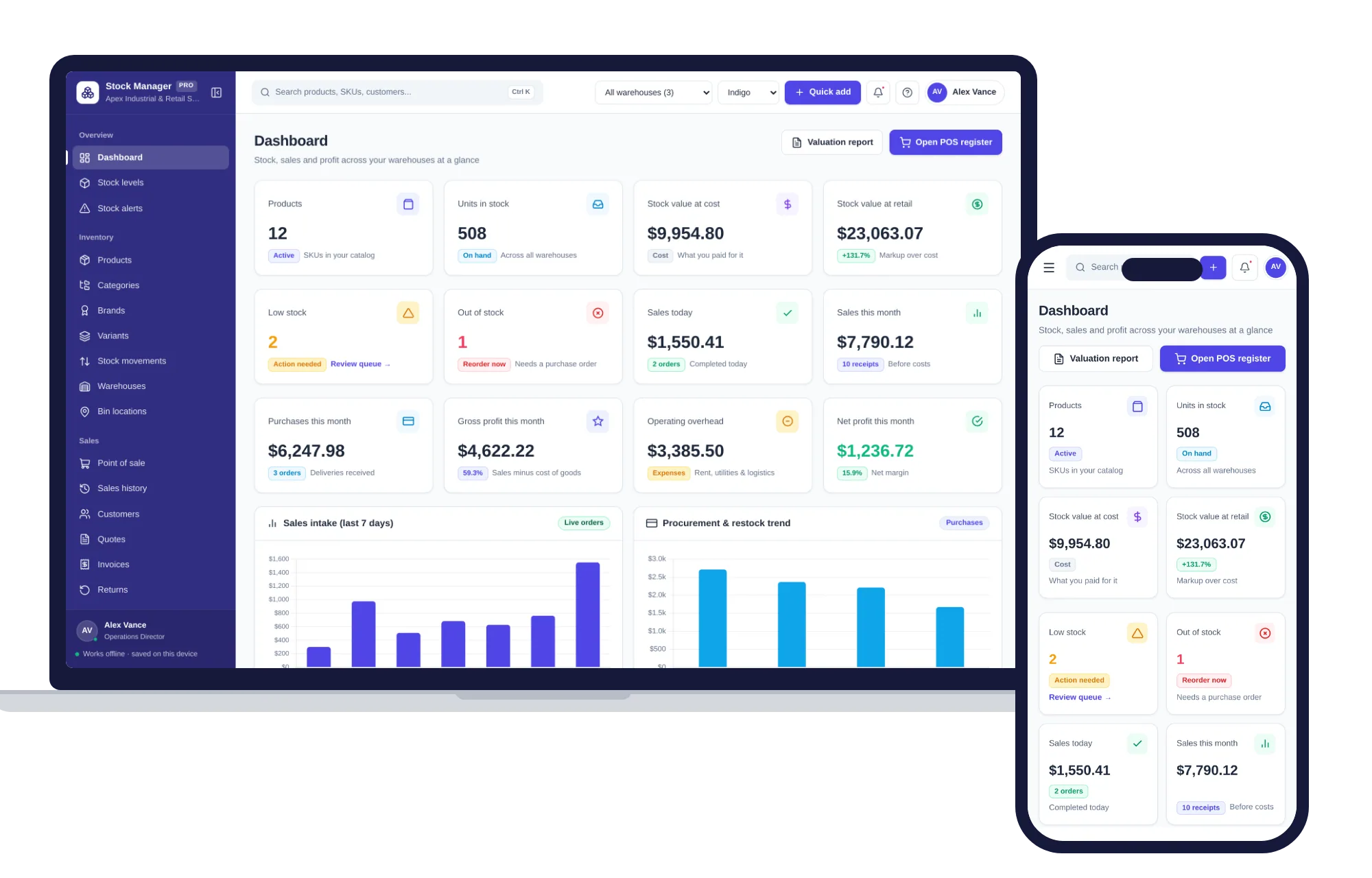
The Inventory & Stock Management system logs every stock movement, receives deliveries straight into stock from purchase orders, tracks supplier terms and balances, and values stock at cost and retail price.
None connects to your bank or gives your accountant a login; you send exports and make your own backups. In return there is no account or sign-up, everything works offline, and records stay on your own device. Each opens with sample data so you can try a month before entering yours, and each includes a PDF guide. The Small Business Management System and Inventory & Stock Management both sit on the shops shelf, which also comes as one of the bundles for less than buying each separately. You can browse more systems for work and side businesses as well.
Pick the one that matches how you trade. You can see everything inside the Small Business Management System and run a sample month through it the same day.
Skip the setup
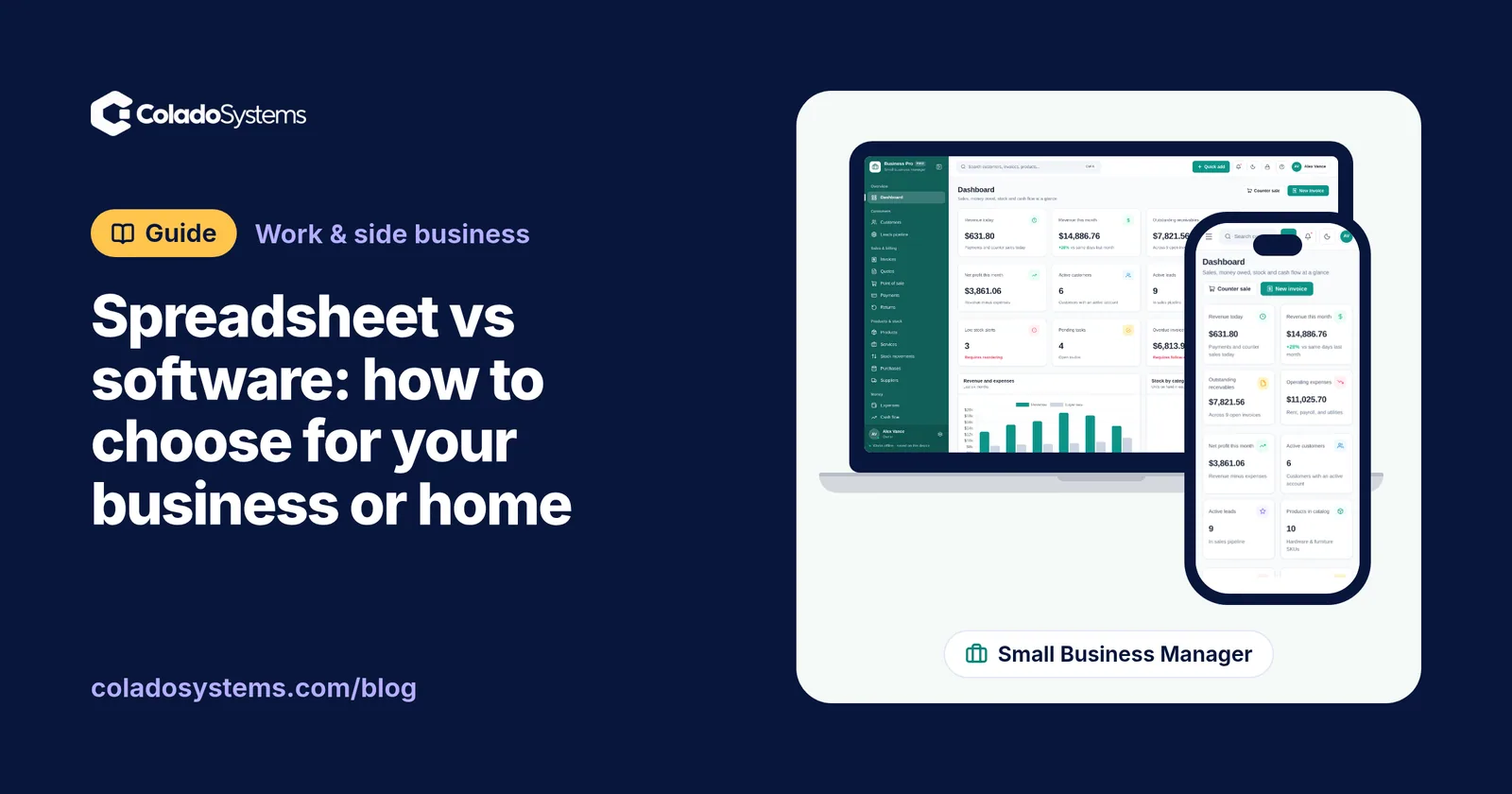
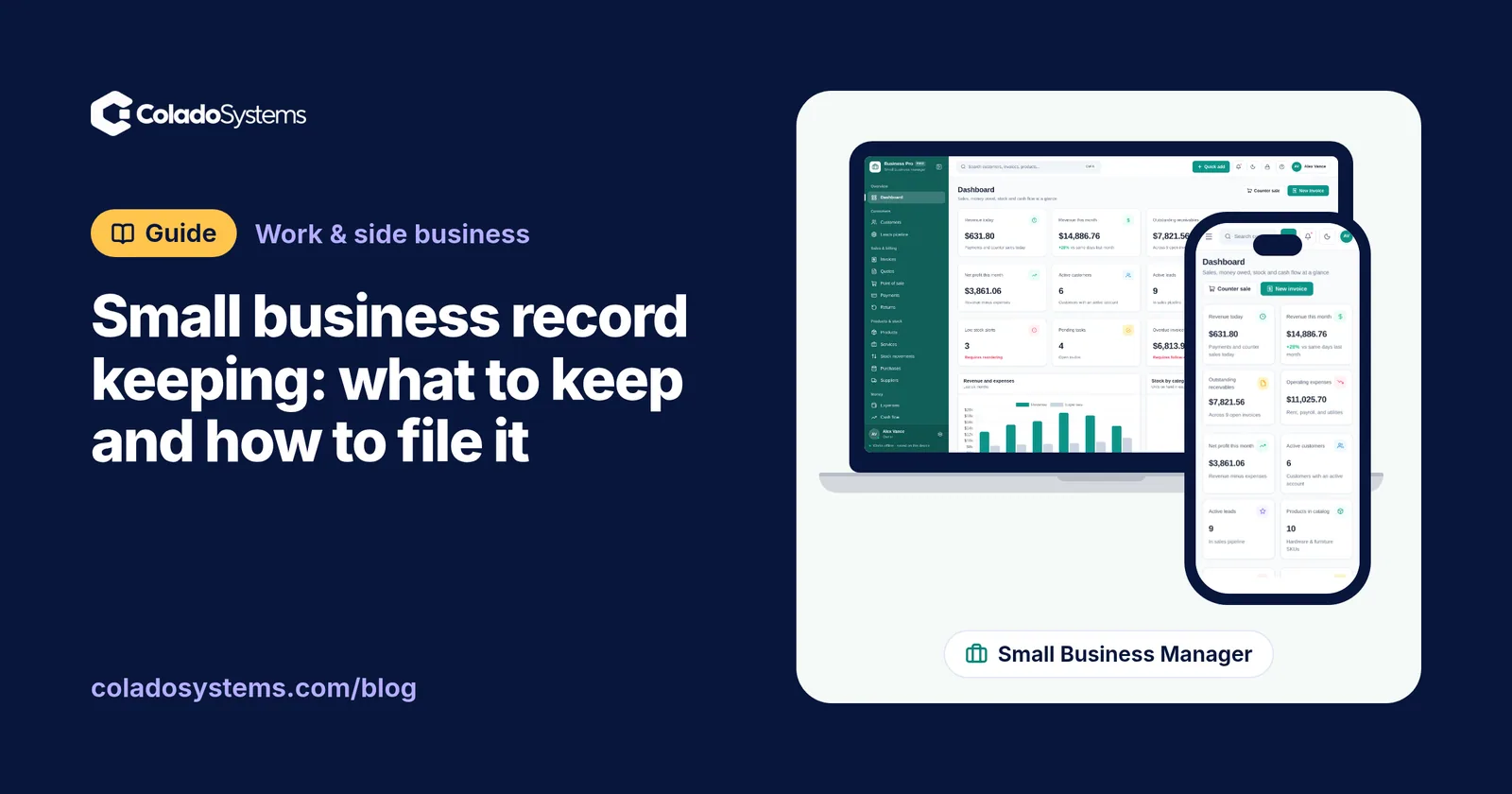
The Small Business Manager has the records this guide describes already set up. Customers, leads, invoices, point of sale, stock, expenses and profit & loss in one offline app.
$29.99 one-time
- Sample data to try it the same day
- Works offline, records stay on your device
- A PDF guide in the download
See everything inside the Small Business Manager. Or take the whole Shops, food & stock shelf: 7 systems for $114.99, $94 less than one by one.
Common questions
What records does a small business need to keep for taxes?
Generally, records of all income, receipts and bills for expenses, bank and card statements, purchases of equipment and vehicles, mileage if you drive for work, payroll if you employ people, and copies of every tax return and payment. The exact list and how long to keep each item depend on your country and business type, so confirm both with your accountant or tax authority.
Can I keep digital copies of receipts instead of paper?
In many places you can, as long as the copy is clear and shows the date, the seller, what was bought and the amount. Rules differ by country, though, and some documents may need to be kept as originals. Check with your tax authority or accountant, then photograph or scan receipts promptly and keep backup copies in more than one place.
How do I organize business receipts so I can find them?
Capture each receipt the day you get it, with a phone photo or by forwarding the email to one folder. Name files starting with the date, then the supplier and the amount, so they sort themselves. Keep one folder per year with a subfolder per month, and once a month match every receipt to a line on your bank statement.
Do I need a separate bank account for my small business?
Whether it is required depends on your business structure and country, so ask your accountant. Even where it is optional, a separate account makes record keeping far simpler, because every line on that statement is business. Mixed accounts mean sorting personal coffee from business supplies every month, and they make it harder to show what was a business cost.