Here’s the short answer to how to set aside money for taxes when you’re self-employed. Every time a client pays you, move a fixed share of that payment into a separate account you don’t touch. Then, once a month, spend about an hour making sure your records match what actually happened. That’s the whole habit, and it’s enough to stop tax time from being a shock.
One thing first. Tax rules and rates depend on where you live and on your own situation. Everything below is general guidance, not tax advice. For the actual numbers, talk to an accountant or check with your tax authority.
Why it’s hard to set aside money for taxes
When you’re employed, tax comes out before your pay reaches you. When you work for yourself, the whole payment lands in your account, and all of it looks like yours to spend. Then the tax bill arrives months later, for money that’s long gone.
The fix is to decide, before you spend anything, which part was never really yours.
First, open a separate tax account
Open a plain savings account and name it “Tax.” Many banks let you add one to your existing account in a few minutes. Keep it apart from your everyday spending and from your emergency savings.
The point is simple. Money you can’t see in your checking balance is money you won’t spend by accident.
How much should you set aside for taxes?
Ask your accountant what share of your income to put aside, based on your expected profit and last year’s return. If you’ve never had one, a single meeting to get this number is money well spent.
Until you have that number, pick a cautious placeholder and stick to it. Say 25%. That isn’t a tax rate. It’s a deliberately generous guess, because finding out you saved too much is a much better problem than finding out you saved too little.
Then make one rule: the set-aside moves on the day the payment lands. Not at the end of the month, not when you remember. The same day.
Book a monthly money hour
Pick a date, maybe the first Monday of each month, and put it in your calendar as a fixed appointment. Then work through this list:
- Download last month’s bank and card statements for every account you use for business.
- Record every payment you received: the date, the client, the amount, and which invoice it paid.
- Record every business expense with a category (software, equipment, travel, office costs and so on), and attach a photo of the receipt.
- Log any business mileage, if you drive for work: the date, where you went, why, and the miles.
- Check the tax account. Did you move your percentage from every payment? If you missed one, move it now.
- Look ahead. Note any tax payment dates coming up in the next few months.
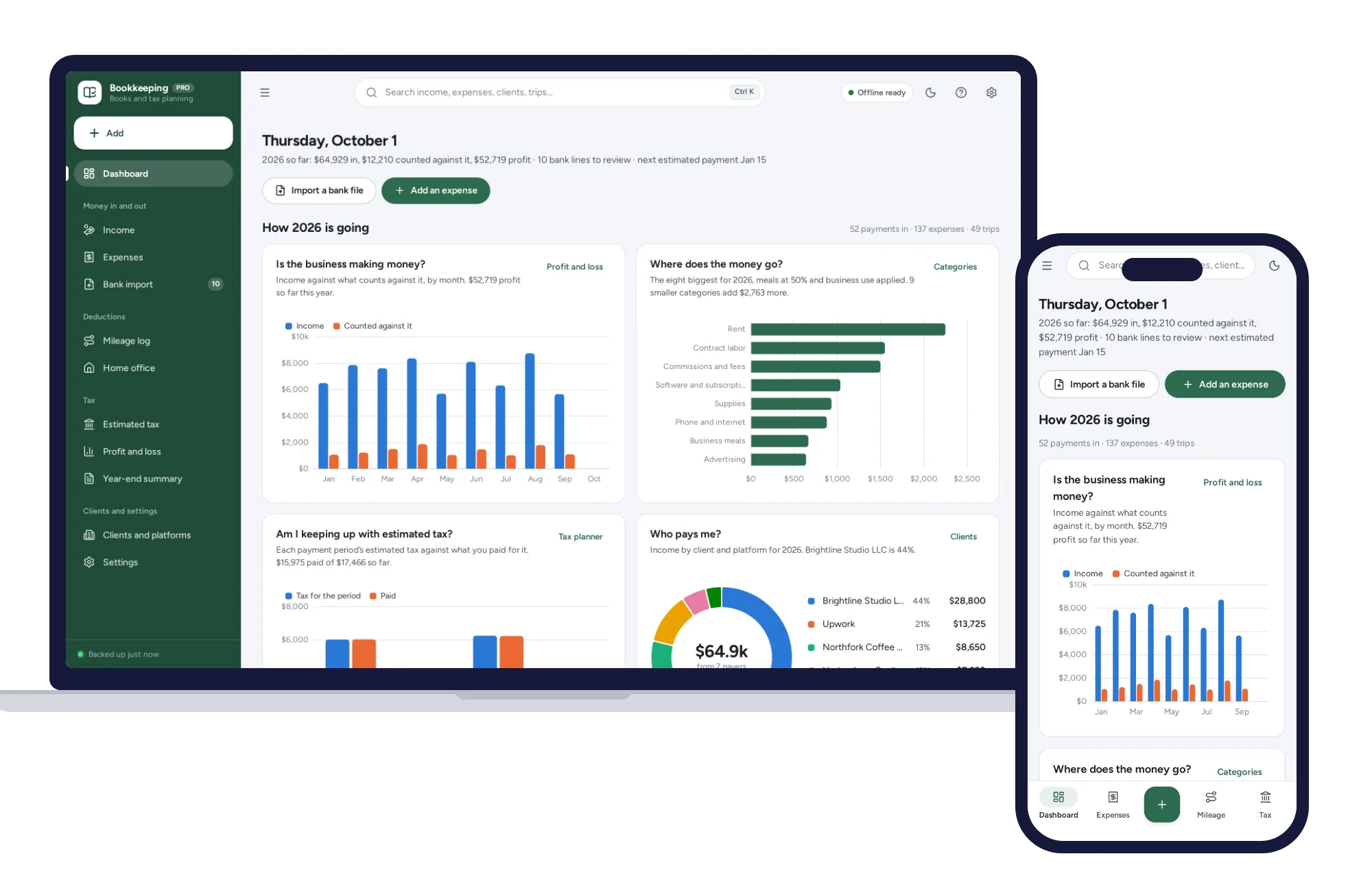
The first month takes longer. After that, with receipts saved as you go, an hour is usually plenty. If you’re in the US, a bookkeeping and tax planner for the self-employed can import those bank and card CSV files and sort the lines by your own rules, so you’re not retyping every transaction.
A worked example
Here’s a made-up month for a freelance designer.
In March, three clients pay: $2,000, $1,800 and $1,400. That’s $5,200 in. With a 25% placeholder, she moves $500, $450 and $350 into her tax account on the days each payment arrives, $1,300 in all.
Her business expenses for March come to $640: $60 in software, $250 for a coworking desk and $330 for a new monitor. So her profit for the month is $4,560.
At her monthly hour, she checks two things. First, that all $1,300 actually moved. Second, how the pot compares with her accountant’s guidance. If the accountant had told her to set aside 25% of profit rather than income, she’d only need $1,140, so she’s $160 ahead. That cushion is useful. Next month a client might pay late, or a big expense might land.
At the end of each quarter, she adds up the three months and compares the pot with what she expects to owe. If it’s running short, she raises her percentage. If it’s well ahead, she asks her accountant before lowering it.
If you sell things you make, the same habit applies. It just helps to work out the real profit on each handmade sale first, so you know what your income is really made of.
Keep records your accountant will thank you for
Good records do two jobs: they let you claim the expenses you’re entitled to, and they make the year-end conversation short and cheap. A few habits help:
- Keep business and personal money in separate accounts. It’s far easier to sort one account than to untangle a mixed one.
- Use the same categories every month. Your accountant can map them to the right lines on a return.
- Save every receipt the day you get it. A phone photo is fine.
- Keep a list of who paid you, so you can check it against any year-end income forms clients send.
- Ask how long to keep records. Your tax authority sets the rule, and it’s often longer than people expect. In the US, the IRS explains how long to keep records.
When the tax is due
In many places, self-employed people are expected to pay tax in installments through the year rather than in one lump sum. In the US, the IRS page on estimated taxes explains who has to pay during the year; in the UK, gov.uk covers the equivalent, called payments on account. Find out from your accountant or tax authority whether that applies to you, and when the dates fall. Put every date in your calendar with a reminder a week ahead.
Each time you pay, record the date, the amount and the period it covers. At year end, you’ll want that list in one place.
What to do in a lean month
Keep the habit even when income dips. You set aside a share of what actually came in, so a small month means a small transfer, not a skipped one. If you ever have to borrow from the tax pot, top it back up first, before anything else.
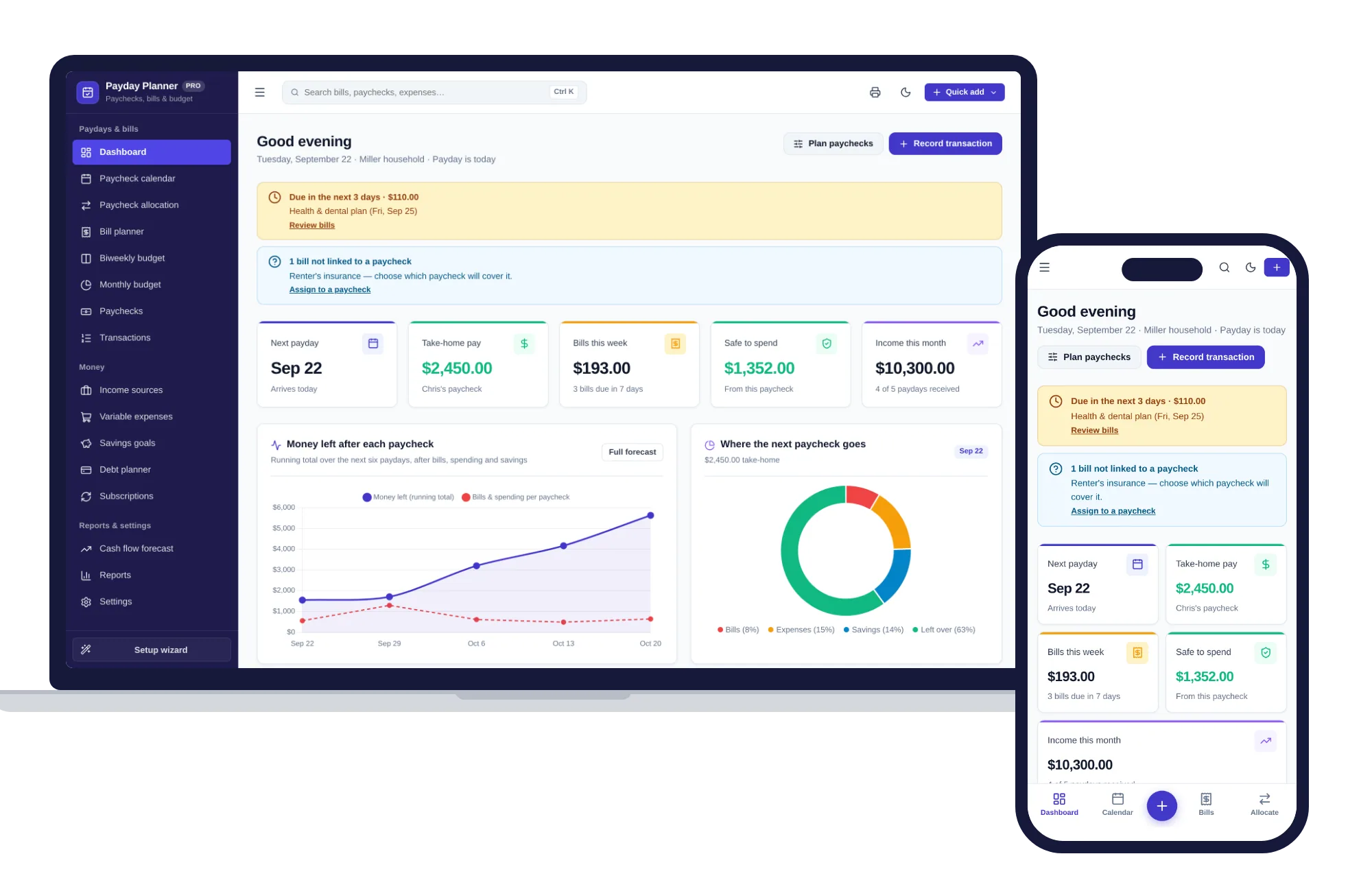
Irregular income is easier to handle when every payment gets a plan. A paycheck and bill planner that copes with irregular pay lets you enter each payment’s actual amount, or add a one-time deposit, and set a savings goal with a contribution per paycheck, which works well for a tax pot.
Keeping it all in one place
The Self-Employed Bookkeeping & Tax Planner covers the monthly hour for US freelancers and sole proprietors. Bank and card statements come in as CSV files, your own rules sort the lines into categories, and possible duplicates are held for you to check. Expenses sit in Schedule C categories with receipt photos kept on your device, income is tracked by client with a check against each 1099, and there’s a mileage log and a home office calculation. The quarterly estimated tax planner shows its working and adds your own set-aside percentage, and a payment log records each tax payment by period. A year-end summary is ready for your accountant. It never asks for a bank login. It gives estimates for planning, and it doesn’t prepare or file a return.
For the cash side, the Payday & Bill Planner assigns each bill to a paycheck, shows what’s left after bills and savings, and forecasts where your balance is heading over the next 30 days to 12 months.
Both run offline on your own device, with no subscription. If you’re still deciding what to keep your books in, here’s when software you buy once beats a monthly subscription, and you can browse other systems for work and side businesses.
Whatever you use, book your first money hour for next month, and move this week’s set-aside today.
Skip the setup
The Self-Employed Bookkeeping has the records this guide describes already set up. For freelancers and 1099 workers: import your bank CSV, sort it with your own rules, log mileage and plan quarterly tax. No formulas, no subscription.
$29.99 one-time
- Sample data to try it the same day
- Works offline, records stay on your device
- A PDF guide in the download
See everything inside the Self-Employed Bookkeeping. Or take the whole Work & side business shelf: 3 systems for $59.99, $19 less than one by one.
Common questions
How much should I set aside for taxes if I'm self-employed?
It depends on your profit, where you live and any other income you have, so the most reliable figure comes from an accountant who has seen your numbers. Until you have one, choose a cautious placeholder percentage of every payment and adjust it once you know more. Saving a little too much is far easier to fix than saving too little.
Should I set aside tax from my gross income or my profit?
In many tax systems, tax on self-employment is worked out on profit, meaning income minus allowable business expenses. Setting aside a share of each payment as it arrives is simpler, though, and leaves a cushion for months when expenses are low. Compare the pot with a profit-based estimate each quarter, and ask your accountant which expenses count where you live.
Do self-employed people have to pay quarterly taxes?
In many places, self-employed people are expected to pay tax in installments during the year instead of one payment at the end, and missing them can lead to penalties or interest. Whether that applies to you, how much and when all depend on where you live and what you earn. Check with your tax authority or an accountant, then put the dates in your calendar.
What records should a self-employed person keep for taxes?
Keep a record of every payment received with the date, client and amount, and every business expense with its category and receipt. Add business mileage if you drive for work, your bank and card statements, any income forms clients send you and a list of the tax payments you have made. Ask your tax authority or accountant how long to keep them.