It is Sunday evening, and the stock sheet says you have 14 of your best seller. The shelf says three. Somewhere between Tuesday and Friday a column got sorted without the one next to it, or a formula was typed over, and now you are counting boxes instead of eating dinner.
That is usually when the spreadsheet vs software question comes up. The honest answer is that a spreadsheet is the right tool for longer than software companies admit, and the wrong tool sooner than spreadsheet fans admit. Here is how to tell which side of that line you are on.
What a spreadsheet does well
Do not let anyone talk you out of a spreadsheet too early. It costs little or nothing, it bends to any layout you want, you already know how to use it, and it is ideal for one-off jobs like comparing quotes or running what-if numbers.
A household budget with 15 lines, or a shop with 40 products and a count once a month, can run happily in a spreadsheet for years. If yours works and you trust the numbers, keep it.
When should you stop using a spreadsheet?
Spreadsheets wear down rather than fail. Watch for these signs.
You type the same fact more than once. A sale should lower your stock, add to your sales total and, if it was on credit, raise what that customer owes. In a spreadsheet that is three edits on three tabs. Sell 30 things a day and you are making 90 edits, and one missed edit is enough for the tabs to disagree.
You need reminders. A spreadsheet never taps you on the shoulder. It will not tell you an invoice is ten days overdue, or that you are down to your last two boxes of something, unless you build that and remember to look.
You cannot tell why a number changed. If a count drops by six, was that a sale, a breakage or a typo? Software built for stock keeps that trail. An inventory system that logs every stock movement, for example, turns a missing six into something you can trace instead of guess at.
You spend more time fixing it than using it. This is the clearest sign. Once you are maintaining the tool more than running your business with it, the tool has become the job.
The money side follows the same pattern. Working out who owes what across an invoices tab and a payments tab is fiddly, and it is exactly what a small business management system that tracks invoices and customer balances does in one place.
Spreadsheet, subscription app or ready-made system?
There are really three options, not two. Here they are side by side.
| Spreadsheet | Subscription app | Ready-made offline system | |
|---|---|---|---|
| Cost | Free or low, plus your time | A fee every month, for as long as you use it | A one-time price |
| Setup | You build every column and formula | Sign up, import, learn the screens | Open it, try the sample data, add your own |
| Fits your exact way of working | Completely | Within its settings | Within its screens |
| Reminders and alerts | Only what you build | Usually built in | Built in for its job |
| Several people editing at once | Easy with a shared online file | Its main strength | No, each device keeps its own copy |
| Works without internet | A file on your computer does | Usually not | Yes |
| Where your records live | Wherever you save the file | On the company’s servers | In the browser on your own device |
| Who makes backups | You | The company | You, by saving a backup file |
Read the table honestly. If several people need the same records at the same time from different places, a subscription app earns its fee and an offline system is the wrong choice. If your job is unusual, a spreadsheet may stay the best tool. If one person or one front desk runs a standard job like invoices, stock or a household budget, a ready-made system does the most with the least fuss.
Spreadsheet vs software: a five-question test
- Do you enter the same fact in more than one place? If yes, software that updates everything from one entry saves time and errors.
- Does anything need to warn you? Due dates, low stock, an overspent category. If yes, lean toward software.
- Do several people edit at once, from different places? If yes, choose a subscription app with shared access.
- Is the job standard? Invoicing, stock and household money are well-worn problems, and a ready-made tool has already solved them.
- Will you make a backup every week? If not, any tool that keeps records only on your device is a risk.
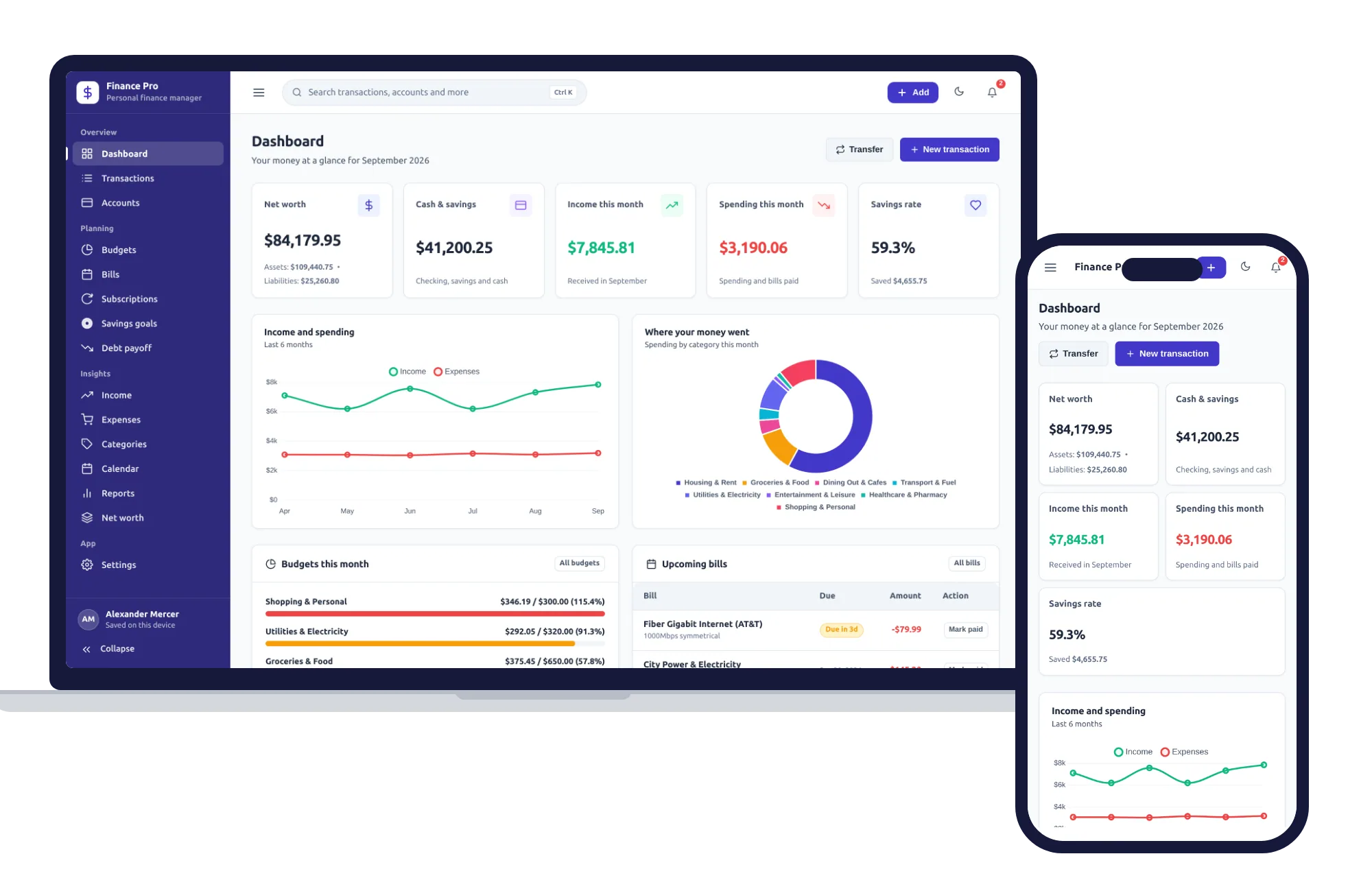
Households can run the same test. A budget spreadsheet usually starts as one tab, then grows a bills tab, a subscriptions tab, a savings tab and a debt tab, none of which talk to each other. At that point a personal finance manager with budgets, bills and savings goals in one app is simply less work.
What building it yourself really takes
If you keep a spreadsheet for a small shop, build it properly:
- A products tab with cost, price, a margin formula and a reorder level that turns low items red.
- A sales tab that looks up each price and subtracts from stock.
- An invoices tab with numbering, due dates, partial payments and overdue highlighting.
- A customers tab whose balance nets every invoice against every payment.
- An expenses tab by category, and a profit and loss summary that pulls from all of the above.
For someone comfortable with lookups, that is a weekend or two, and every later change risks breaking something that worked.
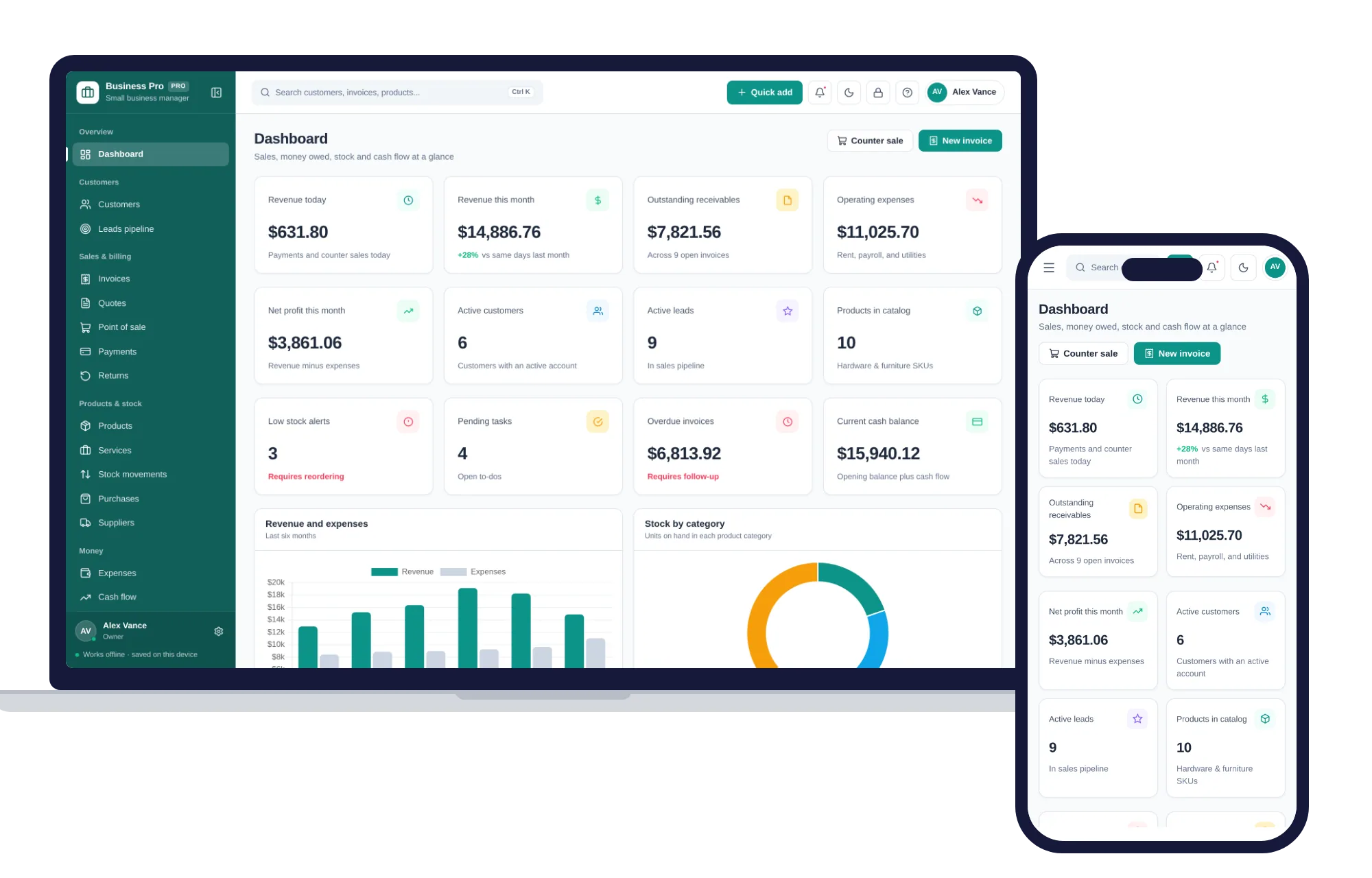
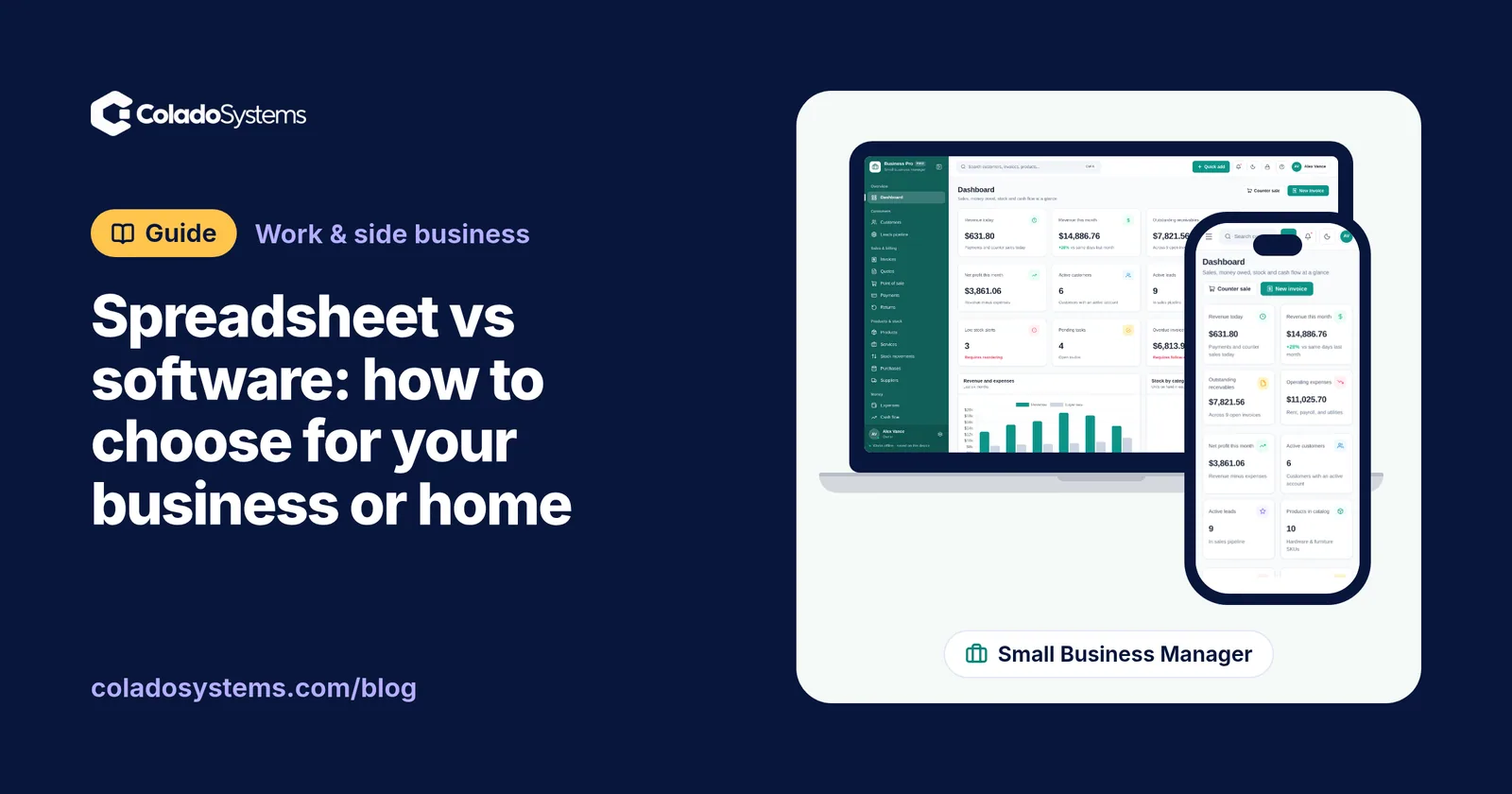
Now hold that list next to what the Small Business Management System already has. Products & stock shows cost, price and margin per item, with low stock and out-of-stock alerts. The point of sale updates stock automatically as you ring things up. Invoices record full or partial payments, and overdue ones stand out. Customers shows who owes you and how much, with the full history of invoices and payments. Expenses & budgets sorts spending by category, and the Profit & loss page brings revenue, cost of goods and expenses together.
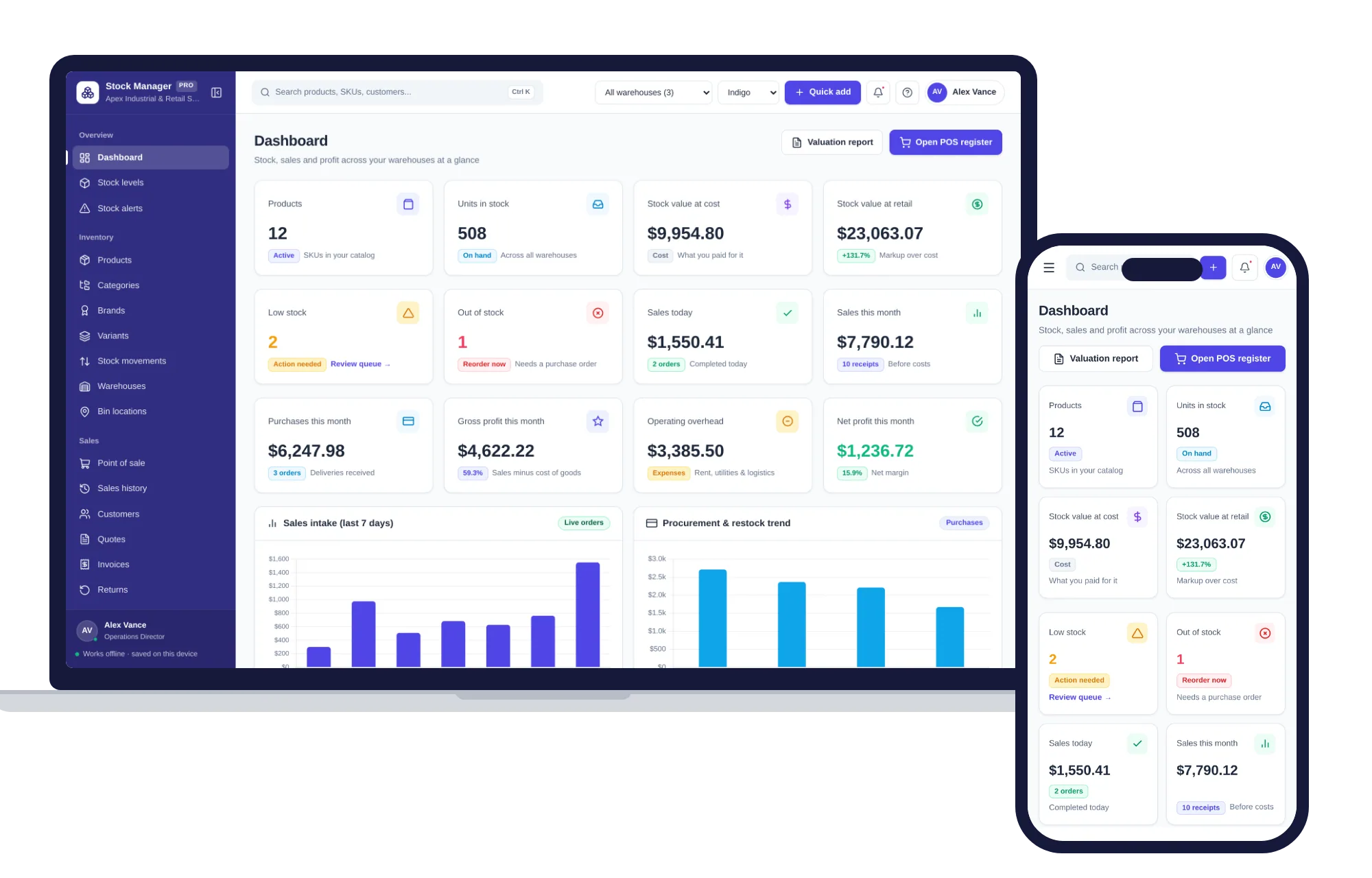
If stock is the center of your business, with several locations, purchase orders and SKUs with barcodes, Inventory & Stock Management goes deeper there. Stock levels show on hand, reserved and available, reorder points flag low items, and deliveries are received straight into stock from a purchase order.
What does each option cost over five years?
Here is a made-up example. Say an invoicing app costs $15 a month and a stock app another $20. That is $35 a month, $420 a year, and $2,100 over five years if the prices never rise. A ready-made offline system is a one-time price, paid once.
The spreadsheet looks free, so price your time. If keeping it working takes an hour a week and your time is worth $30 an hour, that is about $1,500 a year. Be fair to the subscription, though: if you use its shared access or bank connections every week, those are worth paying for.
Keeping it all in one place
If the test pointed you to a ready-made system, the ones in this store are easy to try. Each opens with sample data, so you can click around before entering anything of your own. There is no account or sign-up, it works offline, your records stay in the browser on your own device, and a PDF guide is included.
Two honest limits: each device keeps its own copy, so there is no live shared access for a team, and you make the backups, which means downloading a backup file from Settings each week and keeping a copy somewhere else.
The Small Business Management System and Inventory & Stock Management sit on the same shelf, so you can also get them together in one of the bundles, which costs less than buying them one by one. At home, the Personal Finance Manager keeps budgets, bills, subscriptions, savings goals and debt payoff in one app, with no bank connection and nothing uploaded.
Still weighing the money side? Read when software you buy once beats a monthly subscription. If stock is the headache, a simple stock count routine for a small shop helps whichever tool you use. You can also browse other systems for work and side businesses.
For a shop or service business, the next step is short: you can see everything inside the Small Business Management System and try it with the sample data the same day.
Skip the setup
The Small Business Manager has the records this guide describes already set up. Customers, leads, invoices, point of sale, stock, expenses and profit & loss in one offline app.
$29.99 one-time
- Sample data to try it the same day
- Works offline, records stay on your device
- A PDF guide in the download
See everything inside the Small Business Manager. Or take the whole Shops, food & stock shelf: 7 systems for $114.99, $94 less than one by one.
Common questions
Is Excel good enough for a small business?
For many small businesses it is, at the start. A spreadsheet handles a short product list, a simple budget or a monthly sales log well. It struggles once one sale has to update stock, a customer balance and your totals, or once you need warnings for due dates and low stock. When fixing the sheet takes more time than using it, look at software built for the job.
What are the disadvantages of using a spreadsheet for inventory?
Every sale and delivery has to be typed in by hand, often on more than one tab, so small mistakes creep in. A sorted column or an overwritten formula can quietly throw off your counts. A spreadsheet also keeps no history of why a number changed, and it will not warn you when an item drops below its reorder level unless you build that yourself.
Is it cheaper to use a spreadsheet or buy software?
A spreadsheet costs little in money and more in time. To compare fairly, add up the hours you spend building, fixing and double-checking it each month and put a value on them. Then compare that with a subscription fee multiplied over five years, or with a one-time purchase plus the few minutes a week you spend making backups.
Can I move my spreadsheet data into software later?
Usually, if the spreadsheet is tidy. Keep one row per item or transaction, one kind of information per column, and consistent names and date formats, and save a CSV copy. Some programs import CSV files directly, while others need starting balances typed in by hand. Check what a tool can import and export before you trust it with years of records.