
Customers
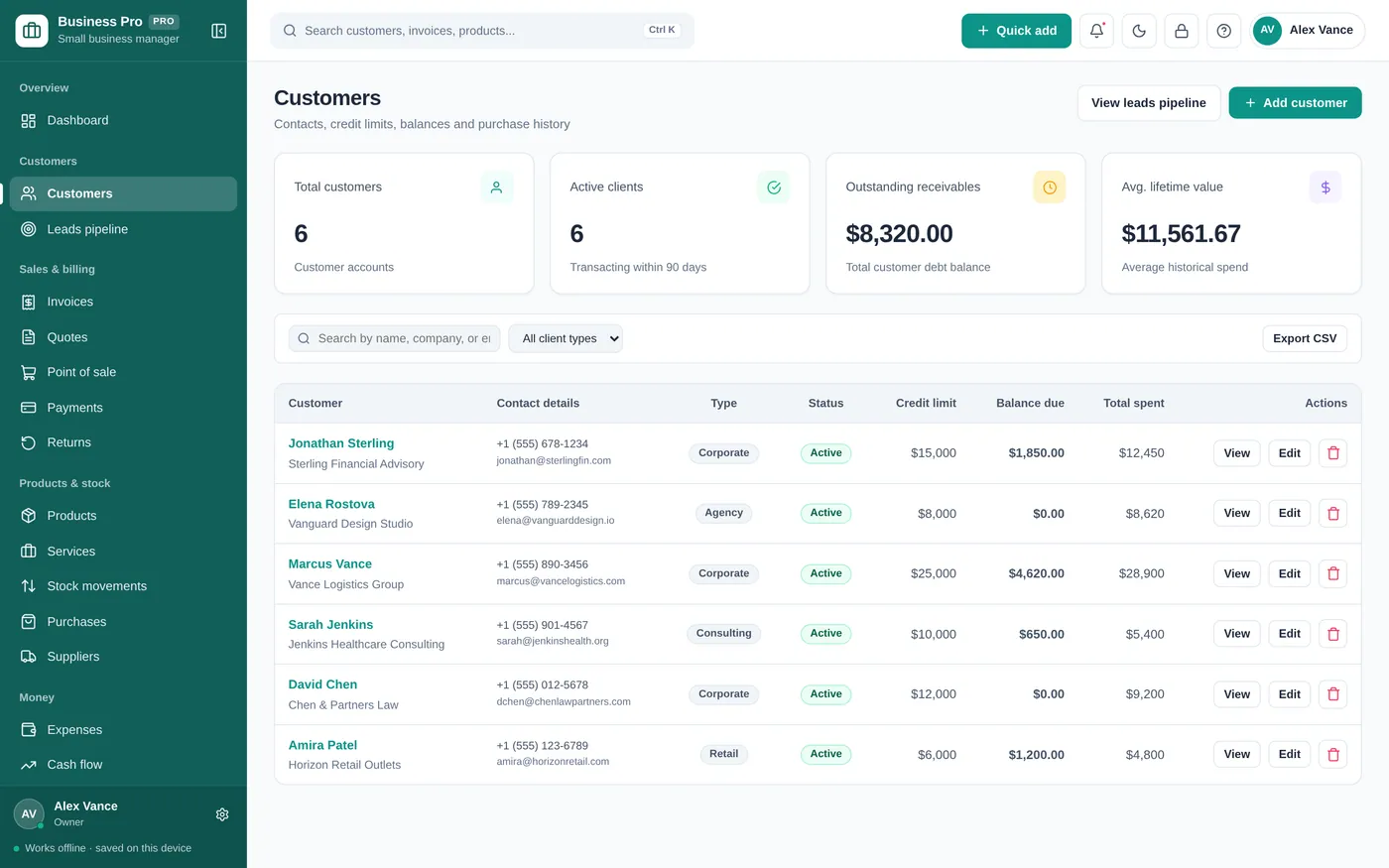
Every customer and balance in one place
- Contacts, credit limits and notes
- See who owes you and how much
- Full history of invoices and payments
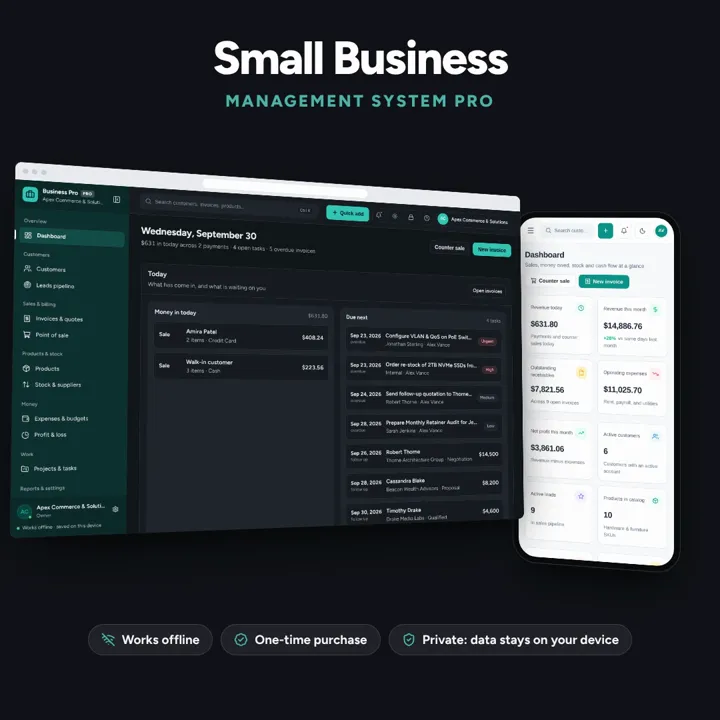
Customers, leads, invoices, point of sale, stock, expenses and profit & loss in one offline app.
No subscription. Pay once and keep it.
Checkout by Paddle. Tax is added where it applies, and you download straight after paying.
Made for Solopreneurs, small business owners, consultants, service providers, and local shops
Customers
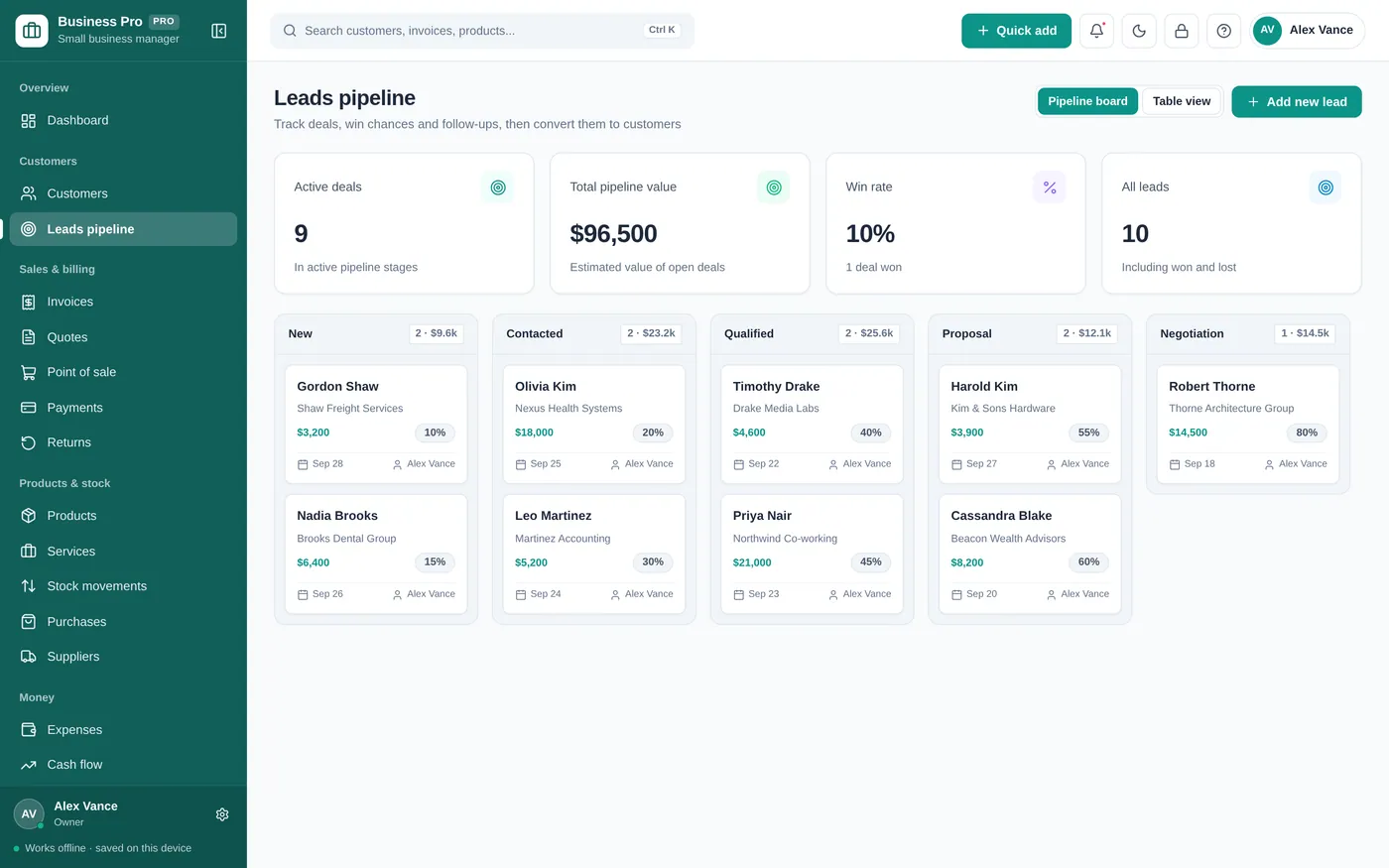
Leads pipeline
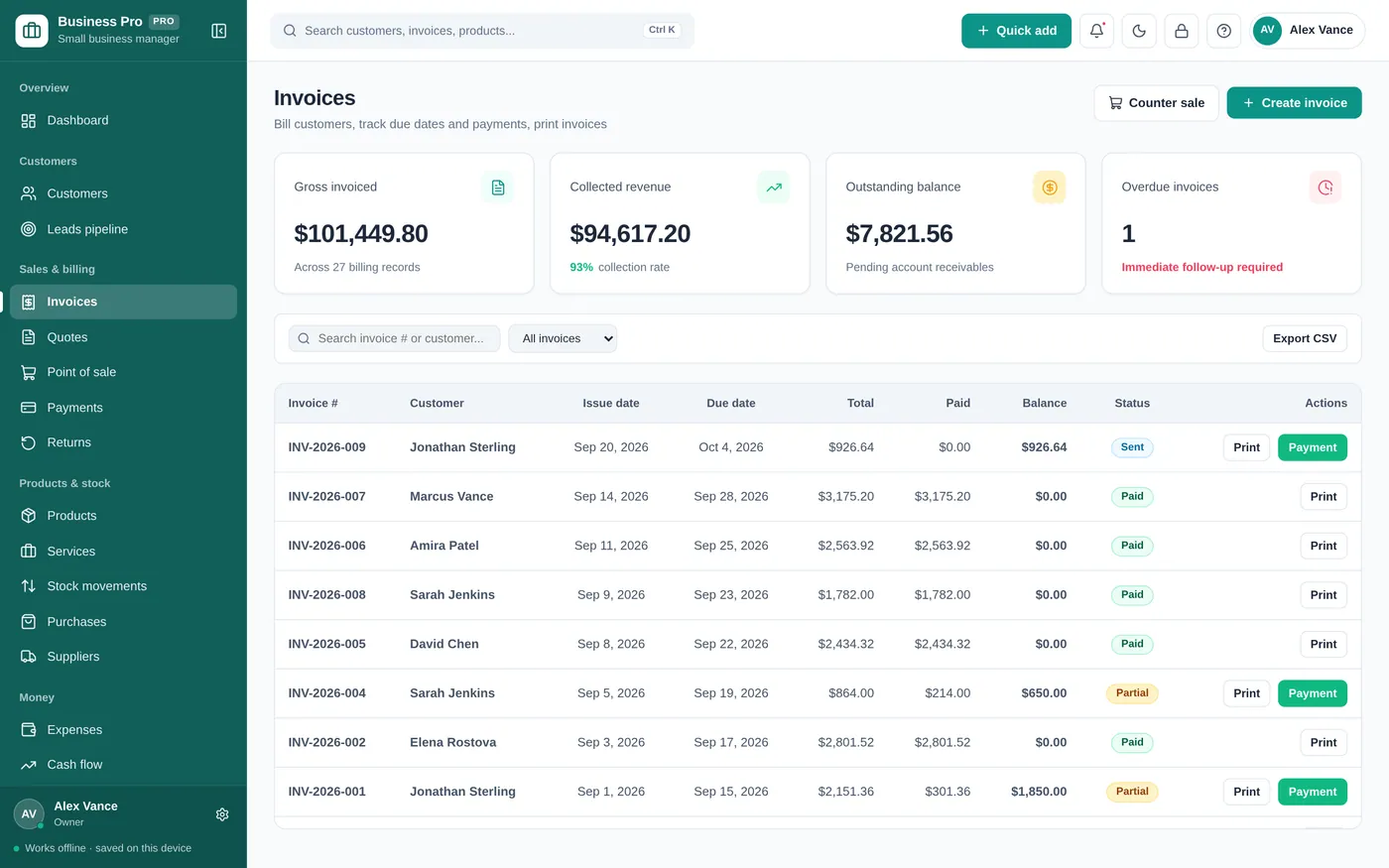
Invoices
Point of sale
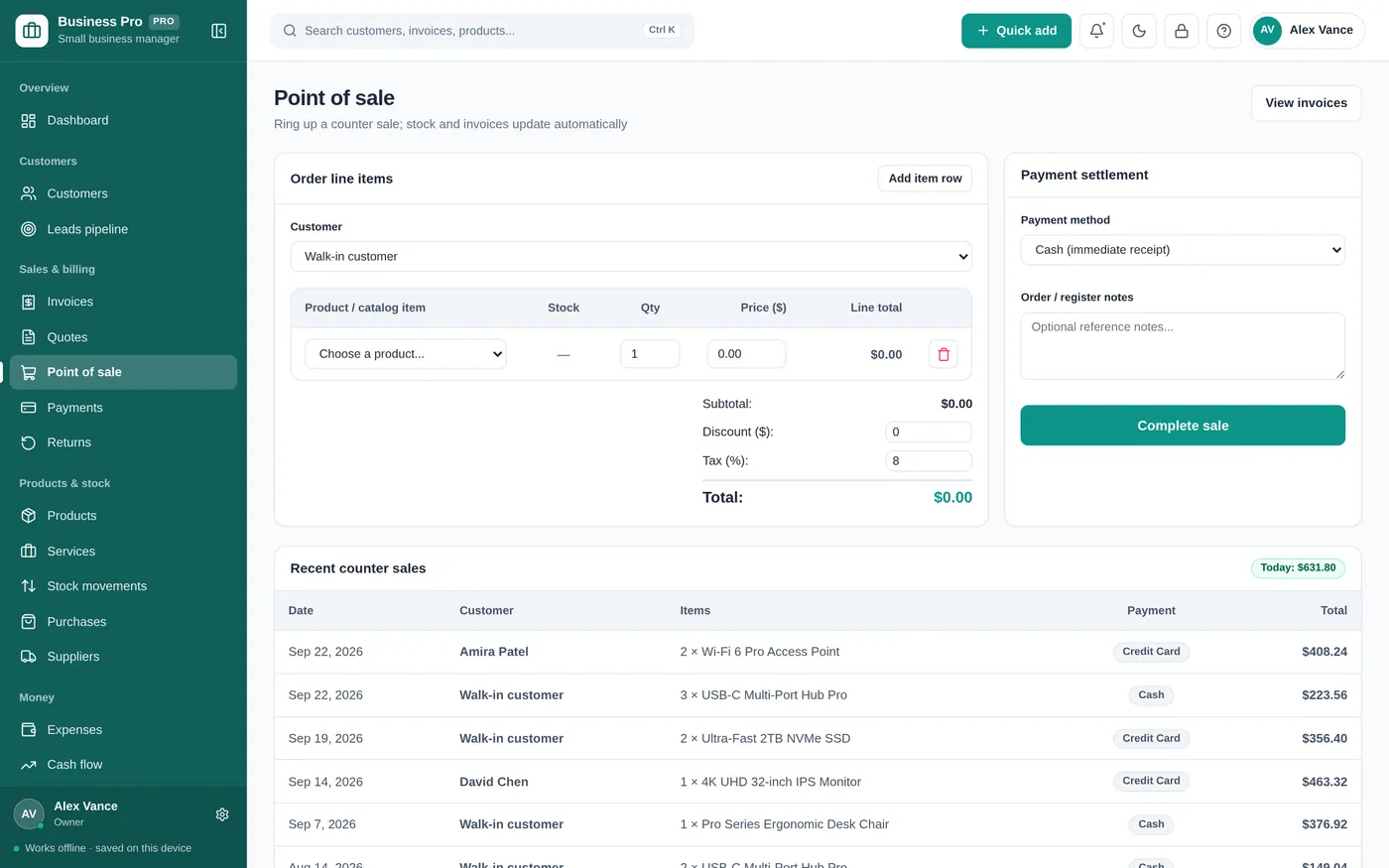
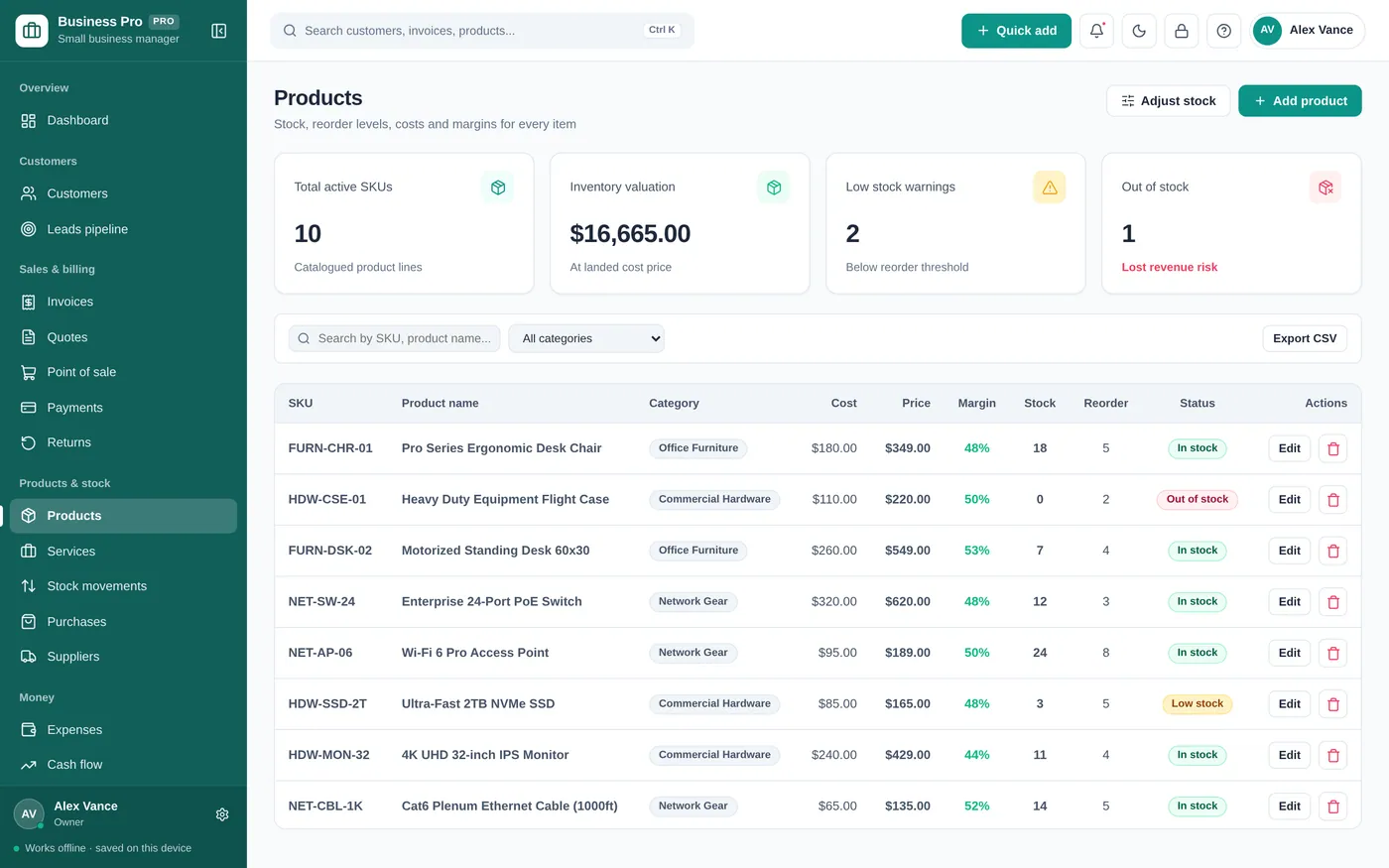
Products & stock
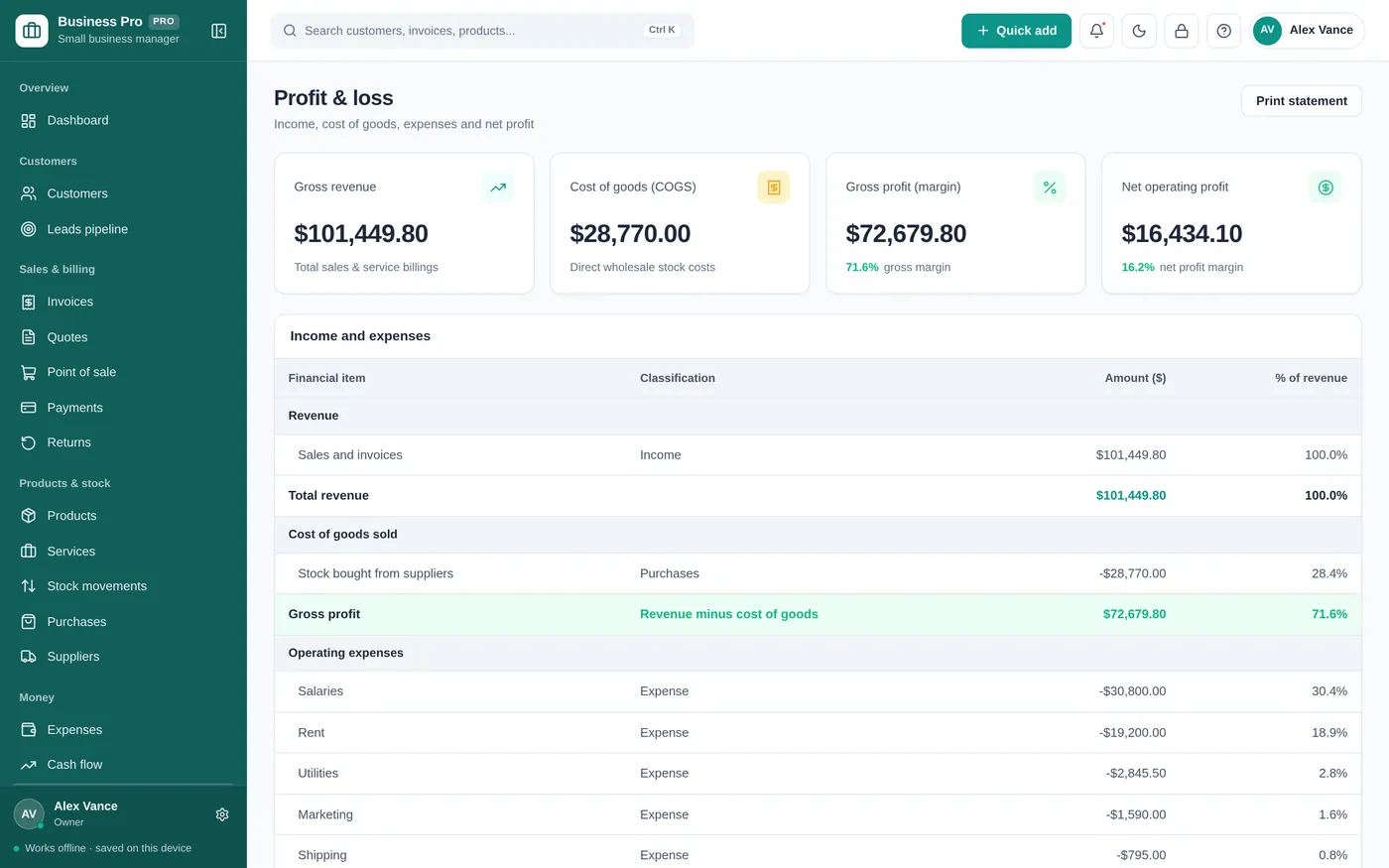
Profit & loss
For shops, service businesses, freelancers and small teams.
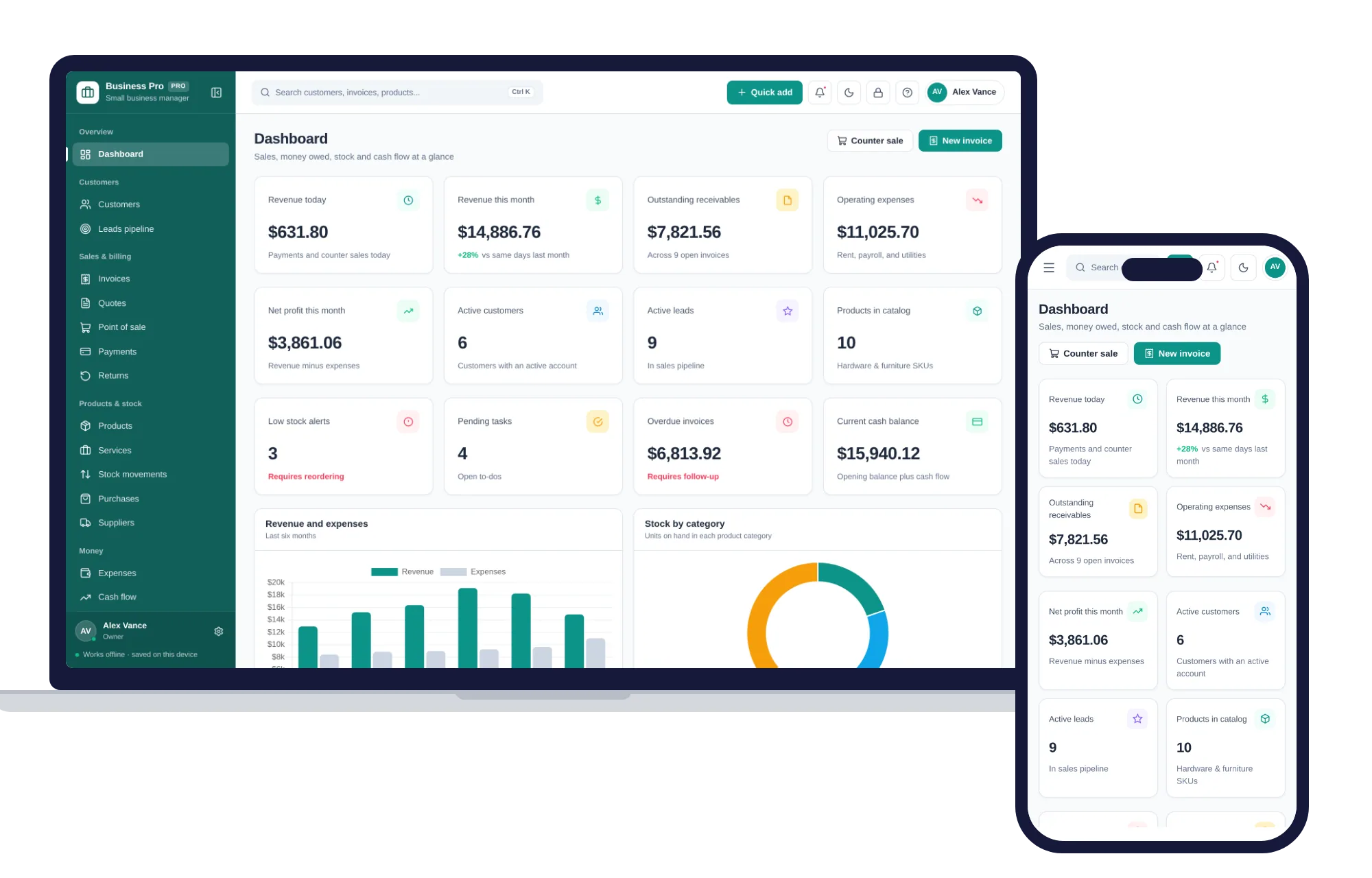
Install it like an app. Your business records never leave your device.
What it needs, and what it does not do.
Small Business Manager is an offline app from ColadoSystems that runs in your web browser from a folder on your own device. It costs $29.99 once, with no subscription and no account, and includes 12 tools, sample data to explore and a PDF guide. Your records stay on your device and are never uploaded.
Something else? Email us and we'll answer before you buy.
Yes. Go to Settings & backup and fill in the business profile: legal business name, tagline, phone, email, address, tax ID, currency, payment terms and the payment details you want printed. Save it and every invoice uses them. Until you fill it in, invoices print "Your business" as the name.
Yes. "Products" holds physical stock with cost, price and reorder levels, and "Services" holds billable work with a rate and a billing cadence. An invoice can mix both.
No. Everything runs in your browser on this device and is saved there. You can raise invoices and manage clients on a plane, on a train, or with the Wi-Fi down.
Open the "Reports" page, pick the statement you want (profit and loss, sales summary, expense breakdown, sales tax collected, and so on) and click "Export CSV" or "Export Excel". You can email the file straight to them. The Profit & loss page also has a period picker if you just want to print one quarter or year.
No. Click "Forgot PIN?" on the lock screen, type RESET in the box and click "Reset PIN and unlock". The lock is a privacy screen that hides your records from anyone walking past the device; it does not encrypt them, and resetting it deletes nothing. You land on the Settings PIN field so you can set a new one, or leave it empty to keep the lock off.
No. It is made for one person on one device, and records do not sync between devices. To move to another device, save a backup and restore it there.
No. It runs offline on your own device, so there is no booking page for customers and it does not take card payments. You record bookings and payments in it yourself, including ones taken by phone, card reader or another website.
The shops, food & stock bundle has every system in this category for one price.
Stock, orders, pricing and labels for shops, kitchens and warehouses.
$114.99for 7 systems, $209.93 if bought one by one
You save $94
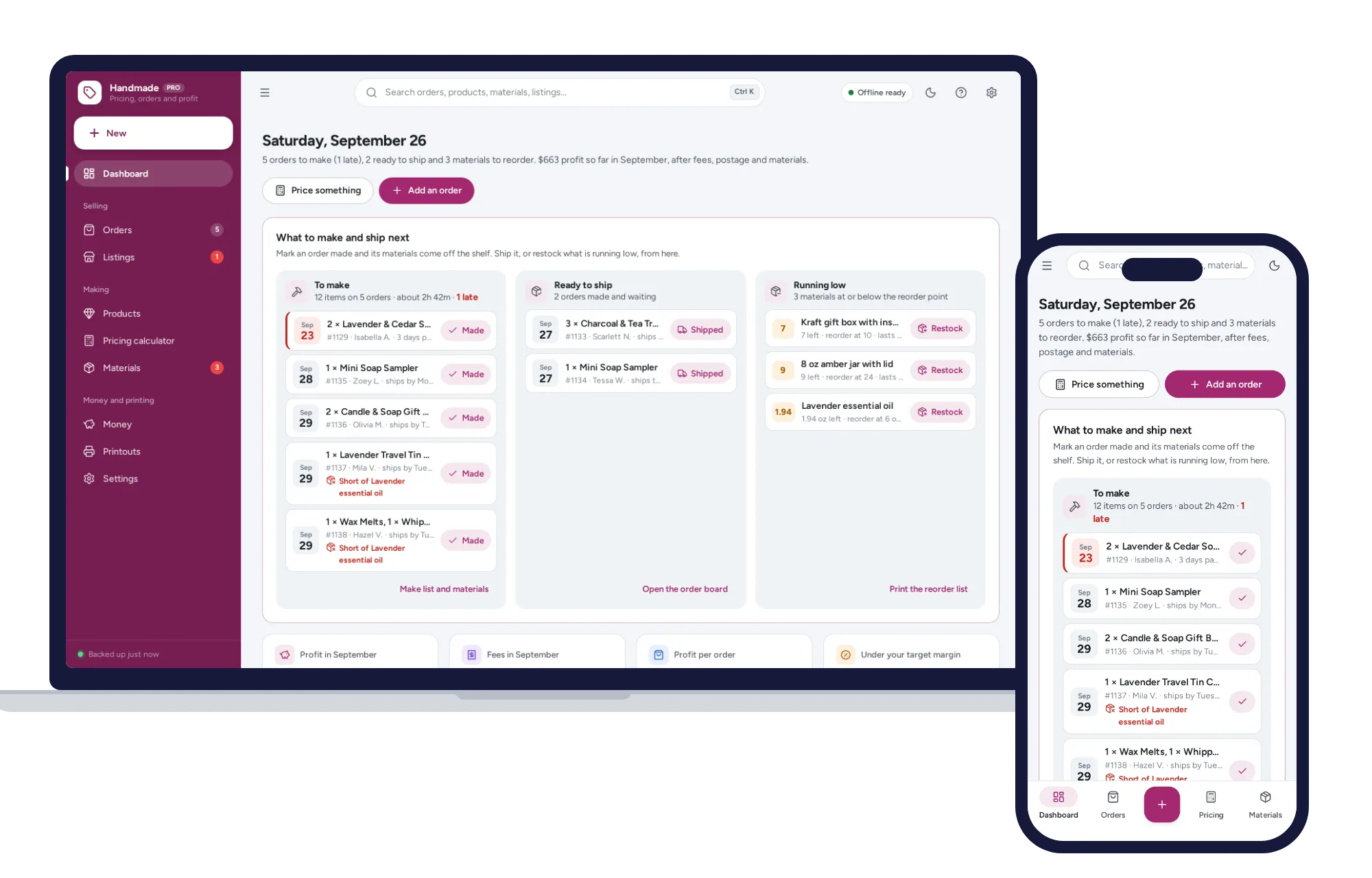
Shops, food & stock
The price that leaves your margin after every listing, transaction and payment fee — and the true profit on every sale. No formulas to break, no subscription.
$29.99one-time
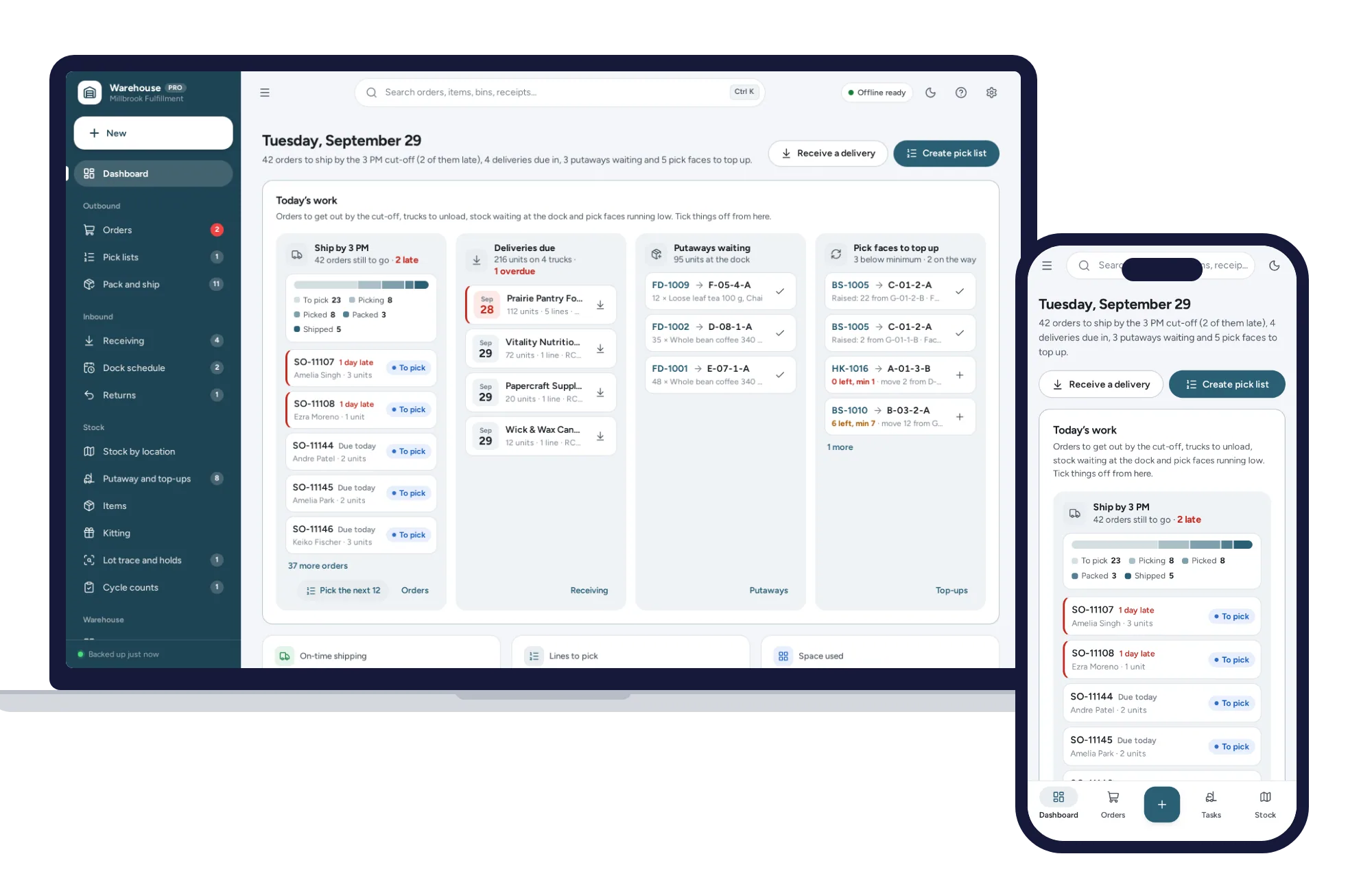
Shops, food & stock
Know which bin every item is in, pick orders in walking order and ship first-expired-first-out, from one dashboard. No formulas to break, no subscription.
$29.99one-time
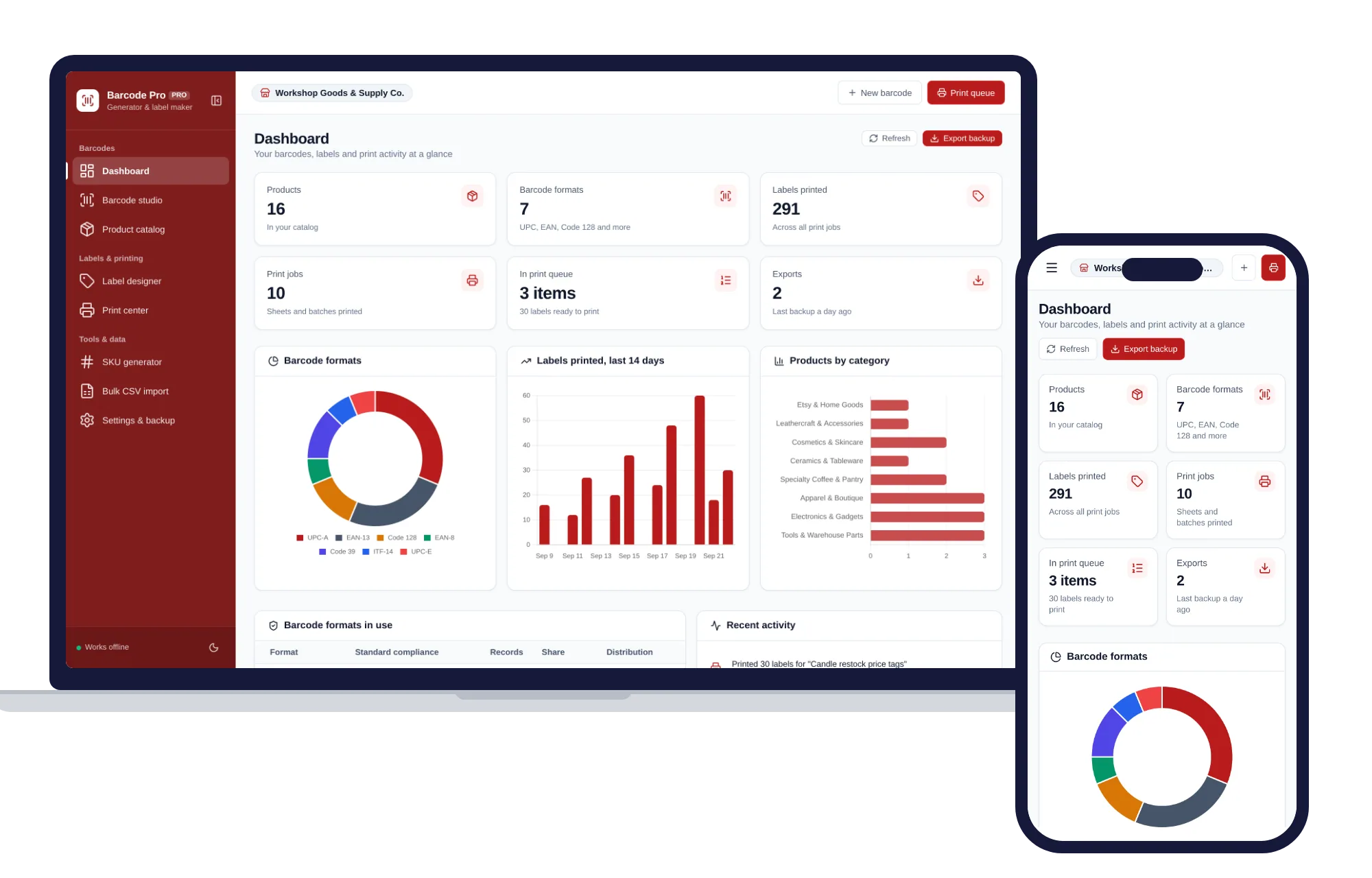
Shops, food & stock
Create barcodes, keep a product catalog and print label sheets for your shop, all offline.
$29.99one-time
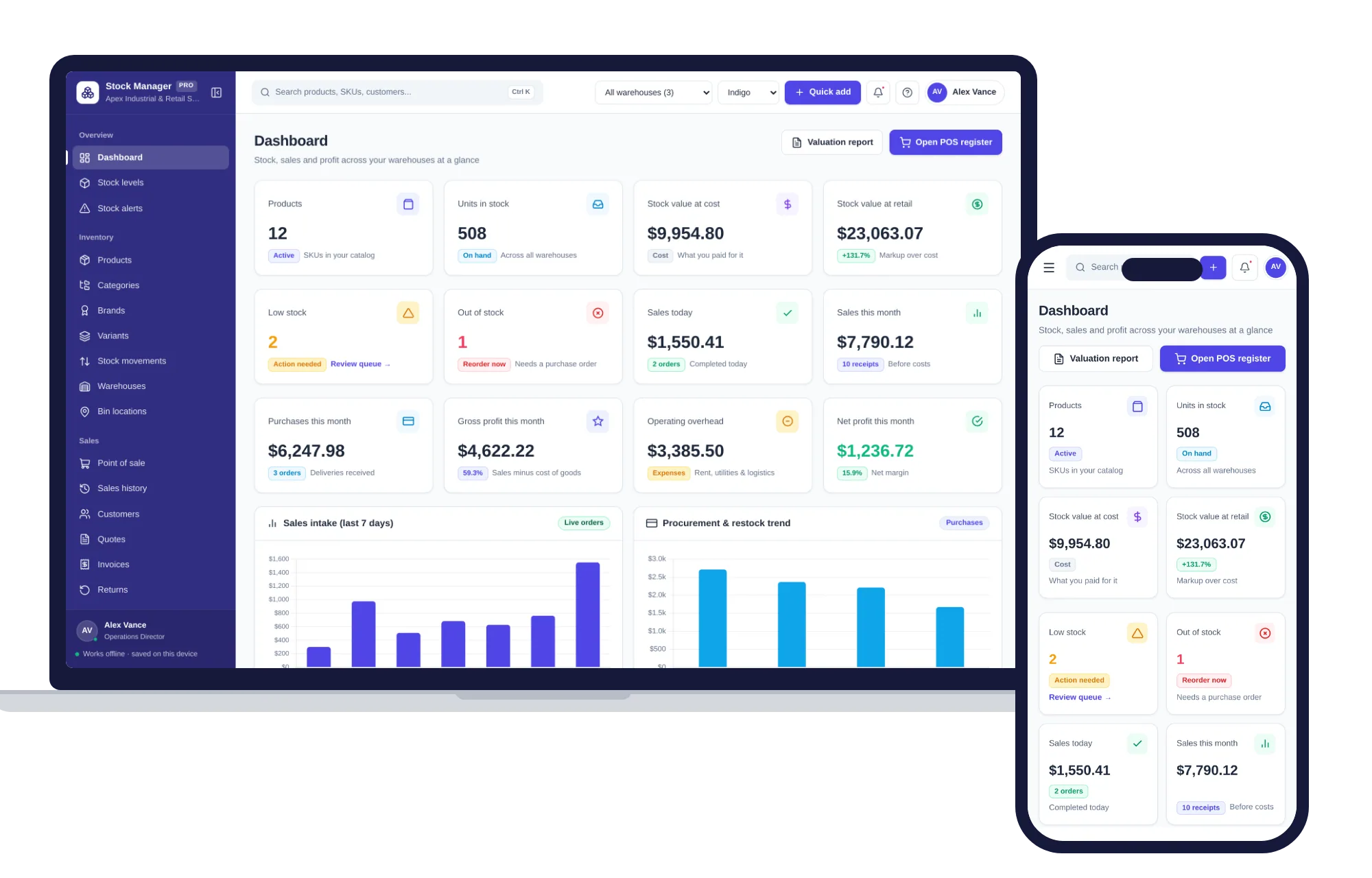
Shops, food & stock
Products, stock levels, warehouses, point of sale, purchase orders and profit reports in one offline app.
$29.99one-time