
Barcode studio
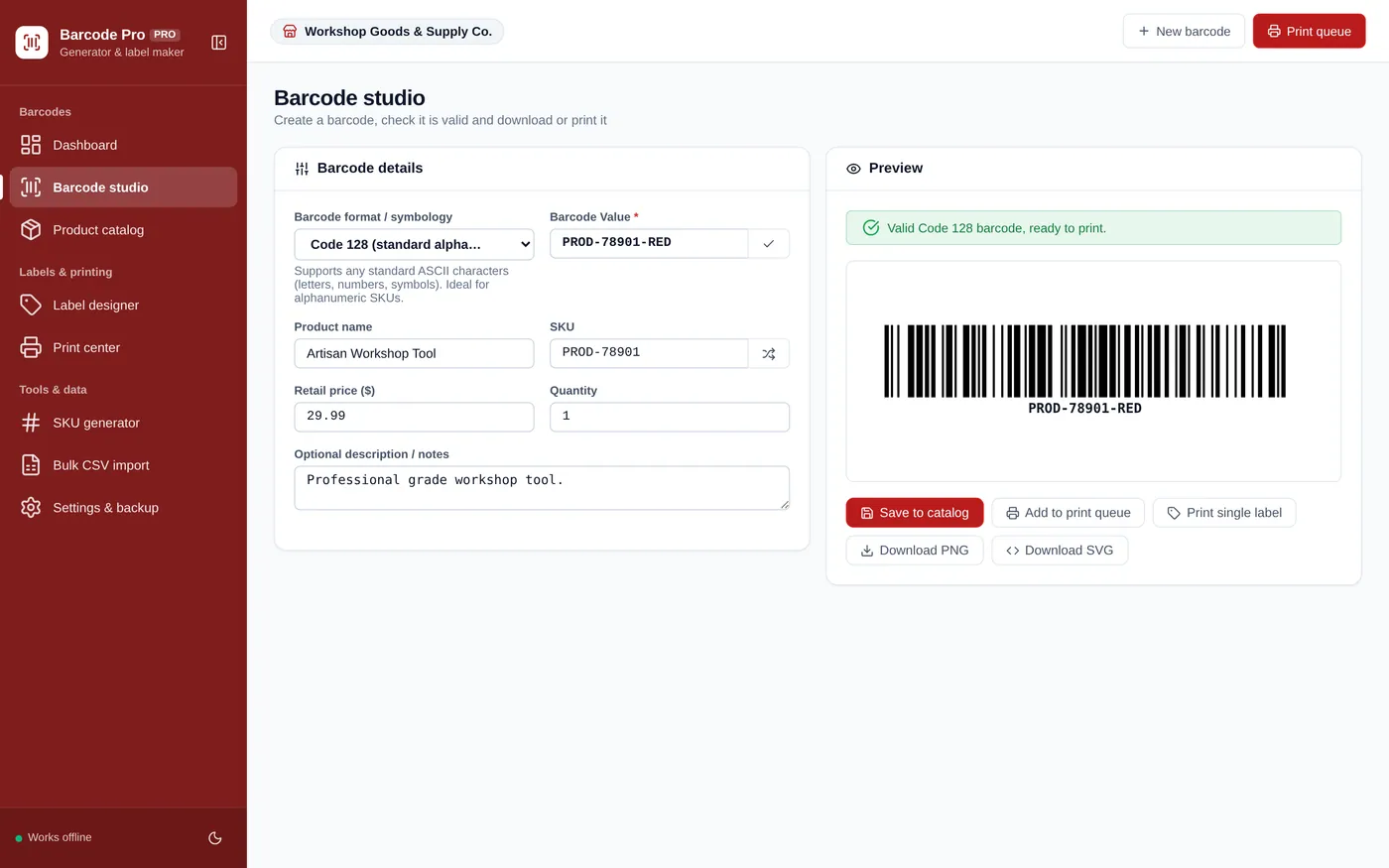
Make a valid barcode in seconds
- UPC, EAN, Code 128, Code 39 and ITF-14
- Check digits validated as you type
- Download PNG or SVG, or print a label
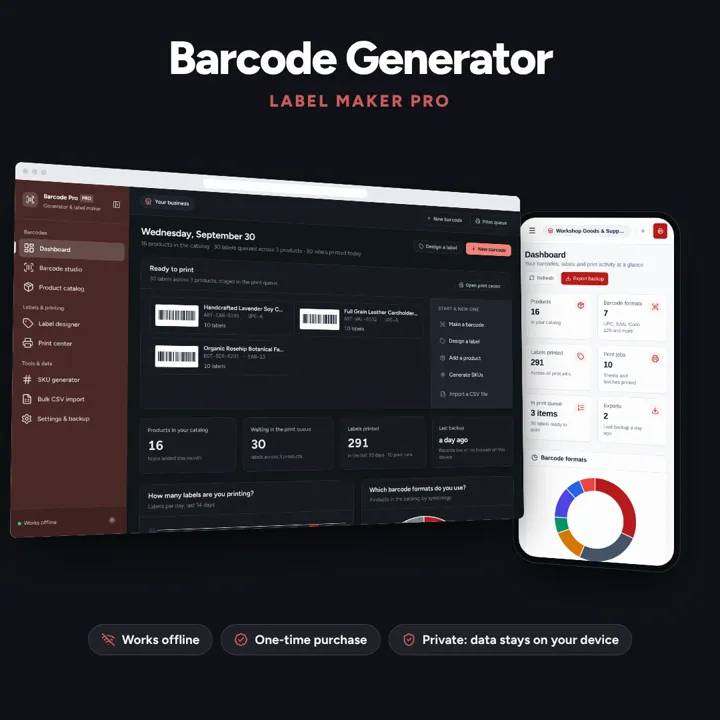
Create barcodes, keep a product catalog and print label sheets for your shop, all offline.
No subscription. Pay once and keep it.
Checkout by Paddle. Tax is added where it applies, and you download straight after paying.
Made for Retail store owners, Amazon FBA sellers, warehouse managers, boutiques, and inventory teams
Barcode studio
Product catalog
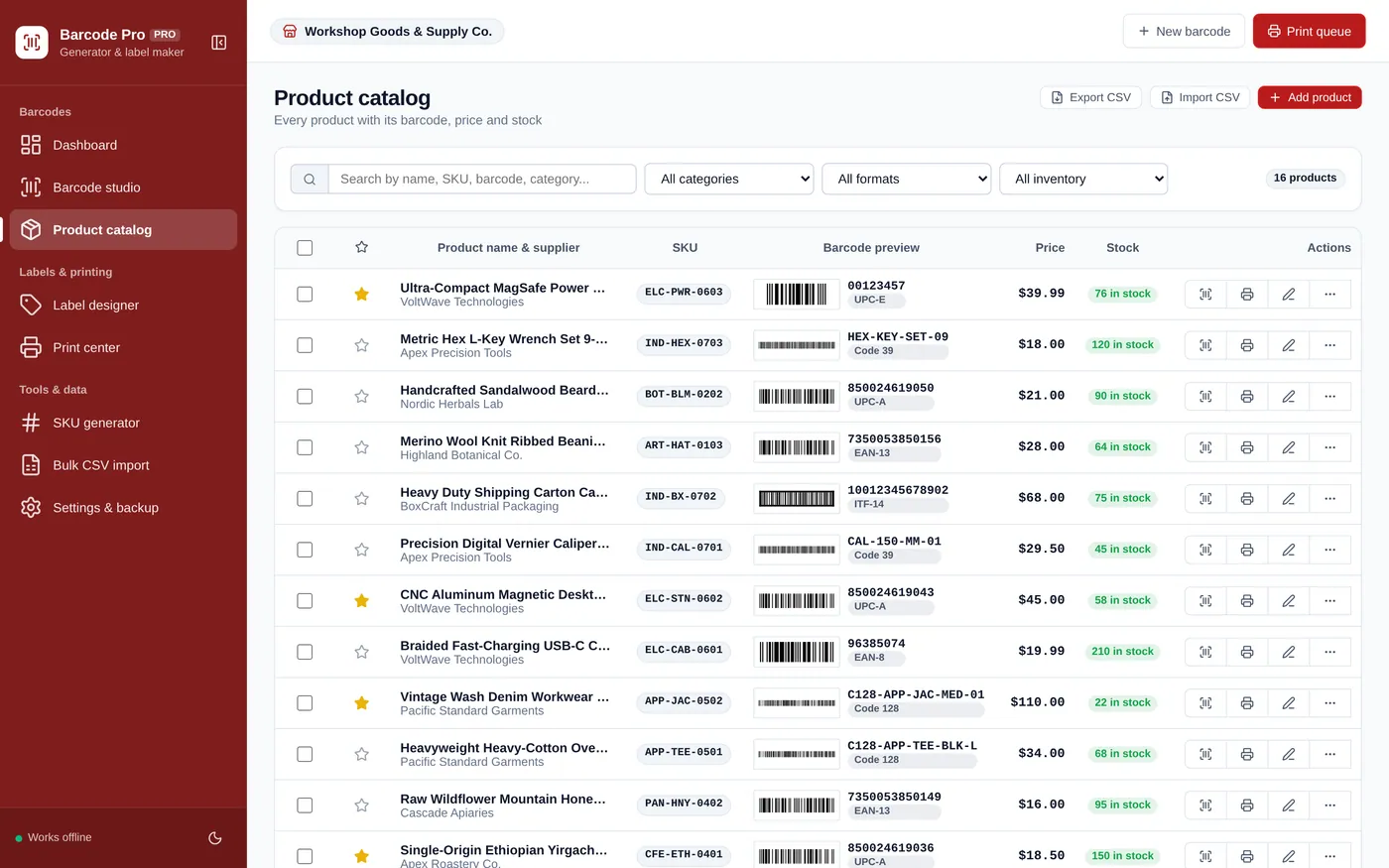
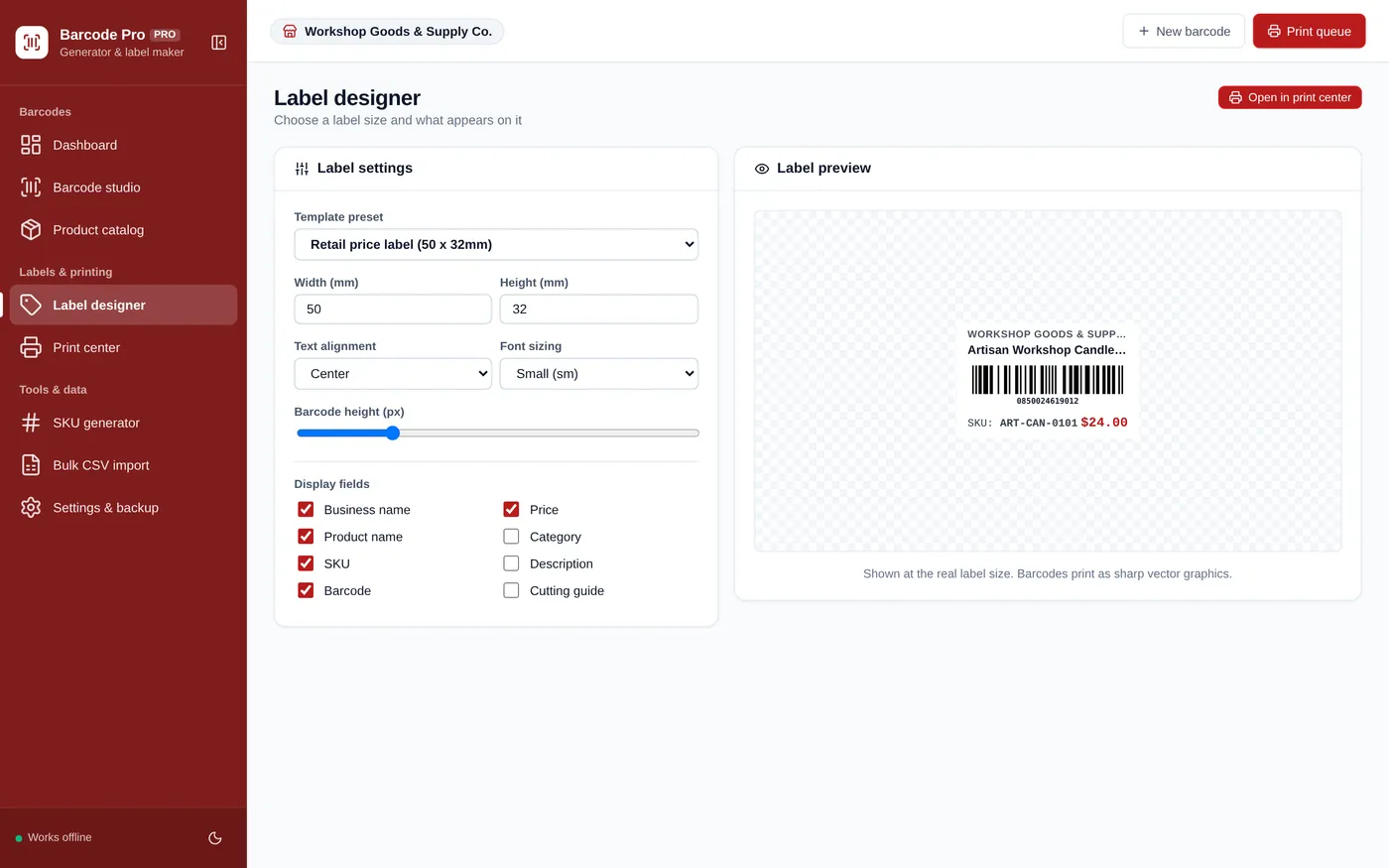
Label designer
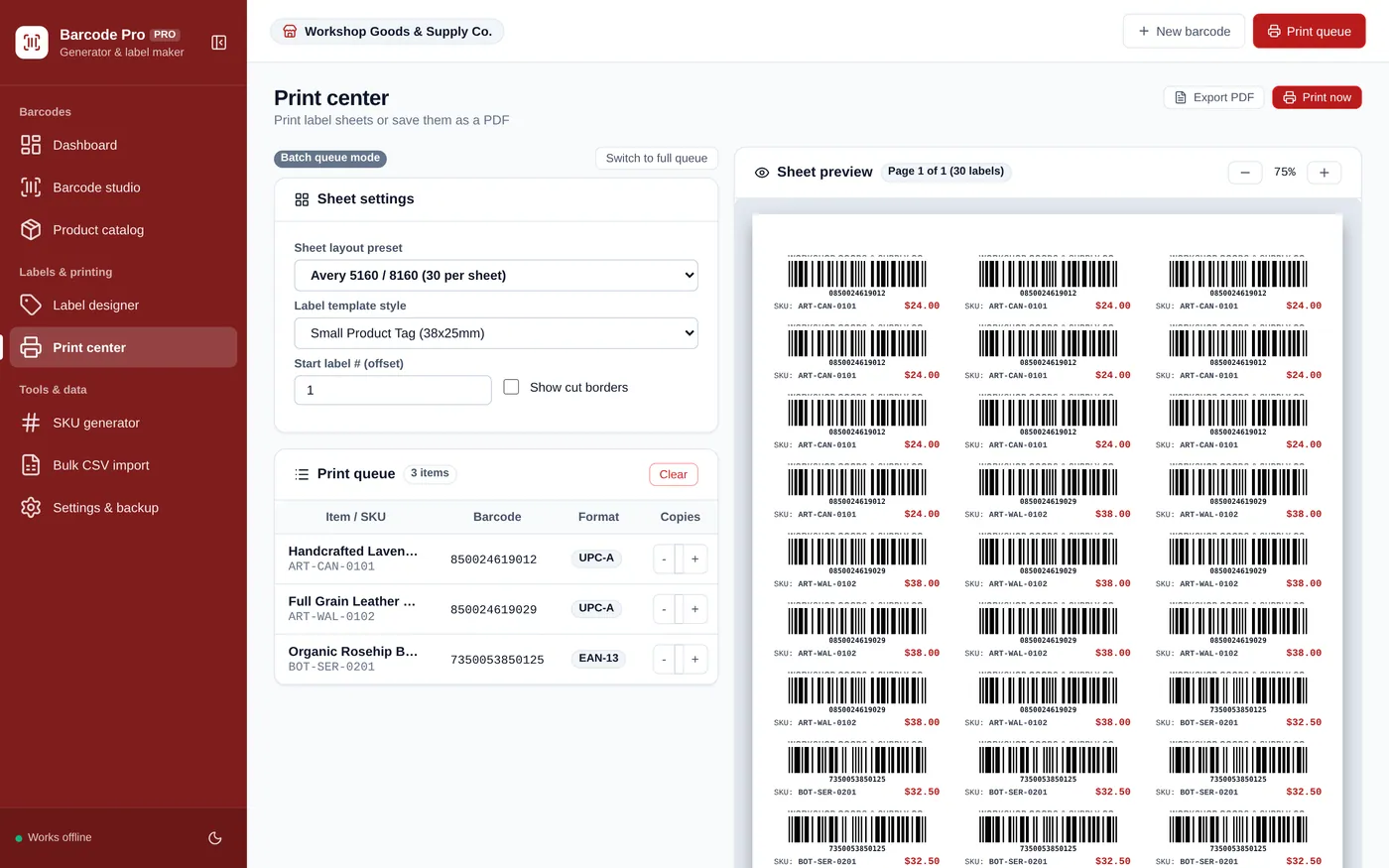
Print center
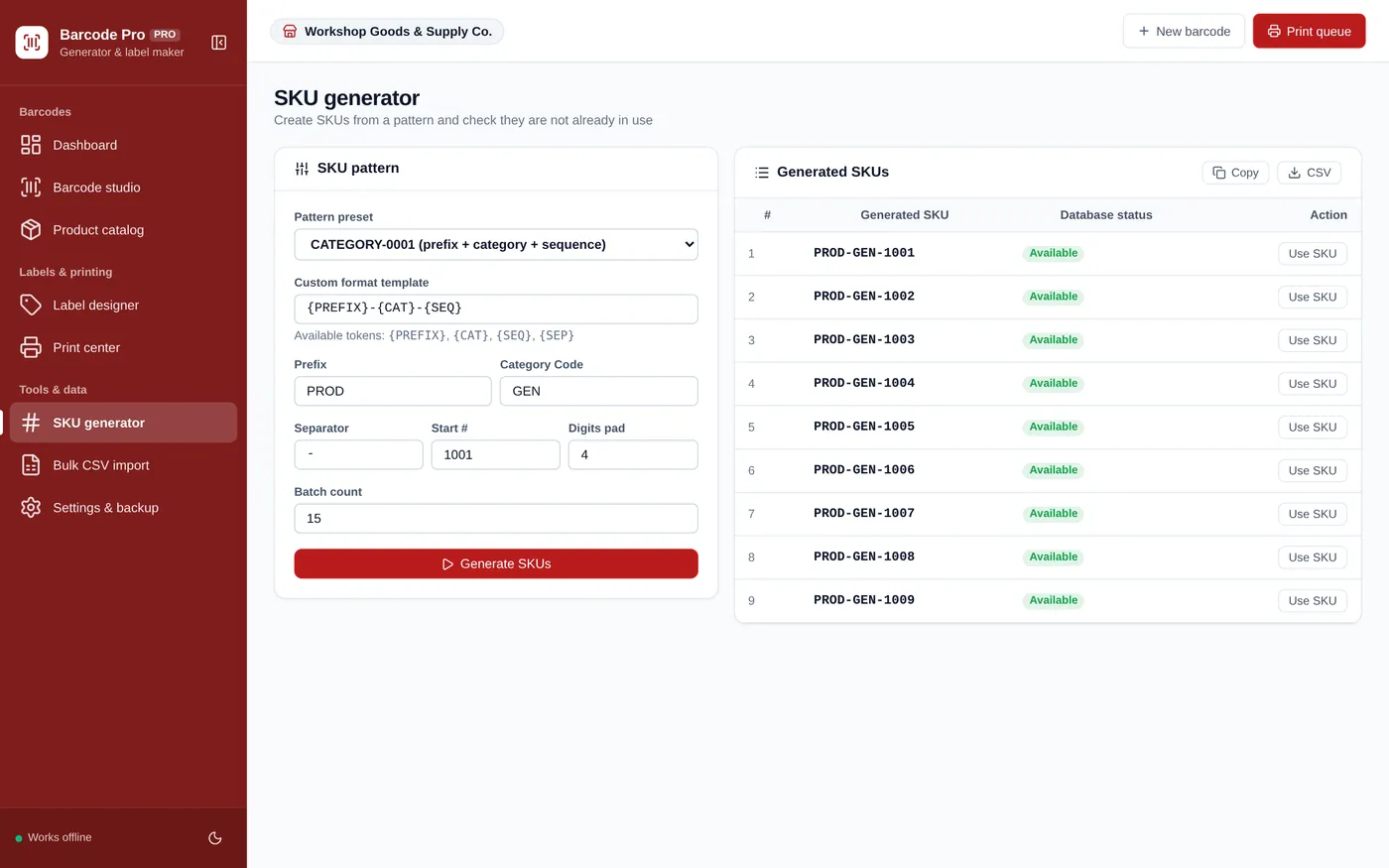
SKU generator
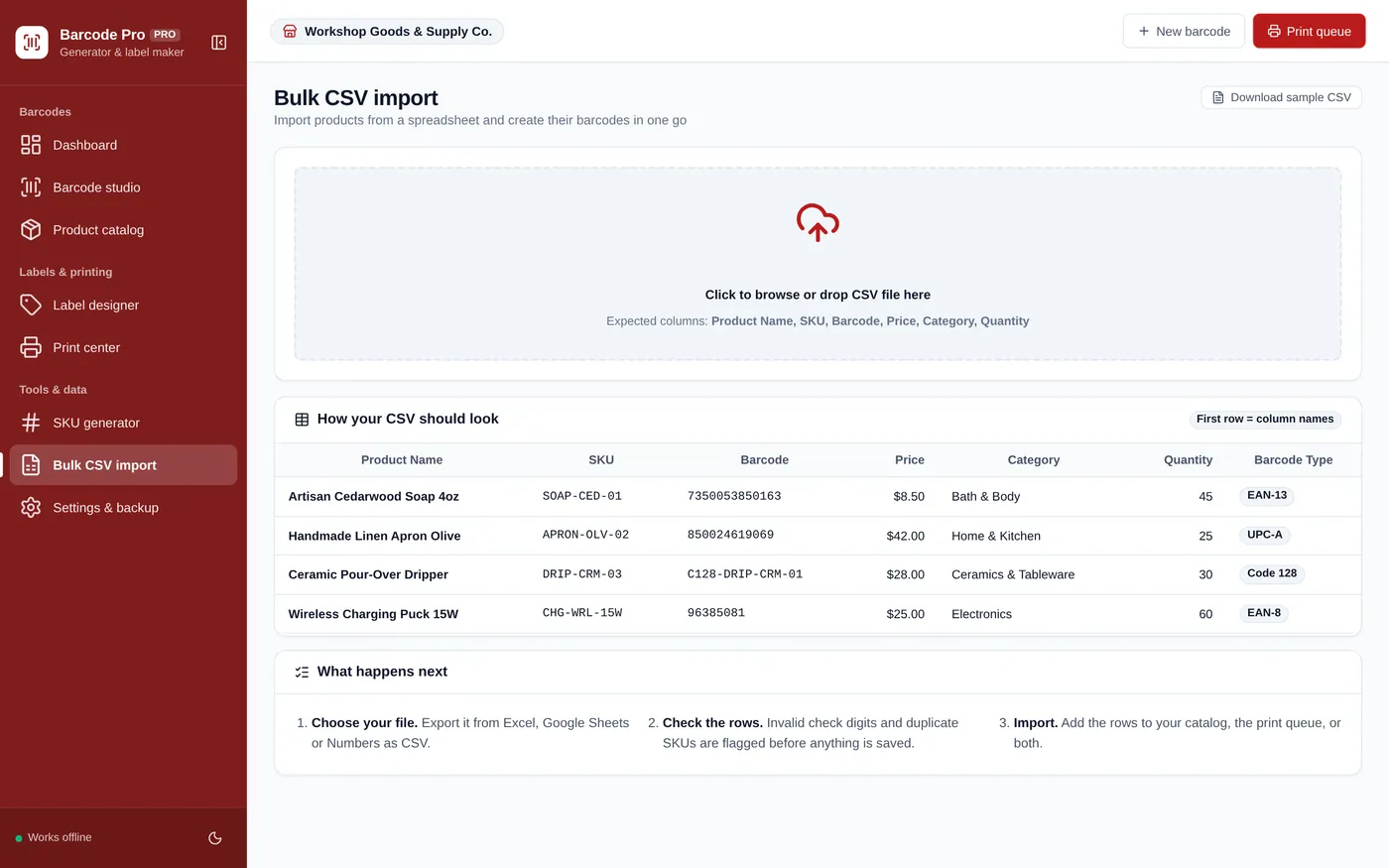
Bulk CSV import
For Etsy sellers, small shops, makers and warehouses.
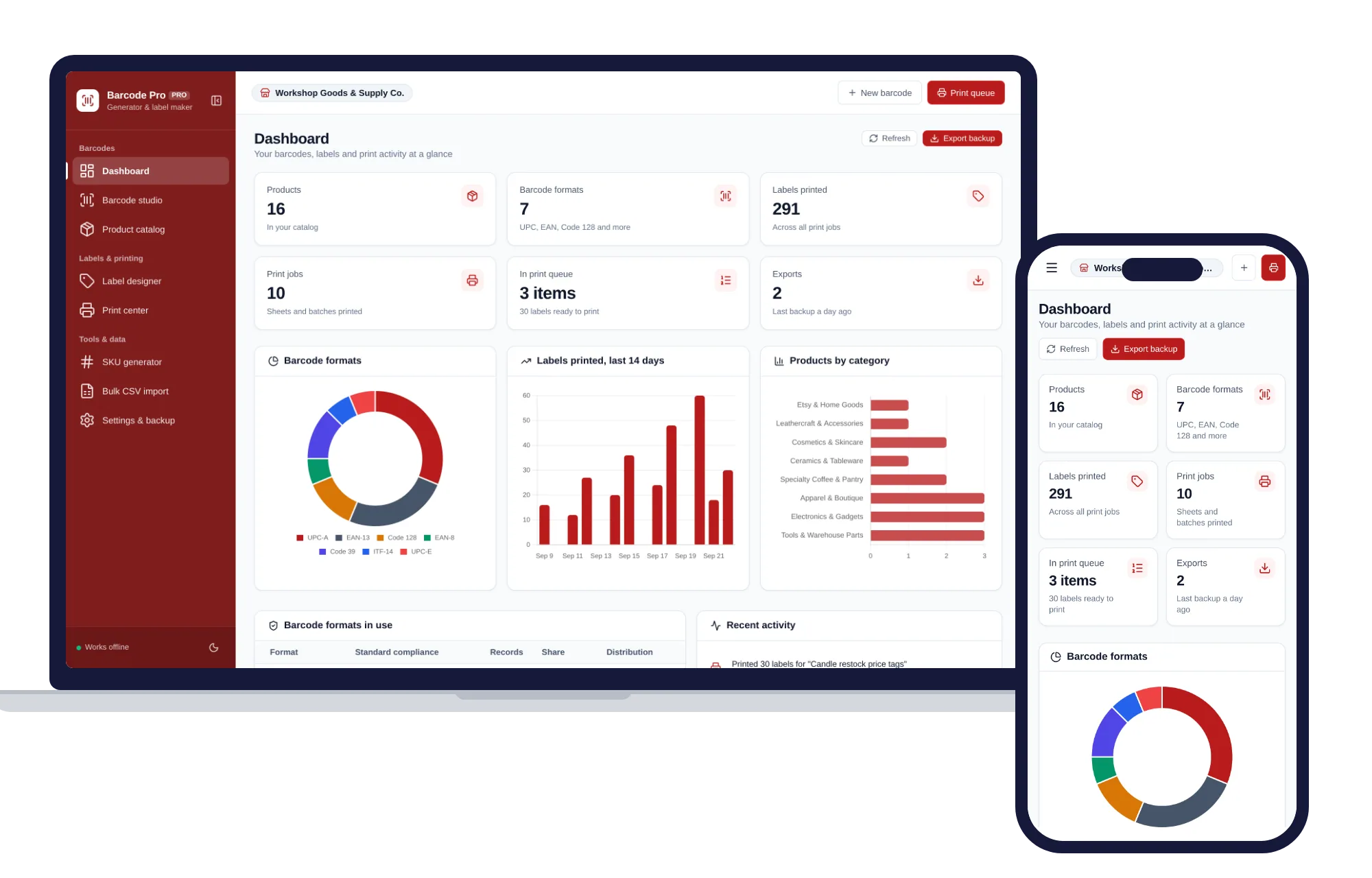
Install it like an app. Your products and labels never leave your device.
What it needs, and what it does not do.
Barcode & Label Maker is an offline app from ColadoSystems that runs in your web browser from a folder on your own device. It costs $29.99 once, with no subscription and no account, and includes 12 tools, sample data to explore and a PDF guide. Your records stay on your device and are never uploaded.
Something else? Email us and we'll answer before you buy.
No! This is a complete, self-contained offline system. You own it for life with zero monthly fees.
Yes. The barcodes follow the GS1 and ISO symbology specifications, check digits are validated before you save, and the bars go onto the page as vector graphics at their real millimetre width, so what you see in the preview is what the scanner reads. Print at 100% scale with margins set to none — letting the browser shrink the sheet to fit is the one thing that will narrow the bars enough to stop a scanner reading them.
Yes. The print center has an Avery 5160 / 8160 preset (30 per sheet) plus 24, 21, 12, 8, 6, 4 and 2 per sheet layouts on Letter or A4, and a 1-per-page setting for a 4" x 6" thermal roll. Set margins to none and scale to 100% in the browser print dialog.
Yes. Export it as CSV with columns for Product Name, SKU, Barcode, Price, Category, Quantity and Barcode Type, then use "Bulk CSV import". Rows with an invalid check digit or a duplicate SKU are flagged before anything is saved.
No. "Wipe all records" in Settings & backup remembers that you chose an empty catalog, so reopening the app leaves it empty. If you do want the samples again, use "Reset to demo catalog" on the same page.
No. It is made for one person on one device, and records do not sync between devices. To move to another device, save a backup and restore it there.
No. It runs offline on your own device, so there is no booking page for customers and it does not take card payments. You record bookings and payments in it yourself, including ones taken by phone, card reader or another website.
Keeping track of stock? These systems are close cousins. Here is who each one is for.
Shops that sell what they stock: stock levels, point of sale, purchase orders.
Warehouses and fulfilment: bin locations, receiving, pick lists and cycle counts.
Printing barcodes and product labels, with a product catalog.
The shops, food & stock bundle has every system in this category for one price.
Stock, orders, pricing and labels for shops, kitchens and warehouses.
$114.99for 7 systems, $209.93 if bought one by one
You save $94
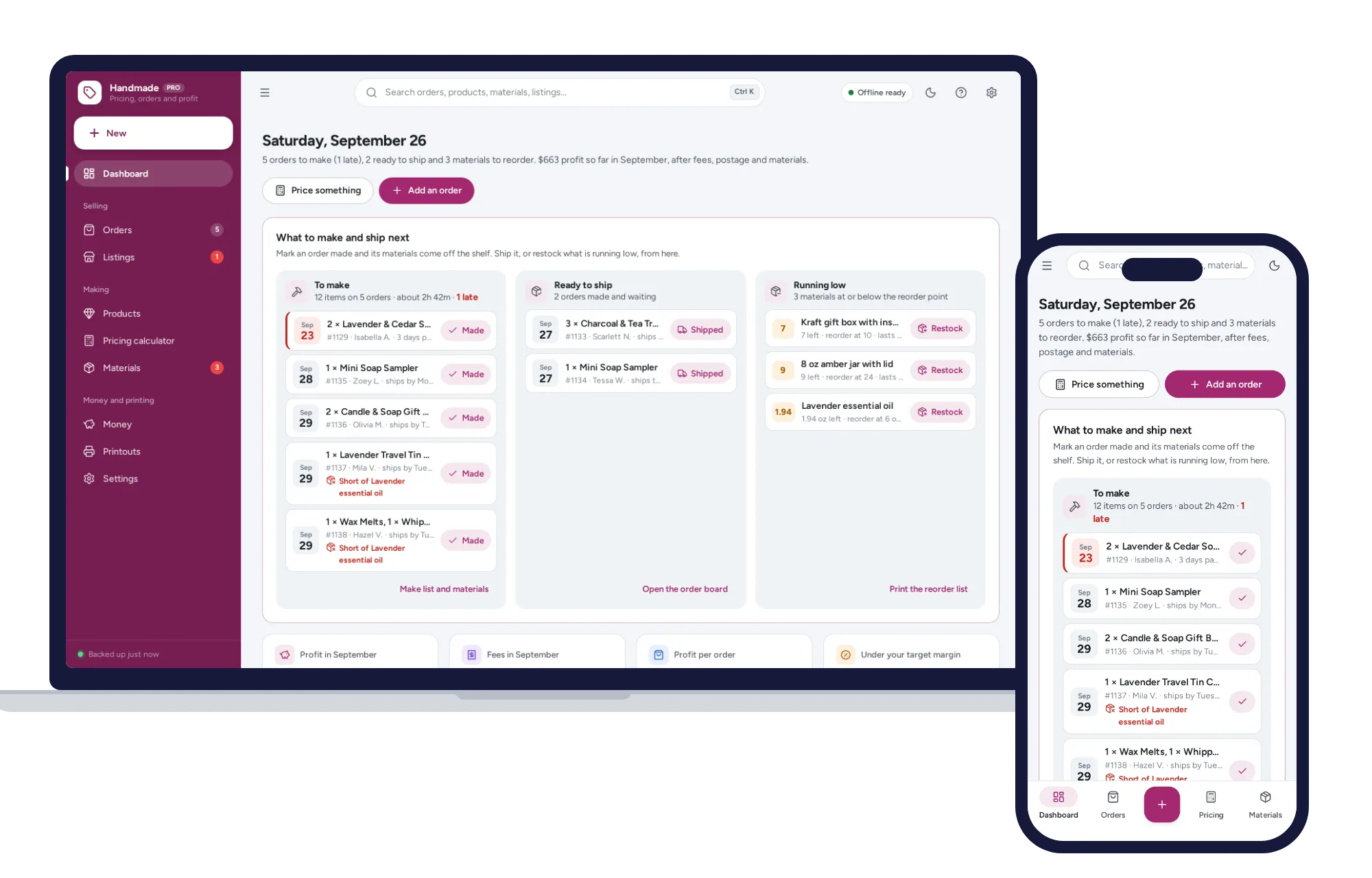
Shops, food & stock
The price that leaves your margin after every listing, transaction and payment fee — and the true profit on every sale. No formulas to break, no subscription.
$29.99one-time
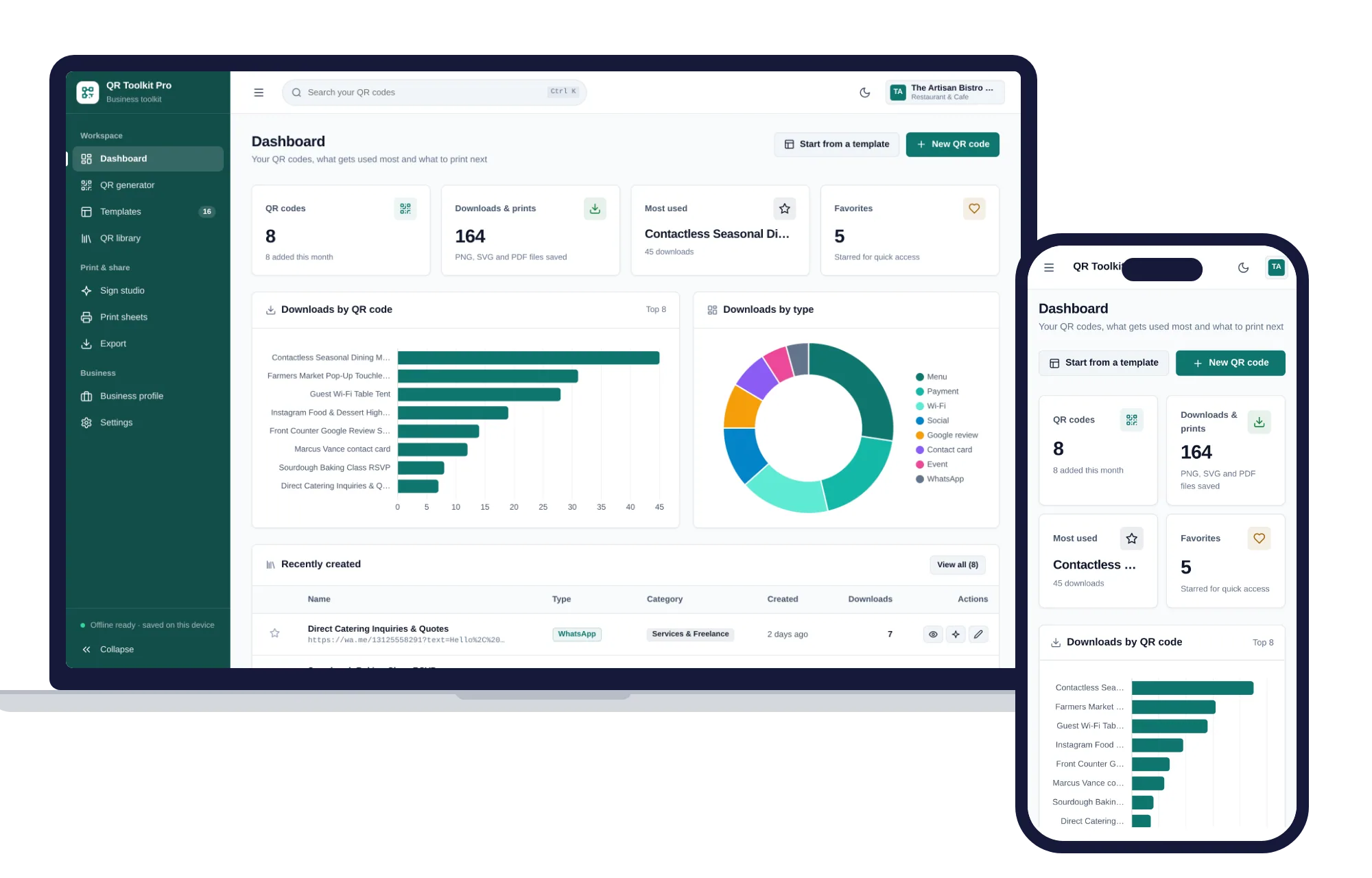
Shops, food & stock
Create, design, print and export QR codes for your business — one offline app.
$29.99one-time
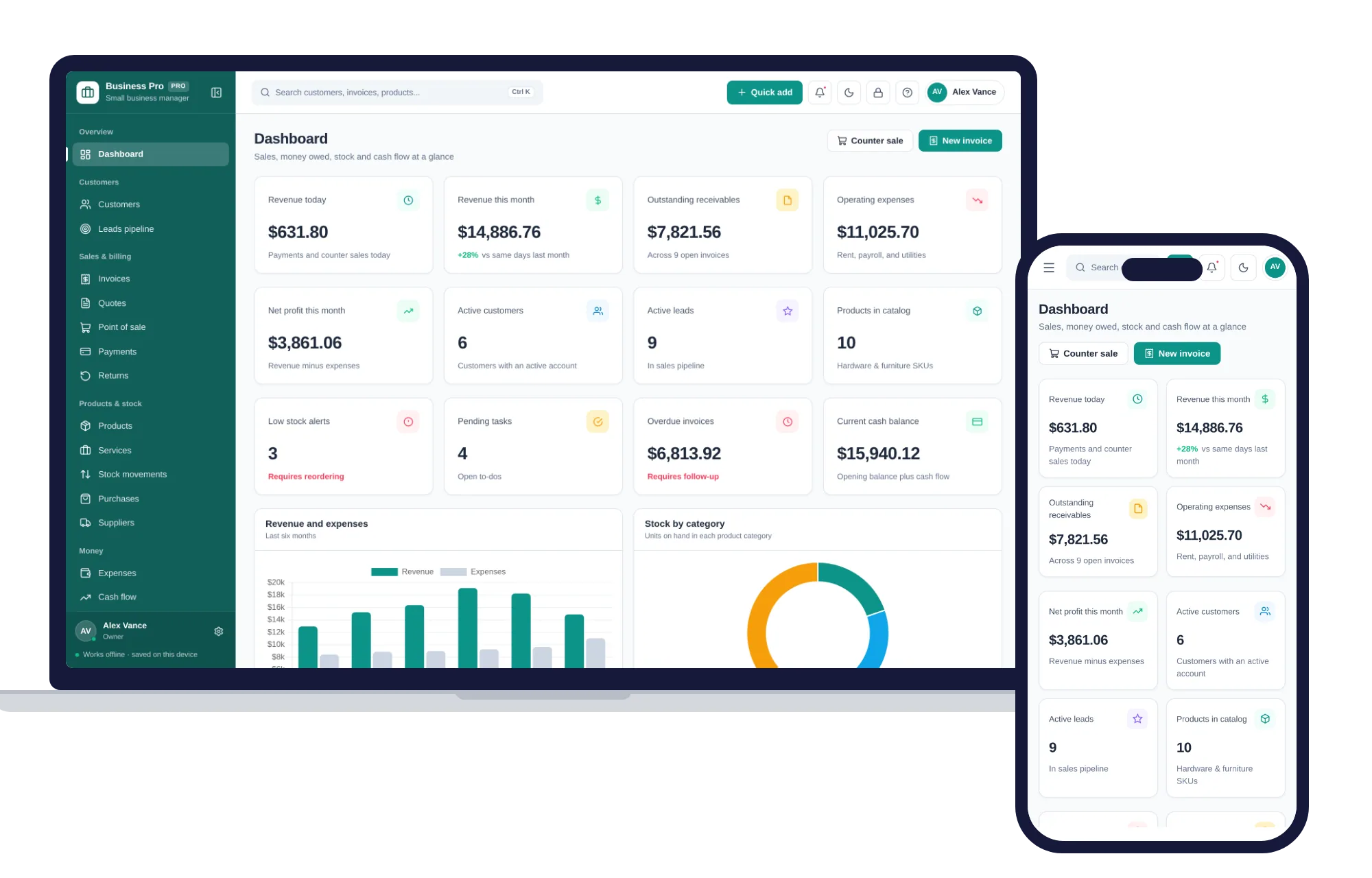
Shops, food & stock
Customers, leads, invoices, point of sale, stock, expenses and profit & loss in one offline app.
$29.99one-time
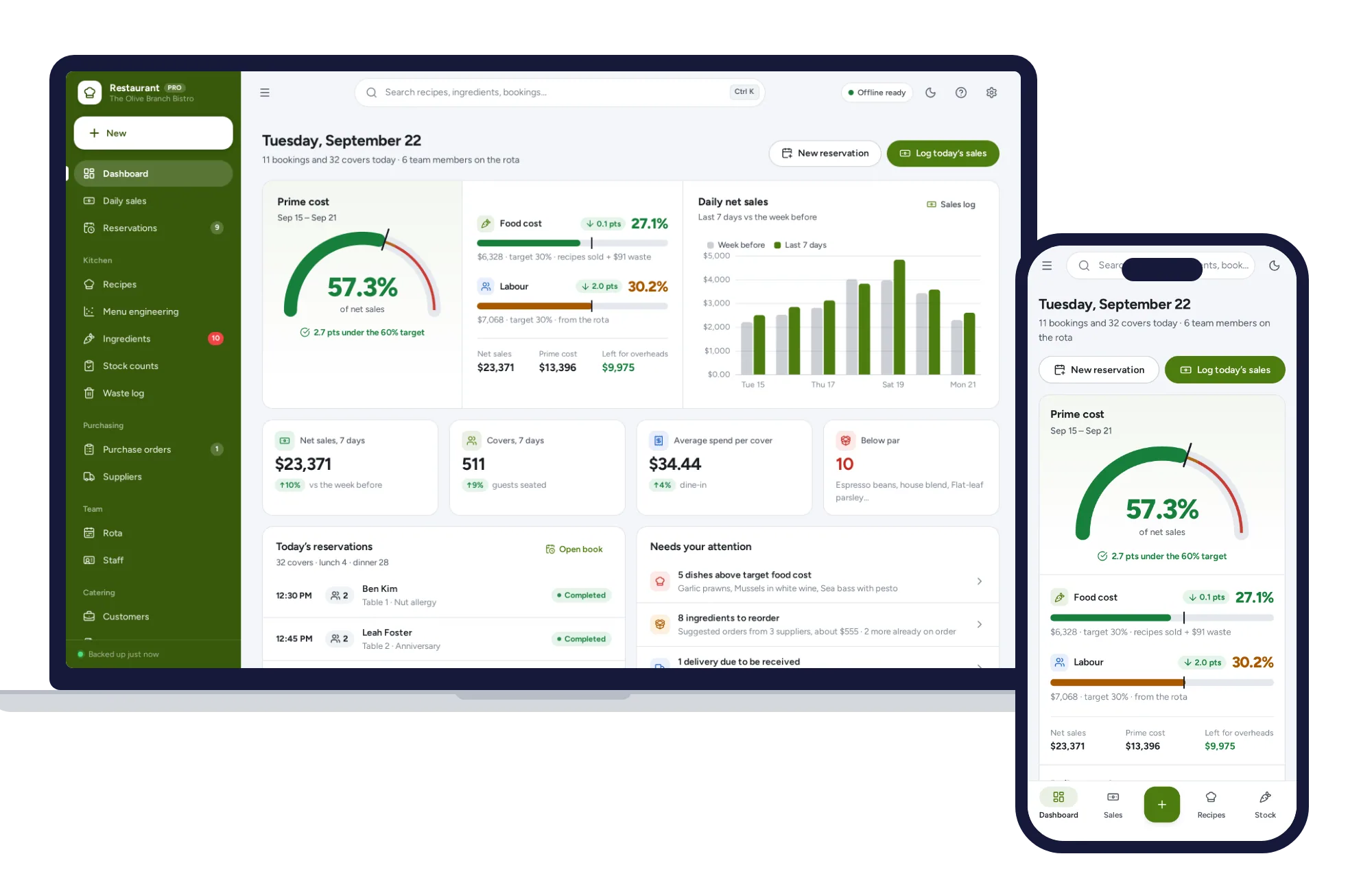
Shops, food & stock
Recipe costing, menu engineering, inventory, ordering, rota and prime cost — one offline app.
$29.99one-time