
Recipe costing studio
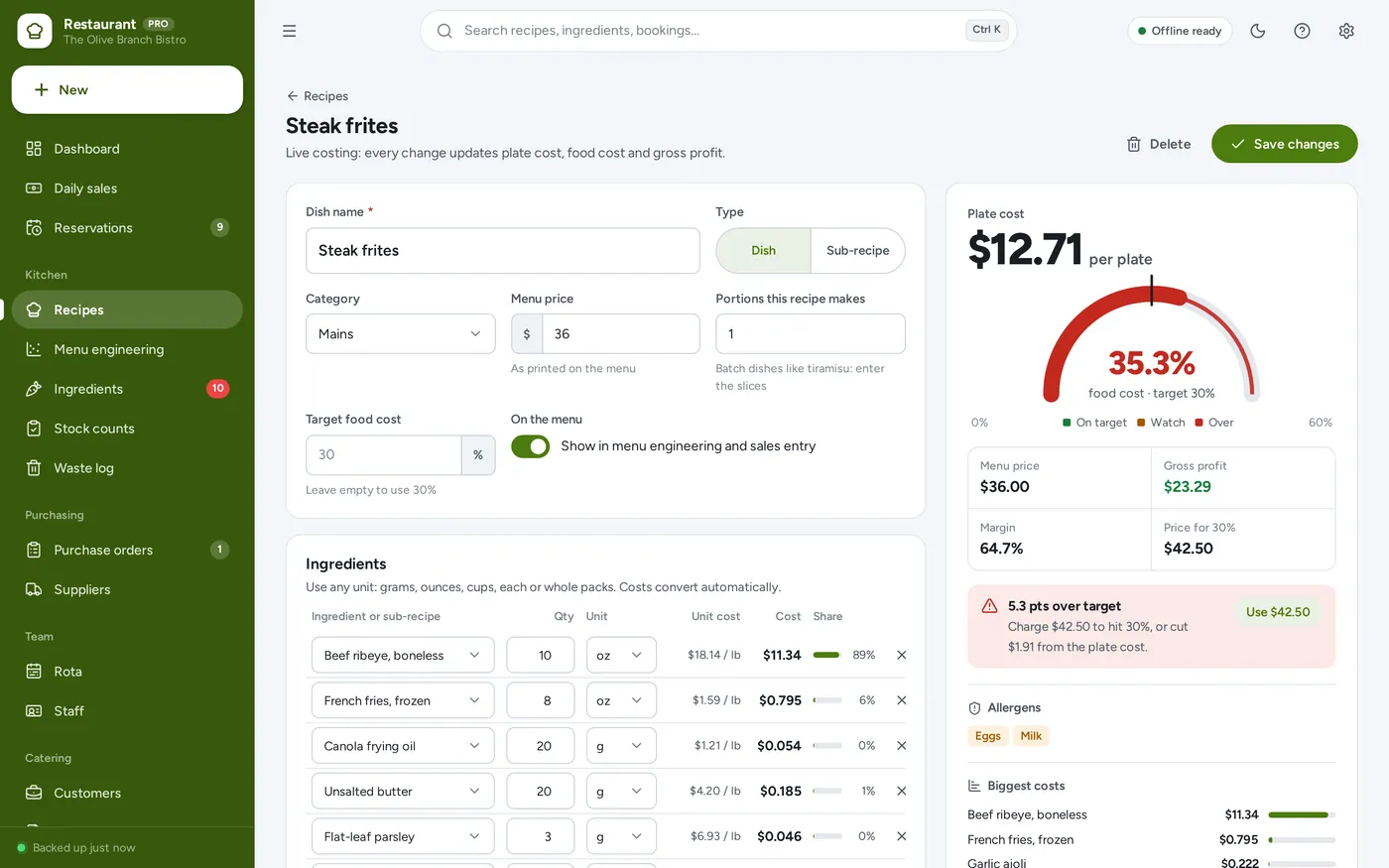
Know the cost of every plate
- Any unit: grams, ounces, cups, each or packs
- Food cost % gauge and the price that hits target
- Allergens and sub-recipes built in
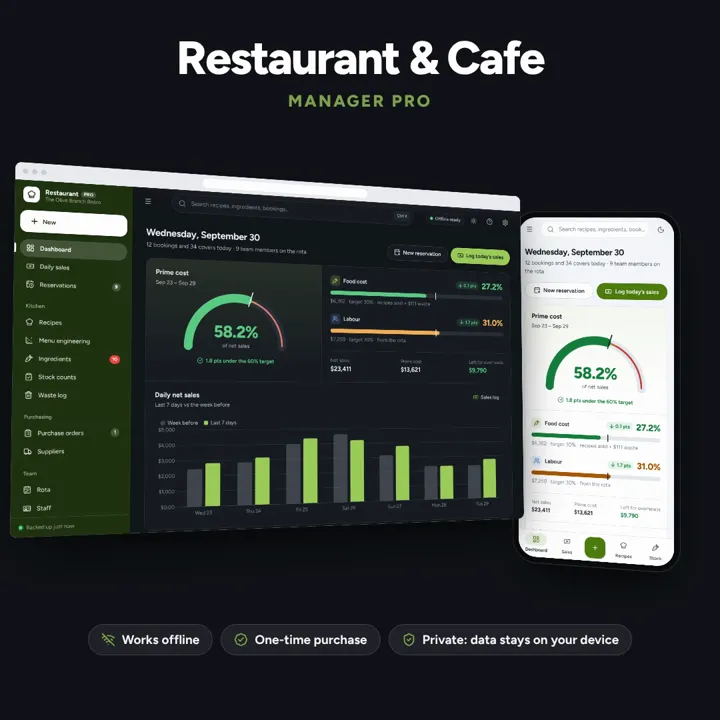
Recipe costing, menu engineering, inventory, ordering, rota and prime cost — one offline app.
No subscription. Pay once and keep it.
Checkout by Paddle. Tax is added where it applies, and you download straight after paying.
Made for Independent restaurants, cafes, bistros, bakeries, food trucks and small catering kitchens
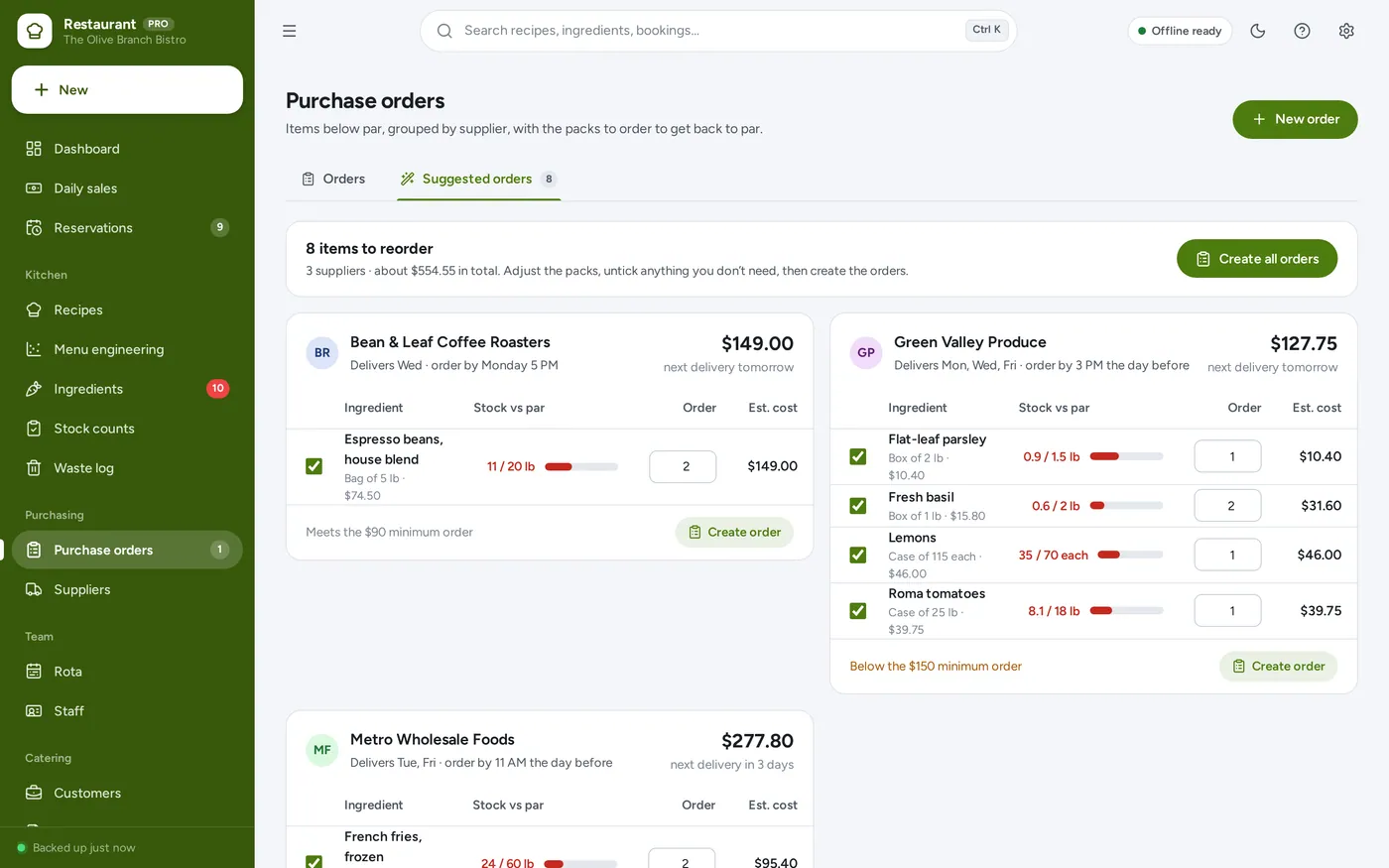
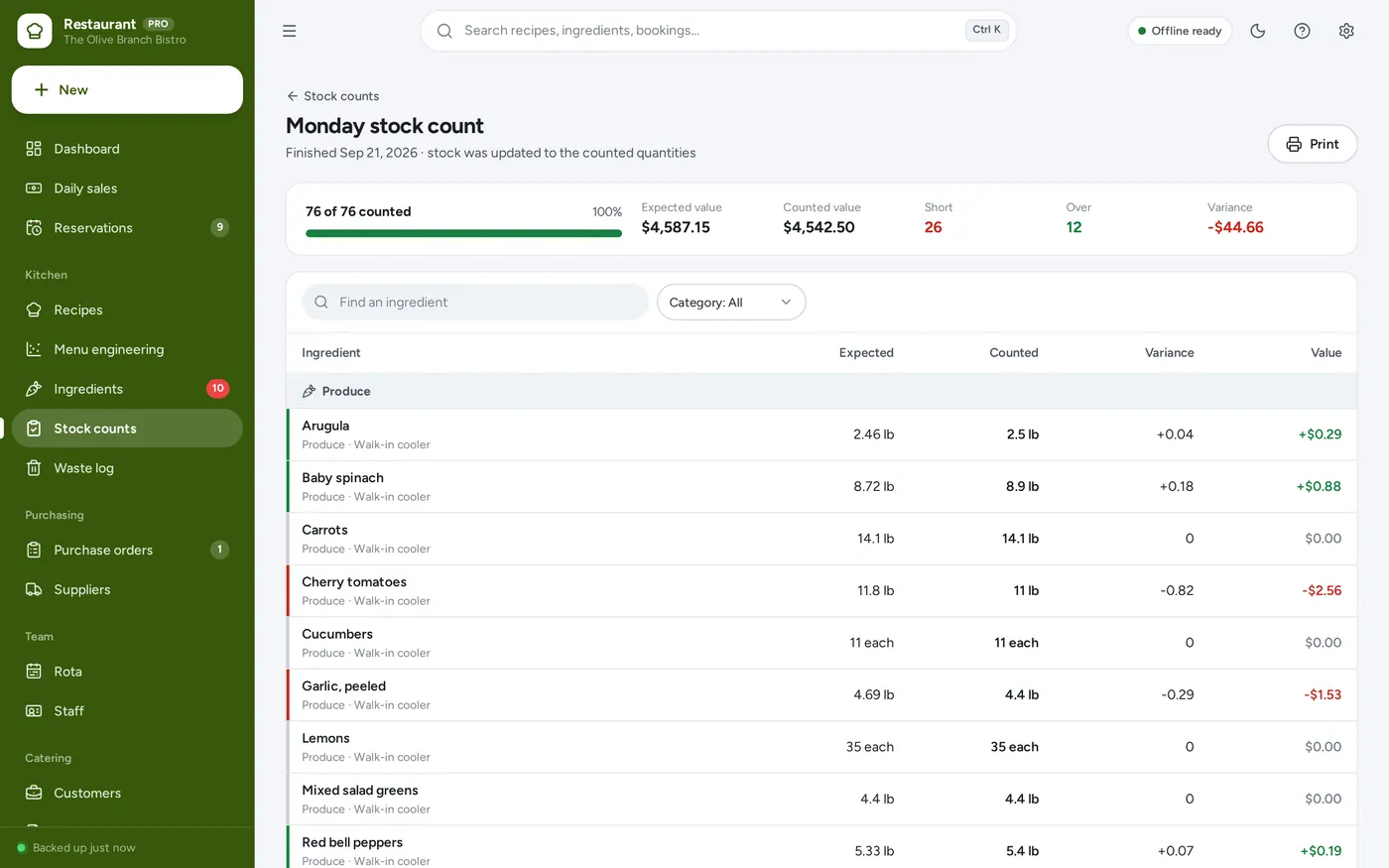
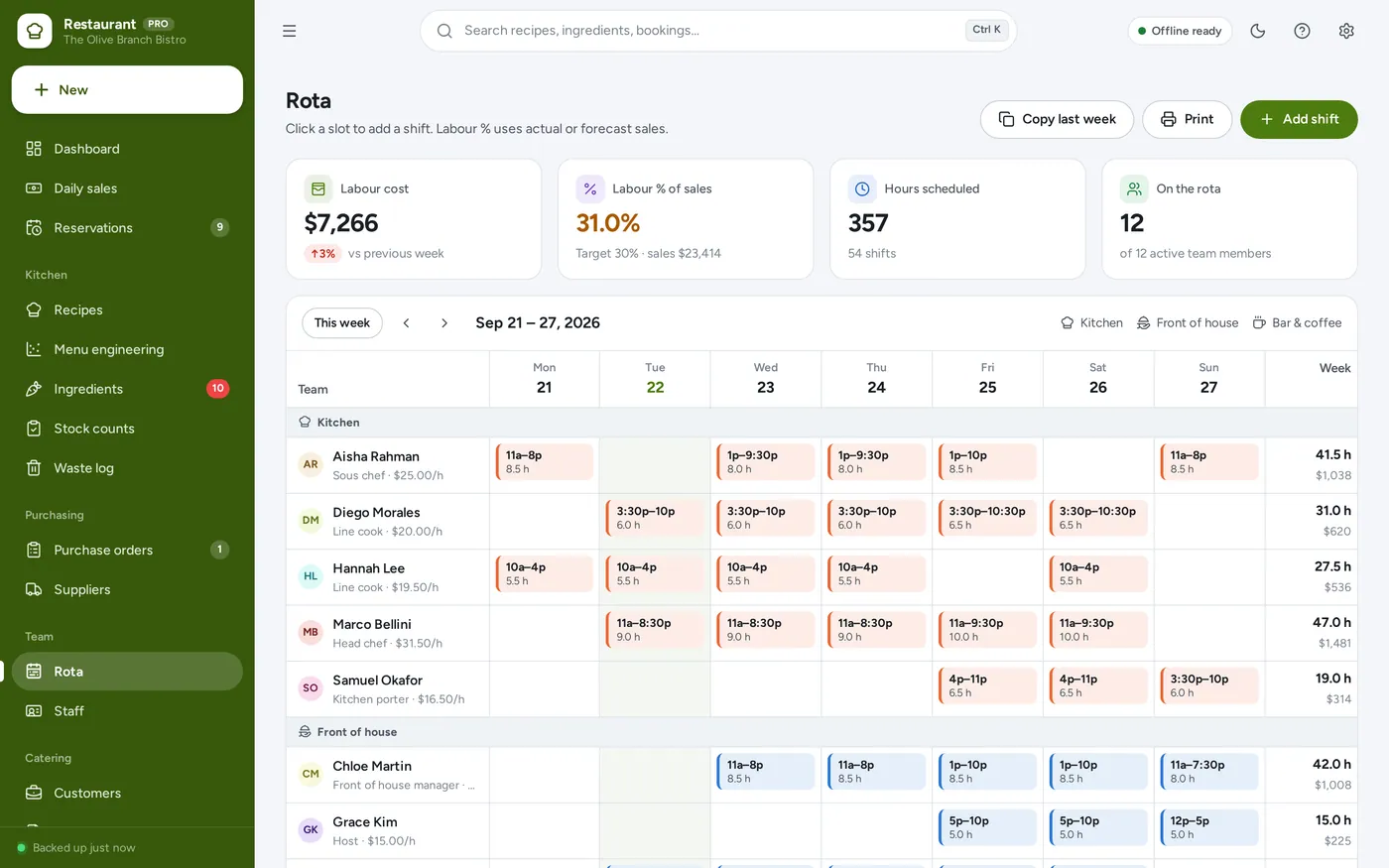
Restaurant & Cafe Manager is an offline back-office app for independent restaurants, cafes, bakeries, food trucks and caterers. It costs every recipe, sorts dishes by popularity and margin, suggests orders by supplier from par levels, shows stock count variance in money, logs waste, and schedules the staff rota with labour cost in view. It runs offline on one computer, tablet or phone, and does not connect to your till.
Recipe costing studio
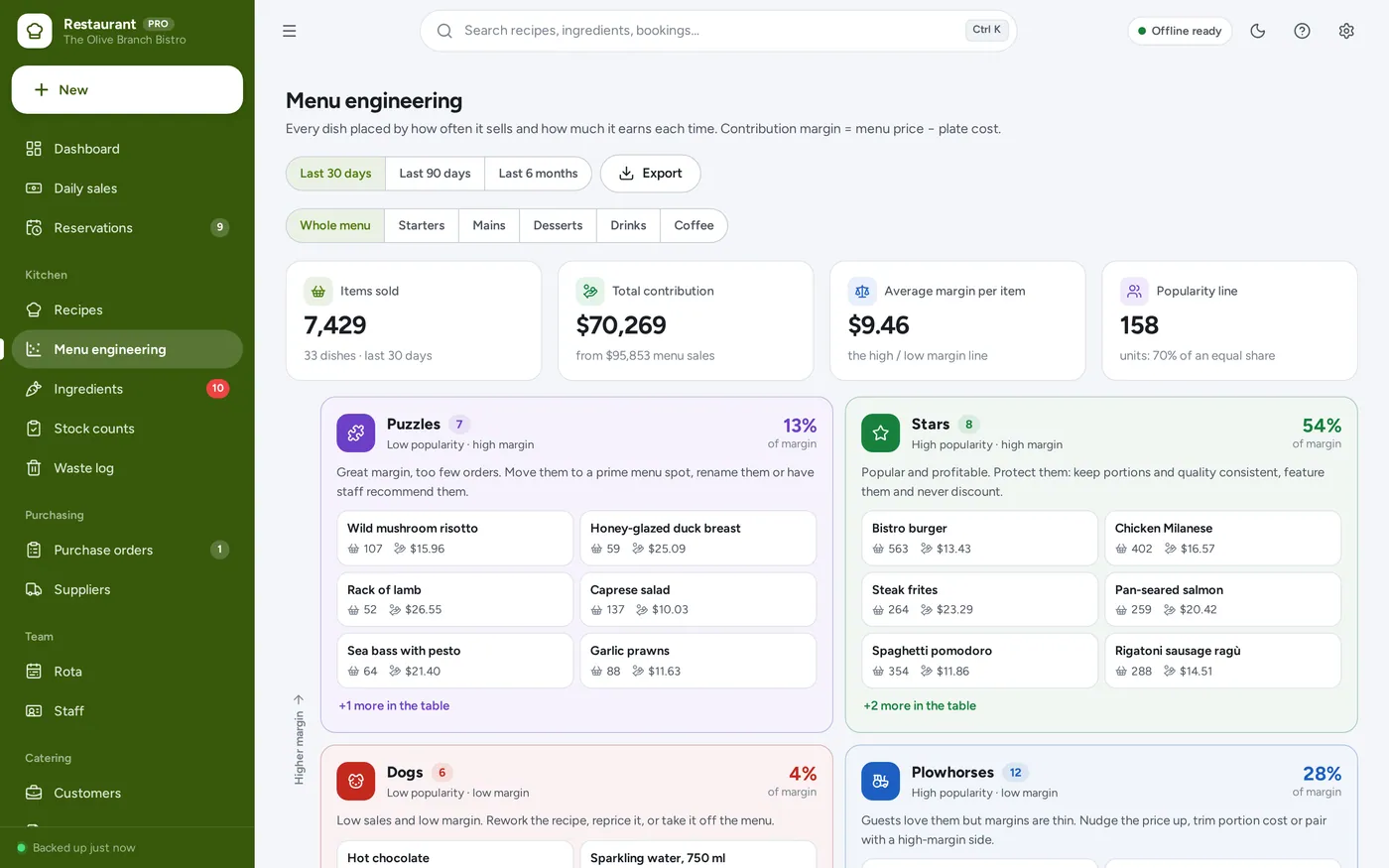
Menu engineering
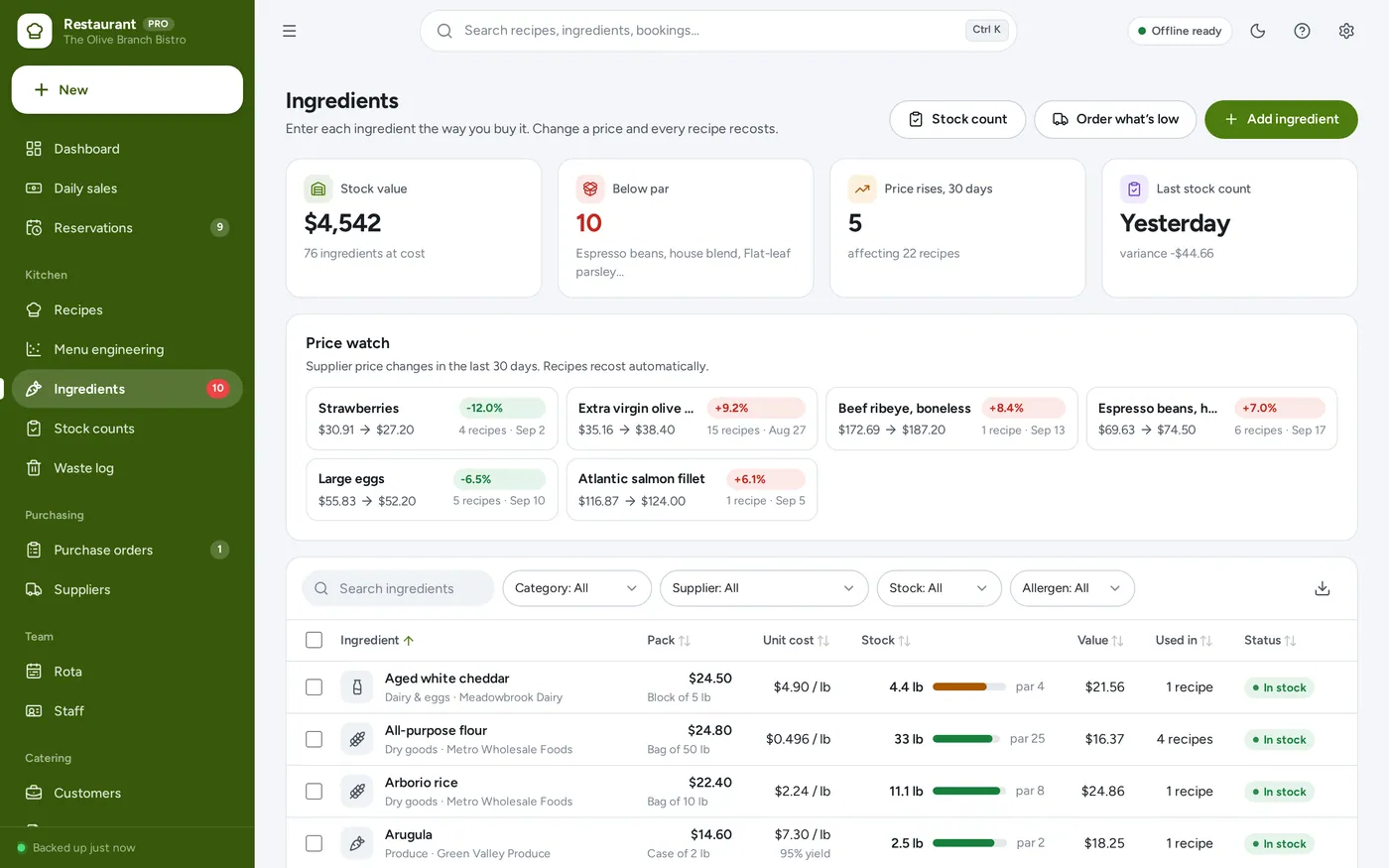
Ingredients & prices
Suggested orders
Stock counts
Staff rota
For independent restaurants, cafes, bistros, bakeries and food trucks.
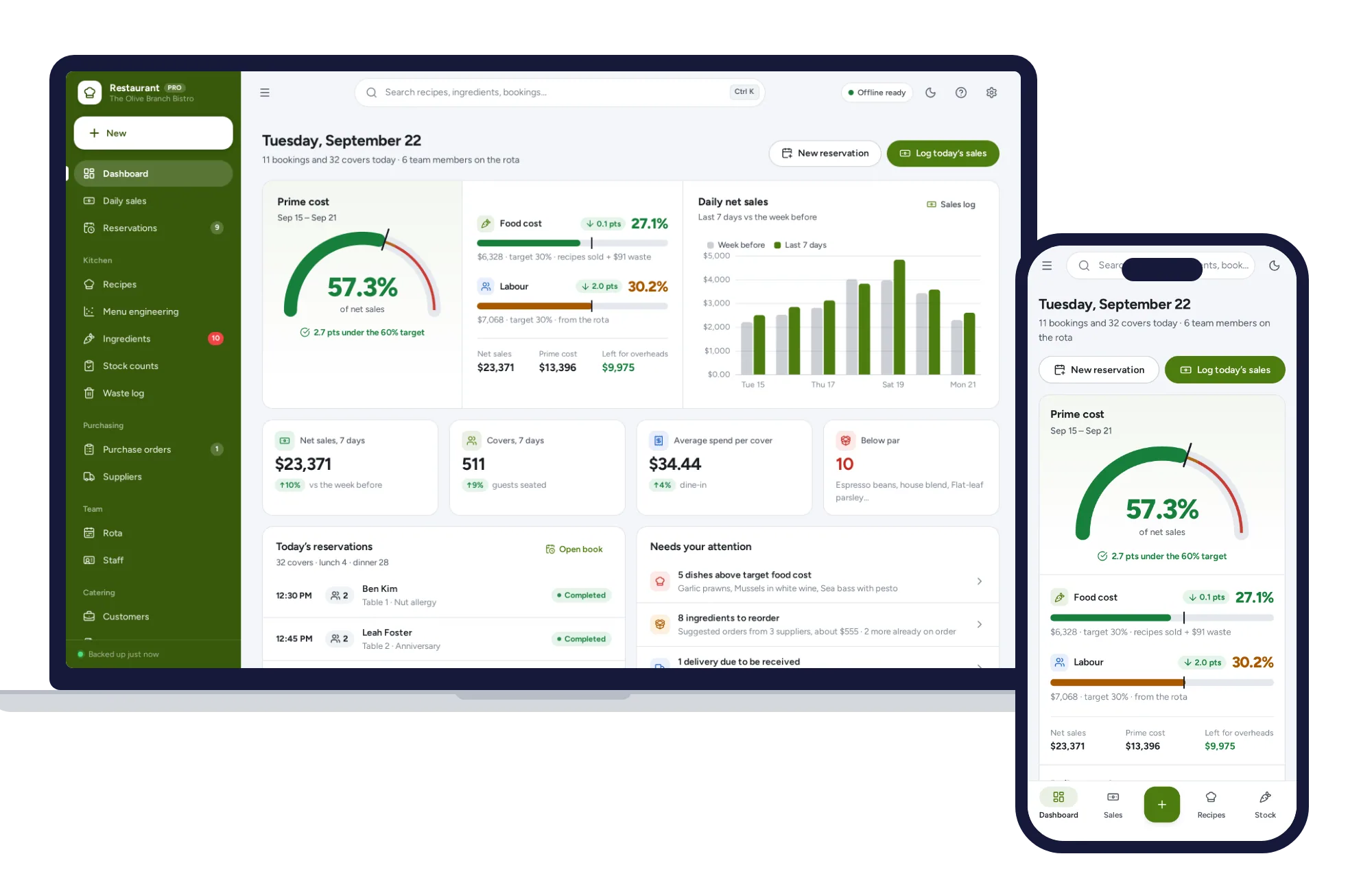
Light and dark mode. Install it like an app. Your numbers never leave your device.
What it needs, and what it does not do.
Restaurant & Cafe Manager is an offline app from ColadoSystems that runs in your web browser from a folder on your own device. It costs $29.99 once, with no subscription and no account, and includes 12 tools, sample data to explore and a PDF guide. Your records stay on your device and are never uploaded.
Something else? Email us and we'll answer before you buy.
Everything is saved inside your browser on this device. Nothing is uploaded and there is no account, so no company holds a copy of your recipes and costs. They are not encrypted, though: anyone who can use this device and browser can open them, so keep the device locked. Download a backup regularly (Settings → Data & backup → Back up now) and keep it somewhere as safe as the records themselves.
Yes. Open index.html and it runs fully offline. You can also host the folder on any website and choose “Install app” in Chrome or Edge to get a desktop or phone icon that works offline.
Yes. The layout adapts to phones and tablets with a bottom navigation bar. Each device keeps its own data, so use Back up / Restore to move records between devices.
Go to Settings → Data & backup → Erase records. Your business profile and settings are kept; all sample records are removed.
No — it works offline without any connections. Enter your daily totals and items sold from the till’s end-of-day report; it takes about a minute.
No. It is made for one person on one device, and records do not sync between devices. To move to another device, save a backup and restore it there.
No. It runs offline on your own device, so there is no booking page for customers and it does not take card payments. You record bookings and payments in it yourself, including ones taken by phone, card reader or another website.
The shops, food & stock bundle has every system in this category for one price.
Stock, orders, pricing and labels for shops, kitchens and warehouses.
$114.99for 7 systems, $209.93 if bought one by one
You save $94
Shops, food & stock
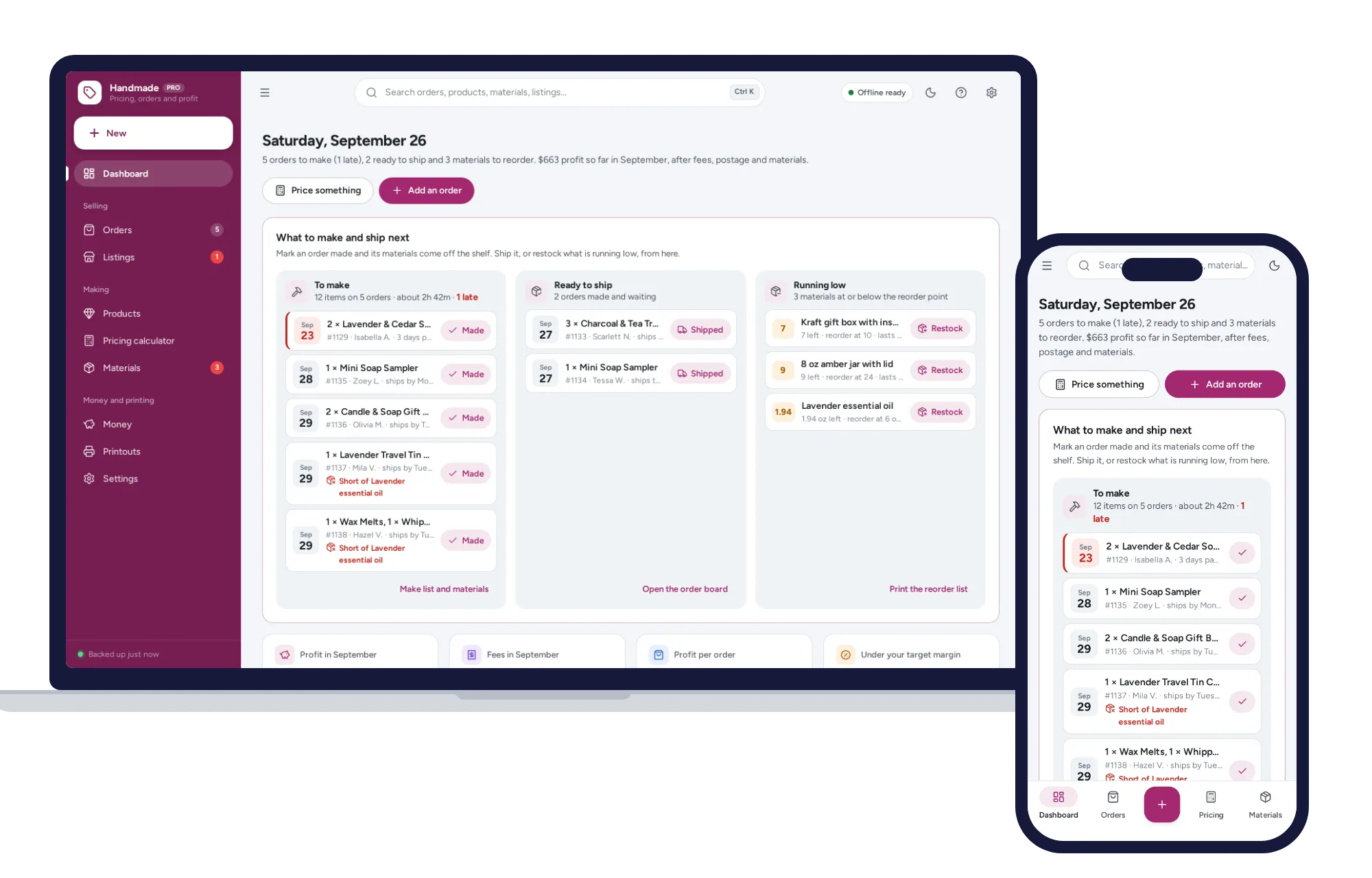
The price that leaves your margin after every listing, transaction and payment fee — and the true profit on every sale. No formulas to break, no subscription.
$29.99one-time
Shops, food & stock
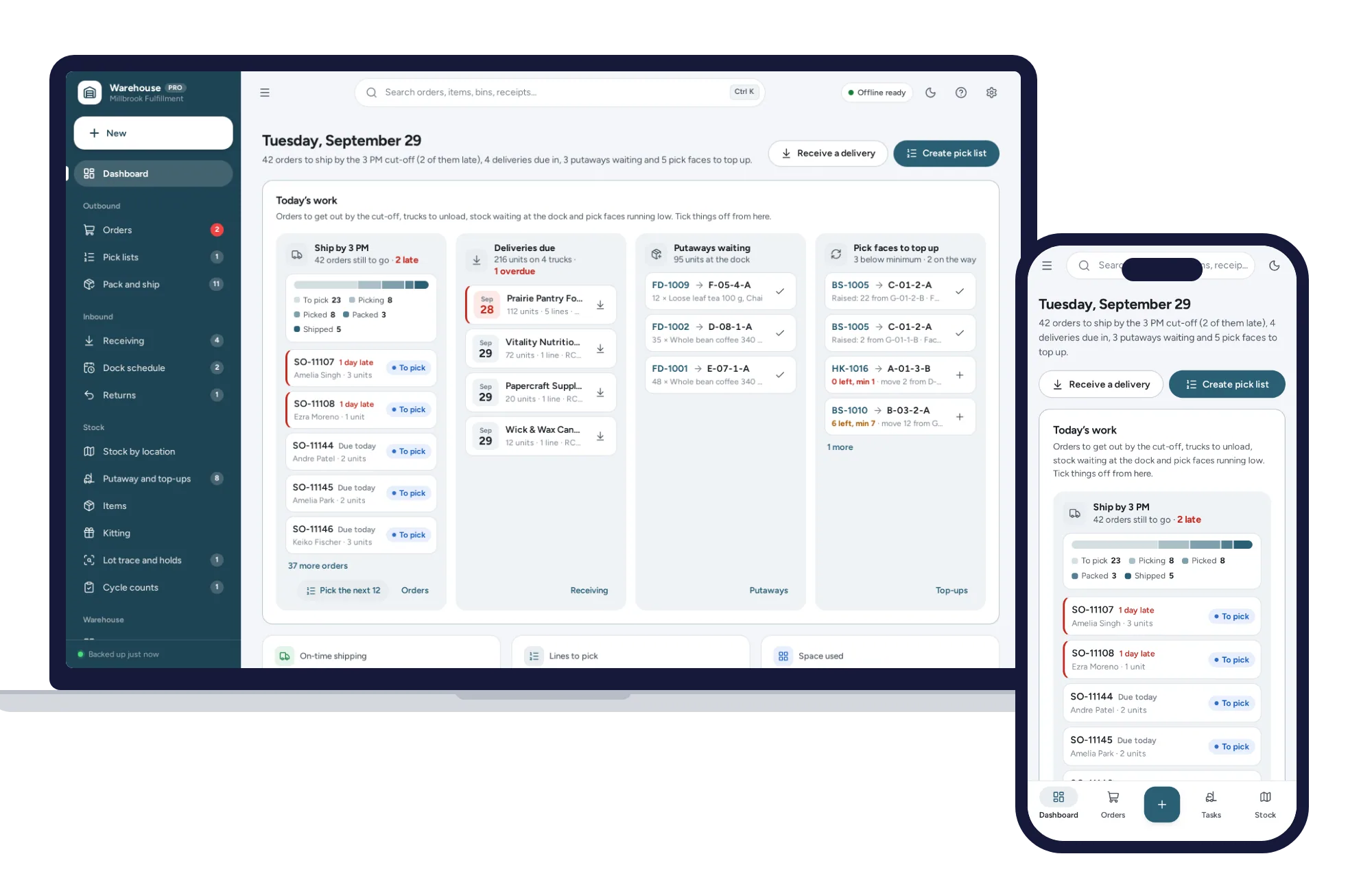
Know which bin every item is in, pick orders in walking order and ship first-expired-first-out, from one dashboard. No formulas to break, no subscription.
$29.99one-time
Shops, food & stock
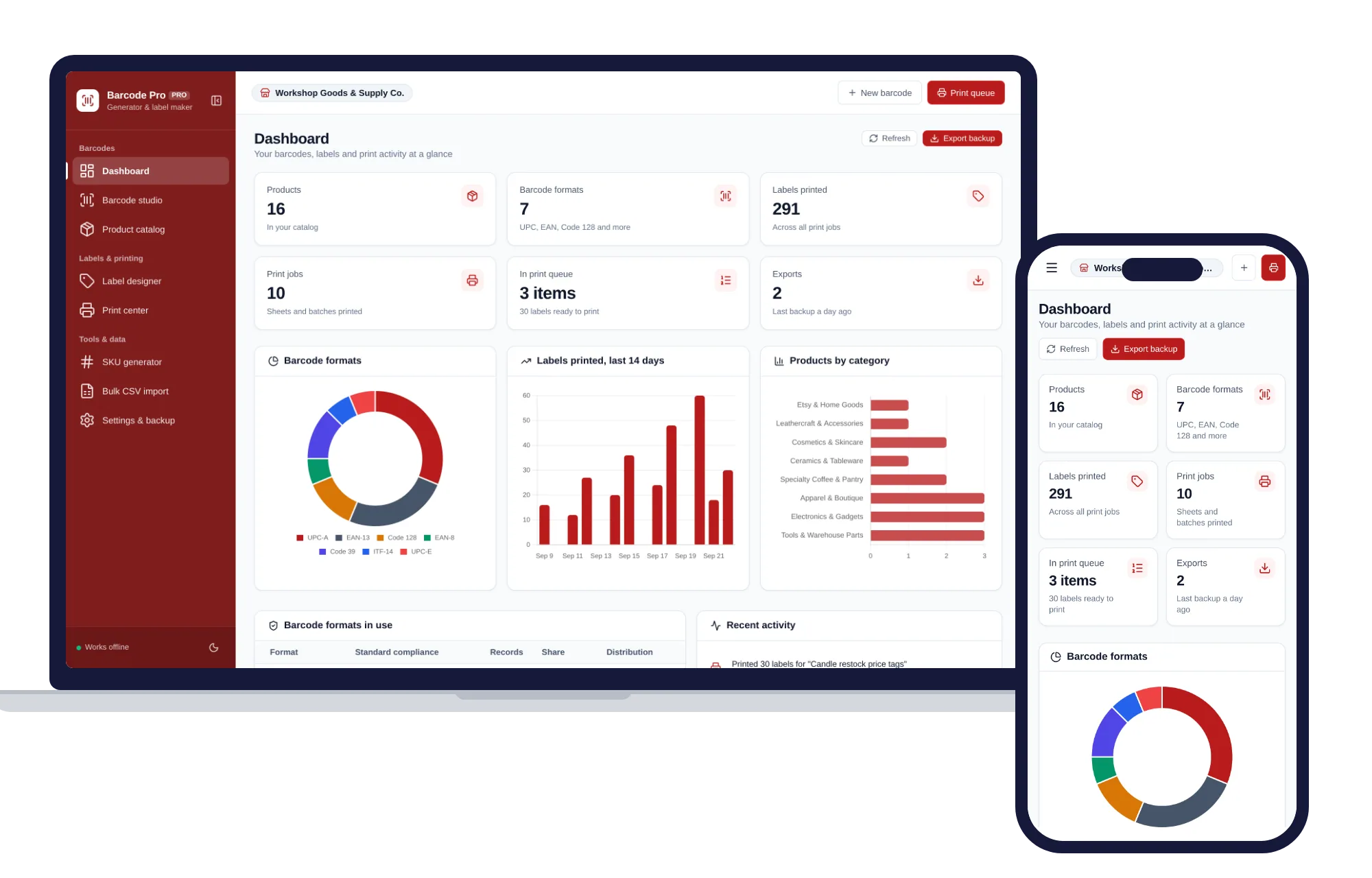
Create barcodes, keep a product catalog and print label sheets for your shop, all offline.
$29.99one-time
Shops, food & stock
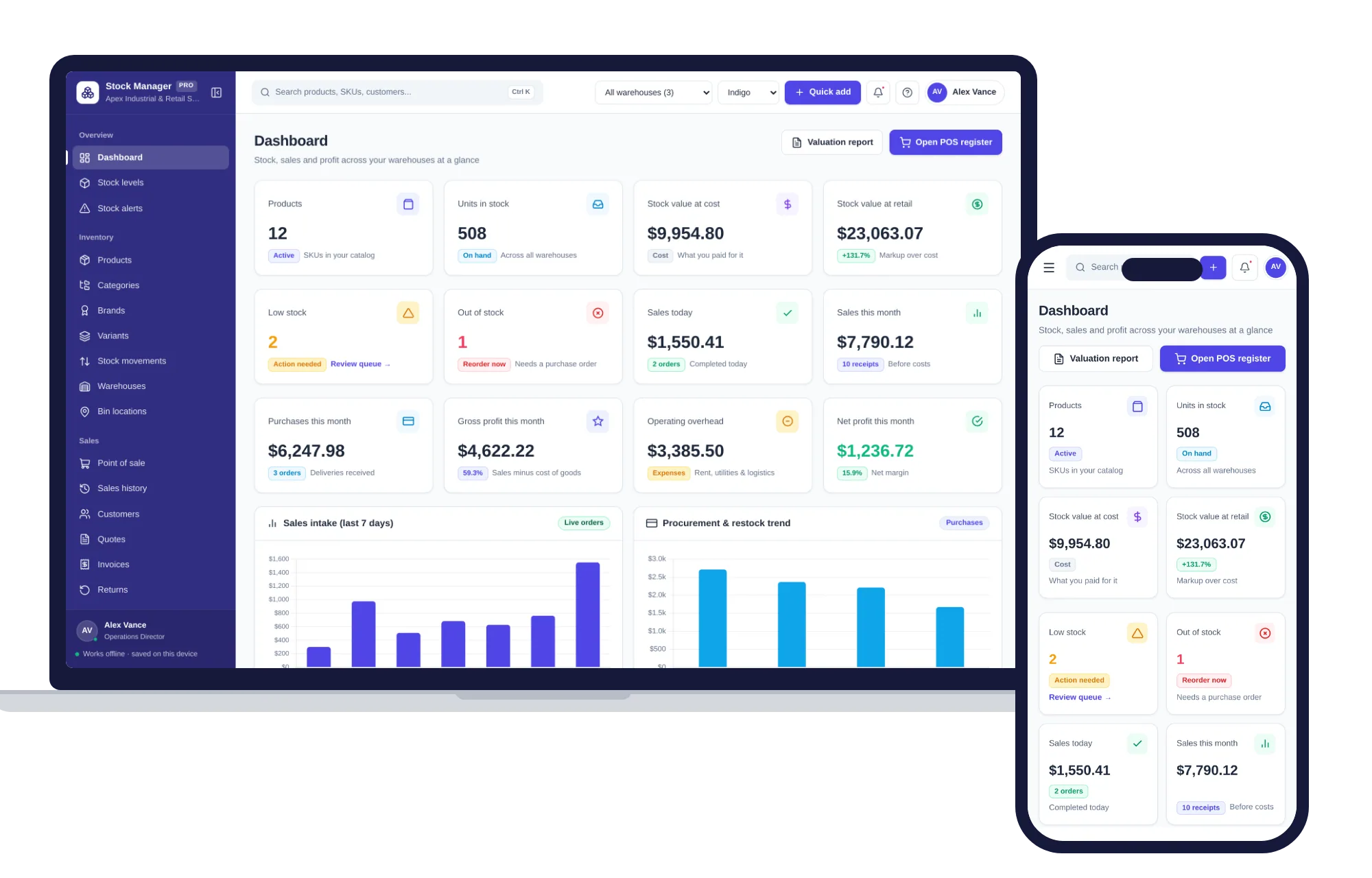
Products, stock levels, warehouses, point of sale, purchase orders and profit reports in one offline app.
$29.99one-time