
Bakery order tracker
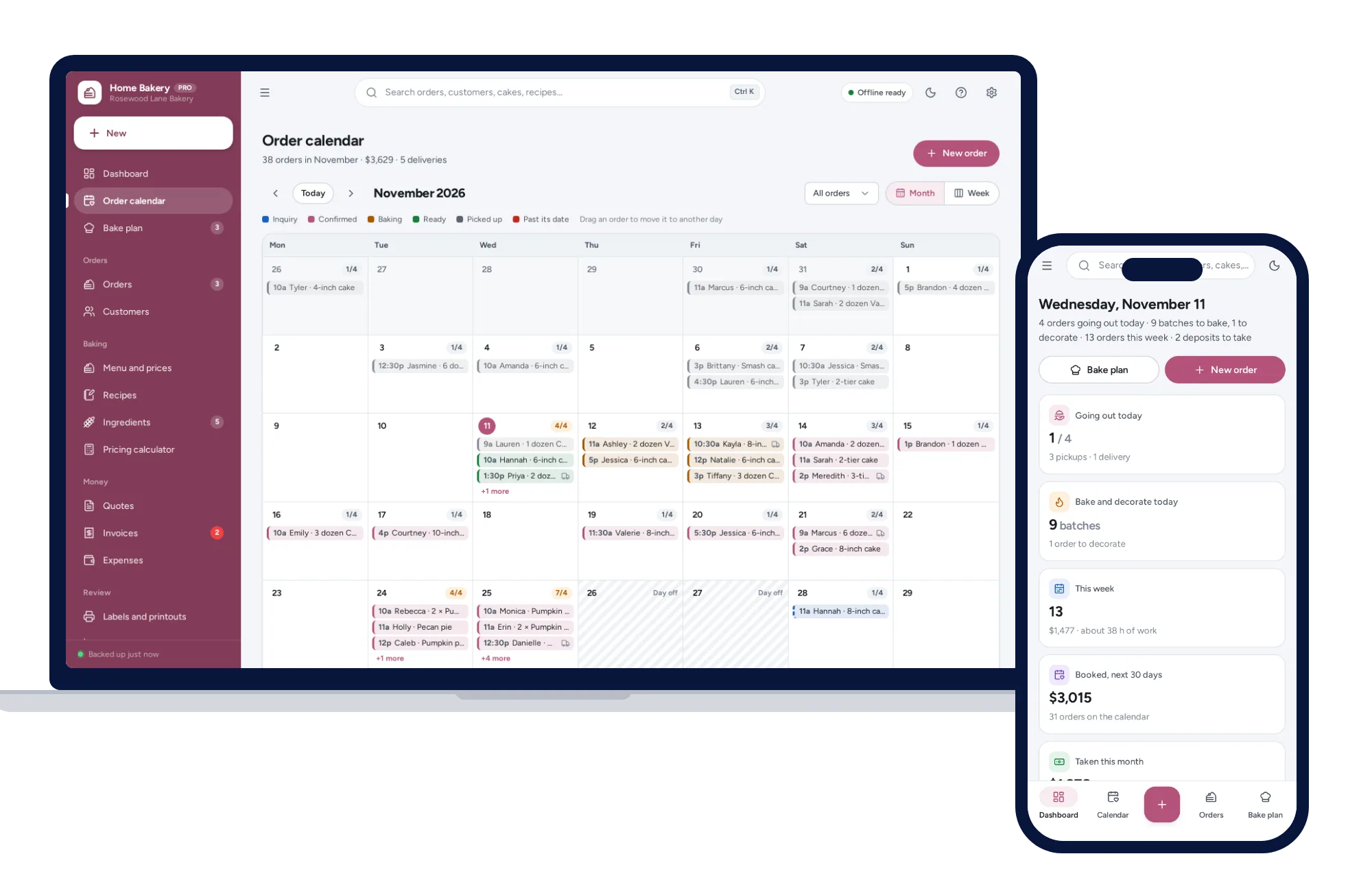
Every order on its pickup day
- Month and week views, coloured by status
- How full each day is, and your days off
- Drag an order to move it to another day
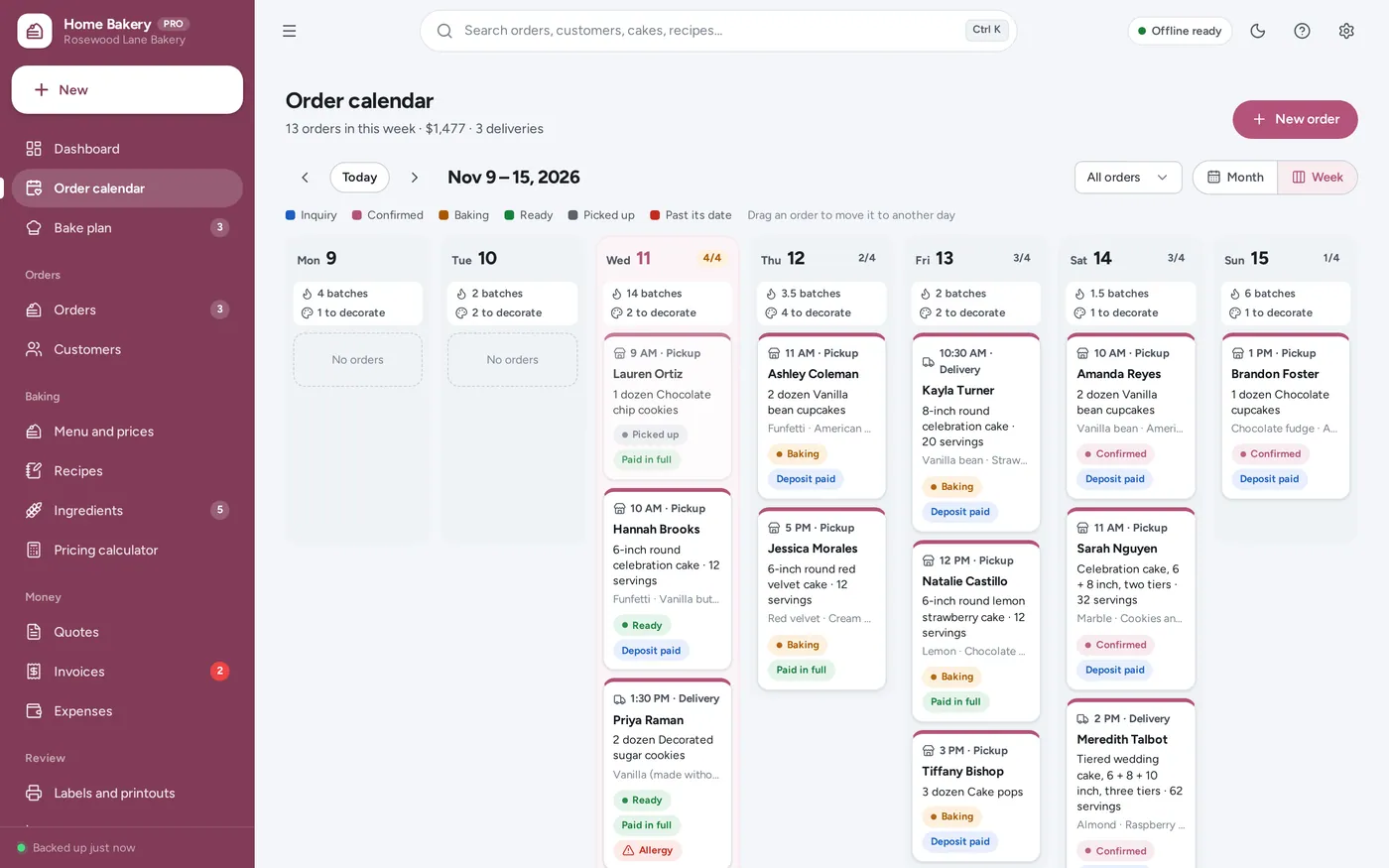
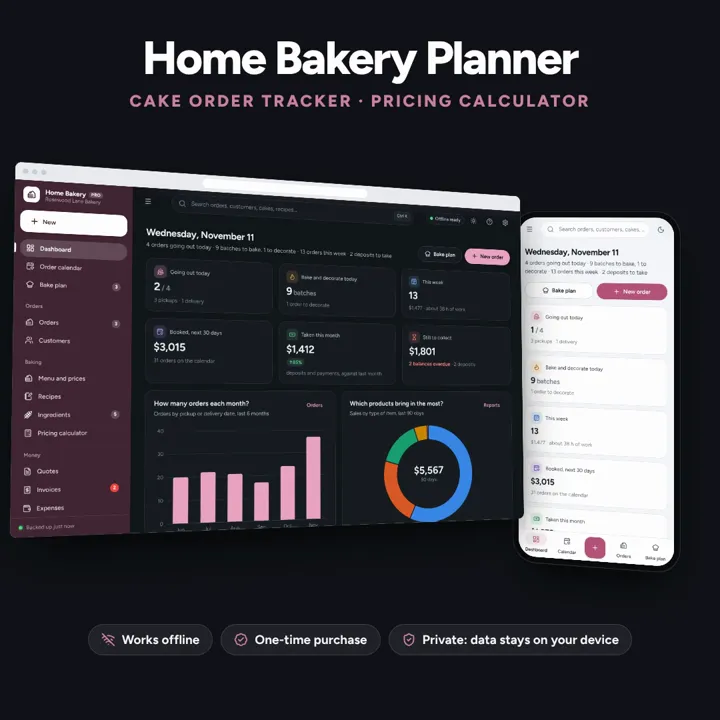
Cake and cookie orders on a calendar by pickup date, deposits and balances, recipe costing and a cake pricing calculator, this week’s bake plan and shopping list, and labels with allergens. Works offline, no subscription.
No subscription. Pay once and keep it.
Try the live demoWith sample data, right in your browserCheckout by Lemon Squeezy. Tax is added where it applies, and you download straight after paying.
Made for Home bakers, cottage food businesses, cake decorators and cookie artists taking custom orders from home
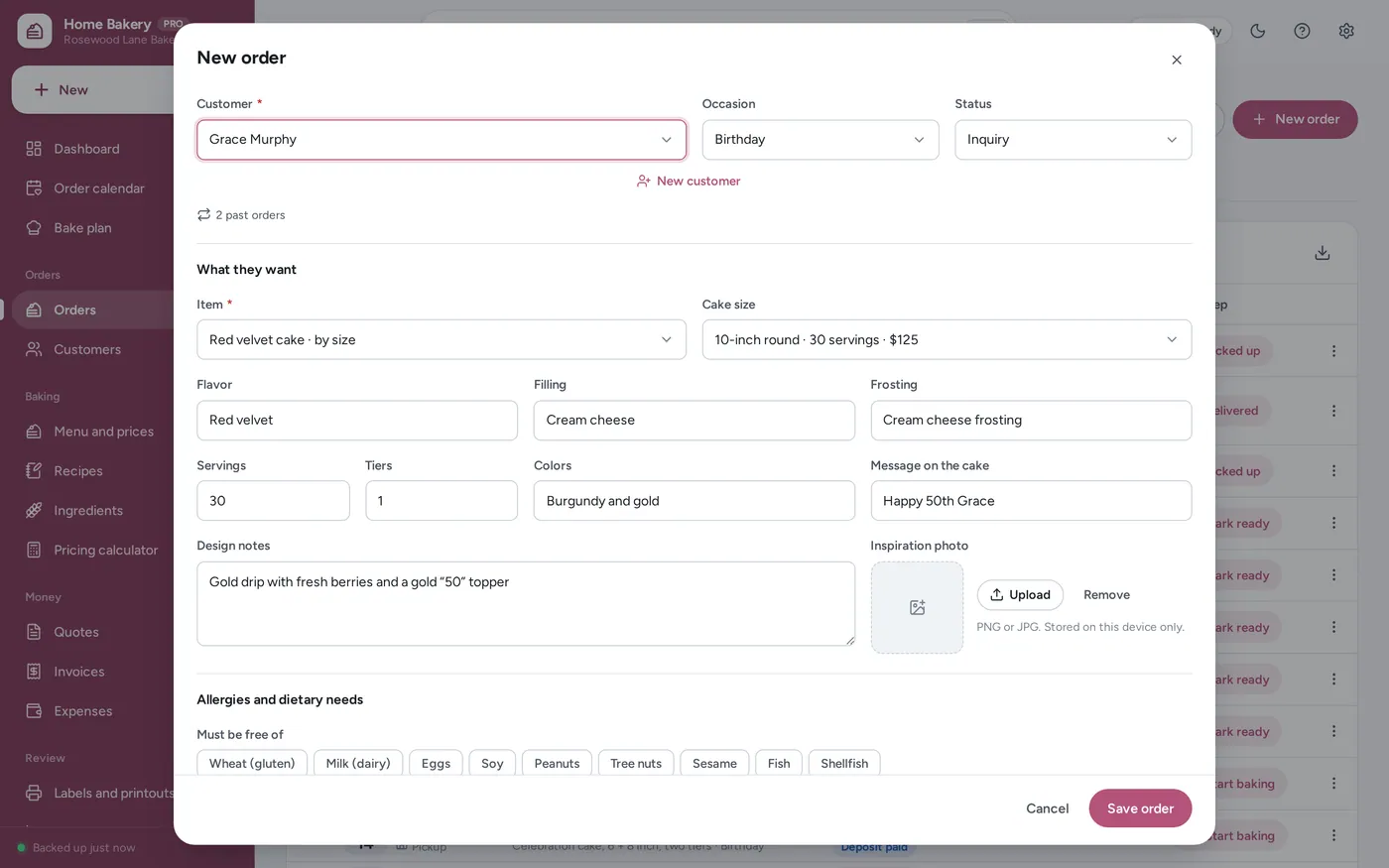
A home bakery planner and bakery order tracker for home bakers, cottage food businesses, cake decorators and cookie artists: an order calendar by pickup or delivery date and time, a custom cake order form (occasion, size and servings, flavor, filling, frosting, colors, the message, design notes, an inspiration photo and allergies), deposits and balances, recipe costing per batch and per serving from your ingredient prices, a cake pricing calculator with your time, overhead and profit and a price per serving for every size, this week’s bake plan with a shopping list from your stock, product labels with ingredients and allergens, a printable menu, customers with allergies and birthdays, invoices, expenses and reports — offline, no subscription. Cottage food rules vary by state; the app makes no legal claims.
Bakery order tracker
Custom cake order form
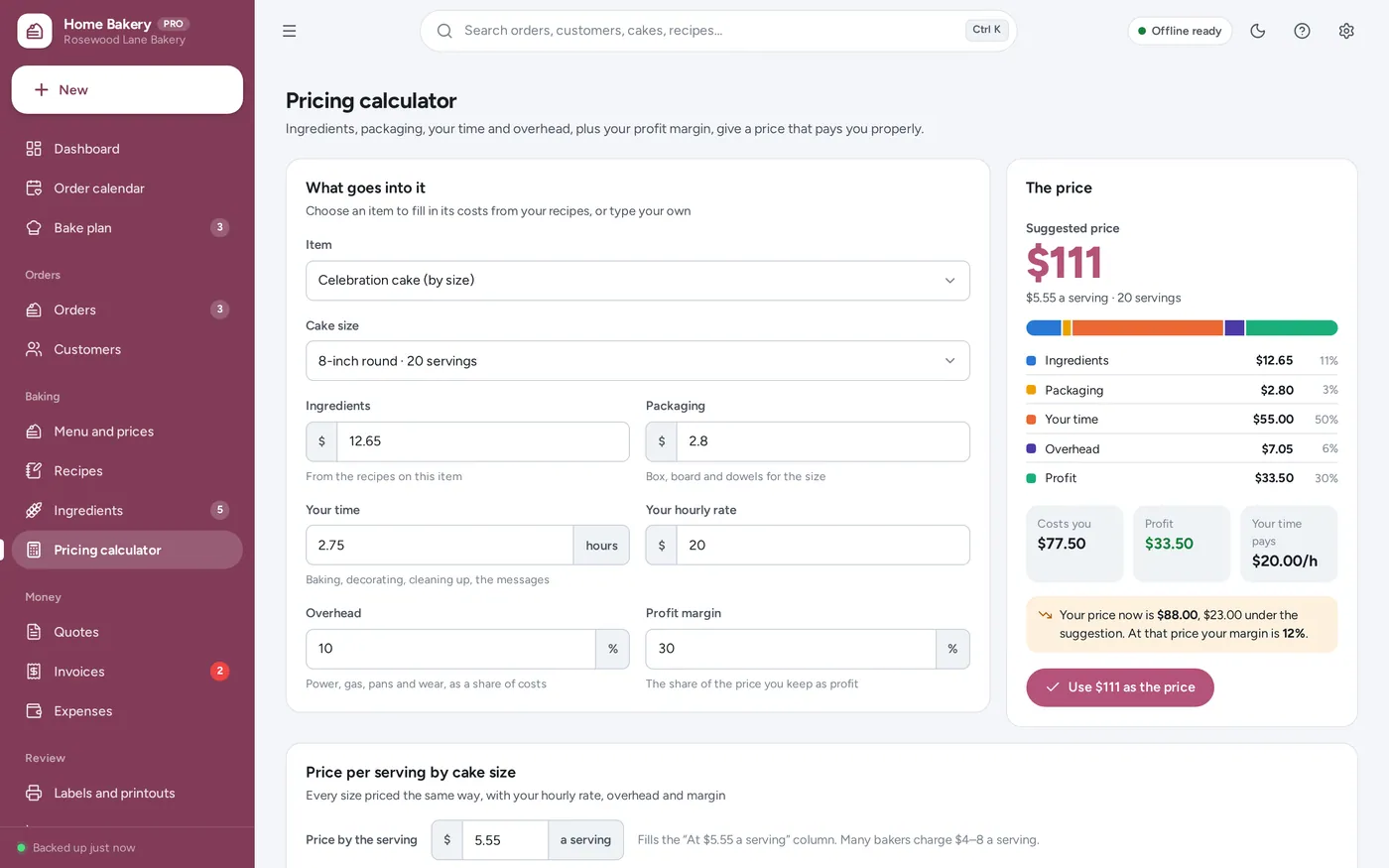
Cake pricing calculator
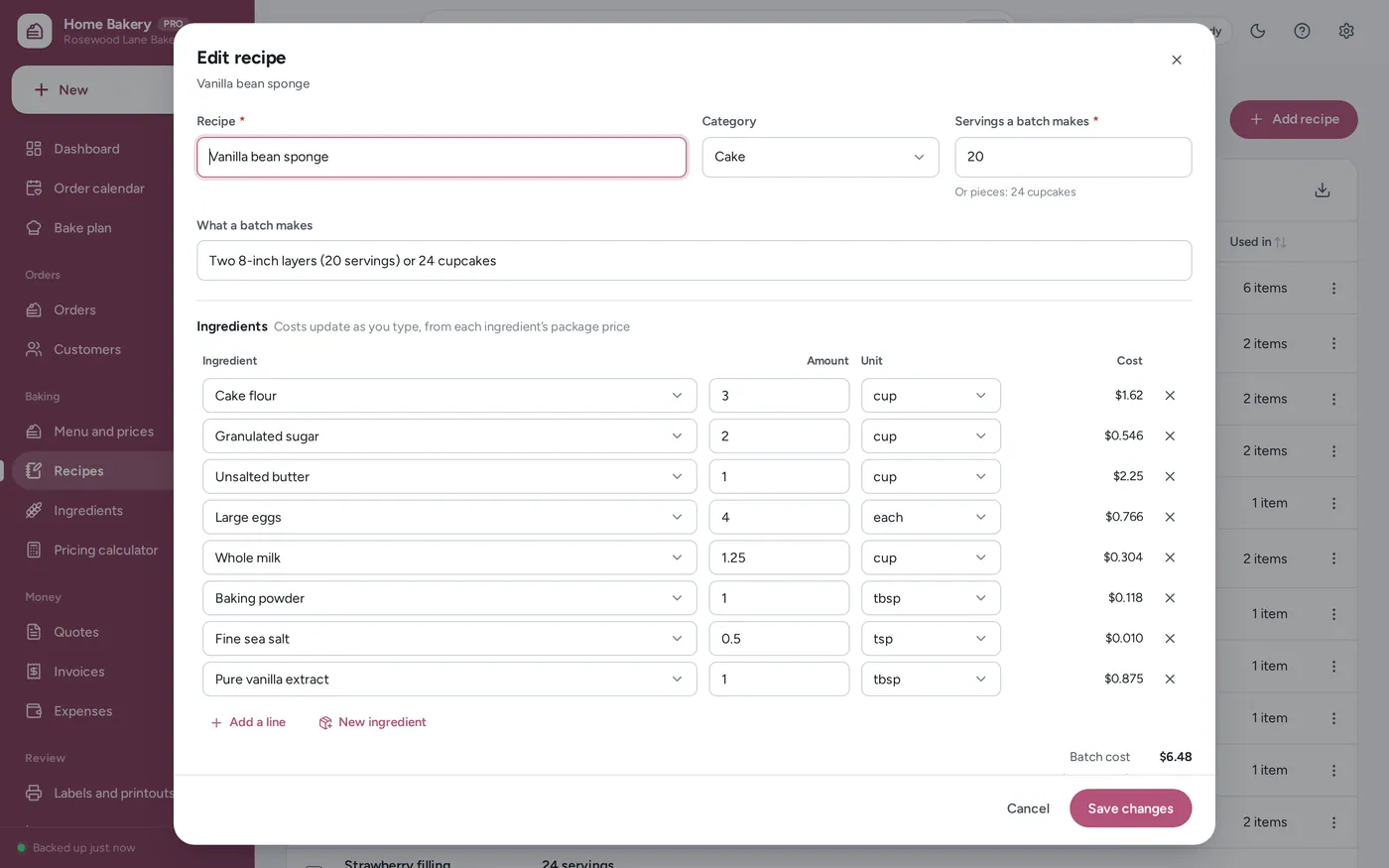
Recipe cost calculator
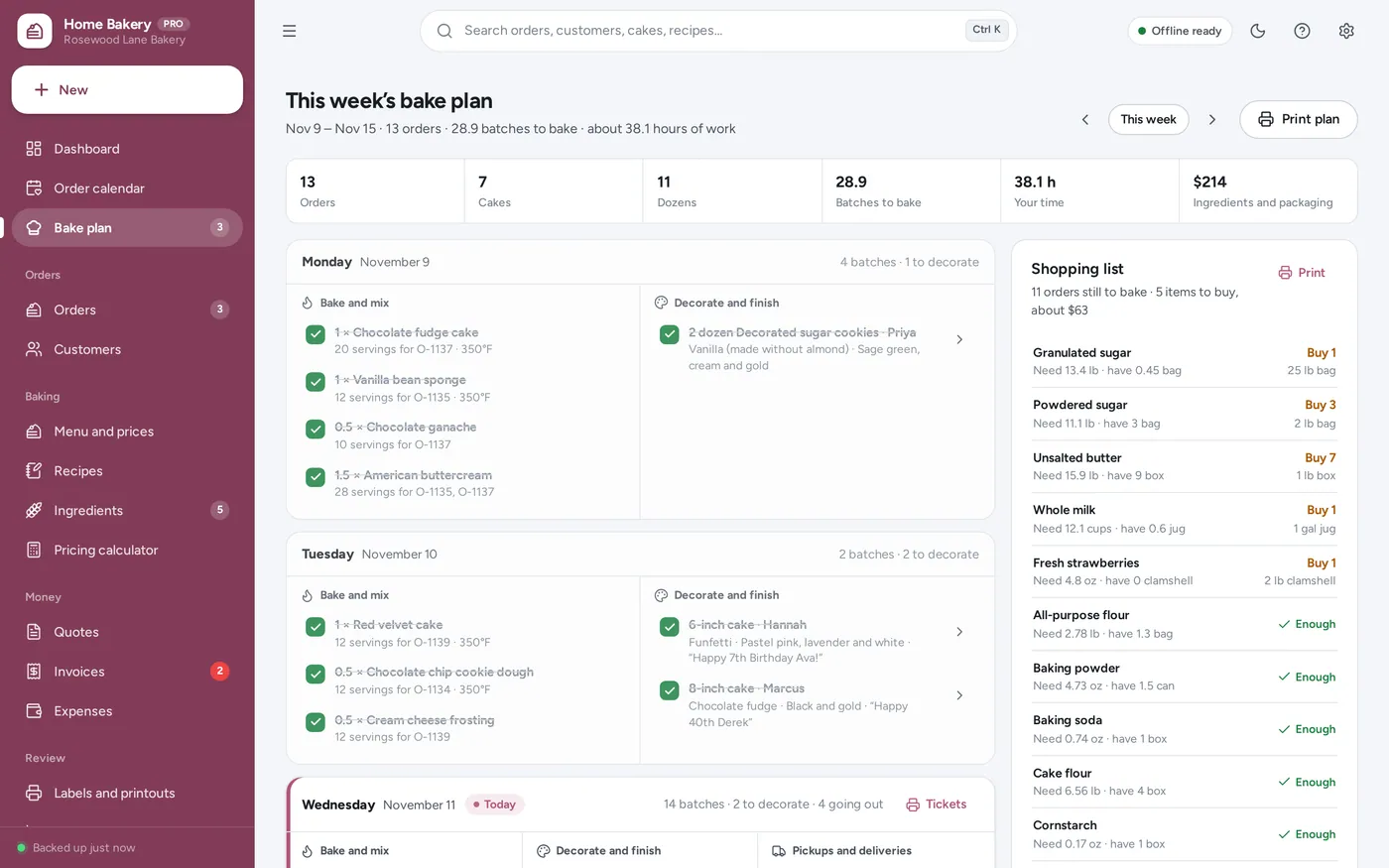
This week’s bake plan
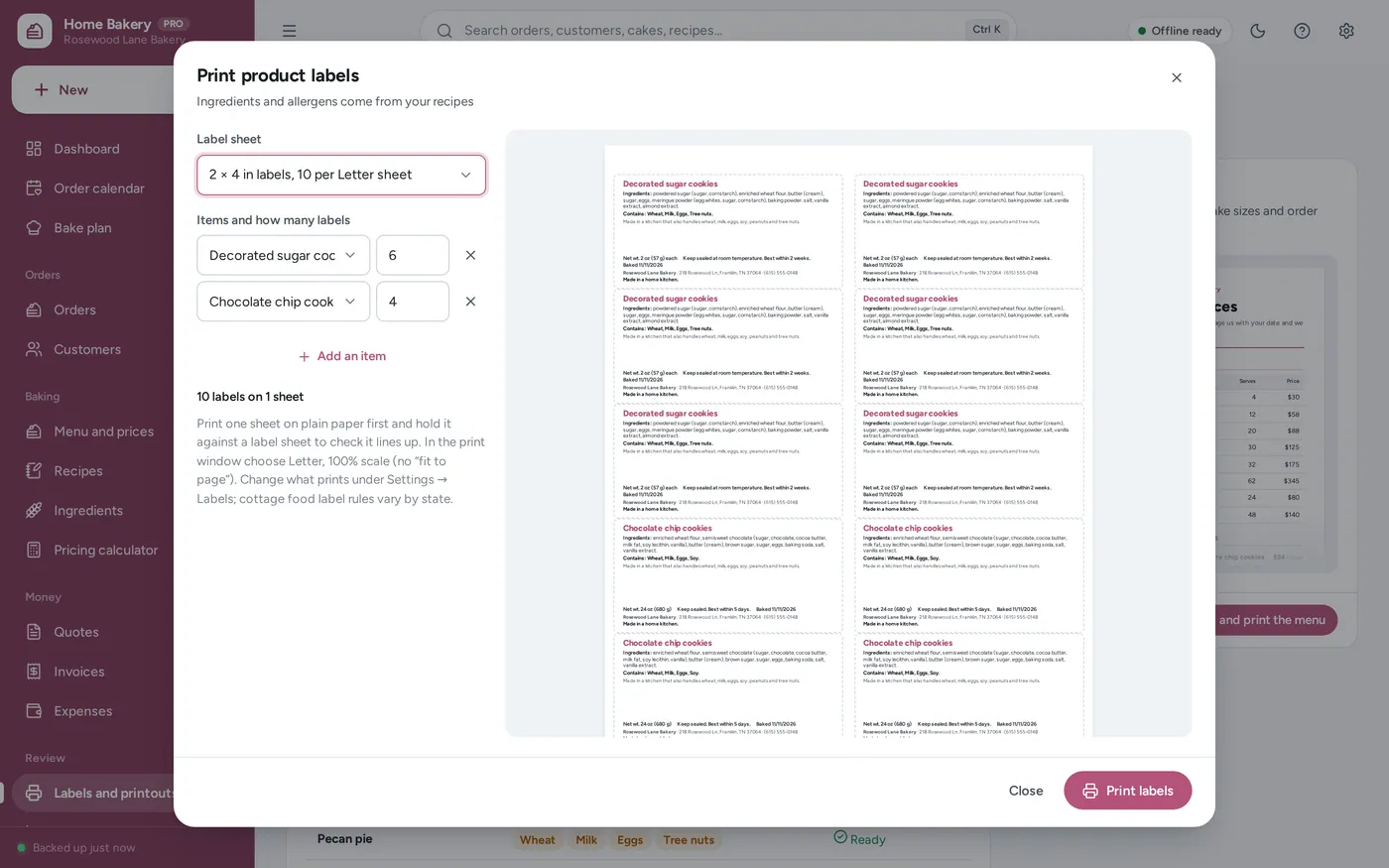
Labels and menu
For home bakers, cottage food businesses, cake decorators and cookie artists: the order book, the costing and the pricing in one, plus the bake plan, labels and menu a spreadsheet leaves to you. Cottage food rules vary by state; the app makes no legal claims.
A bakery spreadsheet cannot put orders on a calendar, add up the week’s batches or warn you about an allergy, and its formulas break when typed over. Bakery software charges every month. This works offline on your own computer, paid for once, and your orders stay on your device.
What it needs, and what it does not do.
Home Bakery Planner is an offline app from ColadoSystems that runs in your web browser from a folder on your own device. It costs $29 once, with no subscription and no account, and includes 16 tools, sample data to explore and a PDF guide. Your records stay on your device and are never uploaded.
Something else? Ask us and we'll answer before you buy.
Everything is saved inside your browser on this device. Nothing is uploaded and there is no account, so no company holds a copy of your orders, recipes and customer records. They are not password-protected, though: anyone who can use this device and browser can open them, so keep the device locked. Download a backup regularly (Settings → Data & backup → Back up now) and keep it somewhere as safe as the records themselves.
Yes. Open index.html and it runs fully offline. You can also host the folder on any website and choose “Install app” in Chrome or Edge to get a desktop or phone icon that works offline.
Yes, opened from a web link (see “How do I put it on an iPad?”). The layout adapts to phones and tablets with a bottom navigation bar. Each device keeps its own data, so use Back up and Restore to move records between devices.
Go to Settings → Data & backup → Erase records. Your business profile and settings are kept; all sample records are removed.
The app makes no legal claims. Cottage food label rules vary by state, so check yours for the wording, details and type size you need, and set the statement and shared-kitchen line under Settings → Labels to match. The label lists your item’s ingredients heaviest first, worked out from your recipes, and a “Contains:” line from the allergens you mark on each ingredient. Use “Name on labels” on an ingredient for exact wording such as “enriched wheat flour”.
Each ingredient has the package you buy and its price, so the app knows the cost of one gram, millilitre or piece. A recipe line in cups of something bought by the pound is turned into grams with the ingredient’s grams in one cup (filled in for common baking ingredients; change it to your own). Pieces bought by weight use grams in one. The batch cost is the sum of the lines; the cost per serving is the batch cost divided by the servings a batch makes.
The calculator uses margin: the share of the price you keep as profit. A 30% margin on costs of $70 gives a price of $100, of which $30 is profit. (A 30% markup would only give $91.) Your time is counted as a cost first, at your hourly rate, so the profit is on top of paying yourself.
No. The app runs on your own device with no online booking or customer accounts. Take orders the way you do now — messages, calls, markets — and enter them. Send customers the confirmation, quote or invoice from the app, or the printable menu and blank order form.
Yes, if you want it to. With Settings → Orders and deposits → Ingredient stock switched on, marking an order ready takes the ingredients its recipes use out of stock, in packages. Record purchases on the ingredient, or use “Add what I bought to stock” on the bake plan. Count stock now and then to put it right.
For a cake it is the hours you set for its size under Settings → Cake sizes and prices; for other items it is the minutes per dozen, piece or box set on the item, times the quantity. It is valued at your hourly rate in the pricing calculator, the order form, the menu list and the reports.
Yes. Open the invoice and tap Send, then Share: the iPad’s share sheet opens with the invoice PDF attached, so you choose Mail or Messages, pick the customer and send. The same works on an iPhone and in Chrome or Edge on Windows and Mac. Where a browser cannot share files, the app downloads the PDF and starts an email for you instead.
An iPad cannot open the app from a downloaded file, so it has to be opened from a web link. Put the app folder on a website or free static host, open the link in Safari, then tap Share → Add to Home Screen. From then on it opens from its own icon and works without internet. Records stay on the iPad; nothing is uploaded.
Change them under Settings → Cake sizes and prices or on the menu item. New orders use the new prices. Orders already taken keep the price they were booked at, so a confirmation always matches what the customer agreed to.
Yes. Sell items by the dozen, half dozen, piece or box; cake sizes are only used by items sold as “Cake, priced by size”. The bake plan, labels, shopping list and pricing calculator work the same for every item.
No. It is made for one person on one device, and records do not sync between devices. To move to another device, save a backup and restore it there.
Selling food? These systems are close cousins. Here is who each one is for.
Cafes, restaurants and food trucks: recipe costing, ordering, stock and staff rota.
Home bakers: cake and cookie orders by pickup date, deposits, recipe costs and labels.
Practical how-tos from our blog, useful with or without the system.
Shops, food & stock
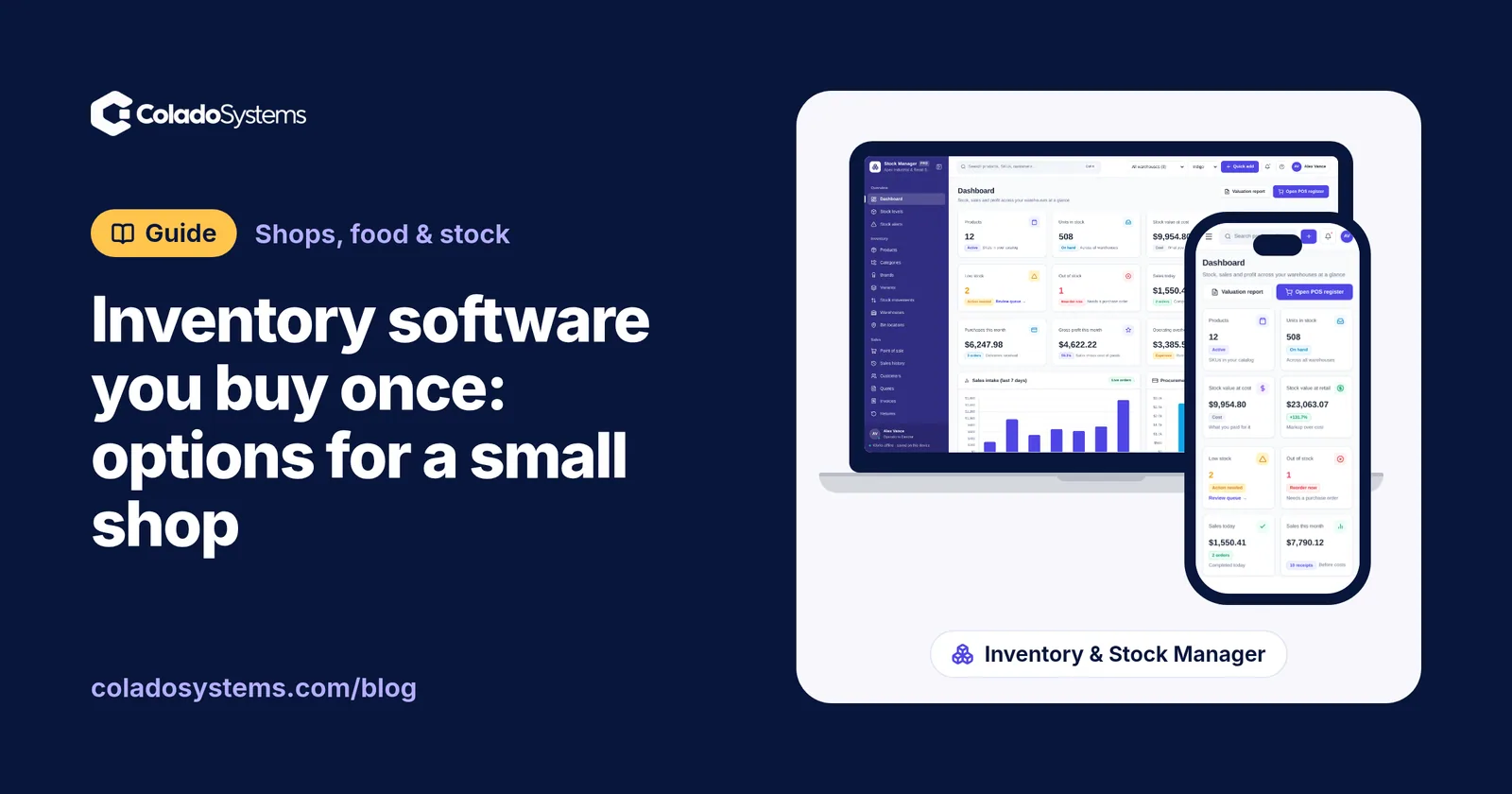
Yes, inventory software can be a one-time purchase. See how spreadsheets, subscription apps, free POS plans and buy-once systems compare for a small shop.
Shops, food & stock
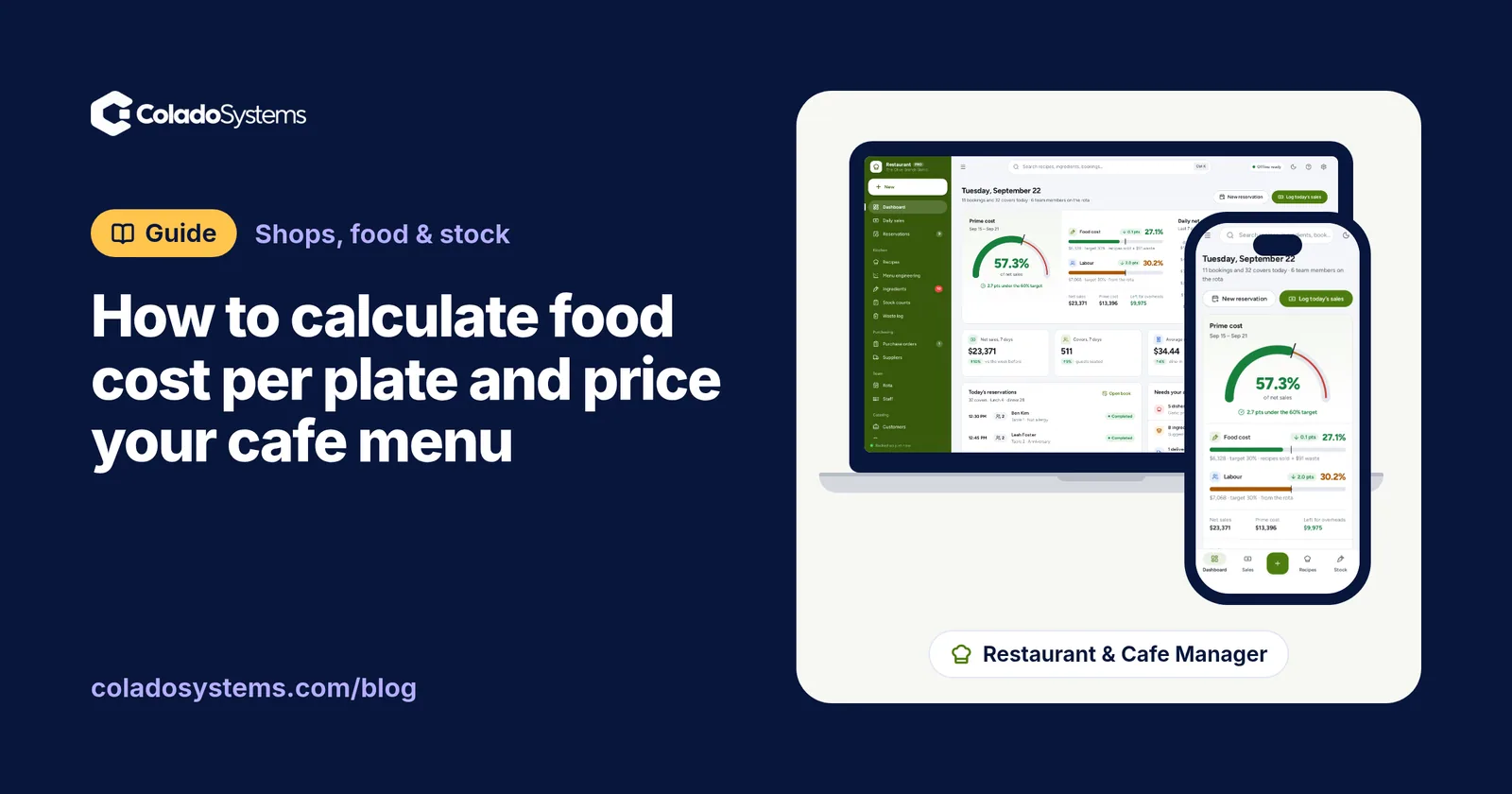
Cost each ingredient at the portion served, after trim and cooking loss, to get food cost per plate, then divide by a target percentage to set menu prices.
Shops, food & stock
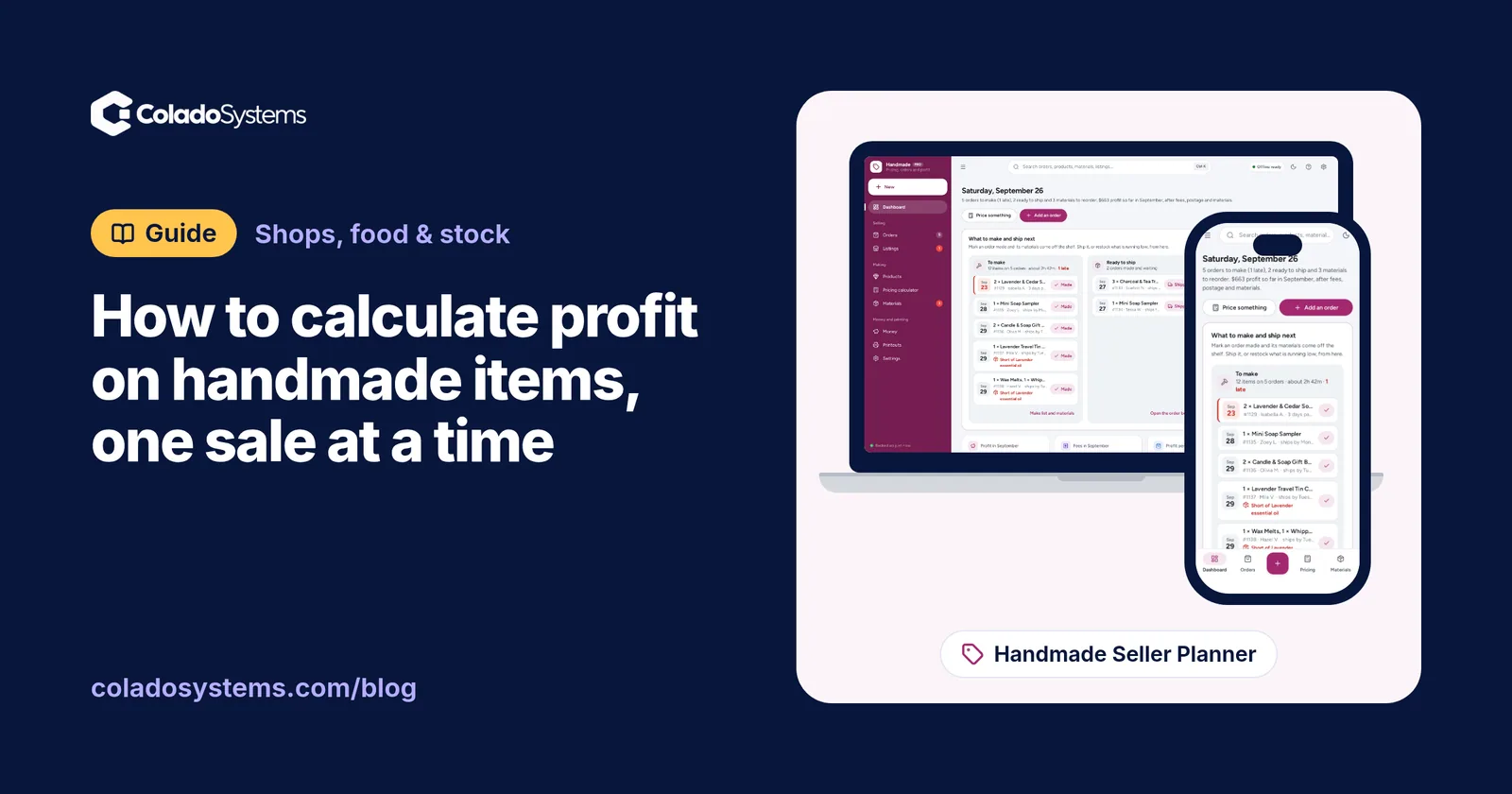
Learn how to calculate profit on handmade items after materials, your time, marketplace fees, postage and packaging, with a worked example to copy.
The shops, food & stock bundle has every system in this category for one price.
Stock, orders, pricing and labels for shops, bakeries, kitchens and warehouses.
$199for 10 systems, $520 if bought one by one
You save $321
Shops, food & stock
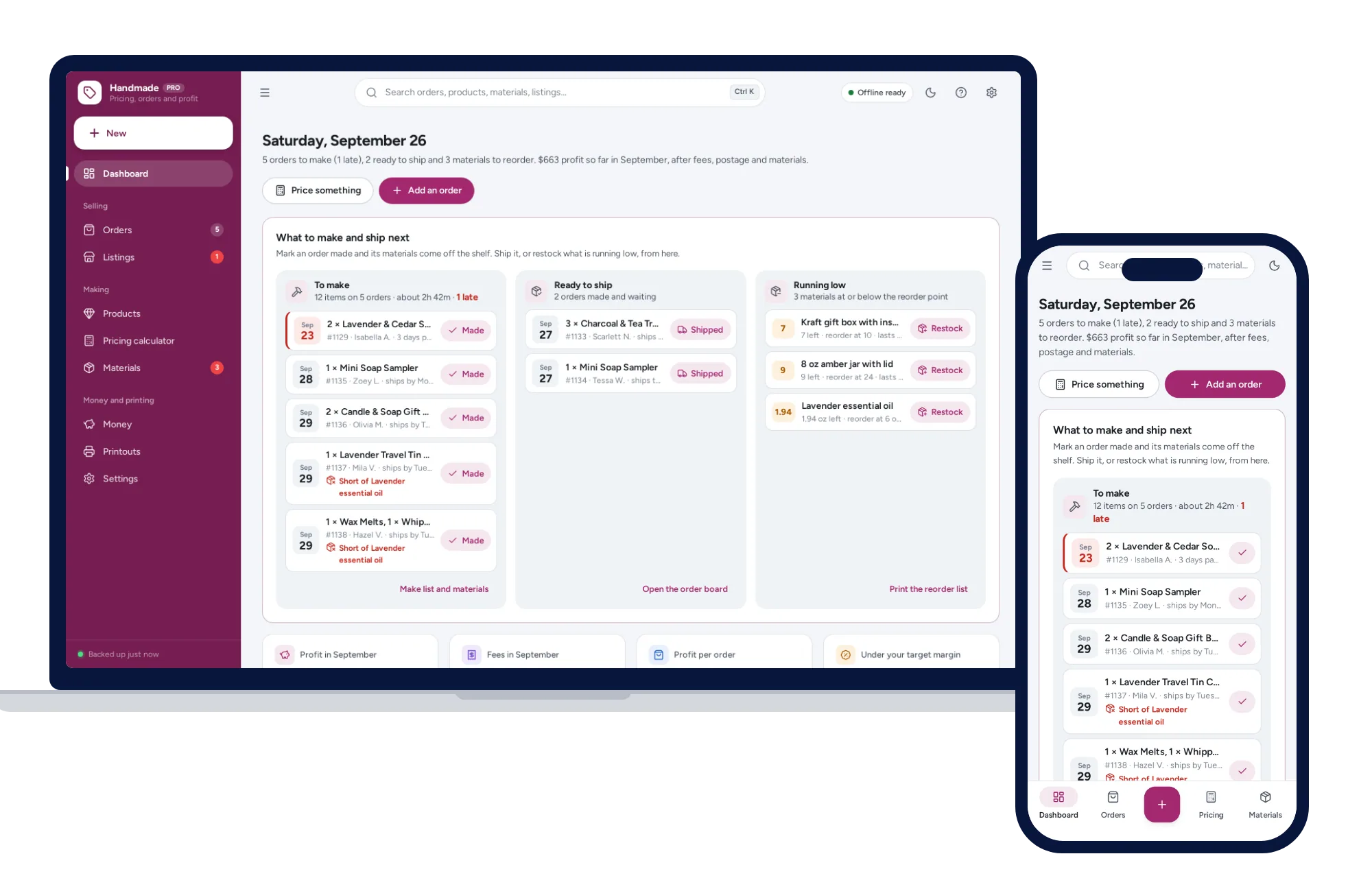
The price that leaves your margin after every listing, transaction and payment fee — and the true profit on every sale. No formulas to break, no subscription.
$39one-time
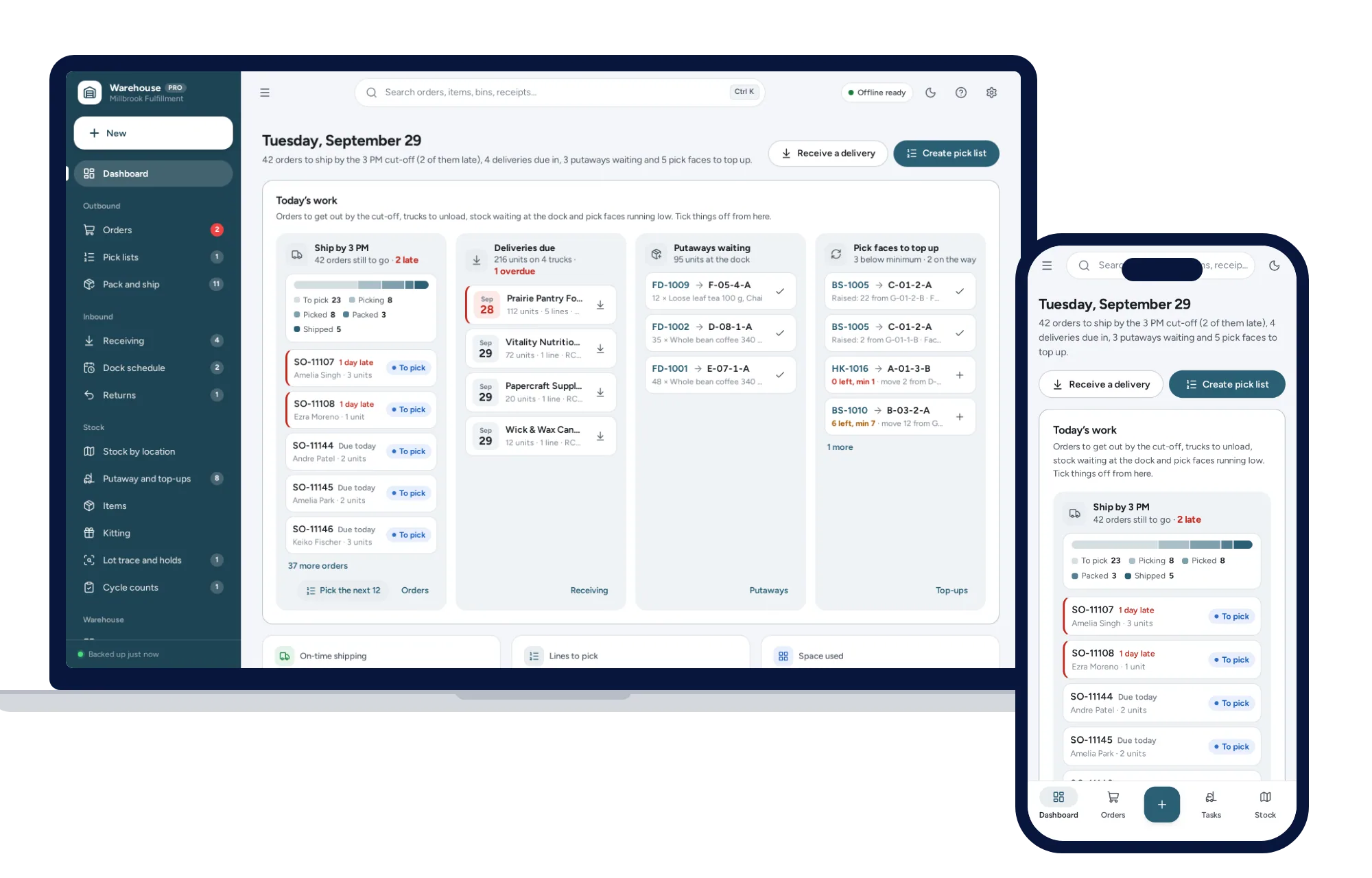
Shops, food & stock
Know which bin every item is in, pick orders in walking order and ship first-expired-first-out, from one dashboard. No formulas to break, no subscription.
$79one-time
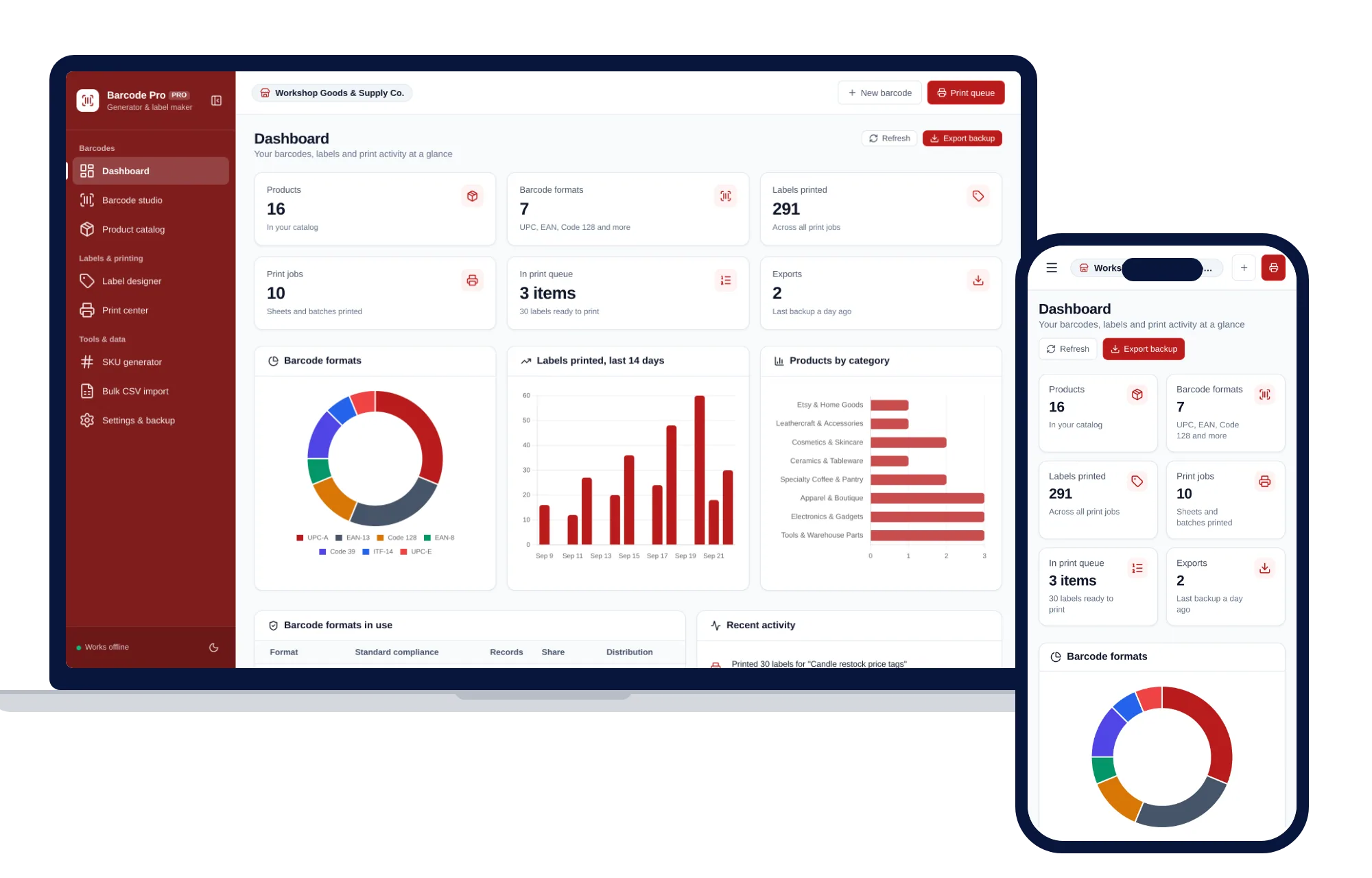
Shops, food & stock
Create barcodes, keep a product catalog and print label sheets for your shop, all offline.
$39one-time
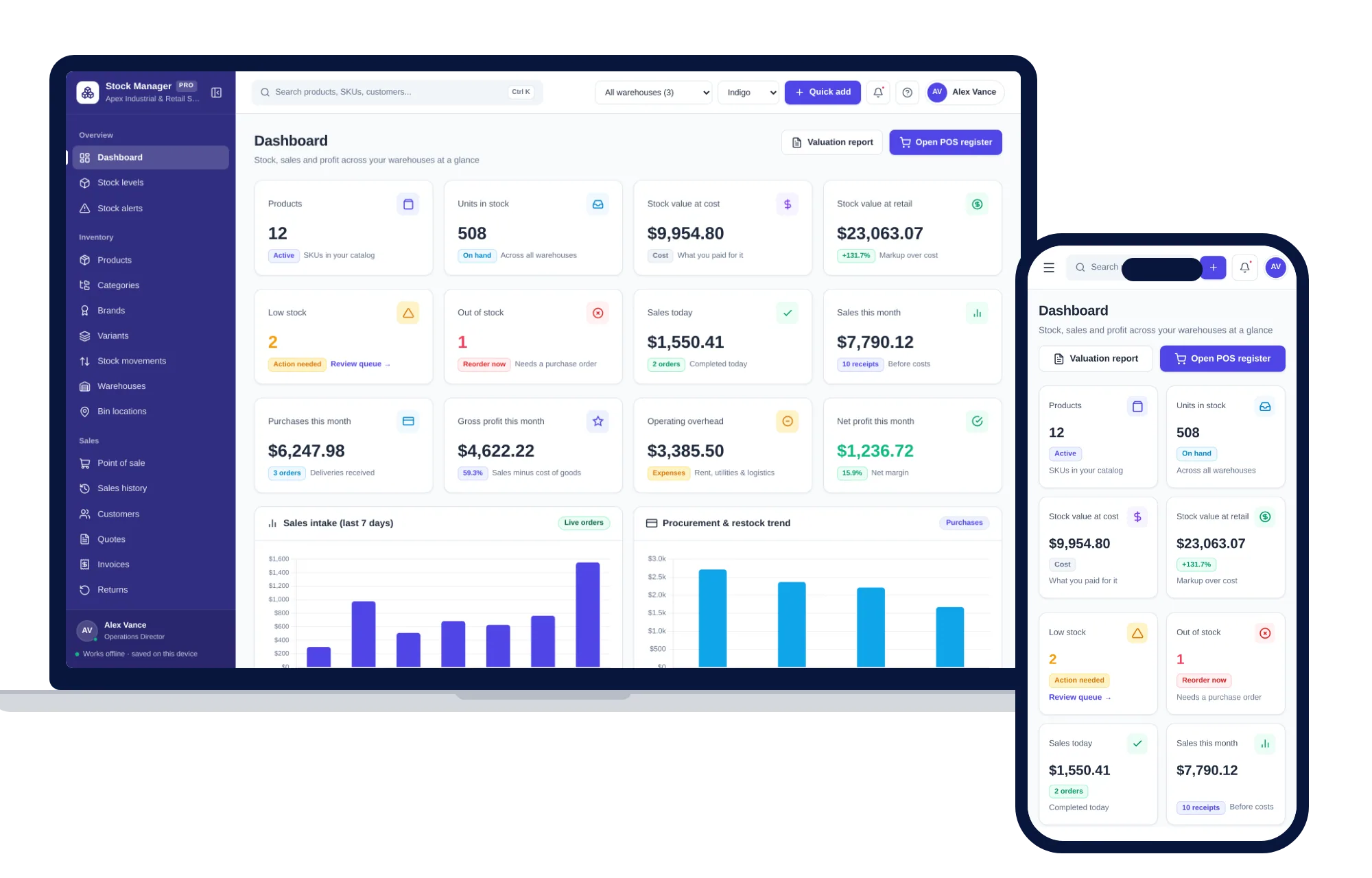
Shops, food & stock
Products, stock levels, warehouses, point of sale, purchase orders and profit reports in one offline app.
$59one-time