
POS system
Scan it, tap it, ring it up
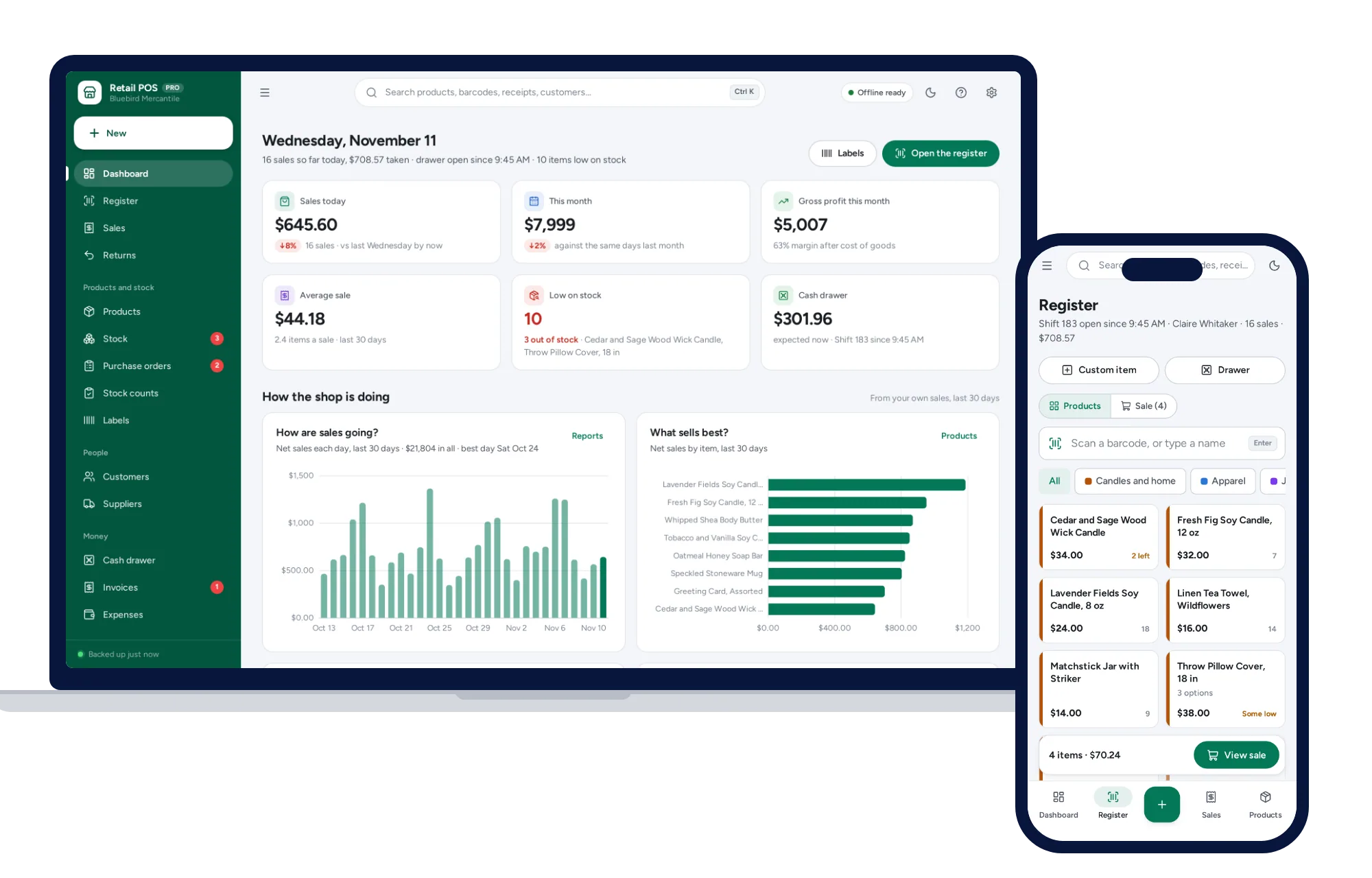
- Big product tiles by category, made for touch
- Works with any USB or Bluetooth barcode scanner
- Line and sale discounts, tax, held sales
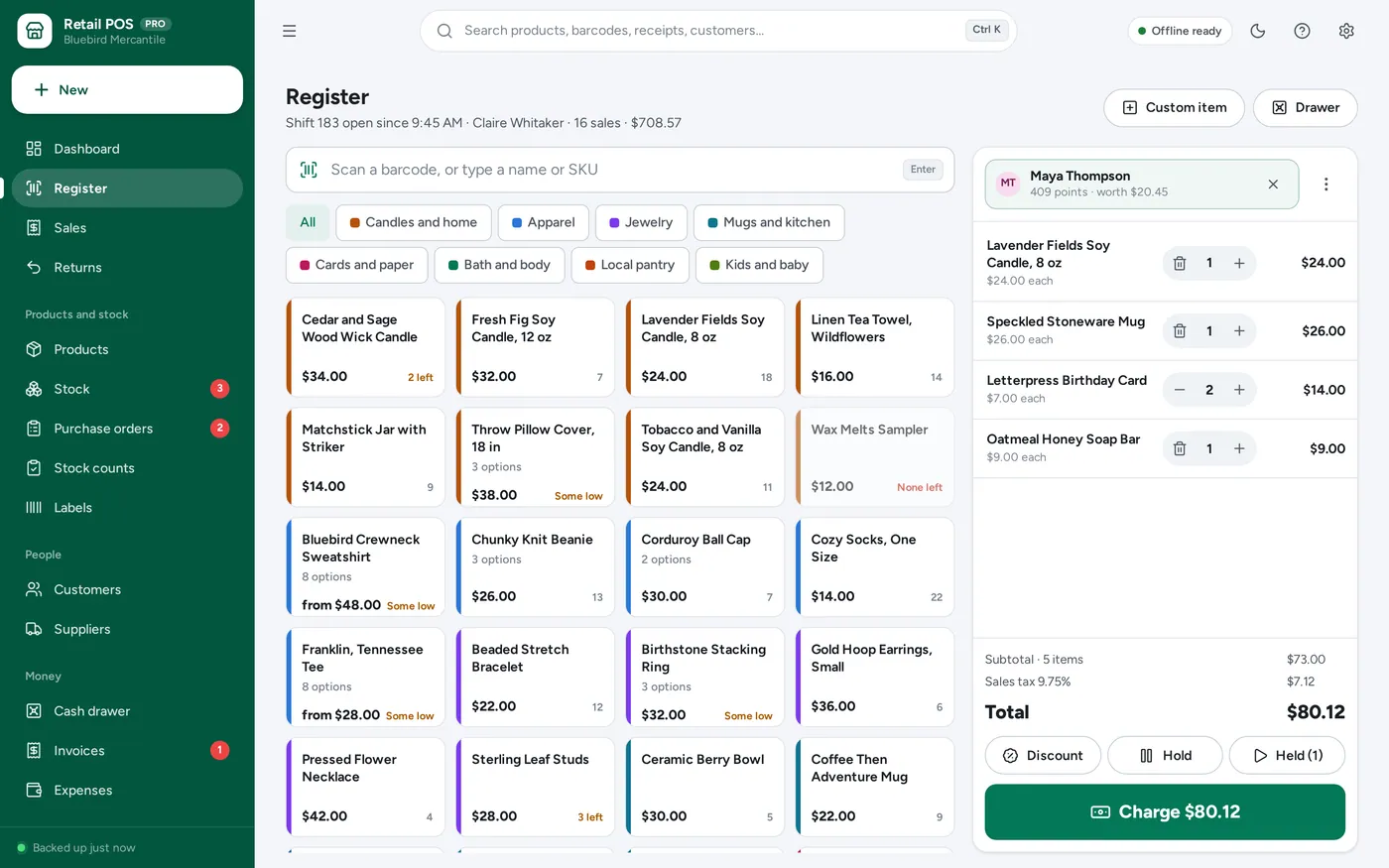
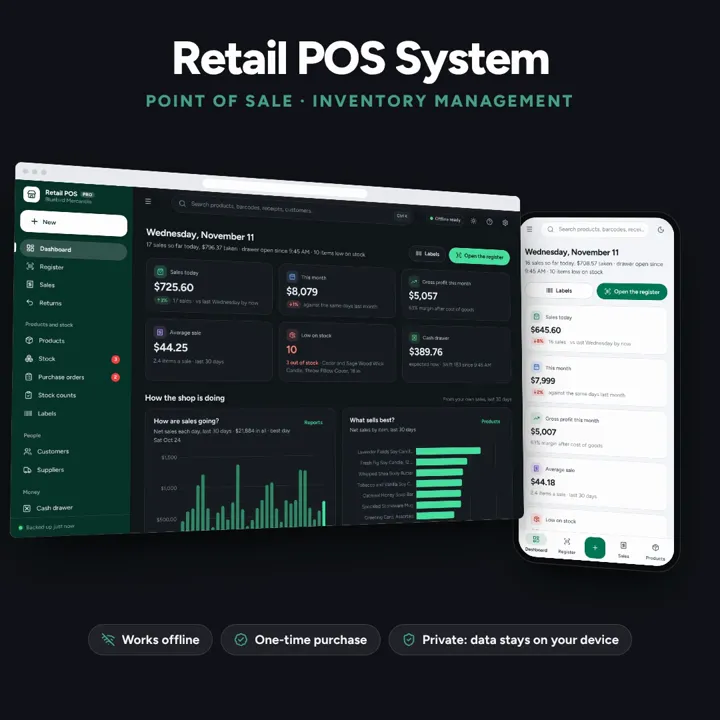
A touch-friendly register with barcode scanning, split payments and 80 mm receipts, plus stock, labels and the cash drawer. Offline, no subscription.
No subscription. Pay once and keep it.
Try the live demoWith sample data, right in your browserCheckout by Lemon Squeezy. Tax is added where it applies, and you download straight after paying.
Made for Small shops, boutiques, gift stores, market stalls, craft fair vendors and pop-ups that run the counter on a laptop or tablet
A retail POS system and point of sale app for small shops, boutiques, market stalls and pop-ups: a touch-friendly register with product tiles, barcode scanning from a USB or Bluetooth scanner, line and sale discounts, tax, split payments in cash, card or another method with the change worked out, held sales, receipts on 80 mm or 58 mm thermal paper or a full page, returns and exchanges against the original sale, products in sizes and colours with SKUs and barcodes, low-stock alerts, purchase orders, stock counts by scanner, barcode labels, cash drawer shifts with a Z report, loyalty points and sales reports by day, hour, product and payment method — offline, paid for once. Records card payments; it does not process them.
POS system
Point of sale
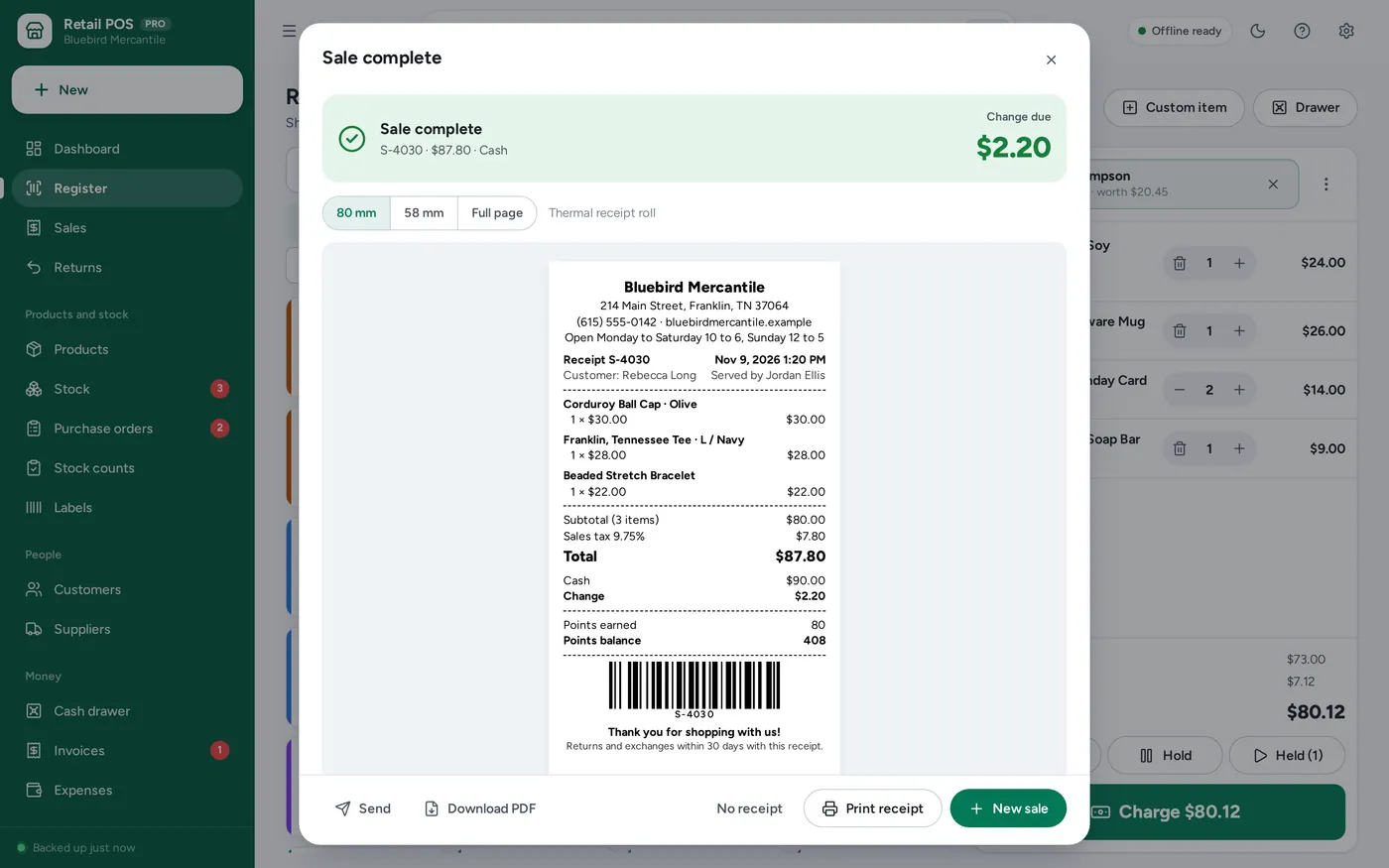
Returns and exchanges
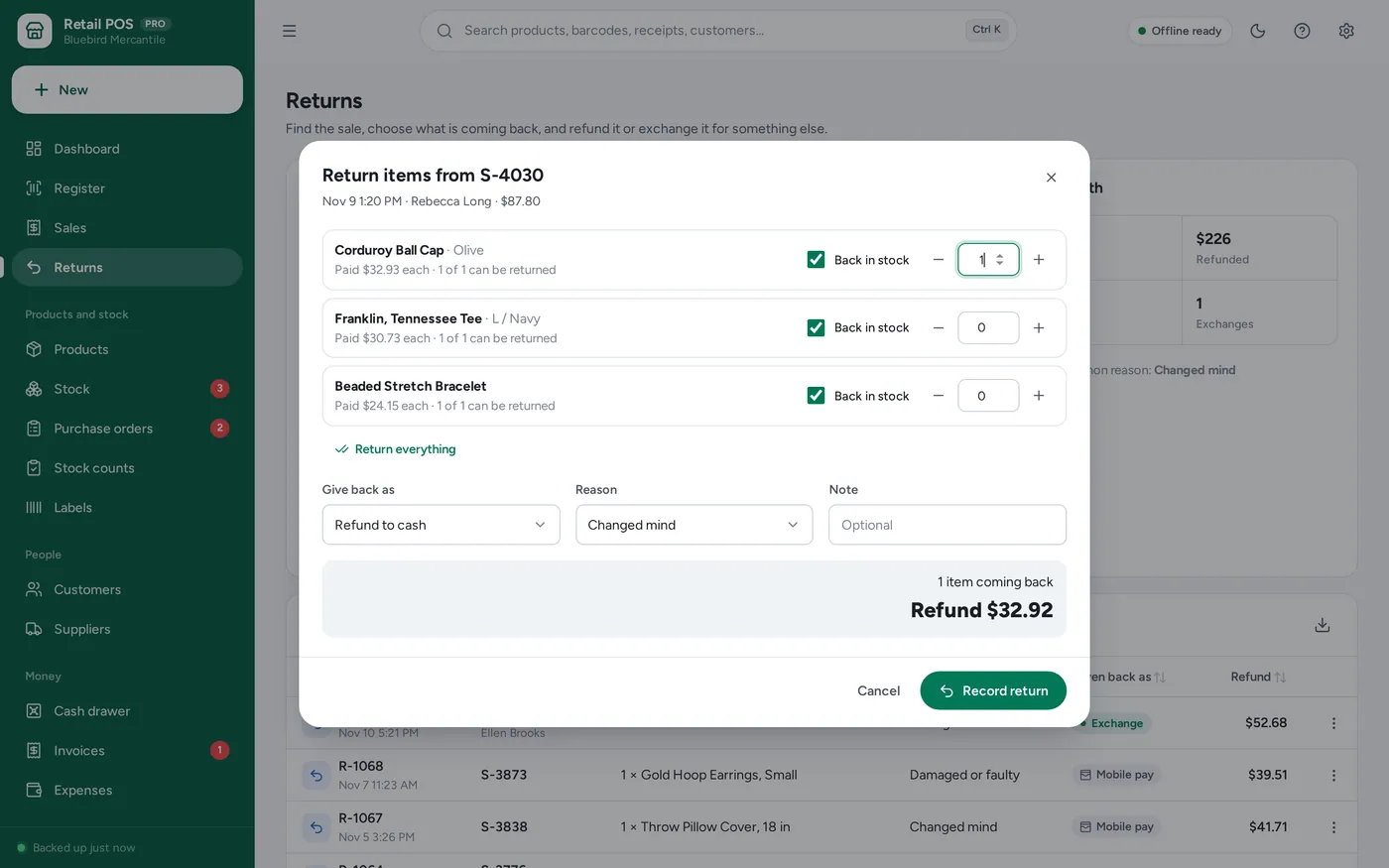
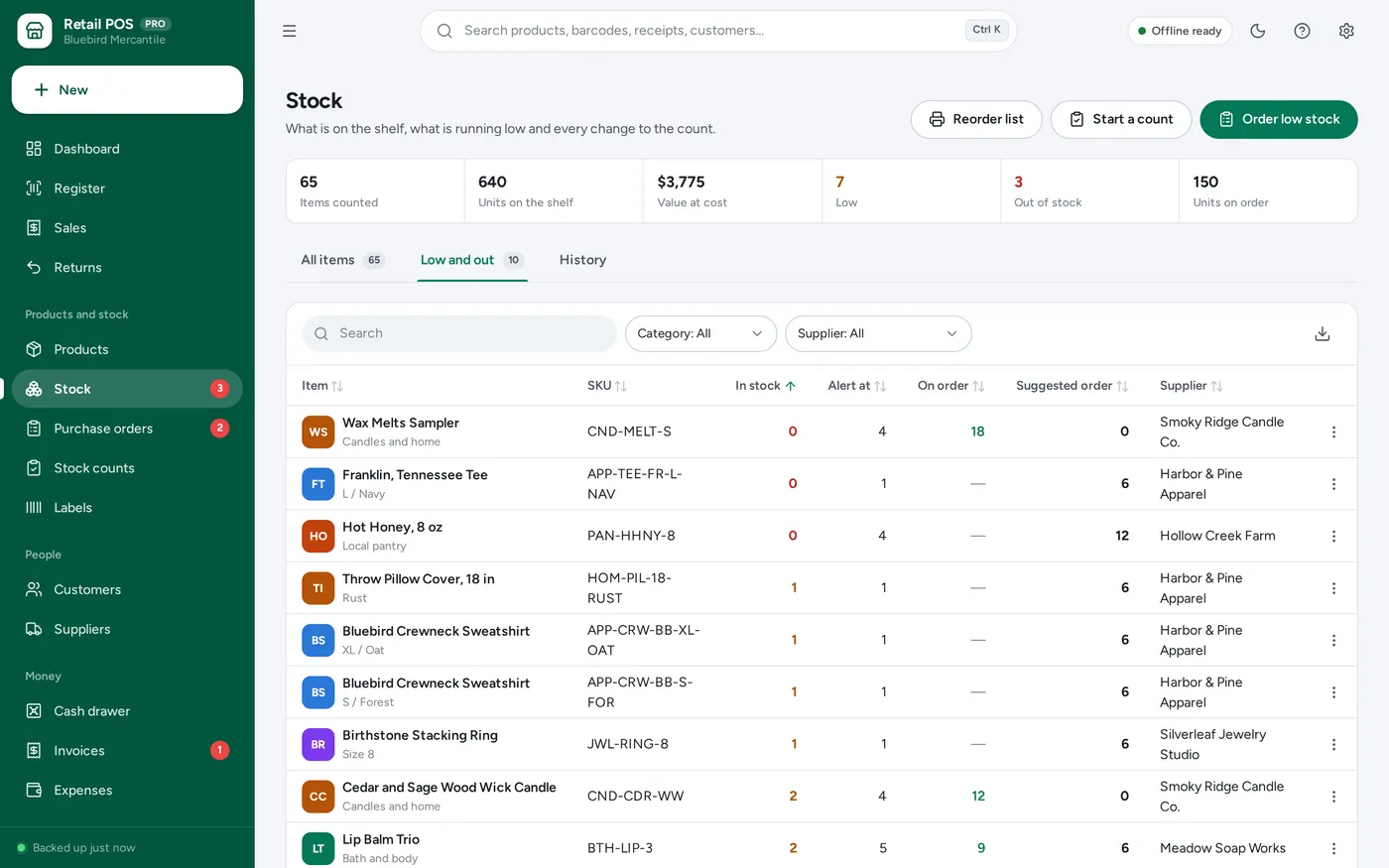
Inventory management
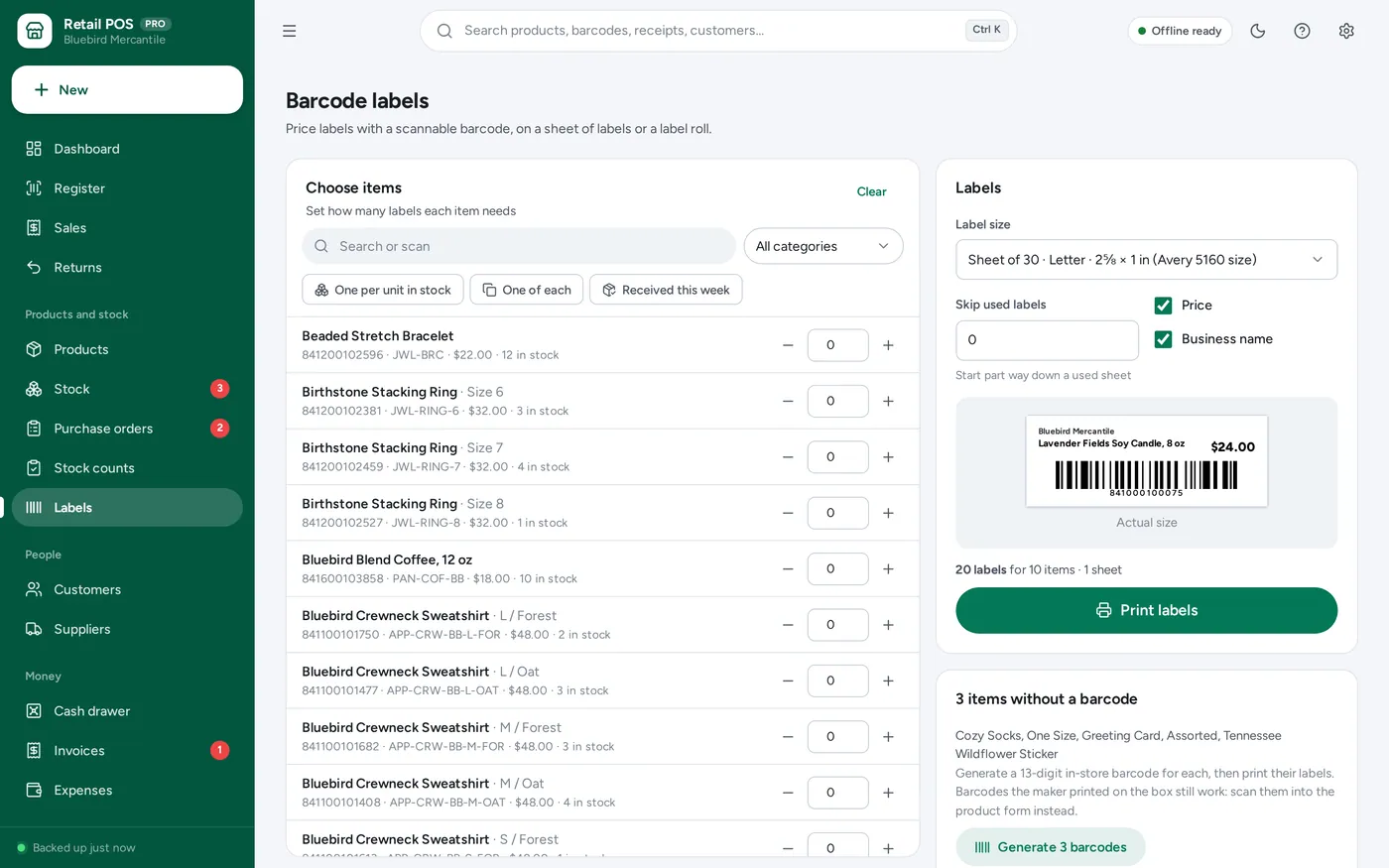
Barcode labels
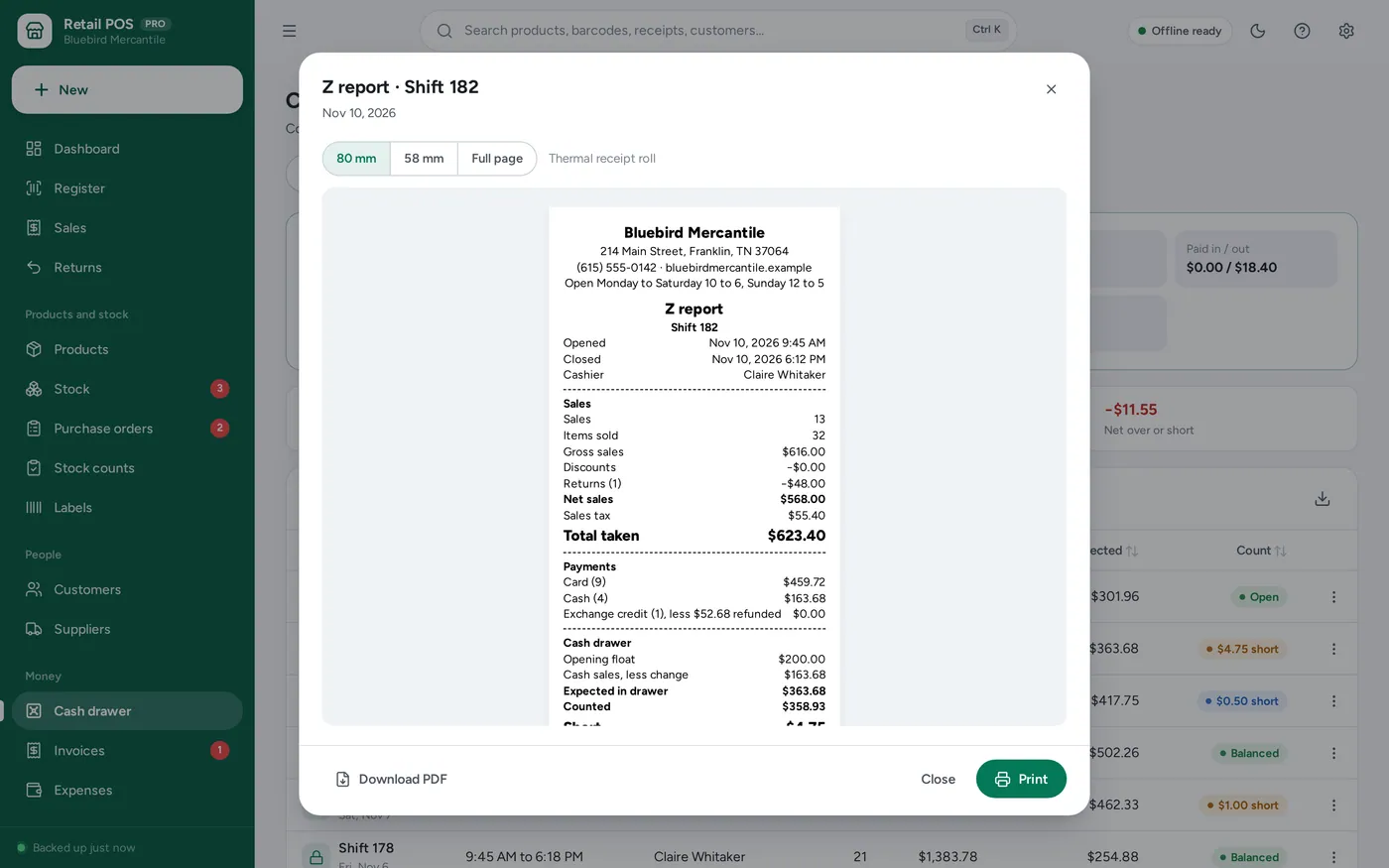
Cash drawer
For small shops, boutiques, gift stores, market stalls, craft fair vendors and pop-ups: the register, the stock room and the cash drawer in one app.
Cloud POS apps charge every month and stop when the internet does. A spreadsheet cannot take a scan or print a receipt. This runs offline on your own computer at the counter, paid for once, and keeps every sale and product on your device. It records card payments; take the card on your own card reader.
What it needs, and what it does not do.
Retail POS System is an offline app from ColadoSystems that runs in your web browser from a folder on your own device. It costs $59 once, with no subscription and no account, and includes 16 tools, sample data to explore and a PDF guide. Your records stay on your device and are never uploaded.
Something else? Ask us and we'll answer before you buy.
Everything is saved inside your browser on the device you use. Nothing is uploaded and there is no account, so no company holds a copy of your sales, products or customers. Anyone who can use this device and browser can open them, so keep the device locked. Download a backup regularly (Settings → Data & backup → Back up now) and keep it somewhere you trust.
Yes. On a Windows or Mac computer, double-click index.html and it runs fully offline. On an iPad or phone, open it once from a web link and add it to the Home Screen; after that it works without internet too.
Any USB or Bluetooth barcode scanner that works like a keyboard, which is how almost all of them come set up. It types the code and presses Enter. On the Register page the code goes to the scan box even if you have not clicked it first. The scan box also works on the Returns page (for receipt barcodes), stock counts, purchase orders and labels.
Yes, through your browser’s print window. Install the printer’s driver on your computer, choose the receipt printer when you print and set its paper to the roll width (80 mm or 58 mm). The receipt is sized to its own length, so the printer cuts where it ends. The app cannot open a cash drawer by itself; many receipt printers have a driver setting that opens the drawer each time they print.
No. The app records how each sale was paid; it does not connect to a card reader or a payment service. Take the card on your own card reader or terminal as usual, then choose Card in the payment window, with the last four digits or approval code if you like.
No. Each device keeps its own records, so it suits one register. To move to another computer, back up on the old one and restore on the new one.
Set your sales tax rate in Settings → Invoices & tax. Every sale adds it, and each product can be set to no tax. If your prices already include tax (VAT or GST), switch that on in Settings → Register and the register works the tax out of the price instead.
An iPad cannot open the app from a downloaded file, so it has to be opened from a web link. Put the app folder on a website or free static host, open the link in Safari, then tap Share → Add to Home Screen. From then on it opens from its own icon and works without internet. Records stay on the iPad; nothing is uploaded.
Yes. Labels → Generate barcodes gives every item without one a 13-digit number starting with 2, the range kept for codes used inside one shop, so it never clashes with a maker’s barcode. Labels print as Code 128 on a sheet of 30 (Letter), a sheet of 24 (A4) or a label roll.
Only what you put in Settings → Business profile and Settings → Receipts: your logo, name, address, phone, website, the extra lines, your message and your return policy. Nothing is invented. Leave the profile blank and receipts simply say “Your Business Name”.
Go to Settings → Data & backup → Erase records. Your business profile and settings are kept; all sample records are removed.
There is no limit built in. The sample shop has about 40 products in 65 sizes and colours and more than 3,000 sales over six months, and the app stays quick. Back up regularly and export to Excel whenever you want a copy for your accountant.
Keeping track of stock? These systems are close cousins. Here is who each one is for.
Shops that sell what they stock: stock levels, point of sale, purchase orders.
Warehouses and fulfilment: bin locations, receiving, pick lists and cycle counts.
Printing barcodes and product labels, with a product catalog.
A shop counter: a register with barcode scanning, receipts, returns and the cash drawer, with stock behind it.
Practical how-tos from our blog, useful with or without the system.
Shops, food & stock
Yes, inventory software can be a one-time purchase. See how spreadsheets, subscription apps, free POS plans and buy-once systems compare for a small shop.
Shops, food & stock
Cost each ingredient at the portion served, after trim and cooking loss, to get food cost per plate, then divide by a target percentage to set menu prices.
Shops, food & stock
Learn how to calculate profit on handmade items after materials, your time, marketplace fees, postage and packaging, with a worked example to copy.
The shops, food & stock bundle has every system in this category for one price.
Stock, orders, pricing and labels for shops, bakeries, kitchens and warehouses.
$199for 10 systems, $520 if bought one by one
You save $321
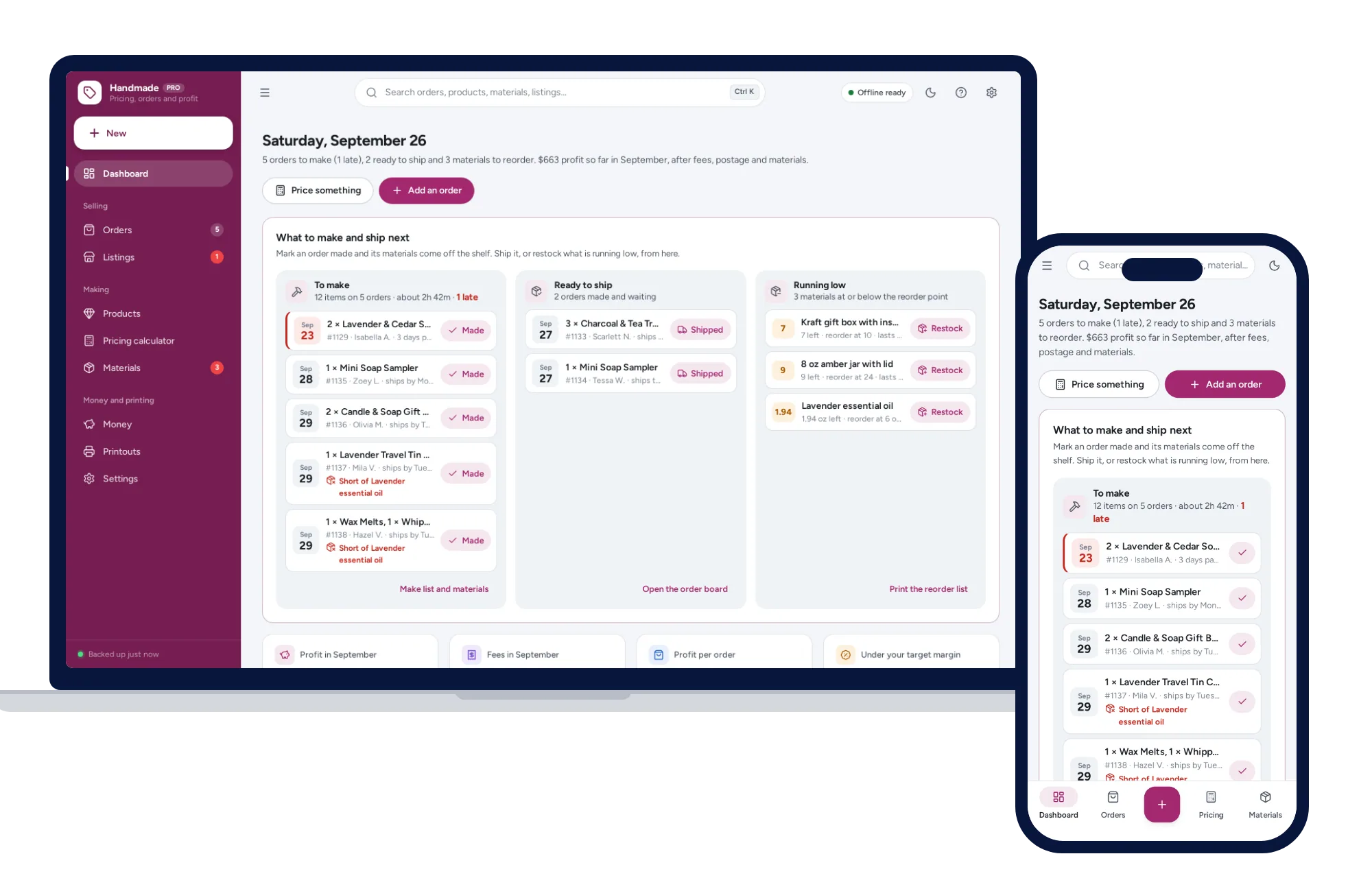
Shops, food & stock
The price that leaves your margin after every listing, transaction and payment fee — and the true profit on every sale. No formulas to break, no subscription.
$39one-time
Shops, food & stock
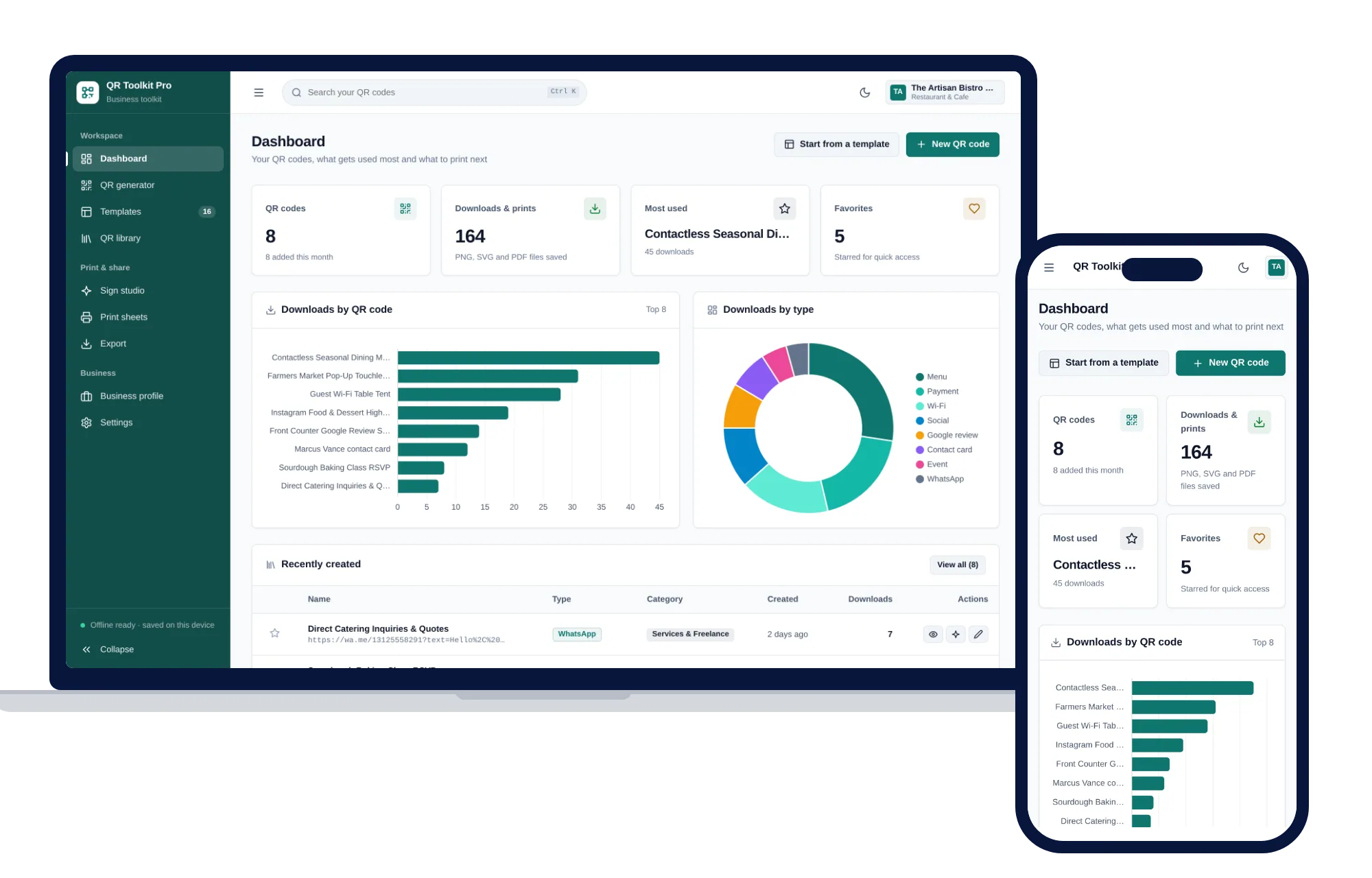
Create, design, print and export QR codes for your business — one offline app.
$39one-time
Shops, food & stock
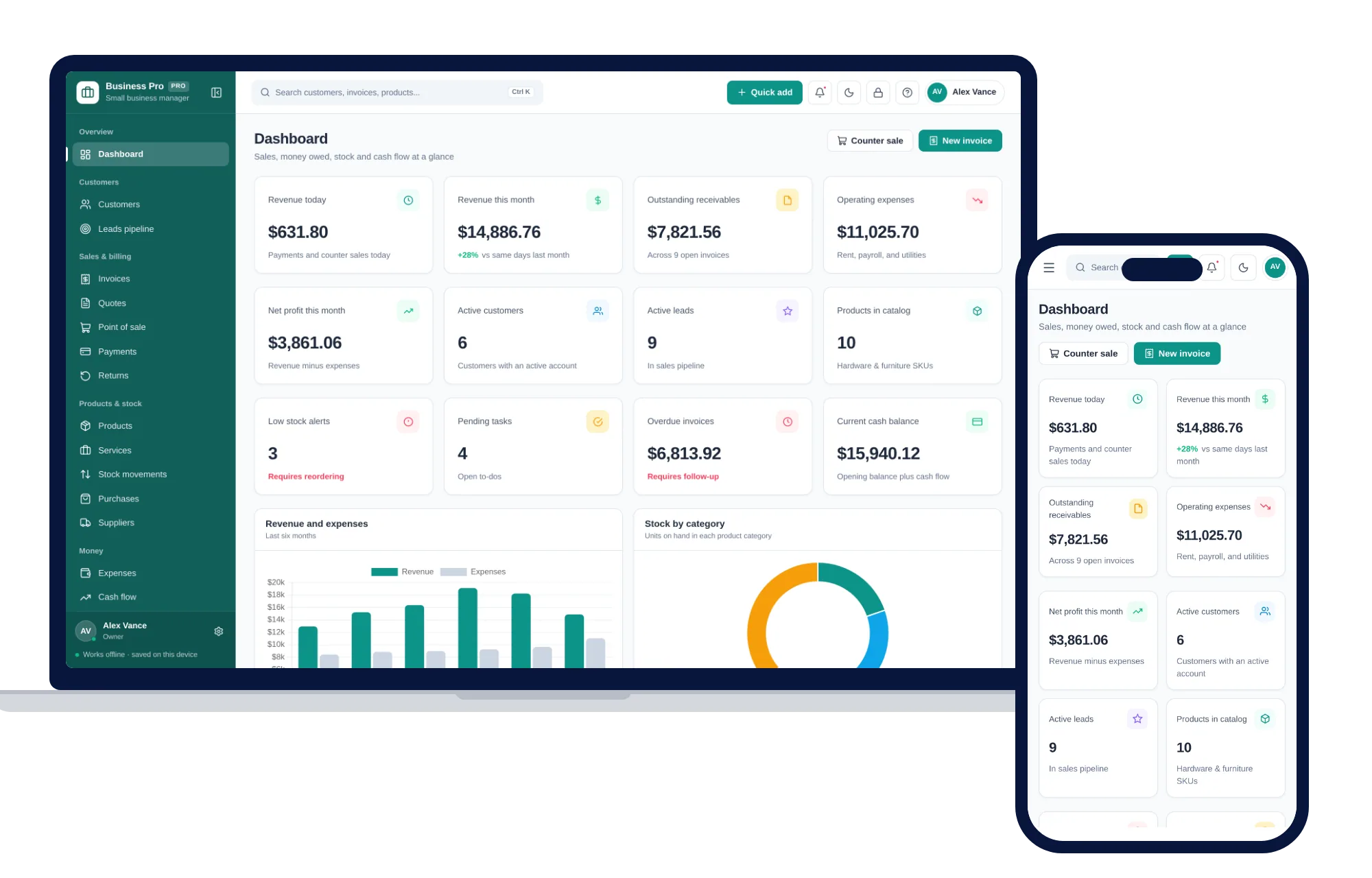
Customers, leads, invoices, point of sale, stock, expenses and profit & loss in one offline app.
$59one-time
Shops, food & stock
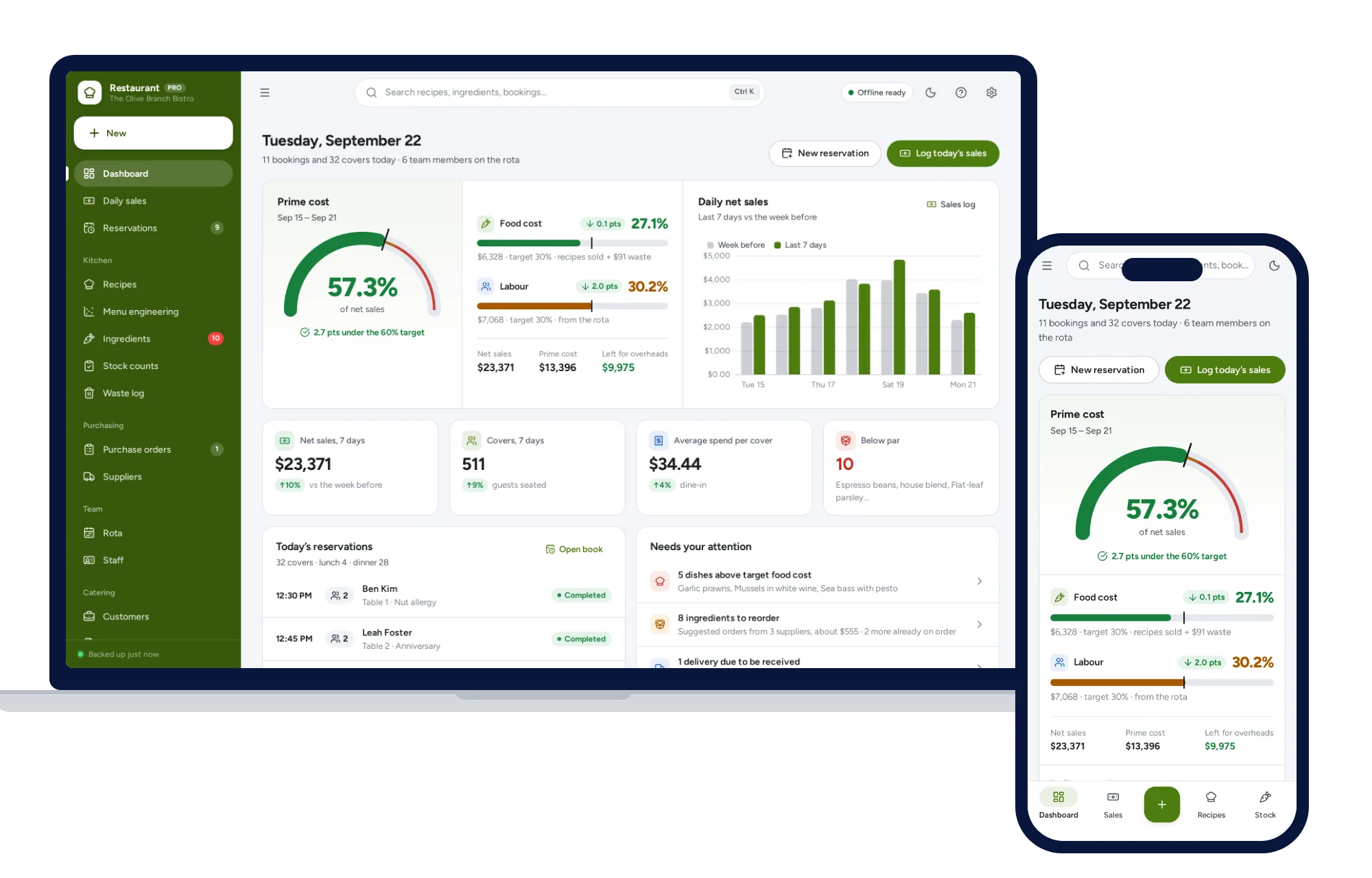
Recipe costing, menu engineering, inventory, ordering, rota and prime cost — one offline app.
$79one-time