Your stock records are almost certainly a little wrong right now. Not badly, and not through anyone’s fault. A sale rung up under the wrong item, a delivery that came in two short, a broken candle swept up and never written off. Each one is small. Together they’re why a customer asks for the blue one in medium, the screen says you have six, and the shelf is empty.
That gap between the records and the shelf is where shrinkage and stockouts hide. A full count once a year finds it too late. A simple stock count routine, a few minutes most days, finds it while you can still do something about it.
How often should you count stock?
A yearly count tells you something went wrong at some point in the last twelve months. By then you can’t tell whether five missing units were stolen, damaged, sold without being rung up or never delivered in the first place.
The better answer is a little, most days. Cycle counting means counting a small group of items on a rotating schedule, so every item gets counted several times a year without ever closing the shop. Mistakes get caught within weeks, while you can still work out what happened.
Get set up before you count
Counting goes faster and more accurately when three things are in place:
- One home for each item. Every product lives in one spot on the floor and, if you have one, one spot in the stockroom. Overflow gets a labeled location, not “somewhere in the back.”
- A label on every shelf or bin. Item name, SKU and ideally a barcode, so you’re never guessing which of two near-identical products you’re holding.
- Consistent SKUs. Use a pattern you can read at a glance, such as category, style, color and size (
TEE-CREW-BLU-M). No two products should ever share one.
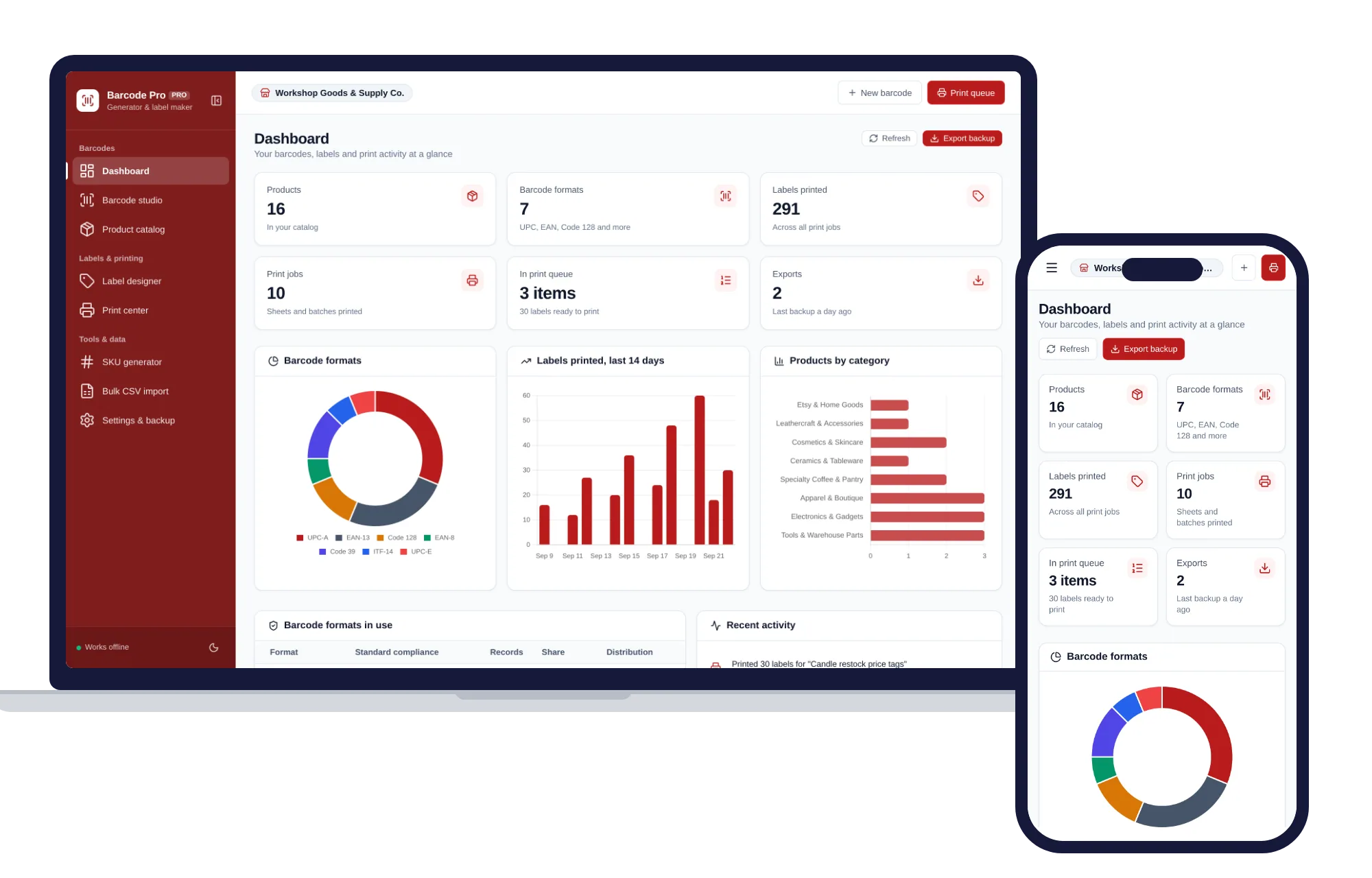
If your products don’t have barcodes or tidy SKUs yet, a barcode generator and label maker can build SKUs from your own pattern, create the barcodes and print the shelf labels in one sitting.
Sort your items into A, B and C
Not every item deserves the same attention. Rank them:
- A items: your best sellers, plus anything expensive or easy to pocket. Usually a small part of your range carrying a big share of the money. Count these every two weeks or so.
- B items: steady sellers. Count them monthly.
- C items: slow movers and cheap items. Count them every quarter.
Say your shop carries 400 products: 40 A items, 120 B and 240 C. Counting the A items twice a month, the B items once a month and a third of the C items each month comes to about 280 counts a month. Spread over twenty working days, that’s around 14 items a day. Ten or fifteen minutes before you open.
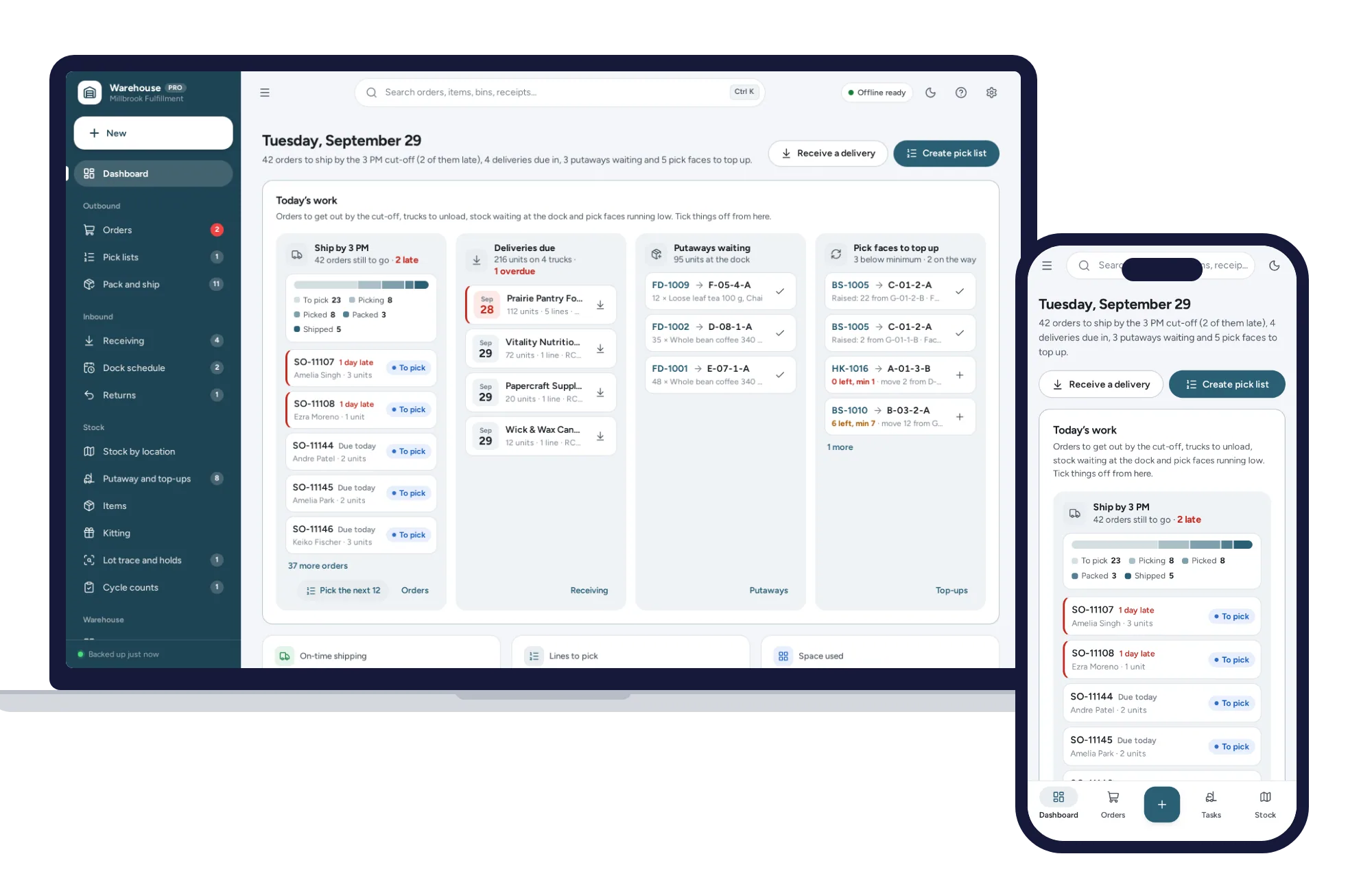
In a stockroom organized by aisles and bins, the Warehouse Management System works out A, B and C classes for you from the units picked per item.
A daily stock count routine, step by step
- Pull up today’s list. A mix of A, B and C items that are due.
- Count at a quiet time. Before opening or after close, when nothing is being sold or received.
- Count blind. Write down what you find without looking at what the records say. Knowing the expected number makes people “find” it.
- Check every location. Shelf, stockroom, window display, the box by the register.
- Compare. If the count matches, that item is done.
- Recount anything that doesn’t match, with a second person if you can.
- Investigate before you adjust. Then correct the record and write down why.
That last step is the one people skip, and it’s the one that teaches you the most.
What a variance is telling you
Say your records show 24 of a candle and you count 19. That’s a variance of minus five. Before you write it off, ask:
- Was a delivery recorded in full but actually short?
- Were any sold without being scanned, or rung up as a different item?
- Was a return put back on the shelf but not into the records, or the other way round?
- Were any broken, opened as testers or given away?
Put a reason on every adjustment: damaged, receiving error, sales error or unknown. After a couple of months, the pattern tells you where to look. Lots of “unknown” on small, pricey items near the door points one way. Repeated receiving errors from one supplier point another.
Keep an eye on accuracy, too. If you counted 20 items today and 18 matched, that’s 90 percent. Watch whether that number climbs as the habits settle in.
How to set reorder points so you don’t run out
Counting tells you what you have. A reorder point tells you when to buy more:
Reorder point = daily sales × supplier lead time in days + safety stock
Say you sell 3 of an item a day, your supplier takes 5 days to deliver, and you want a cushion of 6 for busy days. 3 × 5 + 6 = 21. When stock drops to 21, place the order.
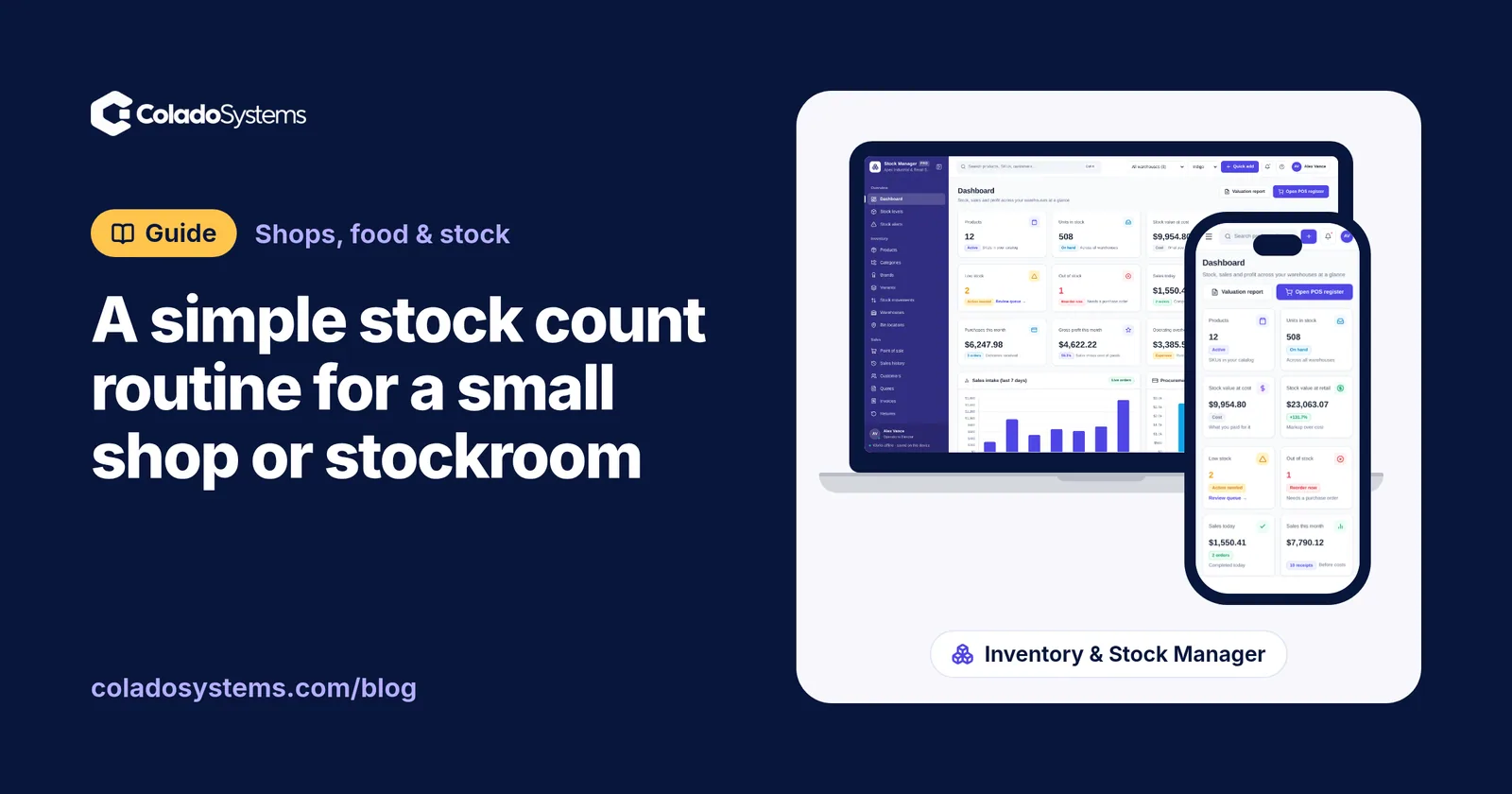
This is where cycle counts pay off. A reorder point only fires at the right moment if the number it’s watching is true. With sloppy counts it fires late and you get the stockout anyway. Inventory software such as Inventory & Stock Management flags low items against their reorder points, so the watching is done for you.
Review your reorder points each season. Your December best sellers don’t need July’s numbers.
A weekly checklist
- Daily: count today’s list, recount mismatches, record adjustments with a reason.
- Weekly: read the variance notes, order anything at its reorder point, and relabel any shelf that’s lost its label.
- Monthly: check your accuracy rate, and move items between A, B and C if their sales have changed.
- Quarterly: look hard at slow movers and decide whether to discount, reorder or drop them. Knowing your real profit on each sale after materials, fees and postage makes that call much easier.
Keeping it all in one place
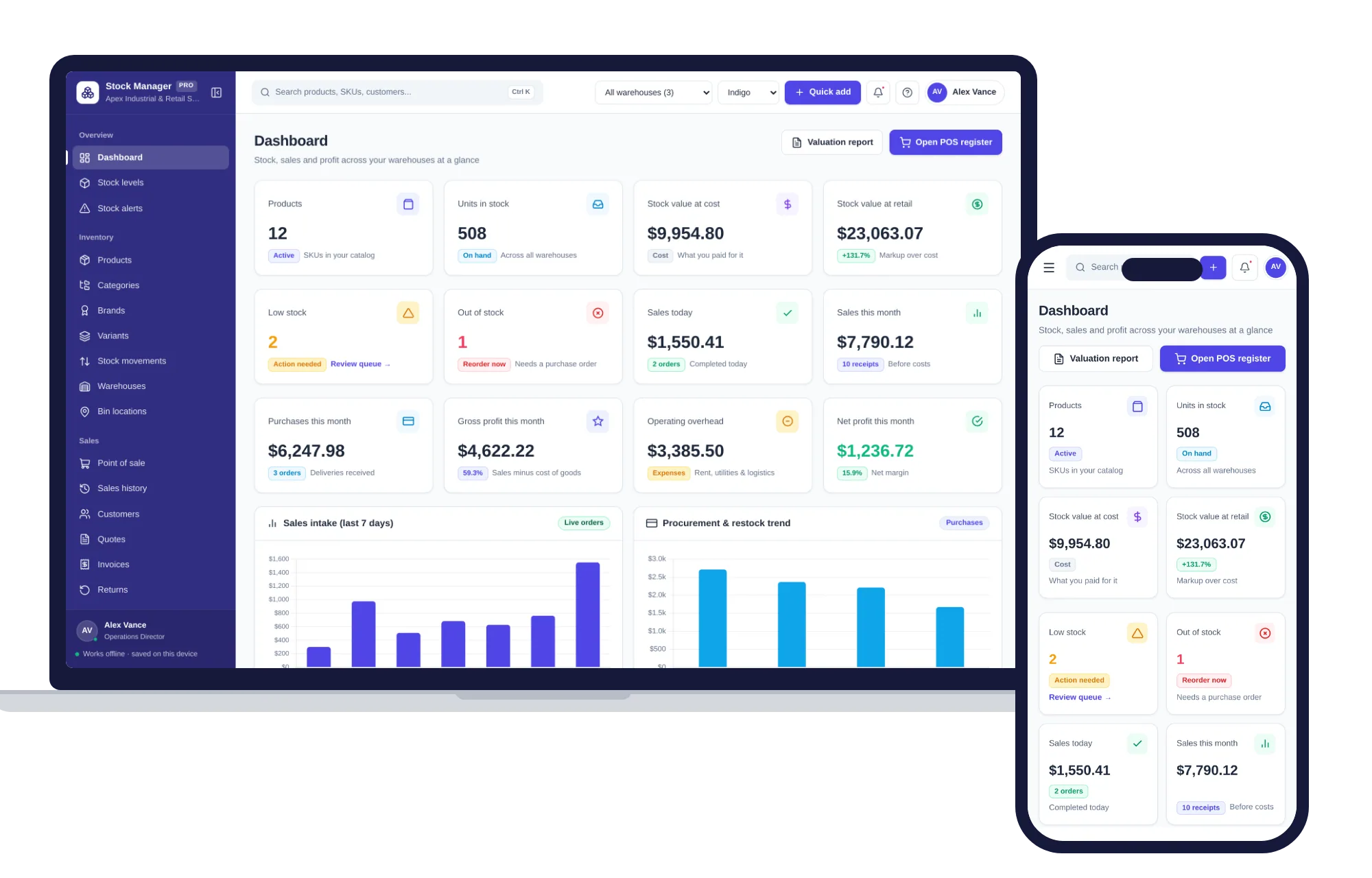
A clipboard and a spreadsheet will do the job. If you’d like the records to keep up on their own, Inventory & Stock Management shows on-hand, reserved and available stock for every product, flags low items, and lets you count and adjust stock in seconds, with every change logged as a stock movement. Sales through its point of sale take stock down as you go, and purchase orders receive deliveries straight into stock, so fewer variances start in the first place.
For the labels, the Barcode Generator & Label Maker creates UPC, EAN, Code 128 and other barcodes, checks each SKU against your catalog, and prints full label sheets in Avery layouts. Print at 100 percent scale with margins set to none so the bars scan.
If your stockroom is closer to a small warehouse, the Warehouse Management System handles counting at bin level: cycle counts with variances and accuracy, ABC analysis by pick velocity, printable Code 128 bin labels, and a movement ledger where every bin adds up.
All three run offline, and your records stay on your own device with nothing uploaded. Browse other systems for shops, food and stock if you need more than counting. Count a little every day, and the shelf and the screen will start to agree.
Skip the setup
The Inventory & Stock Manager has the records this guide describes already set up. Products, stock levels, warehouses, point of sale, purchase orders and profit reports in one offline app.
$29.99 one-time
- Sample data to try it the same day
- Works offline, records stay on your device
- A PDF guide in the download
See everything inside the Inventory & Stock Manager. Or take the whole Shops, food & stock shelf: 7 systems for $114.99, $94 less than one by one.
Common questions
How often should a small shop do a stock count?
A full count once a year is common, but small regular counts catch problems far sooner. Many shops count a handful of items most days, checking best sellers and high-value items every couple of weeks, steady sellers monthly and slow movers quarterly. Every product then gets checked several times a year without closing the shop for a day.
What is cycle counting in inventory?
Cycle counting means counting a small, rotating selection of items on a schedule instead of everything at once. Over weeks and months every item gets counted, with the most valuable or fastest-selling items counted most often. Because each session is short, it fits into a quiet part of the day, and mistakes surface while the cause can still be traced.
How do I calculate a reorder point?
Multiply the number of units you sell per day by the number of days your supplier takes to deliver, then add safety stock for busy periods or late deliveries. If you sell 4 a day, delivery takes 7 days and you keep 10 spare, the reorder point is 38. Revisit it each season as your sales change.
What causes stock shrinkage in a small shop?
Common causes include theft by customers or staff, damaged goods thrown away without being recorded, deliveries that arrive short, items rung up under the wrong product, and returns that go back on the shelf without being entered. Recording a reason with every stock adjustment shows which of these is costing you the most.