Are QR codes for small business worth the bother, or a leftover from the days of paper-free menus? The honest answer: a QR code is worth it whenever it saves a customer from typing something. A Wi-Fi password, a review page, a long web address, your contact details. If nobody would type it anyway, a code won’t make them care.
Here are the uses that pull their weight, how to print codes that scan, and where barcodes and labels do the job better.
Where QR codes for small business earn their place
- Menus and price lists. A code on a table tent or at the counter opens your current menu. Keep printed menus for anyone who prefers them.
- Reviews. A code that goes straight to your review page, placed where happy customers are: the counter, the receipt, the thank-you card in a parcel. Check the review site’s own rules before offering anything in return for a review.
- Guest Wi-Fi. A Wi-Fi code connects a phone without anyone spelling out “capital K, zero, not the letter O”.
- Contact cards. A code on your business card, van or shop door saves your name, phone, email and address to someone’s contacts in one scan.
- Payment details. A code can open your payment page or show your payment handle, which saves typos. Always confirm the money arrived before handing over goods, and follow your payment provider’s guidance on displaying codes.
- Booking and social links. Point to the booking page or the profile itself, not your homepage, so the scan lands where the customer wanted to go.
- Product and shelf labels. Care instructions, a how-to video, a reorder link.
A one-line call to action beats a bare code every time. “Scan for today’s menu” or “Scan to leave us a review” tells people why to bother.
Static or dynamic: which QR code do you need?
There are two kinds, and the difference matters once you print.
A static QR code stores the destination itself. It’s free to make, needs no account and keeps working as long as the destination exists. But you can’t change where it points after printing, and it doesn’t count scans.
A dynamic QR code stores a short link owned by the service that made it. You can change the destination later and see scan counts. The catch is dependence: if the service shuts down or your plan lapses, the code may stop working. Read the terms before printing 500 flyers.
A simple rule: use static codes for things that rarely change, like Wi-Fi, contact cards and your review page. For anything you’ll update, point a static code at a page on your own website and change that page whenever you like. You keep control, with no monthly fee.
How to print a QR code that scans every time
- Size for distance. A common rule of thumb is a code at least a tenth of the scanning distance. Read from 12 inches away, it should be at least about 1.2 inches across. Posters and windows need much more.
- Dark on light. Black on white is safest. Pale codes, or light codes on dark backgrounds, fail on some phones.
- Leave a clear border. Keep a margin of empty space around the code, and don’t crowd it with text or frames.
- Keep logos small. A small logo in the center usually scans, but test it.
- Use a sharp file. An SVG or a large PNG stays crisp when it’s printed big.
- Test before printing a batch. Scan with at least two different phones, in the light where the code will actually live.
- Protect it. Laminate table tents. Glare, creases and coffee rings ruin scans.
A QR code maker that exports PNG, SVG and PDF gives you print-ready files at any size, though any generator that offers a vector file will do.
Labels and barcodes for products and stock
QR codes are for phones. Barcodes are for scanners. If you want to ring up products or count stock quickly, you need barcodes on labels.
- Give every product a SKU. Use a pattern you can read:
MUG-BLU-12for a 12-ounce blue mug beats0047. - Pick the right barcode. For your own shelves and stockroom, a format like Code 128 can carry your own SKU. If you sell through other retailers or marketplaces, ask what they require; many expect UPC or EAN numbers registered with GS1.
- Decide what goes on the label. Product name, SKU, price and the barcode, and nothing more than the space allows.
- Print at 100% scale. Letting the printer shrink a sheet to fit can make bars too narrow to read. Test one sheet with your scanner before printing hundreds.
- Label locations too. A labeled shelf or bin makes every count faster.
A barcode generator and label maker that checks digits as you type saves a lot of reprinting. Once stock is labeled, pair it with a simple stock count routine for a small shop. And before you print a price on 200 labels, make sure it covers your costs; here’s how to calculate profit on handmade items, one sale at a time.
A one-afternoon QR code plan
- Walk through your business as a customer and list every moment someone has to type, ask or search.
- For each, decide the destination and whether a static code will do.
- Make the codes, and add a one-line call to action to each.
- Test every code on two phones.
- Print, place, and note where each one lives.
- A month later, ask staff which codes customers use and which they ignore.
Free website, subscription or offline toolkit?
Free generator websites are fine for a one-off code. Check whether the code is static or dynamic, and remember you’re typing your Wi-Fi password or contact details into someone else’s site.
Subscription QR platforms give you dynamic codes, scan statistics and team accounts. For marketing campaigns where you’ll change destinations and measure results, they earn their fee. Count it over time: at, say, $15 a month, that’s $180 a year, every year, and the codes may depend on staying subscribed.
A ready-made offline toolkit is a one-time price, makes static codes and works without internet. Static codes don’t give scan counts, each device keeps its own copy rather than syncing across a team, and you make the backups.
Keeping it all in one place
Doing this by hand means generating each code on a website, placing it into a sign design, sizing table tents, lining up cards on a print sheet and retyping your business details every time. For labels, add a spreadsheet of SKUs, a barcode font and a lot of fiddling with label sheets.
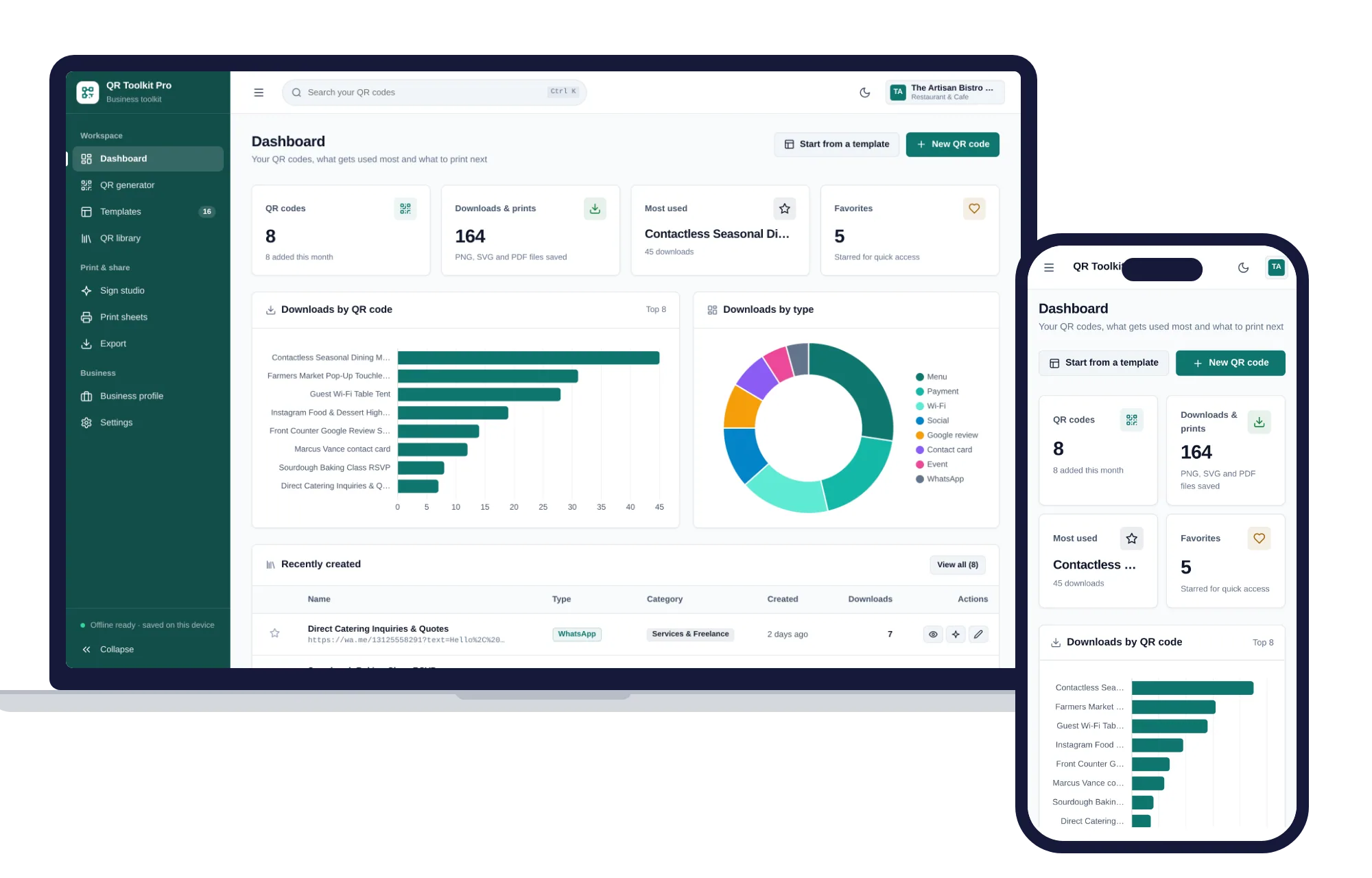
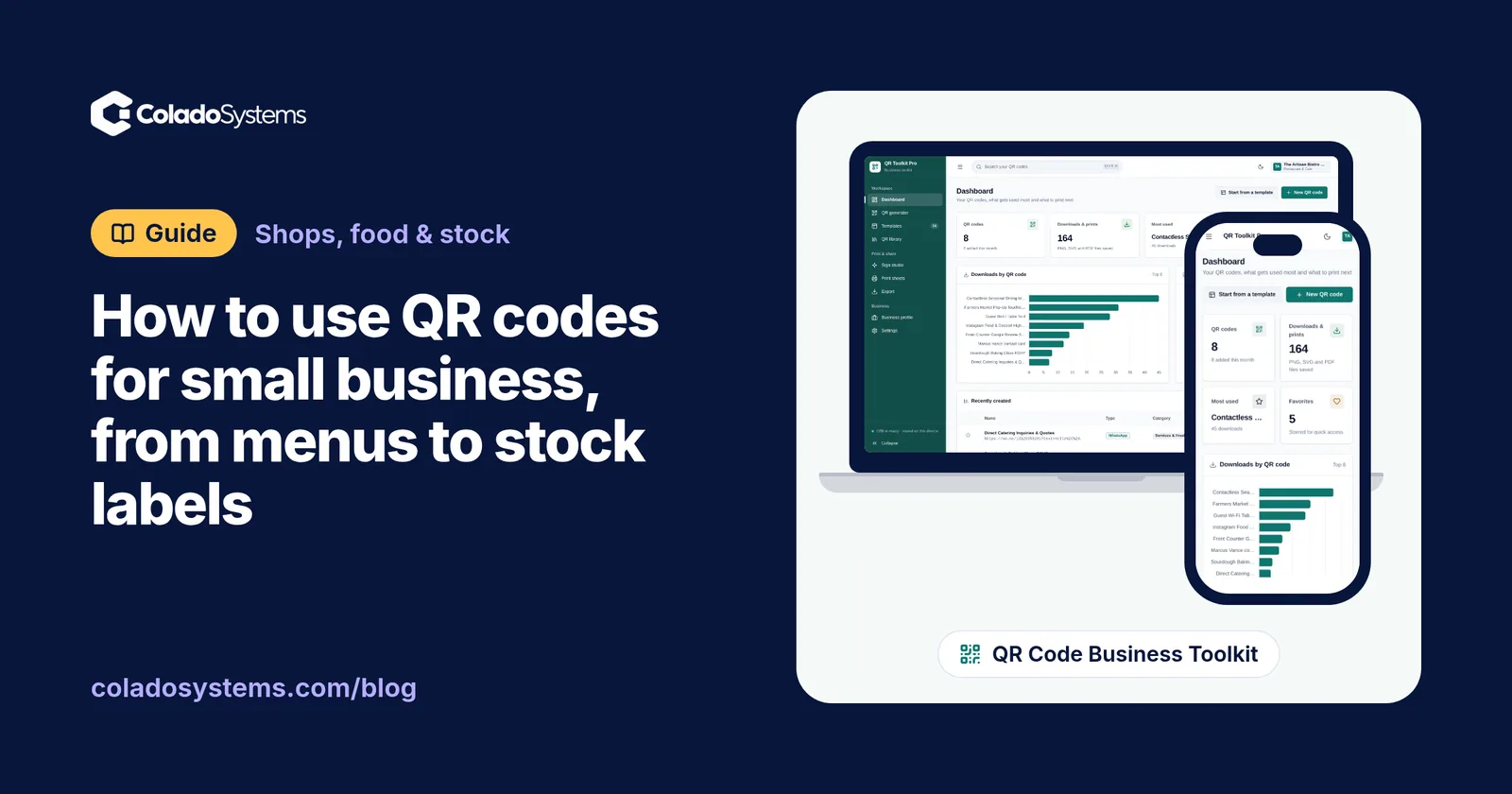
The QR Code Business Toolkit does that work in one place. The QR generator makes 16 types of code, including Wi-Fi, menus, reviews and payments, in your colors with a center icon or logo and a live preview as you type. Templates made for cafes, salons, shops and creators fill in from your business profile. The sign studio turns a code into a counter stand, table tent or card with a headline, call to action and business name. Print sheets fit 1 to 10 QR cards per page with cut marks, export gives you PNG up to 3000 px, SVG and PDF, with every code in one PDF catalog, and the QR library lets you search, star and duplicate codes.
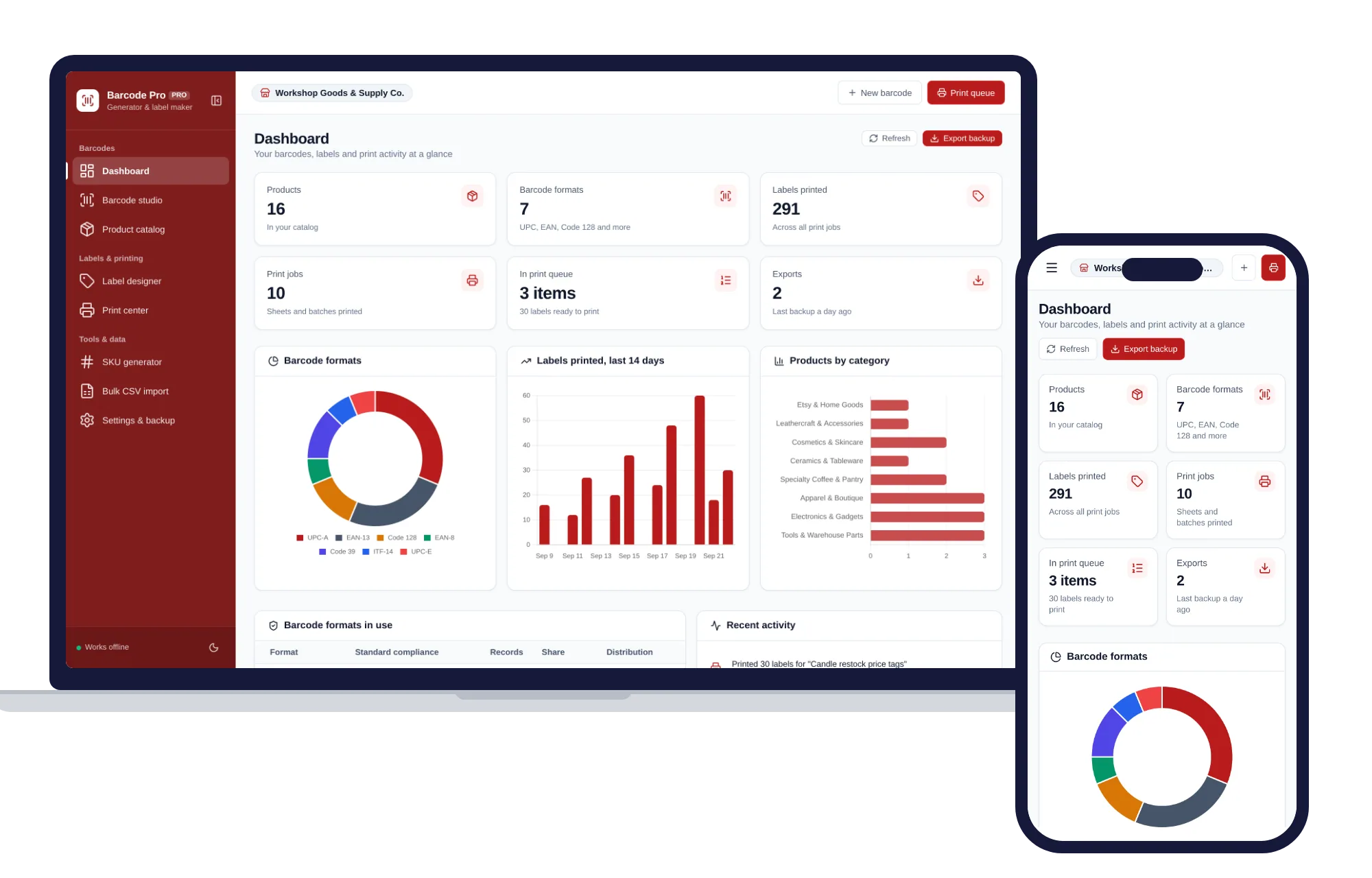
For products and stock, the Barcode Generator & Label Maker handles UPC, EAN, Code 128, Code 39 and ITF-14, with check digits validated as you type. It keeps a product catalog with barcode, SKU, price and stock, designs labels in ready-made sizes, and prints Avery sheets and 4x6 rolls, even part-way through a used sheet. The SKU generator builds codes from your own pattern and checks each one against your catalog, and bulk CSV import brings in a whole range from Excel or Google Sheets. You can see what the Barcode Generator & Label Maker includes on its own page.
Both open with samples so you can try them straight away, with no account or sign-up. They work offline, your codes and products stay on your own device, and a PDF guide is included. They sit on the same shelf, so they also come together in one of the bundles, which costs less than buying them one by one. You can also browse other systems for shops, food and stock.
You can see everything inside the QR Code Business Toolkit and make your first codes the same day.
Skip the setup
The QR Code Business Toolkit has the records this guide describes already set up. Create, design, print and export QR codes for your business — one offline app.
$29.99 one-time
- Sample data to try it the same day
- Works offline, records stay on your device
- A PDF guide in the download
See everything inside the QR Code Business Toolkit. Or take the whole Shops, food & stock shelf: 7 systems for $114.99, $94 less than one by one.
Common questions
Do QR codes expire?
A static QR code does not expire, because the information is stored in the pattern itself. It only stops being useful if the web page or account it points to disappears. Dynamic codes are different: they send people through the provider's short link first, so they can stop working if that service closes or your plan ends. Check the terms before printing.
How big should a QR code be on a sign?
A common rule of thumb is to make the code at least one tenth of the distance it will be scanned from. For a table tent read at about a foot, aim for roughly an inch and a quarter or more. Window signs and posters need far bigger codes. Always test a printed sample at the real distance before ordering a batch.
Do customers need an app to scan a QR code?
Usually not. Recent iPhones and Android phones read QR codes straight from the built-in camera app, while some older phones need a scanning app. Because not everyone can or wants to scan, print a short web address or the key detail, such as the Wi-Fi network name and password, next to the code as a backup.
What is the difference between a QR code and a barcode?
A standard barcode is a row of lines that usually holds a product number, and it is read by retail scanners at checkout or during stock counts. A QR code is a square grid that can hold a link, a contact card or a Wi-Fi login, and it is read by phone cameras. Use barcodes for products and QR codes for customers.