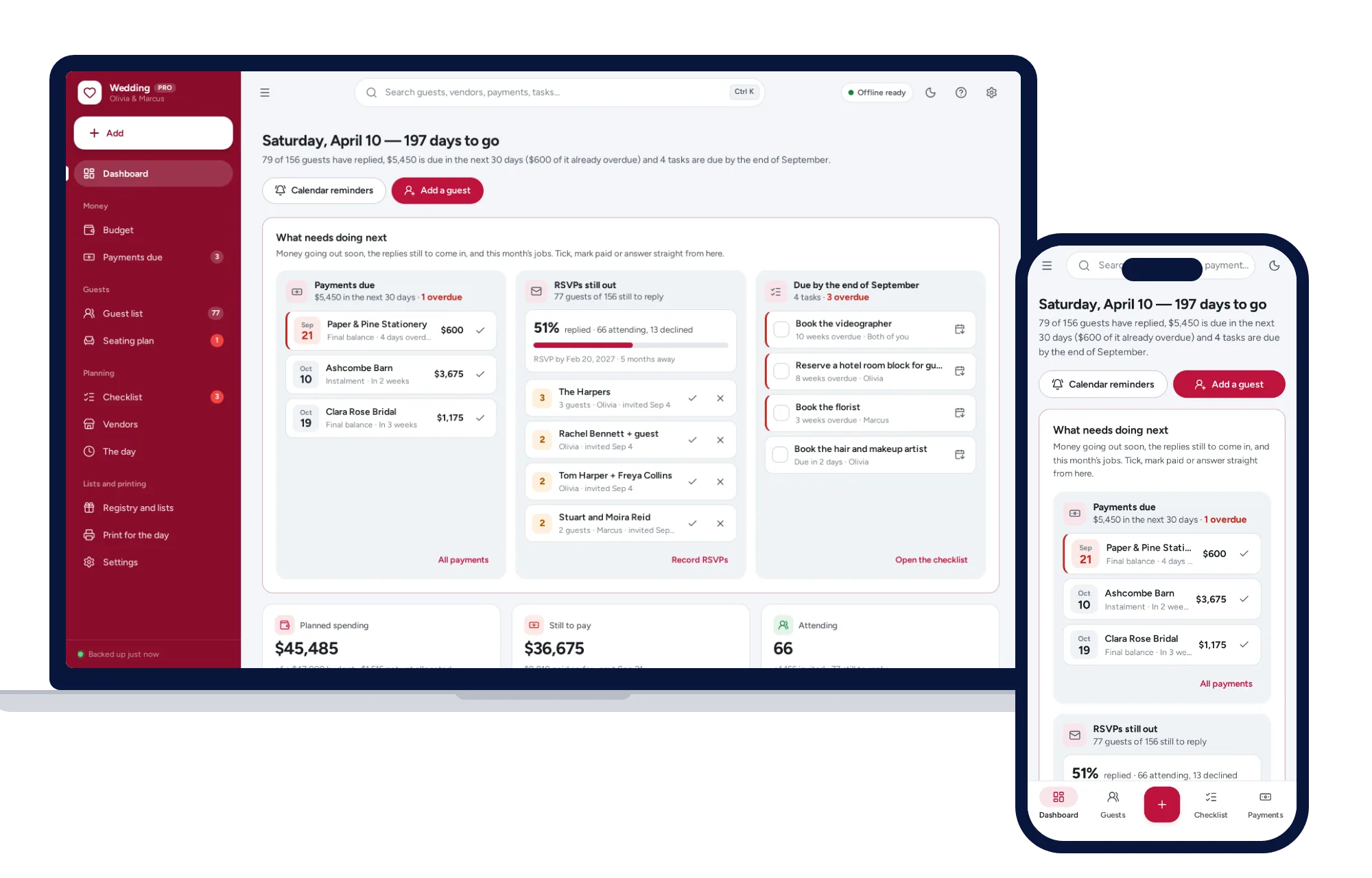
You don’t need a subscription to plan a wedding well. A free or buy-once wedding planner app is enough if it keeps five things together: the budget with every payment due date, the guest list and RSVPs, a seating plan built from that list, your vendors, and a checklist dated from the wedding day. Free planning sites, spreadsheet templates, paid apps and offline planners you buy once each cover part of that, and each asks something different of you in return.
A wedding is a project with an end date. That changes the math on a monthly fee, and it changes what you should check before typing in two hundred home addresses.
What should a wedding planner app do?
Use this as a checklist when you try any option, a spreadsheet included.
The budget. Estimated, actual and paid for every category, with the balance left on each. Every deposit and final payment should carry its due date, because a missed balance is the expensive kind of mistake. If you have not set the budget yet, start with how to build a wedding budget you can stick to.
The guest list. Households, not just names. Addresses, RSVPs, meal choices, plus-ones and children, and later the gifts and thank-you notes. If you already have names in a spreadsheet, check that you can import them rather than retyping.
The seating plan. It should be built from the guest list, so a guest who declines drops off their table. Look for table capacities and a way to note who must not sit together.
Vendors. Quotes side by side, then the booked vendor’s contact details, contract and what you still owe.
The checklist. Tasks dated from your wedding day, so that if the date moves, the whole list moves with it.
Printouts. The venue wants a seating chart and a run sheet. The caterer wants meal numbers and dietary needs. A planner that prints these cleanly saves an evening of copying.
Here is a quick test for any tool. Change one guest’s RSVP to no and see what happens. If the meal count, the seating plan and the headcount all update, the parts are connected. If you have to fix three tabs by hand, they are not, and that gap is where mistakes creep in during the busy last month.
Is there a wedding planner app without a subscription?
Yes. There are four kinds worth knowing.
Free wedding planning sites and apps. These usually make their money from vendor advertising, listings or registry partnerships rather than from you. They are often strongest at a wedding website and online RSVPs. In return, expect vendor marketing, and check what happens to your guest list and whether you can export it.
Paid planning apps. Some charge monthly and some charge once for extra features. Read which kind you are signing up for, and whether a monthly plan keeps billing after the wedding until you cancel.
Spreadsheet templates. Cheap and familiar. Many are a set of tabs that do not talk to each other, and a formula typed over in month six can quietly break the budget totals.
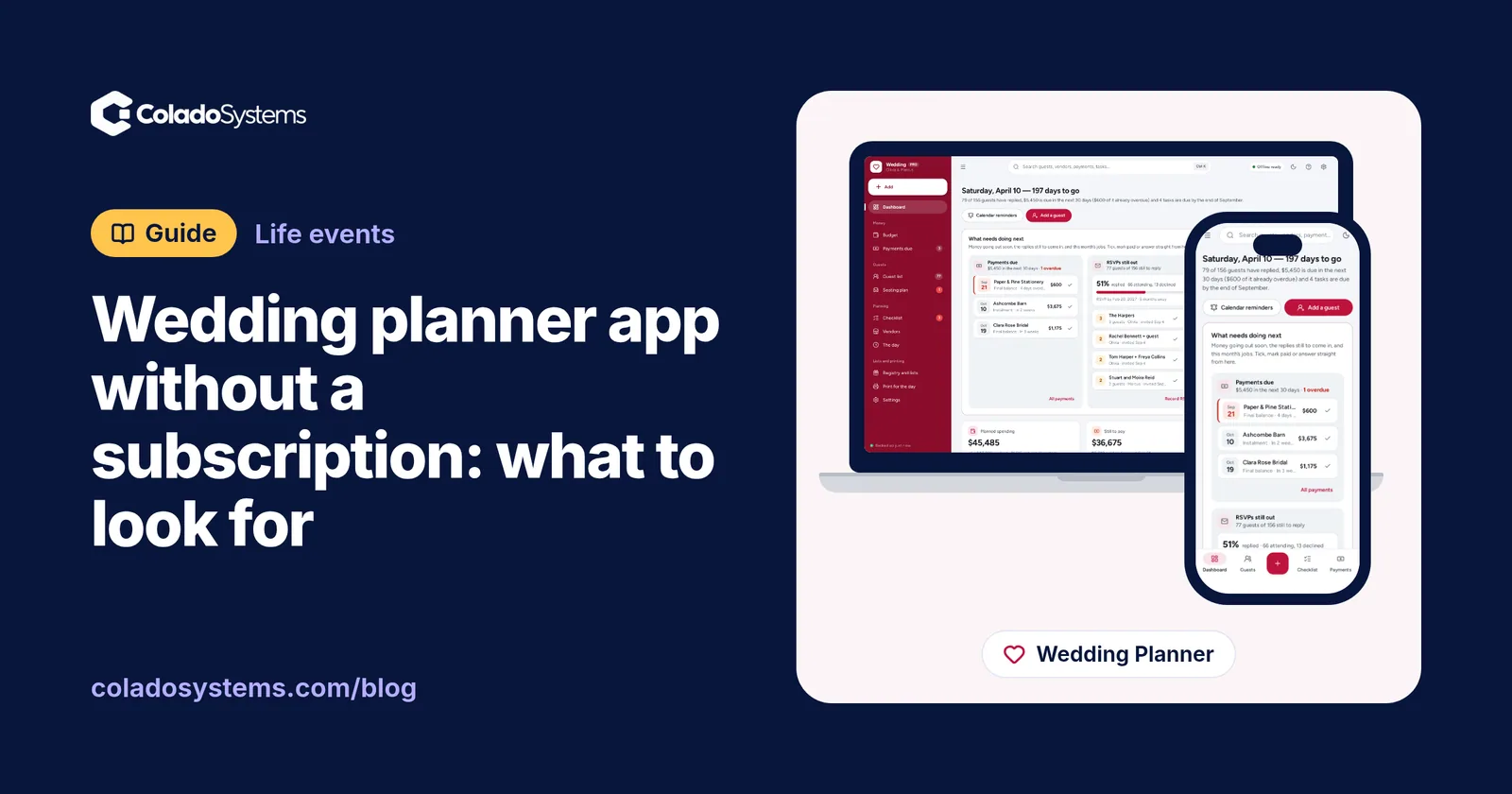
Offline planners bought once. An app that opens in your browser on your own laptop, tablet or phone, with no account. ColadoSystems sells this kind as the Wedding Planner. Everything stays on the device you use.
Wedding planning options compared
| Option | What you pay | Good at | Where it falls short |
|---|---|---|---|
| Paper binder | A binder and some printing | Easy to carry to vendor meetings, no screens | No totals, no reminders, one copy to lose |
| Spreadsheet template | Free or a small one-off cost | Familiar, easy to share a file | Tabs not linked, formulas break, seating is fiddly |
| Free wedding planning site or app | Nothing up front; funded by vendor marketing | A wedding website, online RSVPs, vendor ideas | Your guest list sits on their servers, marketing emails, export options vary |
| Subscription planning app | A fee every month until you cancel | Both partners log in from their own phones, reminders | Paying monthly for a one-off event, records on the company’s servers |
| Desktop software bought once | A one-time price | Fixed cost, works offline | Often one operating system, not on your phone |
| Offline browser planner, like ColadoSystems | A one-time price | Budget, guests, seating, vendors and checklist linked in one app, a sample wedding to try first | One person on one device, no sync between phones, no wedding website, online RSVPs or texts, you keep your own backups |
Questions to ask before you choose
Features matter, but these five questions decide whether you will still like the tool a year from now.
- Who can see our guest list? It holds names, home addresses and often phone numbers for everyone you know. Read the privacy terms of any online service before you upload it.
- Can we export everything? You want the guest list, budget and vendor list as a spreadsheet file, not just a printout.
- Can both of us use it? Some couples want two phones in step. Others are happy with one laptop and a printout. Decide which you are.
- How will we be reminded of payments? In-app alerts, emails or dates sent to your own calendar all work, as long as they reach you.
- What happens after the day? Thank-you notes, final balances and gift records all come after the wedding. Make sure the tool is still there, and not still charging you, when you get to them.
What does a subscription cost for one wedding?
Say a planning app costs $15 a month and you are engaged for 14 months. That is $210, and more if you forget to cancel afterwards. A free site costs nothing in money but asks for your attention and your guest list. A one-time purchase costs its price once and then sits on your laptop with no renewal date.
None of these sums is large next to a wedding budget, which is why the deciding factor is usually the questions above rather than the price. If a wedding website with online RSVPs is the one thing you need, a free site may be all you use. Plenty of couples run both: a free site for RSVPs, and a planner for the budget, seating and vendors, with replies entered as they come in. For a broader look at paying once versus paying monthly, see when buying software once beats a subscription.
What you give up with an offline wedding planner
The honest list for the kind of planner we sell:
- No live sync between two phones. Each device keeps its own copy. Most couples keep it on one laptop and print what the other needs, or move the records across with a backup file.
- No wedding website or online RSVPs. You record replies household by household as cards, messages or online responses arrive.
- No push notifications. Instead, it saves a calendar file with every unpaid payment and dated task, and each one lands in your own phone’s calendar with an alert a few days before.
- You keep the backups. Nobody else holds a copy, so download a backup regularly and keep it somewhere safe. Here is a simple weekly backup routine.
- One couple, one wedding. If you plan weddings for clients, the Event Planning Management System is built for that instead.
A wedding planner you buy once
If those trade-offs suit you, the Wedding Planner covers the checklist from the top of this guide:
- Budget: estimated, actual, paid and balance for every category, with deposits and balances dated and sent to your own calendar
- Guests: addresses, RSVPs, meals, plus-ones, tables, gifts and thank-yous, built for several hundred guests and importable from a CSV file
- Seating: drag guests onto tables that each have their own capacity, with keep-apart notes checked every time a seat changes and a “Seat the rest for me” button that keeps households together
- Vendors: quotes side by side against your own estimate, and booking one sets up the deposit and balance
- Checklist: 62 tasks from a year out to after the day, each dated from your wedding, moving when the date moves, with a way to spread overdue tasks over two weeks
- Printouts: guest list, seating chart, vendor contacts, run sheet, and meal numbers with dietary needs for the caterer, headed with your names
It also has a day-of timeline, registry and honeymoon pages, and packing lists. It opens with a sample wedding so you can see everything working, and you can erase the sample records before you start on your own. There is no account and no subscription, and it sits on the life events shelf with the store’s other planners for big moments.
Your next step: see everything inside the Wedding Planner and try it with the sample wedding the same day.
Skip the setup
The Wedding Planner has the records this guide describes already set up. Budget tracker with payment due dates, guest list, seating chart and checklist on one dashboard. No formulas to break, no subscription.
$24.99 one-time
- Try it free in the live demo, right in your browser
- Sample data to try it the same day
- Works offline, records stay on your device
- A PDF guide in the download
See everything inside the Wedding Planner. Or take the whole Life events shelf: 4 systems for $69.99, $19 less than one by one.
Common questions
Is there a free wedding planner app?
Yes. Free wedding planning sites and apps usually make their money from vendor advertising, listings or registry partnerships rather than from you. They are often good for a wedding website and online RSVPs. Before you add hundreds of names and addresses, check what they do with your guest list, whether you can export it, and how much vendor marketing to expect.
What should a wedding planner app include?
At minimum, a budget that tracks estimated, actual and paid amounts with each payment's due date, a guest list with RSVPs and meal choices, a seating plan built from that list, a vendor list showing what is still owed, and a checklist dated from your wedding day. Clean printouts for the venue and caterer are worth having too.
Can two people use the same wedding planner app?
With a cloud app, usually yes: each partner logs in from their own phone. With an offline planner, each device keeps its own copy, so most couples keep it on one laptop and print what the other needs, or move the records between devices with a backup file. Decide which way suits the two of you before you choose.
What happens to our wedding planning data after the wedding?
With an online service it depends on its terms. Some keep your account open and some close inactive ones, so export your guest list, addresses and gift records before the thank-you notes are finished. With a planner that runs on your own device, the records stay there until you delete them, so keep a backup file somewhere safe as a record of the day.