If you have been asked to put together the funeral program, you may have only a few days, a long list of other decisions and a blank page. A program does not need to be elaborate. It needs to be accurate, easy to follow and warm. Here is how to write a funeral program one piece at a time: what goes on each page, the order of service, a short life story, the photos, and printing.
What goes in a funeral program
The front cover usually carries the person’s full name (and the name everyone called them, if different), their dates of birth and death, a photo, the date, time and place of the service, and a line such as “In loving memory” or “Celebrating the life of.”
The inside pages hold the order of service and a short life story, with the names of the officiant, readers, speakers, musicians and pallbearers.
The back often has a poem or prayer, a thank-you from the family, reception details, and where to send donations in place of flowers.
You do not need all of it. A simple program can be the cover, the order of service and a few lines of thanks.
How to write a funeral program, step by step
1. Confirm the facts
Write down the full name exactly as the family wants it printed, the dates, the venue address, the start time and the officiant’s name. Check each one with the funeral director or officiant. Keep them in one place and copy from there, so a wrong date cannot creep onto three pages.
2. Set the order of service
Agree on it with the officiant. A church service often follows a set pattern, while a celebration of life is looser. If the person left written wishes about music or readings, in a letter or an end of life planner that records the service, music and readings, start with those.
Putting times beside each part helps readers know when they are up. A made-up example for an 11:00 service:
- 11:00 Welcome and opening words
- 11:05 Hymn: “Amazing Grace”
- 11:10 Reading, by her granddaughter
- 11:15 Life story and tributes
- 11:30 Prayers and words of farewell
- 11:40 Closing music
3. Write the life story
Aim for three to five short paragraphs, roughly 150 to 300 words, in this shape:
- Who they were in one line, and when and where they were born.
- The people they loved, and who survives them.
- Their work, community and passions.
- What people will remember: a habit, a saying, a recipe.
- A closing line.
An opening might read: “Margaret Ellis, known to everyone as Peggy, was born in Dayton, Ohio, in 1941, and never met a garden she could not improve.” Specific details do more than adjectives.
4. Choose the photos
Pick a cover photo that looks like them, with a clear face, and a few more for the inside if there is room. Scan printed photos at a high resolution, and ask relatives for the original files rather than screenshots, which often print blurry.
5. Add readings, words and thanks
If you print the words of hymns or songs, check permission: many older hymns are free to print, but newer songs may need the publisher’s permission. Ask the officiant. End with a few lines of thanks from the family.
6. Proofread with fresh eyes
Ask two people who did not write it. Read every name aloud, and check dates against the funeral home’s paperwork. Grief makes small mistakes easy, and that is nobody’s fault.
How long should a funeral program be?
There are three common sizes:
- A single sheet, printed on both sides. Enough for a short service.
- A 4-page bifold, one sheet folded in half: cover, two inside pages and a back. The most familiar format.
- An 8-page booklet, two sheets nested and folded. Room for more photos, hymn words or a longer life story.
Choose the smallest size that holds what you want to say. A crowded page is hard to read in a dim chapel.
Laying out and printing at home
The tricky part is page order. Once folded, the pages are not in the order you typed them.
-
4-page bifold: the front of the sheet carries pages 4 and 1; the back carries 2 and 3.
-
8-page booklet: sheet 1 carries pages 8 and 1 on the front and 2 and 7 on the back. Sheet 2 carries 6 and 3 on the front and 4 and 5 on the back. Nest sheet 2 inside sheet 1 and fold.
-
Print one test copy, fold it and check every page before printing the rest.
-
On a two-sided printer, flip on the short edge. Without one, print the fronts, put the stack back in the tray, then print the backs.
-
Heavier paper, around 24 to 32 lb (90 to 120 gsm), folds better and stops the other side showing through.
-
Print at least a day early, in case the printer jams.
A funeral program maker that prints the pages already in folding order handles the page puzzle for you.
Template, funeral home, print shop or app?
- A word processor or online design template is free or cheap and familiar, but you lay out every page, work out the print order and fix text that spills off the page.
- The funeral home often offers programs. It is one less job, though it may cost extra and give you less say over the design.
- A local print shop gives good paper and clean folds. It needs a finished file and some lead time.
- A ready-made offline app handles the layout and print order. It holds one service at a time on one device, and you still need a printer or a print shop for the paper.
What it takes to do by hand
By hand, the program means building each page, keeping names and dates consistent across cover, obituary and cards, solving the folding order and rescuing the page that overflows. Memorial cards, a sign-in sheet and thank-you cards are separate projects.
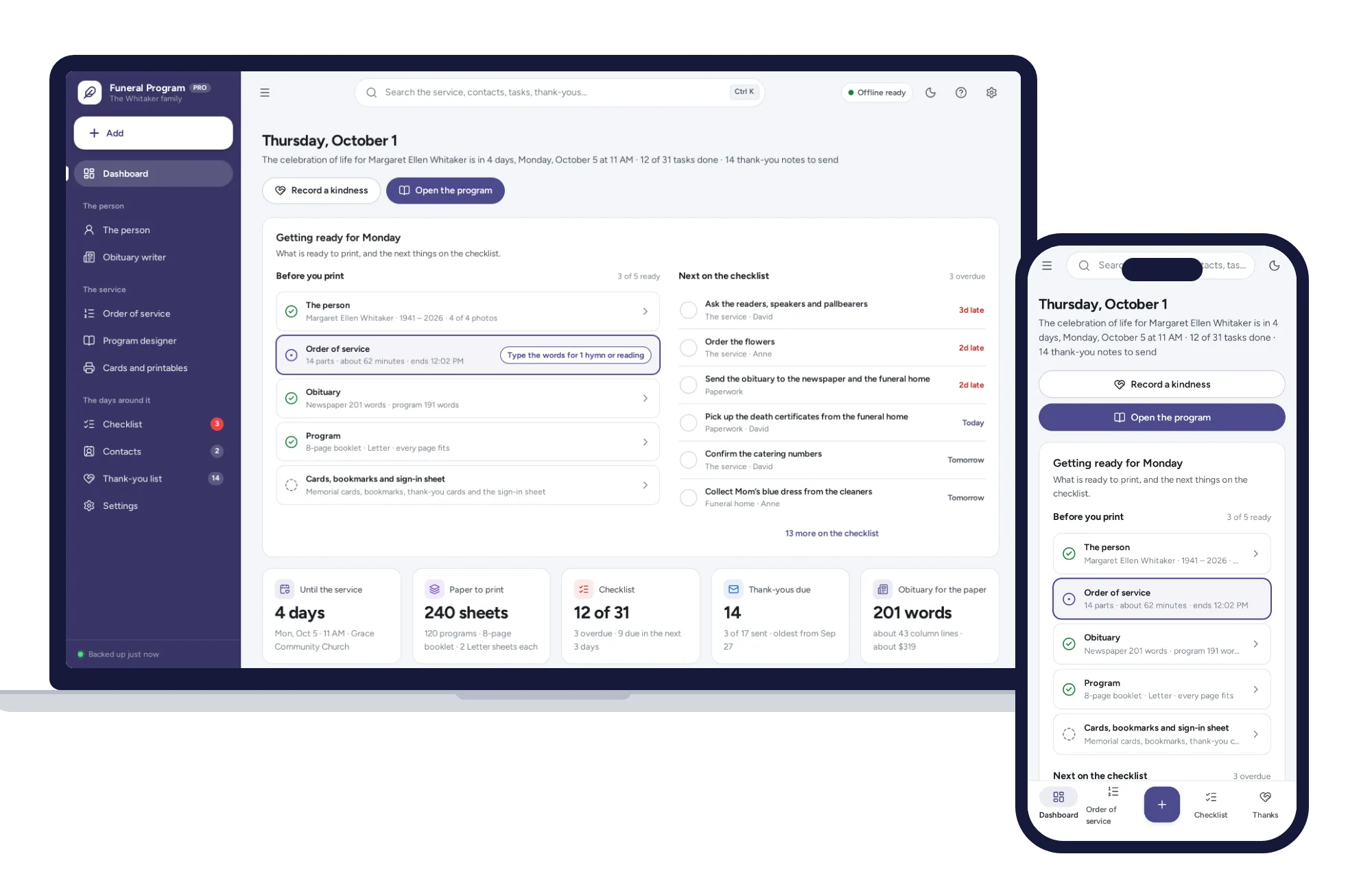
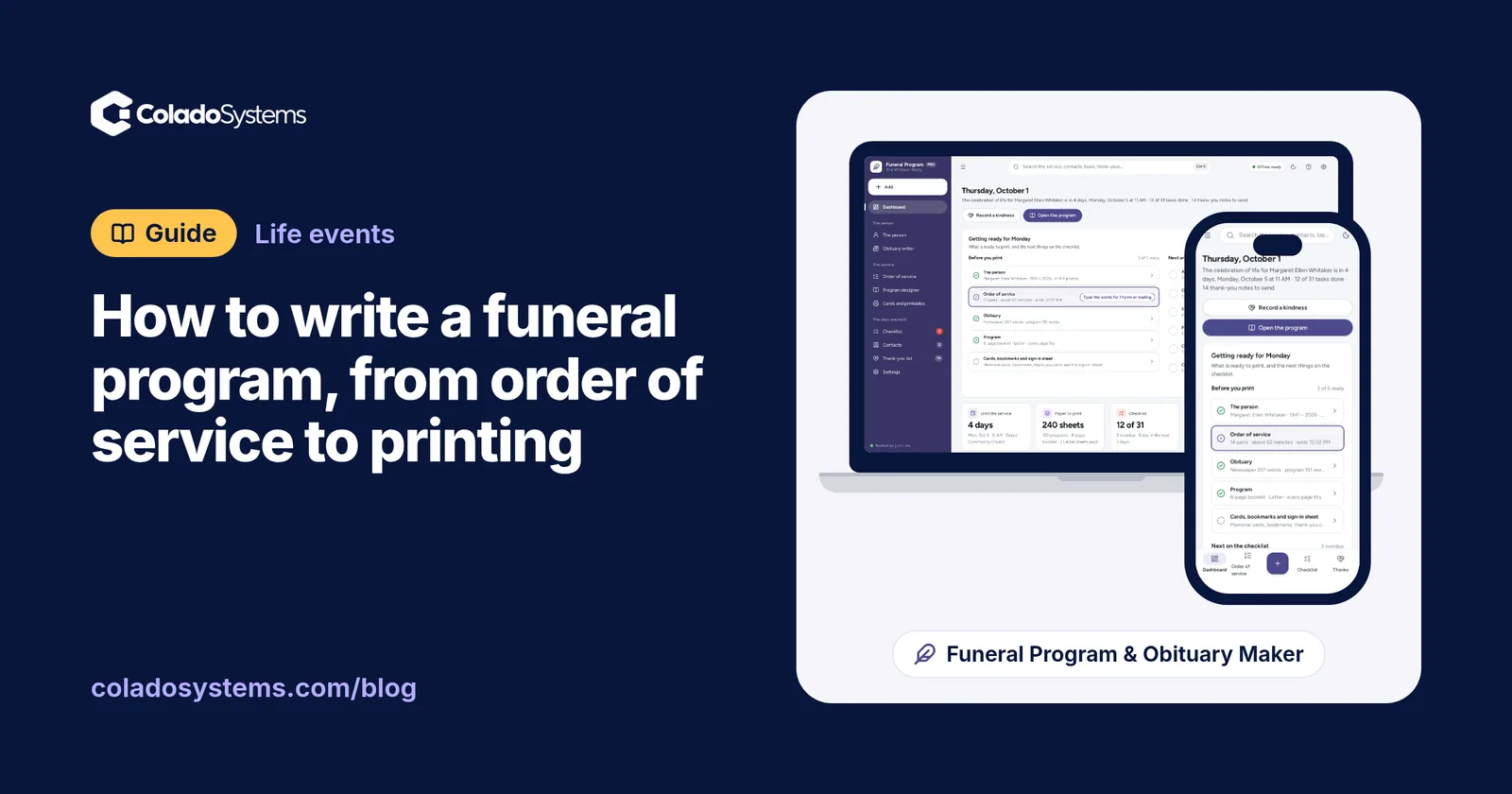
The Funeral Program & Obituary Maker asks for the details once. It prints a 4-page bifold, an 8-page booklet or a single sheet on Letter or A4, already in folding order, and it can print the fronts and then the backs for printers that cannot do both sides. There are six calm themes, three font pairings and five photo placements, with up to four photos kept on your device. Long text flows on or shrinks a little to fit, and it warns you before printing if a page runs over.
The order of service starts from a church service or a celebration of life. You drag parts into place, each gets its start time, and readers, speakers and hymns are flagged if anything is missing. The obituary writer turns a few answers into two drafts: a newspaper version with the service times and places, and a shorter one for the program, with a live word count.
Around the service, it makes memorial cards and bookmarks four to a sheet, thank-you cards signed by the family, a sign-in sheet, a first-days checklist, a contacts list, and a thank-you tracker for flowers, food and donations. It is a one-time price, with no subscription to remember to cancel later.
Keeping it all in one place
It opens with a sample program, so you can see a finished booklet before typing a word. There is no account or sign-up, it works offline, and your photos stay on your own computer. It is made for families rather than funeral homes, holding one person’s service at a time.
If this has made you think about your own wishes, that can wait for another day. The End of Life Planner records burial or cremation, the service, music and readings and an obituary draft, and prints a binder for your executor. It is not a will and not legal advice. Our guide to what to put in a household emergency binder covers the practical papers that sit alongside it.
Both are on the Life events shelf and come together in the bundles, which cost less than buying them one by one. You can also browse other systems for life events.
When you are ready, you can see everything inside the Funeral Program & Obituary Maker and look through the sample program before adding your own words and photos.
Skip the setup
The Funeral Program & Obituary Maker has the records this guide describes already set up. Enter the details once and print the funeral program already in folding order, plus the obituary, memorial cards and thank-you cards. Works offline, no subscription.
$14.99 one-time
- Sample data to try it the same day
- Works offline, records stay on your device
- A PDF guide in the download
See everything inside the Funeral Program & Obituary Maker. Or take the whole Life events shelf: 4 systems for $69.99, $19 less than one by one.
Common questions
What do you put in a funeral program?
Most programs carry the person's full name, dates of birth and death, a photo, and the date, time and place of the service on the cover. Inside go the order of service and a short life story, with the names of readers and speakers. The back often holds a poem or prayer, a thank-you from the family and details of the reception.
How many funeral programs should I print?
Start with your best guess at how many people will attend, then add extra for family keepsakes, latecomers and relatives who could not come and would like one posted to them. The funeral director or venue may be able to tell you how many people similar services drew. If you keep the file, printing a few more at home later is easy.
Who is responsible for making the funeral program?
Usually a family member or close friend writes and lays it out, often with help from the officiant on the order of service. Some funeral homes offer to design and print programs as part of their services, sometimes for an added cost. Whoever takes it on, share the work: one person on photos, one on the life story, one on proofreading.
How long should the obituary in a funeral program be?
Shorter than you might expect. A program life story usually runs to a few short paragraphs, which leaves room for photos and the order of service. It does not need service details, since guests are already there. Save the longer version, with times and places, for the newspaper or online notice, where length may affect the price.