
Funeral program booklet
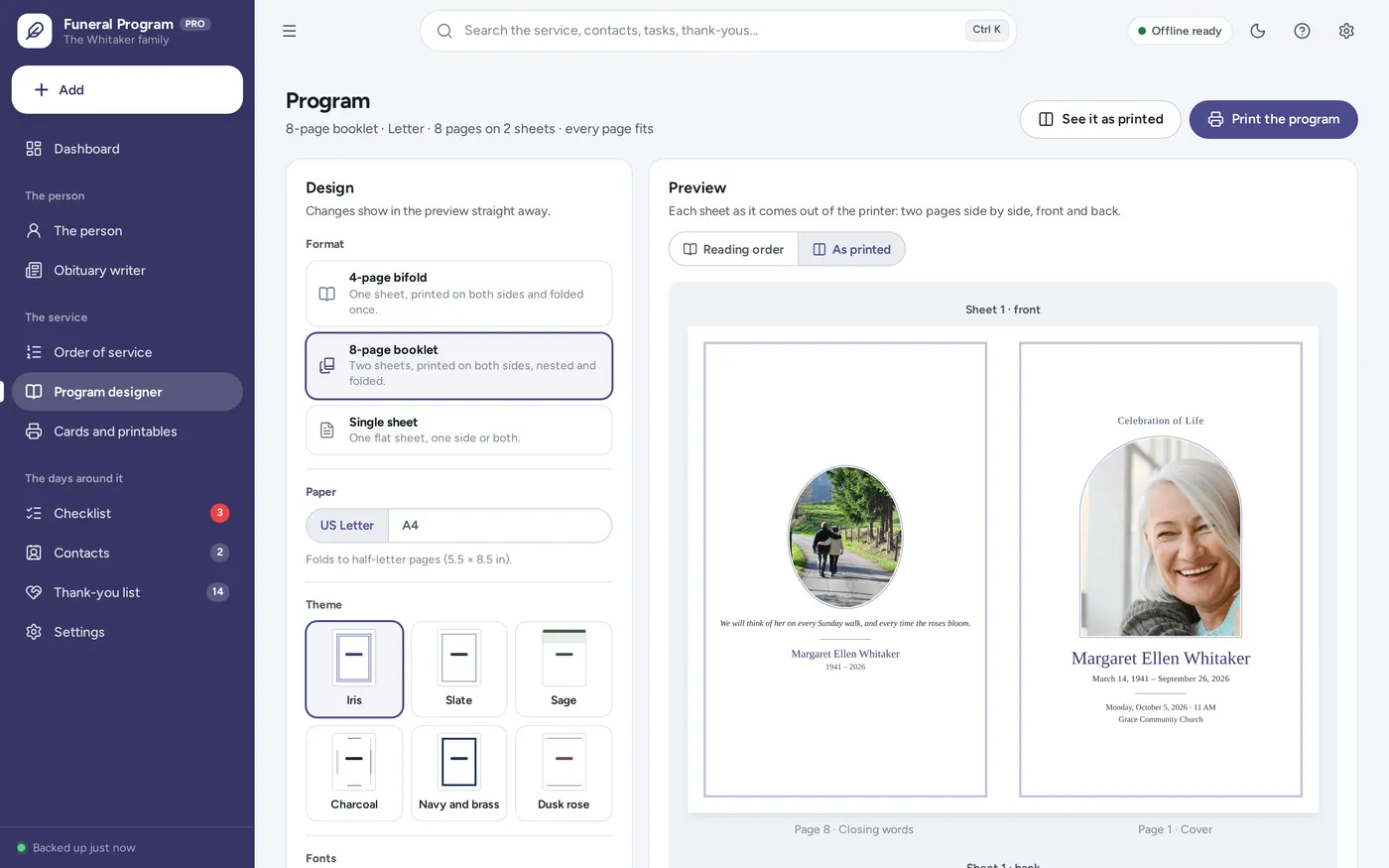
Prints in folding order. Just nest and fold.
- 8-page booklet: sheet 1 is 8 | 1 and 2 | 7, sheet 2 is 6 | 3 and 4 | 5
- 4-page bifold or a single sheet, on Letter or A4
- No two-sided printer? Print the fronts, then the backs
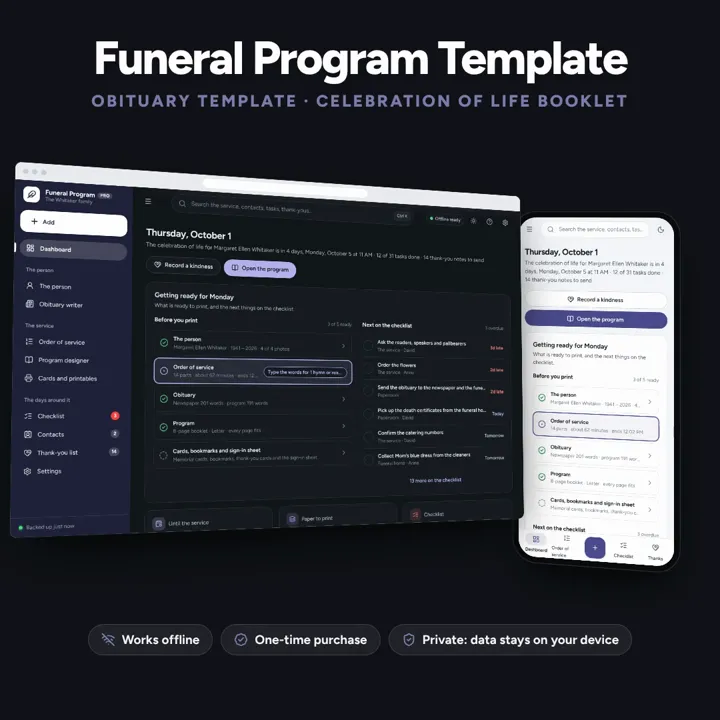
Enter the details once and print the funeral program already in folding order, plus the obituary, memorial cards and thank-you cards. Works offline, no subscription.
No subscription. Pay once and keep it.
Checkout by Paddle. Tax is added where it applies, and you download straight after paying.
Made for A family preparing a funeral, memorial service or celebration of life within days, who want the program, the obituary and the cards done at home without laying out a template page by page
A funeral program template and obituary template in one offline app: enter the person, the photos and the order of service once, and print a celebration of life program — 4-page bifold, 8-page booklet or single sheet, Letter or A4 — already in the right page order for folding, with an obituary writer, memorial cards, bookmarks, thank-you cards, a sign-in sheet, a first-days checklist and a thank-you tracker. No formulas to break.
Funeral program booklet
Planning dashboard
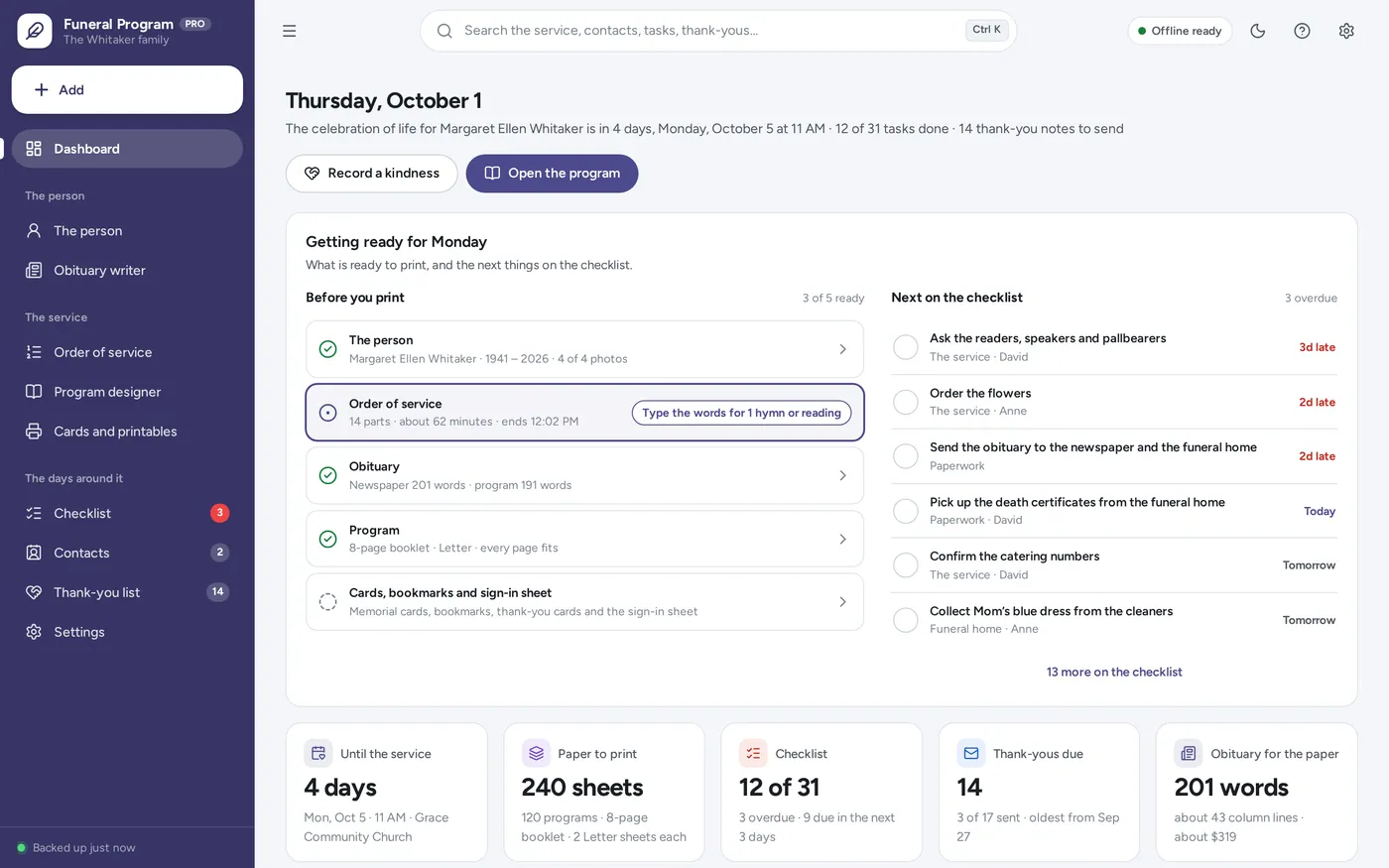
Celebration of life program
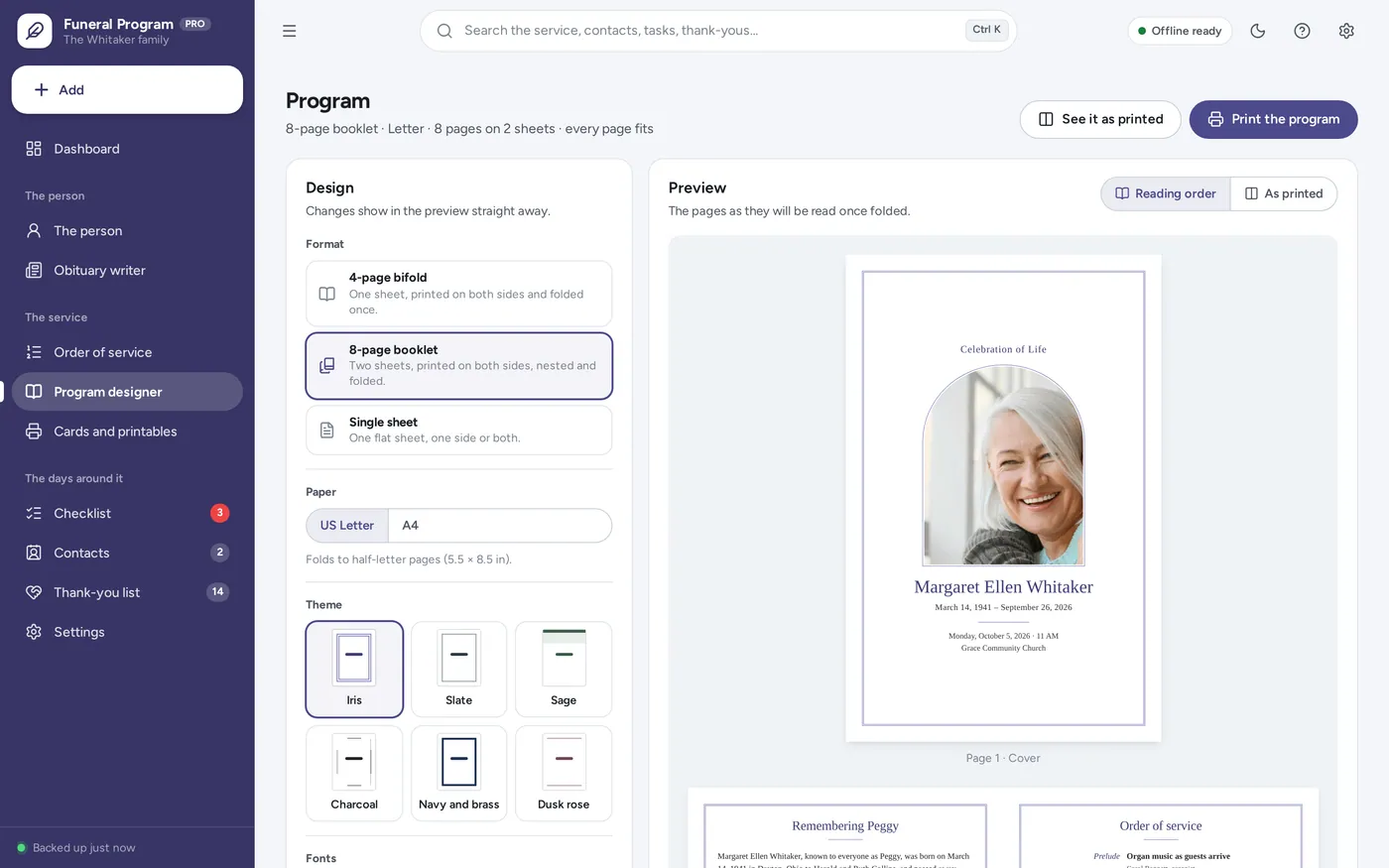
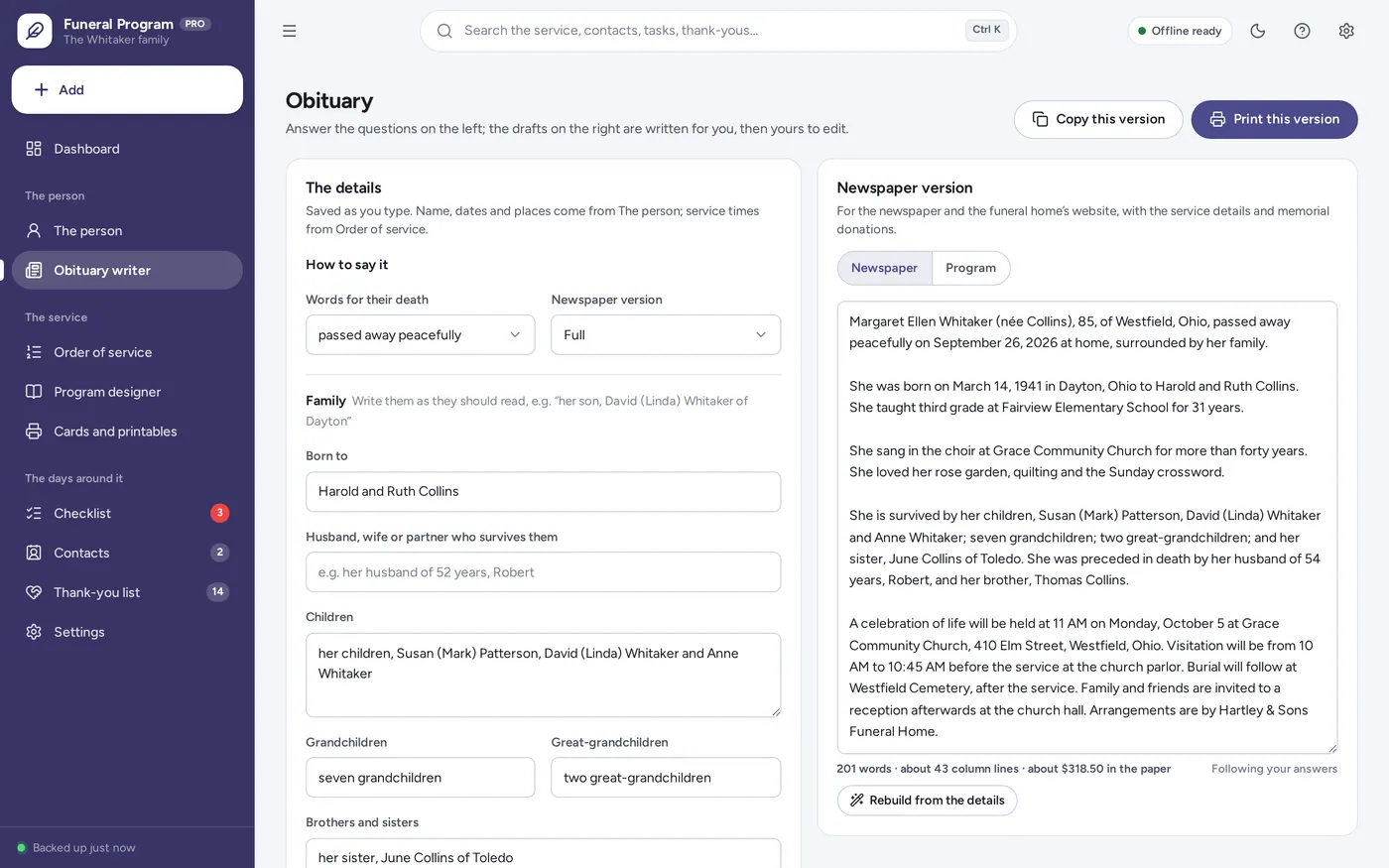
Obituary template
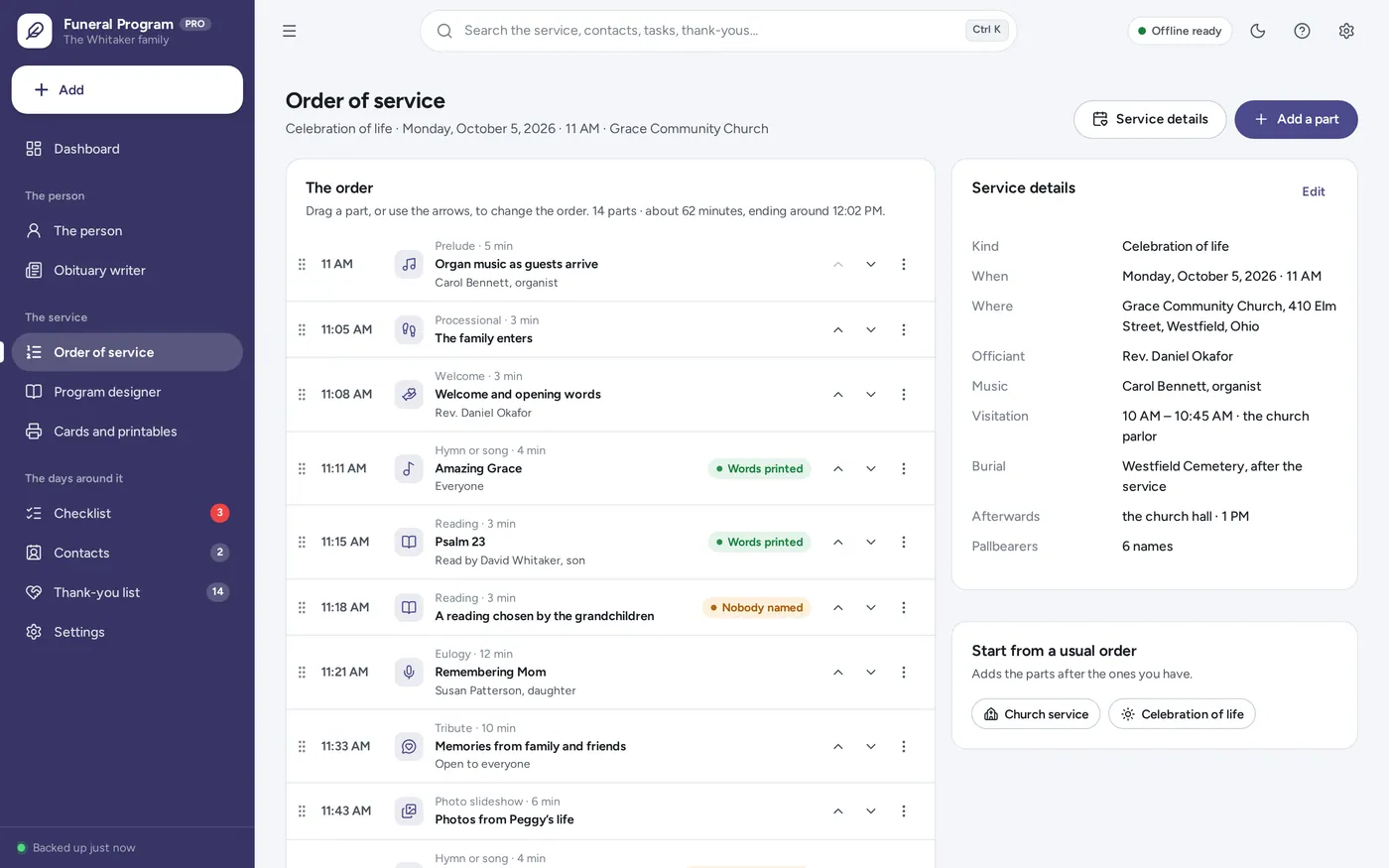
Order of service
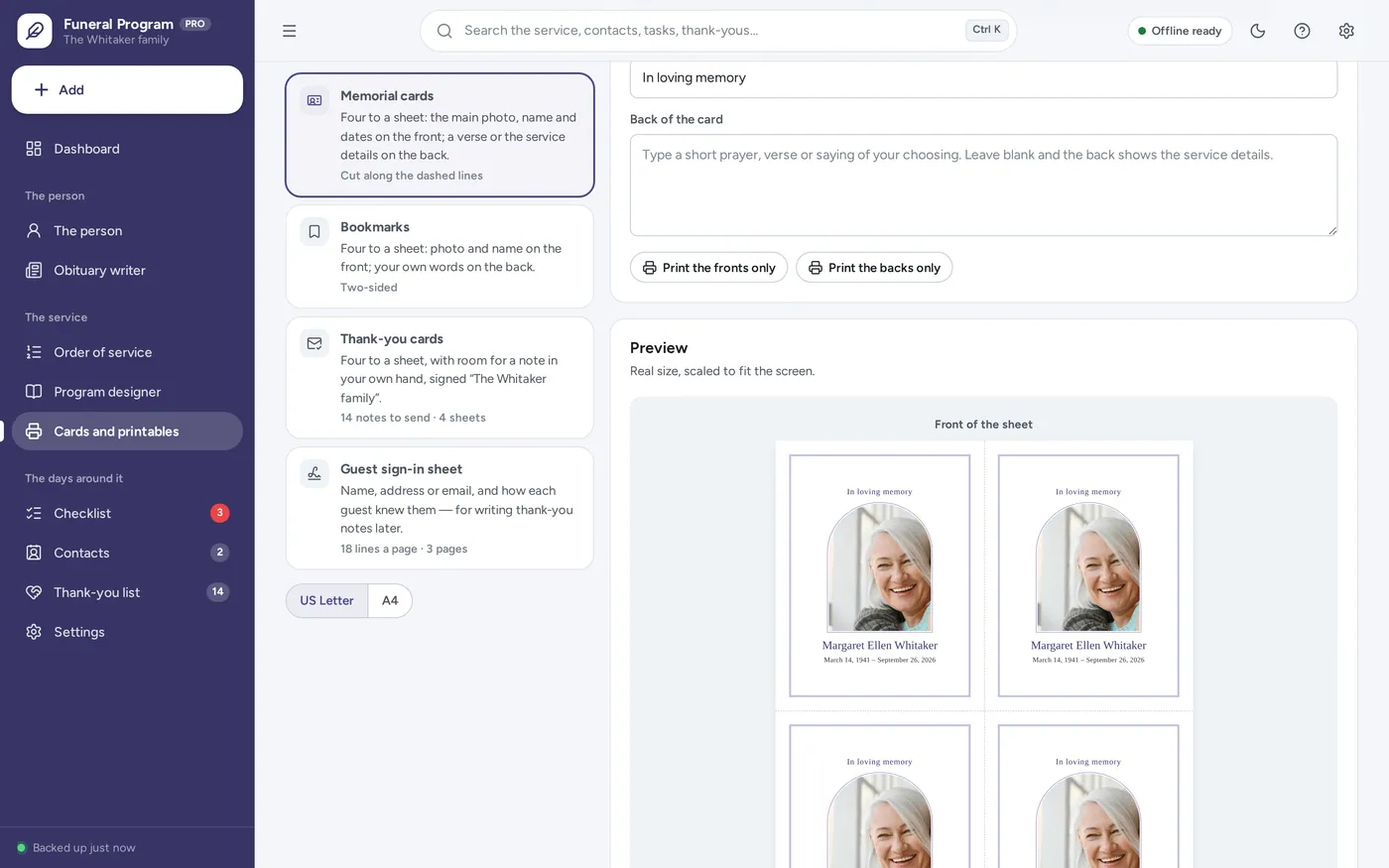
Memorial cards & thank-you cards
For a family preparing a funeral, memorial service or celebration of life: the funeral program template, obituary template, memorial cards and order of service you would otherwise lay out by hand — plus the checklist, contacts and thank-you tracker for the days around it.
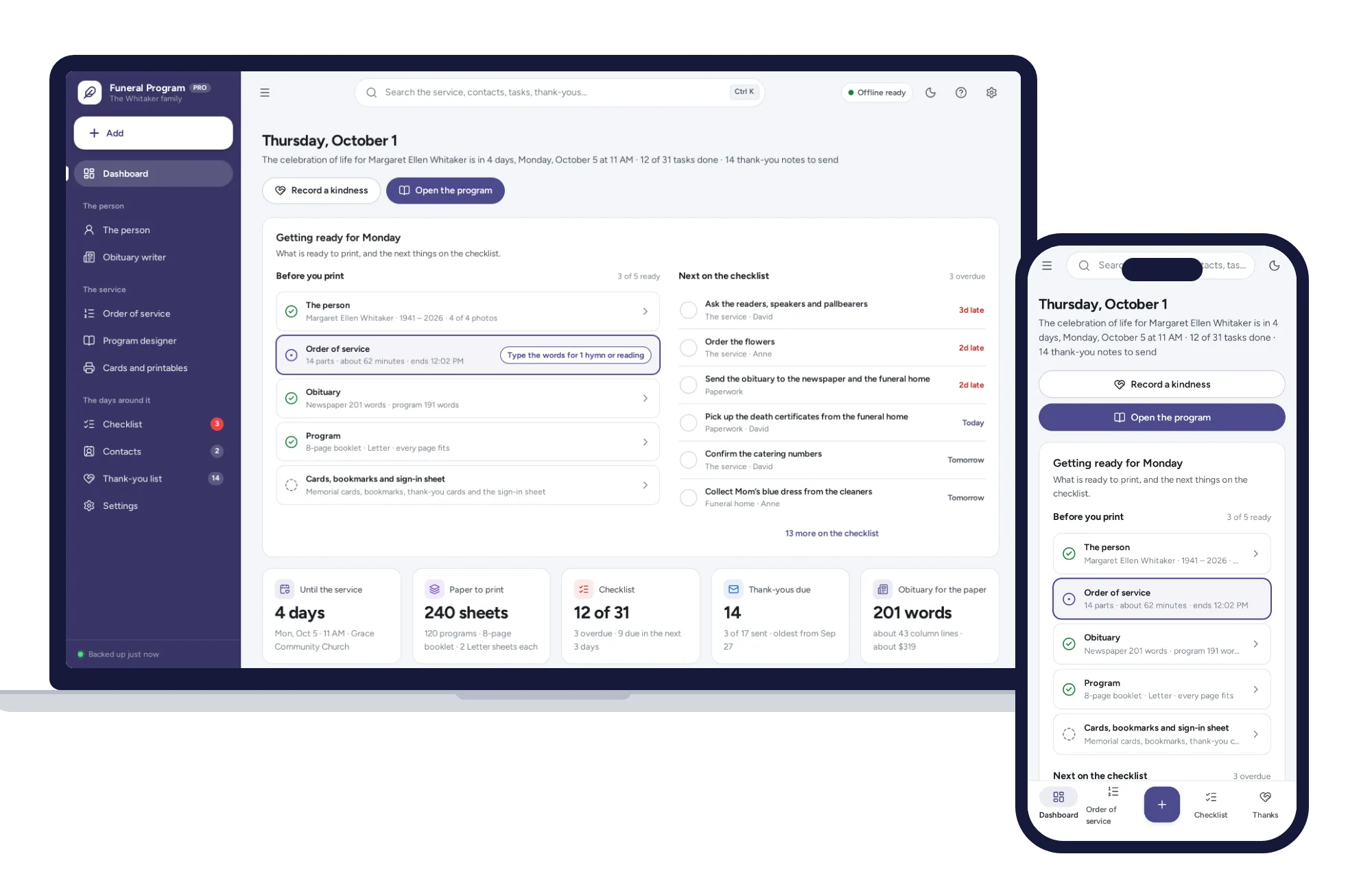
A Canva funeral template leaves the family to lay out every page and work out the print order, days before the service. This asks for the details once, works offline, and keeps the photos on your own computer.
What it needs, and what it does not do.
Funeral Program & Obituary Maker is an offline app from ColadoSystems that runs in your web browser from a folder on your own device. It costs $14.99 once, with no subscription and no account, and includes 14 tools, sample data to explore and a PDF guide. Your records stay on your device and are never uploaded.
Something else? Email us and we'll answer before you buy.
Everything is saved inside your browser on this device. Nothing is uploaded and there is no account, so no company holds a copy of your records. They are not encrypted, though: anyone who can use this device and browser can open them, so keep the device locked. Download a backup regularly (Settings → Data & backup → Back up now) and keep it somewhere as safe as the records themselves.
Yes. Open index.html and it runs fully offline. You can also host the folder on any website and choose “Install app” in Chrome or Edge to get a desktop or phone icon that works offline.
Yes. The layout adapts to phones and tablets with a bottom navigation bar. Each device keeps its own data, so use Back up / Restore to move records between devices.
Go to Settings → Data & backup → Erase records. Every sample record is removed, and so is the sample family’s signature, so nothing of theirs ends up on your cards. Your other settings are kept.
Each sheet is printed with two pages on each side, already paired the way a folded booklet needs them. For the 8-page booklet, sheet 1 carries pages 8 and 1 on the front and 2 and 7 on the back; sheet 2 carries 6 and 3 on the front and 4 and 5 on the back. Print both sides (flip on the short edge), put sheet 2 inside sheet 1, and fold. The 4-page bifold is pages 4 and 1 on the front and 2 and 3 on the back.
Yes. Choose “Print the fronts only”, put the printed stack back in the paper tray, then choose “Print the backs only”. Print a single copy first to see which way round your printer takes the paper back. If the backs come out upside down, switch on “My printer only flips on the long edge”; if the backs land on the wrong sheets, switch on “Print the backs in reverse order”.
Any US Letter or A4 paper your printer takes. Programs fold and feel better on heavier paper, around 90–120 gsm (24–32 lb), which also stops the other side showing through. Memorial cards and bookmarks are best on light card your printer can feed.
Give it a second page: set two pages in a row to Life story and the text runs from one to the next. Where a page is only a little too full, the type is set up to 20% smaller. If it still does not fit, “Check before printing” names the page and about how many lines run over.
Yes. Switch on “Print the words in the program” for that part of the service and type or paste the words; they go on the hymns and readings page. Check that you may reproduce them: most hymns more than a hundred years old are free to print, while newer songs often need the publisher’s permission, which many churches already hold.
No. Photos are read from your computer or phone, made a sensible size for printing (up to 1600 pixels on the longest side) and saved in this browser on this device. They are included in your backup file.
No. It holds one person’s service at a time, for the family preparing it. To make a program for someone else later, back up, then erase the records and start again. Planning your own wishes ahead of time is a different job from this one.
No. It is made for one person on one device, and records do not sync between devices. To move to another device, save a backup and restore it there.
Planning for the end of life? These systems are close cousins. Here is who each one is for.
Planning ahead for yourself: wishes, who to tell, where things are, letters and an executor checklist.
A family preparing a service now: the printed program, obituary, memorial cards and thank-yous.
The household emergency binder: who to call, medical summaries, insurance, home and pets.
The life events bundle has every system in this category for one price.
Weddings, final wishes, funerals and the emergency binder, planned with care.
$69.99for 4 systems, $89.96 if bought one by one
You save $19
Life events
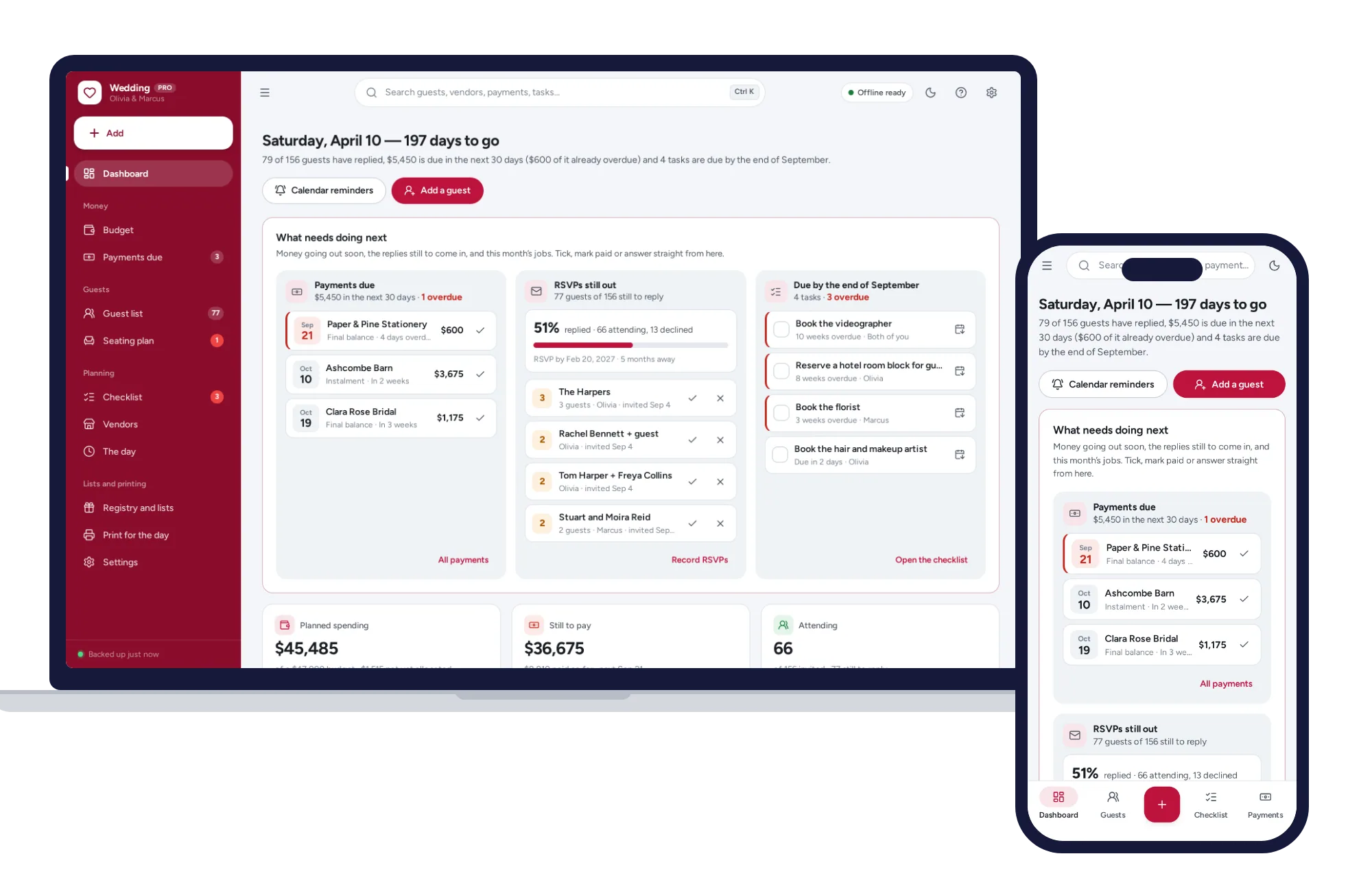
Budget tracker with payment due dates, guest list, seating chart and checklist on one dashboard. No formulas to break, no subscription.
$24.99one-time