
Today
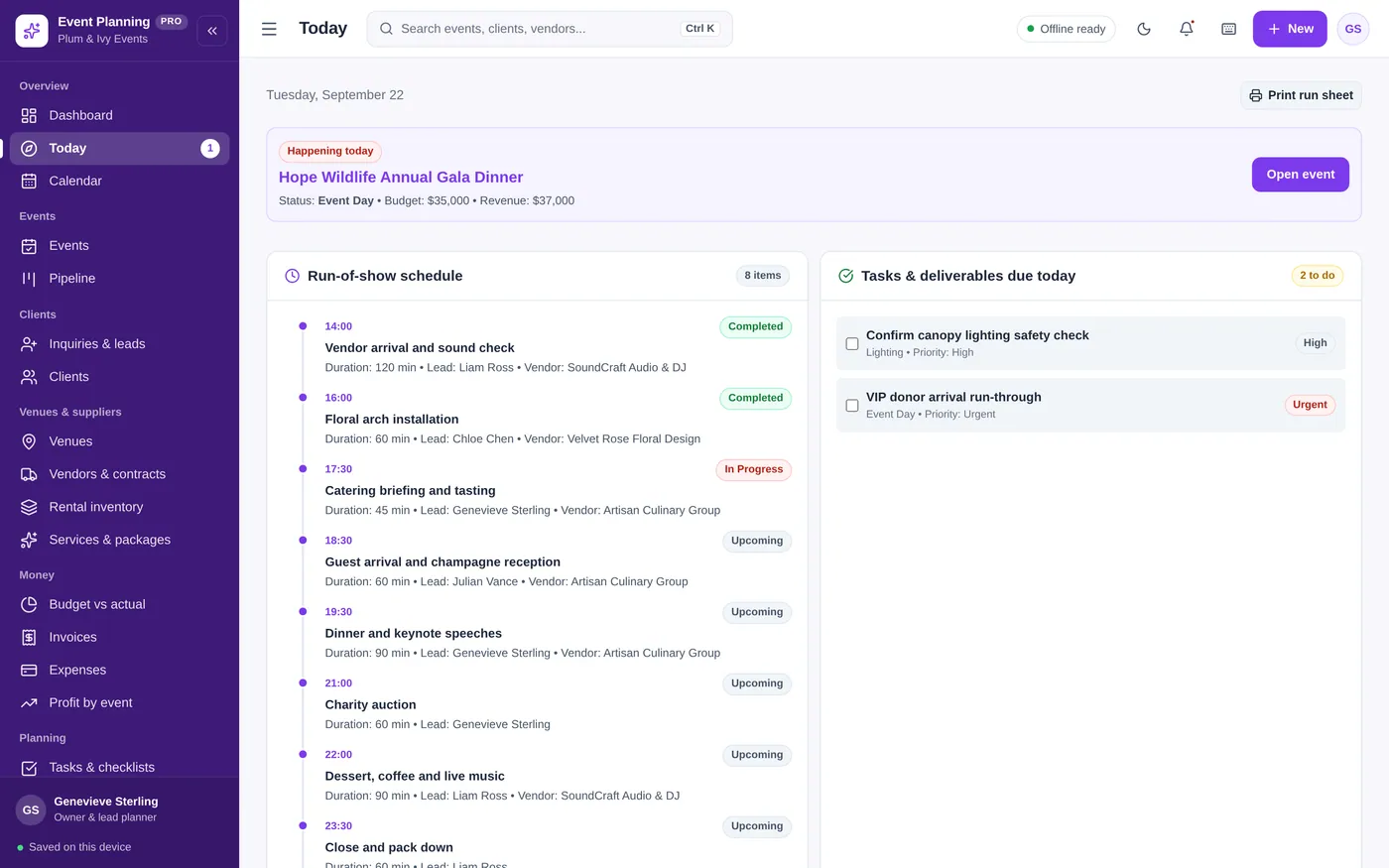
Run the day minute by minute
- Run-of-show with times and leads
- Tick off today’s tasks as you go
- Print a run sheet for your team
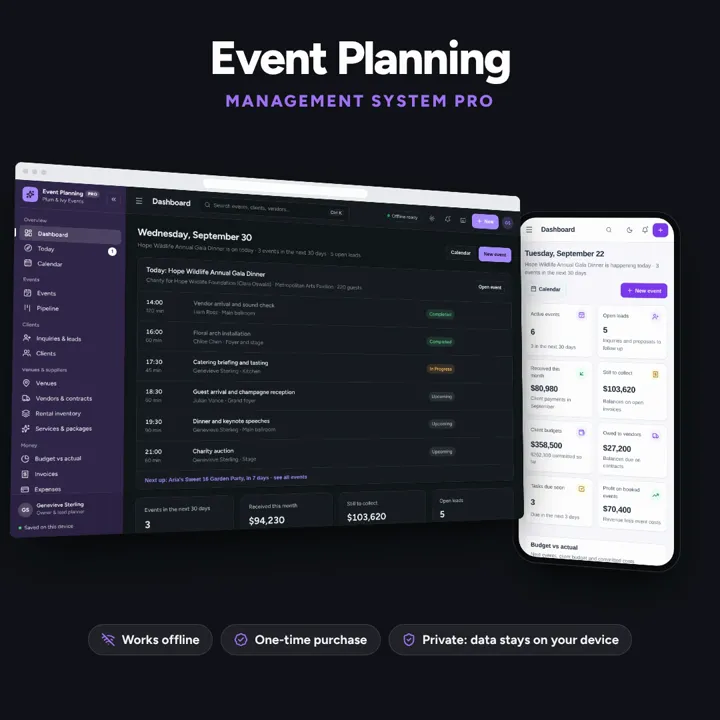
Events, pipeline, clients, venues, vendors, budgets and run-of-show timelines — one offline app.
No subscription. Pay once and keep it.
Checkout by Paddle. Tax is added where it applies, and you download straight after paying.
Made for Wedding coordinators, event planners, party producers, and corporate event managers
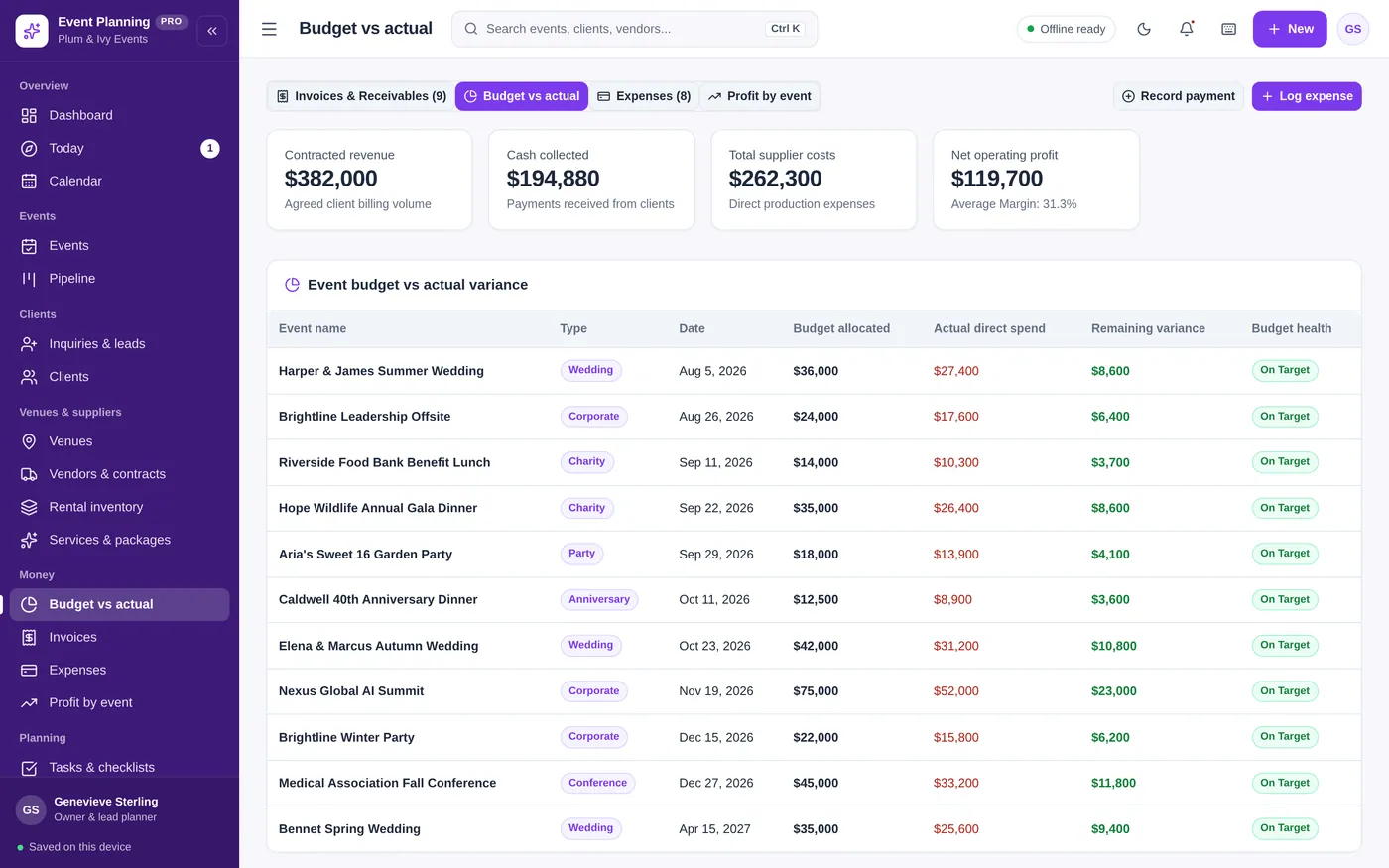
Event Planning Manager is an offline planning app for wedding coordinators, event planners, party producers and corporate event managers. It moves events from first inquiry to event day, stops venue double bookings, tracks vendor contracts and balances, compares budget to actual, builds seating plans and prints a minute-by-minute run-of-show for your team. It runs offline on one computer, tablet or phone, with your records kept on that device.
Today
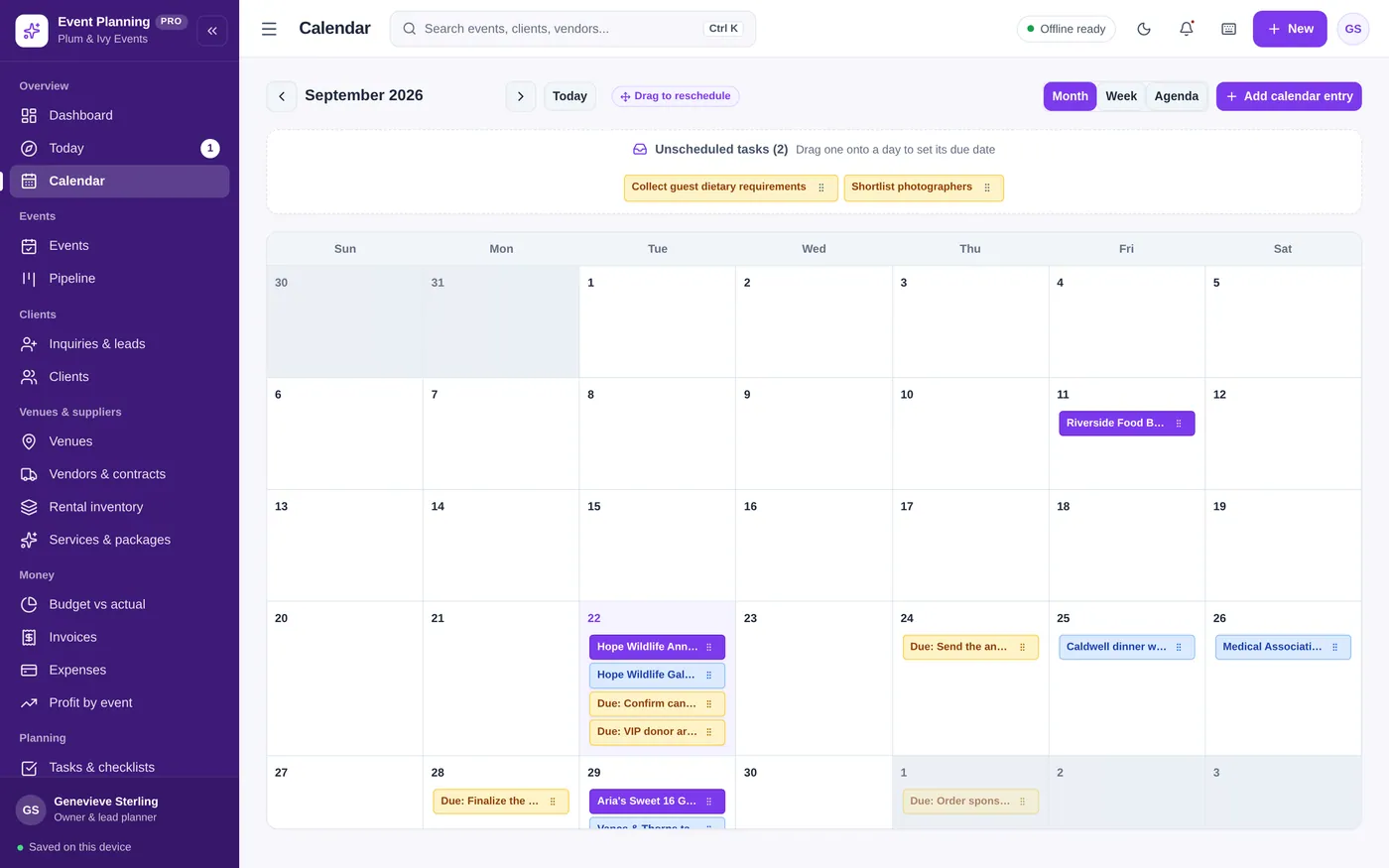
Calendar
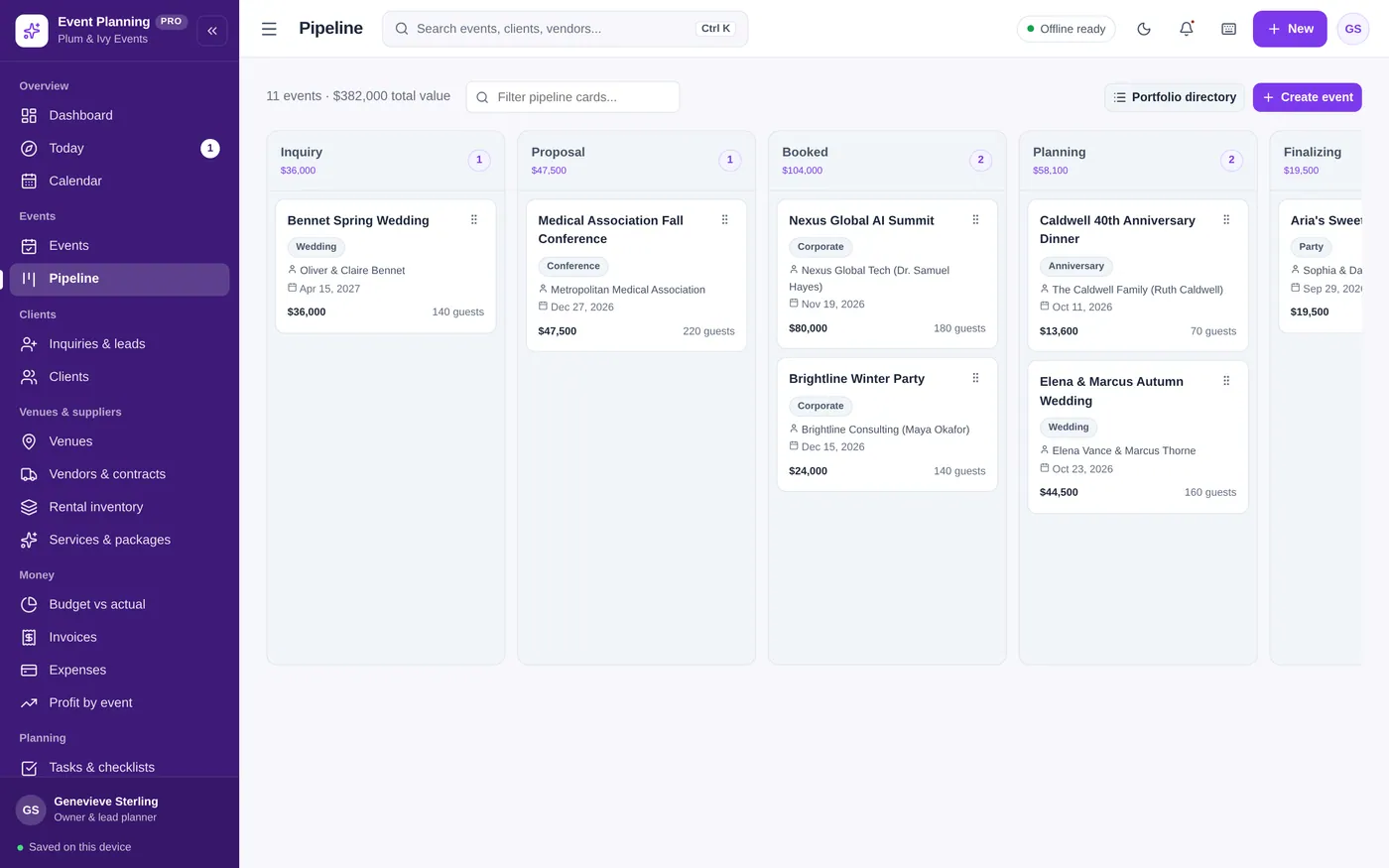
Pipeline
Events
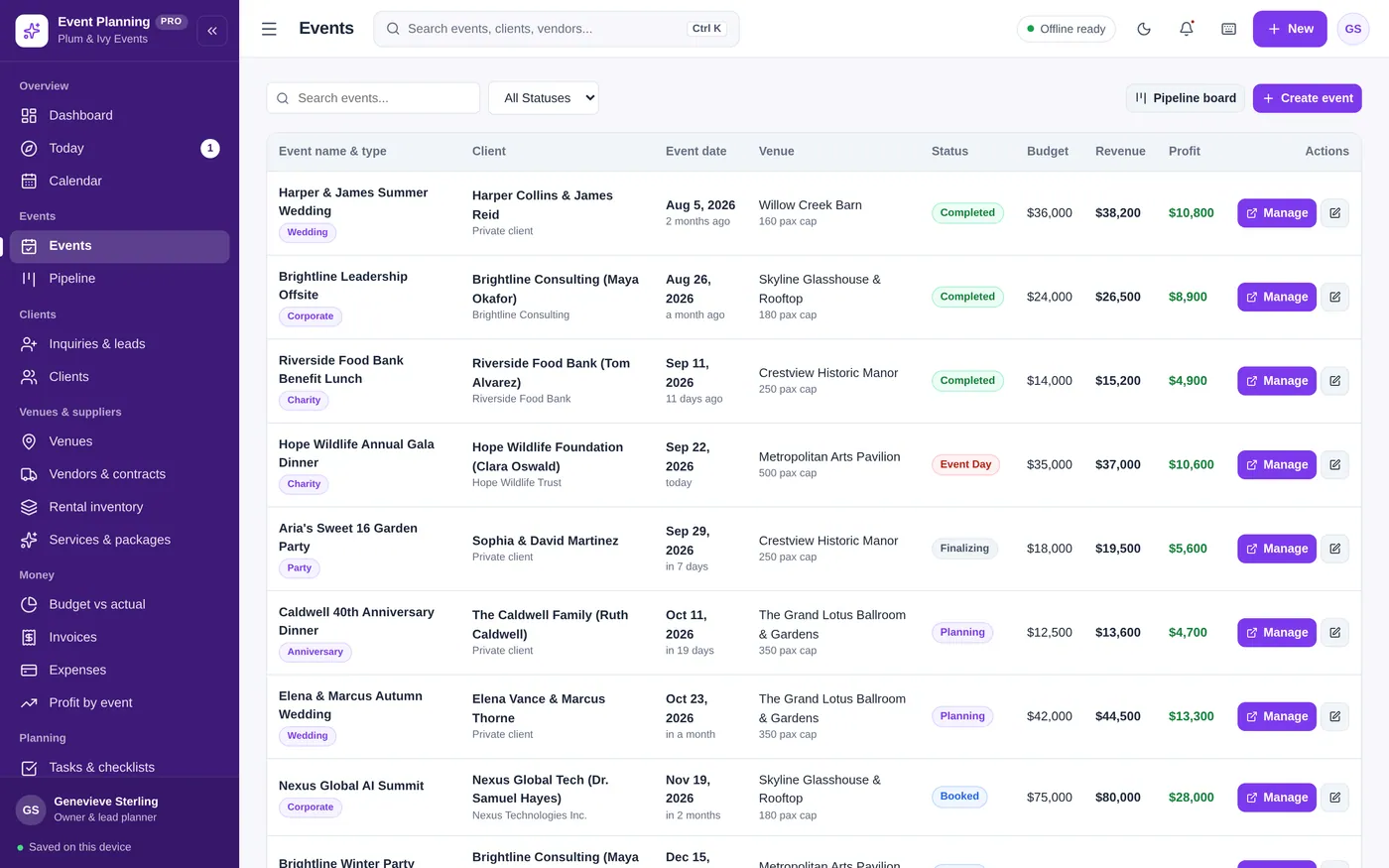
Venues
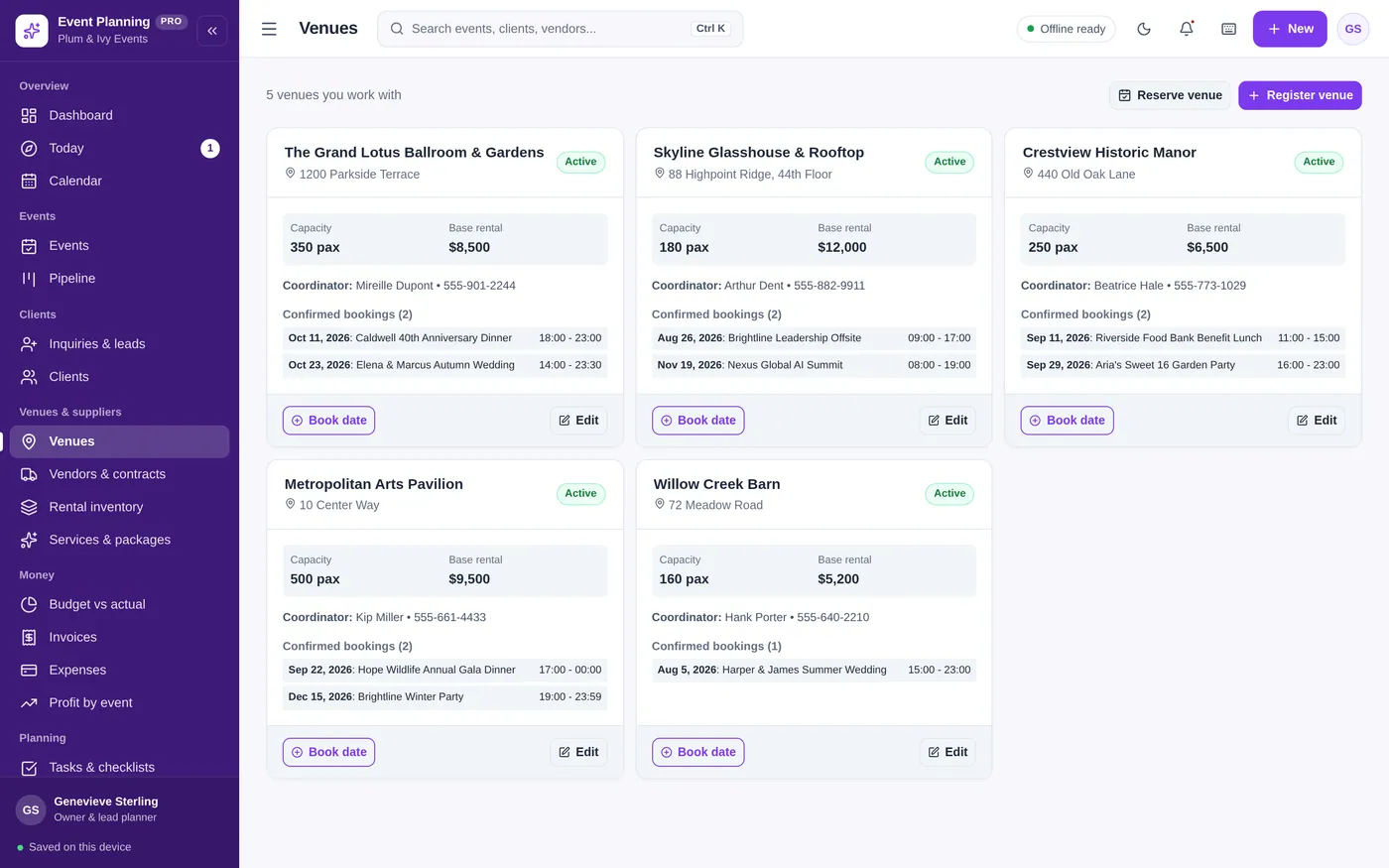
Budget vs actual
For wedding planners, party and corporate event planners, and venues.
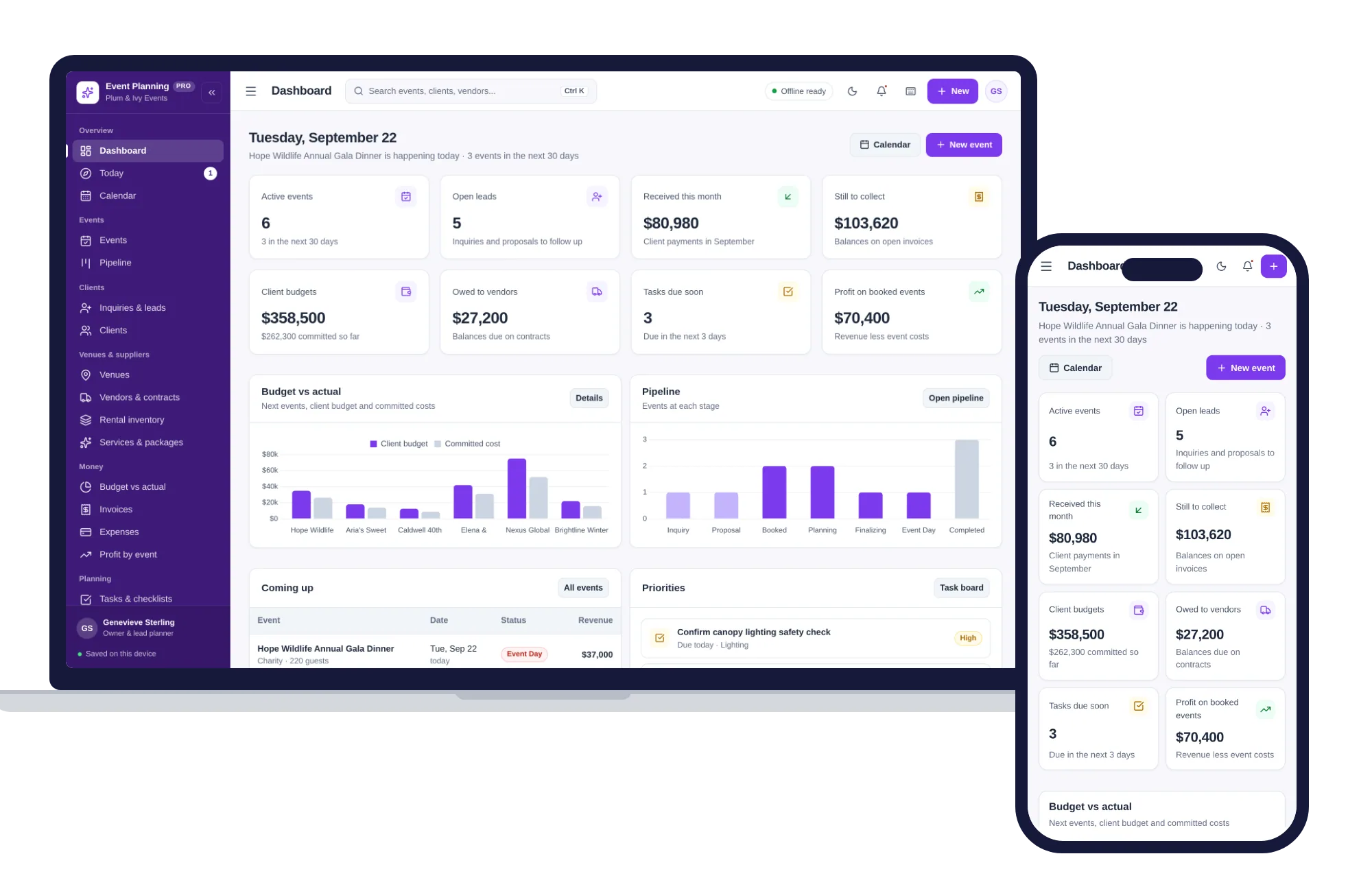
Install it like an app. Client details never leave your device.
What it needs, and what it does not do.
Event Planning Manager is an offline app from ColadoSystems that runs in your web browser from a folder on your own device. It costs $29.99 once, with no subscription and no account, and includes 12 tools, sample data to explore and a PDF guide. Your records stay on your device and are never uploaded.
Something else? Email us and we'll answer before you buy.
Yes. On event day, open Today and click "Print run sheet". Before the day, open the event and click "PDF brief" to download the event details, budget figures and full timeline.
Yes. The layout adapts to tablets and phones and needs no internet. Records are saved in the browser on each device, so use a backup file to move them between devices.
Yes. Open the event, go to the Invoices & Billing tab and click "Generate invoice", then use the PDF button. Log deposits and payments with "Record payment" on the Invoices page.
In Settings, open "Backup, restore & demo data" and click "Export full database (JSON)". On the new laptop, open the same tab, click "Restore from File..." and confirm.
No. It runs offline on your own device, so there is no booking page for customers and it does not take card payments. You record bookings and payments in it yourself, including ones taken by phone, card reader or another website.
The salons, studios & events bundle has every system in this category for one price.
Bookings, client records and payments for appointment-based businesses.
$99.99for 6 systems, $179.94 if bought one by one
You save $79
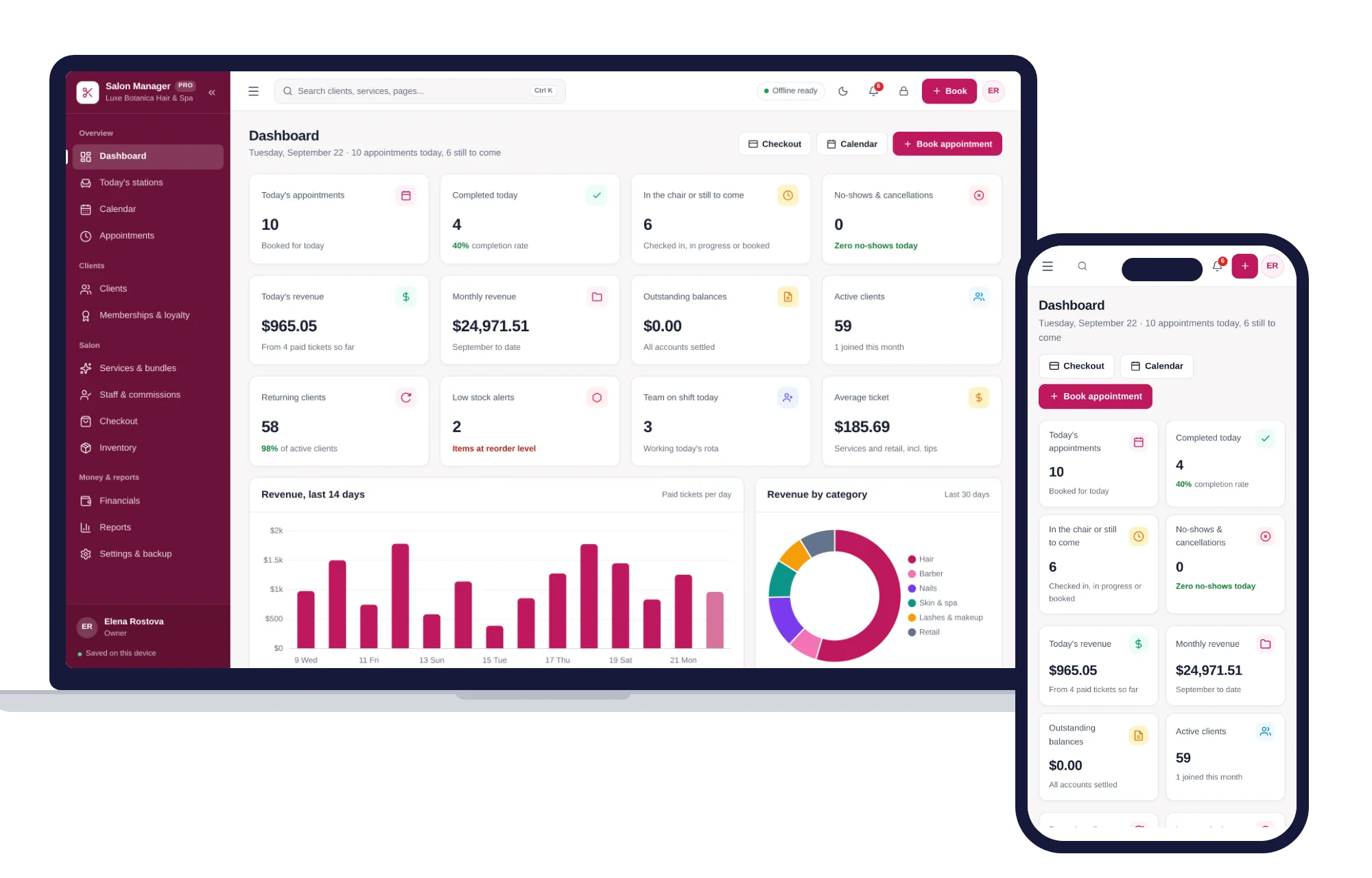
Salons, studios & events
Appointments, stations, clients, memberships, staff commissions and checkout — one offline app.
$29.99one-time
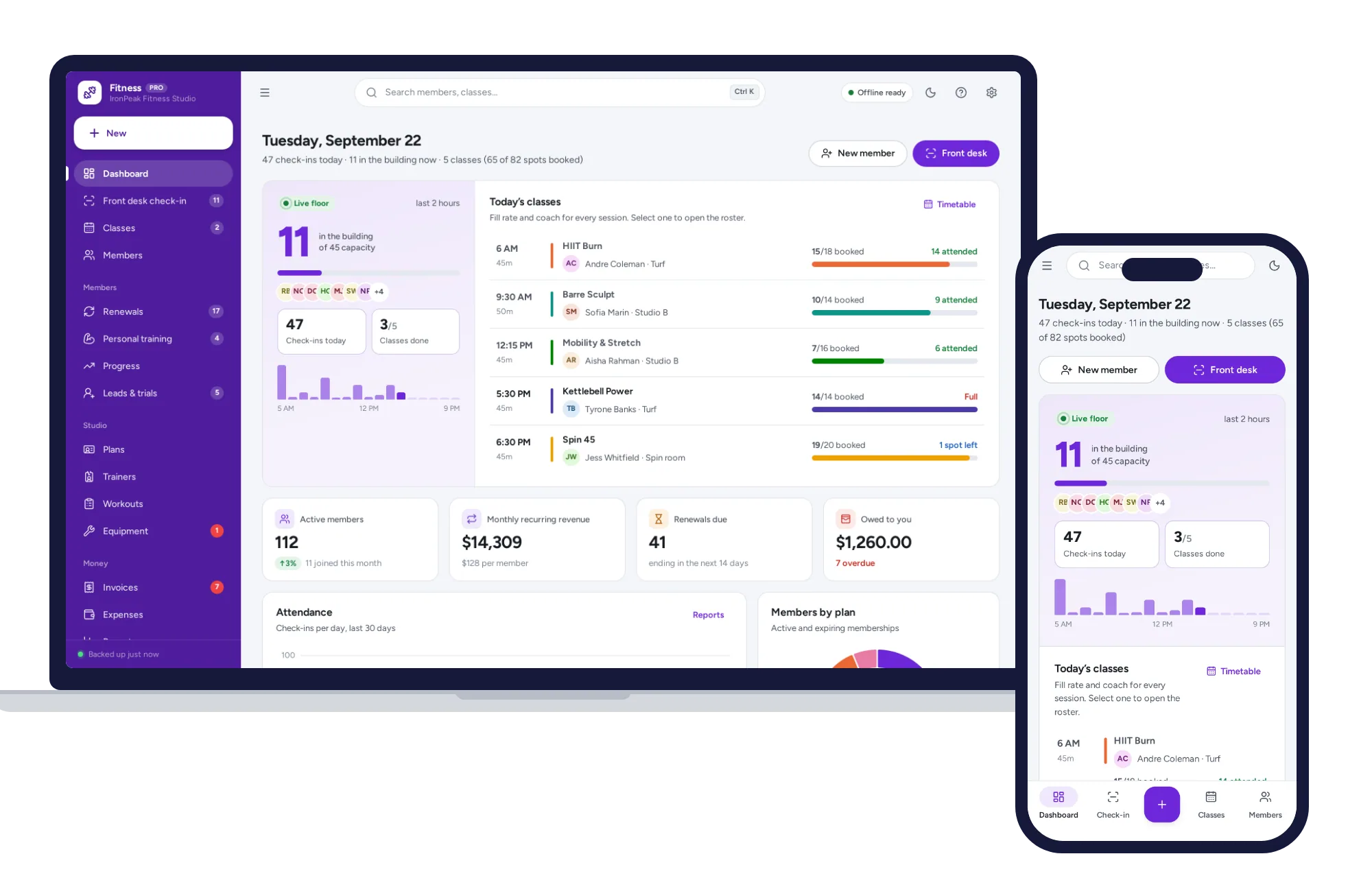
Salons, studios & events
Front-desk check-in, memberships and renewals, classes, personal training and progress — one offline app.
$29.99one-time
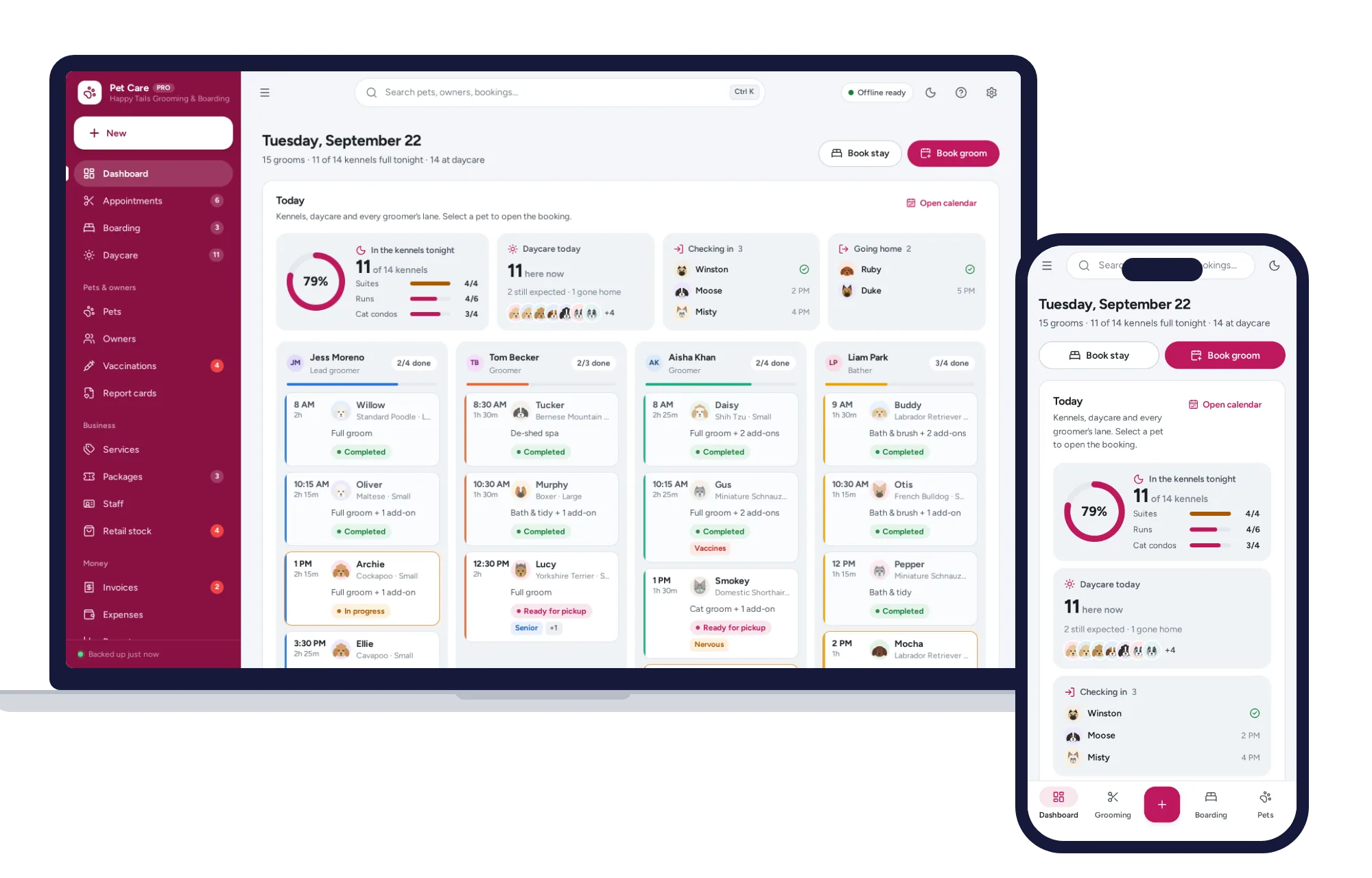
Salons, studios & events
Grooming calendar, boarding board, daycare check-in, vaccines and report cards — one offline app.
$29.99one-time
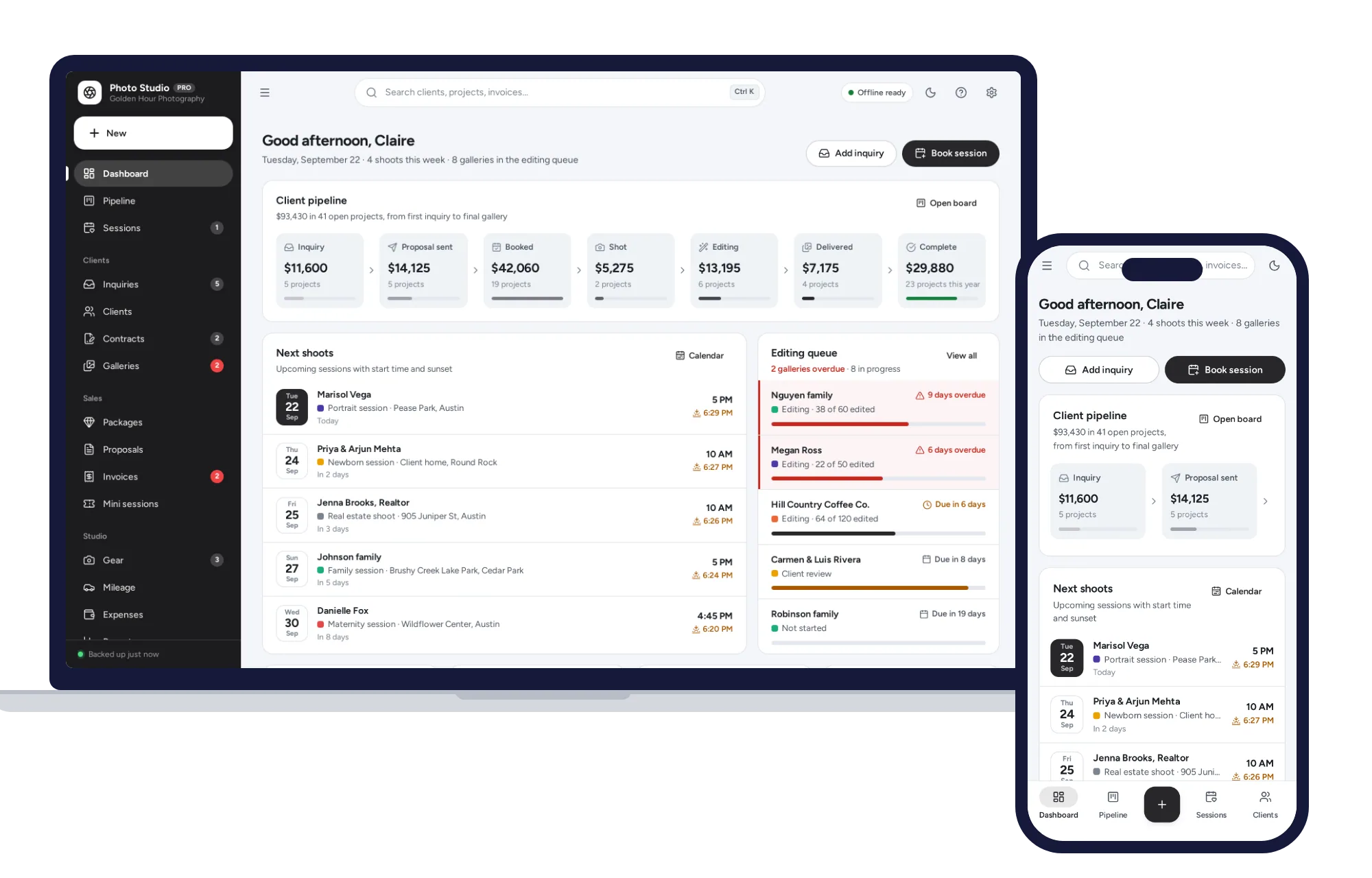
Salons, studios & events
Client pipeline, sessions with golden hour, contracts, galleries and mini sessions — no subscription.
$29.99one-time