Yes, you can run a salon on software with no monthly fee. The options are a paper book or spreadsheet, a free booking platform that earns from fees instead of a subscription, desktop software you buy once, or an offline system that runs in your browser and is also bought once. Each one trades away something a subscription does for you, most often online booking, automatic text reminders or a calendar the whole team can see on their own phones.
Which trade-off you can live with depends on how your clients book and how many people work the chairs. Start with what the software has to do, then compare.
What salon software needs to do every day
Write down what your front desk actually does. For most salons it is seven jobs:
- Book appointments in a day view with one column per stylist or station, so you can see the gaps at a glance.
- Keep client records: contact details, visit history, color formulas, allergies and patch tests. (Here is what to keep on every salon client record if you are starting from scratch.)
- Hold the service menu, with a duration and price for each service and add-on, so every booking is the right length.
- Check clients out: services, retail, tips, discounts and tax on one ticket, with a receipt.
- Track the team: working days, hours and each person’s commission.
- Count stock: the retail shelf and the back-bar color.
- Show the numbers: takings, expenses and what is left.
Then mark the extras you would genuinely use: memberships, loyalty points, gift cards, deposits for long appointments.
A solo nail tech or lash artist has a different list again. Lash maps, fill dates and patch tests matter more than a staff rota, which is why a planner made for one nail or lash tech is a better fit there than full salon software.
Is there salon software without a monthly fee?
There is, in three forms, plus the no-software route.
Free booking and marketplace platforms. These cost nothing to sign up for and usually make their money another way: a fee on card payments, a charge for new clients they send you, or paid add-ons. Some are very good at filling an empty book. Read the fee page closely, because “free” here means the cost moves to each booking or payment rather than disappearing.
Desktop software you buy once. A program installed on the salon computer for one price. It works offline, but it may run only on Windows or Mac, not a tablet, and major upgrades are often sold separately.
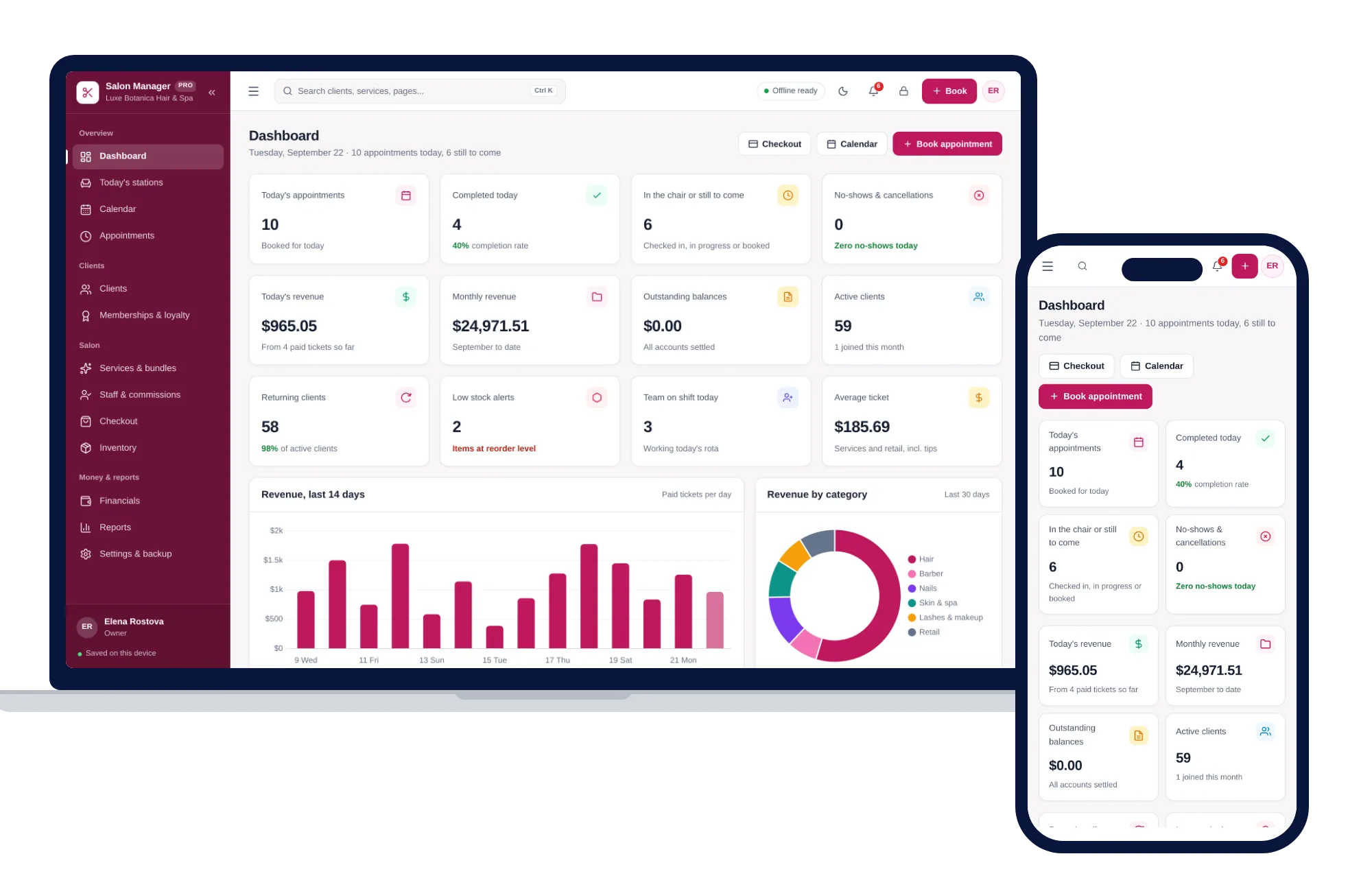
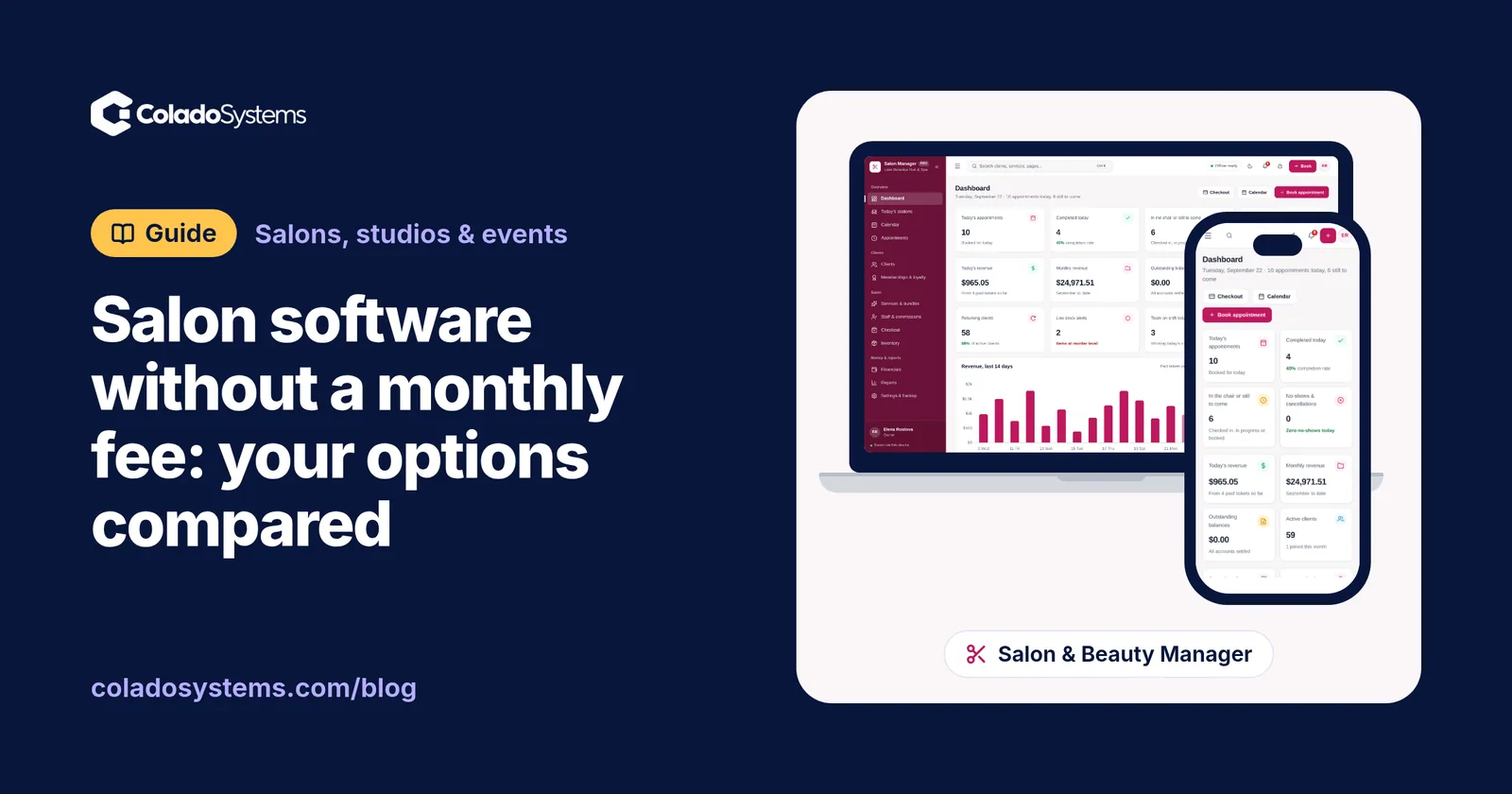
Offline browser systems. An app that opens in Chrome, Safari, Edge or Firefox on your own computer, tablet or phone, with no installation and no account. ColadoSystems builds this kind, including the Salon & Beauty Management System. The records stay on the device you use.
Paper and spreadsheets. An appointment book, client cards and a takings spreadsheet cost almost nothing, and plenty of salons run well on them until they want totals, commissions or a client’s full history at the chair.
Salon software options compared
| Option | What you pay | Good at | Where it falls short |
|---|---|---|---|
| Paper book and client cards | Almost nothing | Fast, no screens, never crashes | No totals or commissions, cards go missing, history is hard to search |
| Spreadsheet | Free or low, plus your setup time | Fits your salon exactly, easy to share a file | You build and fix every formula, no calendar view, no checkout |
| Subscription salon app | A fee every month, often more as you add staff | Online booking, automatic texts, a team calendar on every phone, card payments | The fee never stops, your records live on the company’s servers |
| Free booking or marketplace platform | No sign-up fee; fees on payments, new clients or add-ons | Brings in new clients, online booking with no monthly bill | Costs rise as you get busier, you work within their rules and branding |
| Desktop software bought once | A one-time price | Fixed cost, works offline | Often tied to one operating system, upgrades may cost extra, no online booking |
| Offline browser system, like ColadoSystems | A one-time price | Runs on the computer or tablet you have, opens with sample data, no account | One person on one device at a time, no sync, no online booking, payments or texts, you keep your own backups |
No row wins everywhere. The real question is which column you can live without.
What does a monthly fee cost over five years?
Monthly prices are meant to look small, so stretch them out. Say a salon app costs $30 a month. That is $360 a year and $1,800 over five years, assuming the price never rises and you never add a stylist.
For a free platform, run one ordinary month of appointments through its fee page. If the fees came to, say, $120, that is $1,440 a year, and more in busy months.
Now be fair to the subscription. If online booking fills Tuesday afternoons that would otherwise sit empty, or automatic reminders save you an hour of calls each week, the fee may pay for itself. Price it against what it does for you, not just against zero. There is a fuller five-year comparison in when buying software once beats a subscription.
What you give up with offline salon software
Here is the honest list for the kind of system we sell.
- One device at a time. Records are saved in the browser on one computer, tablet or phone. If the front desk and your phone both need the book, you move a backup file between them. There is no live sync.
- No online booking. Clients phone, message or walk in, and you put them in the calendar yourself.
- No automatic texts or emails. Reminders are a call or a message you send from your own phone.
- No card processing. Checkout builds the ticket and prints the receipt. The card itself goes through your own reader.
- You keep the backups. Nobody else holds a copy. A weekly backup to a USB drive covers it, and a simple weekly backup routine takes about ten minutes.
Many salons handle the booking gap with a hybrid. Keep a free booking link for the clients who insist on booking online, and copy each new booking into the front-desk calendar the same day. Client history, formulas, commissions and takings then stay in one place you control.
How to choose in five questions
- How do most clients book today? Mostly by phone, message or walk-in points to a buy-once system. Mostly online, from new clients who find you there, points to a platform or a subscription.
- How many people need the book at once, from different places? One front desk works fine offline. Stylists checking their own day on their own phones needs a subscription.
- Do you rely on automatic reminders? Calling or texting by hand takes time, so count it.
- Is there one computer or tablet at the desk? Offline systems assume that.
- Will you make a backup every week? If not, a cloud app that backs up for you is safer.
If online booking and texts are central to how you fill the book, the subscription is earning its fee. If one front desk runs the day and most clients rebook in the chair, a one-time purchase covers it.
Salon software you buy once
If you land on the buy-once side, the Salon & Beauty Management System was built for exactly that front desk. Here is how it maps onto the seven jobs:
- Bookings: a calendar with month, week, day and agenda views, color-coded by booking status and filtered by team member, plus a Today’s stations screen showing who is in each chair and who is waiting.
- Clients: visits, spend, loyalty points, formula notes and allergy warnings on one profile, with a button to book again. Memberships sit alongside.
- Services: your menu by category with durations, add-ons and packages, and prices that flow straight to checkout.
- Checkout: services, retail, tips, discounts and your tax rate on one ticket, with printable receipts and gift cards.
- Team: profiles, working days, shift hours and a commission rate for each person, with a commission ledger.
- Stock and numbers: retail and back-bar inventory, expenses and profit, and reports you can print or export to Excel.
It runs on Windows, Mac, iPad and Android, opens with sample data so you can click around before typing anything, and backs up with one click. There is no account and no monthly fee.
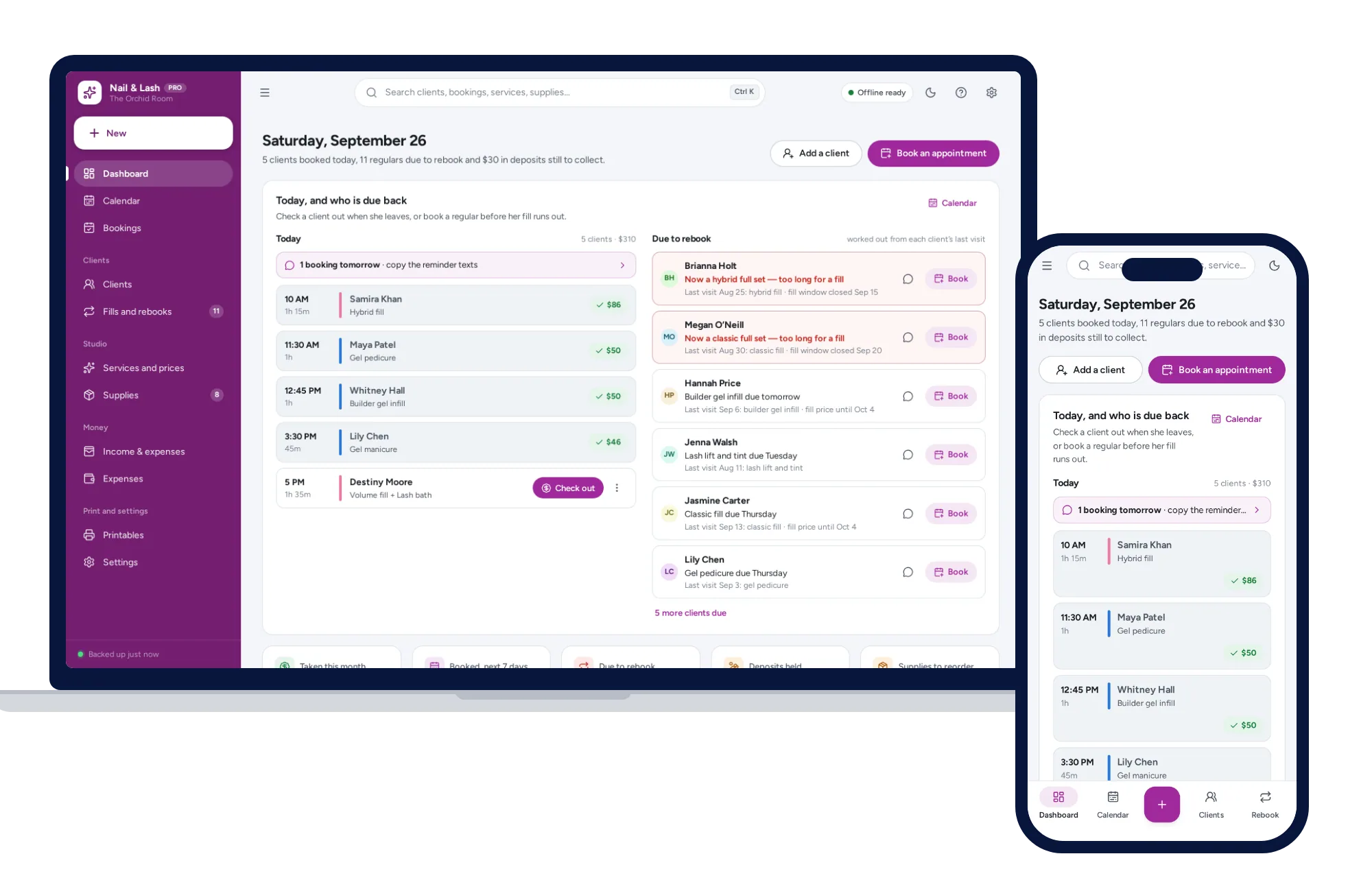
If you work alone, the Nail & Lash Tech Planner fits better: lash maps by zone, nail sets, fill reminders worked out from each visit, patch-test warnings, deposits and no-show fees from your own policy, and a ready-written rebook message to copy into your own texts. It has no staff rota, stations or commissions, because it is built for one professional.
Both sit on the salons, studios and events shelf. If your business needs more than one system from it, the shelf bundles cost less than buying them one by one.
Your next step: see every screen in the Salon & Beauty Management System and try it with the sample data the same day.
Skip the setup
The Salon & Beauty Manager has the records this guide describes already set up. Bookings, client history, memberships and staff commissions in one app you buy once. Nothing to cancel, nothing renews, and your client list stays on your device.
$59 one-time
- Try it free in the live demo, right in your browser
- Sample data to try it the same day
- Works offline, records stay on your device
- A PDF guide in the download
See everything inside the Salon & Beauty Manager. Or take the whole Salons, studios & events shelf: 7 systems for $179, $194 less than one by one.
Common questions
Is there free salon software with no monthly fee?
Yes, but free usually means the cost moves somewhere else. Free booking platforms tend to earn from fees on card payments, from charges for new clients they send you, or from paid add-ons. Run one ordinary month of your appointments through their fee page to see the real cost, then compare it with a tool you pay for once.
Can I run a salon on a spreadsheet?
You can, especially with one or two chairs. A spreadsheet handles a client list and daily takings well. It struggles with a day view of the calendar, a checkout that adds retail and tips, and commissions that work themselves out, so many salons move on once they have a team or want each client's history on screen during the appointment.
Does offline salon software take online bookings?
No. Software that runs offline on your own device cannot receive bookings from the internet or send text reminders. Clients book by phone, message or walk-in and you enter them yourself. Some salons keep a free booking link for the clients who prefer it and copy those bookings into the offline calendar at the end of each day.
What happens to my salon client records if I stop paying for an app?
It depends on the company. Some keep your account readable for a while, some lock it, and some delete data after a set period. Check the cancellation and export terms before you sign up, and download a full client export regularly. With software that runs on your own computer, the records stay on that device for as long as you keep it and back it up.