It’s Sunday, 8:30 pm. You have five classes tomorrow, plans for three of them, and a nagging sense that the fractions unit was supposed to finish two weeks ago. You’ll get Monday done. Tuesday is a problem for Monday night.
That’s what week-by-week planning feels like a month into term. The fix isn’t working harder on Sundays. It’s learning how to plan a term of lessons from the top down: the calendar first, then units, then standards and assessments, and only then the weekly detail. Done once at the start of term, it turns each week’s planning from a blank page into filling in a few gaps.
How to plan a term of lessons: start with the calendar
Before any lesson, count the teaching time you actually have. Take the school calendar and cross out everything that isn’t a normal lesson: holidays, training days, testing weeks, trips and assemblies.
Then do the sum for each class. Say your term runs 14 weeks. Take out a week of exams and three scattered days for a trip, a training day and a holiday, and you have about 12 and a half teaching weeks. A class you see four times a week gets roughly 50 lessons.
Plan for about 44 of them. The other six are slack for the fire drill, the lesson that needs repeating and the week you’re out sick. A plan that uses every slot breaks the first time something goes wrong.
Break the term into units
A unit is a block of lessons with one clear end point. Most terms hold three to five per class. For each unit, write down four things:
- A title and the number of lessons it gets
- The big question or skill it builds toward
- The objectives or standards it covers
- How it ends: a test, a project, a performance or a piece of writing
A worked example for a math class with 44 planned lessons: place value (8 lessons), fractions (12), measurement (10), data and graphs (8), then review and the end-of-term assessment (6). That adds up to 44, and you can already see that fractions will run into week five.
How do you map standards to lessons?
Your school, district or exam board decides which standards or objectives apply to your class, so start with their list. Your job is making sure each one gets taught, and being able to show it.
Write each standard as a short objective in your own words, with its reference code if it has one. Put each one under the unit that will teach it. Then keep a simple coverage grid: objectives down the side, and for each one a status of not yet, planned or taught, with the date and the lesson that taught it.
A grid like that quickly shows objectives nobody has planned yet, and ones that appear in only one lesson and may need a second look before the test. A lesson planner with a coverage view keeps this grid for you, but a spreadsheet with three columns works fine.
Plan assessments before the lessons
Decide how you’ll check learning before you plan how you’ll teach it. For each unit, place the end assessment first, then one or two quick checks along the way, like an exit ticket or a short quiz.
Then look at all your classes together. Three end-of-unit tests landing in the same week means three piles of marking on the same weekend, which is exactly the scramble you’re trying to avoid. Move one by a week now, while it costs nothing.
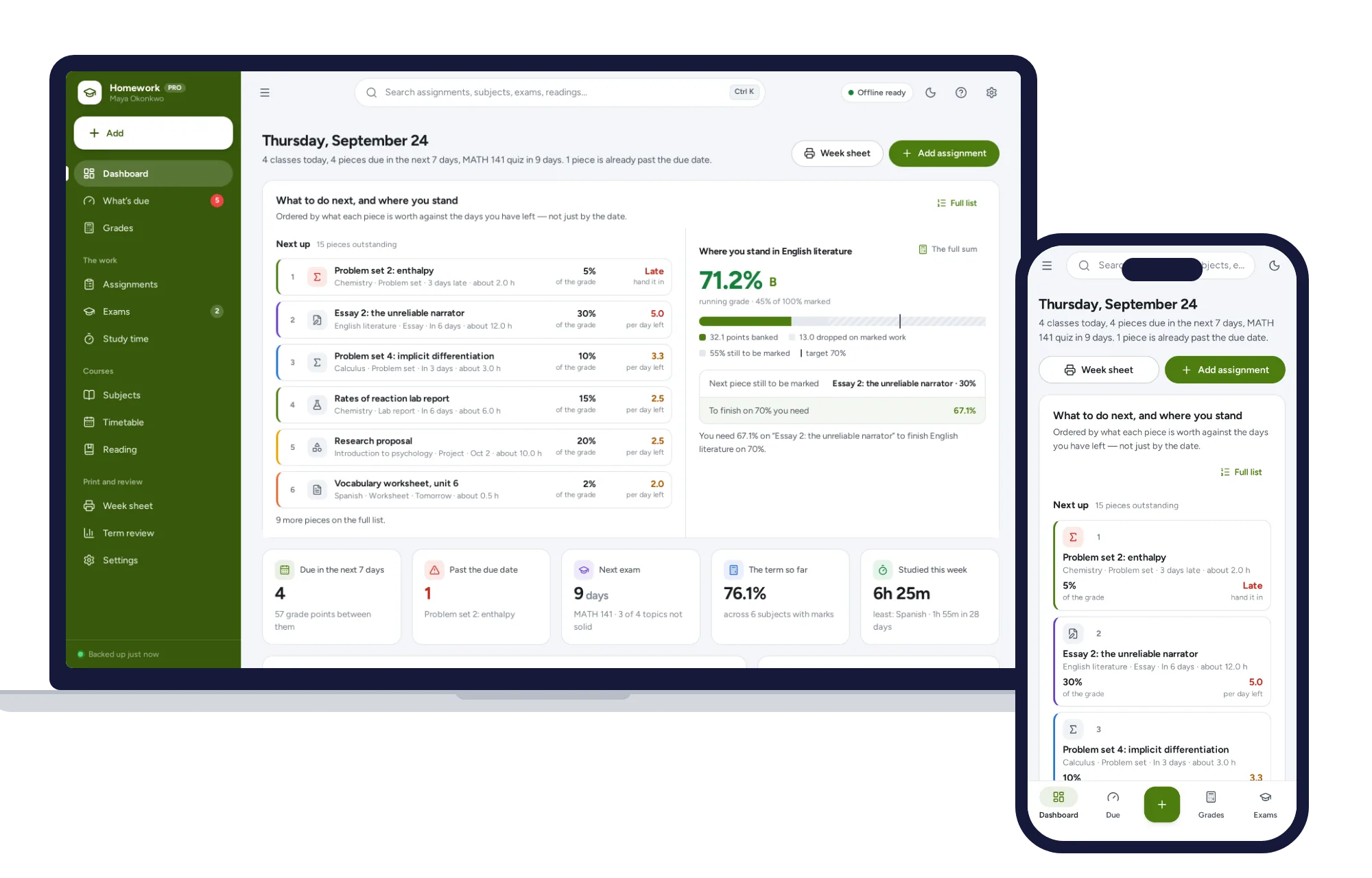
For big pieces of work with older students, tell them up front what each assessment is worth and when it’s due. Students who can see their deadlines cope with a heavy week better than those who find out on Thursday. A homework and assignment tracker for students orders what’s due by what each piece is worth divided by the days left, so a 30% essay doesn’t get buried under a 2% worksheet due tomorrow. A paper planner with the weights written in helps too.
Weekly lesson plans without the blank page
With the term mapped, a weekly plan is mostly filling in slots. You already know which unit each class is in and what comes next.
Use the same lesson template every time, so you never stare at a blank page:
- Objective, in one sentence
- Starter, five to ten minutes
- Main activity
- Plenary or exit check
- Differentiation: who needs support, who needs stretch
- Materials to prepare
- Homework, if any
Plan parallel classes once, then copy and adjust. If you teach the same course to three groups, that’s one plan with three small edits, not three plans.
Differentiation deserves a real line, not a blank. If some students have support plans, this IEP meeting checklist for parents shows the family side of that process.
After teaching, add a two-line “how it went” note: what worked and what to change. On Thursday, look at next week for any lesson with nothing written, so you fix the gaps before the weekend instead of during it. For a general version of that habit, this 20-minute weekly planning routine adapts well to a teacher’s week.
Paper planner, spreadsheet or app?
All of these can hold a term plan. Pick by where your planning usually breaks.
A paper teacher planner is quick, needs no login and works in any classroom. It can’t copy a lesson to another class or show coverage at a glance, and one coffee spill can take out a month.
A spreadsheet or shared document is free and flexible, and your department may already use one. It’s good for a term overview, weaker for lesson detail, and won’t flag next week’s empty lessons unless you build that.
A subscription planning app adds templates and syncing between devices. If you pay for it yourself, at, say, $8 a month, that’s $96 a year, every year.
An offline planner costs a one-time price, works without internet and keeps records in the browser on your own device. It’s built for one teacher: there’s no live sync with colleagues, each device keeps its own copy, and you make your own backups. Because it holds students’ names and notes, follow your school’s data protection rules and use a device they allow.
Skip the setup and start planning
You could build all of this yourself: a calendar tab, a units tab, a coverage grid with status formulas, a lesson template, a marks sheet with averages, and some way to spot empty lessons next week. Plenty of teachers do, usually in a chunk of summer they don’t get back.
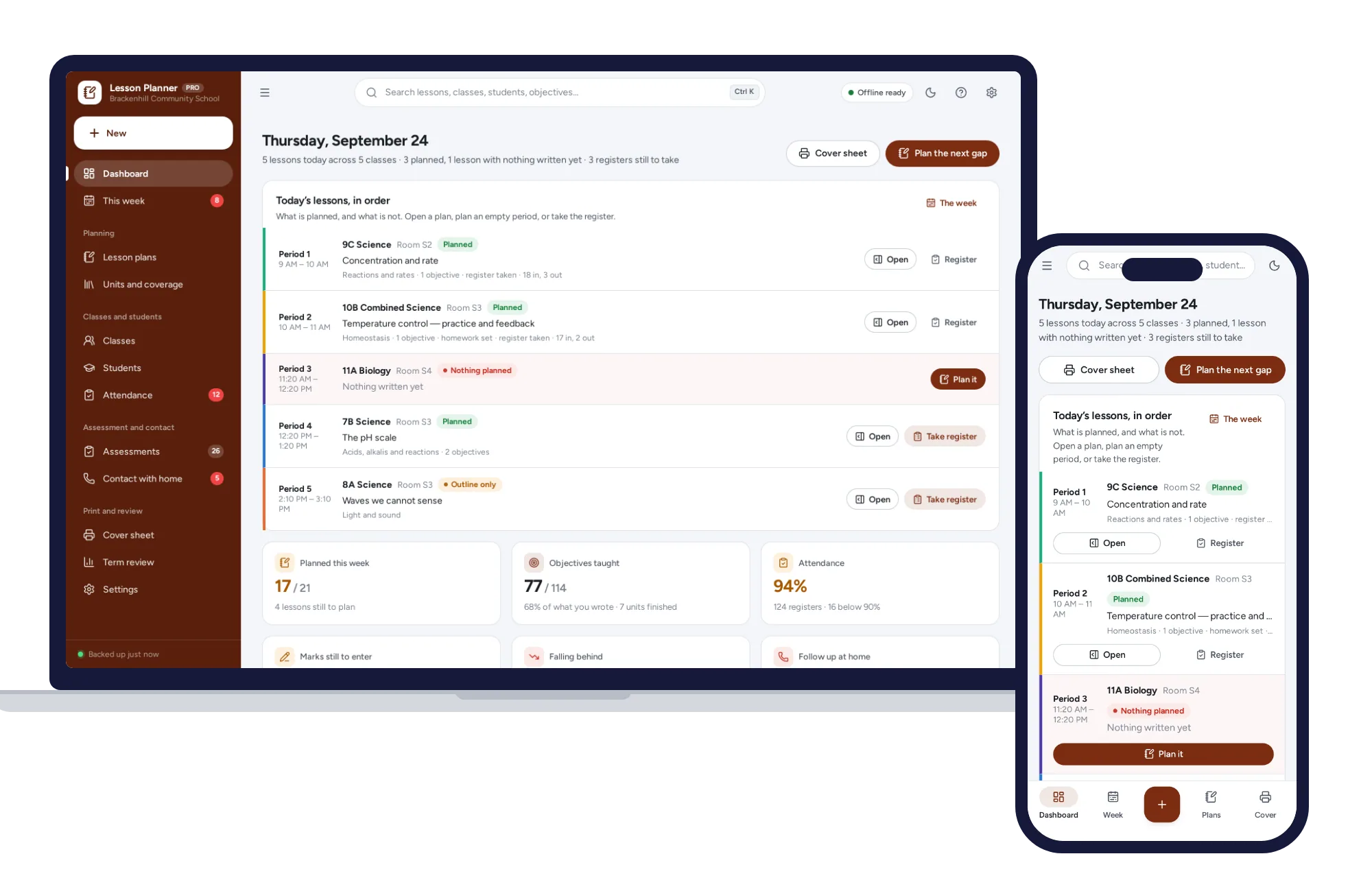
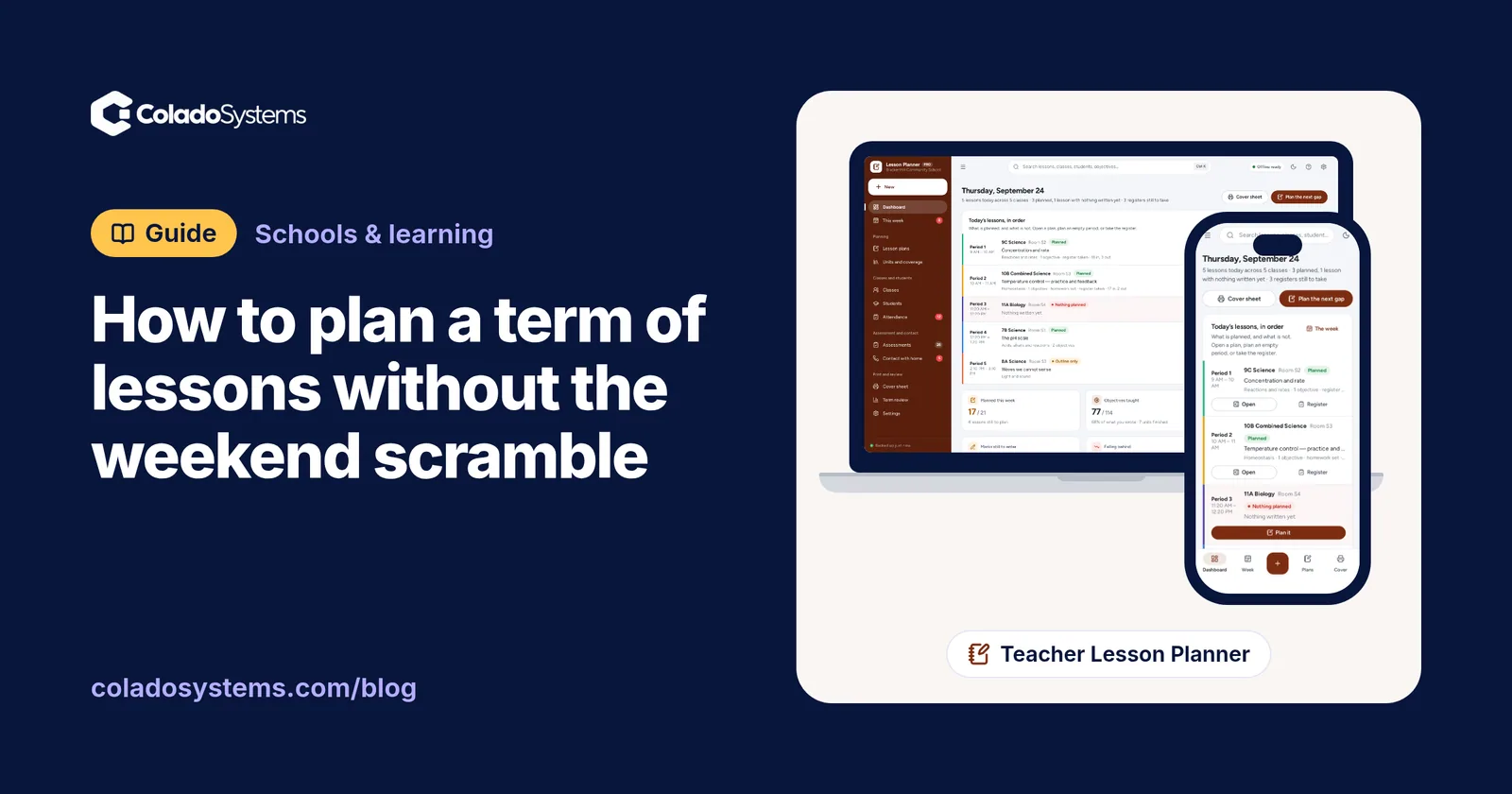
The Teacher Lesson Planner has those layers built in:
- The week is a grid of your real school day, one row per period and one column per day. Planned lessons show green, outlines amber and empty slots red, and you can jump straight to the next gap.
- Units hold your own blocks of work, and Coverage shows each objective as taught, planned or not yet, with the date and lesson behind it. You can print a coverage table per class. No curriculum is assumed: you type objectives in your own words, with your own reference numbers.
- Lesson plans have fields for objective, starter, main, plenary, differentiation, materials and homework. A plan copies to another class or week in two clicks, and each has a “how it went” box.
- Marks works out class averages and lists everyone under the line you set, with their last three marks.
- Cover sheet prints one page per class for a substitute, and Term review shows how the term went.
You can rename and retime periods and set five, six or seven teaching days to match your school. It opens with sample data, needs no account and runs offline.
If you teach high school or college students, the Homework & Assignment Tracker is built for their side of the same term: running grades per subject, the mark needed on the final worked out as plain arithmetic, an exam countdown with a revision plan, and a printable week sheet. Both sit on the schools and learning shelf, which also comes as one of the bundles for less than buying each system on its own.
Start with next term’s calendar and a pencil. When you want the layers ready-made, you can see everything inside the Teacher Lesson Planner and plan a sample week the same evening.
Skip the setup
The Teacher Lesson Planner has the records this guide describes already set up. Plan the week, evidence what you taught, keep the register and the marks — and print a cover sheet a stranger could actually teach from.
$29.99 one-time
- Sample data to try it the same day
- Works offline, records stay on your device
- A PDF guide in the download
See everything inside the Teacher Lesson Planner. Or take the whole Schools & learning shelf: 8 systems for $119.99, $99 less than one by one.
Common questions
How far ahead should teachers plan lessons?
A useful rhythm is a rough outline for the whole term, unit plans a few weeks ahead, and detailed lessons about a week ahead. The term outline keeps you on pace, while detailed plans written too far ahead often need rewriting once you see how a class is actually doing. Leave a few spare lessons in every term for disruptions.
What is the difference between a unit plan and a lesson plan?
A unit plan covers a block of lessons with one end point, such as a topic that finishes with a test or project. It lists the objectives, the number of lessons and the assessments. A lesson plan covers a single lesson in detail: the objective, the starter, the main activity, the check at the end, differentiation, materials and homework.
How long should lesson planning take each week?
It depends on how many classes and courses you teach, and a new course always takes longer. Once a term is mapped into units with assessments in place, weekly planning tends to become a short session of filling gaps rather than an evening of starting from scratch. Reusing and adapting plans across parallel classes saves the most time.
How do I keep track of which standards I have taught?
Keep a coverage grid with each standard or objective written in your own words beside its reference code. Next to each one, mark it as not yet, planned or taught, and note the date and the lesson. Review the grid every few weeks to catch objectives nobody has planned yet and ones taught only once before an assessment.