At 8:50 the Room 4 register still hasn’t come down. A parent is at the counter asking why her fee statement bills two children when one left in October. And the Thursday timetable has the same teacher down for science and PE in the same period, which nobody noticed until the gym sat empty.
None of these is a big problem. Together, they’re a normal morning, and they share a root: the same information kept in too many places. If you need to run a small school office with one or two people, the job gets much easier once each kind of record has one home and each task has a fixed rhythm. Here’s how, with paper, spreadsheets or software.
Start with one student record
Every other list in the office, from registers to fee invoices, depends on the student list. Keep exactly one master record per student, with:
- Full name, date of birth, grade and class
- Guardians, with phone numbers and who may collect the child
- Medical notes and allergies
- Admission date and any documents on file
- Siblings at the school, which matters later for fees
Everything else should point to this record instead of copying it. When a family changes phone number, you change it once, instead of finding out from a disconnected line on the day a child is sick.
Student records are sensitive. Rules on what you may keep, who may see it and how long you hold it vary by country and state, so check with your education authority or a lawyer, and keep whatever device holds the records locked.
A daily attendance routine that takes minutes
Attendance works best as a fixed routine with a deadline. A simple version:
- Registers are due in the office by a set time, say 9:00.
- Everyone starts as present, and teachers mark only the exceptions: absent or late.
- By 9:30 the office calls home for every unexplained absence.
- Once a week, someone checks who is slipping below the school’s attendance line.
That last step catches what daily registers hide. Missing two days a month never looks alarming on any one morning, but over a 180-day year that’s about 18 days, or 90% attendance. A running percentage lets you talk with a family in November, not June. What counts as chronic absence, and whether you must report it, depends on your school’s policy and your local rules.
A school management system with a daily register that starts everyone as present and flags anyone under your line does this arithmetic for you. A paper register and a weekly tally get you there too, more slowly.
Build the timetable once, and check it for clashes
A timetable has three things that can’t be in two places at once: a teacher, a room and a class. Most clashes are one of those doubling up.
Build it in this order:
- Fixed pieces first: shared spaces like the gym, lab and music room, and part-time staff with set days.
- Then subjects that need double periods or a specialist teacher.
- Then everything else.
Check every period as you fill it, not at the end. Say you have 8 classes and 30 periods a week. That’s 240 slots, and one clash among them is easy to miss class by class. Print the week by class, by teacher and by room, and scan each for doubles.
From marks to report cards without the midnight copy and paste
Report card week goes wrong when marks arrive in five formats and someone retypes them at midnight. Agree three things at the start of term:
- The weights. For example, tests 40%, homework 20% and a project 40%.
- The grade scale. Which percentage earns which grade, written down once.
- The deadline. When marks must be in, a week before report cards go home.
Then the sum is mechanical. A student with 72 on tests, 90 on homework and 80 on the project has 0.4 × 72 + 0.2 × 90 + 0.4 × 80 = 28.8 + 18 + 32, which is 78.8. Each report card needs the grades, an attendance summary and a short teacher comment, one student per page.
How should a small school track term fees?
Fees are where a small office loses the most time to chasing. A steady routine:
- Invoice a whole grade at once at the start of term, rather than family by family.
- Write discounts down as rules, so sibling discounts and scholarships are applied the same way every time.
- Record every payment the day it arrives, including part payments, and give a receipt.
- Run an overdue list weekly, with a contact number beside each name, and make the calls.
- Send statements when a family asks, showing what was billed, paid and still owed.
A worked example: a grade of 22 students with a term fee of $1,200 is $26,400 billed. If three families get a 10% sibling discount, that’s $360 off, so the grade should bring in $26,040. If you’ve collected $19,800 by week four, $6,240 is outstanding, and the overdue list tells you exactly who owes it.
How fees are recorded in the school’s accounts and for tax is a question for your accountant.
What should you use to run a small school office?
| Paper and binders | Spreadsheets | Subscription school software | Offline school system | |
|---|---|---|---|---|
| Cost | Low | Low | Monthly, often per student | One-time price |
| Several staff at once | Pass the binder | Shared file, easy to break | Yes, from anywhere | No live sync, one office computer |
| Works without internet | Yes | Usually | Usually not | Yes |
| Clash checks and report cards | By hand | If you build them | Built in | Built in |
| Who keeps backups | Photocopies | You | The vendor | You |
Read it honestly. If teachers must enter registers and marks from their own devices at the same time, subscription software earns its fee and an offline system is the wrong fit. That fee adds up, though: a plan at, say, $1 per student a month for 200 students is $2,400 a year, every year. If one office keeps the records and teachers hand in registers and marks, an offline system does the job for a one-time price. Spreadsheet vs software for your business or home walks through that decision in more depth.
Keeping the whole office in one place
Building this yourself means a student sheet that everything looks up to, register tabs with percentage formulas, a timetable grid with clash checks, a weighted gradebook, a mail merge for report cards, and invoice templates that handle sibling discounts. It can be done, until someone types over a formula.
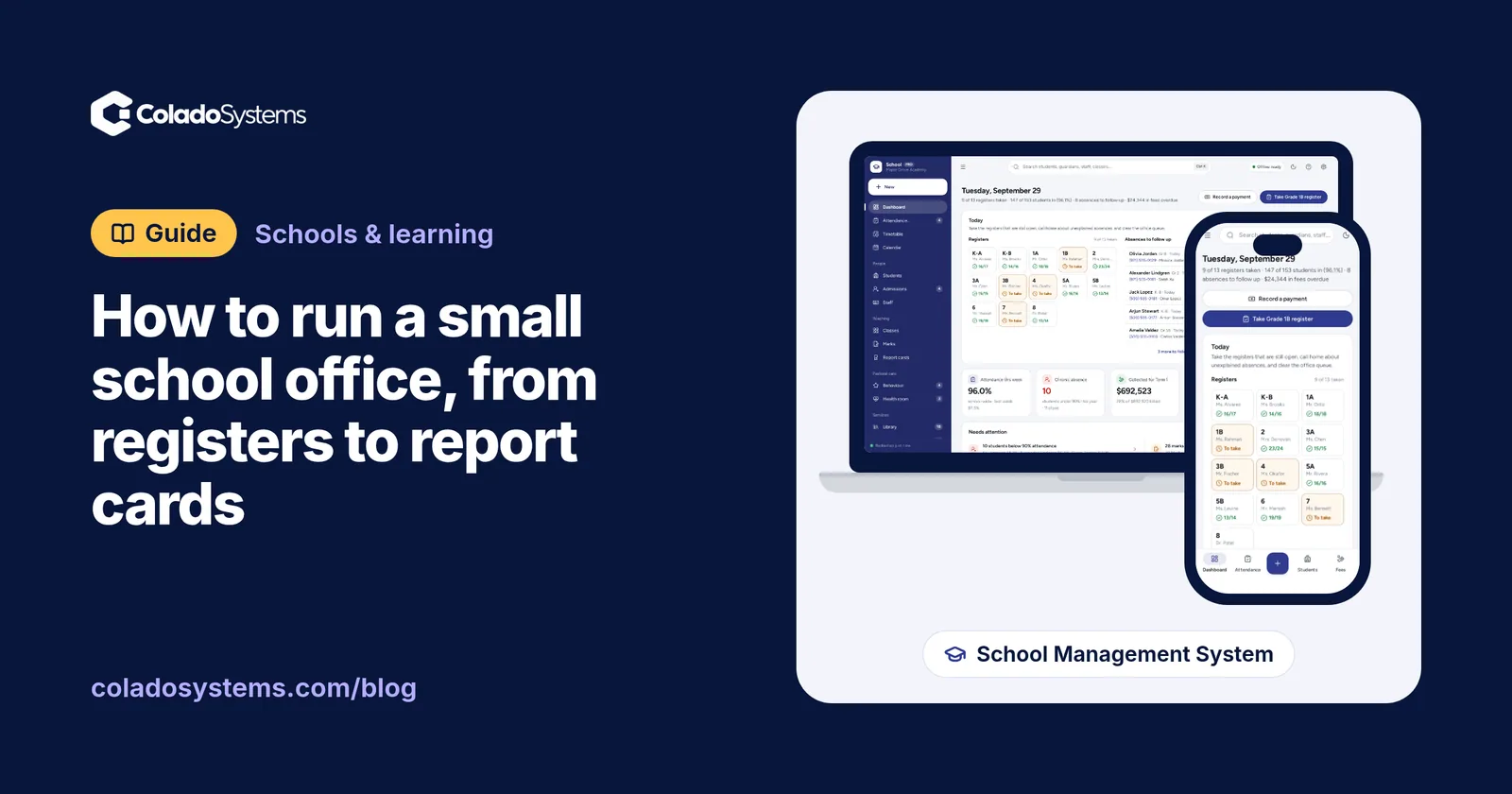
The School Management System has each of those pieces already:
- Student records with guardians, health notes and documents, plus Admissions from inquiry to enrolled.
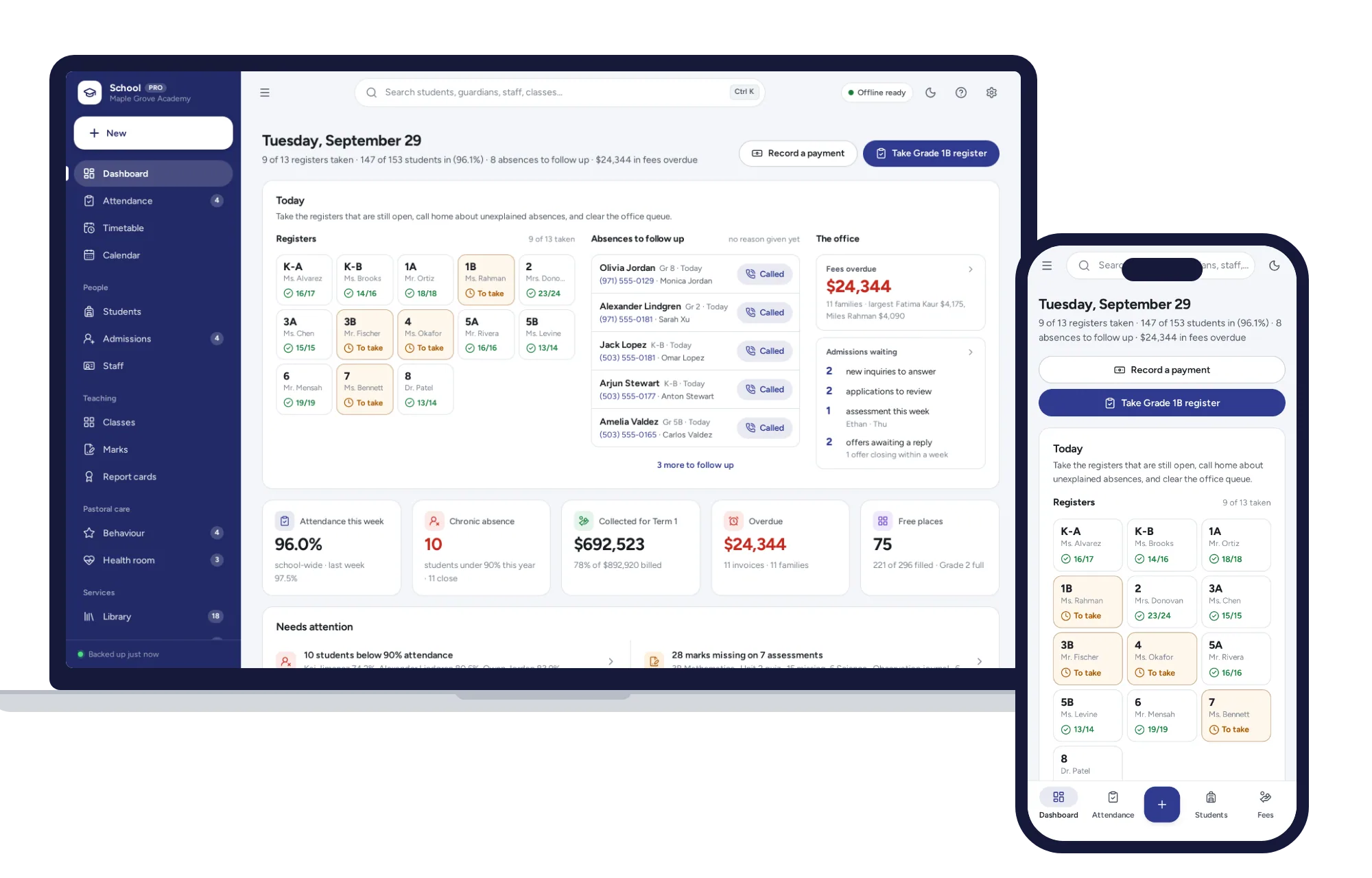
- Daily register, where everyone starts present and you tap only the exceptions, with a Chronic absence alert under the line you set and unexplained absences listed with the number to call.
- Timetable, checked for clashes the moment you assign a period, viewable by class, teacher or room, and printable.
- Gradebook, with averages and grades as you type, and Report cards for one student or a whole class in one print, with grades, attendance, teacher comments and your logo.
- Fee tracker, which invoices a whole grade at once, applies sibling discounts and scholarships, records part payments with receipts and statements, and lists overdue balances with who to call.
Library loans, bus routes, behavior and a health room log are in the same app, and it was tested with 600 students on the roll. You can import students from a spreadsheet, and it opens with a sample school, so you can try a register and a report card before entering anyone real. There’s no account or subscription, it works offline, and students’ records stay on the office computer.
Two honest limits. There’s no live sync between computers, so most schools keep it on the office machine and move records with backup and restore, which also means the weekly backup is your job. And it doesn’t do payroll or the school’s accounts.
You’ll find more tools for schools and childcare on the schools and learning shelf. When you’re ready, see everything inside the School Management System and take a sample register the same day.
Skip the setup
The School Management System has the records this guide describes already set up. A school administration dashboard with daily registers in a few taps, a clash-checked timetable, marks that turn into report cards, and term fees billed a whole grade at once. No subscription.
$29.99 one-time
- Sample data to try it the same day
- Works offline, records stay on your device
- A PDF guide in the download
See everything inside the School Management System. Or take the whole Schools & learning shelf: 8 systems for $119.99, $99 less than one by one.
Common questions
How do you track student attendance in a small school?
Set a daily deadline for registers, start each one with every student present and mark only absences and late arrivals. Call home the same morning for any unexplained absence. Once a week, check each student's running attendance percentage against your school's threshold so patterns show up early. Local rules on what counts as chronic absence, and what must be reported, vary.
What should be included on a school report card?
Most report cards show the student's name, class and term, a grade or mark for each subject, an attendance summary and a short comment from the teacher. Many schools add the grade scale so families can read the marks, plus a line about effort or behavior. Keep the layout the same every term so families can compare progress over time.
How do you make a school timetable without clashes?
Place the fixed pieces first, such as shared rooms like the gym or lab and part-time staff who only work certain days. Then add double periods and specialist subjects, and fill in the rest. Check every period as you go for a teacher, room or class booked twice, and print the week by teacher and by room to double check.
What is the best way for a private school to collect term fees?
Invoice each grade at the start of term so every family is billed on the same day. Apply sibling discounts and scholarships by a written rule, record each payment and part payment as it arrives with a receipt, and review an overdue list every week. Ask your accountant how fees should be recorded in the school's books and for tax.