Start preparing for an IEP meeting two or three weeks out: get the current IEP and latest progress reports, check each goal against the data, gather your own dated notes and work samples, and write your questions with the top three marked. Bring a one-page summary, note who does what by when during the meeting, and email a short recap within a day or two afterward.
Most parents walk into IEP meetings underprepared, not because they do not care, but because nobody hands them a list. Here is one, step by step, so the night before becomes a quick review instead of a scramble through old reports and printed emails.
A note before you begin: the rules behind IEPs, including timelines, who must attend and what you are entitled to ask for, depend on where you live and on your school district. This is general guidance. For specific rules, ask your school’s special education coordinator, or talk to an independent parent advocate. In the US, the federally funded Center for Parent Information and Resources can help you find your local parent center, which works with families of children with disabilities.
IEP meeting checklist: two to three weeks before
- Ask for the documents. Request copies of the current IEP, the latest progress reports, any recent evaluations and any data the team plans to discuss. Ask whether a draft will be shared before the meeting.
- Confirm the details. Date, time, place or video link, how long it is booked for, and who will be there. If you expect a lot to discuss, ask for a longer slot now.
- Decide who comes with you. A partner, a friend to take notes, or an advocate. Let the school know in advance if someone is joining you. The Center for Parent Information and Resources’ overview of who is on the IEP team includes people the parents invite who know the child well, such as a close relative.
Review each goal on its own
Take the current IEP and go through one goal at a time. For each one, write down:
- The baseline, meaning where your child started.
- The target and the date it should be reached.
- What the latest progress report says.
- What you see at home.
Then do the arithmetic. Say a reading goal starts at 60 words per minute and aims for 90 by June. The January progress report says 72. That is 12 words gained in four months, and 18 still to go in five. It might be on pace, or it might be slipping. Either way, you now have a specific question to ask: “Is this pace enough to reach the target, and if not, what changes?”
Finish with a one-word status for each goal: on track, unclear or concerned. Your questions will come mostly from the last two.
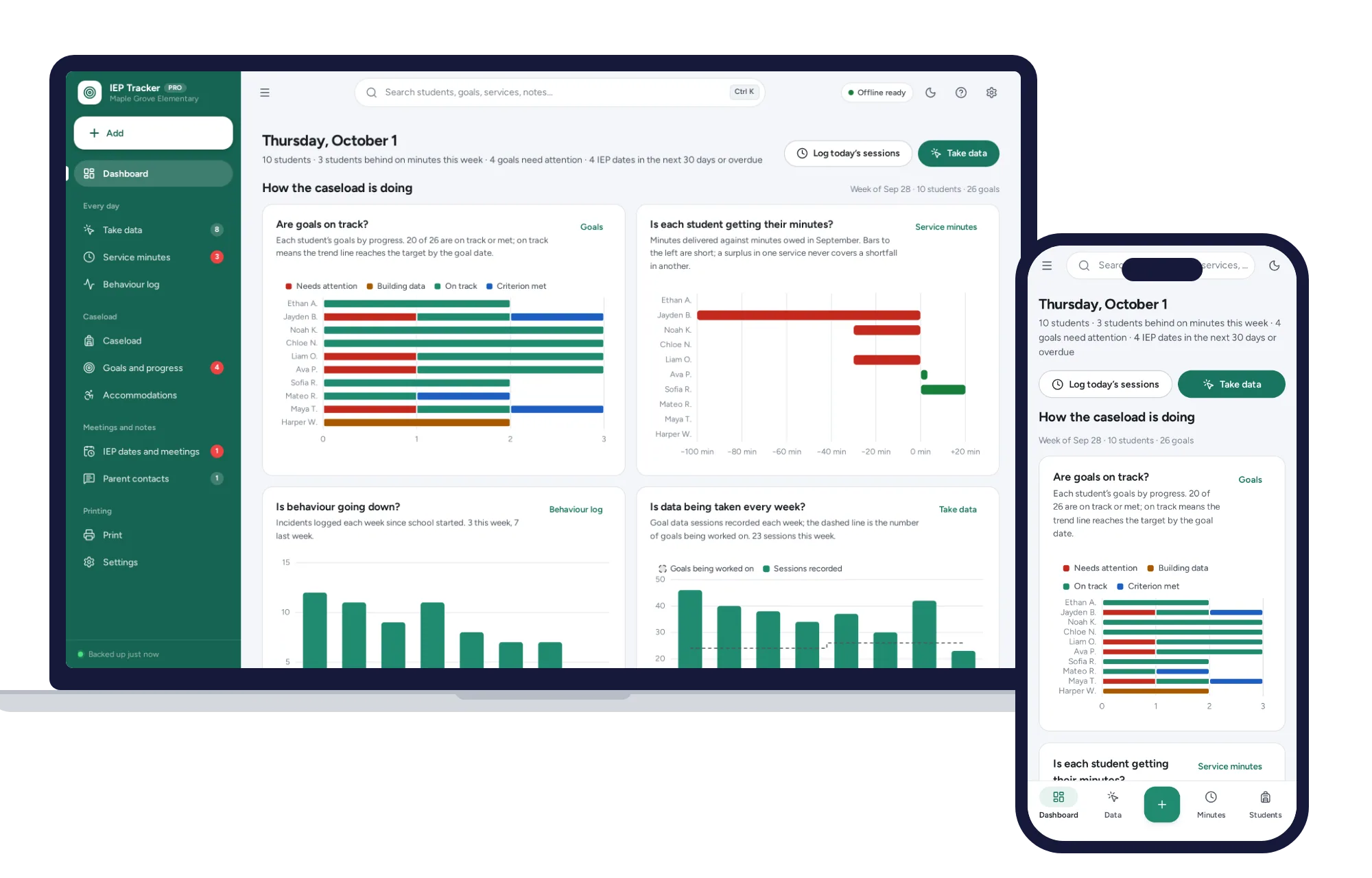
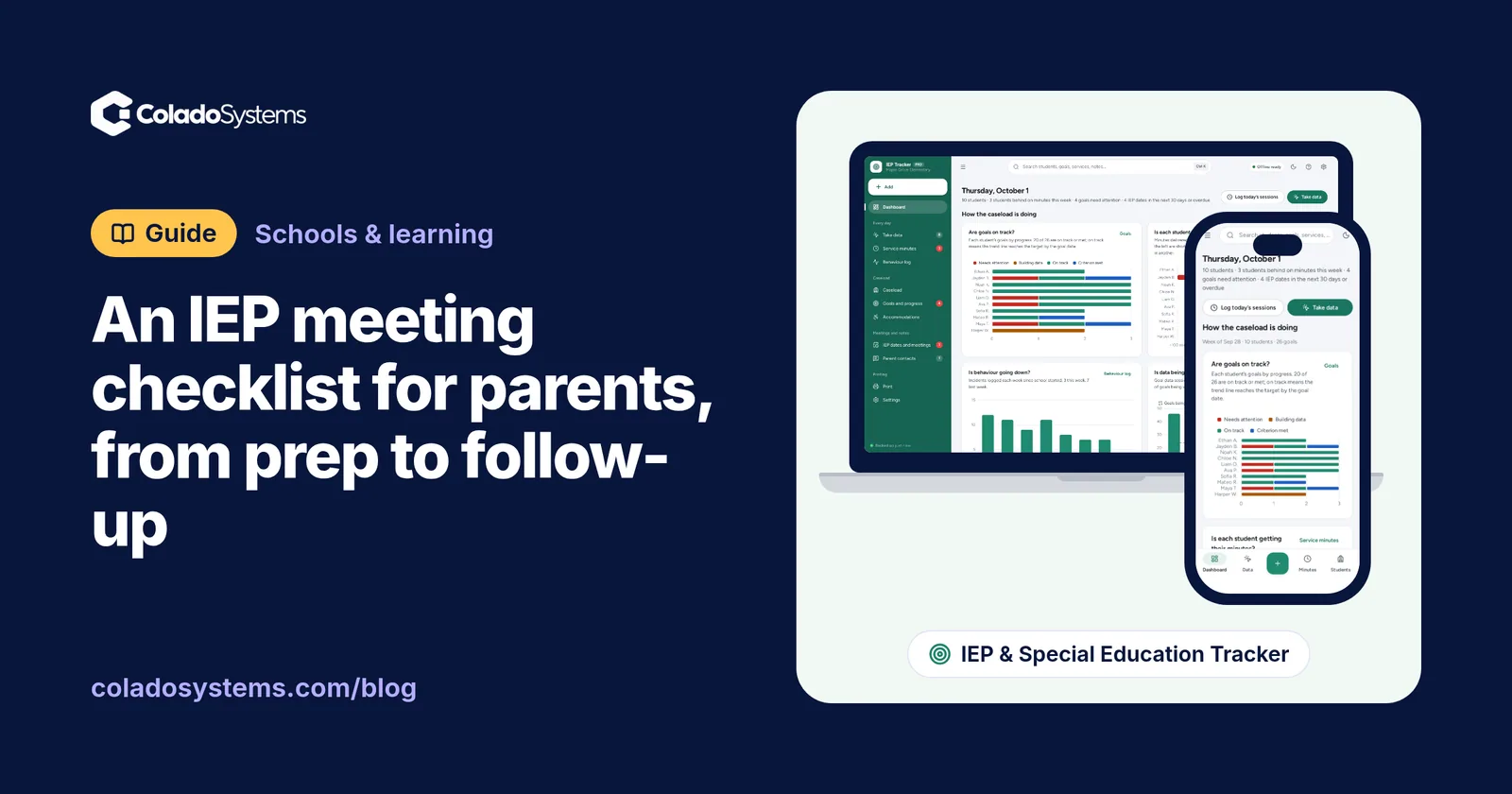
If you would rather see it as a picture, an IEP goal tracker with progress charts and trend lines plots every session against the target line and projects the trend to the goal date.
Gather your own progress notes
The school brings its data. You bring yours. Parents see things teachers do not: how long homework takes, what happens after a hard day, which strategies work at home.
Useful notes are short and dated:
- “Oct 3: math homework took 70 minutes, needed help starting every problem.”
- “Oct 10: read a whole chapter alone for the first time.”
- “Oct 14: said the classroom is too loud to concentrate after lunch.”
Add a few samples of schoolwork, especially ones that show a struggle or a breakthrough. The early, typical and best mix from this guide to weekly homeschool record keeping works just as well for work your child brings home from school. And keep a simple log of contact with the school: the date, who you spoke to, what was said and anything they promised to do. That log matters when you need to say “we discussed this in September.”
Check accommodations against real life
List every accommodation in the current IEP. For each, ask two questions: is it actually happening, and is it helping?
Extended time on tests only helps if your child knows they have it and feels able to use it. A seat near the front only helps if it is not also next to the door. Ask your child directly. You will often hear something the paperwork does not show.
Talk to your child
Depending on their age, ask what is hard right now, what helps, and what they wish their teachers knew. Older students may be invited to attend part or all of the meeting. Even if yours is not, their own words, written down, are worth bringing. A high schooler who tracks their own coursework in a homework and assignment tracker can also bring its printed week sheet to show what their workload really looks like.
What questions should you ask at an IEP meeting?
Some questions worth having on paper:
- How is progress on each goal measured, and how often?
- What data shows this goal is on track?
- What services is my child getting, for how many minutes, and from whom? Have any sessions been missed?
- If a goal is not met, what happens next?
- How will I hear about progress between meetings?
- What can we do at home to support this goal?
Then star your top three. Meetings run out of time, and you want the questions that matter most asked first.
Bring a one-page summary
Fit it on one sheet: your child’s strengths, your main concerns, your top three priorities and any accommodations you want to discuss. Bring a copy for everyone. It keeps the conversation anchored, and it gives the team something written to refer back to.
During the meeting
- Take notes, or have the person with you take them.
- Ask what any unfamiliar term or acronym means. Everyone at the table should understand what is being agreed.
- For each decision, write down who is responsible and by when.
- Ask what the process is if you want time to review the document at home before agreeing to it.
After the meeting
Within a day or two, send a short email summarizing what you understood was agreed, with names and dates. It gives everyone a chance to correct misunderstandings while the meeting is fresh.
Then put the follow-ups somewhere you will see them: the date of the next progress report, the date to check a new accommodation is in place (two weeks is a reasonable first check), and any items the school promised to send. A short weekly look at school paperwork keeps these from slipping, and this Sunday reset routine for busy families builds one in alongside the calendar and meals.
Keeping it all in one place
Paper folders work, but a year of notes, reports and emails gets heavy. The IEP & Special Education Tracker is built for teachers and case managers, and it has a parent mode: choose “I’m a parent or guardian” in settings and the wording changes to My child and School contacts.
It keeps each IEP goal with its baseline, target and criterion, and draws progress charts with a target line and a trend line projected to the goal date, marked on track or needs attention in plain words. It tracks service minutes owed against delivered, the accommodations from a list, IEP dates with countdowns, meeting notes with decisions and action items, and contacts with follow-ups listed. It prints an IEP at a glance on one page and progress reports with a chart for each goal. It does not write the IEP; it tracks the one your district wrote.
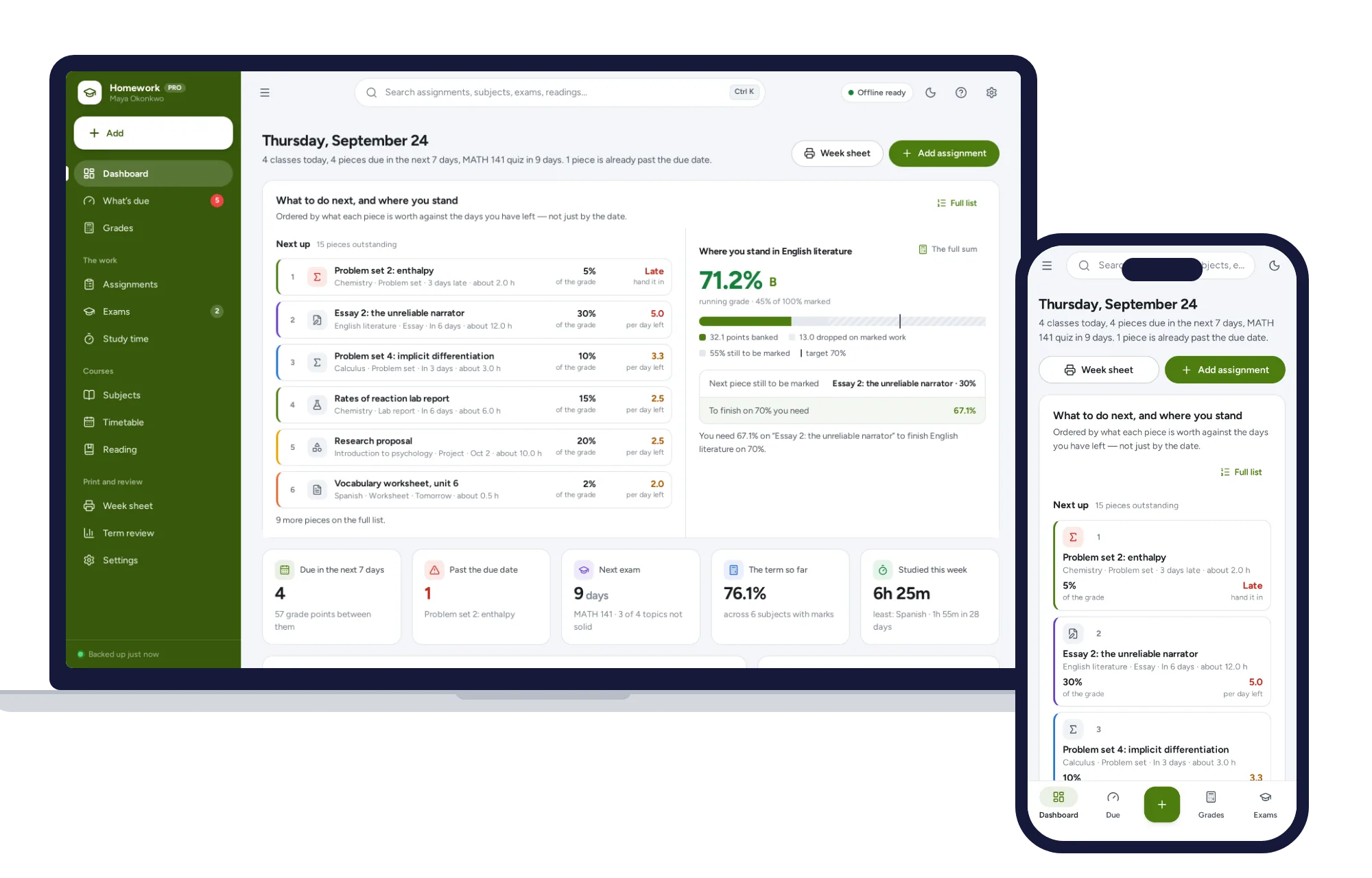
If your child is in high school or college and runs their own coursework, the Homework & Assignment Tracker is made for them rather than for you. It orders what is due by what each piece is worth divided by the days left, keeps a running grade in every subject, and prints a one-page week sheet with an exam countdown and topics to revise.
Both run offline in the browser, with nothing uploaded and no account. The records sit on that one device, so keep it locked, and share printouts only with people who work with your child. For more tools like these, browse other systems for schools and learning.
Skip the setup
The IEP & Special Education Tracker has the records this guide describes already set up. A special education tracker for teachers, case managers and parents: tap in goal data trial by trial, see each goal’s trend line, know who is behind on service minutes and count down to every IEP date. No subscription.
$29.99 one-time
- Sample data to try it the same day
- Works offline, records stay on your device
- A PDF guide in the download
See everything inside the IEP & Special Education Tracker. Or take the whole Schools & learning shelf: 8 systems for $119.99, $99 less than one by one.
Common questions
What should I bring to an IEP meeting?
Bring a copy of the current IEP with your notes, the latest progress reports, a few dated work samples, your own short observations from home, a log of contact with the school, and a written list of questions with your top three marked. A one-page summary of strengths, concerns and priorities, with a copy for each person, helps keep the discussion focused.
What questions should parents ask at an IEP meeting?
Focus on how progress is measured and what happens if it stalls. Ask what data shows each goal is on track, which services your child receives and for how many minutes, whether any sessions were missed, how you will hear about progress between meetings, and what you can do at home to help. Put your three most important questions first.
Can I bring someone with me to an IEP meeting?
Many parents bring a partner, a relative, a friend to take notes or an independent advocate. Tell the school ahead of time who is coming so the meeting can be planned around it. The rules on who may attend and how much notice to give vary by district, so ask the special education coordinator if you are unsure.
What should I do after an IEP meeting?
Within a day or two, email the team a short summary of what you understood was agreed, including who is responsible for each action and by when. Note the next progress report date, set a reminder to check that any new accommodation has started, and keep every reply in one folder so you can refer back to it later.