The most common reason a Sunday reset routine fails is that it grows. It starts as “let’s plan the week” and turns into reorganizing the pantry, scrubbing the bathroom and sorting a year of artwork. By 4 p.m. everyone is tired, nothing is planned, and next Sunday nobody wants to do it again.
A reset that lasts is short, the same every week, and focused on the four things behind most weekday chaos: the calendar, meals, chores and school stuff. Here is a version that fits in about 45 minutes.
How long should a Sunday reset take?
About 45 minutes, at the same time every week. Late Sunday afternoon works well for a lot of families, because the weekend’s plans are done and Monday is close enough to feel real. Choose a place, usually the kitchen table, and keep what you need in one spot: the family calendar, a notepad or planner, the school folders and a pen.
The adults do the first half. Kids join for the last 10 or 15 minutes, when the plan is ready and their part is concrete.
Set a timer. When it goes off, you stop, even if the plan is not perfect. A good-enough plan made in 45 minutes beats a perfect one nobody makes.
Step 1: The calendar (10 minutes)
Go day by day, Monday to Sunday. For each event, answer three questions:
- Who is going?
- Who is driving there?
- Who is picking up?
The third question is where the week usually breaks. Soccer practice ends at 6:15, and you have a work call until 6:30. Better to find that on Sunday than at 6:10 on Tuesday.
When you find a clash, decide right then: ask someone to cover, move the work side, or accept it and plan around it. Write the decision on the calendar, not just in your head. Note anything unusual too, like an early dismissal, a late meeting, a dentist appointment or a parent traveling.
If work and home collide most weeks, a working mom planner that names every clash for the next four weeks makes this step quicker. And if the kids split their week between two homes, start from the custody calendar: here is how to set up a co-parenting schedule that actually works.
Step 2: Meals (10 minutes)
Plan dinners only. Breakfast and lunch can run on repeat.
Before you plan, open the fridge. Whatever needs using up becomes Monday or Tuesday’s dinner. Then look back at the calendar: the night with practice until 6:15 needs a 20-minute meal or something from the freezer, not a new recipe.
A simple shape for the week:
- Five planned dinners
- One leftovers night
- One easy night (eggs, sandwiches, something from the freezer)
Write the shopping list from the plan as you go, checking the cupboard before adding staples. Sorting it in the order you walk the store saves backtracking. A meal planning system that builds the grocery list from the week can do this part for you, with what the pantry already holds taken off.
Step 3: Chores (5 to 10 minutes)
Most chore fights are about memory. “I did it last time.” A written rotation settles that once.
List the recurring jobs (dishes, trash and recycling, laundry, bathrooms, feeding the pet) and who does each one this week. Rotate them on a fixed schedule. Kids can take real jobs suited to their age: a six-year-old can set the table and pair socks, and a twelve-year-old can run the dishwasher or take out the bins.
Post the list where everyone can see it, on paper or in a family organizer with a chore rota that rotates by itself. Once it is written down, you remind by pointing, not nagging.
Step 4: School things (10 minutes)
This is the step that saves the most frantic mornings. Go through each child’s folder or school app and pull out:
- Forms to sign and return
- Money due for trips, lunches or fundraisers
- Library books and their due dates
- Special days: spirit day, show-and-tell, picture day, gym clothes
- Projects and tests coming up
Sign the forms now, put cash in a labeled envelope, and pack anything you can. One tray or basket by the door for “goes to school this week” ends the hunt for permission slips at 7:50 a.m.
If one of your children has an IEP, the meeting needs its own preparation. A parent’s checklist for preparing for an IEP meeting covers reviewing goals, checking accommodations and writing your questions down.
Step 5: A quick look further ahead (5 minutes)
Glance at the next two or three weeks. Birthday parties need gifts. Appointments need time off work. A school concert needs a white shirt that still fits. Add one task to this week for each, so nothing arrives as a surprise.
How to make your Sunday reset routine stick
The routine itself is easy. Keeping it going for months is the hard part. A few things help.
Anchor it to something that already happens. After Sunday lunch, or right after the last load of laundry. A habit tied to an existing one is easier to remember.
Keep it the same every week. Same steps, same order. After a few weeks you will run through it without thinking.
Make the result visible. A printed page on the fridge with the week, the dinners and the chores means everyone sees the plan, and it shows the reset was worth doing.
Share the lead. Alternate which adult runs it. If one person always does the planning, they also carry the whole week in their head, and that wears thin fast.
Ask one question about last week. “What went wrong last week that we could have caught?” One honest answer improves the next plan more than any new system.
Have a 10-minute version. On a chaotic Sunday, do just the calendar and dinners. A short reset keeps the habit alive. Skipping entirely makes it easier to skip again.
Keeping it all in one place
Paper works fine. If you would rather do less copying, three of our systems cover different parts of the reset. Each runs offline in your browser, on your own device, with no account and no subscription.
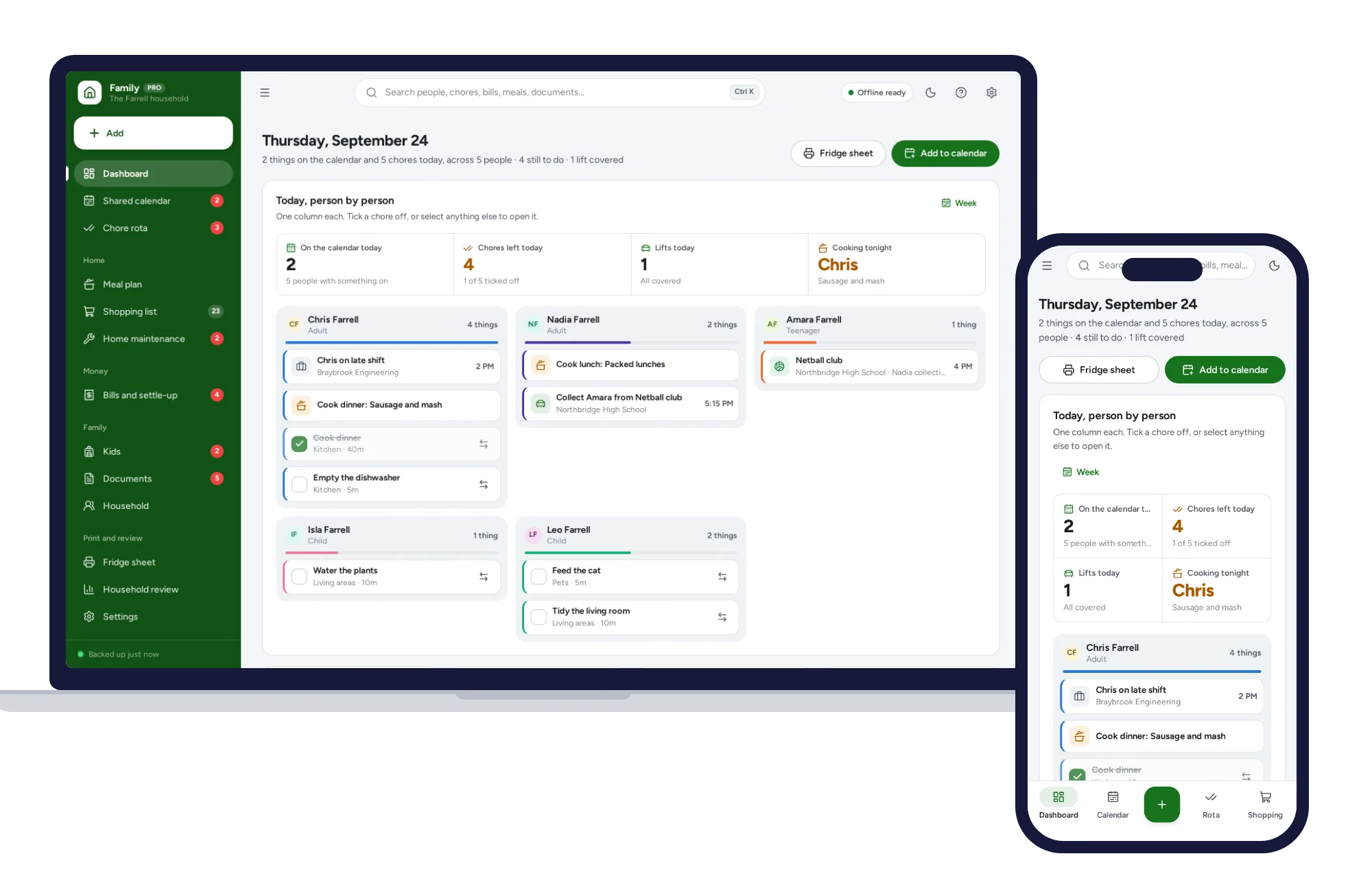
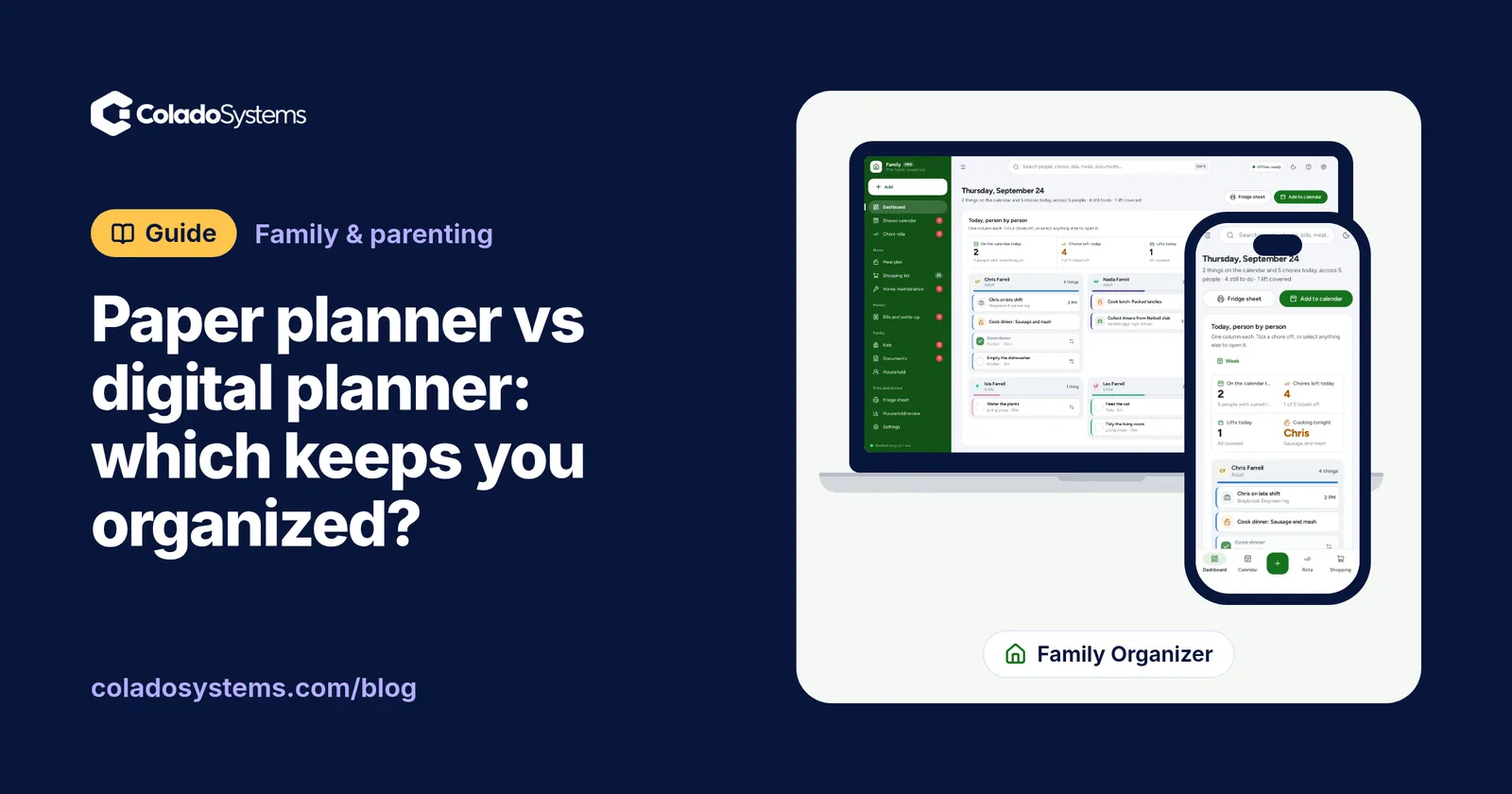
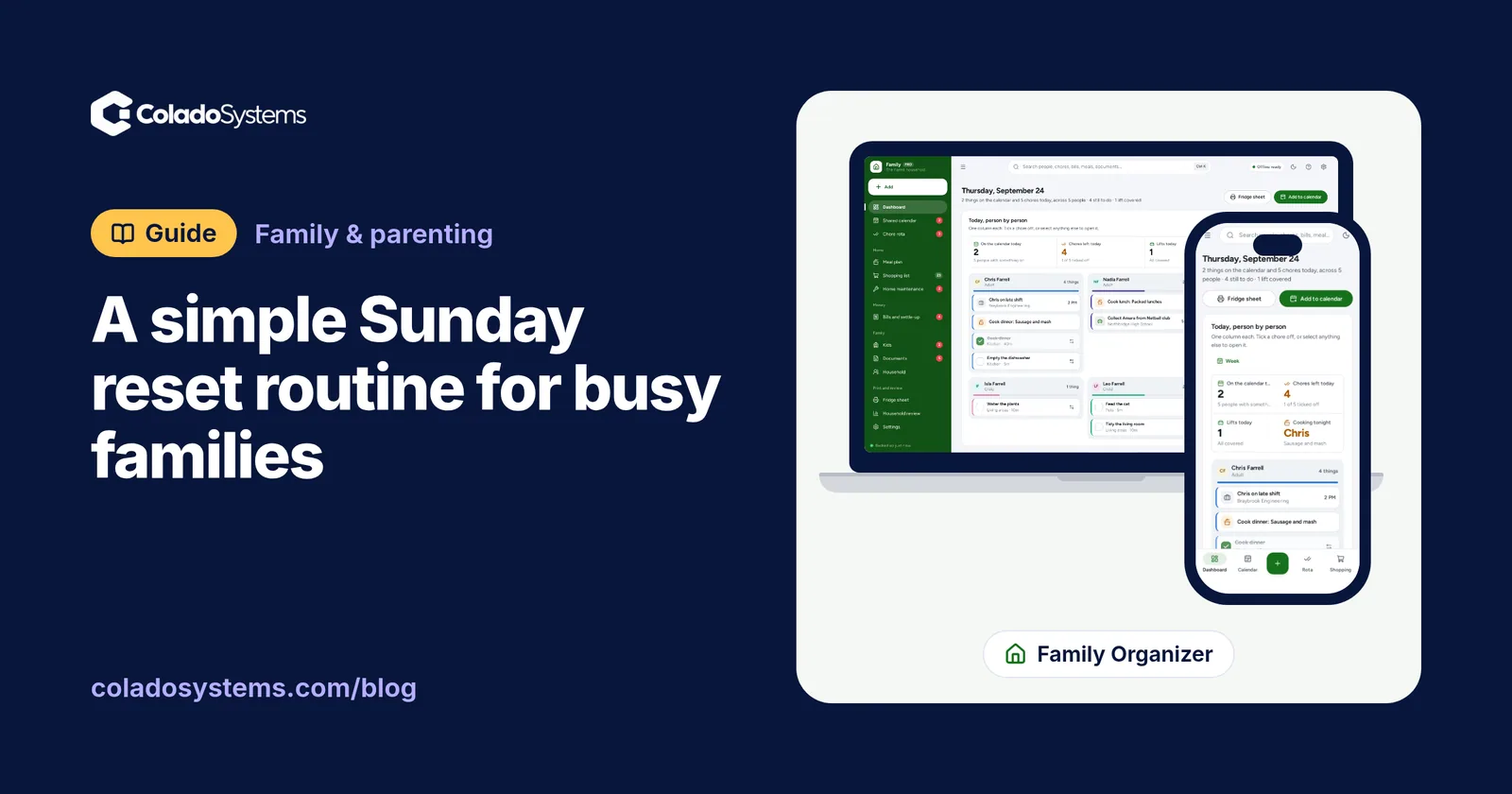
The Family Organizer is the household’s week. Its shared calendar shows who is driving and who is collecting on each entry, and flags anything a child is down for with nobody driving. It has a chore rota that rotates by itself and shows whether the split is fair, a meal plan, a shopping list sorted by aisle, and a fridge sheet that puts the rota, calendar, meals and shopping on one printable page.
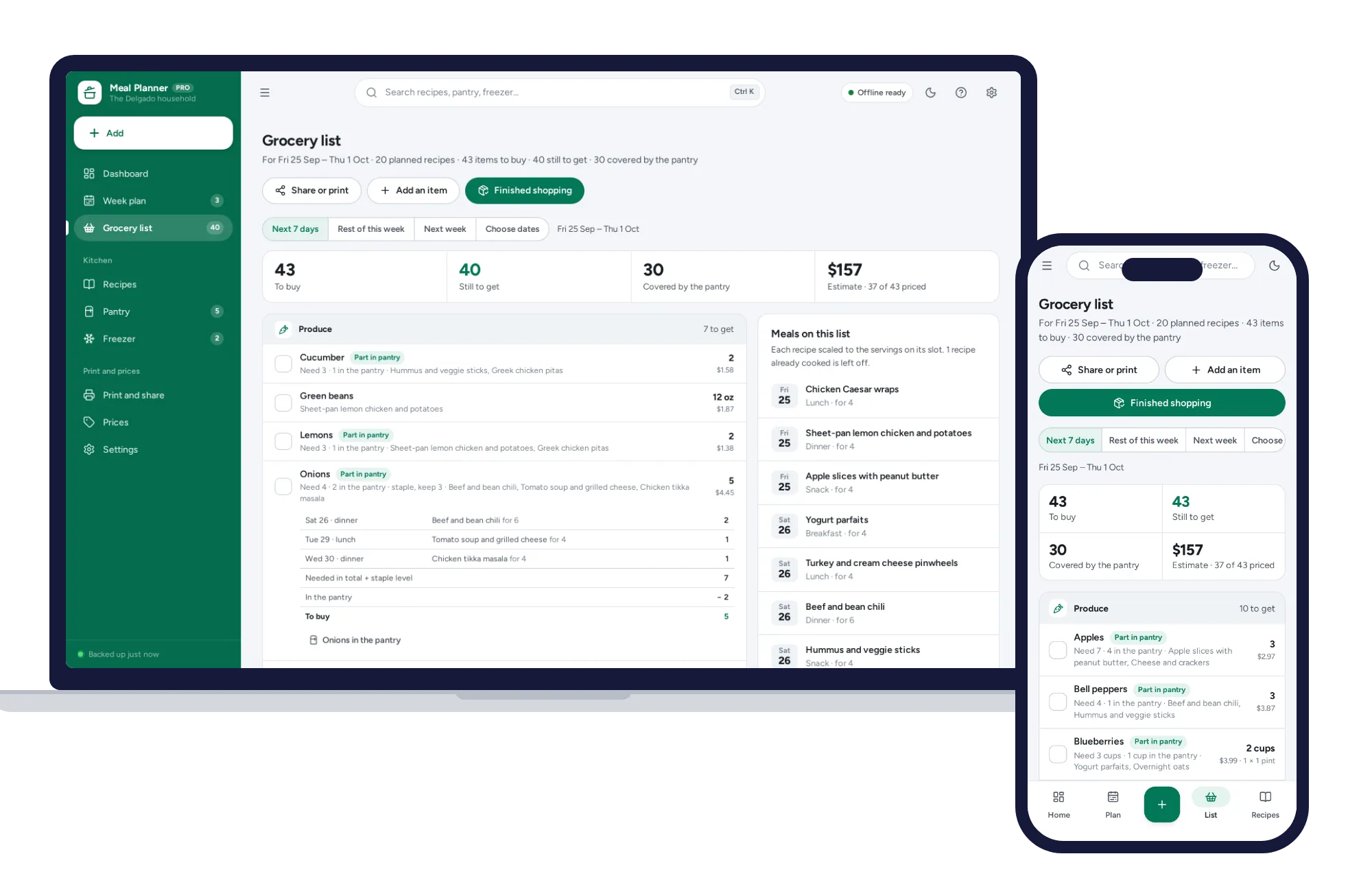
If meals are the sticking point, the Meal Planning System goes deeper. You drag recipes into the week, and the grocery list is built from the plan, with what the pantry already holds taken off and the rest sorted by aisle. Leftovers and freezer meals add nothing to the list, and unplanned dinners stand out before the week starts.
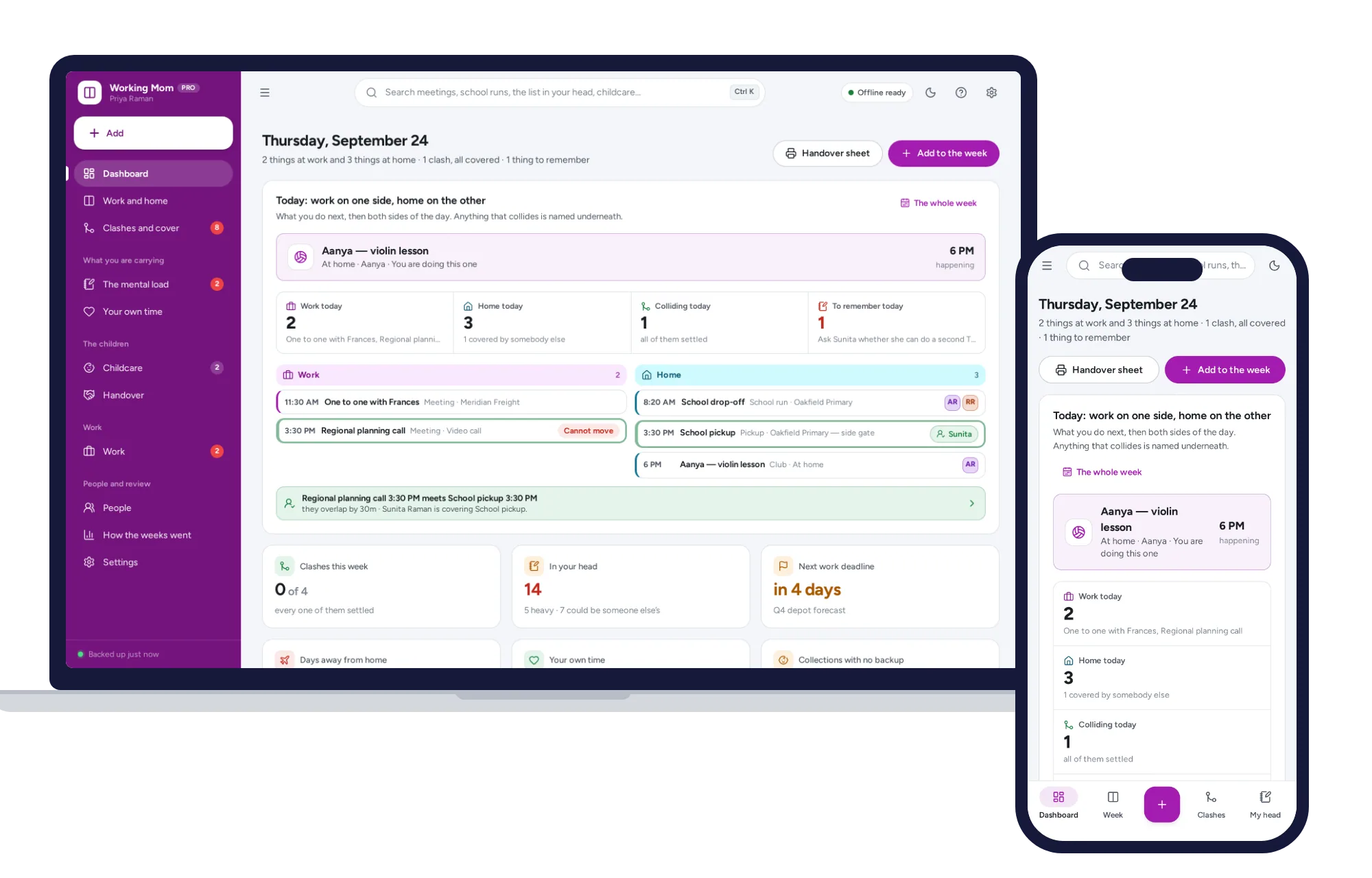
If the calendar step is where your week falls apart because work and home keep colliding, the Working Mom Planner puts work down one column and home down the other, and names every clash for the next four weeks so you can decide who covers it. It also keeps a list for the mental load (forms, gifts, appointments, replies) and prints a handover sheet for whoever has the kids that day.
Start with whichever step causes the most trouble in your house. Run the reset for four Sundays before changing anything, then adjust from there. You can see all three alongside other planners for family and parenting.
Skip the setup
The Family Organizer has the records this guide describes already set up. Whose turn it is, who is driving, who owes whom — one shared household, offline, on your own device.
$24.99 one-time
- Sample data to try it the same day
- Works offline, records stay on your device
- A PDF guide in the download
See everything inside the Family Organizer. Or take the whole Family & parenting shelf: 5 systems for $79.99, $44 less than one by one.
Common questions
What is a Sunday reset for families?
A Sunday reset is a short weekly session, usually on Sunday afternoon or evening, where you plan the week ahead. For a family that means checking the calendar for who drives and who collects, planning dinners and the shopping list, sharing out chores, and sorting school forms, money and bags so weekday mornings run more smoothly.
What should be on a Sunday reset checklist?
Keep it to five items. Go through the week's calendar and settle every pickup, plan dinners around the busy nights and write the shopping list, assign this week's chores, empty the school folders and sign anything due, then glance two or three weeks ahead for birthdays, appointments and events that need something done now.
How long should a Sunday reset take?
Aim for 45 minutes to an hour, with a timer. A reset that swallows the whole afternoon is hard to repeat every week. On a hectic weekend, a 10-minute version that covers only the calendar and dinners still keeps the habit going and catches the worst Monday surprises before they happen.
How do I get my kids to help with the Sunday reset?
Bring them in for the last 10 or 15 minutes, once the plan is ready and their part is clear. Give each child a real job suited to their age, such as packing their own school bag or checking the chore list, and let older children lead a step now and then. A plan they helped make is easier for them to follow.