Is there a planner on your shelf from last January with three weeks filled in and the rest blank? Plenty of people have one. The usual conclusion is either “I’m not a planner person” or “I need a better planner.” Usually neither is true.
The paper planner vs digital planner debate matters less than people think. What keeps you organized is a planner you look at every day, at the same moment, with a list short enough to finish. Paper and digital each make that easier in different ways. Here is how to choose, and a hybrid routine that works for most busy households.
What a paper planner does well
Paper has real strengths, and they are not just nostalgia.
- You see the whole week at once. Open it and the shape of the week is right there.
- Writing slows you down. Copying a task by hand makes you ask whether it is worth doing at all.
- No notifications, no battery, no apps. Nothing pulls you off into messages.
- It is visible. Left open on the counter or pinned to the fridge, it reminds the whole family.
Its weak spots are just as real. Paper does not repeat anything, so every weekly practice and monthly bill gets written again. It cannot remind you. You cannot search it for when the dog last had its shots. It sits at home while you are at work. And dated pages turn a missed week into a visible gap, which is often the moment people stop using it.
What a digital planner does well
Digital tools are strongest exactly where paper is weakest.
- Repeating events are entered once. Swim lessons every Tuesday, rent on the 1st.
- Reminders arrive on their own.
- Everything is searchable.
- Rescheduling is a drag, not a rewrite.
- Several people fit on one screen. One color per person, in day, week or month views.
The weak spots: a phone is full of distractions, an endless list is too easy to keep adding to, and reminders you ignore stop meaning anything. Some tools are subscriptions. Cloud calendars need an account. Apps that keep everything on your own device avoid both, but they do not sync live between phones.
Paper planner vs digital planner, side by side
| Paper planner | Calendar or subscription app | Offline planner app | |
|---|---|---|---|
| Repeating events | Rewrite them each time | Enter once | Enter once |
| Reminders | None | Yes, on your phone | On-screen flags when you open it |
| Whole week at a glance | Yes | Depends on screen size | Yes, and it can be printed |
| Sharing with family | Only if it is on the fridge | Live, with accounts | One main copy, plus printouts |
| Searching past entries | Flipping pages | Yes | Yes |
| After a missed week | Blank pages | Unread notifications | Depends on the app |
| Cost | A new planner each year | A monthly or yearly fee | A one-time price |
| Where it lives | In your bag | On the company’s servers | In the browser on your device |
Which is better, a paper or digital planner?
Pick by how your life actually runs, not by which looks nicer.
Choose paper if your days happen mostly in one place, your schedule is fairly steady, and screens tend to pull you off track.
Choose digital if you juggle lots of repeating events, track more than one person, or need reminders to catch things.
Choose undated, whichever format, if you have abandoned dated planners more than once. A missed week should cost nothing. If you have ADHD, or have simply bounced off busy planners, an undated ADHD planner built around three priorities and a weekly reset follows that idea: nothing is marked missed, and you pick up where you left off. It is a planner, not treatment or medical advice.
Choose both if you are running a family. That is where the hybrid comes in.
The hybrid approach that works for most people
The rule is simple: one master place for dates, and paper for today.
- Pick one master calendar. Every appointment, practice and bill date goes there and nowhere else. Two calendars that disagree are worse than none.
- Write today on paper each morning. An index card or notebook page with the date, your three priorities, the first tiny step for the hardest one, any fixed times, and a “later” line for things that pop up.
- Brain dump on paper during the day. Anything that occurs to you goes on the “later” line, not into your head.
- Print or write the week for the fridge. The rest of the family sees who is going where without opening anything. A family organizer that prints the week as one fridge sheet does this part from the calendar.
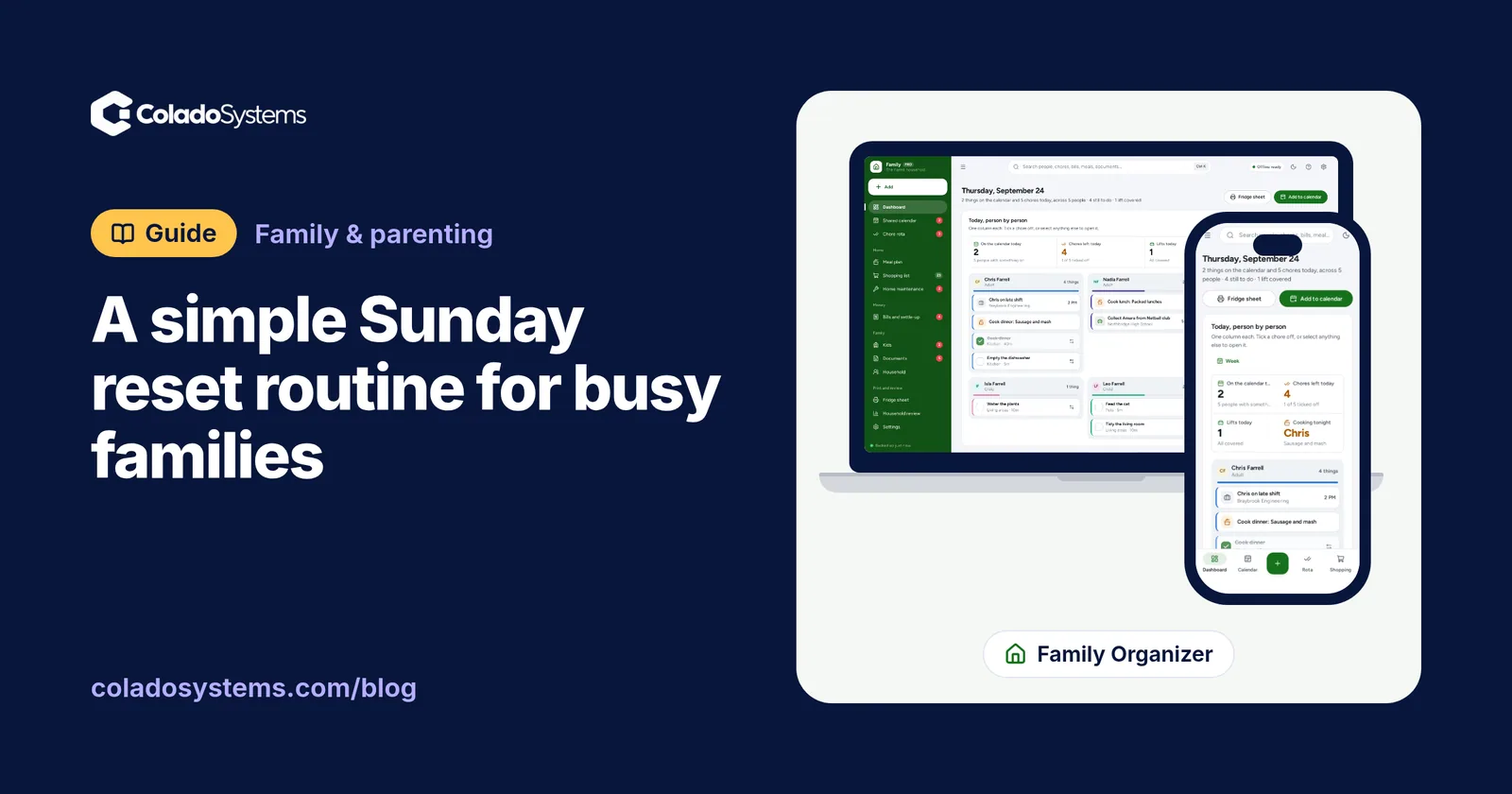
- Run a weekly reset. Fifteen minutes on Sunday: move the “later” lines into the master calendar, drop what has gone stale, and look at next week. Our Sunday reset routine for busy families walks through it step by step.
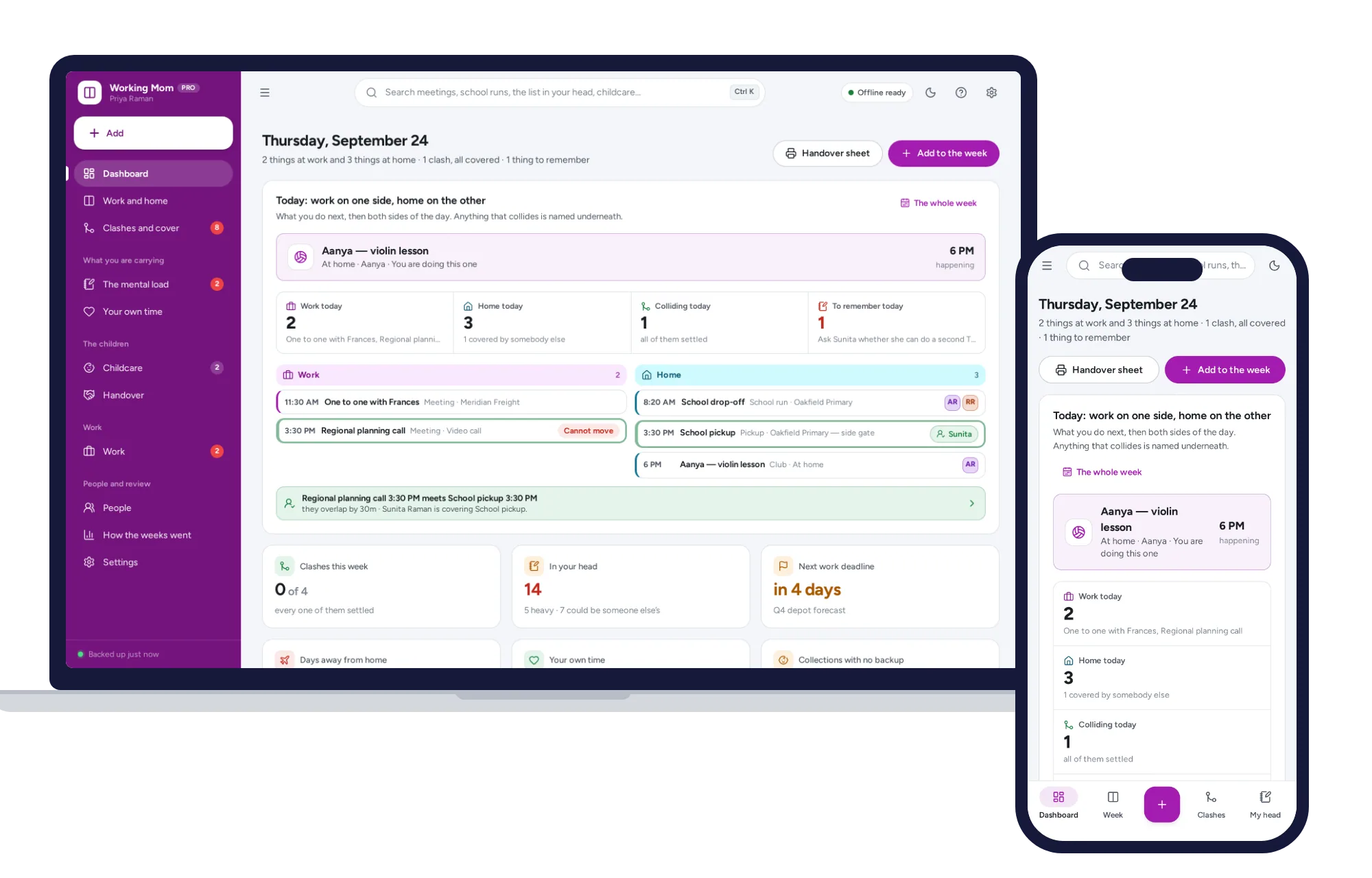
If your trouble is that work and home live on two calendars that never meet, keep both in view at once. A working mom planner that puts work and home side by side names every overlap before the week starts, so the 6:15 pickup and the 6:00 call surface on Sunday, not at 6:10 on Tuesday.
How to make any planner stick
- Same time, same place, every day. Two minutes with your coffee is enough.
- Three priorities, not twenty. The rest can wait on the “later” line.
- Forgive the gaps. After a missed week, start again from today. Do not back-fill.
- Keep it where you are. A planner in a drawer is a planner you forget.
What the hybrid takes to build yourself
You can run all of this with a free calendar app, a notebook and a printer. Just be honest about the setup: a color for each person, every repeating event entered, a separate list for chores and whose turn it is, a weekly document for the fridge you rebuild every Sunday, and some way to spot when work and home collide.
Our planners already have those pieces.
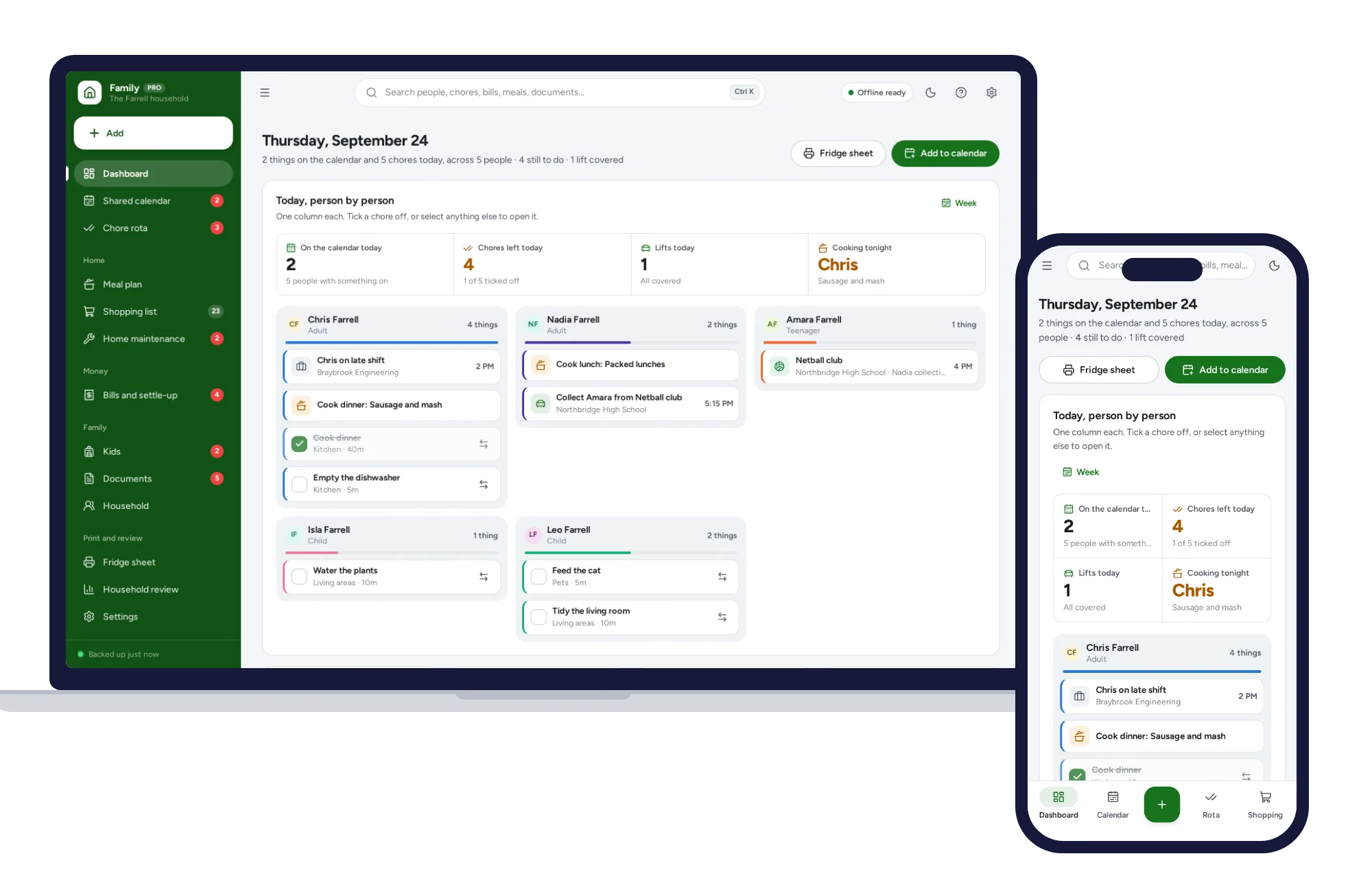
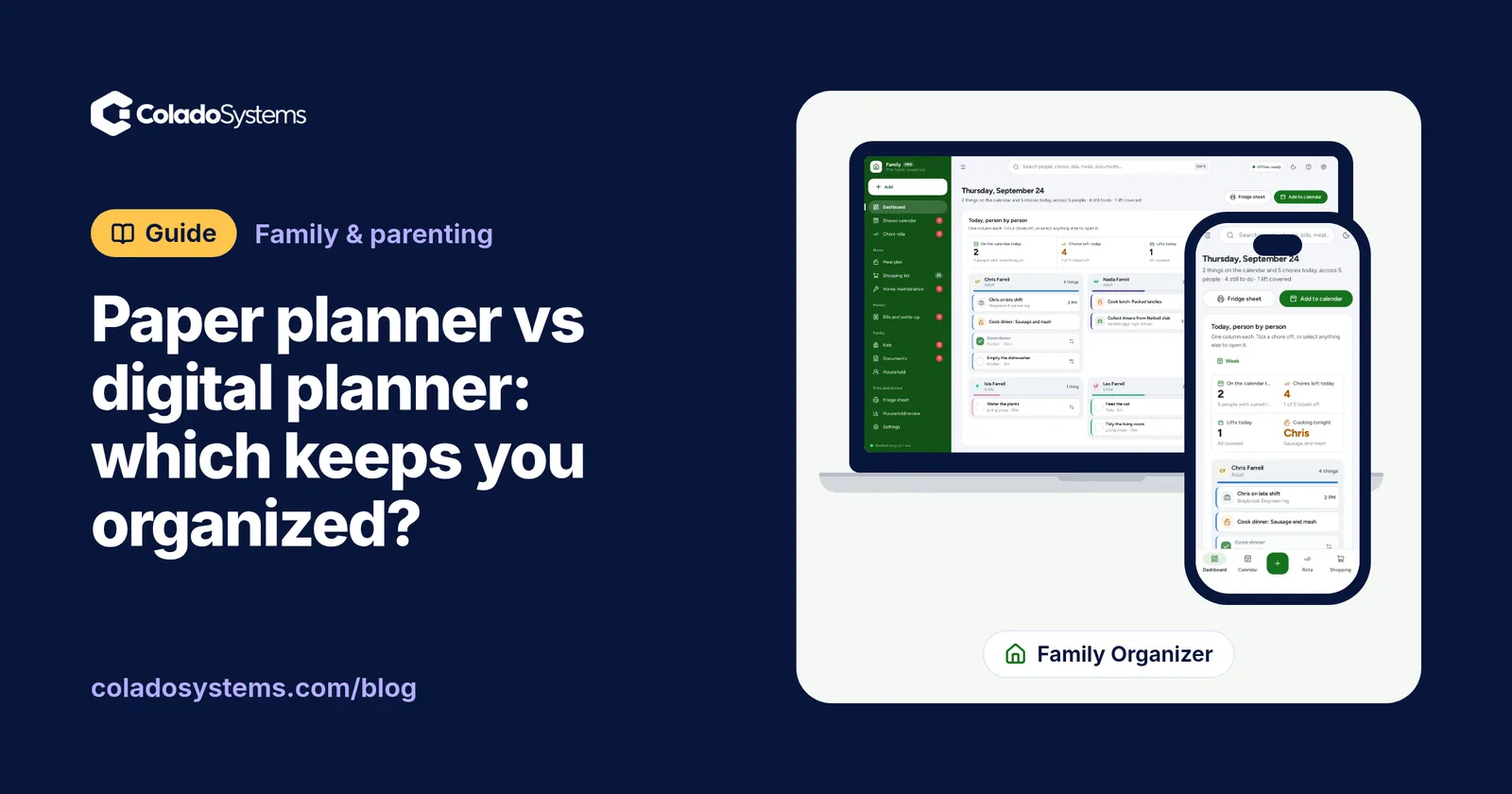
The Family Organizer has a shared calendar with a color for every person and who is driving and collecting on each entry, and it flags anything a child is down for with nobody driving. Its chore rota rotates by itself. The fridge sheet puts the rota, calendar, meals and shopping on one printable page that works in black and white.
The Working Mom Planner runs work down one column and home down the other. Clashes & cover lists every collision for the next four weeks, a mental load list holds the forms, gifts and replies, and the handover sheet prints the day for whoever has the kids.
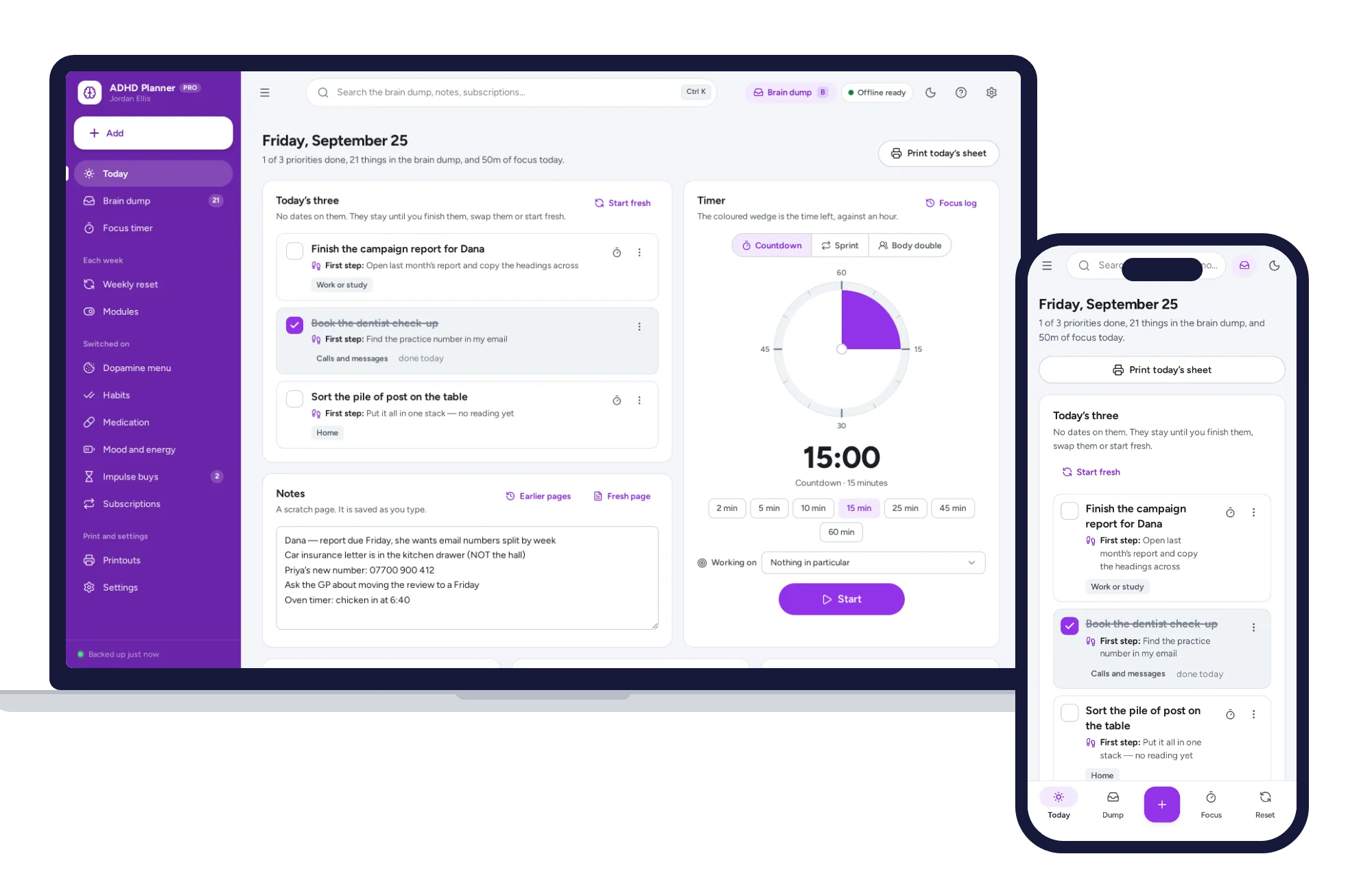
The ADHD Planner is undated. Today holds three priorities, the brain dump is one keystroke away, every task gets a tiny first step, and the weekly reset takes about five minutes. Most extras start switched off, so it begins simple.
On cost, a planner app at, say, $8 a month is $96 a year, every year. These are a one-time price.
Keeping it all in one place
Each one opens with sample data, so you can try it the same day. There is no account or sign-up, it works offline, your records stay in the browser on your own device, and a PDF guide is included. The honest limit: each device keeps its own copy, with no live sync between phones. Most families run one copy on a kitchen laptop or tablet and print the fridge sheet for everyone else, and you download a backup file now and then.
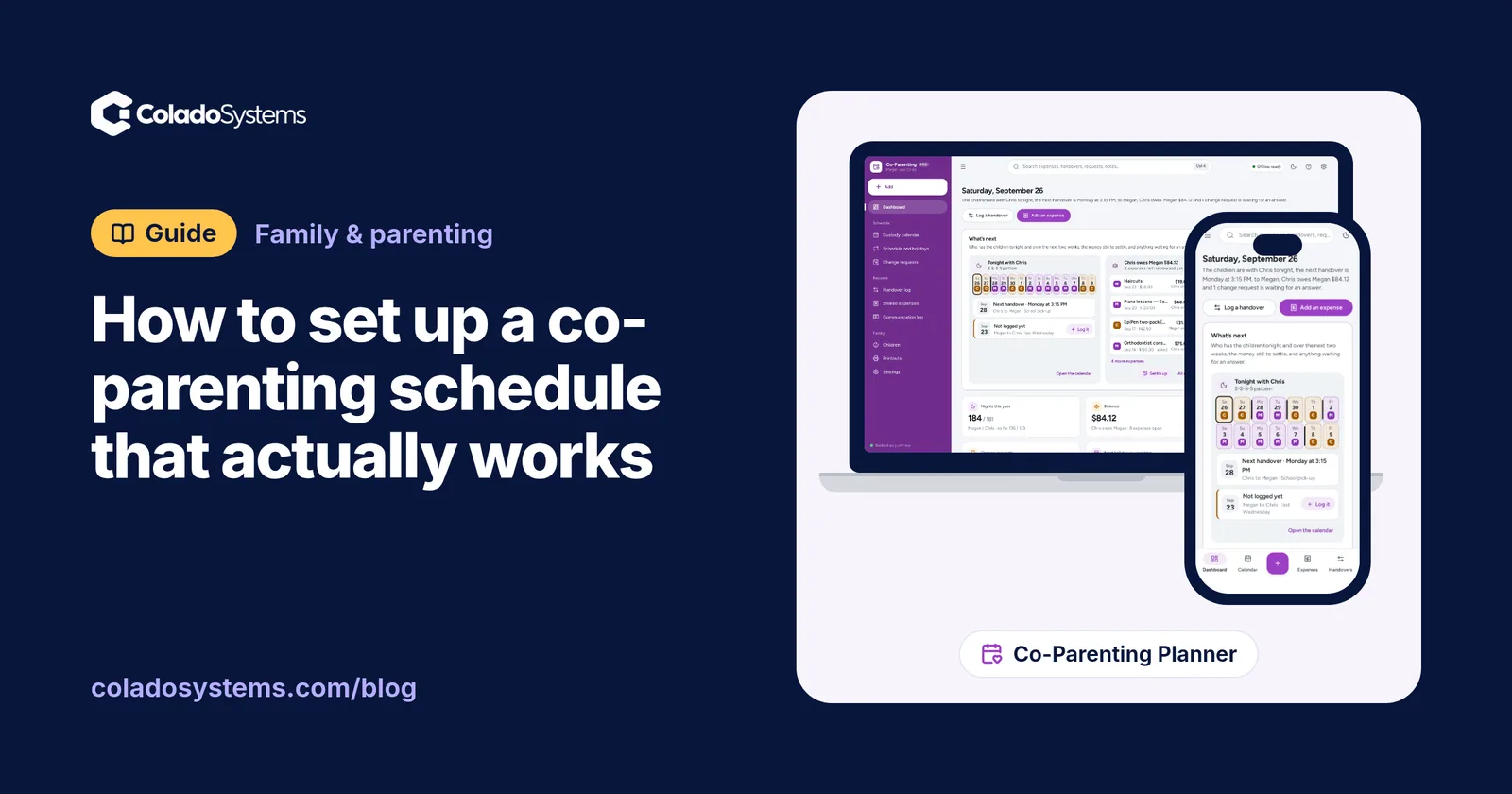
The Family Organizer and Working Mom Planner sit on the same shelf, so they also come together in the bundles, which cost less than buying them one by one. If the kids split time between two homes, read how to set up a co-parenting schedule that actually works, and browse other planners for family and parenting.
For a household that needs one shared week, you can see everything inside the Family Organizer and try it with the sample household the same day.
Skip the setup
The Family Organizer has the records this guide describes already set up. Whose turn it is, who is driving, who owes whom — one shared household, offline, on your own device.
$24.99 one-time
- Sample data to try it the same day
- Works offline, records stay on your device
- A PDF guide in the download
See everything inside the Family Organizer. Or take the whole Family & parenting shelf: 5 systems for $79.99, $44 less than one by one.
Common questions
Is a paper planner better than a digital planner?
Neither is better for everyone. Paper suits people whose days happen mostly in one place and who like to see the week at a glance without a screen. Digital suits busy households with lots of repeating events, several people to track and a need for reminders. Many people do best with both: digital for dates, paper for today.
Why do I keep giving up on my planner?
The usual reasons are practical, not personal. The planner lives somewhere you are not, the to-do list grows longer than any day can hold, dated pages make a missed week feel like failure, and there is no regular moment to review it. Fix those four things, with a short daily look and a weekly reset, before you buy a new planner.
How do I use a paper and digital planner together?
Give each one a single job. Keep every date, appointment and repeating event in one digital calendar, and never in two places. Each morning, copy just today onto a card or notebook page with your top three tasks. Once a week, print or write out the week for the fridge so the rest of the family can see it.
What should a family planner include?
At minimum, one calendar that shows where each person needs to be, plus who is driving and who is collecting. Add a chore list with whose turn it is, the week's dinners and shopping list, and school dates and forms. Most importantly, it needs to sit somewhere everyone actually looks, such as the fridge or a shared screen in the kitchen.