If you own a few rentals, you can keep rent, leases, repairs and expenses in landlord software without a subscription. The realistic choices are a spreadsheet, a free platform that earns from rent-payment or screening fees, desktop software you buy once, or an offline system that runs in your browser for a one-time price. What you give up is mostly the online part: tenants paying through a portal, automatic reminders and a login you can share with a co-owner or manager.
For a duplex, a fourplex or a handful of houses, that trade is often worth making.
Record keeping and rent collection are two different jobs
Most landlord software sells two things in one package, and it helps to pull them apart.
Record keeping is everything you track for yourself:
- A rent roll showing who has paid this month, who paid part and who is overdue
- Leases with start and end dates, rent, deposit and renewal terms
- Tenant contacts and the balance each one owes
- Security deposits you hold, and what you deducted at move-out
- Expenses by category, ready for your accountant
- Repairs, from the tenant’s request to the vendor’s bill
- What each property earns after costs and the mortgage
Transactions are the jobs that need the internet: tenants paying online, screening applicants, listing a vacant unit, sending automatic late-rent notices.
Record keeping happens every month for as long as you own the property. Transactions happen when money moves or a unit turns over, and a small landlord with steady tenants may screen someone once every couple of years. Paying all year for a package built around those moments is the cost worth questioning. (For the method behind the records themselves, see how to track rent payments, repairs and leases as a small landlord.)
Is there landlord software without a monthly fee?
Yes, in a few forms, plus the spreadsheet you may already have.
Free landlord platforms. These usually cost the landlord nothing to start and earn from fees on online rent payments, tenant screening reports or listings. Some of those fees are paid by the tenant. Read the pricing page to see who pays what, and which features stay free.
Desktop software you buy once. A program installed on your computer for a single price. It works offline, but it may run only on Windows or Mac, and upgrades may cost extra.
Offline browser systems. An app that opens in your web browser on a computer, tablet or phone, with no installation and no account. ColadoSystems makes this kind, including the Rental Property & Landlord Manager for independent landlords. The records stay on the device you use.
Spreadsheets. Free, flexible and familiar. A good spreadsheet with a rent roll, an expense tab and a lease list carries many landlords for years. It starts to creak when you want late fees, balances, receipts and lease countdowns worked out for you, because every formula is yours to fix. The warning signs are in spreadsheet vs software: how to choose.
Landlord software options compared
| Option | What you pay | Good at | Where it falls short |
|---|---|---|---|
| Paper ledger and folders | Almost nothing | Simple, nothing to learn | No totals or reminders, easy to lose, slow at tax time |
| Spreadsheet | Free or low, plus your time | Fits your properties exactly, easy to share a file | You build and fix the formulas, no receipts or lease alerts unless you make them |
| Subscription landlord app | A fee every month, sometimes per unit | Online rent collection, a tenant portal, automatic reminders, shared logins | The fee never stops, your records live on the company’s servers |
| Free rent-collection platform | No sign-up fee; fees on payments, screening or listings | Online rent and screening with no monthly bill | Costs can land on your tenants, you work within their rules, export options vary |
| Desktop software bought once | A one-time price | Fixed cost, works offline | Often one operating system, upgrades may cost extra, nothing online |
| Offline browser system, like ColadoSystems | A one-time price | Rent roll, leases, repairs and cash flow on the device you have, sample data to try first, no account | One person on one device, no sync, no online rent, tenant portal or texts, you keep your own backups |
What does a subscription cost for a few doors?
Say a landlord app costs $25 a month. That is $300 a year and $1,500 over five years, if the price holds. Some plans charge by the unit, so the bill grows with the portfolio.
Now ask what you would actually use. If your tenants already pay by bank transfer and you fill a vacancy every year or two, most of that $300 pays for features you touch a few times. The part you use every month, the rent roll, the expense log and the lease dates, is exactly the part a one-time purchase covers.
Turn it around, too. If you live far from your rentals, share the books with a co-owner, or want every tenant paying through one portal, a subscription may be the cheapest way to get that. Price it against your time and travel, not just against zero.
Whatever you choose, expenses logged by category as they happen make tax time shorter. How the software itself is treated for tax depends on where you live and how the properties are owned, so ask your accountant.
What you give up with offline landlord software
The honest list for the kind of system we sell:
- No online rent collection. Tenants pay the way they do now, and you record each payment when it lands.
- No tenant portal or automatic notices. Late-rent reminders and repair updates are a call, a text or a letter from you.
- No screening or listings. When a unit comes vacant, use a screening or listing service for that month only.
- One device at a time. Records live in the browser on one computer, tablet or phone. A co-owner on another device gets a backup file, not live sync.
- No bank feeds. You type payments and expenses in, which takes a few minutes a month for a small portfolio.
- You keep the backups. Download a backup file regularly and keep a copy off the computer. If the computer fails and there is no backup, the records go with it.
For a landlord who collects rent the same way every month and manages the properties personally, none of these is a dealbreaker. For a landlord who manages remotely through other people, several of them are.
How to choose in five questions
- How do your tenants pay today? Transfer or check suits offline software. A portal you rely on points to a subscription or a free platform.
- Does anyone else update the records from another place? A co-owner, spouse or manager working at the same time needs a shared cloud tool.
- How often do units turn over? Rarely means you can pay for screening and listings only when you need them.
- What do you own? A few residential doors need a rent roll and leases. Mixed or commercial property with mortgages also benefits from loan-to-value and debt coverage figures, which the Property Management System works out per property.
- Will you back up every week? If not, pick something that backs up for you.
If you are weighing up a purchase rather than running what you own, start with how to calculate rental property cash flow before you buy instead.
Landlord software you buy once
If the offline trade-offs fit, two systems on the property and rentals shelf are built for this.
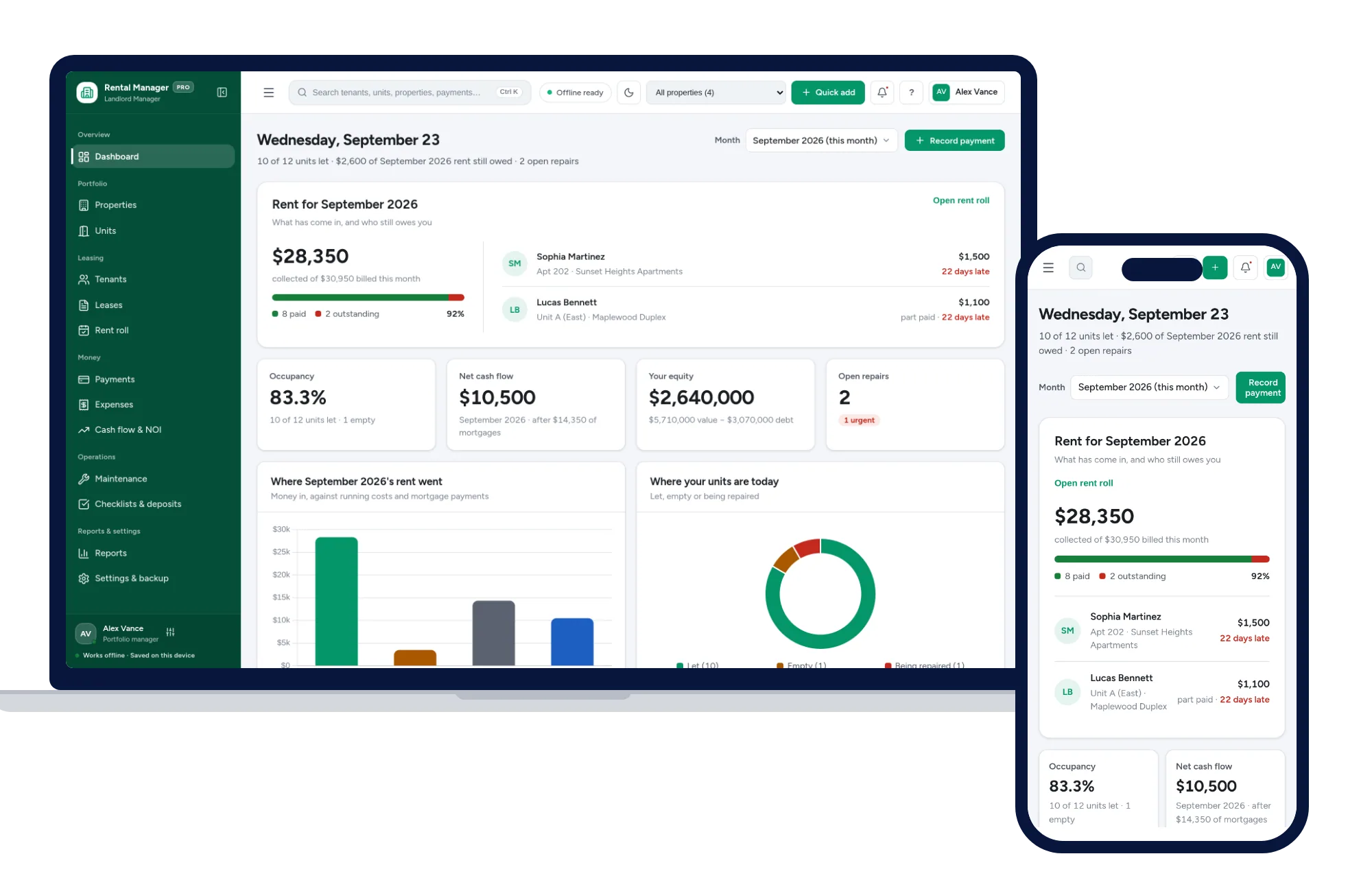
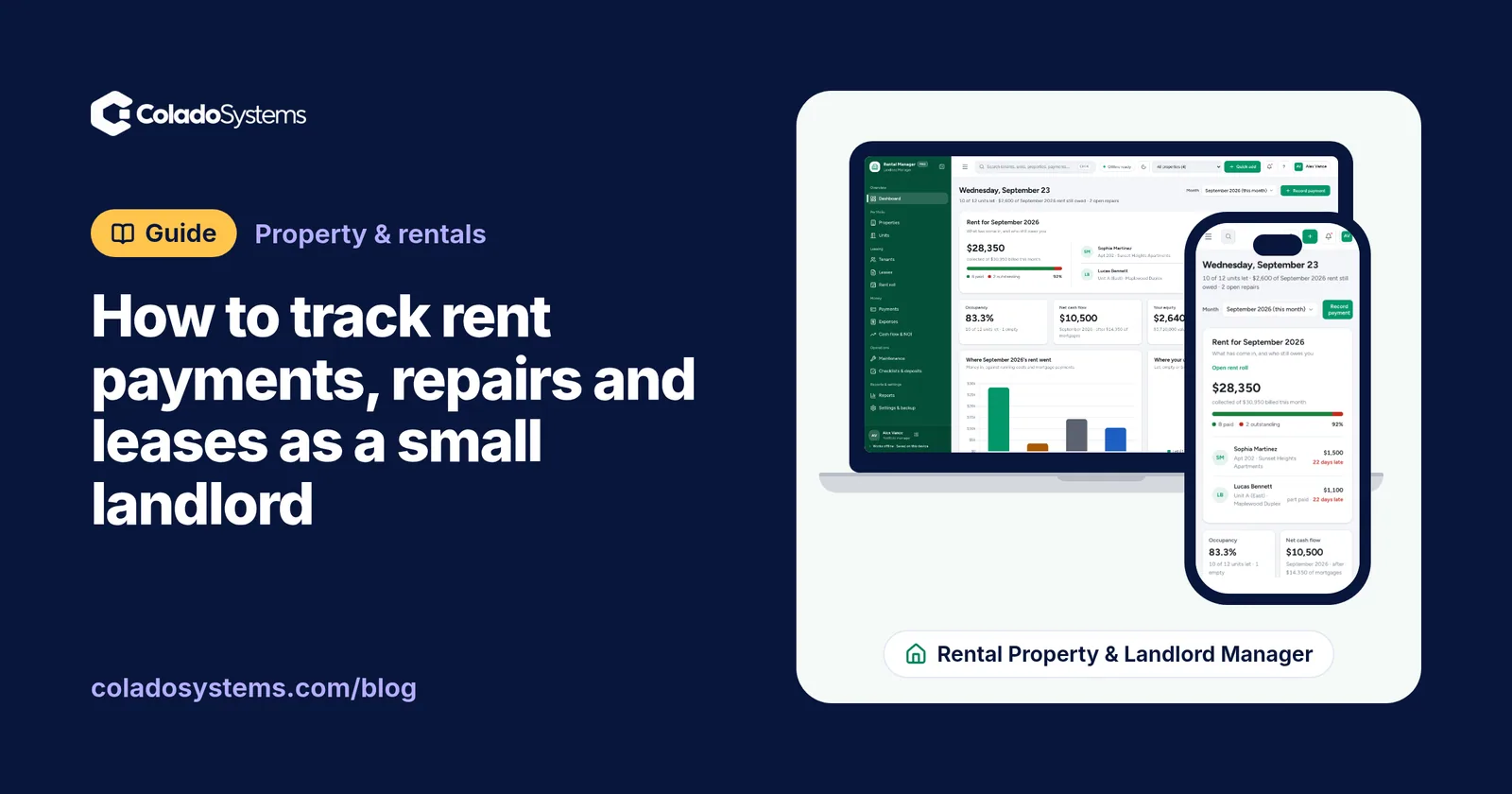
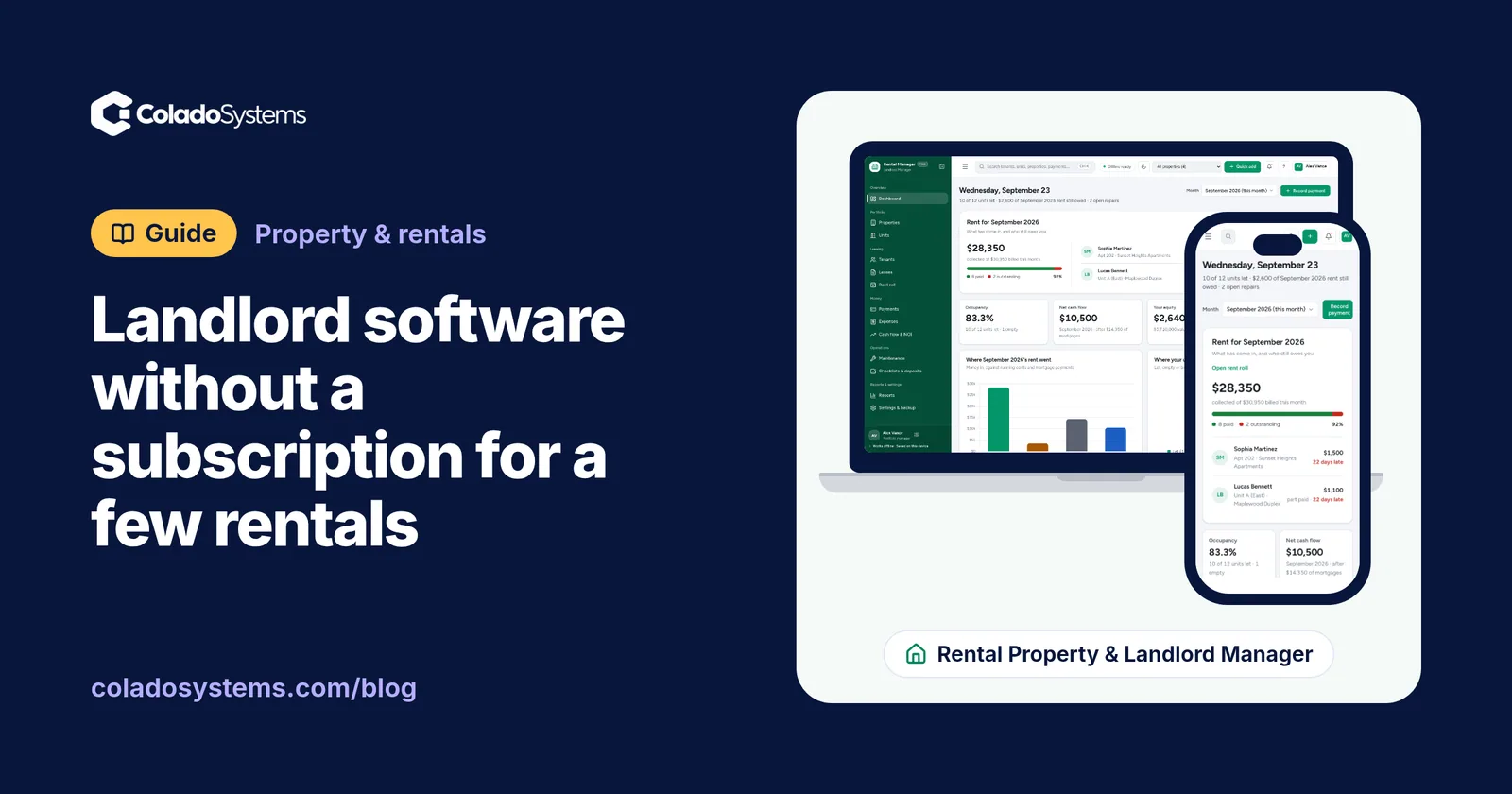
The Rental Property & Landlord Manager is for independent landlords, duplex and fourplex owners and small portfolios. It covers the record-keeping list above:
- A rent roll showing paid, partial and overdue for any month, with late fees added or waived and printable receipts
- Leases with days left, and the ones ending soon flagged
- Tenants with contact details, balances and printable statements
- Units marked let, vacant or under repair
- Expenses by category, such as repairs, insurance, property tax, utilities and mortgage, with a CSV export for your accountant
- Cash flow, net operating income, cap rate, mortgage payments and equity for each property
- Maintenance from request to done, with priority, vendor, work orders, scheduled upkeep and costs per property, plus move-in and move-out checklists
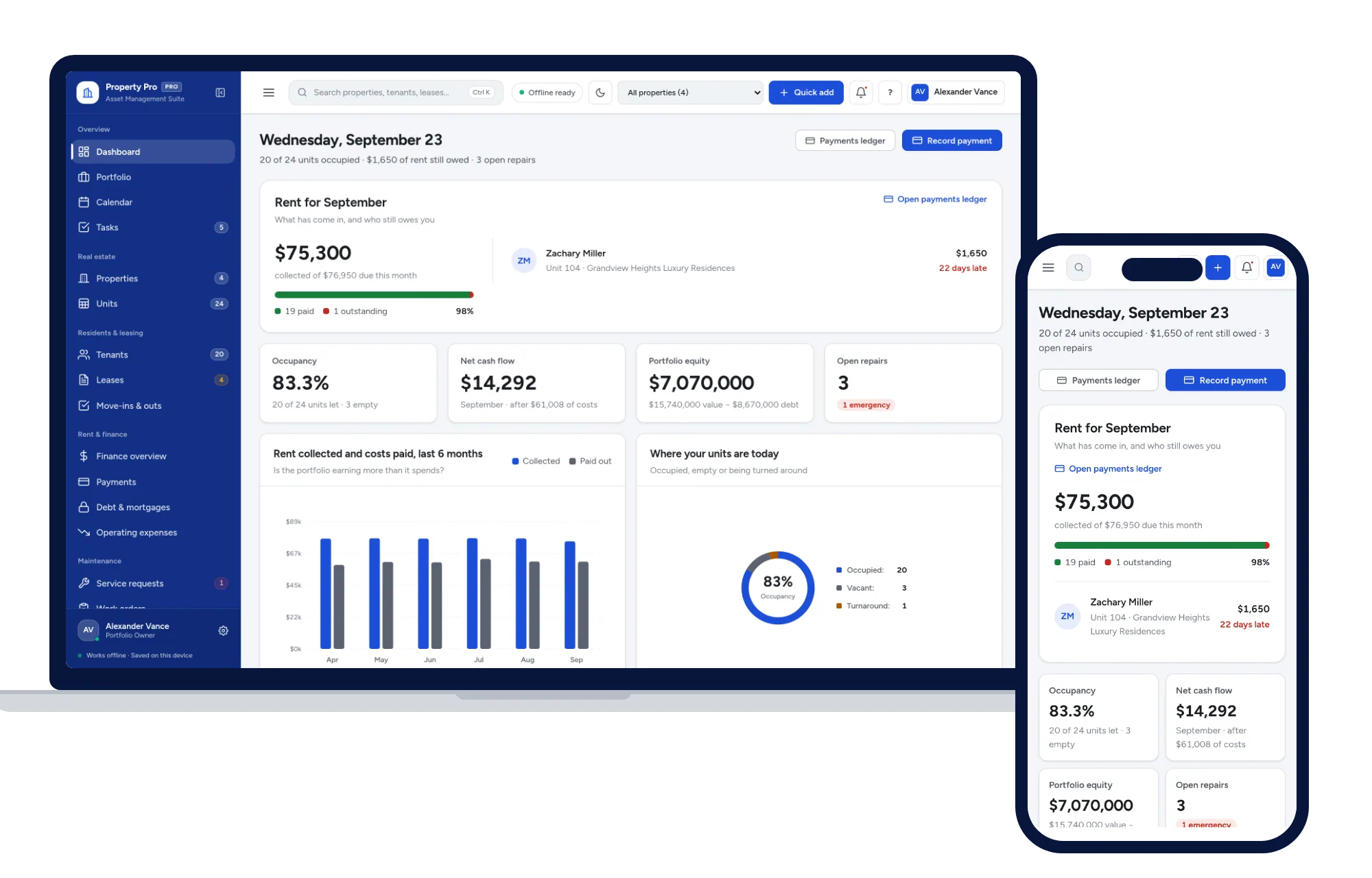
The Property Management System suits a larger or mixed portfolio. It handles residential and commercial property types, shows value, debt, equity, loan-to-value and DSCR per property, puts market rent next to current rent, tracks security deposits with refunds and deductions, assigns contractors to work orders, and keeps a calendar of inspections and deadlines. Its reports include a P&L, a rent roll and budgets.
Both run offline in the browser on Windows, Mac, iPad and Android, need no account, and open with sample data so you can practice before entering your own tenants. If you want both, the shelf bundles cost less than buying them one by one.
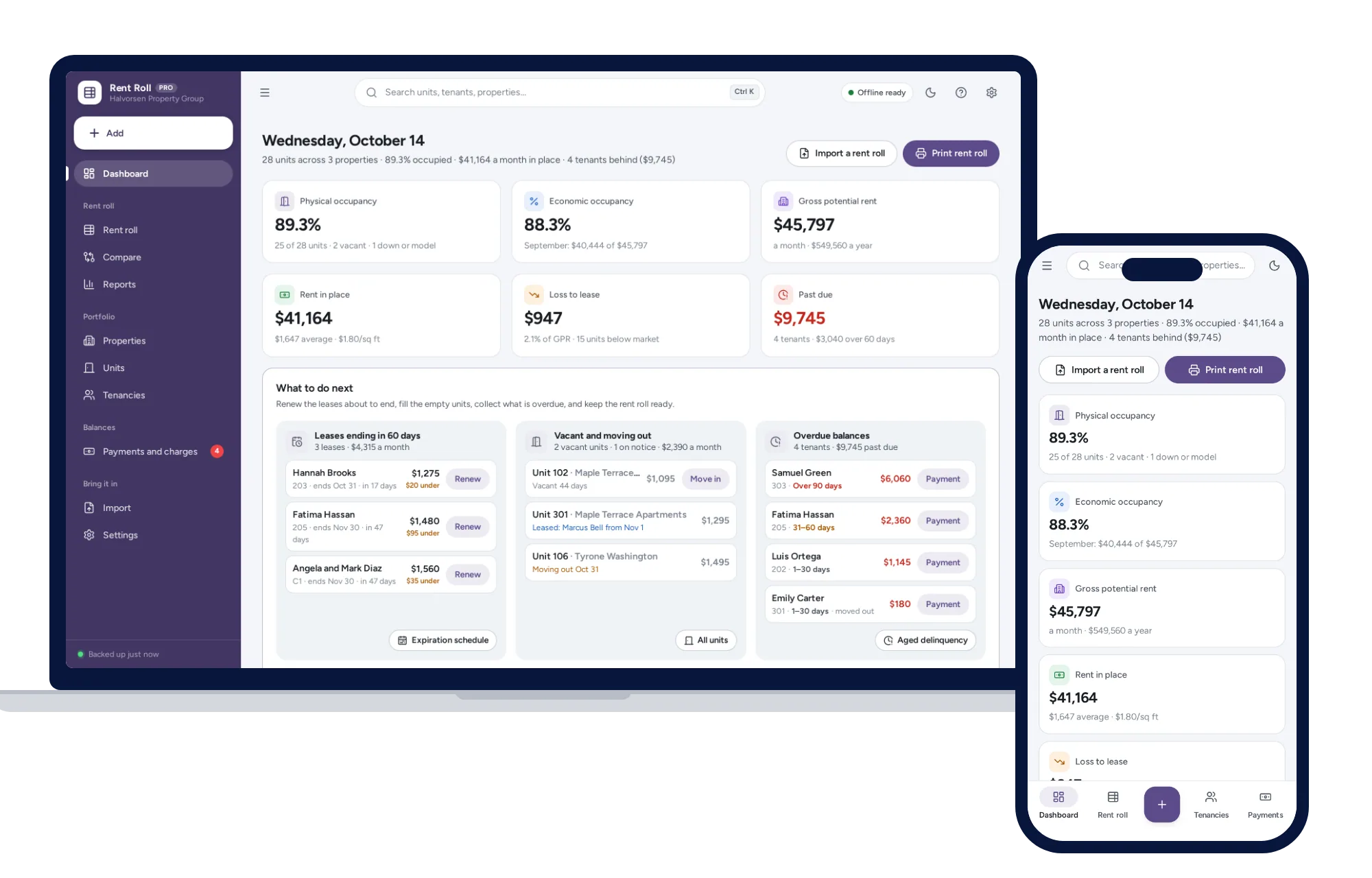
If a lender or buyer has asked you for a rent roll, read what a rent roll is and what lenders look for. The Rent Roll Management System is built for that one report.
Your next step: if you have a few doors, look inside the Rental Property & Landlord Manager and try it with the sample portfolio the same day.
Skip the setup
The Rental Property & Landlord Manager has the records this guide describes already set up. Who has paid, when each lease ends and what each property earns, without keeping a spreadsheet up to date. One app, bought once, kept on your own computer.
$59 one-time
- Try it free in the live demo, right in your browser
- Sample data to try it the same day
- Works offline, records stay on your device
- A PDF guide in the download
See everything inside the Rental Property & Landlord Manager. Or take the whole Property & rentals shelf: 7 systems for $179, $194 less than one by one.
Common questions
Is there free landlord software for a few rentals?
Yes. Some free platforms let landlords track rent and leases at no charge and earn their money from fees on online rent payments, tenant screening or listings, and some of those fees are paid by the tenant. Check who pays each fee and which features stay free. A spreadsheet or a one-time purchase avoids the fees but does not collect rent online.
Can I manage rental properties with a spreadsheet?
For one or two units, often yes. A spreadsheet with a monthly rent roll, an expense tab and a lease list covers the basics. It gets harder when you want late fees, tenant balances, receipts and lease countdowns worked out for you, or when a formula breaks after someone inserts a row. That is usually the point to move to software.
Can tenants pay rent through offline landlord software?
No. Offline software runs on your own device and does not connect to the internet, so it cannot take payments or give tenants a login. Tenants keep paying by bank transfer, check or whatever method you agreed, and you record each payment when it arrives. The software then shows who has paid in full, who paid part and who is overdue.
Is landlord software a tax-deductible expense?
It may be, depending on where you live and how your rentals are owned and taxed, so ask your accountant before you claim it and keep the receipt with your rental records. While you are asking, find out which expense categories and file format they prefer, so the export you hand over at tax time matches what they need.