A rent roll is a list of every unit in a property on a given date, with the tenant, the lease dates, the rent, the deposit and any balance owed. It has one row per unit, vacant units included, and totals at the bottom. Landlords use it to see how a property is doing, and lenders and buyers use it to check the income the property is said to earn.
Many small landlords first hear the term when a bank asks for one. Below is what it should contain, a worked example, the figures that come out of it and what the person reading it checks. There is also a free printable form if you would rather start on paper.
What goes on a rent roll
At the top, put the property name and address, the owner or manager, and the “as of” date. A rent roll without a date tells the reader very little.
Then give each unit one row:
- Unit: the number, the type (one bedroom, two bedroom, retail) and the square footage.
- Tenant: the name on the lease, or “Vacant”.
- Lease start and end: note any tenant who has rolled onto month to month.
- Market rent: what you would expect to get if you let the unit today.
- Actual rent: what the lease says the tenant pays.
- Deposit held.
- Other charges: parking, storage or pet fees, in their own column so nobody mistakes them for rent.
- Balance owed: as of the date at the top.
- Status: current, past due, month to month, notice given or vacant.
Commercial rent rolls usually add the rent per square foot, the lease type (such as NNN or modified gross), CAM charges and any renewal options.
Expenses and mortgage payments do not go here. A rent roll shows income and occupancy, and costs belong in an operating statement.
A rent roll example
Here is a made-up six-unit building, as of November 1, 2026. The lease start dates are left out to keep the table short, and “Monthly” means the tenant has rolled onto month to month.
| Unit | Type | Tenant | Lease ends | Market | Rent | Deposit | Owed |
|---|---|---|---|---|---|---|---|
| 101 | 1BR | Alvarez | Feb 2027 | $1,250 | $1,200 | $1,200 | $0 |
| 102 | 1BR | Chen | Monthly | $1,250 | $1,150 | $1,000 | $0 |
| 103 | 2BR | Brooks | Jun 2027 | $1,500 | $1,500 | $1,500 | $450 |
| 201 | 2BR | Patel | Jan 2027 | $1,500 | $1,450 | $1,400 | $0 |
| 202 | 2BR | Vacant | $1,500 | $0 | |||
| 203 | 1BR | Okafor | Apr 2027 | $1,250 | $1,225 | $1,225 | $0 |
| Total | 6 | 5 let | $8,750 | $6,525 | $6,325 | $450 |
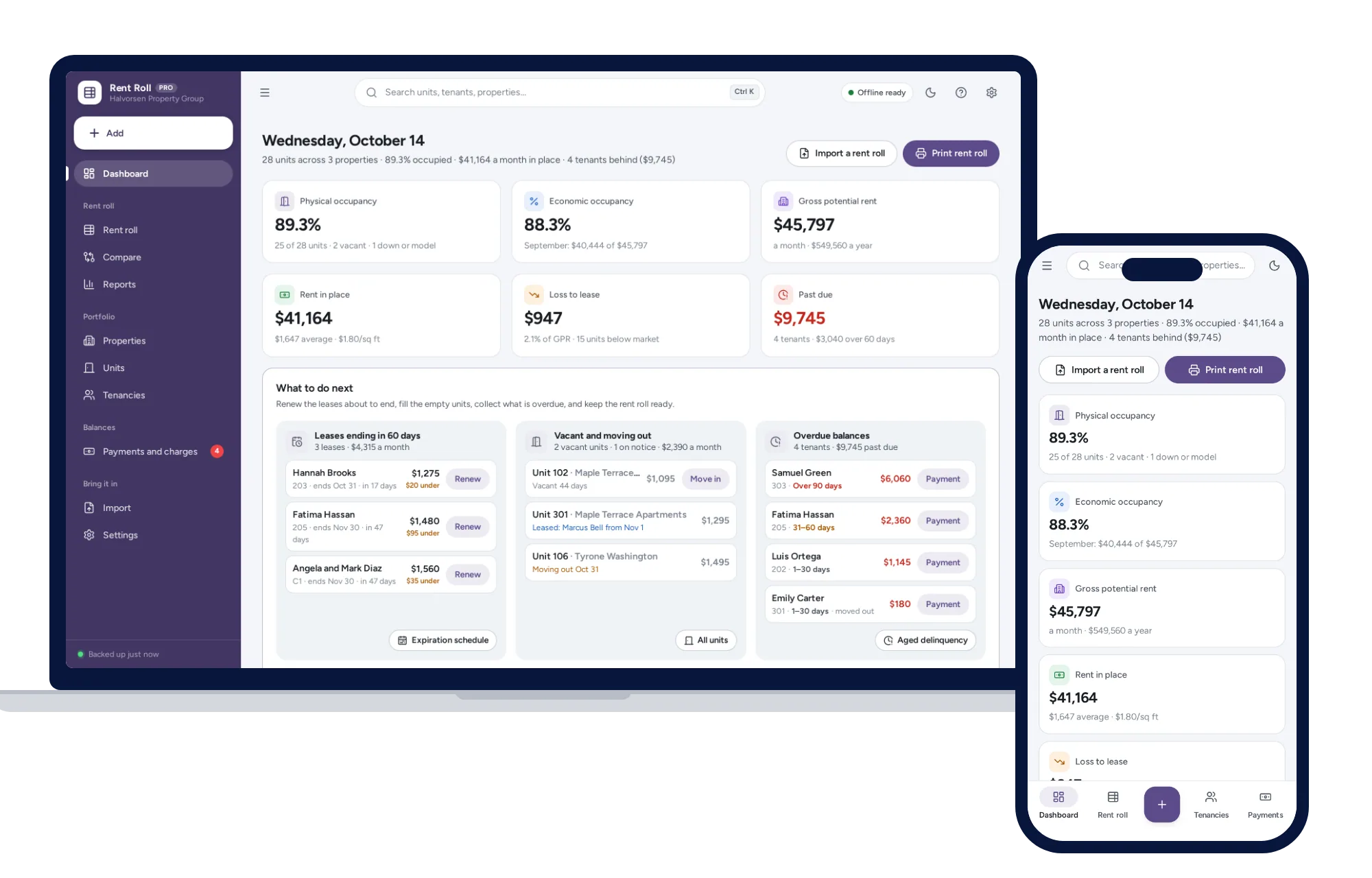
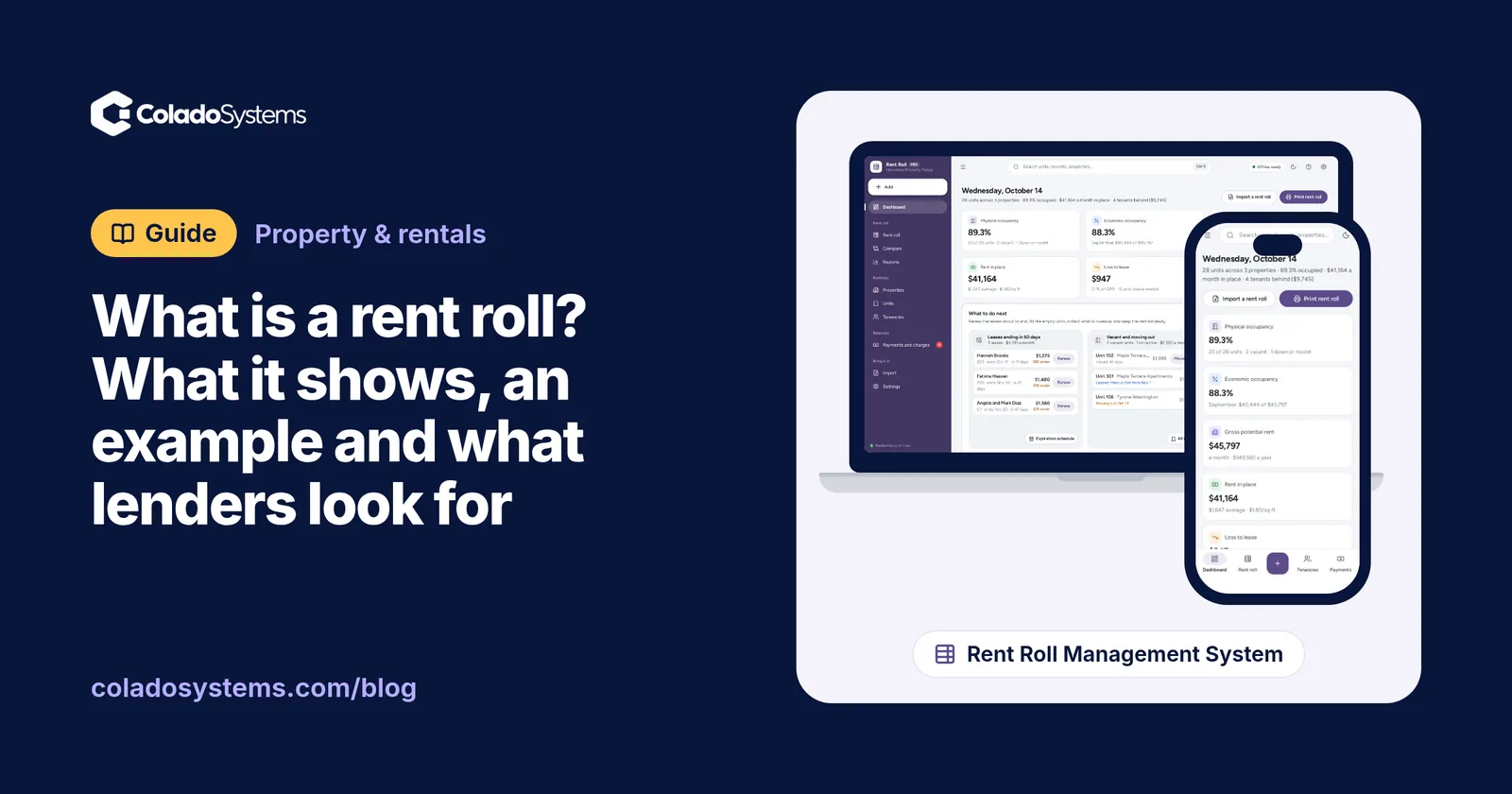
The Rent Roll Management System has a free live demo that builds this same report from a sample portfolio, with nothing to install.
The figures that come out of it
Assume everyone paid in full this month except Brooks, who paid $1,050 of $1,500.
- Gross potential rent is the market rent of every unit, let or not: $8,750.
- Physical occupancy is units let divided by total units: 5 of 6, or 83.3%.
- Vacancy loss is the market rent of the empty units: $1,500 for Unit 202.
- Loss to lease is market rent less actual rent on the let units: $7,250 less $6,525, or $725.
- Past-due rent is what was charged and not paid: $450.
- Economic occupancy is the rent collected divided by gross potential rent: $6,075 of $8,750, or 69.4%.
Those figures join up, which is the useful part:
| Monthly | |
|---|---|
| Gross potential rent | $8,750 |
| Less vacancy loss | -$1,500 |
| Less loss to lease | -$725 |
| Less past-due rent | -$450 |
| Rent collected | $6,075 |
This building looks 83% full but collects 69% of its potential, and the gap has three separate causes with three different fixes. Filling Unit 202 closes the largest. Reviewing rents at renewal, within your lease and local rules, closes the second. Following up with Brooks closes the third. If you can’t get your own numbers to add up this way, something in the rent roll is wrong, and it is better to find that before a lender does.
Lenders and software do not all word these figures the same way. Some measure economic occupancy against rent charged and not market rent, so ask if a reader needs a specific definition.
What a lender or buyer looks for
Requirements vary, so ask first. Some lenders have their own form and will want it filled in as it stands. Most readers check the same few things:
- A recent date. A rent roll from last spring does not describe the property today.
- Whether it matches the paperwork. Expect to be asked for the leases and bank statements. The rent you say you collect should show up as deposits.
- When the leases end. In the example, every lease ends within eight months, which is ordinary for apartments. On a commercial building, one large tenant leaving next year is a much bigger question.
- Rents far from market. Rents well below market can be an opportunity for a buyer. Rents well above market may not survive a renewal.
- Who is behind. A small balance from one tenant is normal. Long-running arrears across several units are not.
- Anything unusual. Free months, reduced rent for a relative or a manager’s unit should be stated, not left for the reader to discover.
- A signature. Many lenders want a certified rent roll, signed and dated by the owner.
The rent roll usually travels with a trailing 12-month operating statement, so have your income and expenses ready too. If you are on the buying side, ask the seller for both and set them beside your own numbers from how to calculate rental property cash flow before you buy.
How to make a rent roll
- Start from the leases, not memory. Pull every current lease and any renewal letters.
- List units before tenants. One row per unit, so a vacant unit can’t drop off the page.
- Pick the as-of date. The first or last day of a month is easiest to check against the bank.
- Enter the lease rent and the balance on that date. Take balances from your rent records, not from what you remember being paid.
- Set market rent honestly. Use what similar units nearby have recently rented for, and keep a note of where the figures came from. A reader may ask.
- Total it and check it. Compare the rent collected with the deposits on your bank statement for the same month.
- Save a dated copy and don’t overwrite it. A file named rent-roll-2026-11-01 sorts itself and lets you answer “what did it look like in November?” next year.
If you also need the monthly routine that feeds these numbers, see how to track rent payments, repairs and leases as a small landlord.
A free printable rent roll template
If paper suits you, or you want to see the layout before building your own, print the rent roll form as a PDF (Letter) or the A4 version. It fits 18 units on one landscape page, with every column above, a totals row, boxes for the summary figures and a certification line to sign. Use a second sheet for a larger building.
Spreadsheet, software or paper?
A spreadsheet is a good choice for a few doors, and if you already use a landlord platform it probably has a rent roll report, so use that first.
The weak spot of a spreadsheet is that it only knows today. When a lender asks for a rent roll as of December 31, or a buyer wants to see the last twelve months, you need either a saved copy for each date or an evening rebuilding it from the leases. Formulas also tend to break when someone inserts a row, and you only find out when the totals look wrong.
The Rent Roll Management System is made for this one report. It rebuilds a rent roll for any date from move-in dates, lease terms and rent history, with Lender, Buyer and Internal column presets, on landscape Letter or A4, or as PDF, Excel or CSV. It works out physical and economic occupancy, loss to lease and vacancy loss, and adds the unit mix, lease expirations, aged delinquency and a side-by-side comparison of two dates. You can bring in an existing rent roll from CSV or Excel, add a signature and date line, and include commercial units with rent per square foot and CAM.
It has limits you should know about. The figures are what you enter, and whether a particular lender accepts the report is up to them. It does not collect rent or connect to your bank. It has no maintenance, tenant screening, expense ledger or NOI, so it won’t produce the operating statement. It runs offline for one person on one device, with records kept in the browser on that device and not encrypted, so keep the device locked and back it up.
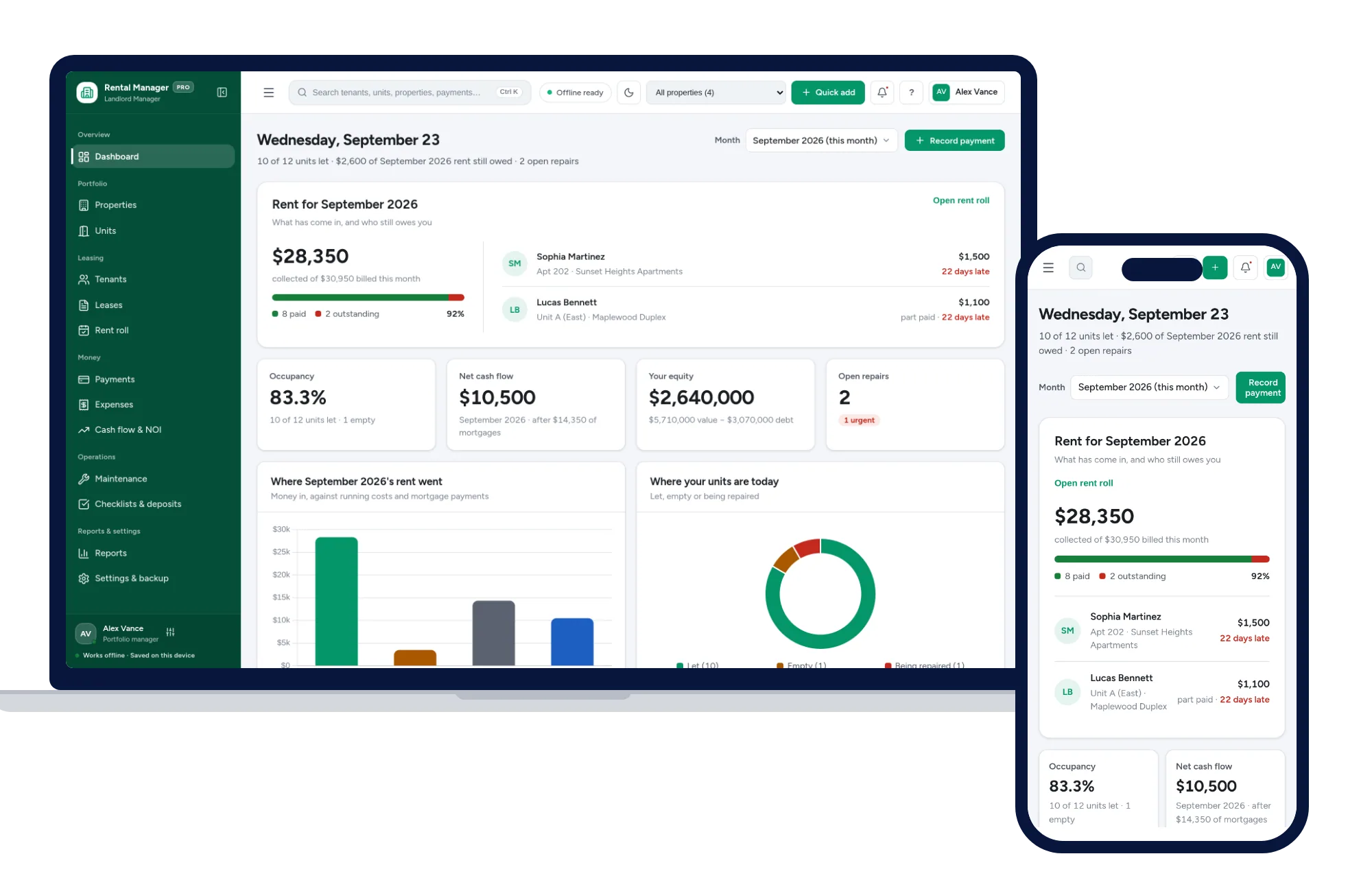
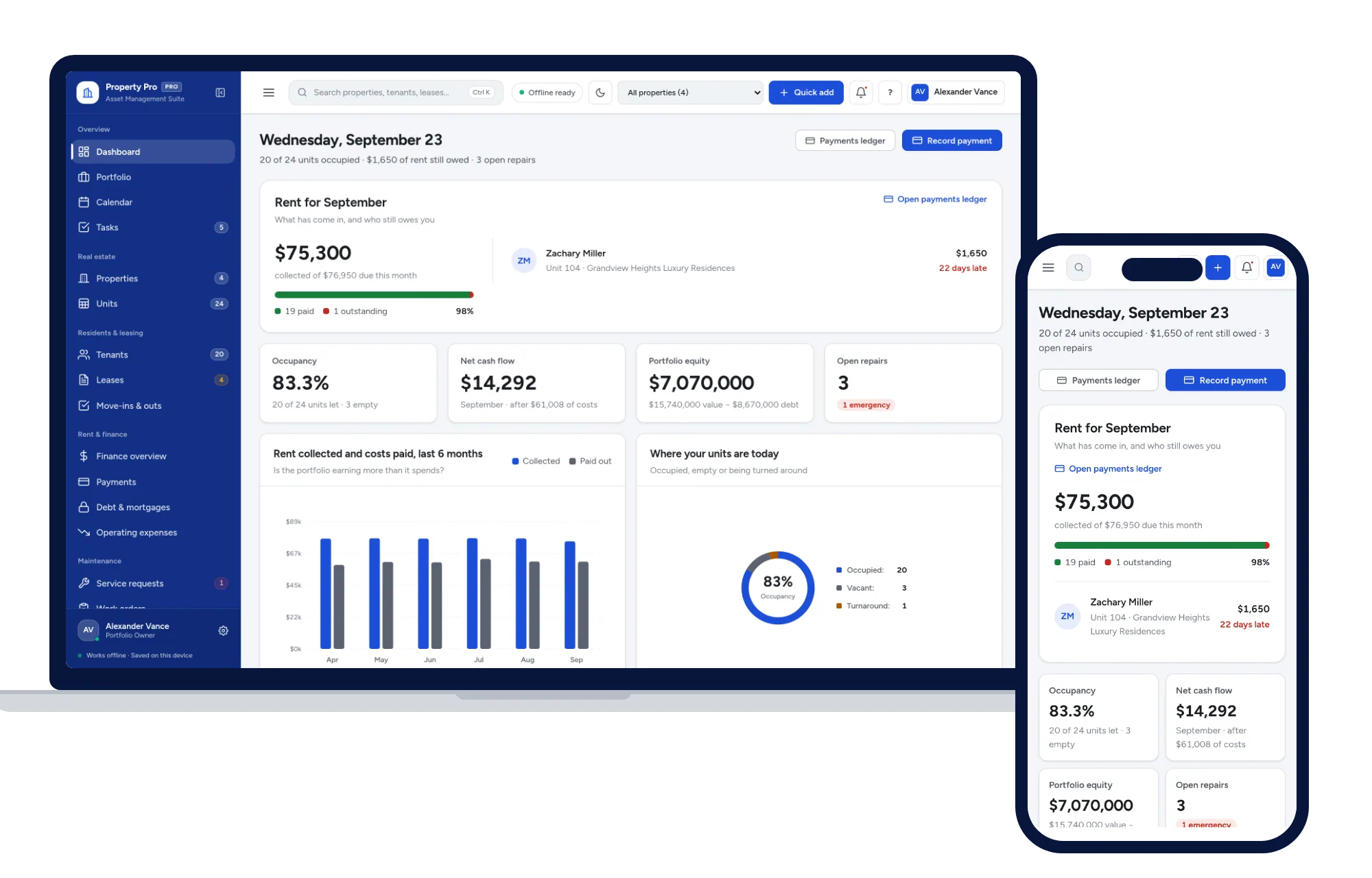
For the full landlord toolkit, with monthly rent tracking, repairs, expenses and cash flow, look at the Rental Property & Landlord Manager or the larger Property Management System. The rest of the property and rentals shelf is on one page.
This is general information, not financial or legal advice. Lenders’ requirements differ, so check with yours before you send anything.
Skip the setup
The Rent Roll Management System has the records this guide describes already set up. Print a rent roll for any date, with occupancy, loss-to-lease and vacancy loss worked out, lease expirations and who is behind. Residential or commercial. Works offline, no subscription.
$39 one-time
- Try it free in the live demo, right in your browser
- Sample data to try it the same day
- Works offline, records stay on your device
- A PDF guide in the download
See everything inside the Rent Roll Management System. Or take the whole Property & rentals shelf: 7 systems for $179, $194 less than one by one.
Common questions
What is the difference between a rent roll and a rent ledger?
A rent roll is a snapshot of the whole property on one date, with one row per unit. A rent ledger is the running history for one tenant: every charge and payment in date order. You use the ledger to settle what a tenant owes, and the rent roll to show how the property as a whole is doing.
Does a rent roll include expenses?
No. A rent roll covers income and occupancy only. Expenses such as repairs, insurance and property tax belong in an operating statement. Lenders and buyers often ask for both, usually a trailing 12-month statement alongside the rent roll.
What is a certified rent roll?
It is a rent roll the owner or manager has signed and dated, stating that it is true and correct as of that date. Lenders often ask for one on a purchase or refinance. Ask your lender for the exact wording they want, and check the figures against your leases first, because you are vouching for them.
How often should I update a rent roll?
Monthly suits most small landlords, on a fixed day after rent is due. Update it sooner when a tenant moves in or out, a lease renews or a rent changes. Save a dated copy each month so you can show what the rent roll looked like on an earlier date.