
Rent roll as of any date
Last month’s rent roll. Last year’s. One click.
- Rebuilt from move-in dates, lease terms and rent history
- Who had each unit, the rent and what they owed that day
- One row per unit, subtotals by property, totals
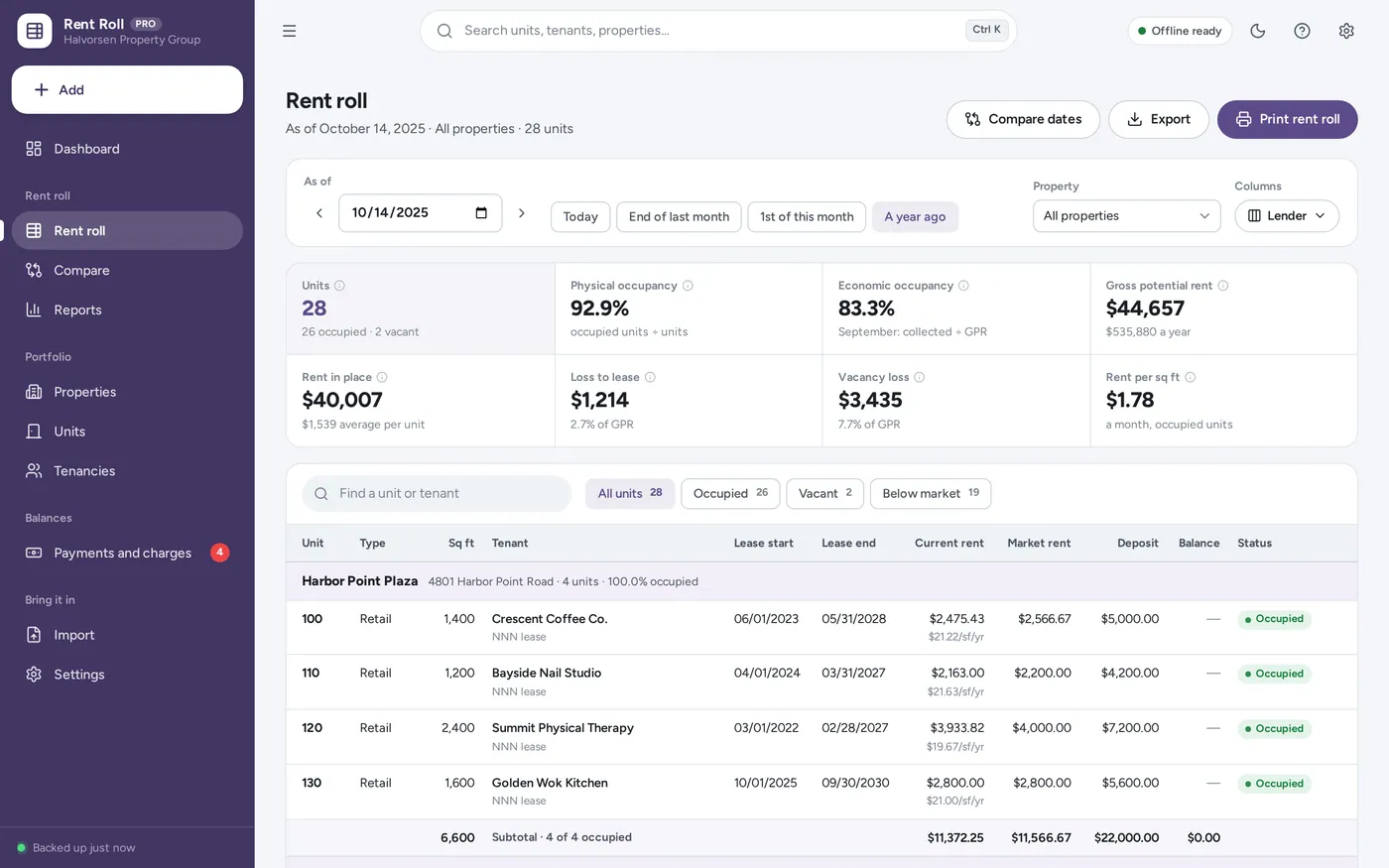
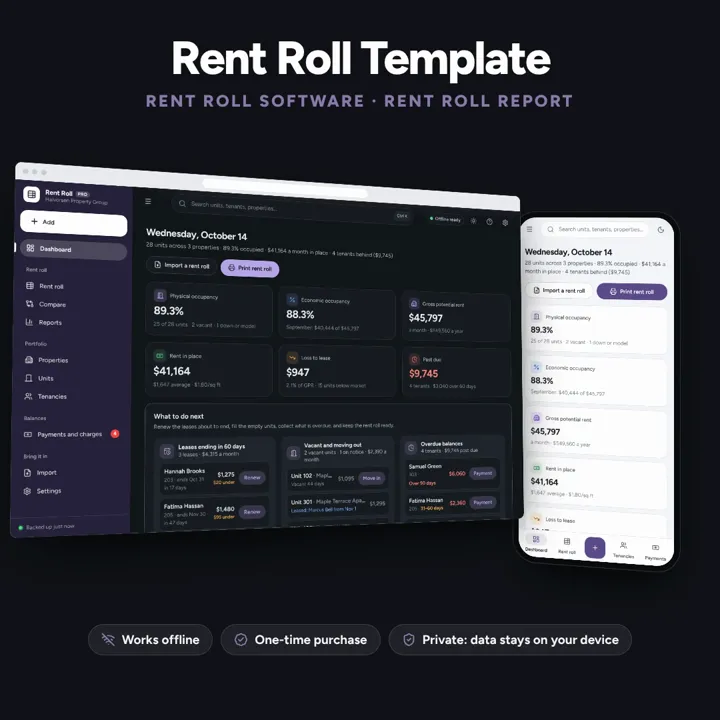
Print a rent roll for any date, with occupancy, loss-to-lease and vacancy loss worked out, lease expirations and who is behind. Residential or commercial. Works offline, no subscription.
No subscription. Pay once and keep it.
Try the live demoWith sample data, right in your browserCheckout by Lemon Squeezy. Tax is added where it applies, and you download straight after paying.
Made for Landlords, small property managers and real estate investors with a few doors or a few hundred units, residential or commercial, who keep their rent roll in a spreadsheet today and need a clean one for a lender, a buyer, an appraiser or an owner
Rent roll software and a rent roll template alternative for landlords, property managers and investors: a rent roll report for any date rebuilt from tenancy dates and rent history, lender, buyer and internal column presets, physical and economic occupancy, gross potential rent, loss-to-lease, vacancy loss, unit mix, lease expirations, aged delinquency, rent increases, turnover, two rent rolls compared and import from CSV or Excel — offline, no formulas to break. Figures are what you enter.
Rent roll as of any date
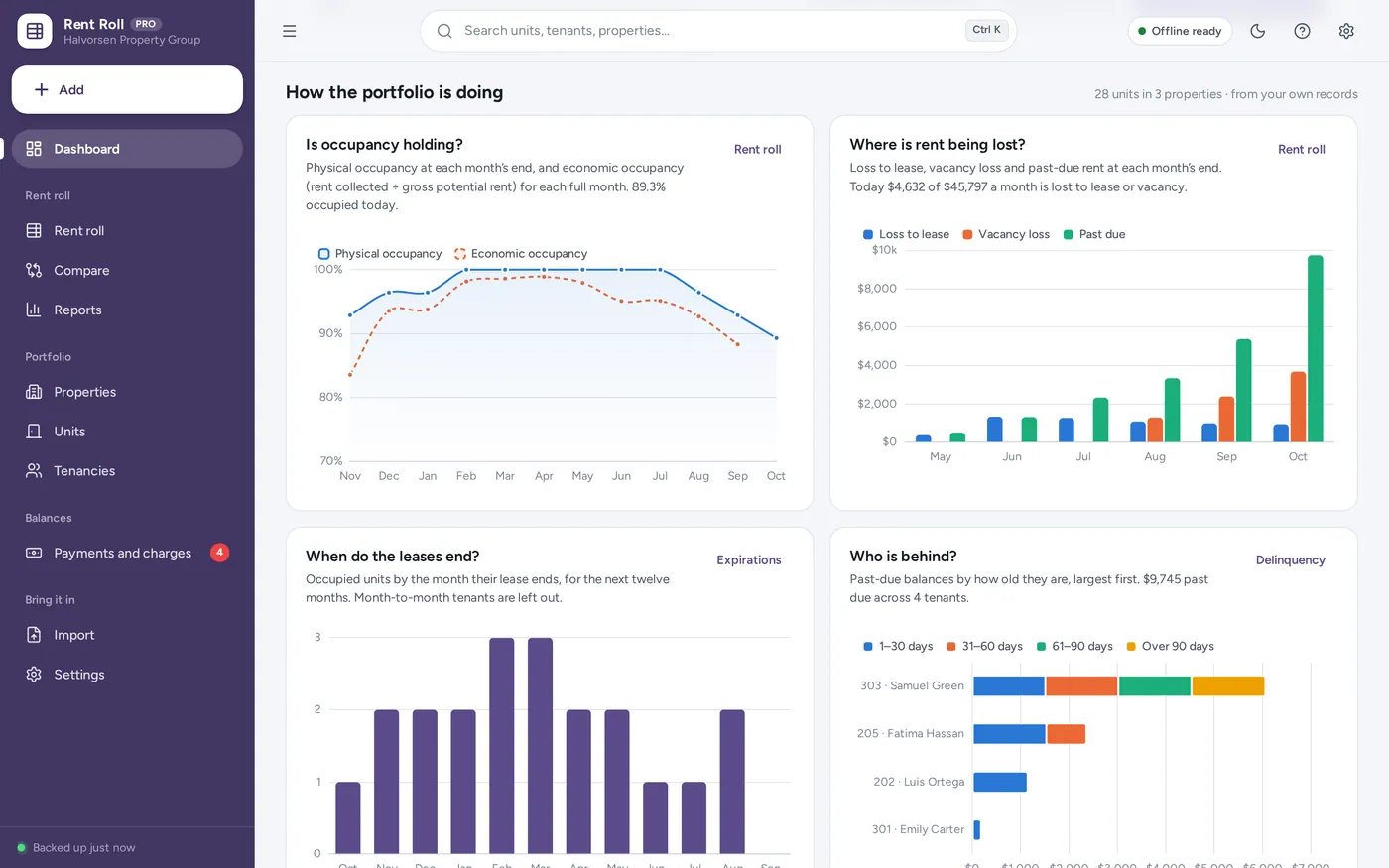
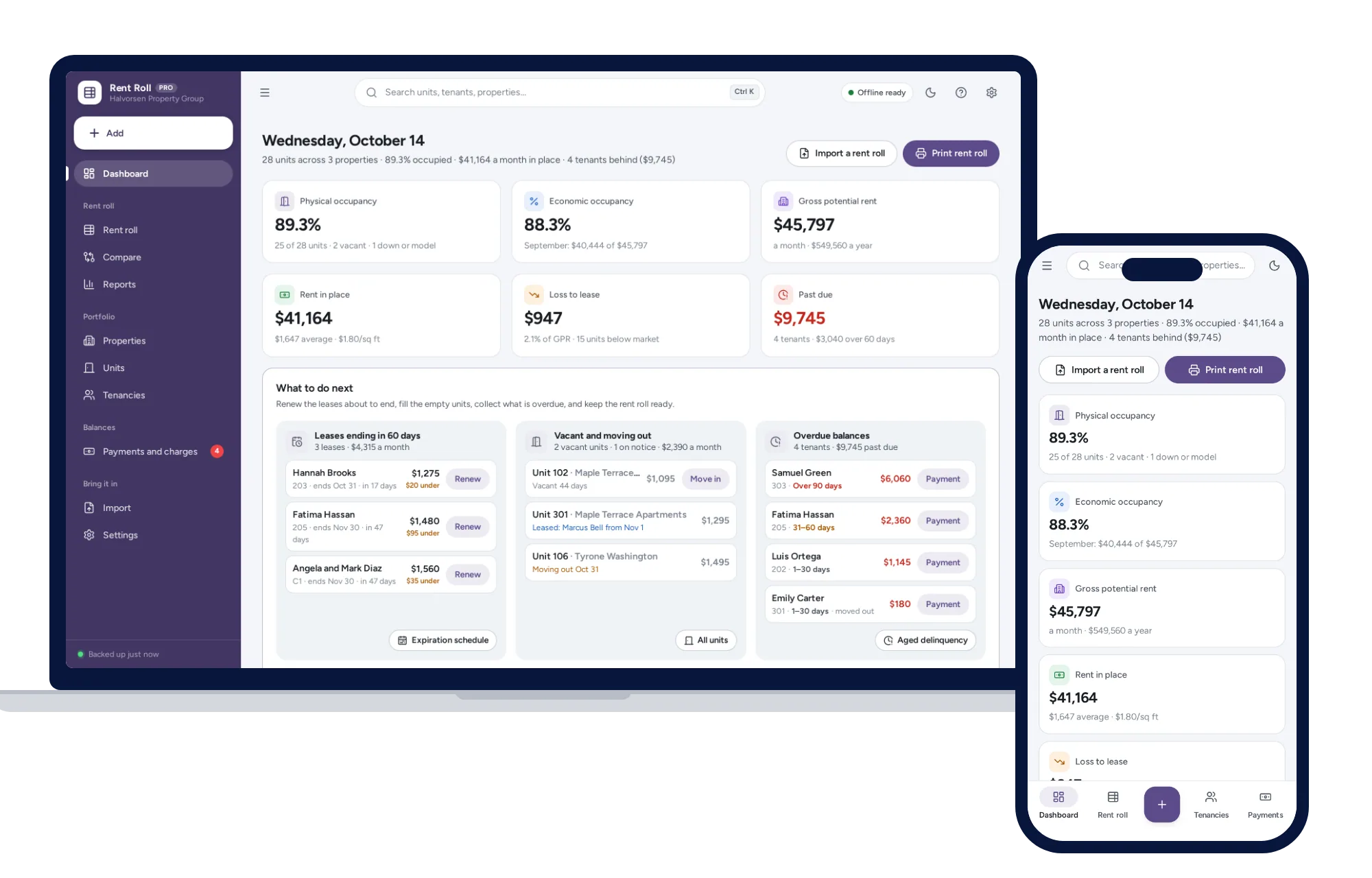
Rent roll dashboard
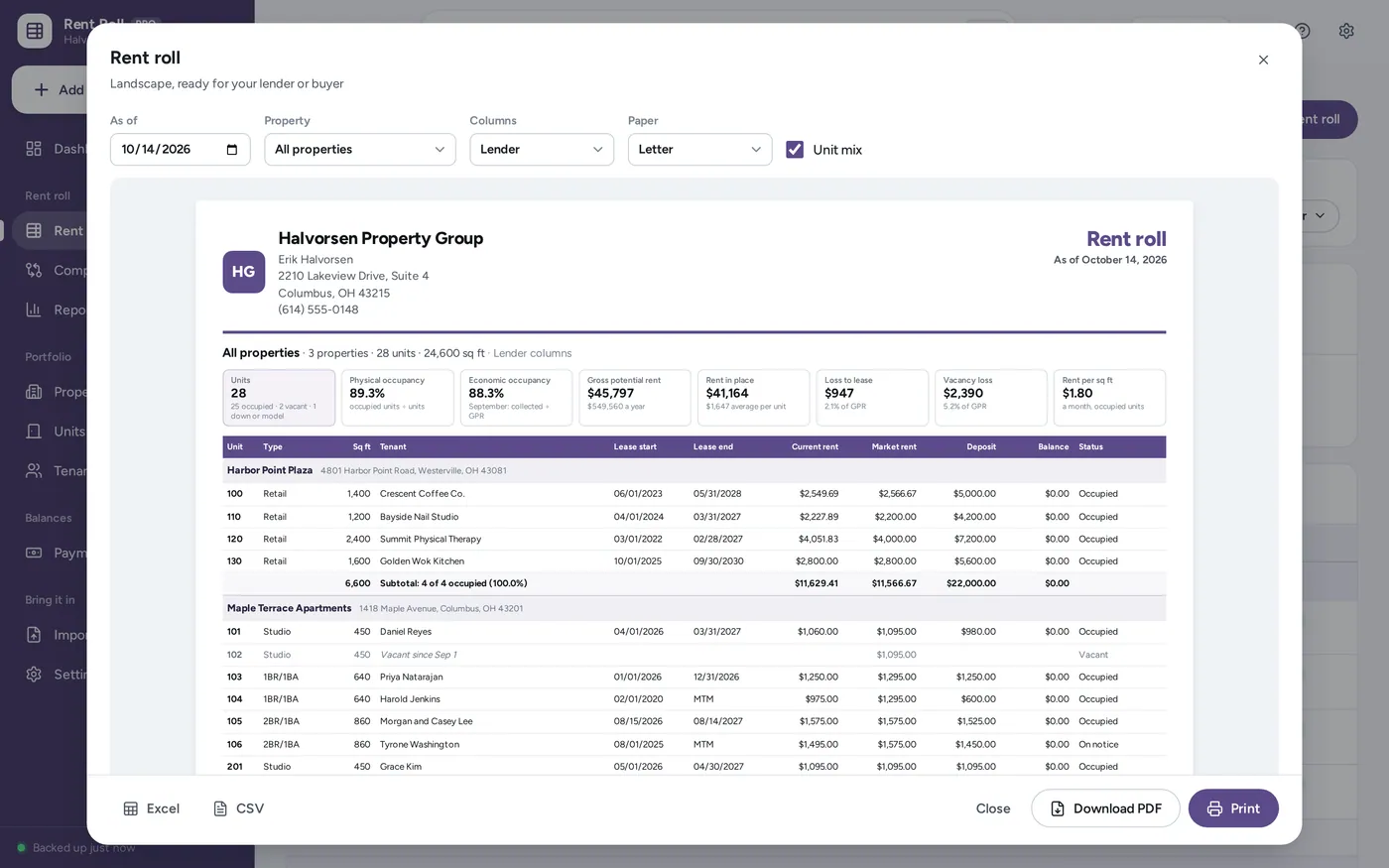
Rent roll report
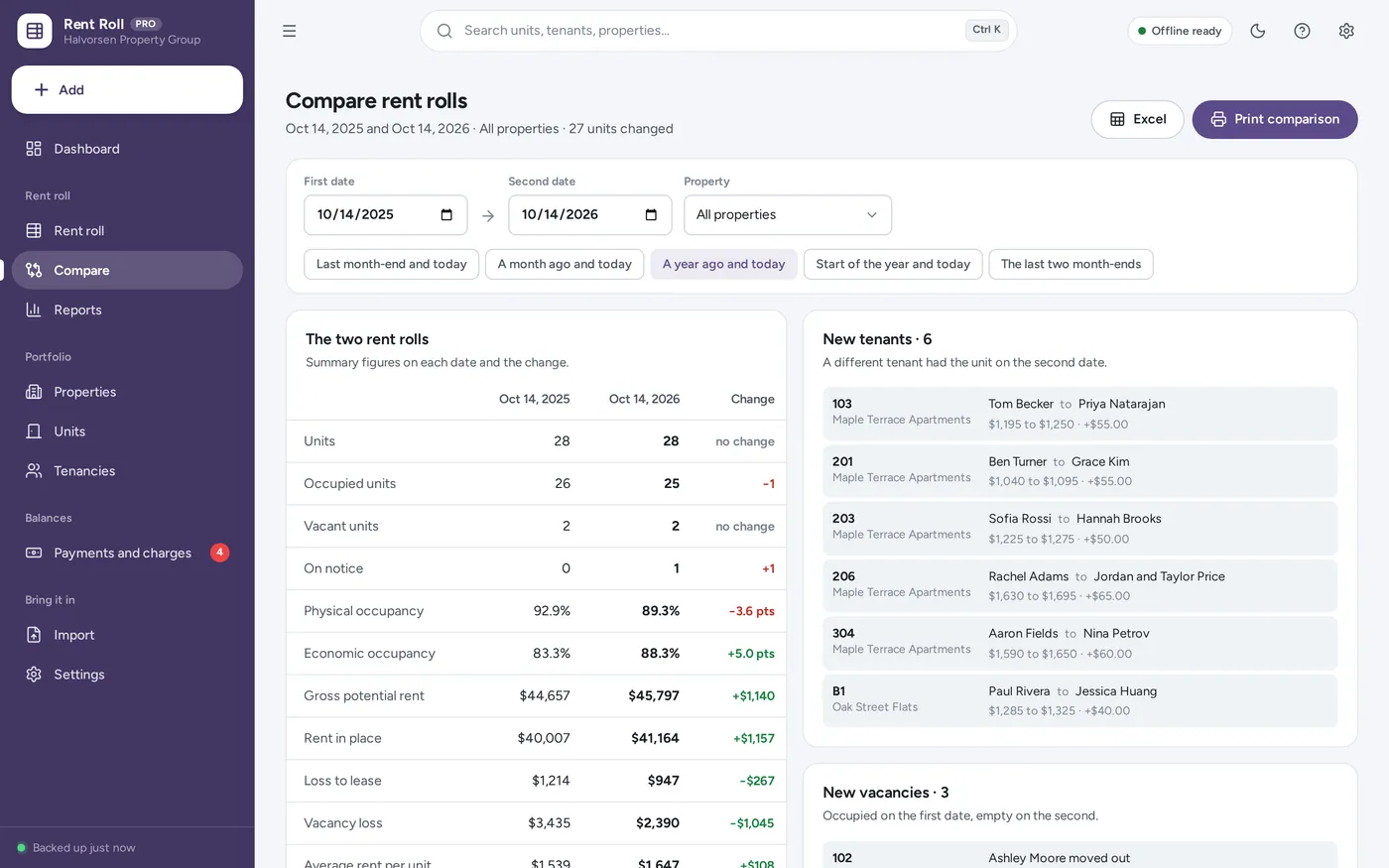
Rent roll comparison
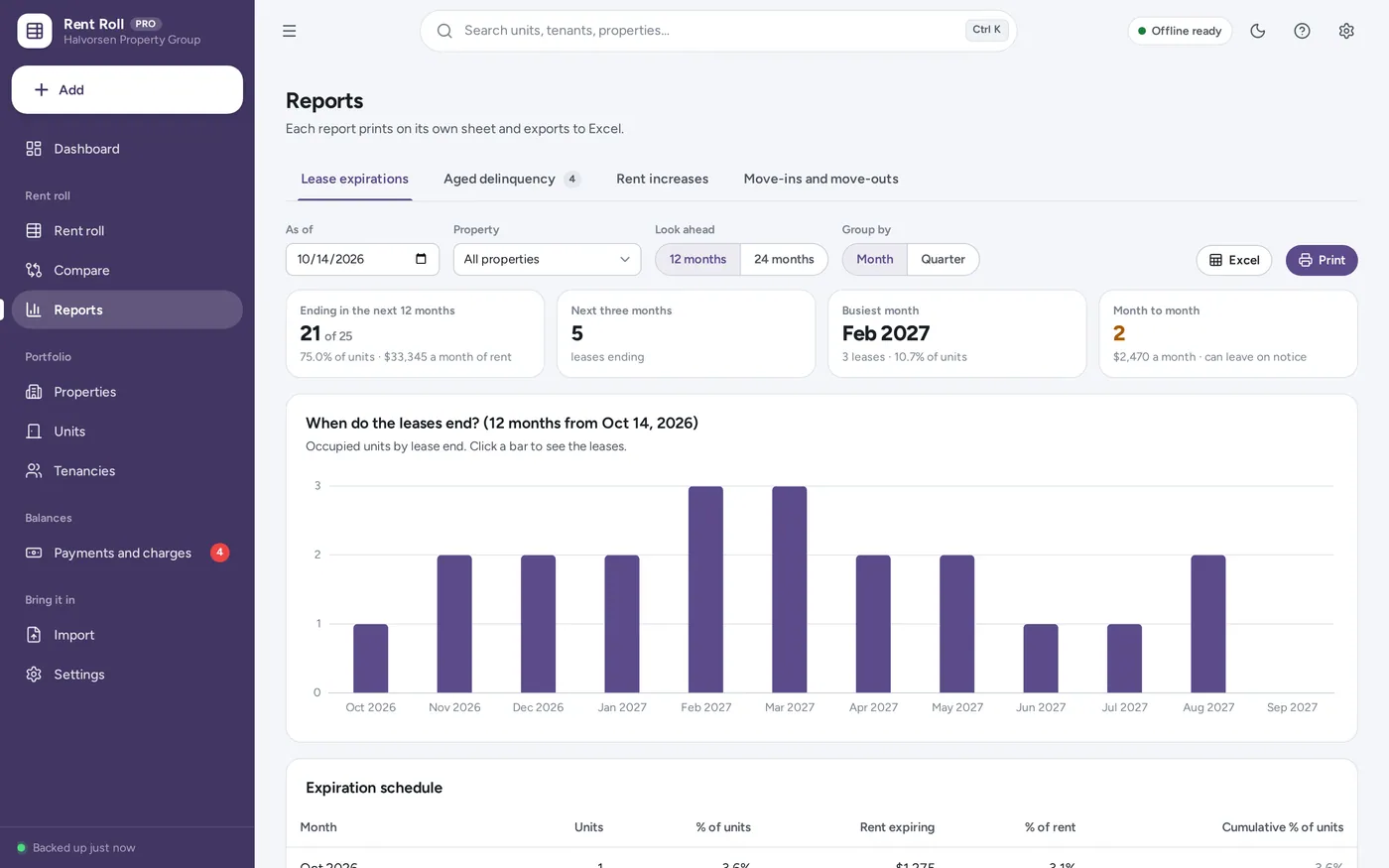
Lease expiration schedule
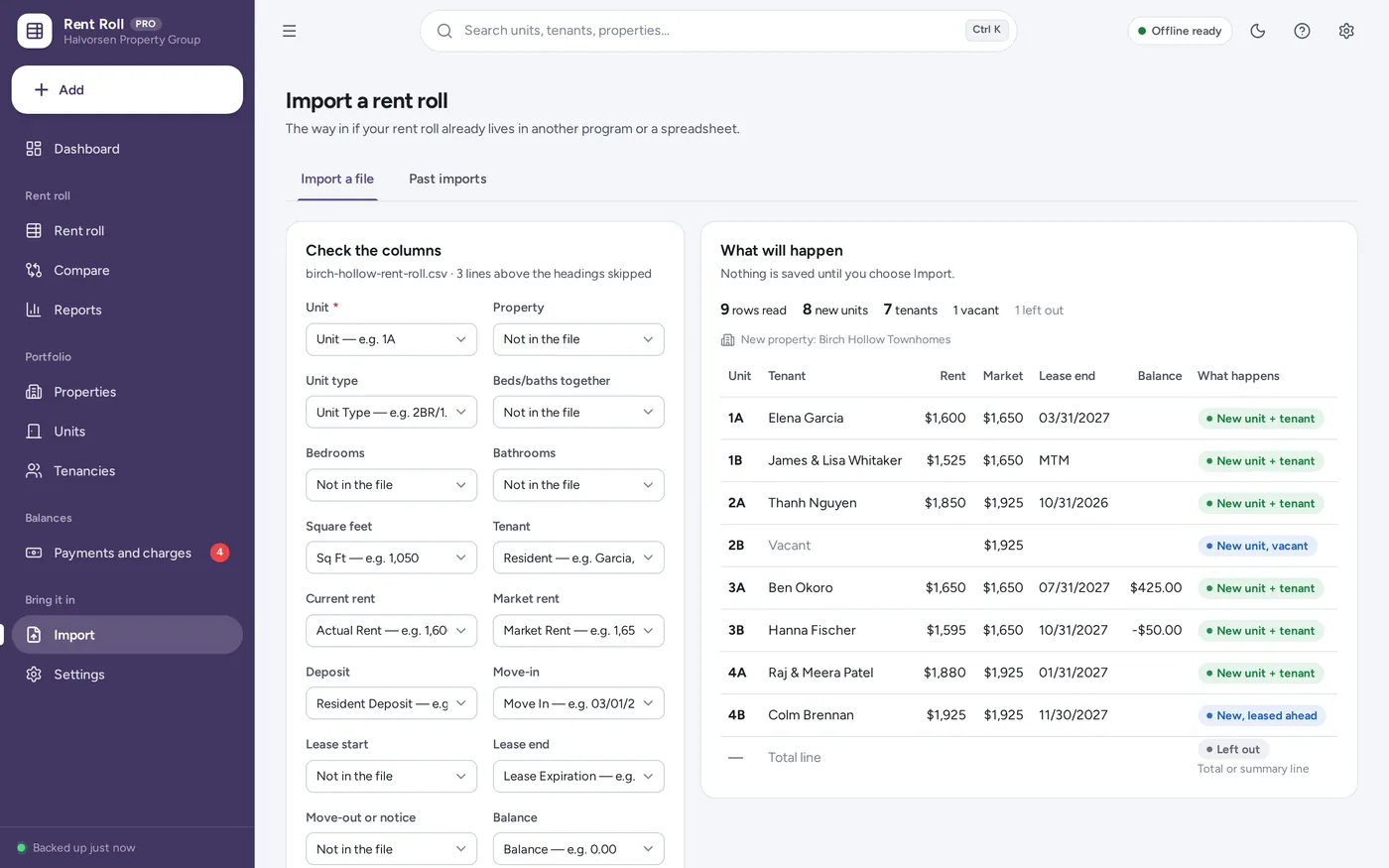
Import your rent roll
For landlords, property managers and investors with a few doors or a few hundred units, residential or commercial: the rent roll template a spreadsheet promises, plus the occupancy, loss-to-lease, expiration and delinquency reports lenders and buyers ask for, without the formulas.
A rent roll template in a spreadsheet means retyping it for every date a lender asks for, fixing the occupancy formula when a row is inserted, and no way back to last month’s figures. This rebuilds the rent roll for any date from your own records — offline, on your own computer, paid for once. Figures are what you enter.
What it needs, and what it does not do.
Rent Roll Management System is an offline app from ColadoSystems that runs in your web browser from a folder on your own device. It costs $39 once, with no subscription and no account, and includes 16 tools, sample data to explore and a PDF guide. Your records stay on your device and are never uploaded.
Something else? Ask us and we'll answer before you buy.
Everything is saved inside your browser on this device. Nothing is uploaded and there is no account, so no company holds a copy of your rent roll records. They are not encrypted, though: anyone who can use this device and browser can open them, so keep the device locked. Download a backup regularly (Settings → Data & backup → Back up now) and keep it somewhere as safe as the records themselves.
Yes. Open index.html and it runs fully offline. You can also host the folder on any website and choose “Install app” in Chrome or Edge to get a desktop or phone icon that works offline.
Yes. The layout adapts to phones and tablets with a bottom navigation bar. Each device keeps its own data, so use Back up / Restore to move records between devices.
Go to Settings → Data & backup → Erase records. Every sample record is removed, and the sample company’s name and contact details are cleared too, so your first rent roll never carries them. Your other settings and column presets are kept.
It prints the standard rent roll layout lenders, buyers and appraisers ask for — one row per unit with the tenant, lease dates, rent, market rent, deposit, balance and status, plus occupancy, gross potential rent, loss to lease, vacancy loss and the unit mix — and you can add a signature and date line. Whether a particular lender accepts it is up to them. Figures are what you enter, for your records and to share with your lender or buyer.
Rent collected in the last full month on or before the rent roll’s date, divided by the gross potential rent (the market rent of every unit) at that month’s end. Payments go to the oldest charges first, and only the part that pays rent counts, not parking, fees or CAM. It can go above 100% when rents are above market or arrears are paid off.
Loss to lease is market rent less actual rent on the occupied units. A minus figure means those units rent for more than the market rent you set — often the case with commercial leases that step up each year.
Yes. Set a property or a unit to commercial and each tenancy gets a lease type (NNN, modified gross, gross and so on), its rent per square foot a year is shown beside the monthly rent, and CAM or NNN charges are added as a recurring charge. Retail, office and residential units can sit in the same portfolio.
No. It is made for the rent roll: units, tenancies, rent history, balances and the reports built from them. There are no maintenance requests, tenant screening, inspections, expense ledger or NOI. For the whole landlord toolkit, see our Rental Property & Landlord Manager or Property Management System.
By the day, unless you choose “Charge the full month” in Settings → Rent roll. A tenant moving in on the 15th of a 30-day month is charged 16 days, and a rent change on the 13th charges the old rent for 12 days and the new rent for the rest.
No. It works offline and does not go online at all. Record payments as they arrive; the balances, delinquency report and economic occupancy follow from them.
No. It is made for one person on one device, and records do not sync between devices. To move to another device, save a backup and restore it there.
No. It runs offline on your own device, so there is no booking page for customers and it does not take card payments. You record bookings and payments in it yourself, including ones taken by phone, card reader or another website.
Renting out property? These systems are close cousins. Here is who each one is for.
Landlords with a handful of units: rent roll, leases, repairs and cash flow.
Portfolios and managers: buildings, units, tenants, leases, payments and service requests.
Rent roll reports for lenders and buyers: any date, occupancy, loss-to-lease, expirations and delinquency.
Airbnb and Vrbo style stays: bookings, cleaning turnovers and host net per stay.
Practical how-tos from our blog, useful with or without the system.
Property & rentals
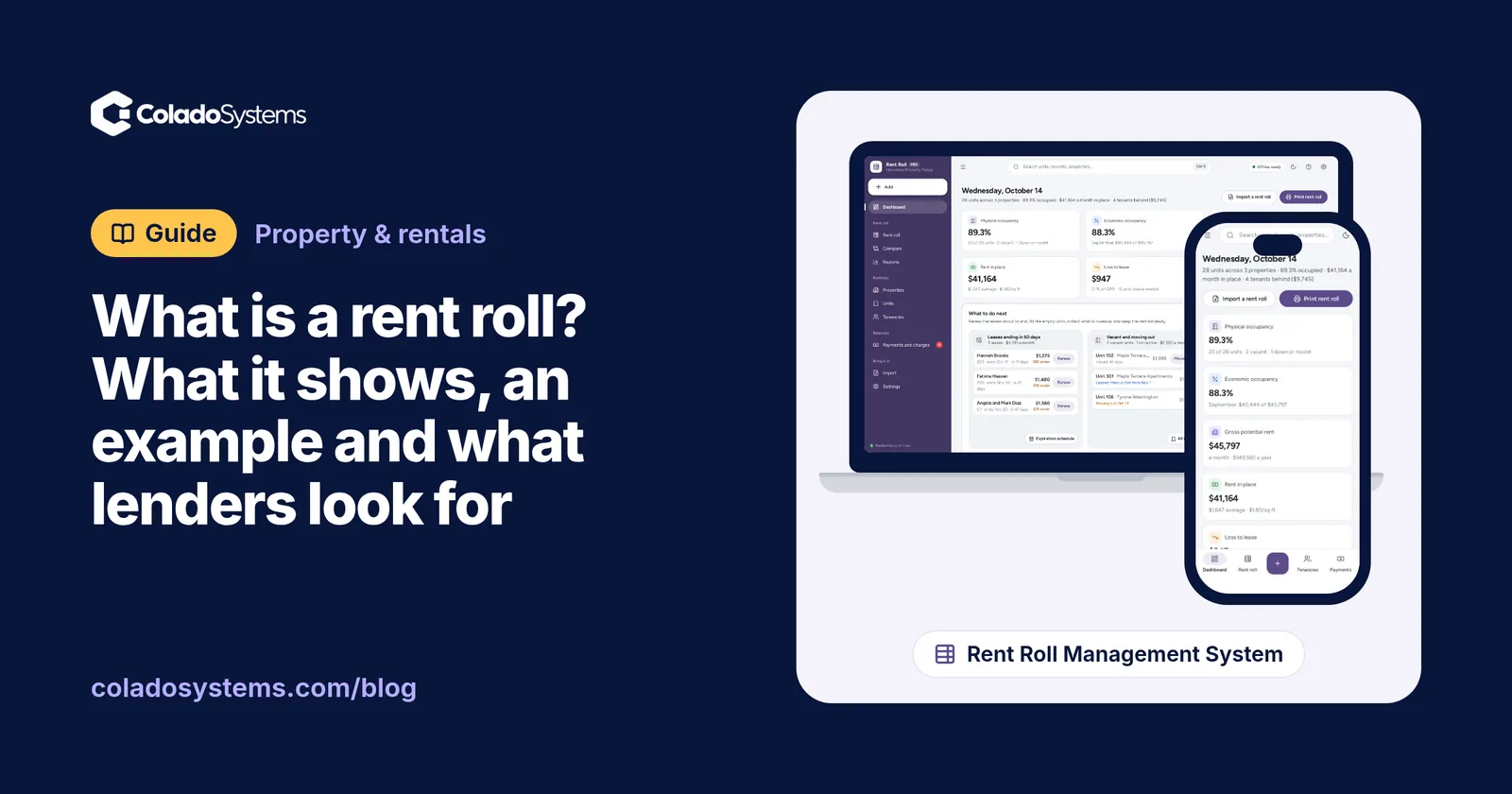
A rent roll lists every unit, tenant, lease date, rent and balance on one page. See a worked example, the figures lenders check and a free printable form.
Property & rentals
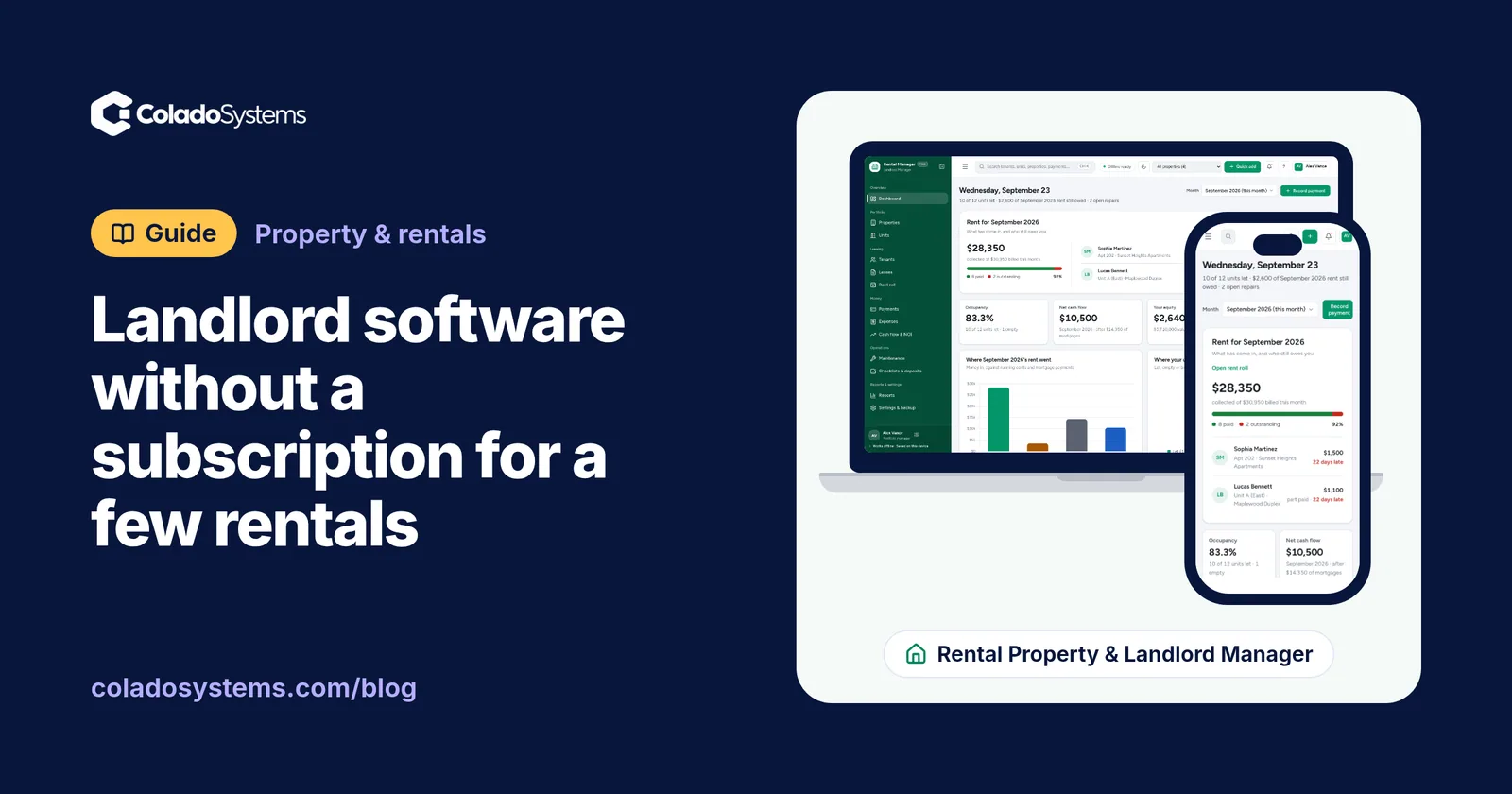
Landlord software without a subscription can run rent, leases, repairs and expenses for a few rentals. See how each option compares and what you give up.
Property & rentals
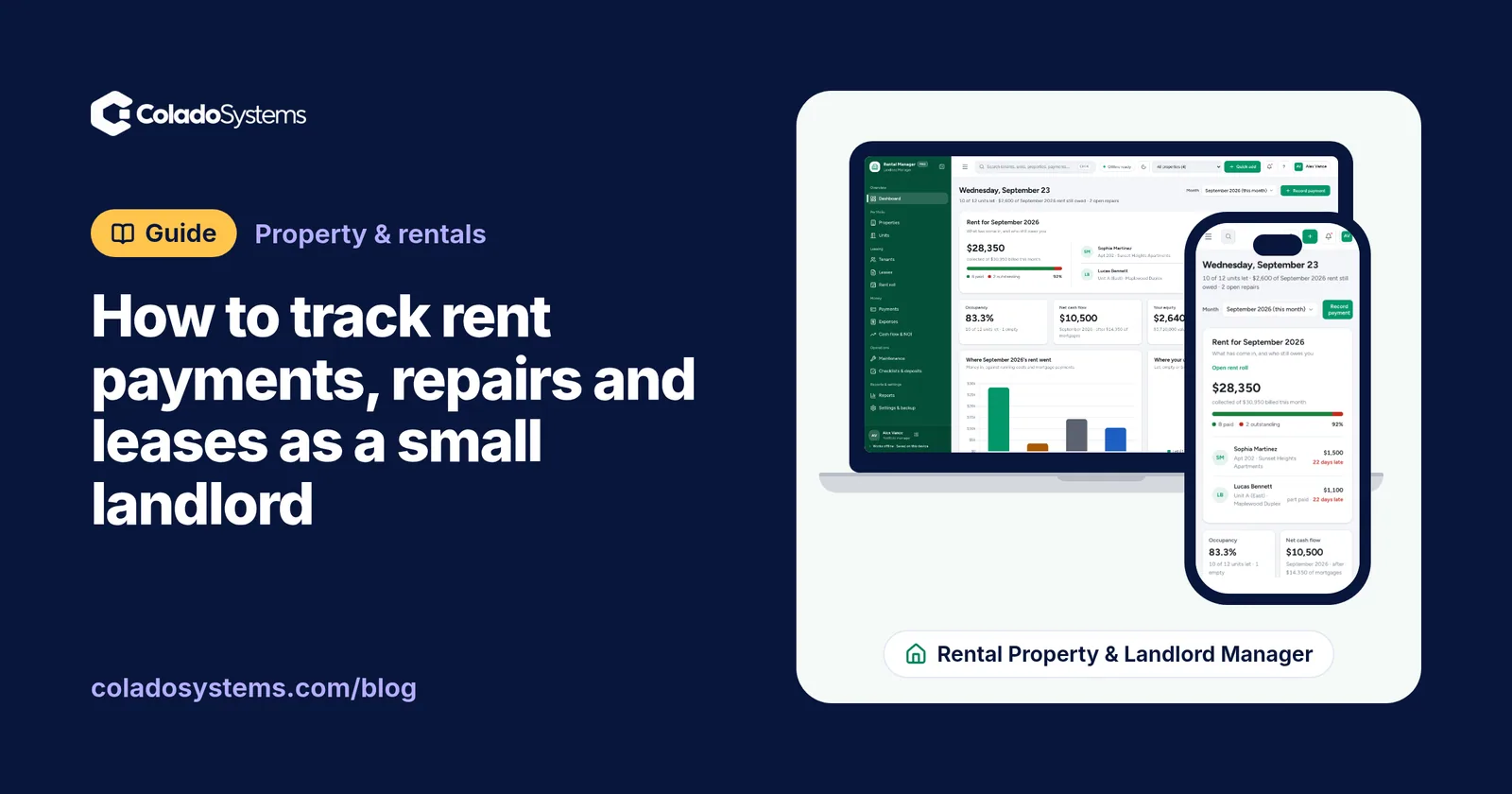
A simple way to track rent payments, late rent, repairs, leases and renewals as a small landlord, with a monthly rent roll and a 15-minute check.
The property & rentals bundle has every system in this category for one price.
Tenants, bookings, deals and fleets for landlords, hosts and agents.
$179for 7 systems, $373 if bought one by one
You save $194
Property & rentals
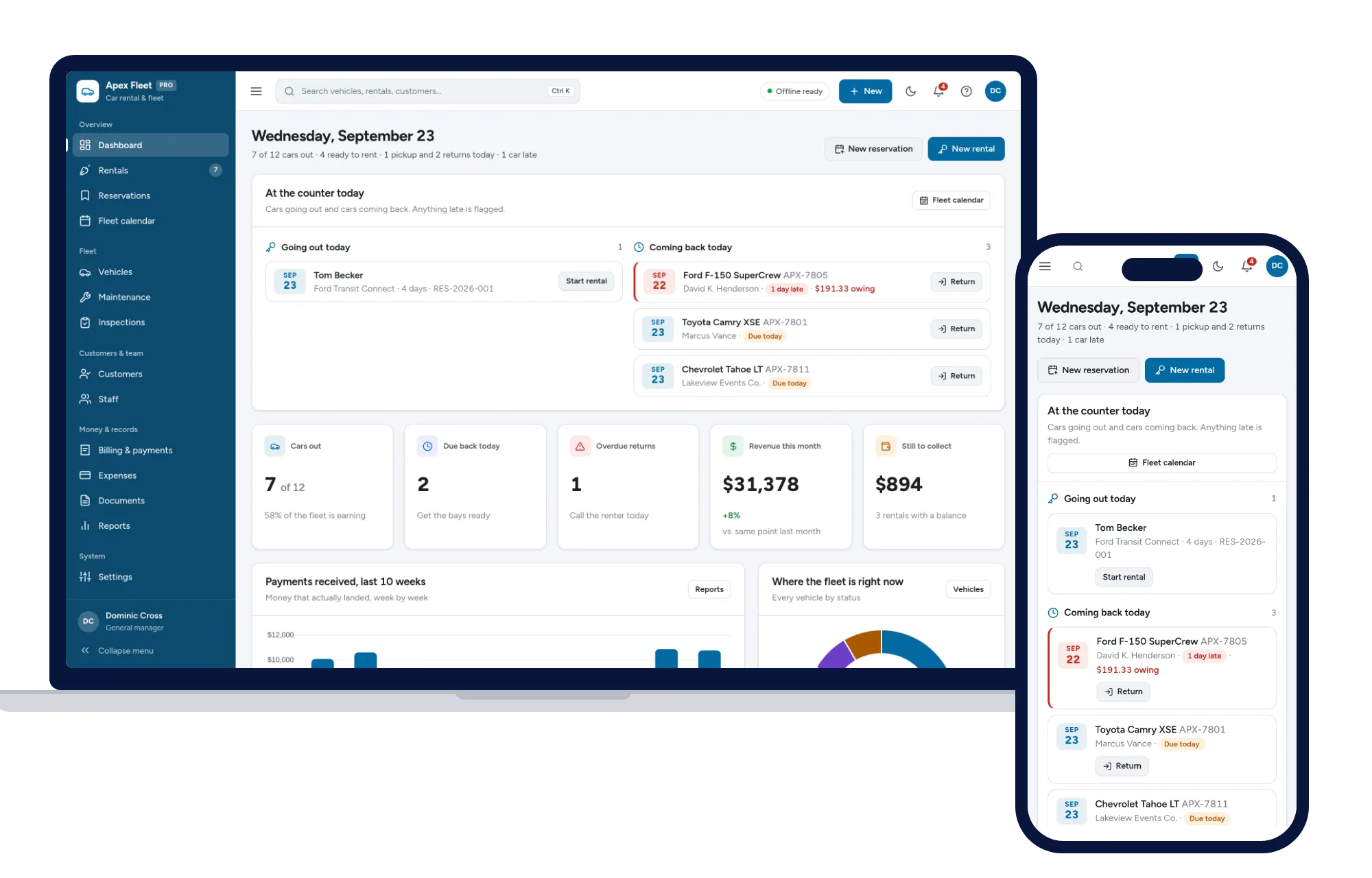
Rentals, reservations, fleet calendar, maintenance, inspections and billing — one offline app.
$79one-time
Property & rentals
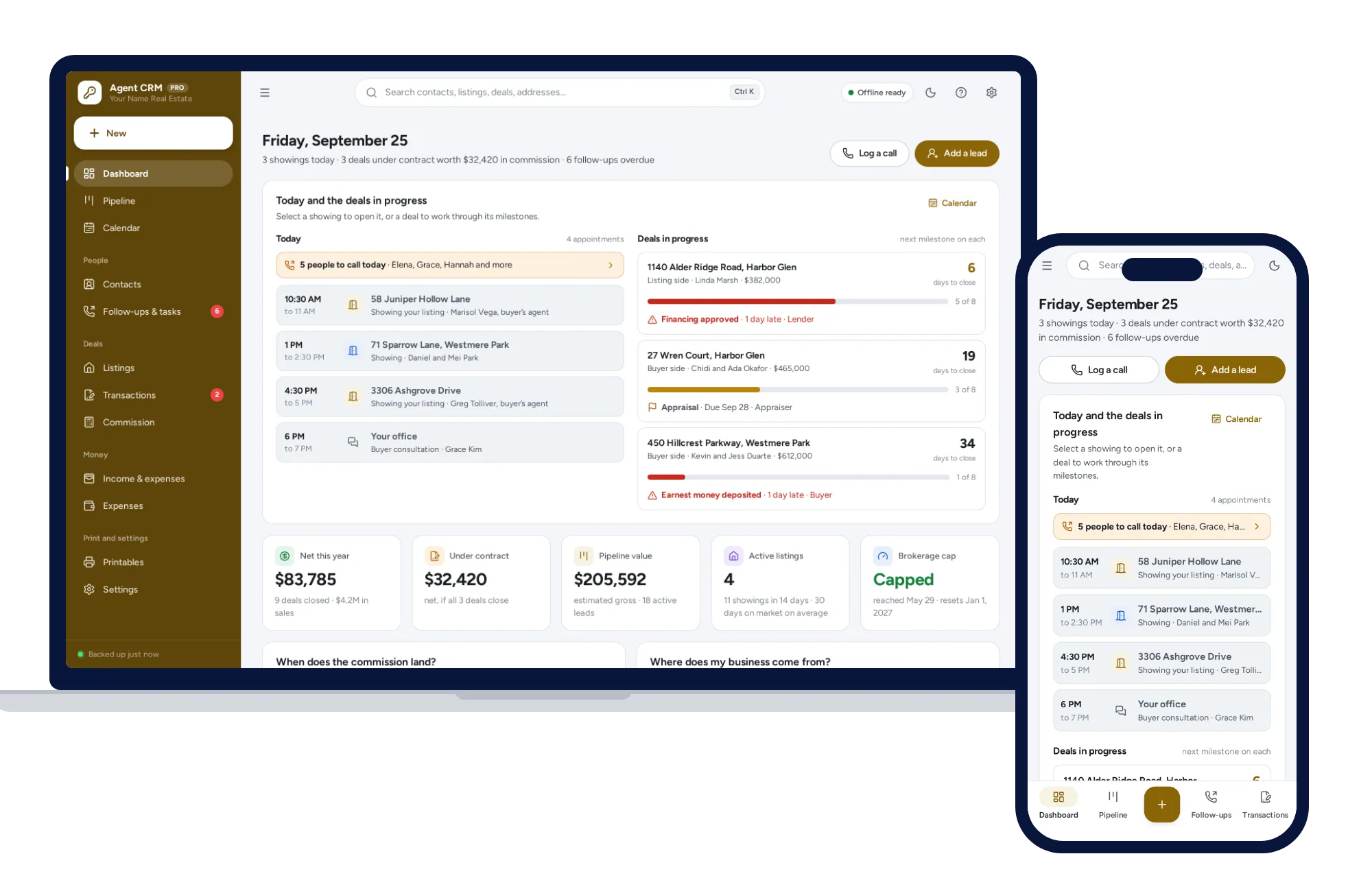
Your database is yours, not your brokerage’s — leads, listings, deals and commission, offline on your own device.
$59one-time
Property & rentals
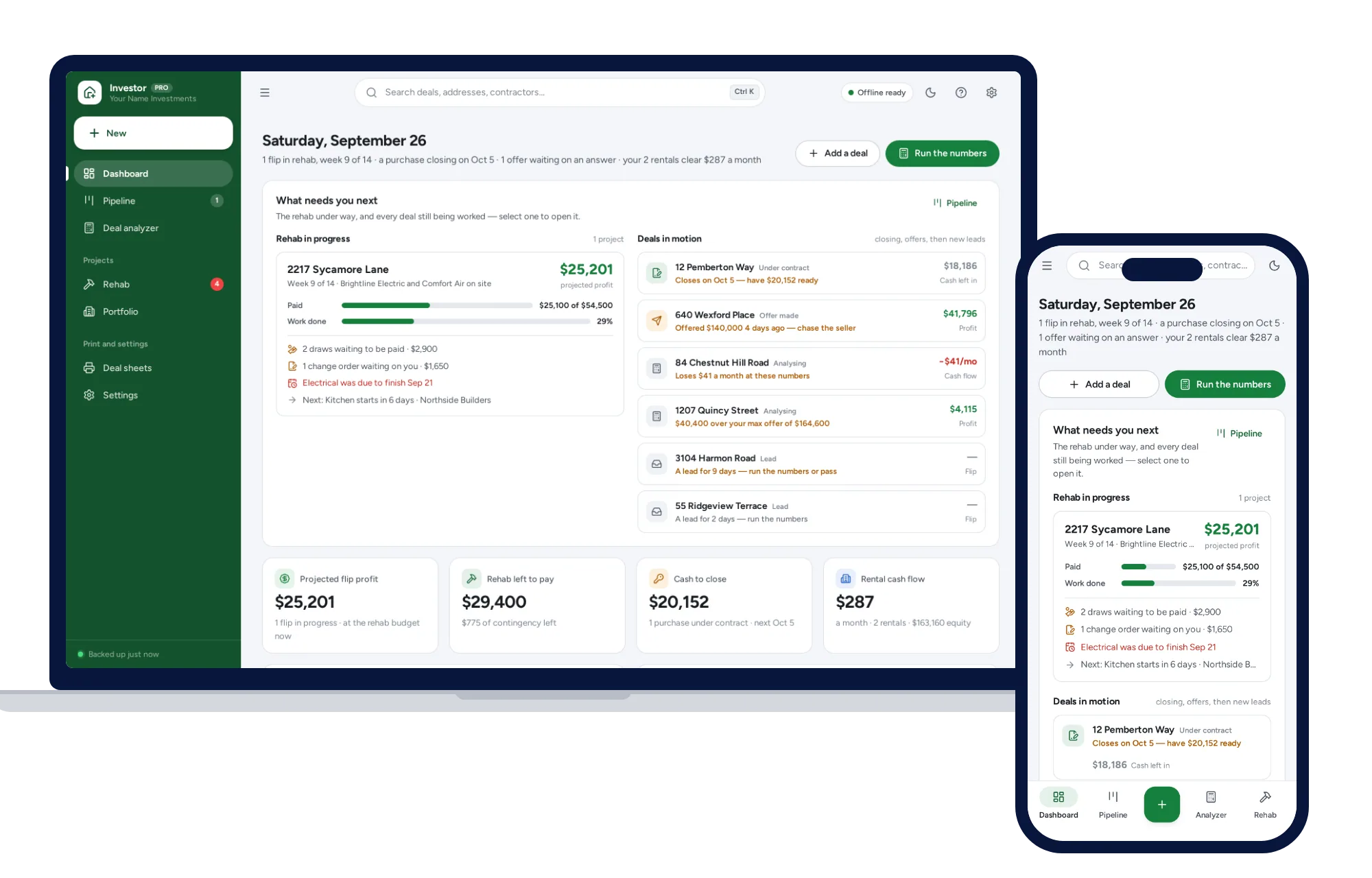
Know your max offer before you make one. No formulas, no subscription.
$39one-time