When did car 4 last have its oil changed? If the honest answer involves walking out to the lot to read a sticker on the windshield, your records live in too many places. That’s how a car goes out on a five-day road trip already overdue for service, or how a scratch from last month’s renter turns into this month’s argument.
A fleet maintenance schedule fixes both. It tells you what service is coming up for every car and when, and it gives you a routine for checking each car between rentals. Here’s how to set one up for a small car rental fleet, whatever you keep it in.
Why a rental fleet needs its own schedule
A private car might cover a few hundred miles a week with one careful driver. A rental can do that in a weekend, with a different driver every few days. Service intervals arrive faster, wear is harder to predict, and a car in the shop is a car that isn’t earning.
The base of your schedule is the manufacturer’s maintenance schedule for each model, found in the owner’s manual. Many manuals include a separate schedule for severe use, such as short trips, towing or dusty roads. Rental use may fit it, so ask your mechanic which one applies to your fleet.
Build the schedule around three triggers
Every item on your schedule is set off by one of three things.
Mileage. Oil and filter changes, tire rotations, brake inspections, air filters and the bigger services come due at set distances. These are the heart of the schedule.
Time. Some items fall due by date even if a car sits: oil on low-mileage cars, battery checks, wiper blades, and paperwork like registration and insurance. Manuals usually put it as so many miles or so many months, whichever comes first.
Every rental. The handover checks you do at pickup and return. They catch damage, warning lights and tire problems before the next customer drives away.
For each car, record the odometer reading at every service, what was done and what it cost. Then work out the next due point: last service mileage plus the interval, and last service date plus the time limit.
How often should rental cars be serviced?
As often as the manual says, measured the way rental cars are actually driven. Say your manual calls for an oil change every 7,500 miles or six months. A car that averages 1,800 miles a month reaches 7,500 miles in a little over four months, so mileage sets the date. A spare car that covers 400 miles a month hits six months first.
The practical habit is to update mileage every week and book any car within about 500 miles of its next service, so the work happens between rentals instead of in the middle of one.
What to check between every rental
A handover inspection takes about ten minutes and protects you in two directions: the next customer gets a safe car, and you have a record if damage appears. At pickup and at return, check and write down:
- Odometer reading and fuel level
- Exterior, panel by panel: dents, scratches, windshield chips, wheel scuffs
- Tires: visible damage, tread and pressure
- Warning lights on the dashboard
- Lights, wipers and horn
- Interior: stains, smoke smell, damage and anything left behind
Take dated photos of each side of the car, and have the customer sign the inspection sheet at both ends. Link every damage note to that rental, so you know whose agreement it falls under. A printed sheet on a clipboard works, and so does the inspections screen in a car rental and fleet management system, as long as every handover gets one. What you can charge for, and how, depends on your rental agreement and local rules, so check both.
A fleet maintenance schedule for five cars, worked through
Say you run five cars, each with a 7,500-mile oil interval for illustration. Every Monday you update the odometers and look at the gap to each car’s next service:
- Car 1 is at 41,200 miles, last serviced at 35,000. Next service is due at 42,500, so 1,300 miles are left. It averages 450 miles a week, so you book it for about two weeks out, on a day with no reservation.
- Car 2 has 3,100 miles left. Nothing to do yet.
- Car 3 has 300 miles left, and it’s reserved for a five-day trip that could add 900. It gets serviced before that pickup, not after.
- Car 4 has 2,600 miles left, but a brake noise was noted at its last return inspection. It goes to the shop now, and you block its days so nobody books it.
- Car 5 has covered only 2,000 miles since its last service, but that was five and a half months ago. The time trigger comes first, so it’s booked this month.
Ten minutes each Monday, and nothing comes as a surprise.
Weekly, monthly and yearly checks
Weekly: odometer readings, tire pressures, fluid levels, cleanliness, and the list of cars nearing service.
Monthly: tread depth, brake feel and noise, battery condition, wiper blades, and any documents expiring in the next 60 days.
Yearly: registration and insurance renewals, and any safety or emissions inspections your state or country requires. Check regularly for open recalls on each vehicle with the manufacturer, too.
Track what each car costs to run. If car 2 earns $1,050 a month and its repairs creep from $150 to $400 a month, that’s your signal to start planning its replacement.
Paper logbook, spreadsheet or fleet software?
Each option has real strengths and weaknesses:
- A logbook in each glove box is cheap and always with the car, but you can’t see the whole fleet at once.
- A spreadsheet shows every car side by side. You build the columns and due-date formulas yourself, and you have to remember to update it.
- Subscription fleet software can pull mileage from trackers automatically. At, say, $15 a vehicle a month, five cars cost $900 a year, every year, and more as you grow.
- A ready-made offline system has a one-time price and keeps records on your own device. You type in odometer readings yourself, each device keeps its own copy, and you’re in charge of your backups.
If you’re weighing the last two, here’s when software you buy once beats a monthly subscription.
Keeping it all in one place
To build this routine in a spreadsheet, you’d need a vehicle list with odometer readings, a service log with next due dates and mileage, a printable inspection sheet, a calendar that blocks cars in the shop, a document list with expiry dates and a cost-per-car report, all kept in step by hand.
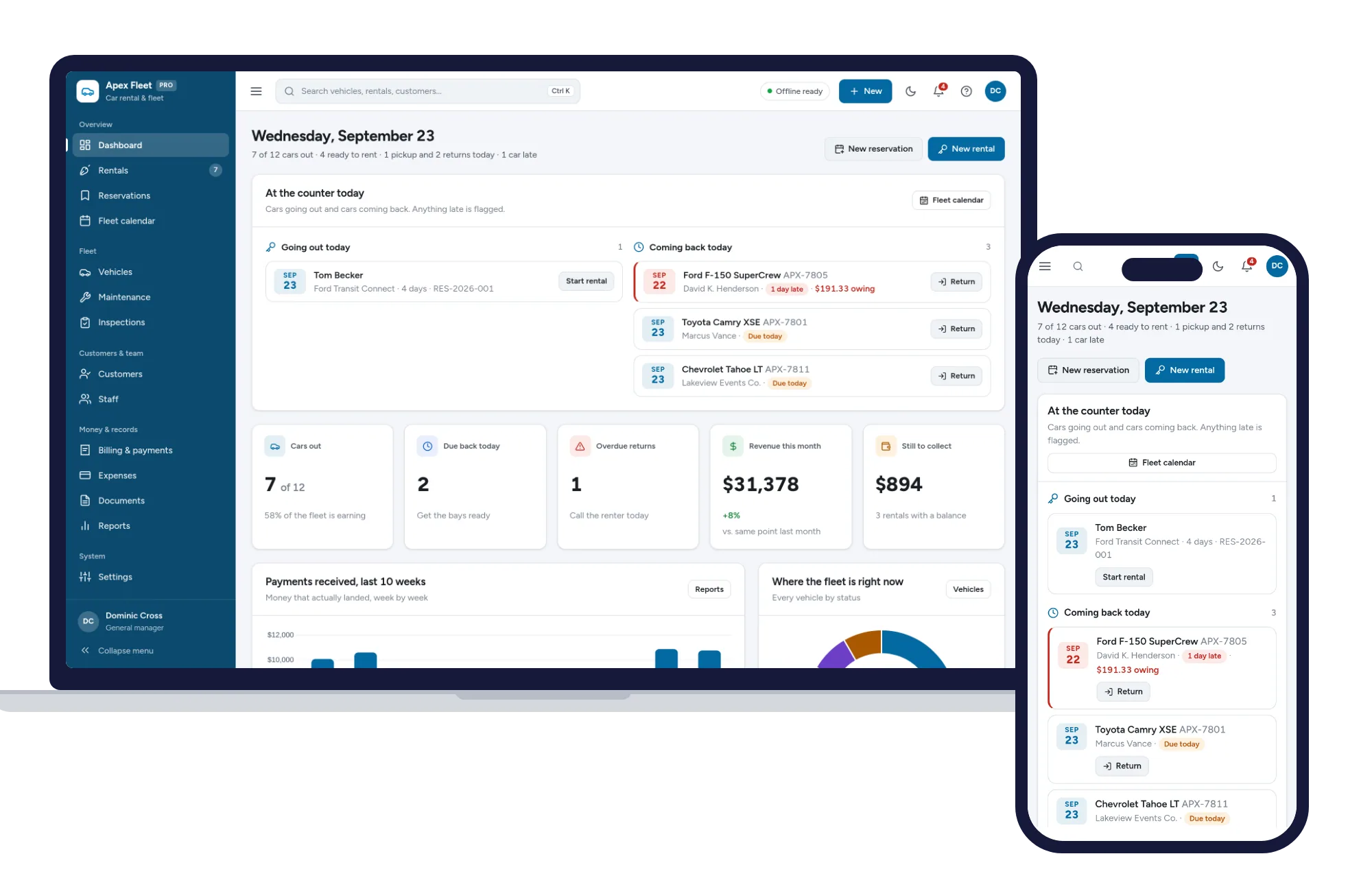
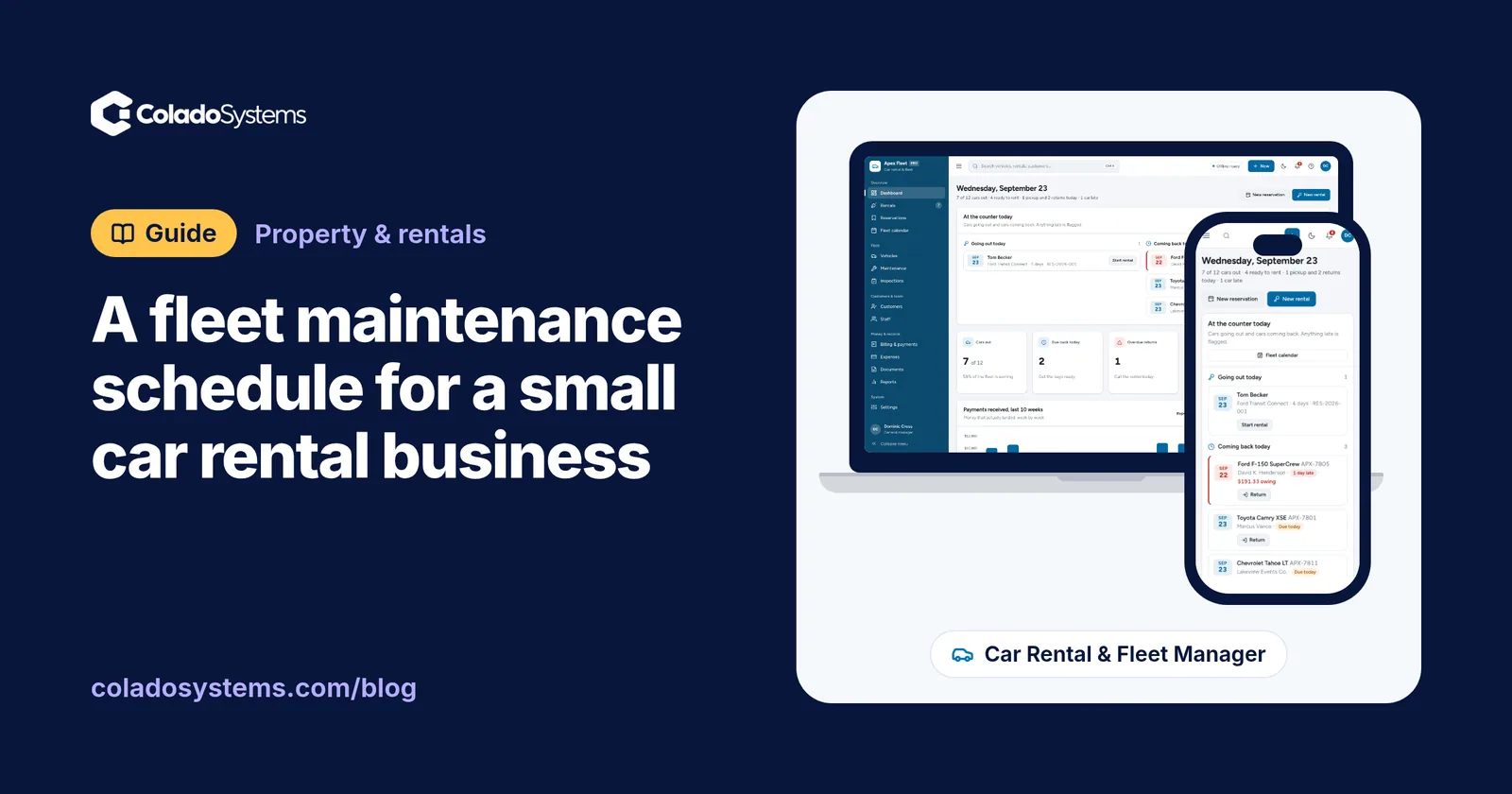
Commercial Car Rental & Fleet Management has those pieces as screens. Vehicles show daily rates, mileage, fuel level and status (rented, available or in service), with revenue and history for each car. Maintenance holds service orders with costs and the next service date and mileage, and cars in the shop stay off the road. Inspections record odometer and fuel at every handover, link damage notes to the rental and print an inspection sheet. The fleet calendar shows two weeks of rentals, reservations and service for every car. Fuel and mileage logs track fill-ups and odometer readings, the documents page flags insurance and registration renewals expiring soon, and reports show profit by vehicle.
Nothing is priced per vehicle, so it works the same for three cars as for fifty. It opens with sample data so you can try it straight away, needs no account, works offline and comes with a PDF guide. If you also host short stays, the same between-guests discipline runs through this turnover checklist and routine for short-term rental hosts, and you’ll find other systems for property and rentals on the same shelf.
Your next step: see everything inside Commercial Car Rental & Fleet Management, look around the sample fleet, then enter your own cars and their mileage the same day.
Skip the setup
The Car Rental & Fleet Manager has the records this guide describes already set up. Rentals, reservations, fleet calendar, maintenance, inspections and billing — one offline app.
$29.99 one-time
- Sample data to try it the same day
- Works offline, records stay on your device
- A PDF guide in the download
See everything inside the Car Rental & Fleet Manager. Or take the whole Property & rentals shelf: 6 systems for $99.99, $79 less than one by one.
Common questions
How often should rental cars be serviced?
Follow the manufacturer's schedule for each model, and ask your mechanic whether the severe-use schedule fits rental driving. Because rental cars pile on miles quickly, mileage usually decides when service is due rather than time. Check odometer readings weekly and book service when a car gets close to its interval, so the work happens between bookings rather than during one.
What should be checked on a rental car between rentals?
At each pickup and return, record the odometer and fuel level, walk around the outside for dents, scratches and windshield chips, look at the tires, check for dashboard warning lights, test the lights and wipers, and inspect the interior for stains, smells and lost items. Dated photos and a customer signature on the sheet make the record far more useful.
How do I keep track of maintenance for multiple vehicles?
Give every vehicle its own service history with the date, odometer reading, work done and cost of each visit, and note when the next service is due by mileage and by date. Review the whole fleet once a week in one list, whether that is a spreadsheet, a binder or fleet software, so no car gets checked only when someone happens to remember.
When should a small rental business replace a car?
Compare what each car earns with what it costs to keep on the road. When repairs and downtime rise month after month while rental income stays flat, the car is getting expensive to keep. Many owners also weigh mileage, age and resale value. Talk to your accountant about the tax side before you sell or replace a vehicle.