
Job costing
Know what a job is making while you can still fix it
- Estimated, committed and actual cost side by side
- Split across labour, materials, subcontractors, equipment and permits
- Forecast at completion and the gross profit still left
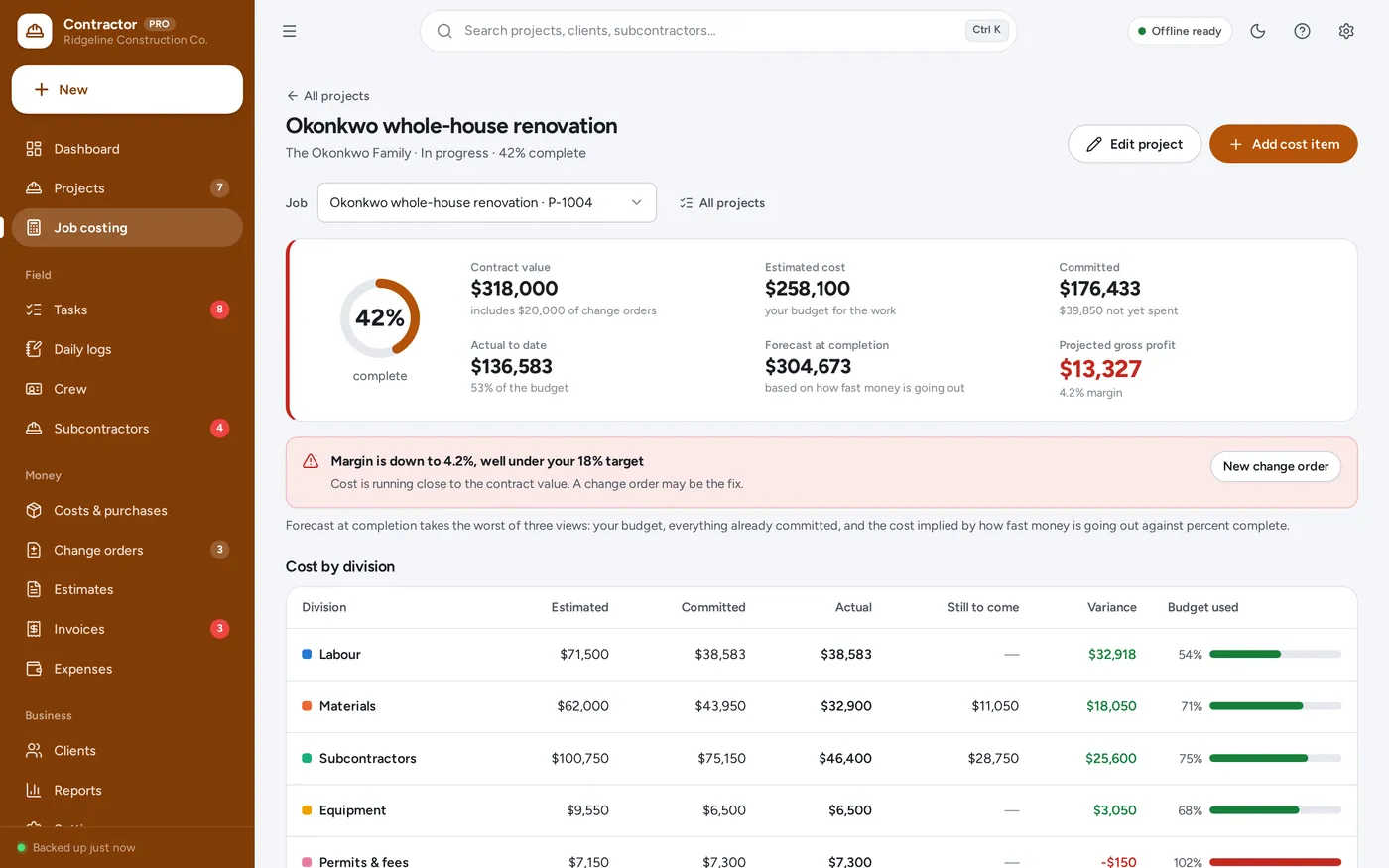
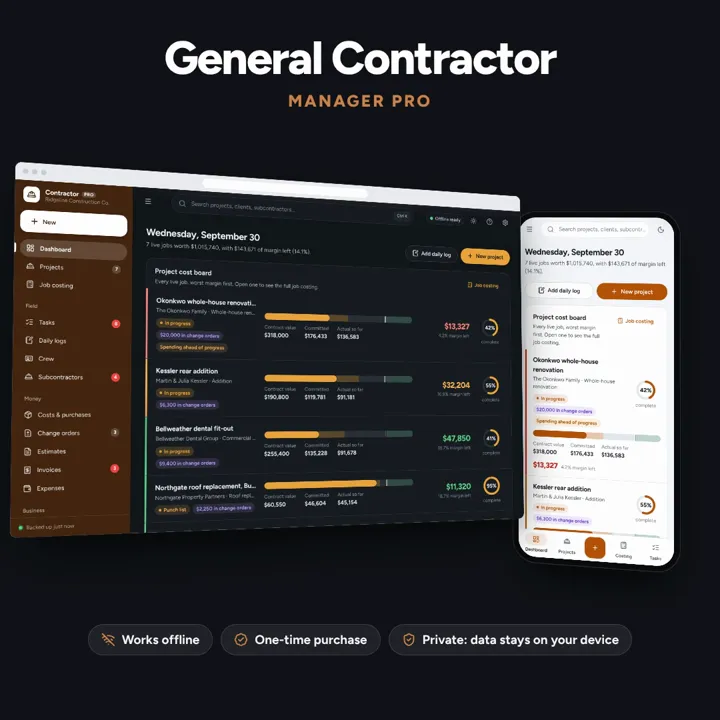
See what every job is really costing you — estimates, change orders, daily logs and progress invoices in one offline app.
No subscription. Pay once and keep it.
Checkout by Paddle. Tax is added where it applies, and you download straight after paying.
Made for General contractors, remodellers, design-build firms and small commercial builders
Job costing
Projects
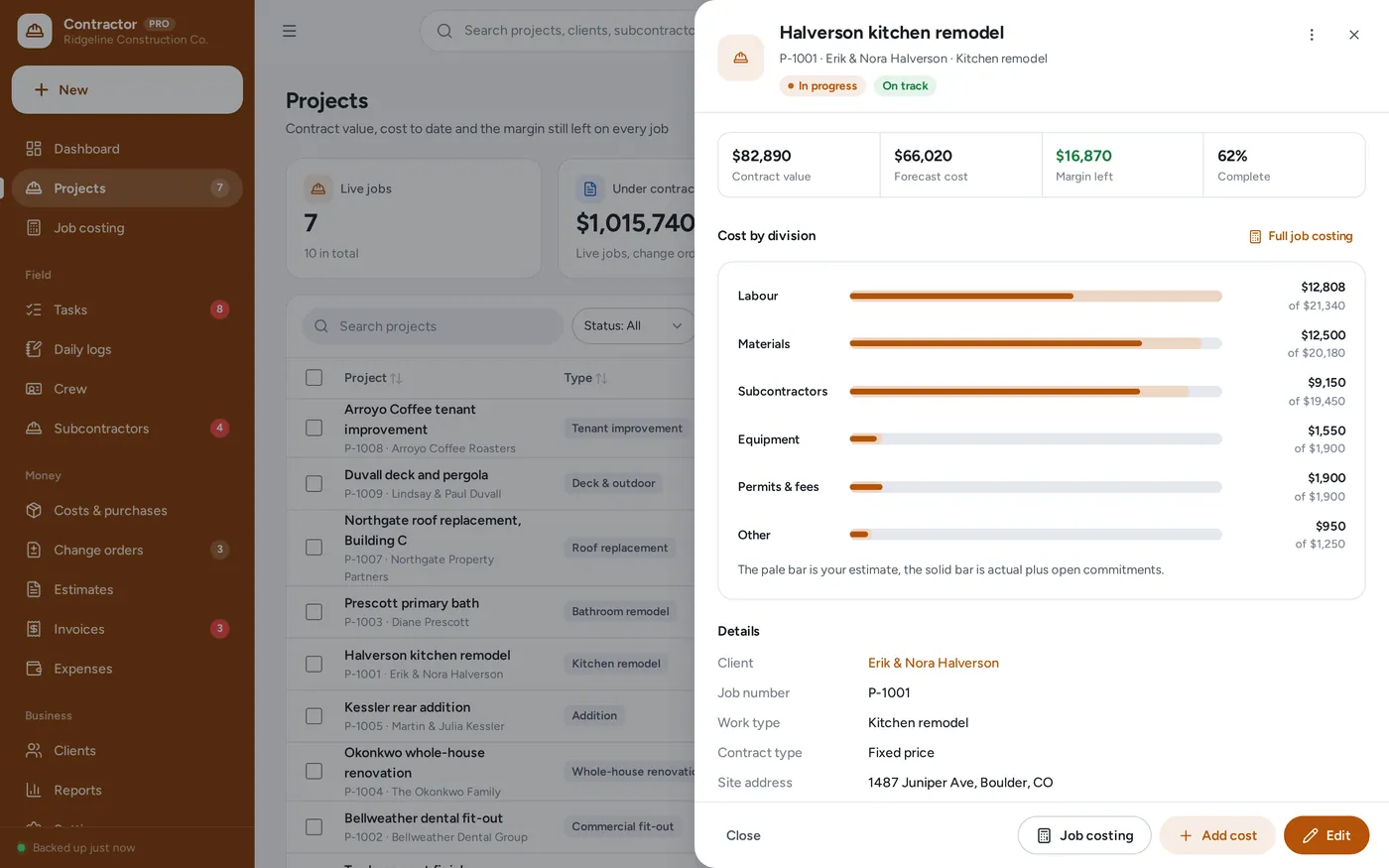
Change orders
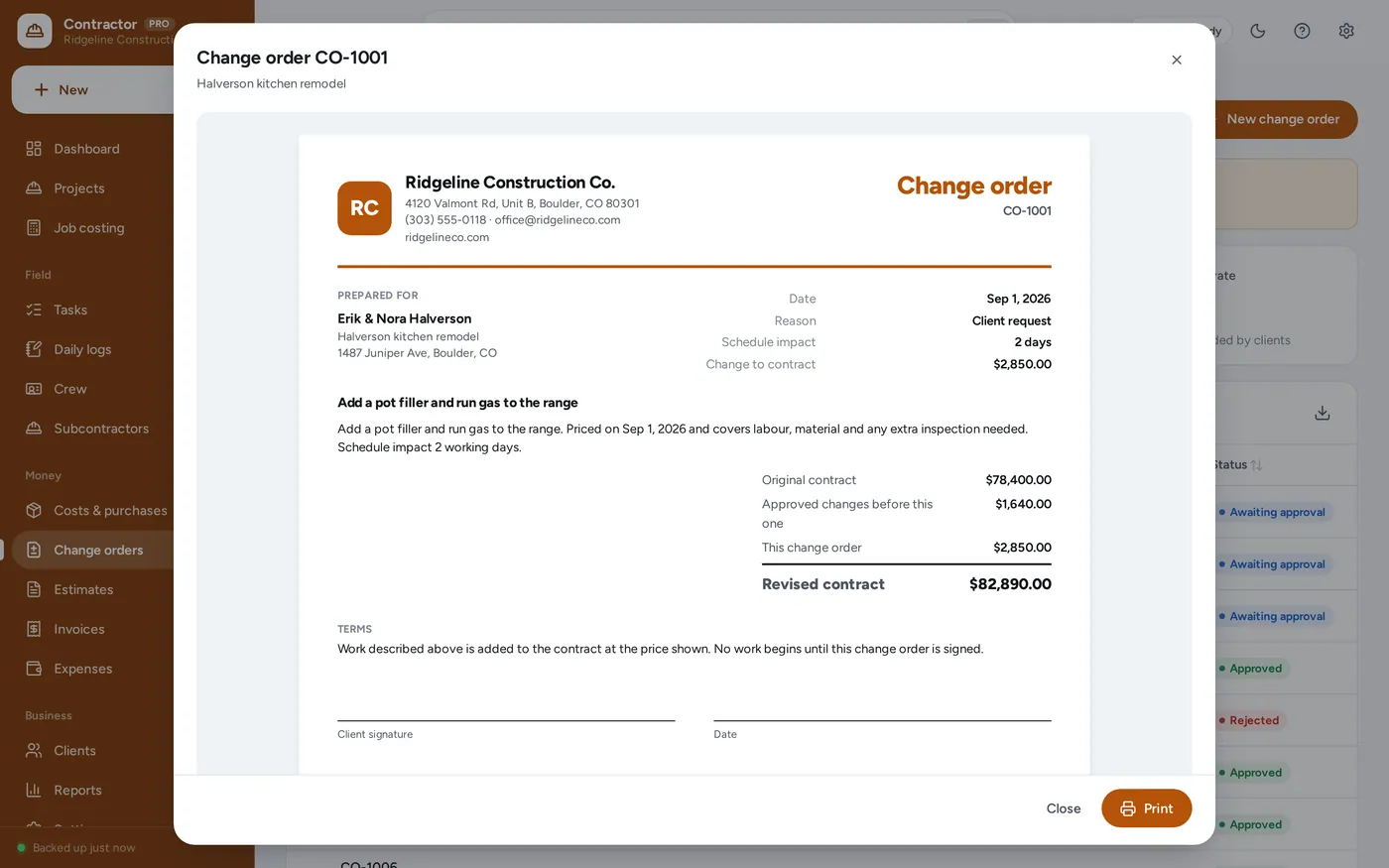
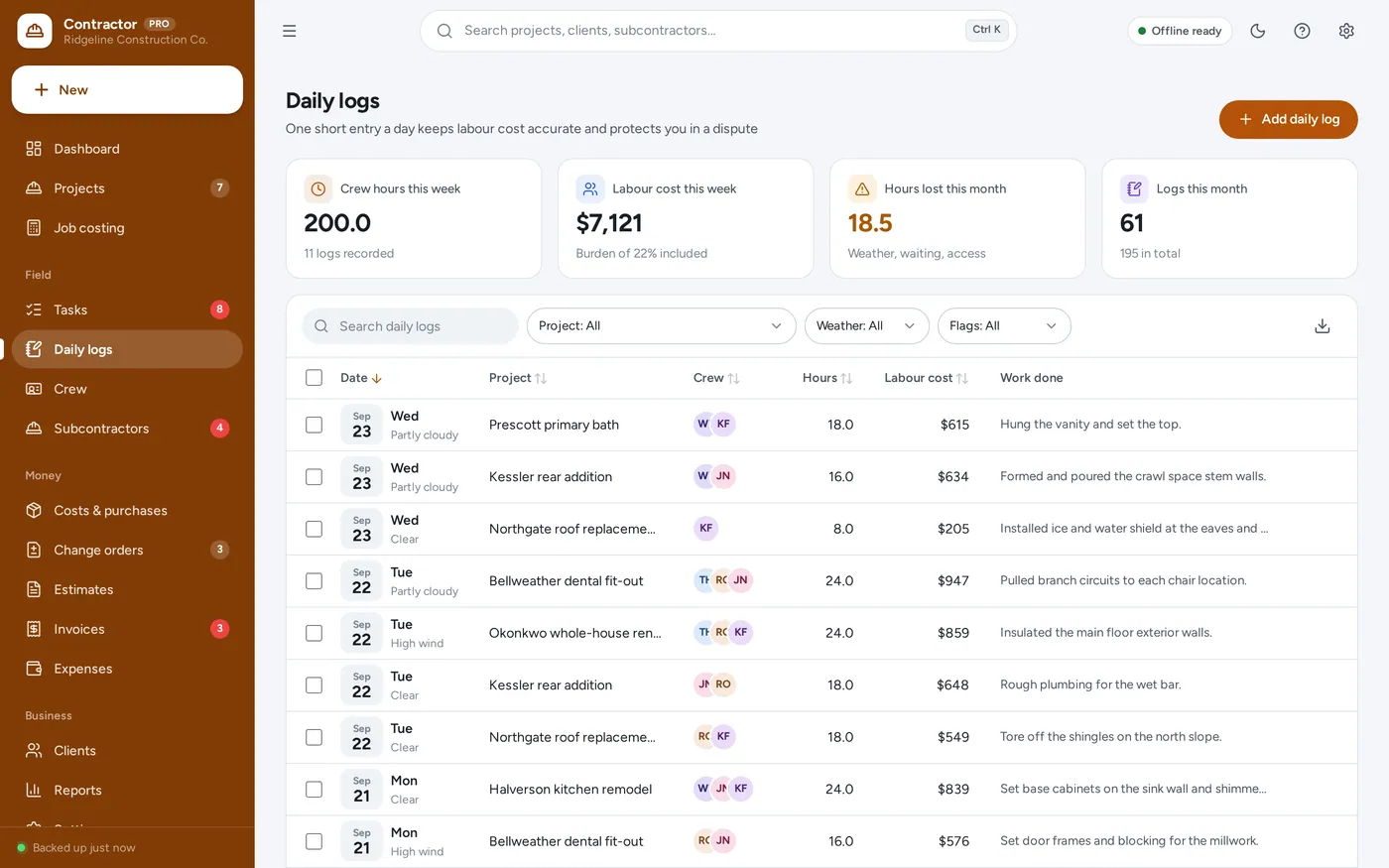
Daily logs
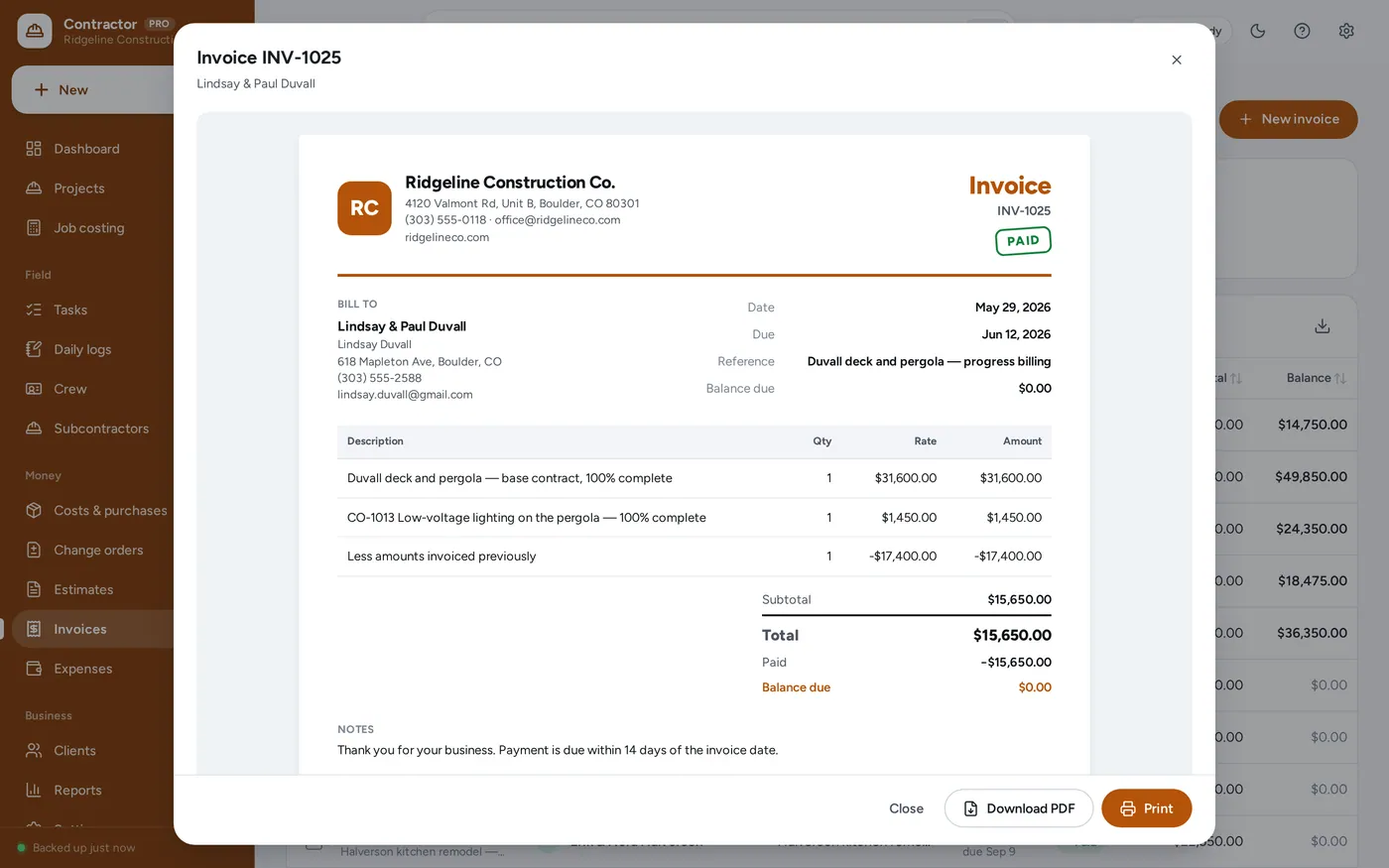
Estimates & invoices
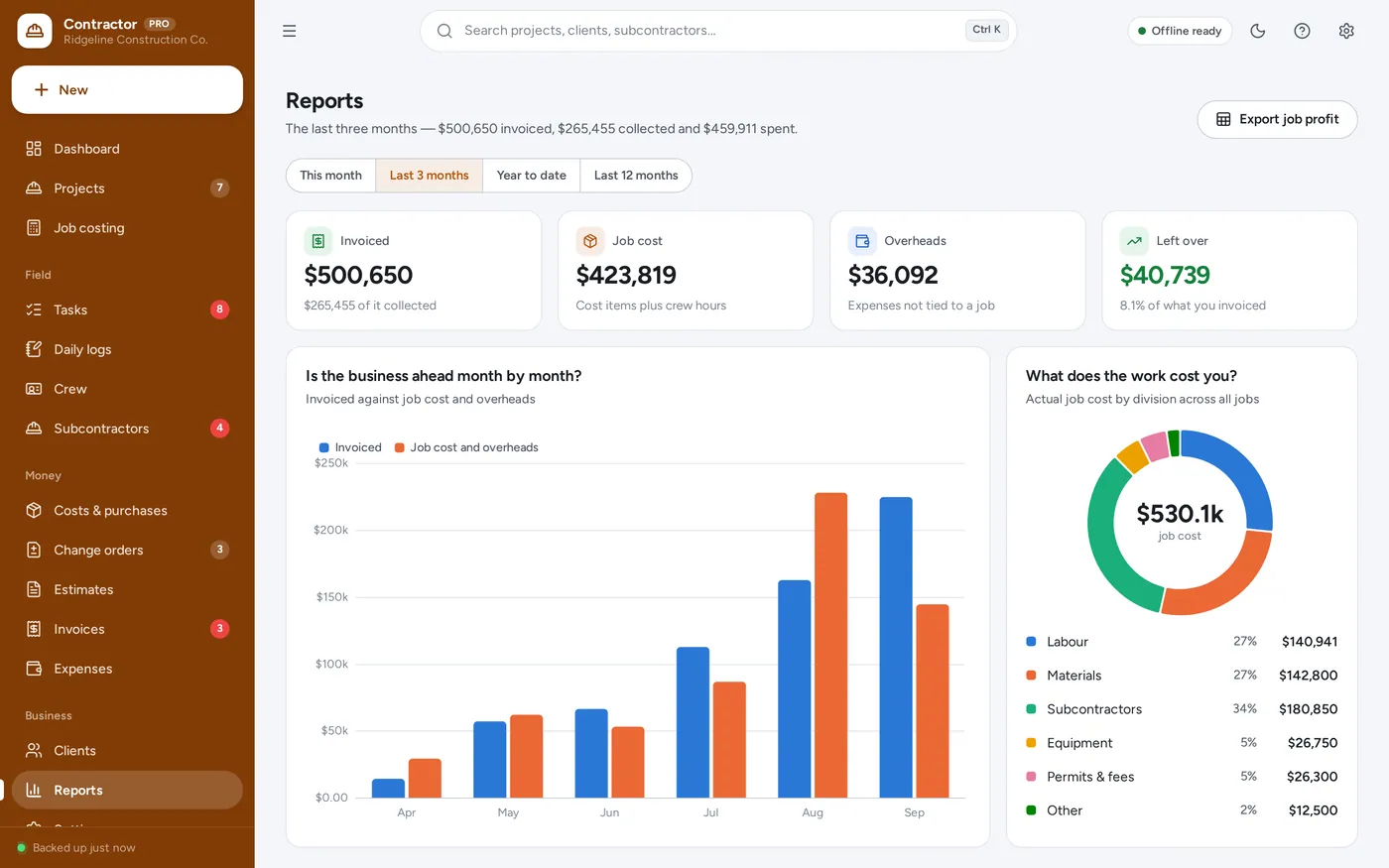
Reports
For general contractors, remodellers, design-build firms and small commercial builders.
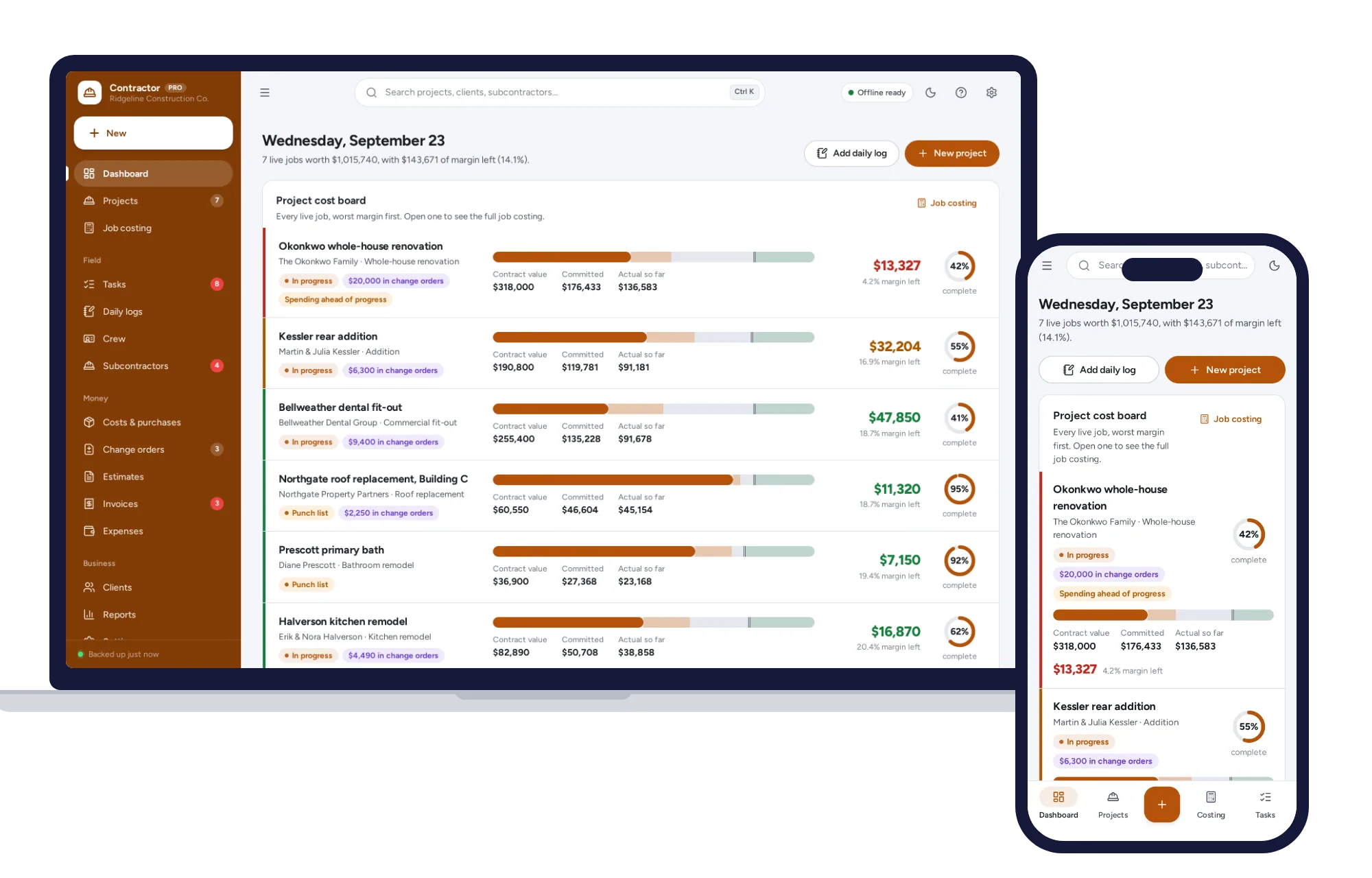
Light and dark mode. Install it like an app. Your job costs never leave your device.
What it needs, and what it does not do.
General Contractor Manager is an offline app from ColadoSystems that runs in your web browser from a folder on your own device. It costs $29.99 once, with no subscription and no account, and includes 12 tools, sample data to explore and a PDF guide. Your records stay on your device and are never uploaded.
Something else? Email us and we'll answer before you buy.
Everything is saved inside your browser on this device. Nothing is uploaded and there is no account, so no company holds a copy of your projects or invoices. They are not encrypted, though: anyone who can use this device and browser can open them, so keep the device locked. Download a backup regularly (Settings → Data & backup → Back up now) and keep it somewhere as safe as the records themselves.
Yes. Open index.html and it runs fully offline. You can also host the folder on any website and choose “Install app” in Chrome or Edge to get a desktop or phone icon that works offline.
Yes. The layout adapts to phones and tablets with a bottom navigation bar. Each device keeps its own data, so use Back up / Restore to move records between devices.
Go to Settings → Data & backup → Erase records. Your business profile and settings are kept; all sample records are removed.
From your daily logs. Each crew member’s hours are multiplied by their pay rate, then your labour burden percentage is added on top. Change either under Crew or Settings → Job costing and the job costing updates.
Each device keeps its own copy of the records, so there is no live sync between phones. Most contractors run the office copy on one computer and print job sheets, daily logs and cost reports for the field. Use Back up and Restore to move records between devices.
Costs & purchases is money spent on a specific job and it feeds that job’s costing. Expenses is overheads — vehicles, insurance, software, office — which are not charged to one job but are subtracted in Reports.
No. It is made for one person on one device, and records do not sync between devices. To move to another device, save a backup and restore it there.
No. It runs offline on your own device, so there is no booking page for customers and it does not take card payments. You record bookings and payments in it yourself, including ones taken by phone, card reader or another website.
Building or renovating? These systems are close cousins. Here is who each one is for.
Contractors running bids, milestones, crews and job costing across projects.
General contractors: job costing, change orders, daily logs and progress invoices.
Homeowners: the renovation budget, contractor quotes and payment schedule.
The trades & field service bundle has every system in this category for one price.
Job cards, estimates, crews and invoices for workshops and field service.
$114.99for 7 systems, $209.93 if bought one by one
You save $94
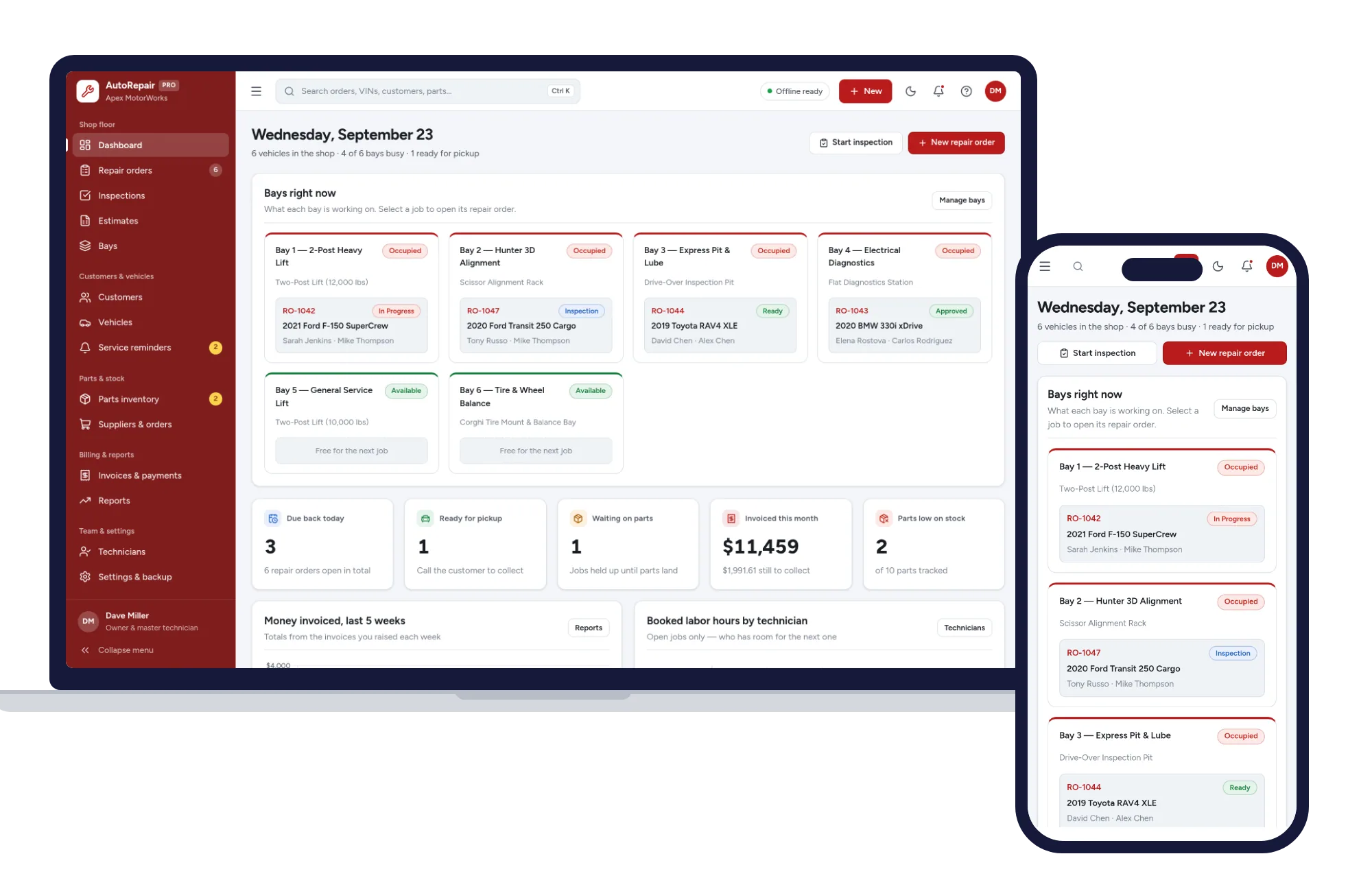
Trades & field service
Repair orders, inspections, estimates, bays, parts and invoices — one offline app.
$29.99one-time
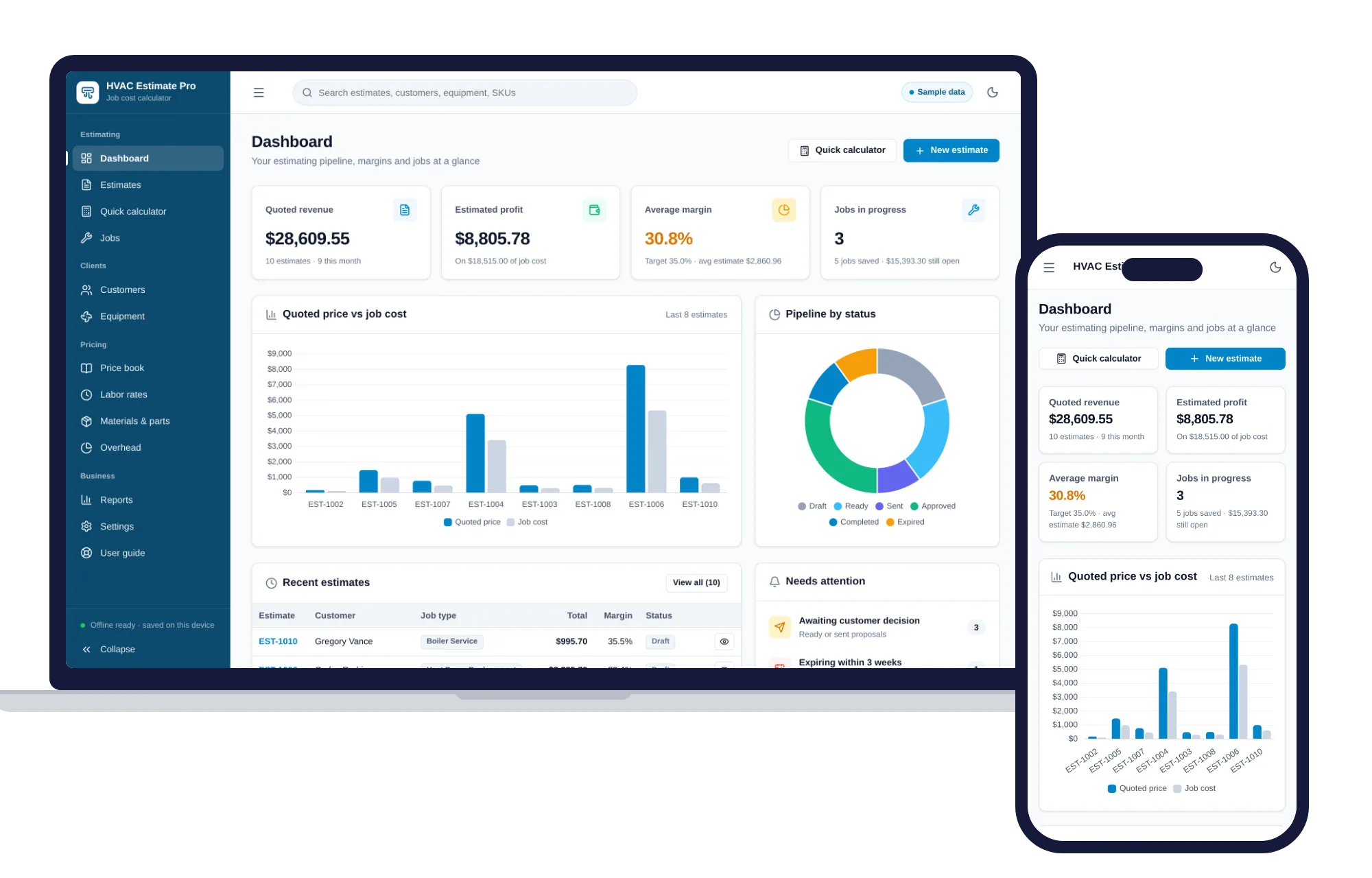
Trades & field service
Estimates, job costing, overhead and margins for HVAC contractors — one offline app.
$29.99one-time
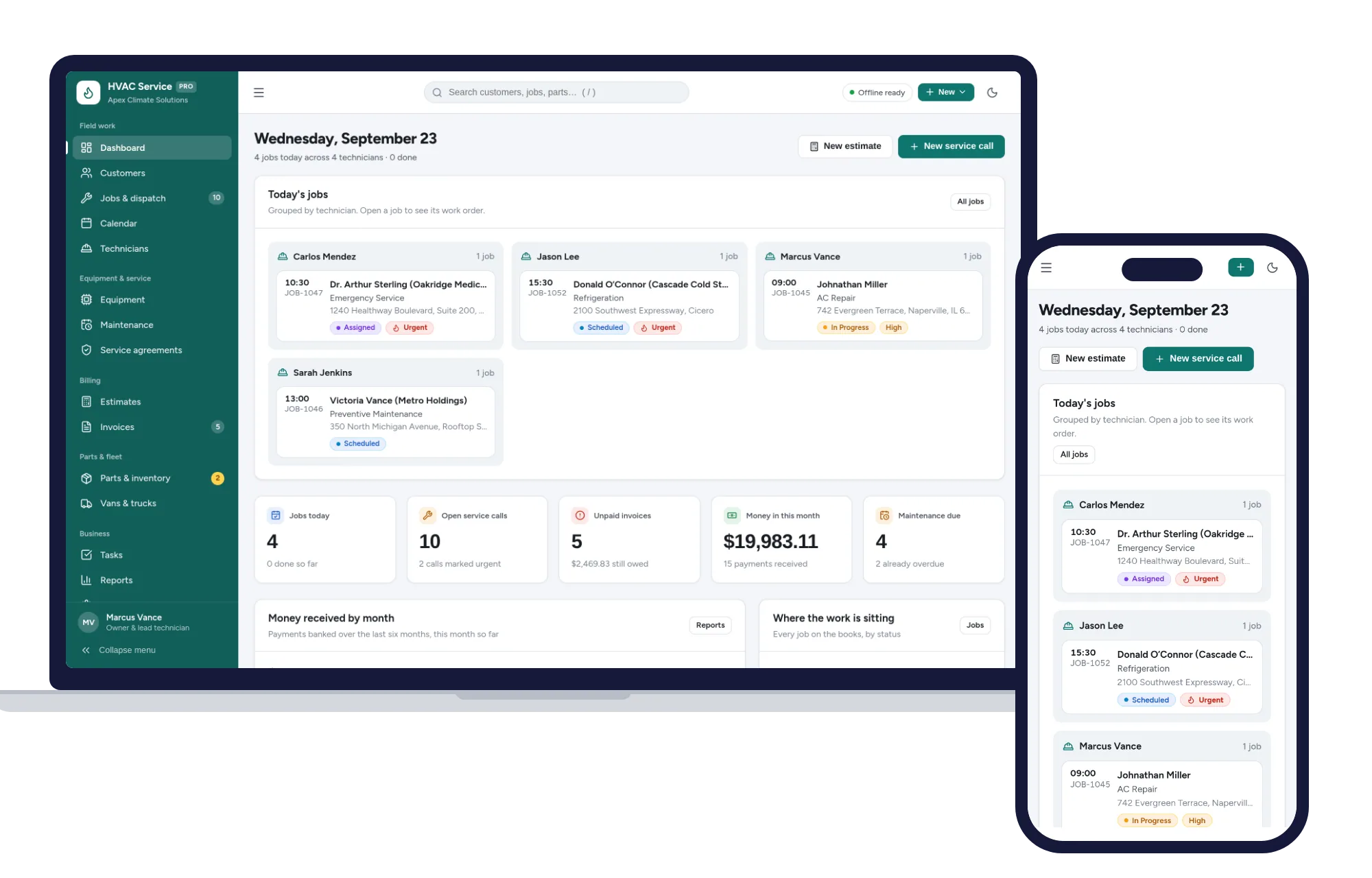
Trades & field service
Dispatch jobs, print work orders, track equipment and get paid — one offline app.
$29.99one-time
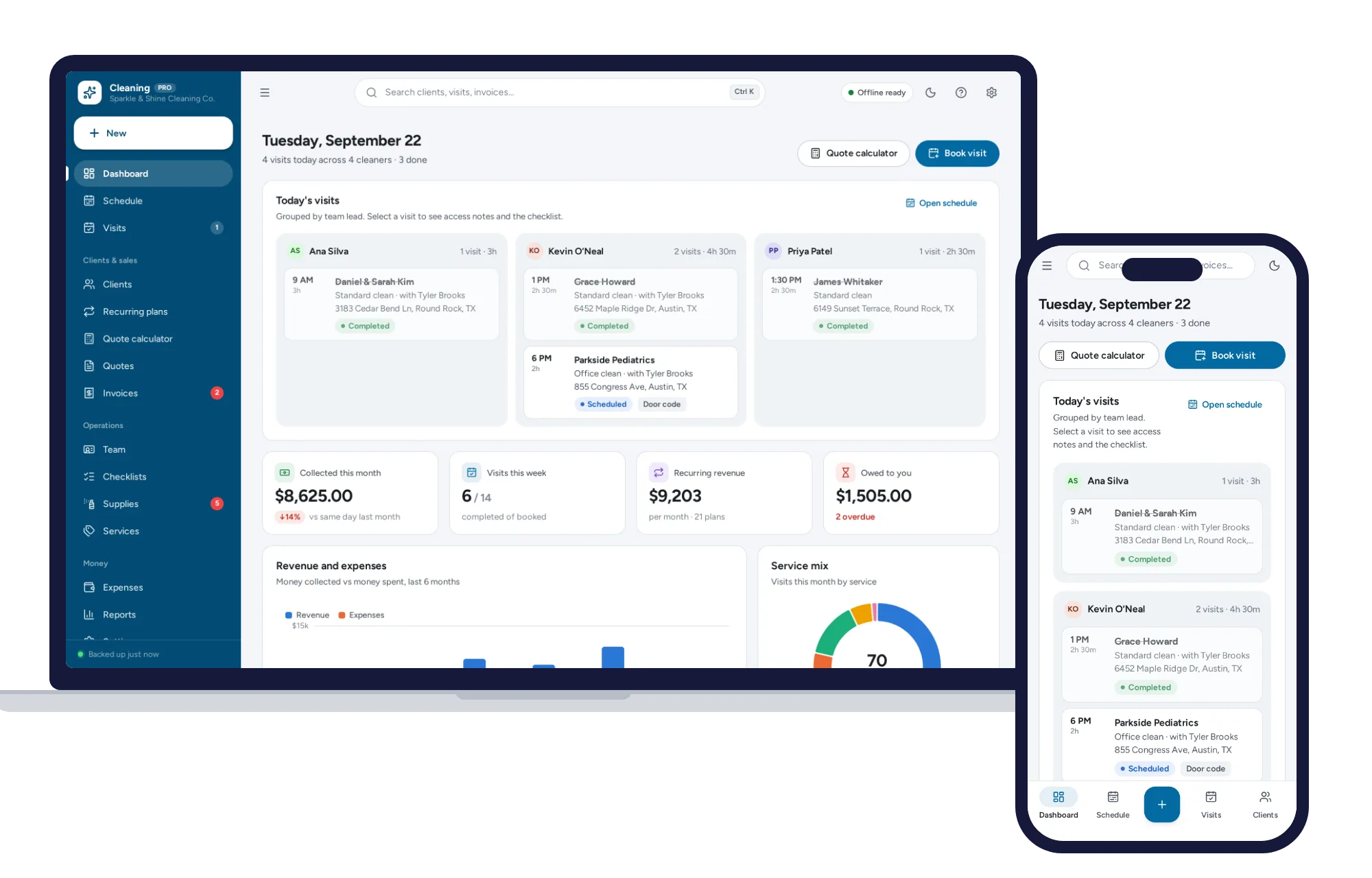
Trades & field service
Schedule crews, price quotes in seconds, run recurring clients and get paid — all in one offline app.
$29.99one-time