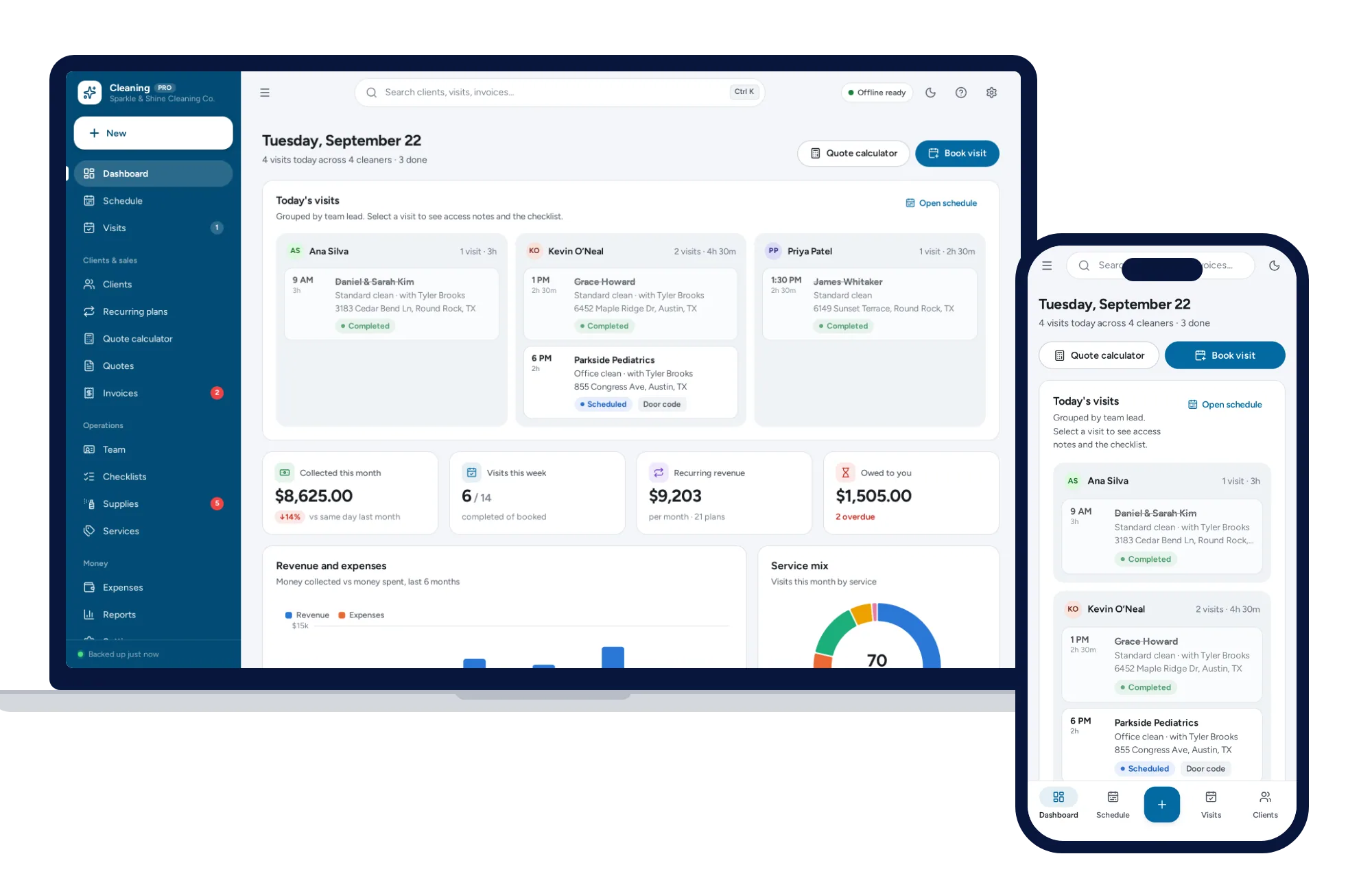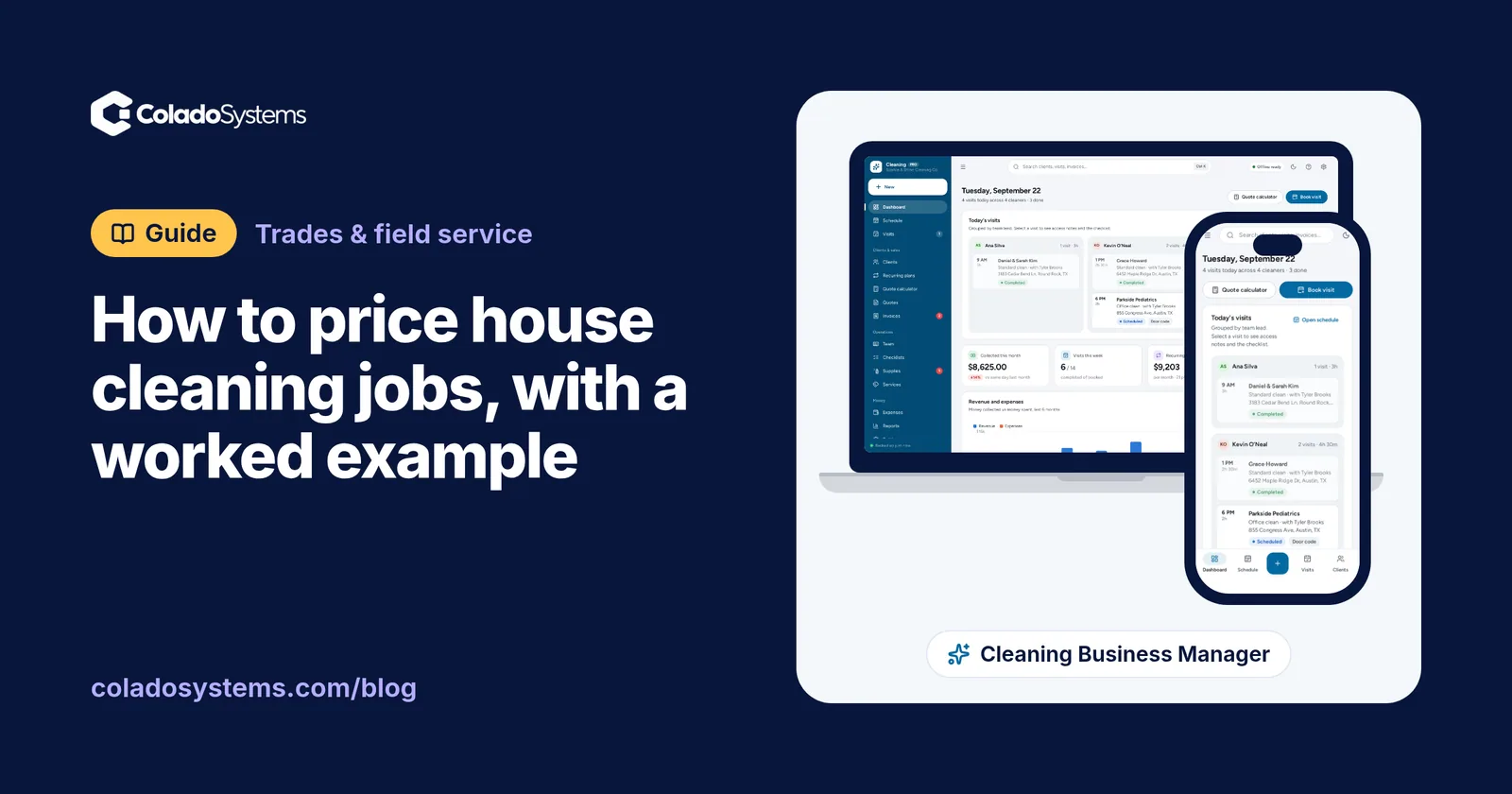
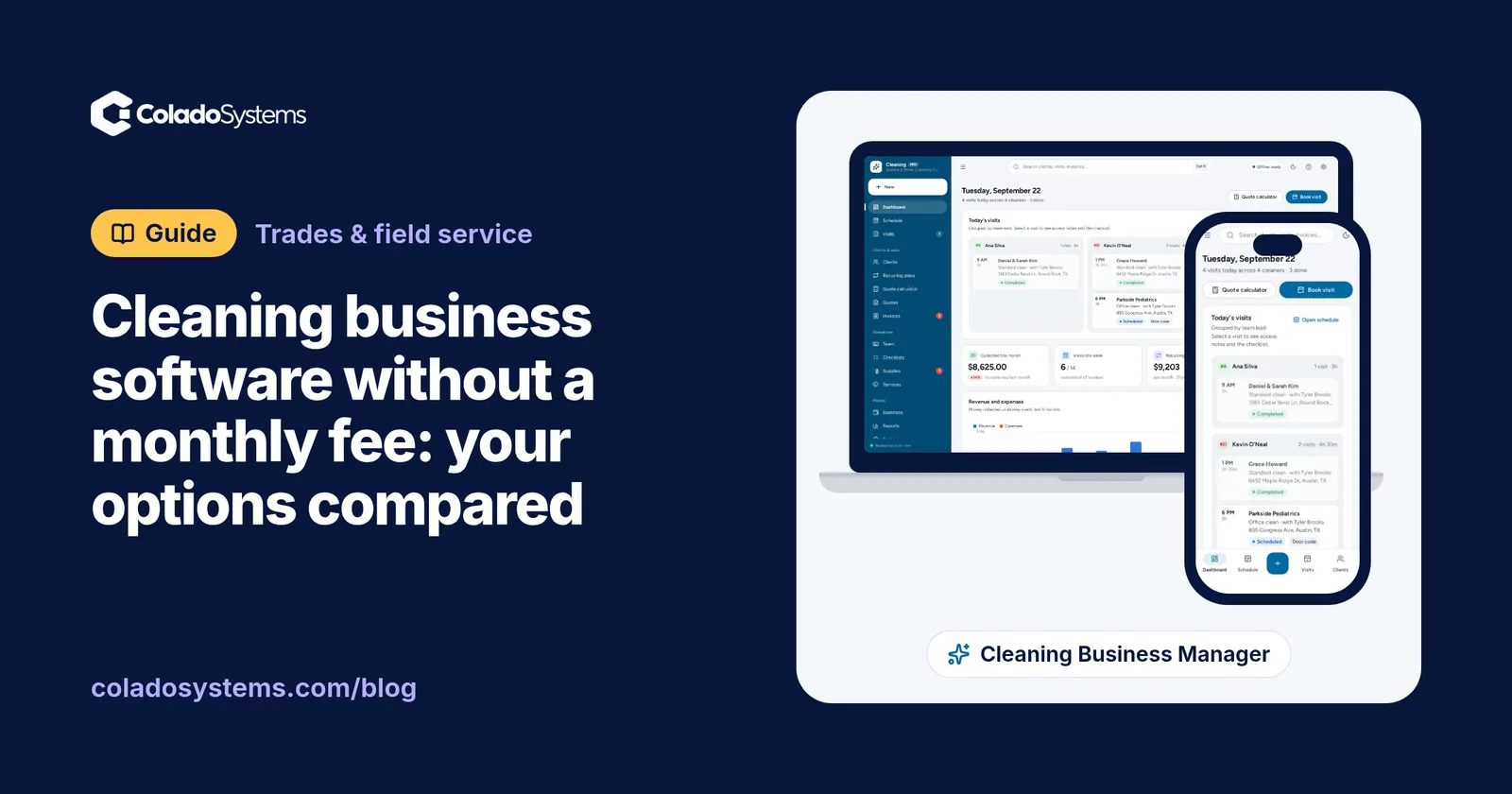
Yes, you can run a cleaning business on software with no monthly fee. The choices are paper job slips, a spreadsheet with a free invoicing tool, or an app you buy once, and each one gives up something a subscription job app does for you: most often an app on every cleaner’s phone, online booking, automatic text reminders and card payments.
Subscription job apps for cleaners list entry plans from about $19 to $79 a month, billed monthly (US list prices, checked October 2026). Below is what each option costs over three years for a business with 12 weekly clients, what you give up with each one, and how to decide.
What the software has to do
Before comparing prices, list the jobs your admin actually covers. For most residential cleaning businesses there are seven:
- Quote a new home by bedrooms, bathrooms, square feet, condition and extras, the same way every time. (The method is in how to price house cleaning jobs.)
- Schedule one-off cleans and recurring clients, weekly, every two weeks or every four, around holidays and skipped weeks.
- Keep client notes: door and alarm codes, pets, parking and what each client wants done.
- Send crews out with the day’s addresses, times and checklists.
- Invoice and chase what is owed.
- Work out pay for the team, by the hour, by the job or as a share of the price.
- Know your numbers: income, supplies, expenses and what is left.
Then mark the extras you would really use: online booking, automatic reminders, clock-in with GPS, card payments taken inside the app, a client portal. Those extras are most of what the monthly fee pays for.
Your four options
Paper job slips and a notebook. A carbon-copy job book or printed slips cost a few dollars, and plenty of solo cleaners run well on them. Paper struggles when you need totals, a client’s history, or this week’s schedule rebuilt after a cancellation.
A spreadsheet and a free invoicing tool. A sheet for clients and prices, a shared calendar for the schedule and a free tool for invoices. The software costs nothing, and invoicing tools usually earn a fee when a client pays by card. You build and repair every formula yourself, and nothing ties the schedule, the visit and the invoice together.
A subscription job app. Quotes, scheduling, invoices, payments, reminders and a crew app in one place, for a monthly fee that usually rises with each user or plan tier. This is where online booking, automatic texts and clock-in live.
An app you buy once. One price and no renewal. The kind we build, the Cleaning Business Manager, runs offline in the browser on your own computer, tablet or phone, with no account. Its limits are listed honestly further down.
What each option costs over three years
Take a business with 12 weekly clients, one owner doing the admin and an average clean of $150. Twelve weekly clients come to about 52 visits a month (12 clients × 52 weeks ÷ 12 months), or roughly $7,800 a month in cleaning.
| Option | Year one | Three years | Notes |
|---|---|---|---|
| Paper slips and a notebook | Printing | Printing | The cost is your time |
| Spreadsheet and free invoicing | $0 | $0 | Card fees on payments; your setup time |
| Job app, $19 a month entry plan | Too small | Too small | Capped at 40 appointments a month |
| Job app at $39 a month | $468 | $1,404 | Text messages extra on some plans |
| Job app at $49 a month | $588 | $1,764 | One user; more for each extra person |
| Job app at $79 a month | $948 | $2,844 | One user |
| Buy-once app (ours) | $59 | $59 | One device; no online booking or texts |
Monthly list prices for one user in the US, checked in October 2026. Several plans cost less per month if you pay for a year up front, and prices change, so check the current pricing page before you decide.
Three things in that table are worth slowing down for.
The cheapest plan may not hold your client list. The $19 entry plan we found allows 40 appointments a month. That holds about nine weekly clients (9 × 4.33 = 39 visits in an average month). At 52 visits a month, 12 weekly clients are over the limit, so the real entry price for this business is the next tier up. Count your visits, not your clients, before you pick a plan.
Extra people cost extra. One app we checked adds $29 a month for each additional user. Give a crew lead their own login and the $49 plan becomes $78 a month, another $348 a year.
The fee is small next to the revenue. $49 a month is well under 1% of $7,800. If an app takes two hours of admin off your week, at $30 an hour that is $3,120 a year, far more than any plan in the table. A subscription you use fully often pays for itself. The complaint that comes up again and again in owner reviews is different: paying for a full plan, adding paid extras on top, and using a small part of it.
So the useful question isn’t “which is cheapest?” but “which features would I use every week?” If the honest answer is a quote calculator, a schedule and invoices, then paying monthly for a crew app, online booking and payments you won’t switch on is the cost to cut. There is a longer look at the math in when buying software once beats a subscription.
What you give up without a subscription
Here is the honest list for an offline, buy-once app like ours:
- No app on your cleaners’ phones. The schedule lives on one device. Crews take a printed or photographed job sheet with the addresses, codes and checklists, and you message them when something changes. Nobody clocks in on their phone.
- No online booking. New clients call, text or fill in the form on your website, and you book them yourself.
- No automatic reminders. Confirmations and “we’re on our way” messages come from your own phone.
- No card payments inside the app. It makes the invoice and records the payment. The card itself goes through your own reader or payment link.
- One device at a time. Records are saved in the browser on that device. Working from both an office computer and a tablet means moving a backup file between them, because no copy is kept on a server.
- You keep the backups. A weekly copy to a USB drive covers it, and a simple weekly backup routine takes about ten minutes.
If two or more of those are deal-breakers for the way you work, a subscription is the right tool and worth its fee.
Which option fits your business
Solo, with fewer than ten regular clients. Paper or a spreadsheet works, and the cheapest job-app tier may fit too. Software starts to earn its place when quoting the same way every time, or chasing invoices, starts costing you evenings.
An owner and one to four cleaners, with one office computer. This is where a buy-once app fits best. The owner quotes, schedules and invoices from one place, crews work from the day’s job sheets, and pay is worked out at the end of the week.
Several crews in separate vehicles, with changes during the day. Live updates on every phone, clock-in and online booking start to earn their fee. Choose a subscription, and use the free trial to check the per-user price and any appointment limit against your real numbers.
Cleaning business software you buy once
If you land on the buy-once side, the Cleaning Business Manager is $59 once and covers the seven jobs like this:
- Quotes: a calculator that prices a clean by bedrooms, bathrooms, square feet, condition, pets and extras, applies your recurring discounts and minimum price, and rounds to a clean figure. A quote becomes a booking or a recurring plan in one click.
- Recurring clients: weekly, every two, three or four weeks. Saving a plan puts its visits on the schedule for the next eight weeks, and one button tops the schedule up later. It also shows what your recurring clients bring in each month.
- Schedule: a day view with a column for each cleaner, plus week and month views.
- Client notes and checklists: door codes, pets and parking up front, room-by-room checklists, and job sheets to print for the crew.
- Invoices: PDF invoices, payments and a list of what is overdue.
- Team pay: hourly, per job or a percentage of the price, split across the crew on shared jobs.
- Numbers: supplies with low-stock alerts, expenses, and reports on profit and top clients.
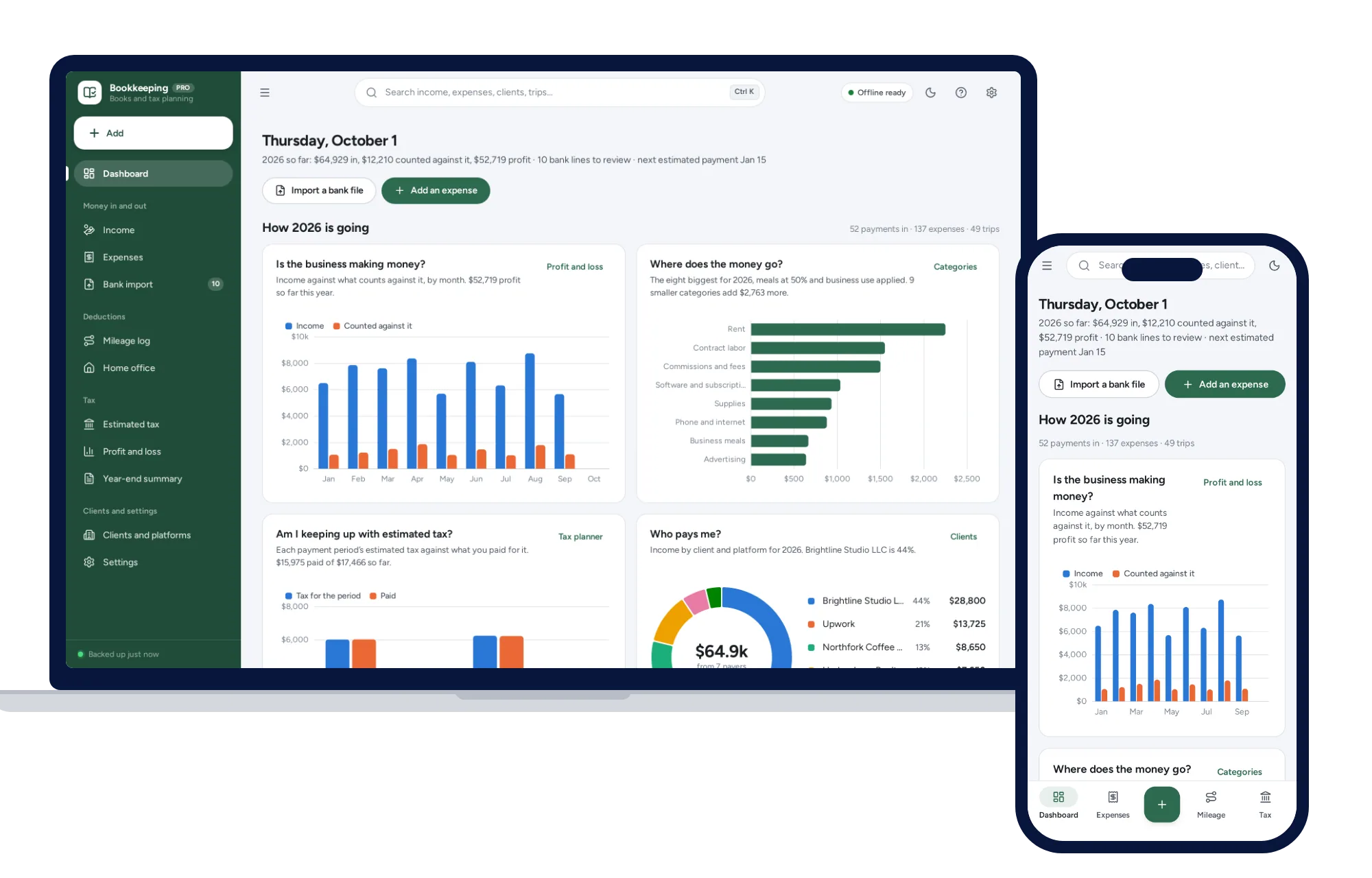
It opens with sample data, so you can price a pretend three-bedroom clean in the live demo before typing in a single client. For the tax side, the Self-Employed Bookkeeping & Tax Planner keeps income, Schedule C expenses, mileage and quarterly tax estimates for the year, and how to set aside money for taxes explains the monthly habit.
Your next step: see every screen in the Cleaning Business Manager, then run one of your real quotes through the sample data.
Skip the setup
The Cleaning Business Manager has the records this guide describes already set up. Price quotes in seconds, schedule your crews, run recurring clients and get paid, in one app you buy once. Nothing to cancel, and nothing renews.
$59 one-time
- Try it free in the live demo, right in your browser
- Sample data to try it the same day
- Works offline, records stay on your device
- A PDF guide in the download
See everything inside the Cleaning Business Manager. Or take the whole Trades & field service shelf: 7 systems for $249, $224 less than one by one.
Common questions
Is there free cleaning business software?
Not much that is made for cleaning. None of the six cleaning job apps we checked in October 2026 had a free plan, though most offered a free trial of about two weeks. The free route is general tools: a spreadsheet or shared calendar for the schedule and a free invoicing tool, which usually charges a fee only when a client pays by card.
Can I run a cleaning business from a spreadsheet?
Yes, and many solo cleaners do. A spreadsheet handles a client list, prices and a weekly takings sheet well. It gets harder with recurring visits that move around holidays, a schedule for several cleaners, and pay worked out from hours or jobs, which is usually when owners move to software made for the job.
Do my cleaners need an app on their phones?
Only if you want them to clock in, see changes the moment you make them, or tick off checklists on their own phones. Many small teams work from a printed or photographed job sheet for the day, with door codes and checklists on it, and a message from the owner when something changes.
What software do cleaning businesses use?
Most use three kinds: a job app for quotes, the schedule and invoices; a way to take card payments; and bookkeeping for income, expenses and tax. Some job apps cover all three for a monthly fee. Smaller businesses often pair a buy-once or free tool for jobs with separate bookkeeping.