It’s 8:15 on a Monday. There are four cars in the lot, two techs waiting to be told what’s first, and a customer on the phone asking about the brake estimate you gave him on Friday. The estimate is on a sticky note. The sticky note is somewhere under a parts invoice.
Most small shops don’t have a mechanic problem. They have a paperwork problem. And good auto repair shop management doesn’t take a monthly software plan. You need five records that point to each other, a few daily habits, and one place to keep it all.
What does a small auto repair shop need to track?
Strip shop management down and it comes to five records:
- The repair order. One per visit. It’s the spine of the job.
- The estimate. What you told the customer it would cost, and what they approved.
- The bay. Which lift or station the car is on, and who’s working it.
- The parts. What you used, what’s left and what you need to order.
- The invoice. What the customer owes, what they paid and what’s still open.
If each of these carries the same repair order number, you can answer almost any question at the counter without digging.
Open a repair order before you touch the car
Every car that comes through the door gets a repair order, numbered in sequence. Don’t skip it for an oil change or a “quick look.” Quick looks have a way of turning into four-hour diagnostics.
On the repair order, write down:
- Customer name, phone and how they like to be contacted
- Year, make, model, plate and VIN
- Mileage in, and later mileage out
- The complaint in the customer’s own words (“grinding from front left when braking,” not “brakes”)
- What they authorized, and up to what amount
- The time you promised the car back
That complaint line matters more than it looks. When a customer comes back saying the noise is still there, you want to show exactly what they asked you to fix.
Write the estimate before the work, not after
An estimate protects both of you. Itemize it: one labor line per task, parts on their own lines, then tax.
Say a front brake job is booked at 2 hours and your labor rate is $120 an hour. That’s $240 in labor. Pads and rotors cost you $140 and you sell them at $210. The customer sees $450 plus shop supplies and tax before anyone picks up a wrench. If you’re not sure your labor rate covers rent, insurance and the hours nobody pays for, the method in how to price HVAC jobs with overhead and margin built in works just as well for a garage.
Then track what happens to each estimate: sent, approved or declined. Approved work becomes the job list on the repair order. Declined work isn’t dead. A customer who said “not today” to a timing belt is a phone call worth making in three months, so keep declined items on the customer’s record.
Not sure which parts and labor are taxable in your state? Ask your accountant once and set it up correctly from the start.
Detailing is the exception to labor-hour pricing. Detail work is usually priced by the size of the vehicle, which is how the Car Detailing Business Manager sets four prices and four times for every service. If you run a detailing side, quote it that way rather than by the hour.
A bay board you can read from across the shop
The simplest bay system is a whiteboard with one row per lift: bay number, repair order number, tech, status and promised time. Status can be as plain as waiting, in progress, waiting on parts and ready.
The rule that makes it work is that the board changes when the car moves, not at closing time. When a car is stuck waiting on parts, either free the bay or mark it clearly as blocked, so you can slot in a quick job instead of letting a lift sit empty.
Note the tech’s hours against each repair order too. Comparing billed hours with clocked hours over a few weeks shows you which jobs you’re quoting too low.
Parts: keep the fast movers on the shelf
You don’t need to count every bolt. Start with the parts you use every week: oil filters for the common engines, wiper blades, brake pads for the cars you see most, bulbs and fluids.
Give each one a reorder point. A rough way to set it: take how many you use in a week, think about how many days your supplier takes, and add a small cushion. If you go through 10 of one oil filter a week and your supplier delivers in two days, reordering when you’re down to 5 or 6 keeps you covered.
Record every part that leaves the shelf against a repair order. That one habit keeps your stock numbers honest and makes sure nothing you used gets left off the bill.
Turn the repair order into the invoice
The invoice should be the repair order with prices, not a fresh document typed from memory. Same labor lines, same parts, same tax. Put your warranty wording at the bottom, and record payments as they come in so open balances are obvious.
Fleet customers who pay monthly need a running balance. Keep their invoices together under one account and a statement takes minutes, not an afternoon.
Auto repair shop management without the subscription
Monthly shop software can be good, but the fee never stops. If a plan costs, say, $100 a month, that’s $1,200 a year for as long as you’re open, and your records sit on someone else’s server. If you want to run the numbers properly, here’s when software you buy once beats a monthly subscription, including the five-year math.
A shop with one to four bays often needs only the five records above, a way to print them and a backup. An offline auto repair shop management system that you buy once can cover exactly that, on the computer you already have at the front desk.
A weekly routine that keeps it tidy
- Every day: each car has a repair order, the bay board is current, and parts used are recorded.
- Every Friday: chase approved estimates that aren’t scheduled yet, call two or three declined-work customers, and check what’s at its reorder point.
- Every month: compare revenue with parts spend and labor, and back up your records somewhere other than the shop computer.
Keeping it all in one place
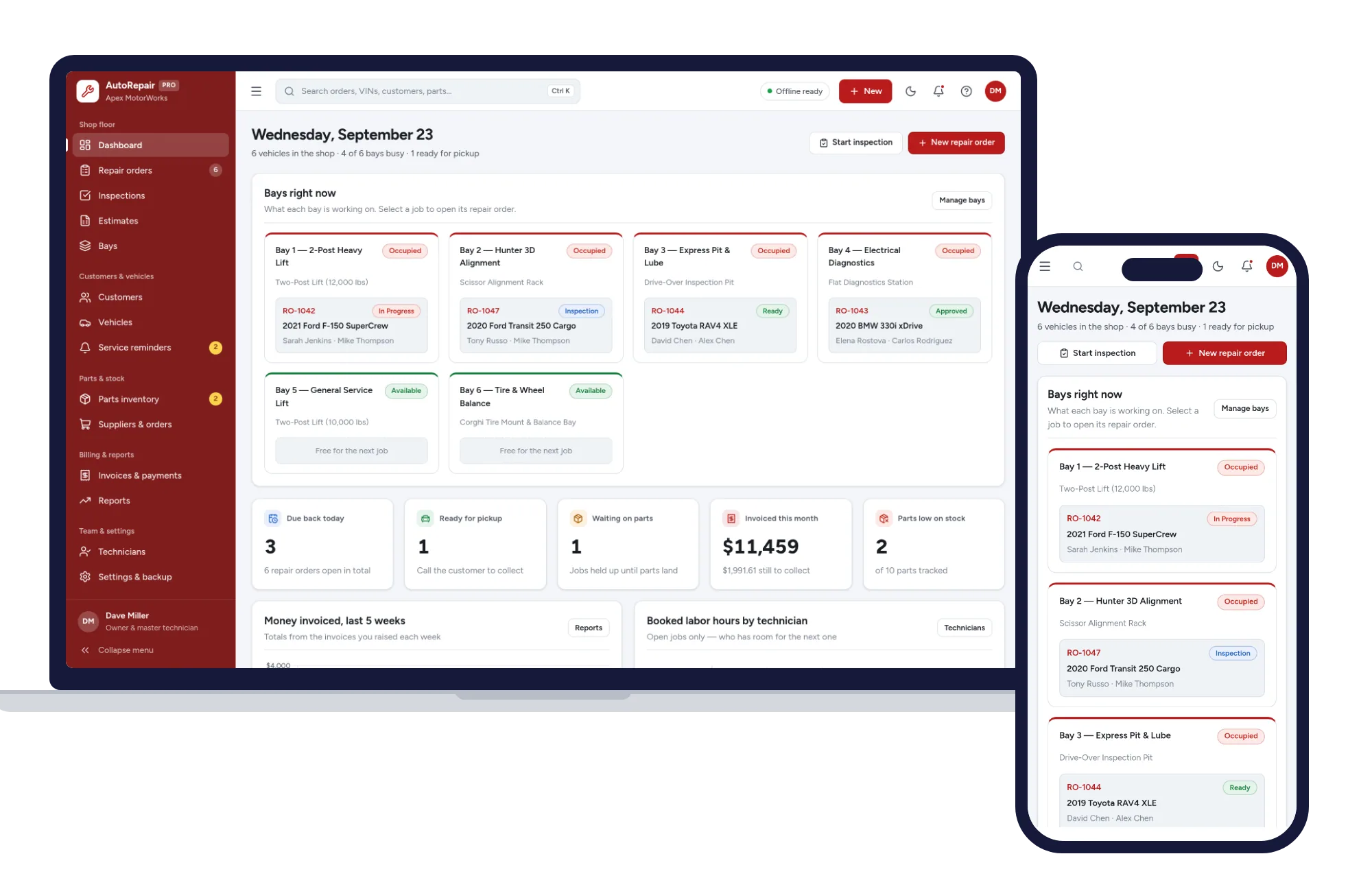
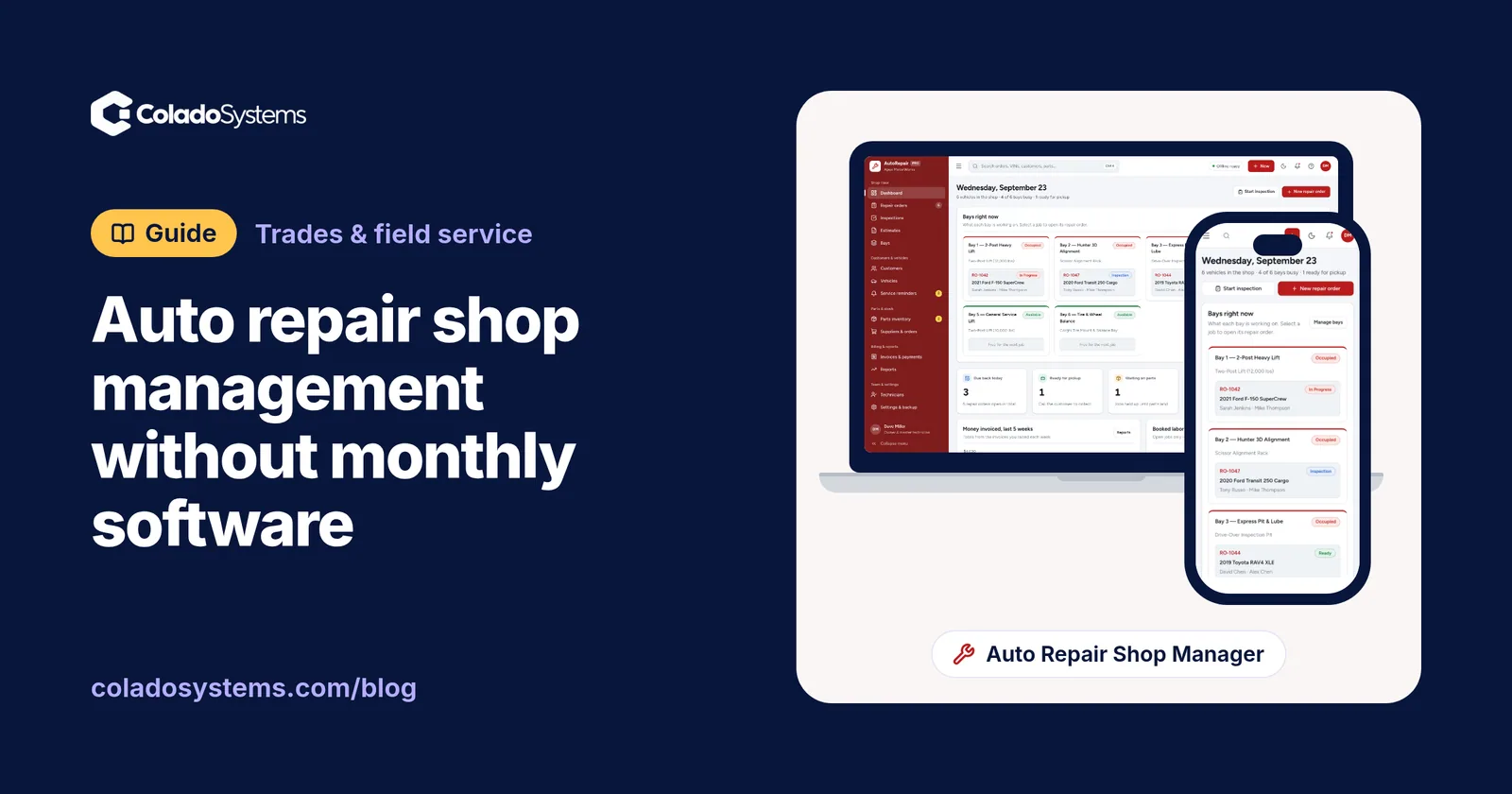
If you’d rather not juggle a whiteboard, a spreadsheet and a folder of carbon copies, the Auto Repair & Workshop Management System keeps these records in one offline app. Repair orders run from check-in to pickup, with the status, technician and bay on each job, and labor and parts total themselves. Estimates are itemized with labor, parts and tax and tracked as sent, approved or declined, and an approved quote becomes a repair order.
There’s a bay view showing which lifts are free, parts inventory with reorder alerts and purchase orders to suppliers, multi-point inspections you can print for the customer, service reminders by date or mileage, and invoices with payments and balances. Customers and fleet accounts sit together, and you can search by name, plate, VIN or repair order number to see everything you’ve done on a car. It runs on your computer with the Wi-Fi off, and nothing you type is sent anywhere. Add your shop name, tax rate, labor rate and warranty wording in settings and they print on job cards, estimates and invoices.
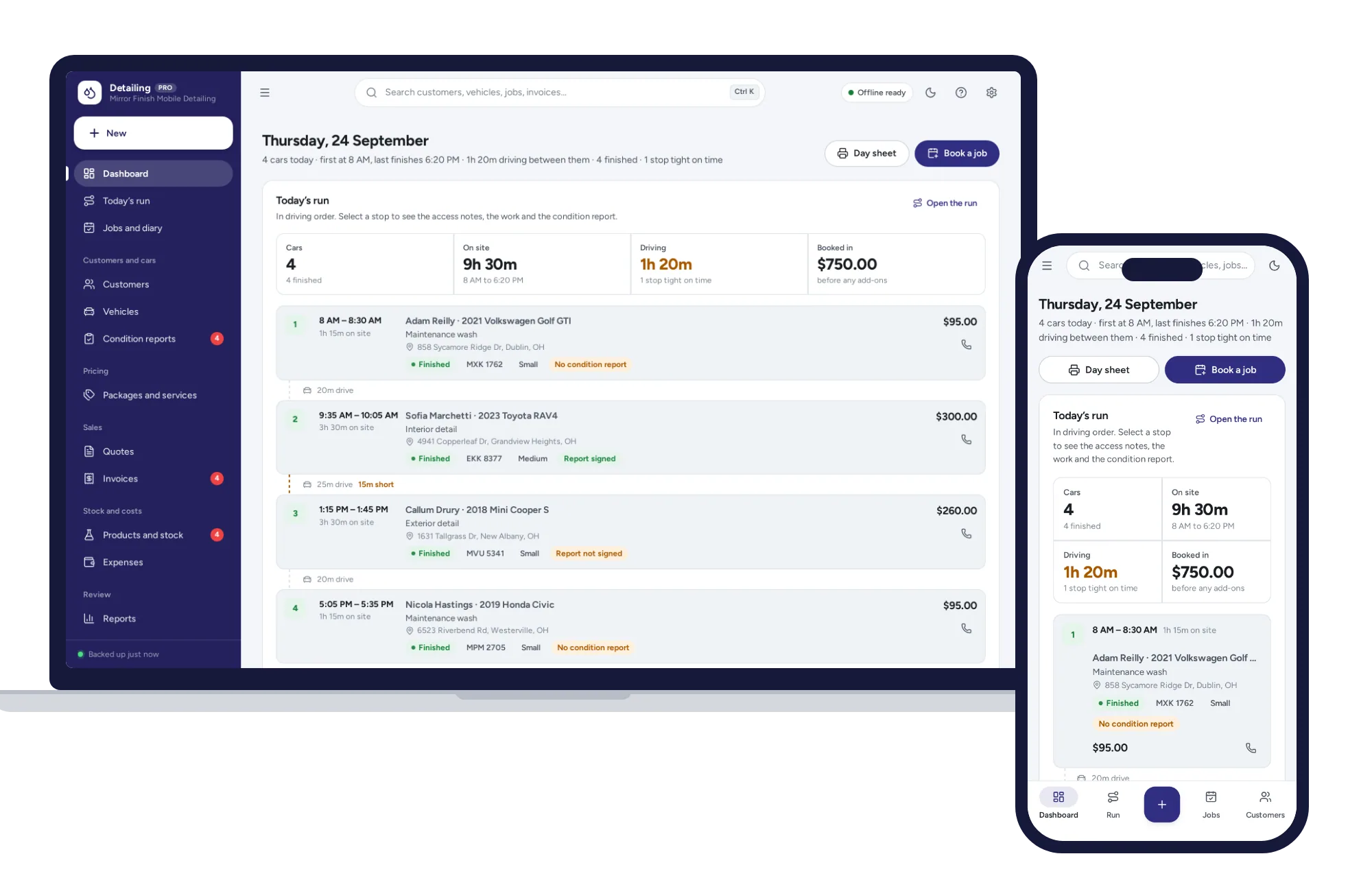
If your work is mobile detailing rather than mechanical repair, the Car Detailing Business Manager is built for that instead: the day laid out in the order you drive to each car, prices set by vehicle size, and a condition report the customer agrees before you start. You’ll find both alongside other systems for trades and field service.
Whatever you use, the habit is the same. One repair order per visit, everything tied back to it, and nothing living on a sticky note.
Skip the setup
The Auto Repair Shop Manager has the records this guide describes already set up. Repair orders, inspections, estimates, bays, parts and invoices — one offline app.
$29.99 one-time
- Sample data to try it the same day
- Works offline, records stay on your device
- A PDF guide in the download
See everything inside the Auto Repair Shop Manager. Or take the whole Trades & field service shelf: 7 systems for $114.99, $94 less than one by one.
Common questions
Do I need software to run a small auto repair shop?
Not necessarily. A small shop can run on paper repair orders, a whiteboard for the bays and a spreadsheet for parts, as long as every job carries one repair order number. Software starts to pay off once you have several bays or techs, because it ties estimates, parts and invoices to that number and makes each car's history searchable.
What should be on an auto repair order?
A repair order should hold the customer's name and contact details, the vehicle's year, make, model, plate and VIN, mileage in and out, the complaint written in the customer's words, the work they authorized with a spending limit, and the promised time. Number each one in sequence so the estimate, parts and invoice all point back to it.
How do I set reorder points for auto parts?
Begin with the parts you use every week, such as common oil filters, wiper blades and brake pads. Estimate weekly use, allow for the days your supplier needs to deliver, and keep a few extra for busy weeks. Reorder when stock falls to that level, then adjust after a month depending on whether you ran short or overstocked.
Should an auto repair estimate include tax?
Yes. Show tax on its own line so the customer sees the full amount before approving the work. Which parts and labor are taxable depends on your state, so confirm the rules with an accountant or your state tax office, then set the rate once so every estimate and invoice calculates it the same way.