
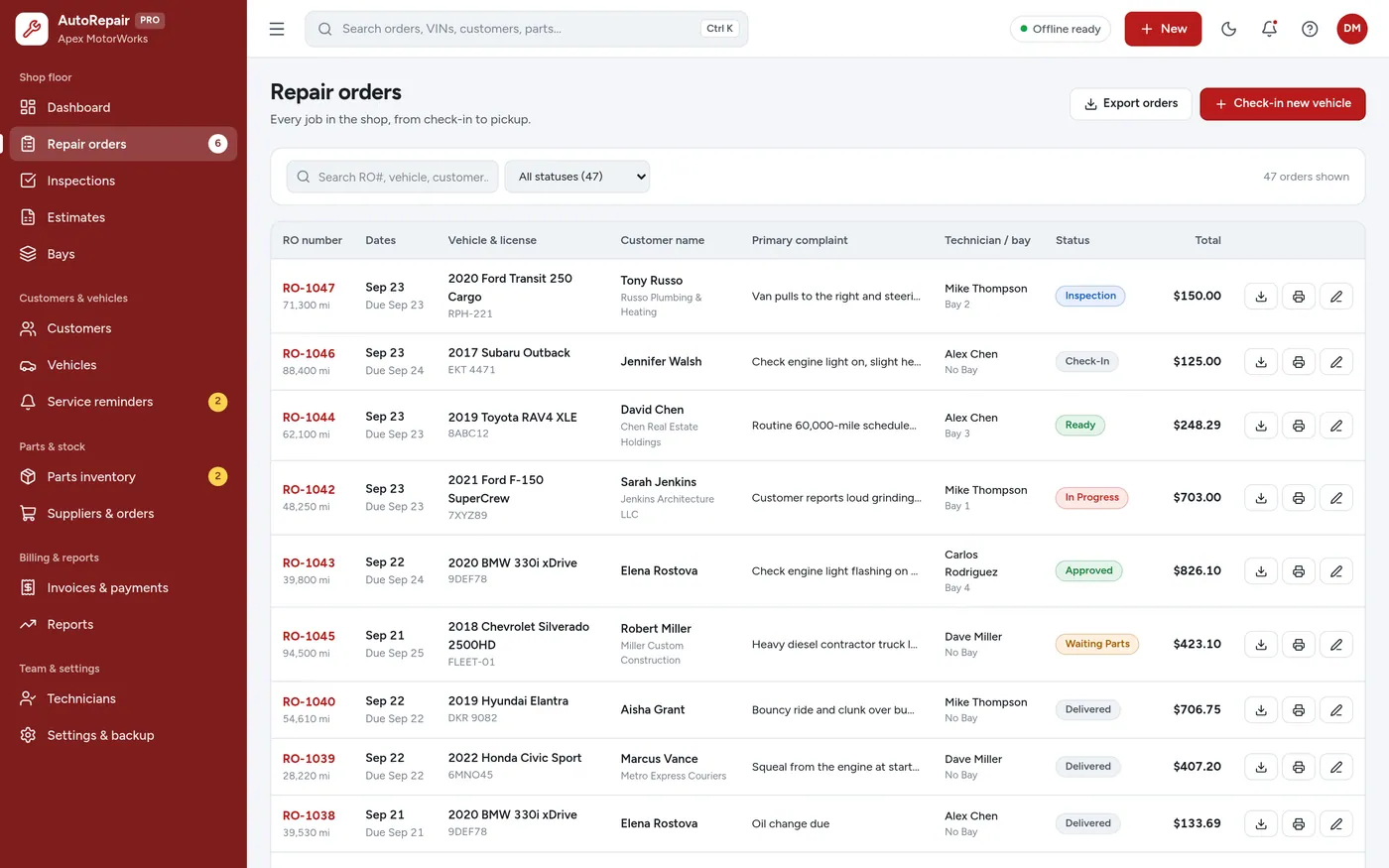
Repair orders
Every job from check-in to pickup
- Status, technician and bay for each job
- Labor and parts with automatic totals
- Printable job cards and PDF copies
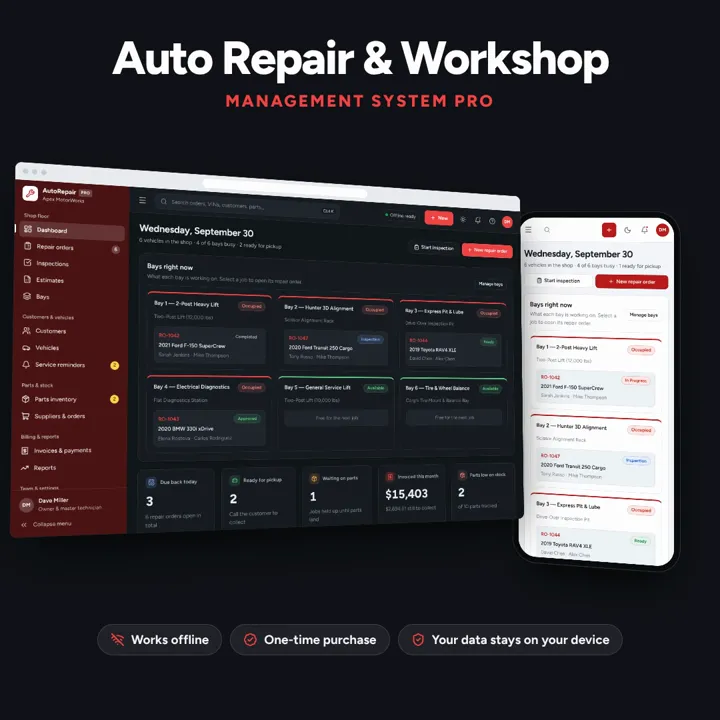
Repair orders, inspections, estimates, bays, parts and invoices — one offline app.
No subscription. Pay once and keep it.
Checkout by Paddle. Tax is added where it applies, and you download straight after paying.
Made for Auto repair shops, mechanic workshops, tire & brake centers, and garage owners
Auto Repair Shop Manager is an offline workshop app for auto repair shops, mechanic workshops, tire and brake centers and garage owners. It tracks repair orders from check-in to pickup, multi-point vehicle inspections, estimates that become repair orders, bays and technicians, parts stock with reorder alerts, and invoices with balances. It runs offline on one shop computer, tablet or phone, with your records kept on that device.
Repair orders
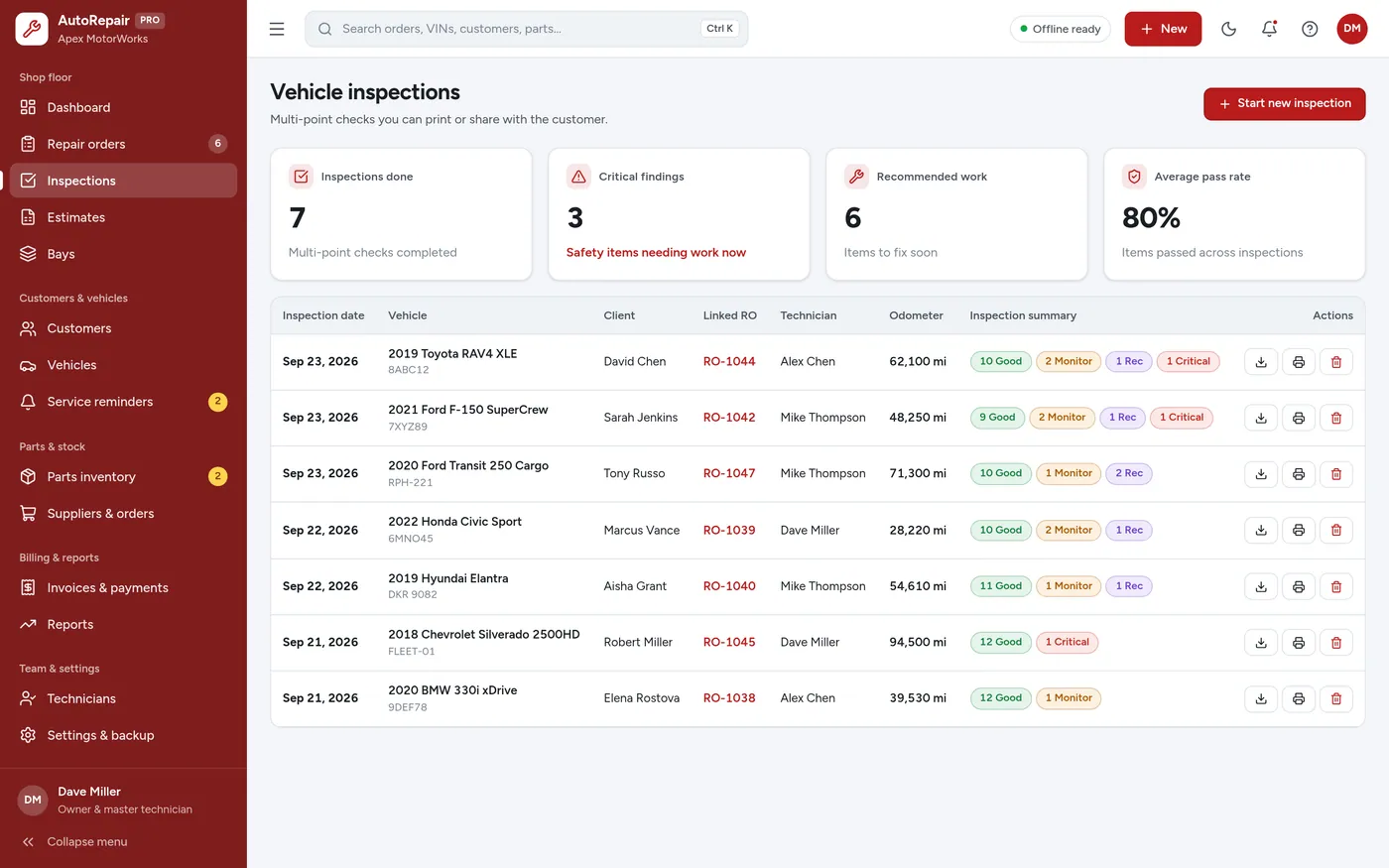
Vehicle inspections
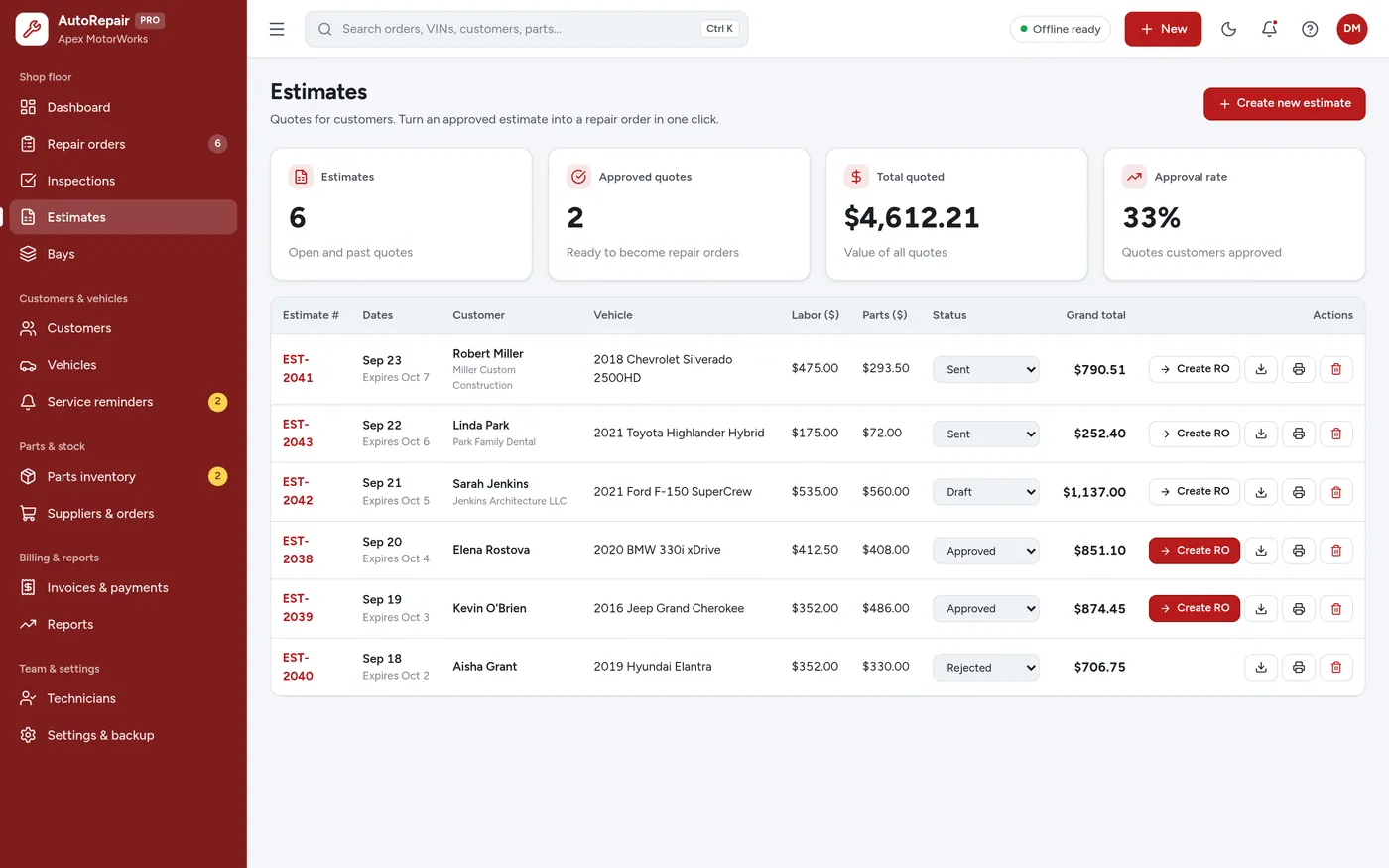
Estimates
Bays & technicians
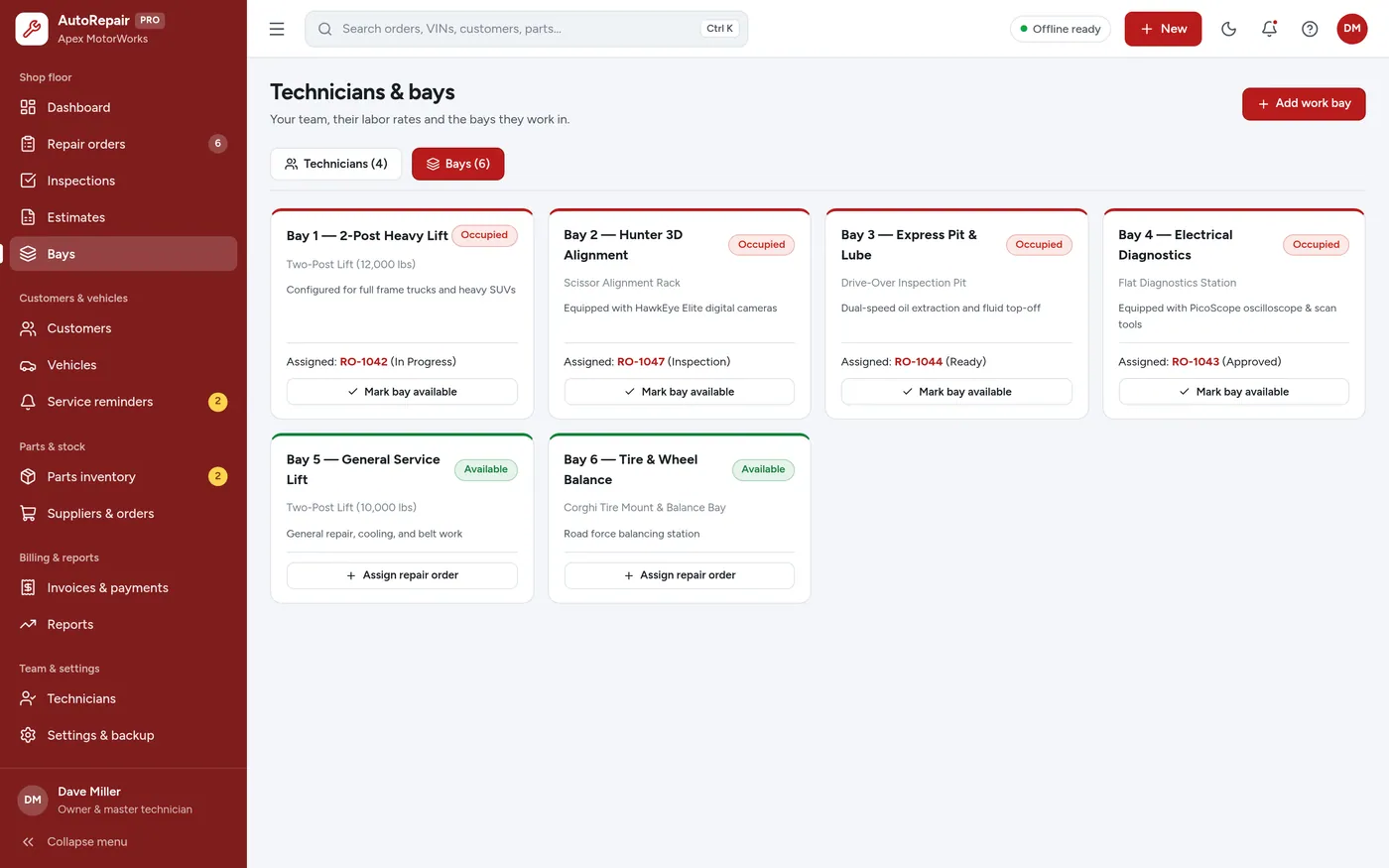
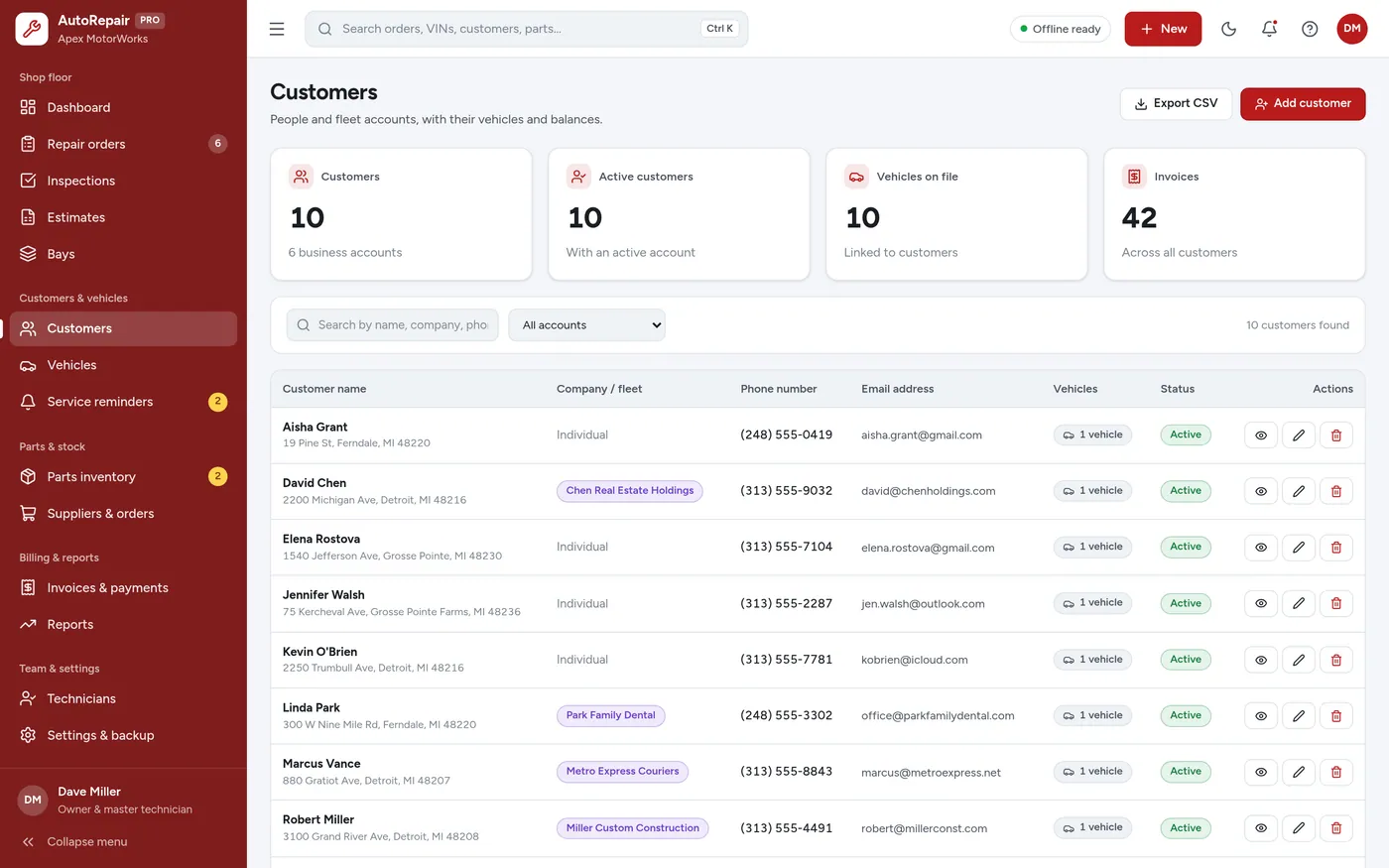
Customers
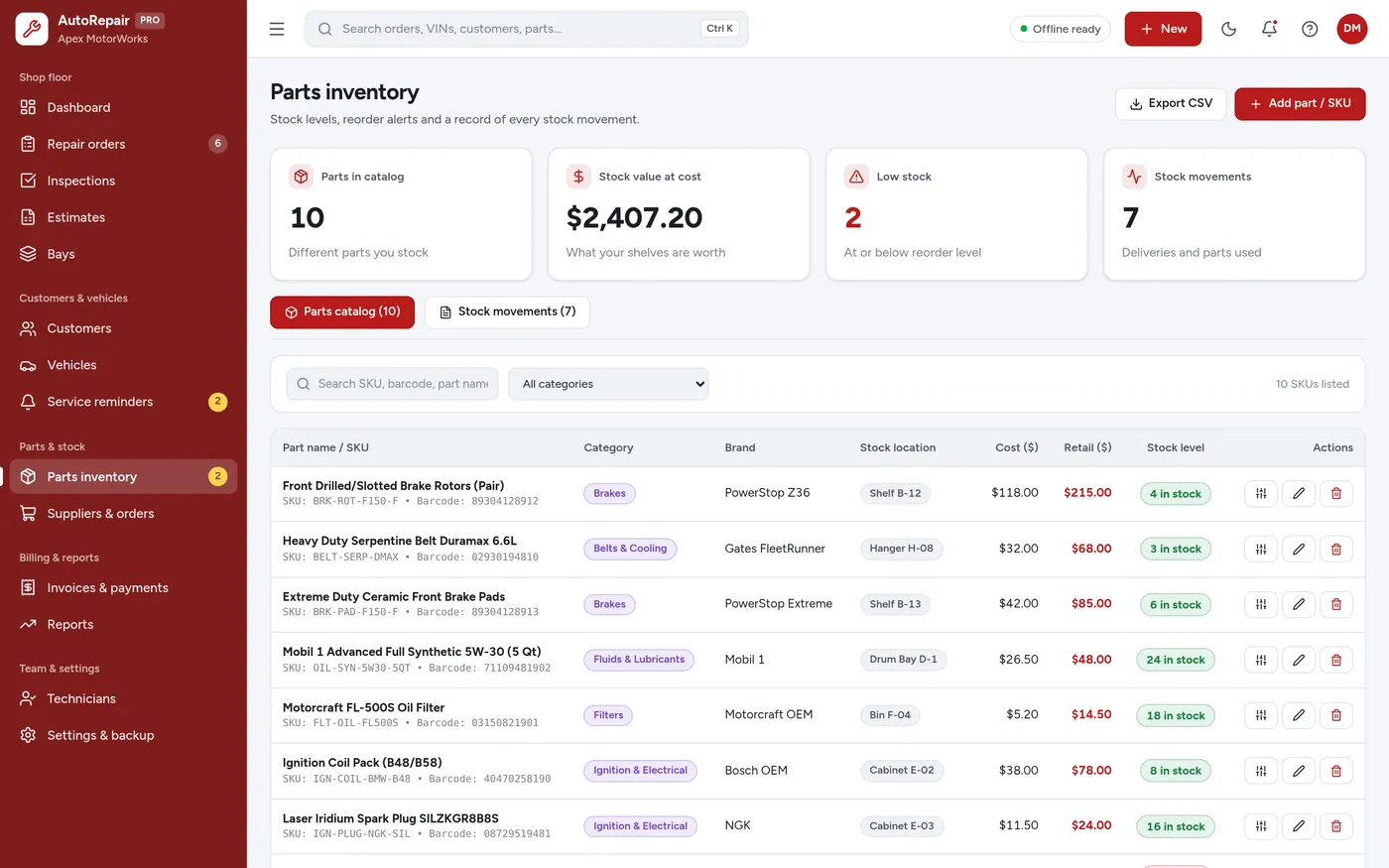
Parts inventory
For independent garages, tire and brake centers, and mobile mechanics.
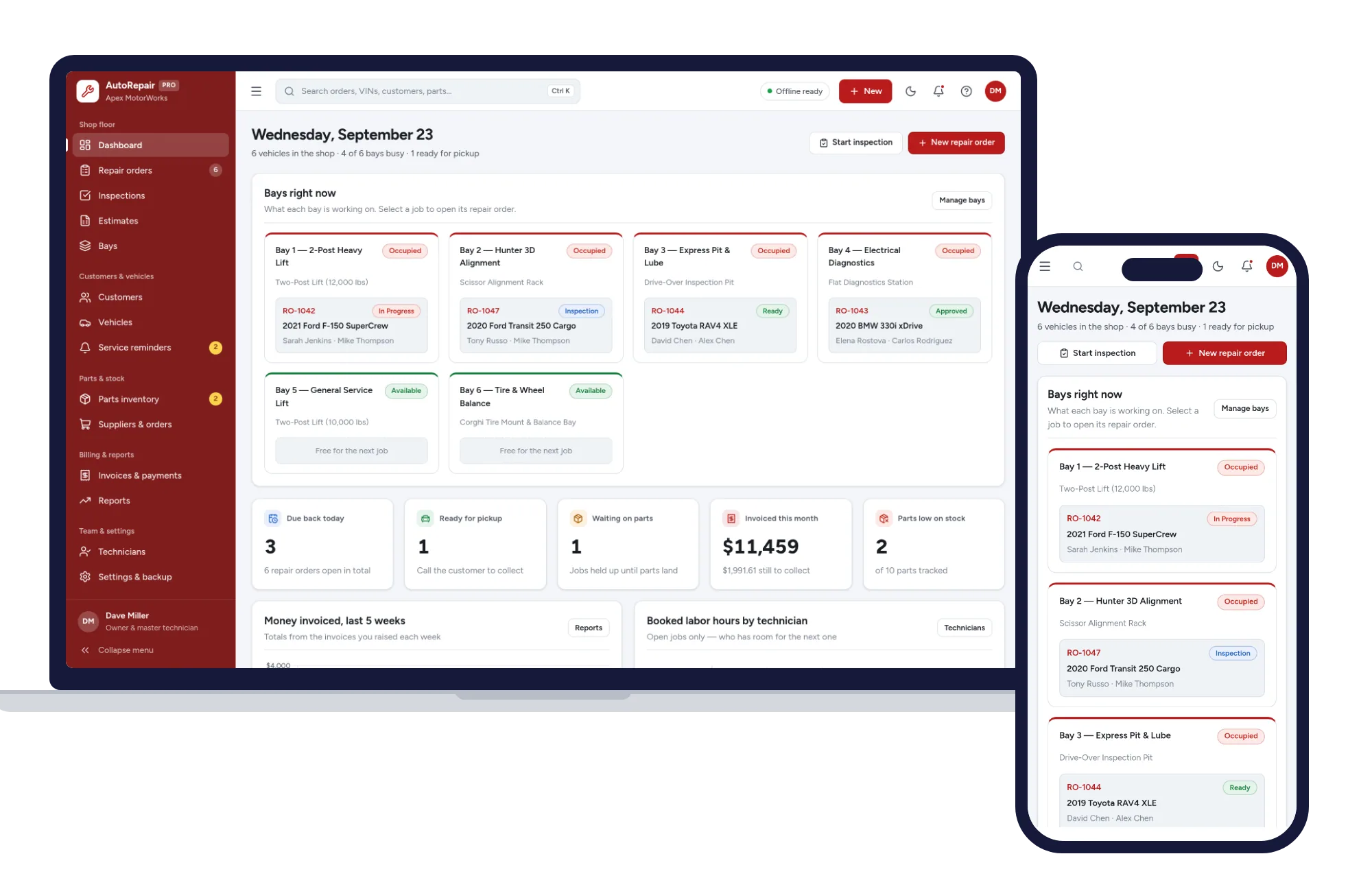
Install it like an app. Your shop records never leave your device.
What it needs, and what it does not do.
Auto Repair Shop Manager is an offline app from ColadoSystems that runs in your web browser from a folder on your own device. It costs $29.99 once, with no subscription and no account, and includes 12 tools, sample data to explore and a PDF guide. Your records stay on your device and are never uploaded.
Something else? Email us and we'll answer before you buy.
No. Everything runs on your computer. Once the folder is unzipped you can work with the Wi-Fi off, and nothing you type is sent anywhere.
Yes. Open Settings & backup and fill in your shop name, address, phone, tax number, tax rate, labor rate and warranty wording. They appear on job cards, estimates and invoices.
Yes. Open the same folder on the tablet and bookmark it. Remember that each device keeps its own records, so use a backup file if you want the tablet and the front desk to match.
Press Ctrl + K, or click the search box, and type a name, plate, VIN or repair order number. Open the vehicle to see every job you have done on it.
Open Settings & backup and click "Clear all data and start empty". That deletes the demo records only — download a backup first if you have already added your own.
No. It is made for one person on one device, and records do not sync between devices. To move to another device, save a backup and restore it there.
No. It runs offline on your own device, so there is no booking page for customers and it does not take card payments. You record bookings and payments in it yourself, including ones taken by phone, card reader or another website.
The trades & field service bundle has every system in this category for one price.
Job cards, estimates, crews and invoices for workshops and field service.
$114.99for 7 systems, $209.93 if bought one by one
You save $94
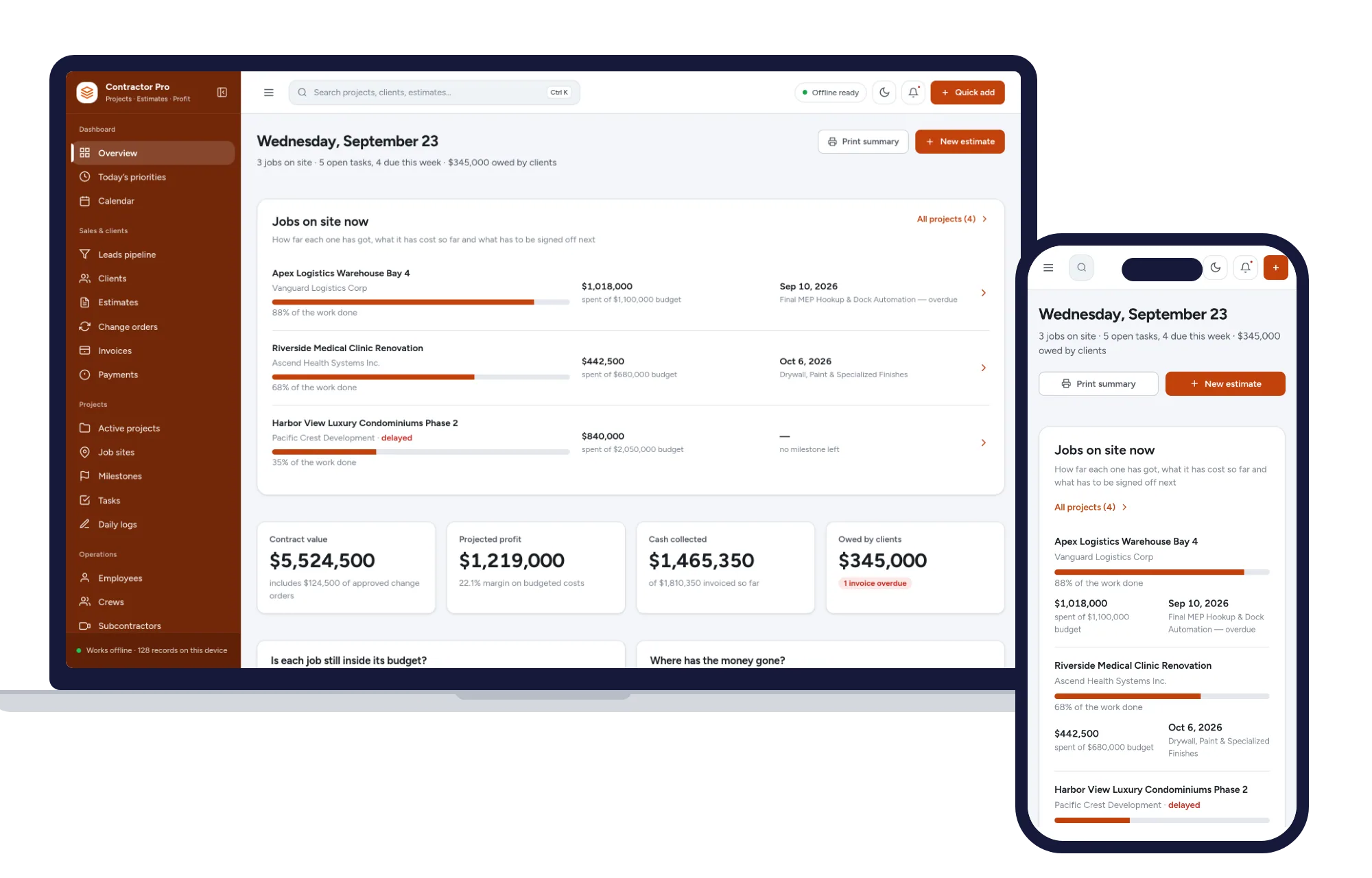
Trades & field service
Leads, estimates, invoices, projects, crews and job costing in one offline app.
$29.99one-time
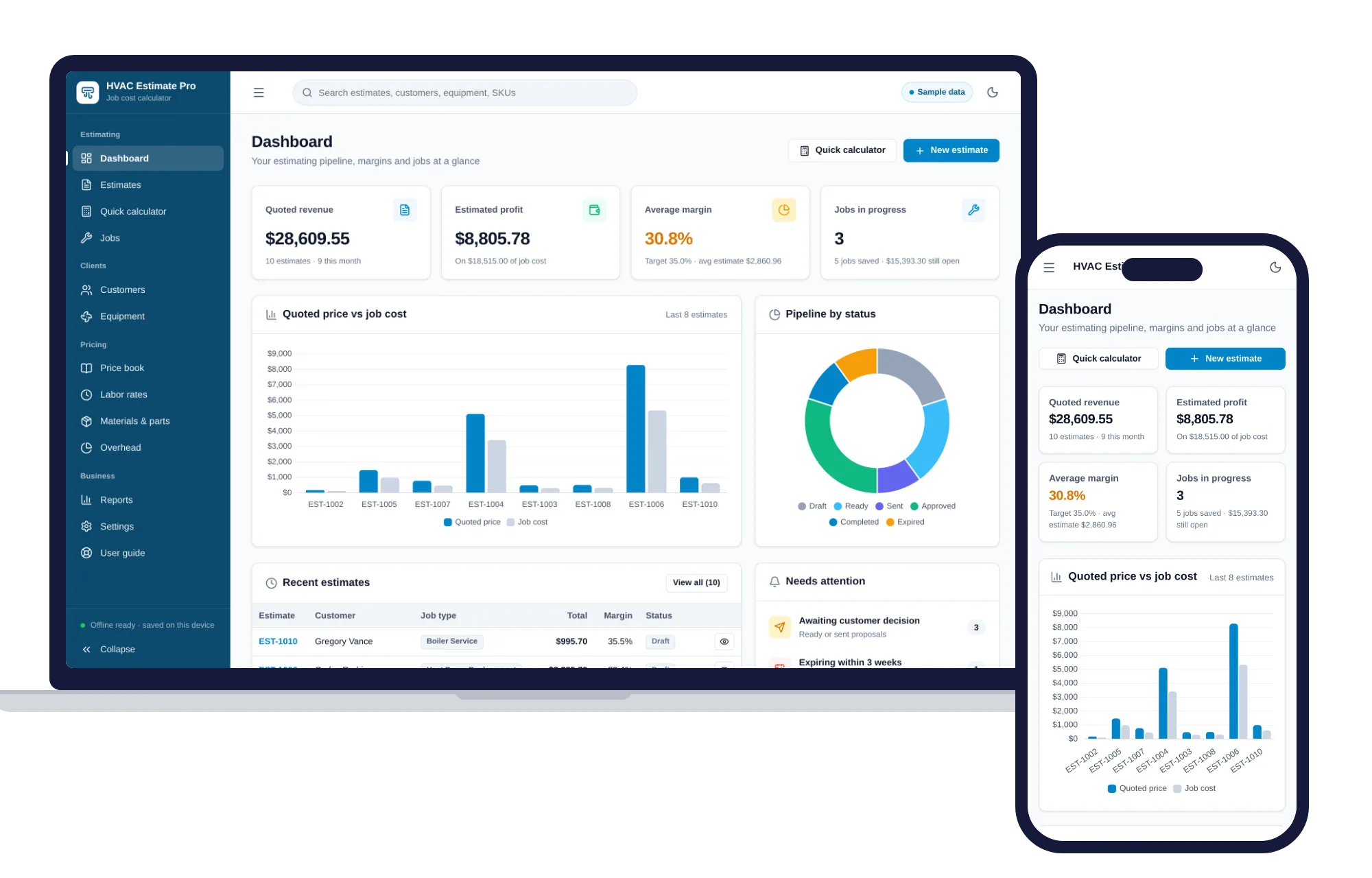
Trades & field service
Estimates, job costing, overhead and margins for HVAC contractors — one offline app.
$29.99one-time
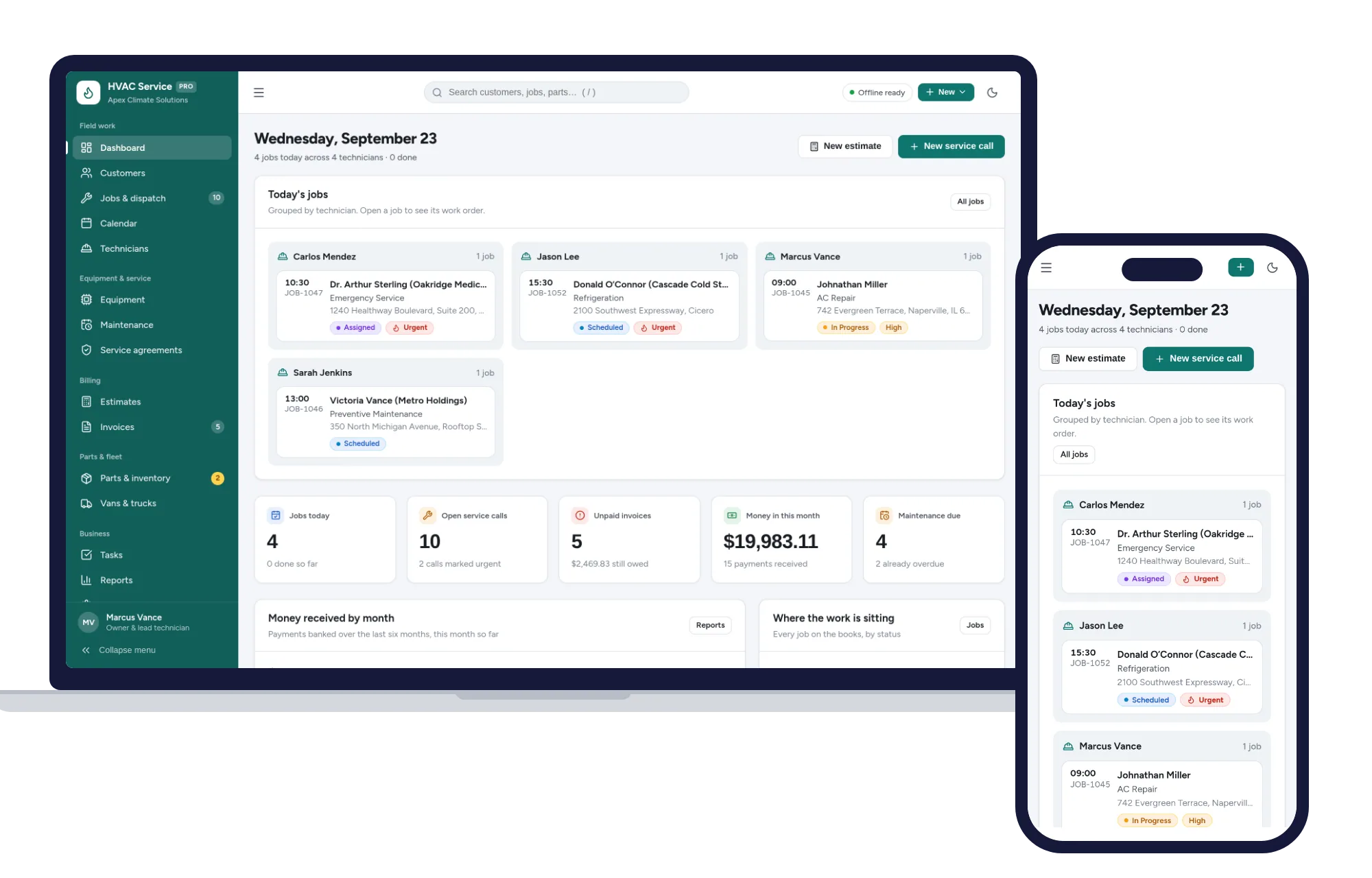
Trades & field service
Dispatch jobs, print work orders, track equipment and get paid — one offline app.
$29.99one-time
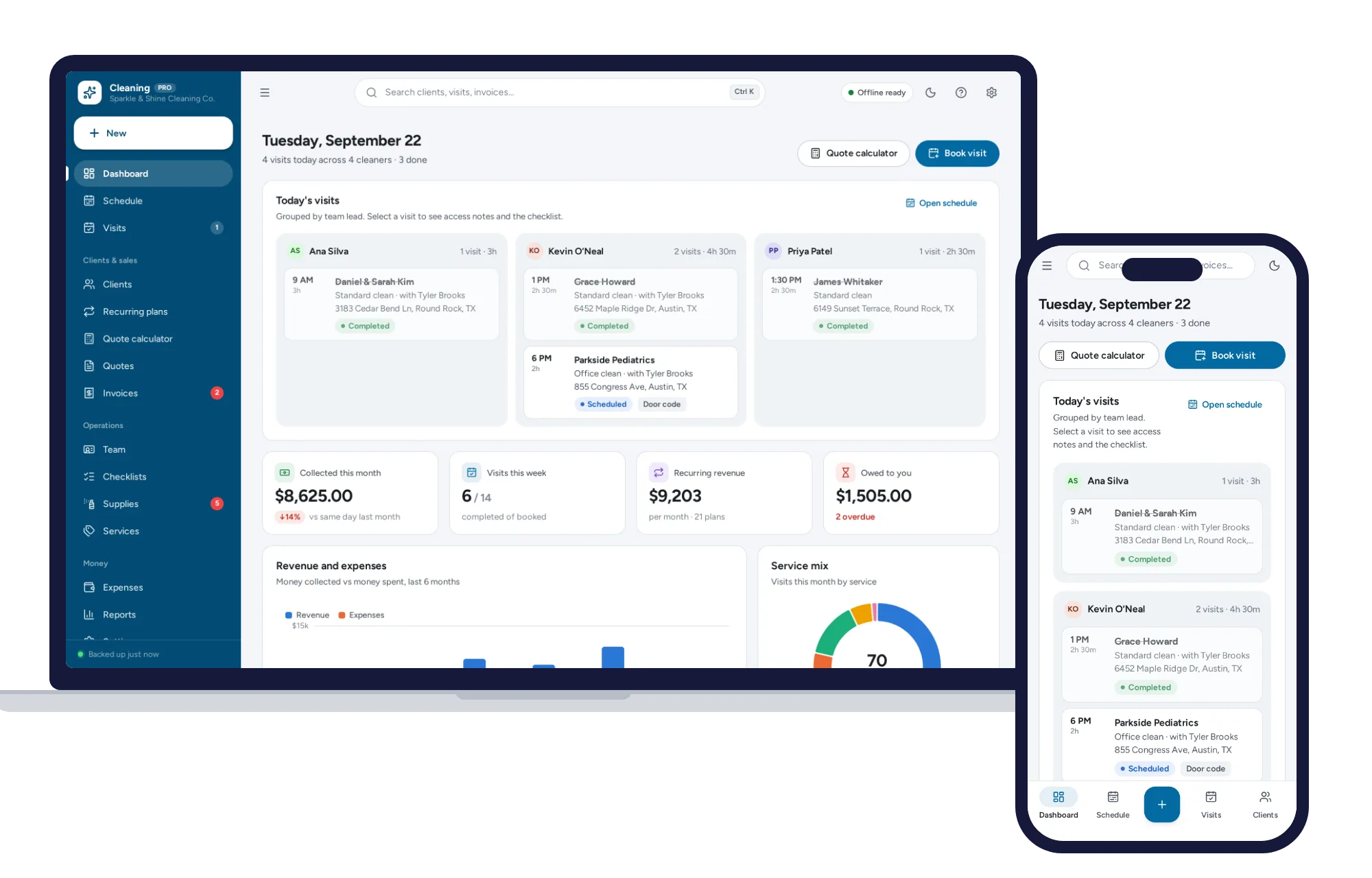
Trades & field service
Schedule crews, price quotes in seconds, run recurring clients and get paid — all in one offline app.
$29.99one-time