The drywall arrives at 7 a.m. on Monday, right on time. The trouble is that the rough electrical inspection got moved to Wednesday, so sixty sheets of board sit in the driveway under a tarp, the drywall crew you booked three weeks ago leaves for another job, and you lose most of a week. Nobody did anything wrong. The schedule just never showed that the delivery depended on the inspection.
A good construction project schedule is mostly about those connections. It lists the work in order, marks what each step waits for, and gives deliveries and inspections their own place in the sequence instead of treating them as afterthoughts. Here’s how to build one that works on paper, in a spreadsheet or in any app.
Why construction schedules fall apart
Most collisions come from four places:
- Dependencies nobody wrote down. The countertop fabricator can’t template until the cabinets are set.
- Inspections treated as a formality. An inspection is a gate. Nothing gets covered until it passes, and you don’t control the inspector’s calendar.
- Deliveries timed to the order date, not the install date. Early materials get damaged, stolen or moved three times. Late ones stop a crew.
- No slack. A schedule with every day spoken for breaks the first time it rains.
Step 1: List every phase in the order it has to happen
For a typical interior renovation, the order runs something like this:
- Permits, and orders for long-lead materials
- Demolition and haul-away
- Framing changes
- Rough plumbing, electrical and HVAC
- Rough inspection
- Insulation, plus an insulation inspection where your area requires one
- Drywall hang, tape and finish
- Prime and first coat of paint
- Cabinets, flooring and trim
- Countertop template, then install
- Finish plumbing and electrical, backsplash, final paint
- Final inspection and punch list
Your job may differ, and which inspections apply depends on your building department, so check with them when you pull the permit. The point is to write the order down before you put a single date on it.
Step 2: Mark the dependencies and inspection gates
Next to each phase, write what it waits for. “Drywall waits for rough inspection.” “Countertop install waits for template, which waits for cabinets.” Most steps simply wait for the one before, but a few wait on someone outside your crew: an inspector, a fabricator, a supplier.
Treat those as milestones with a target date and a sign-off, whether that’s a highlighted row in a spreadsheet or the milestones screen in Construction Contractor Management. Then add buffer around them. Leave a day between a booked inspection and the trade that follows it, and find out how much notice your building department needs. If an inspection fails, that day becomes the fix-and-reinspect day instead of a week of lost crews.
Step 3: Work backward from lead times
For every material with a lead time, start from the day it’s needed on site and count back. Cabinets, windows, special-order tile, fixtures and stone tops are the usual suspects. Ask each supplier for a realistic lead time, add a margin, and order early enough to meet it.
Then set the delivery for a day or two before the trade needs it, not the week the order ships. Note who will receive it, where it will be stored, and whether it needs a dry space.
A construction project schedule for a kitchen remodel, worked through
Say you’re scheduling a six-week kitchen remodel. Every duration here is made up for illustration; your trades and suppliers give you the real ones.
Start with the hardest date to move. The countertops go in on Tuesday of week 6, and the fabricator needs about five working days between template and install. So the template has to happen by Monday of week 5. Templates need cabinets set, so cabinets must be installed by the end of week 4. Cabinets have a four-week lead time, so they’re ordered the day the contract is signed.
Now fill in forward:
- Week 1: the dumpster arrives the Friday before. Demo Monday and Tuesday, framing changes Wednesday and Thursday, and Friday is buffer and cleanup.
- Week 2: rough plumbing Monday and Tuesday, rough electrical Wednesday and Thursday. Request the rough inspection for Friday.
- Week 3: Monday is buffer in case the inspection slips. Drywall is delivered Tuesday, only once the inspection has passed, then hung and taped through Friday.
- Week 4: finish and sand Monday, prime Tuesday, cabinets delivered Wednesday morning and installed Wednesday and Thursday. Friday is buffer.
- Week 5: countertop template Monday. Flooring Tuesday and Wednesday, trim Thursday, paint touch-ups Friday.
- Week 6: countertops Tuesday, the plumber sets the sink Wednesday morning and the electrician trims out that afternoon, backsplash Thursday, final inspection and punch list Friday.
Notice what the buffers buy you. If the inspector can’t come until Monday of week 3, the drywall still arrives Tuesday and nothing else moves.
How do you keep subcontractors on schedule?
Every Friday, look two weeks ahead and confirm each trade, delivery and inspection by phone or text. Tell each sub exactly what will be ready when they arrive, because a crew that shows up to an unready site may not come back for a week. Confirm again 48 hours before.
Then keep a short daily log: who was on site, the weather, deliveries received, what got done, and any delay with its reason. When a sub slips, the log shows whether it was their crew or a missing inspection. Keep their insurance certificates current too, so a lapsed policy doesn’t stop work on the day they’re due. The General Contractor Manager keeps daily logs with crew, hours, weather, deliveries and delays with the hours lost, plus each subcontractor’s insurance dates.
Whiteboard, spreadsheet or scheduling software?
Each option has honest trade-offs:
- Whiteboard or paper. Fast and visible to everyone in the trailer. But it stays in the trailer, keeps no history and gets erased.
- Spreadsheet. Free and flexible, and shaded cells make a simple bar chart. But you build and maintain every column, and it goes stale once the job gets busy.
- Subscription construction software. Shared live with your crews and often with clients. It’s priced monthly, often per user: an app at, say, $60 a month is $720 a year, every year.
- A ready-made offline system. Bought once at a one-time price, it works without signal and keeps records on your own device. It isn’t a live shared calendar, though: each device keeps its own copy, and you’re responsible for your own backups.
If you’re weighing those last two, here’s when software you buy once beats a monthly subscription.
Keeping it all in one place
Doing this yourself takes a lot of pieces: a project list with status, a milestone tab with target dates and sign-offs, a crew sheet showing who’s where, a daily log, a subcontractor list with insurance expiry dates, and somewhere to price change orders before the work starts. That’s a weekend of spreadsheet work before the first job goes in.
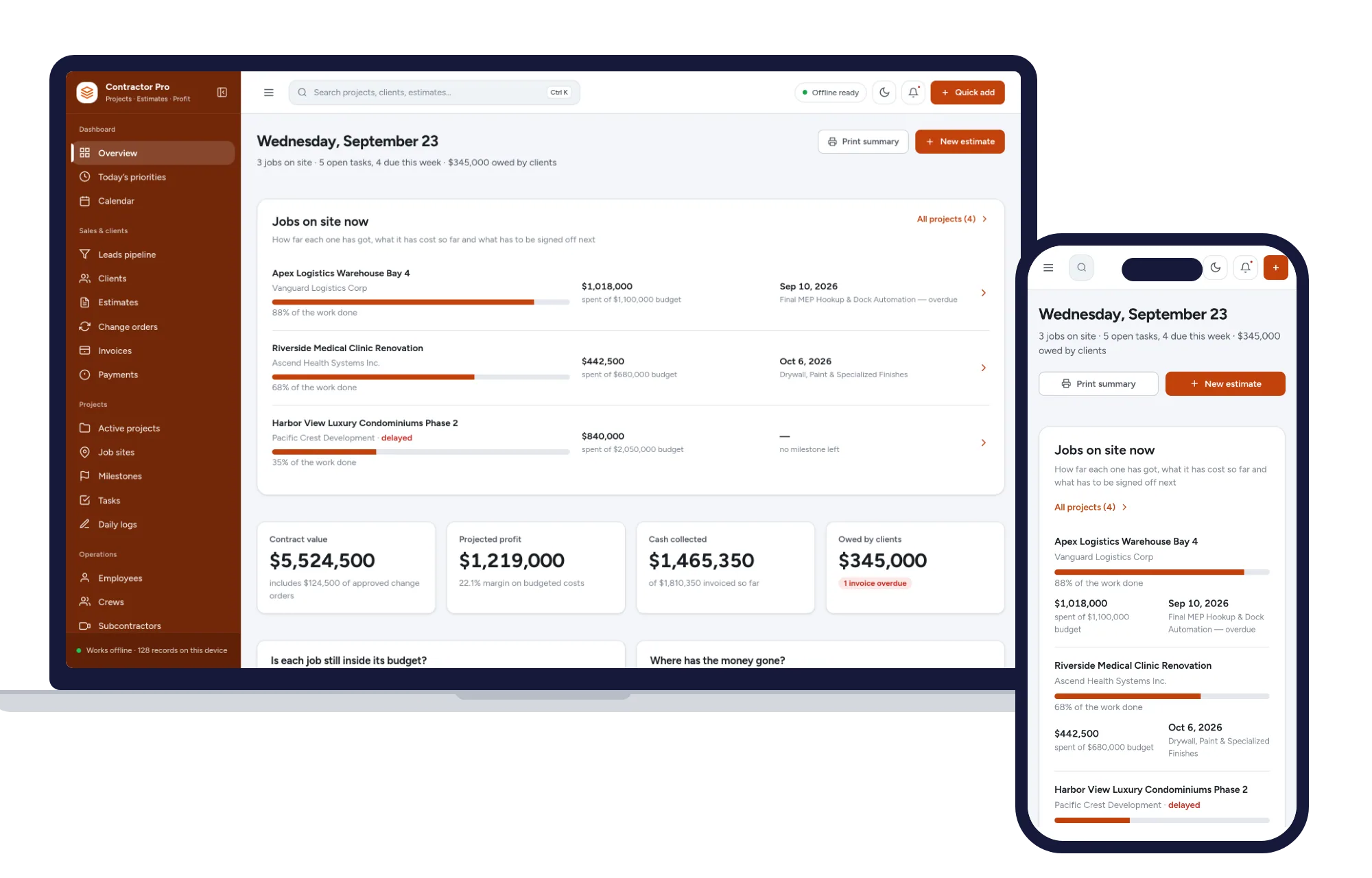
Construction Contractor Management already has those screens. Projects show status and progress, and delayed jobs stand out. Milestones carry targets and sign-offs, and invoices can bill each milestone with retention held. The crews screen shows each crew lead, headcount, current job and which crews are on standby, and tasks and daily logs hold your field reports. It suits contractors who run their own crews and bill by milestone.
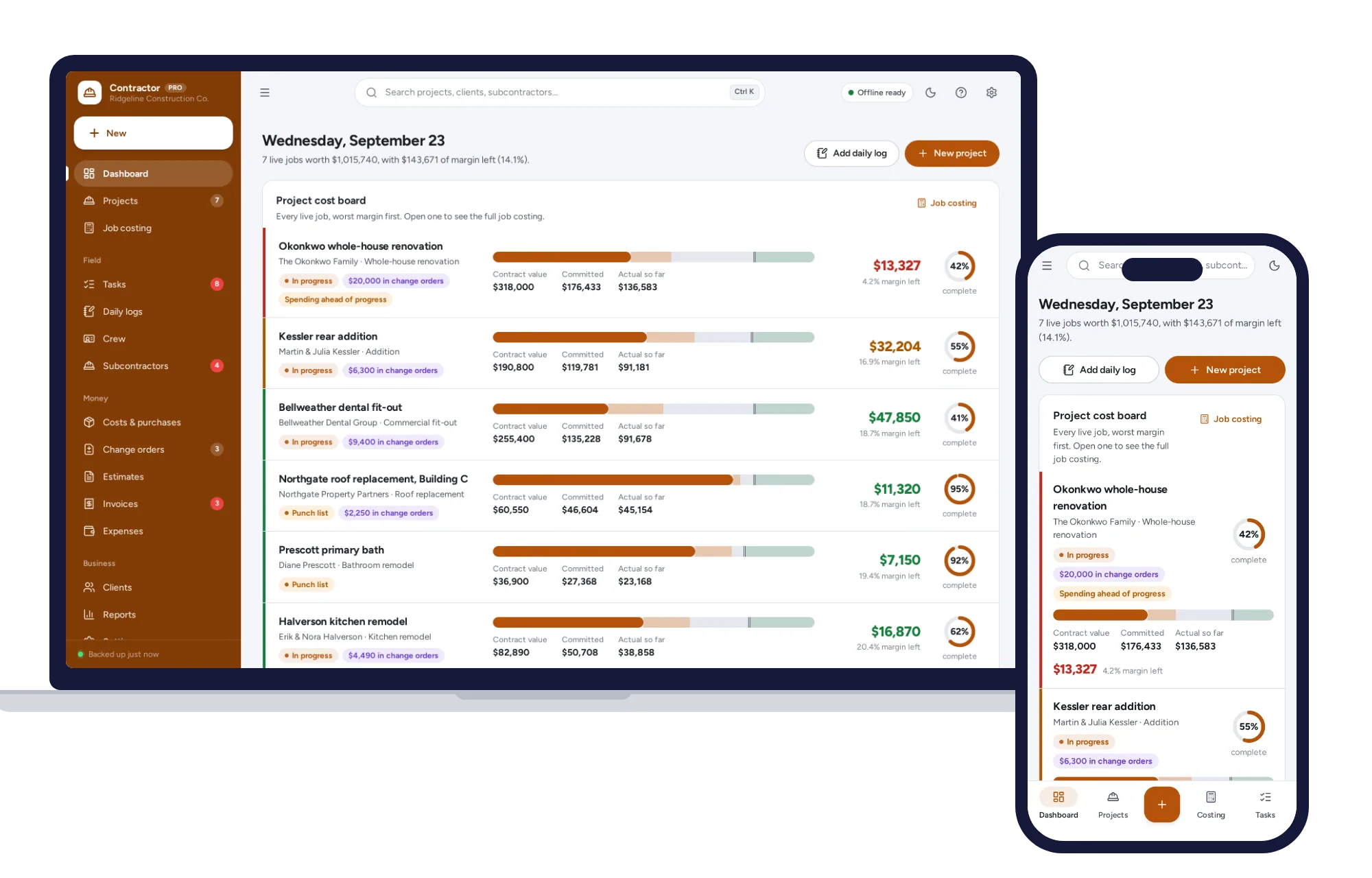
The General Contractor Manager leans toward subcontracted work. Tasks are organized by job and phase, daily logs turn crew hours into labor cost, subcontractors carry their insurance dates, and change orders are priced and printed as a signature-ready sheet before the work starts.
Both open with sample data so you can try them straight away, need no account or sign-up, work offline on a laptop or tablet, and come with a PDF guide. Both sit on the trades shelf, which also comes as a bundle that costs less than buying the systems one by one. You’ll find other systems for trades and field service there too, and if your quotes need the same care as your schedule, see how to price HVAC jobs so every quote covers your costs, a method that works for any trade.
Pick the one that matches how you work. If you run your own crews, see everything inside Construction Contractor Management and try your next job’s milestones with the sample data the same day.
Skip the setup
The Construction Contractor Manager has the records this guide describes already set up. Leads, estimates, invoices, projects, crews and job costing in one offline app.
$29.99 one-time
- Sample data to try it the same day
- Works offline, records stay on your device
- A PDF guide in the download
See everything inside the Construction Contractor Manager. Or take the whole Trades & field service shelf: 7 systems for $114.99, $94 less than one by one.
Common questions
How do you create a construction schedule for a renovation?
List every phase of the job in the order it must happen, then note what each step waits for, such as an inspection, a delivery or another trade. Put dates on the hardest fixed points first, usually long-lead materials and inspections, and work backward from them. Add a spare day after each inspection and review the coming two weeks every Friday.
What is the correct order of trades in a remodel?
A common sequence is demolition, framing, rough plumbing, electrical and HVAC, rough inspection, insulation, drywall and priming, then cabinets, flooring and trim, countertops, finish plumbing and electrical, final paint and the final inspection. The exact order depends on the job and the materials, and your building department decides which inspections apply, so confirm the sequence with your trades and the permit office.
How much buffer time should a construction schedule have?
There is no fixed rule, but buffers belong wherever you depend on someone outside your crew. A day after each inspection, a few days of margin on supplier lead times and a spare day at the end of each phase are common starting points. Track how often each buffer gets used, and add more where delays keep happening on your jobs.
When should materials be delivered to a job site?
Aim for a day or two before the trade that installs them, not the day the order ships. Early deliveries can be damaged by weather, go missing or get in the way of other work, while late ones leave a crew standing around. Confirm the delivery window, who will receive it and where it will be stored before the truck arrives.