
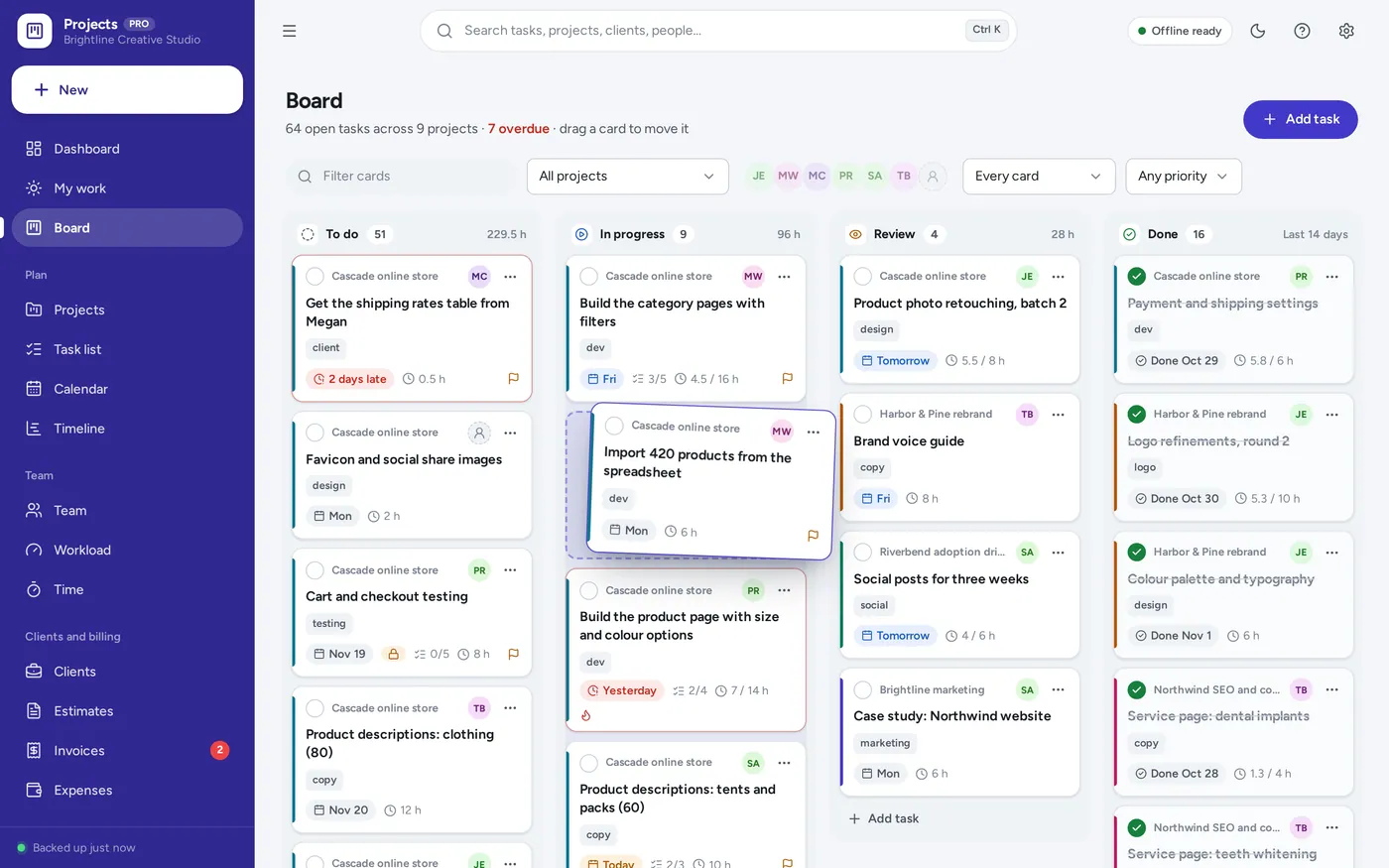
Kanban task board
Drag tasks across the board
- Cards glide into place as you drag
- Due dates in red when late, checklists, hours
- Works with a mouse or a finger on a tablet
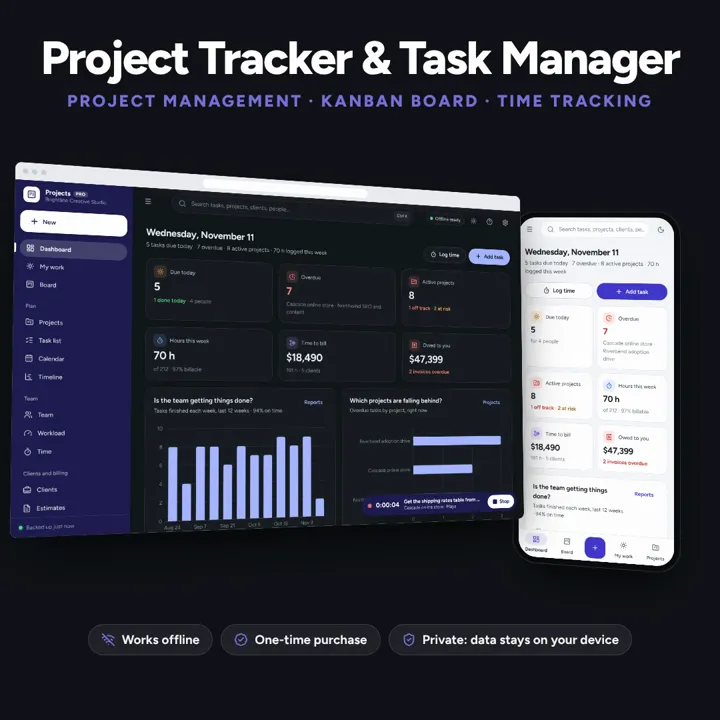
Projects with budgets and milestones, a drag and drop task board, a timeline, team workload, and a timer that turns billable hours into invoices. Works offline, no subscription.
No subscription. Pay once and keep it.
Try the live demoWith sample data, right in your browserCheckout by Lemon Squeezy. Tax is added where it applies, and you download straight after paying.
Made for Small teams, agencies, freelancers, consultants and nonprofits running several projects for clients at once
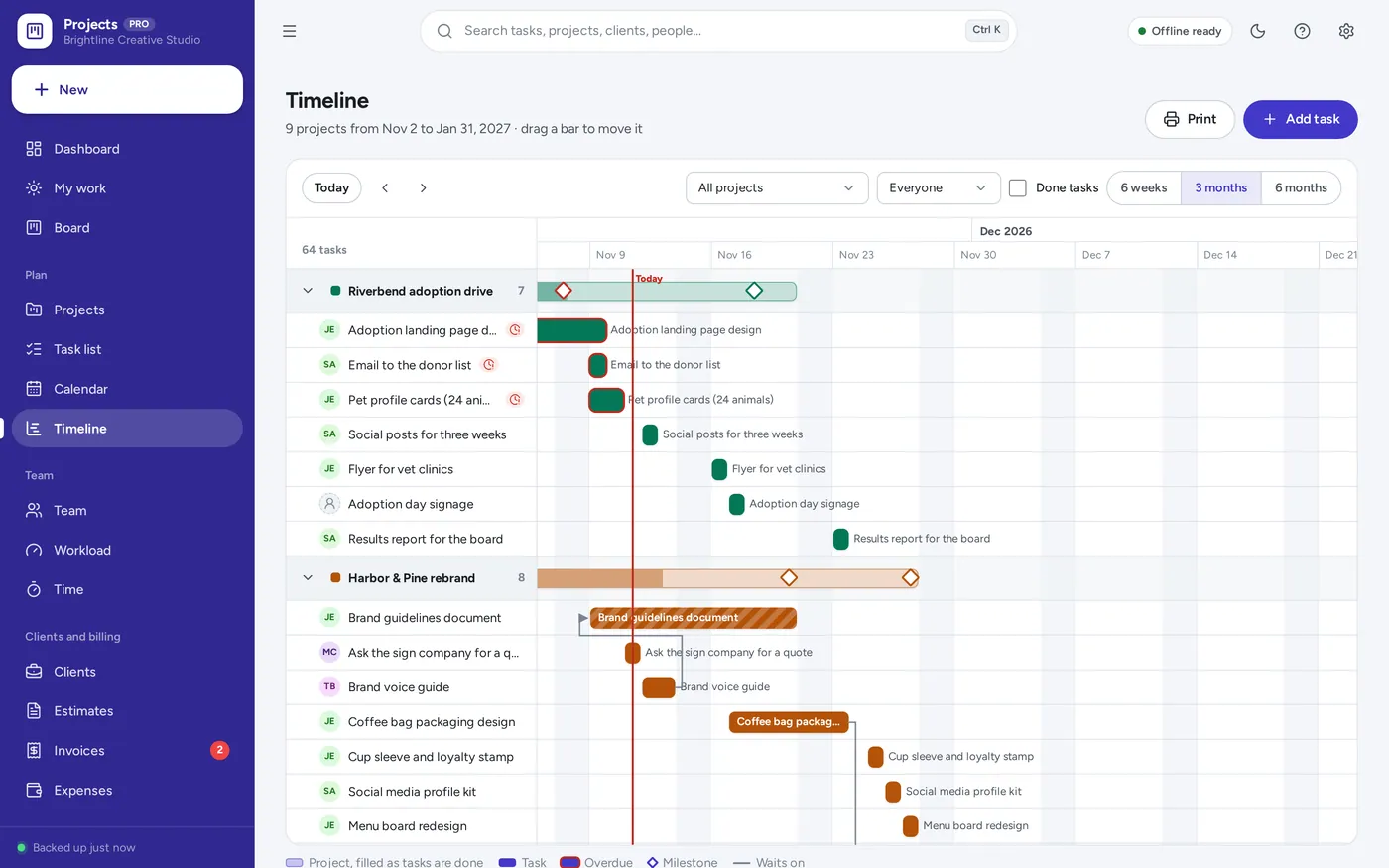
A project tracker, project planner and task manager for small teams, agencies, freelancers, consultants and nonprofits: projects with clients, budgets in hours and money, milestones, health and notes; tasks with assignees, priorities, due dates, tags, checklists, waits-on links and repeats; a drag and drop kanban board, list, calendar, Gantt timeline and My work; team workload by week; a timer and timesheets; billable hours to invoices; status reports and reports — offline, no subscription.
Kanban task board
Project planner
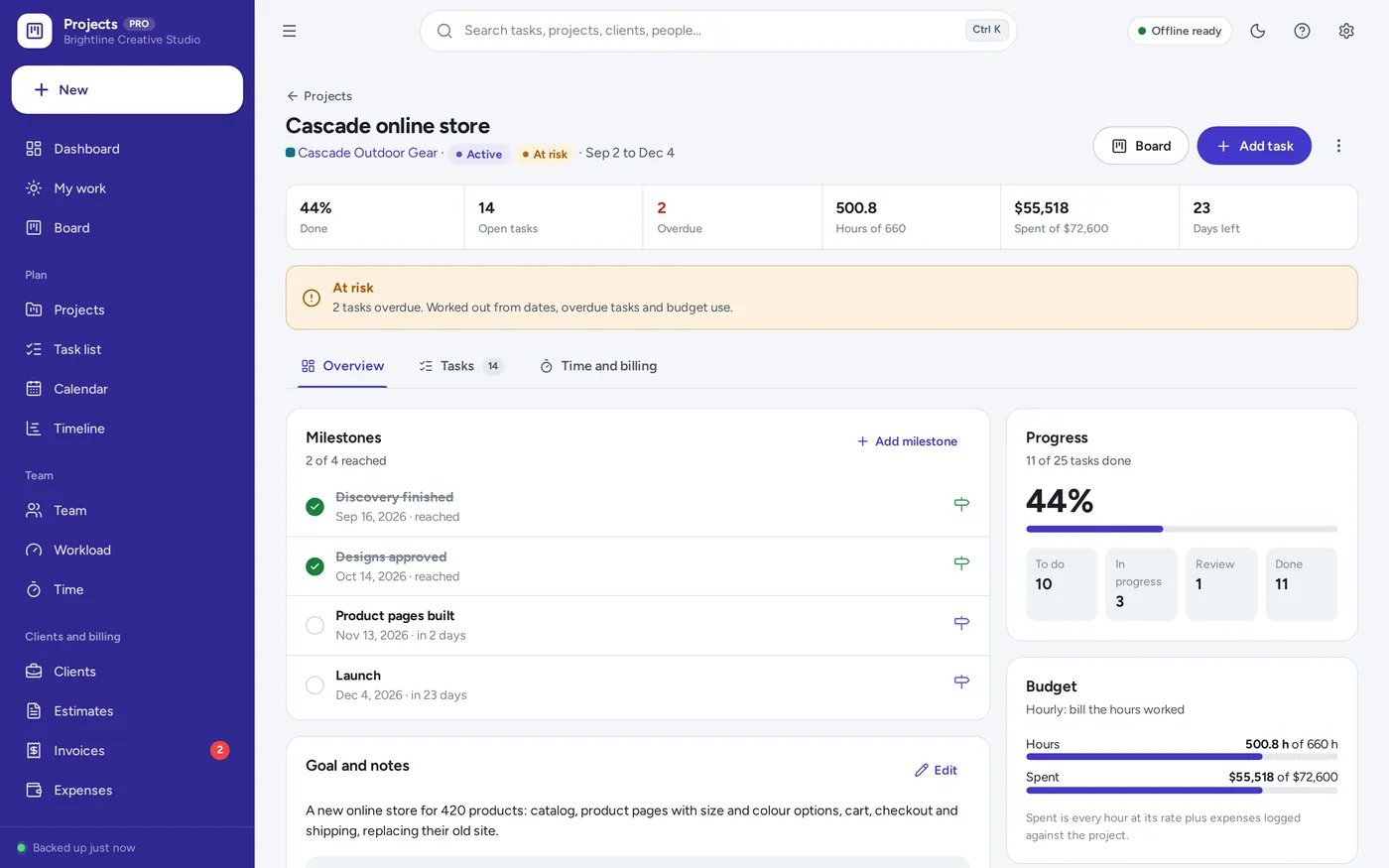
Project tracker
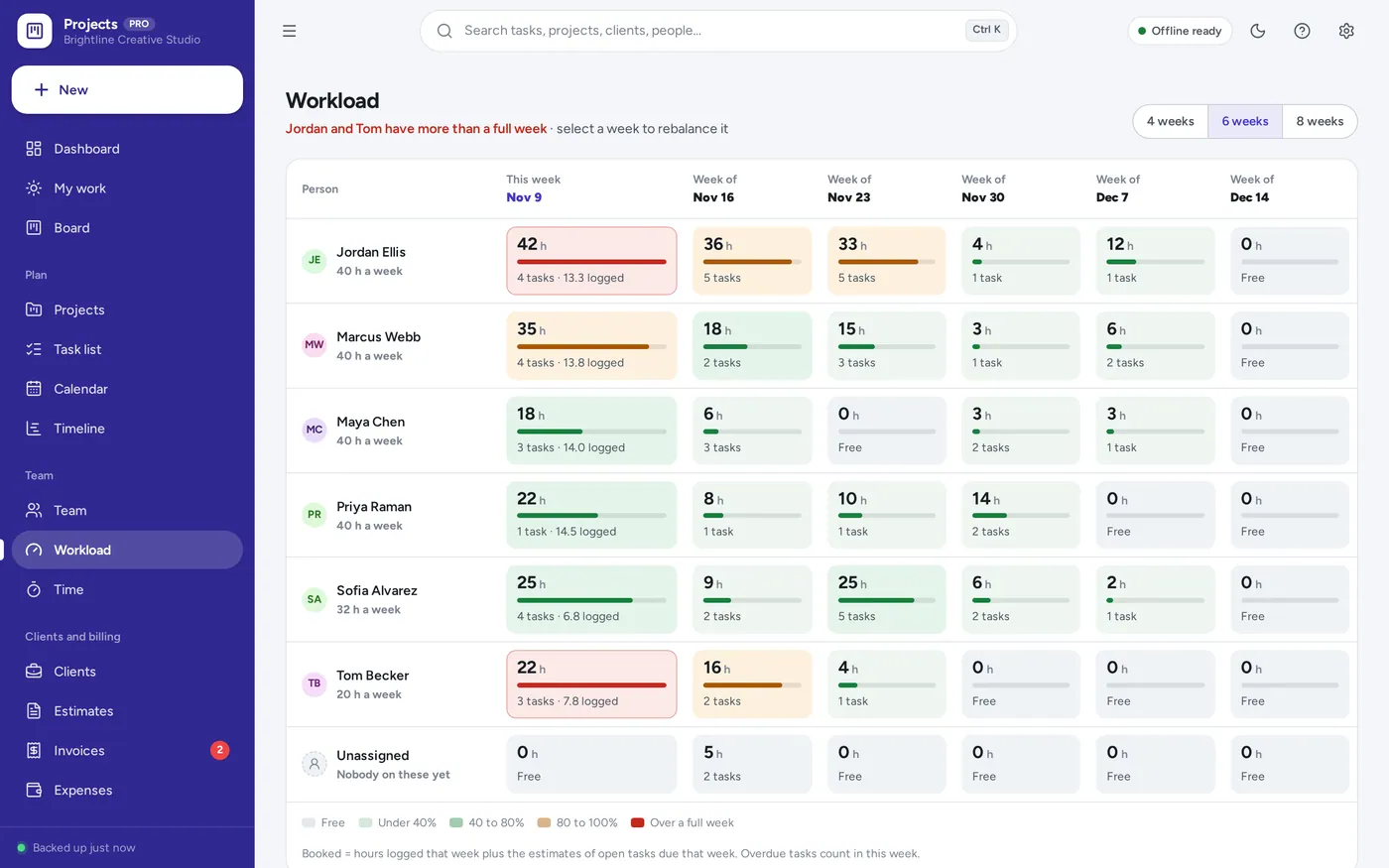
Team workload
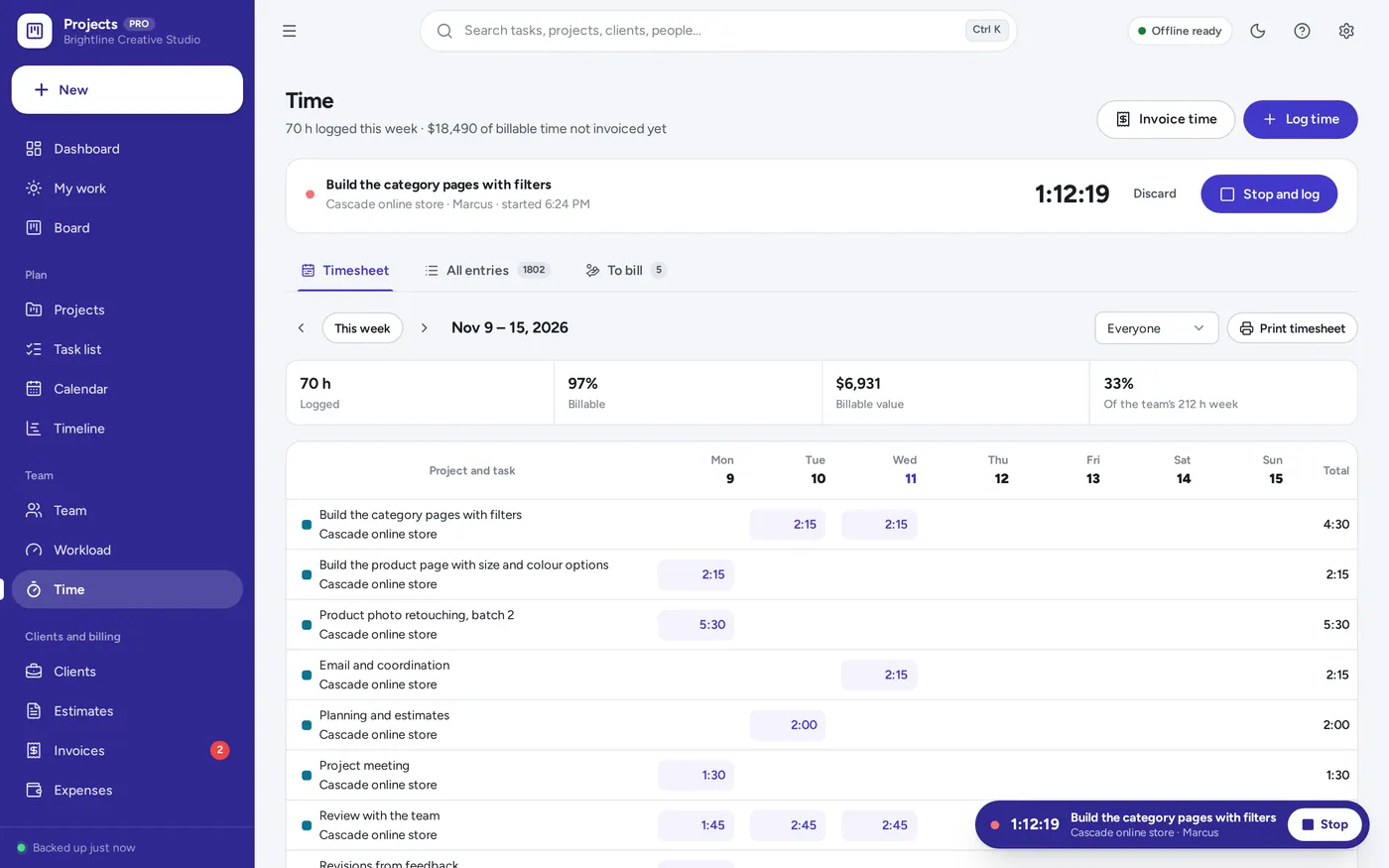
Time tracking
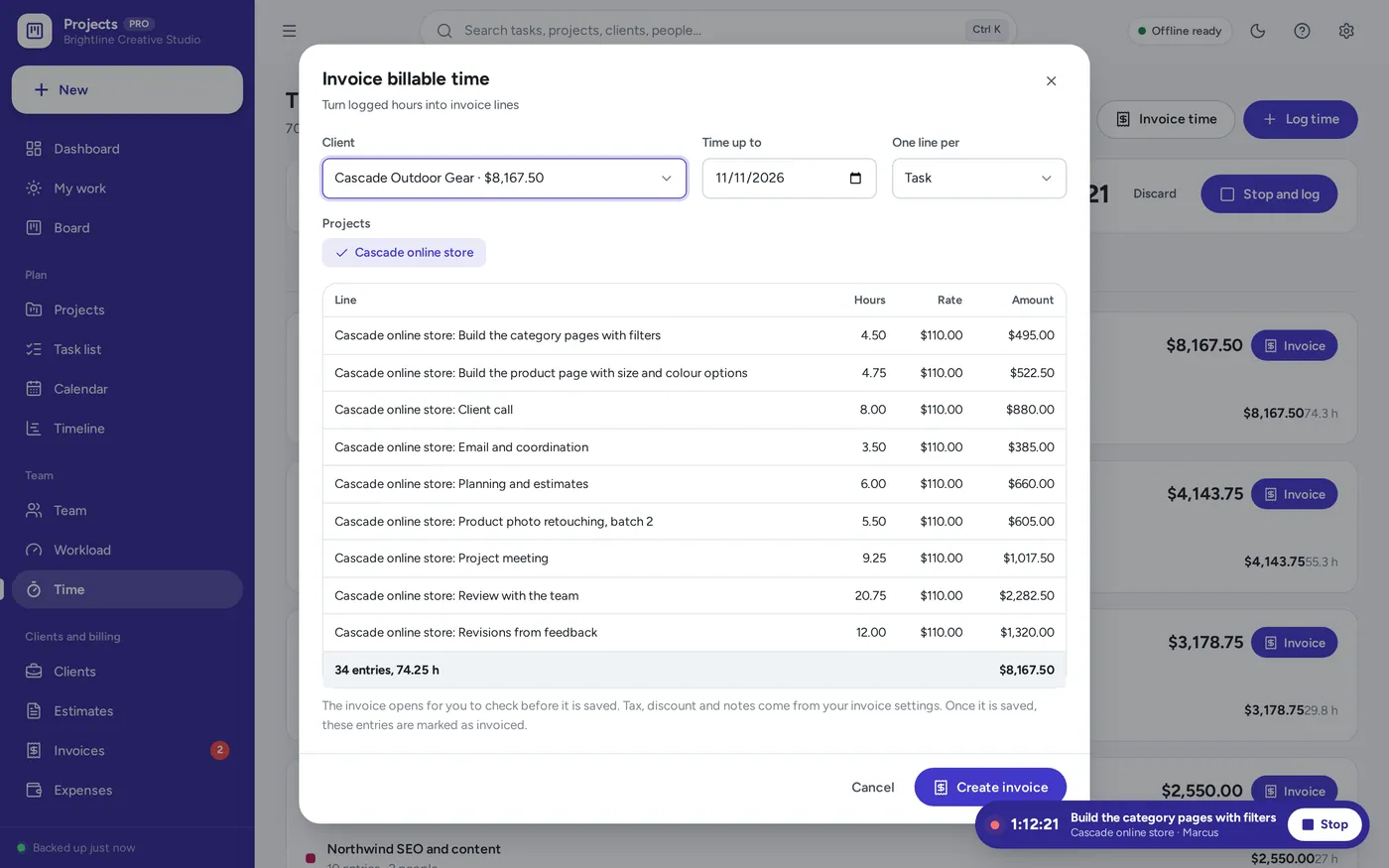
Billable hours to invoices
For small teams, agencies, freelancers, consultants and nonprofits running several projects at once: the project management template a spreadsheet promises, plus the board, timeline, workload and time tracking it leaves out.
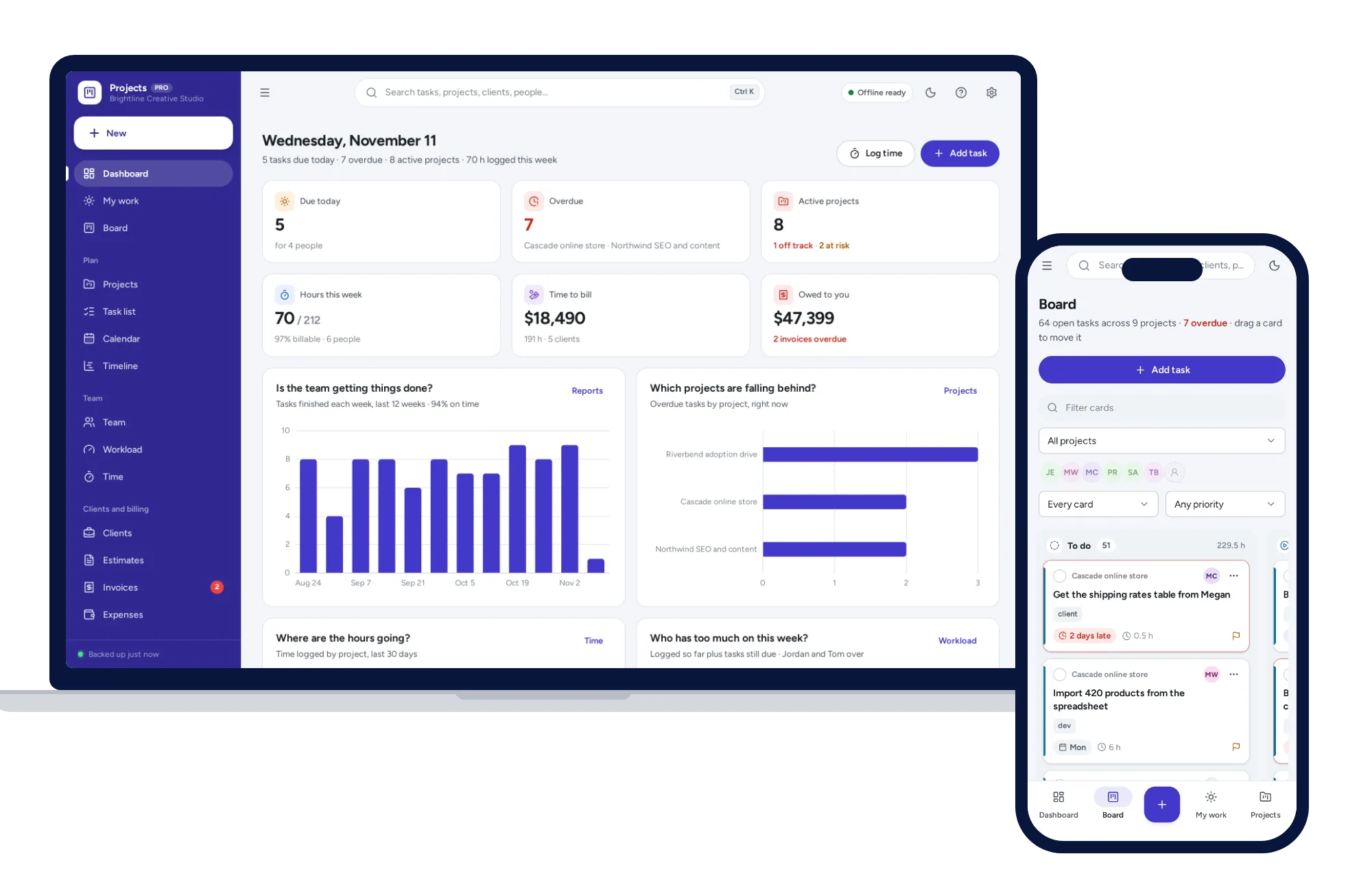
Project management software charges every month for every person on the team, and a spreadsheet tracker cannot drag a card, run a timer or show who is overloaded. This works offline on your own computer, paid for once, with your records kept on your device.
What it needs, and what it does not do.
Project & Task Manager is an offline app from ColadoSystems that runs in your web browser from a folder on your own device. It costs $39 once, with no subscription and no account, and includes 16 tools, sample data to explore and a PDF guide. Your records stay on your device and are never uploaded.
Something else? Ask us and we'll answer before you buy.
Everything is saved inside your browser on this device. Nothing is uploaded and there is no account, so no company holds a copy of your records. Anyone who can use this device and browser can open them, so keep the device locked. Download a backup regularly (Settings → Data & backup → Back up now) and keep it somewhere safe.
Yes. Open index.html and it runs fully offline. You can also host the folder on any website and choose “Install app” in Chrome or Edge to get a desktop or phone icon that works offline.
Yes. The layout adapts to phones and tablets with a bottom navigation bar, and cards drag with a finger (hold one for a moment, then move it). On a phone or iPad the app has to be opened from a web link once, then added to the Home Screen. Each device keeps its own records, so use Back up and Restore to move them between devices.
Go to Settings → Data & backup → Erase records. Your business profile and settings are kept; all sample records are removed.
Each device keeps its own records; there is no live sync between people. It suits a team where one person, or one shared computer, keeps the board, the tasks and the time. Everyone can still be a team member with their own My work list, workload row and timesheet. Records move between devices with Back up now and Restore.
An iPad cannot open the app from a downloaded file, so it has to be opened from a web link. Put the app folder on a website or free static host, open the link in Safari, then tap Share → Add to Home Screen. From then on it opens from its own icon and works without internet. Records stay on the iPad; nothing is uploaded.
A project is off track when it is past its end date with tasks still open, when it has used more than 110% of its hours or money budget, or when three or more of its tasks are overdue. It is at risk when any task is overdue, a milestone has passed, most of the hours are used with less done, or it ends within a week with under 70% done. Otherwise it is on track. You can set the health by hand on the project instead.
The project’s own hourly rate if it has one, then the hourly rate of the person who did the work, then the default rate in Settings → Rates and services. Each invoice line shows the hours and the rate, and you can change anything before saving.
Yes. The start time is saved, so the clock carries on when you open the app again, on the same device and browser. Stop it and the time is logged. A timer left running for more than 8 hours is flagged on the dashboard so you can correct it.
You can rename the four columns, and switch the Review column off, in Settings → Board and tasks. Tasks in Review then show under In progress.
Only what you put in Settings → Business profile: your business name, logo, address, phone, email, website and tax number if you have entered one. Nothing is invented. Leave the profile blank and documents simply say “Your Business Name”.
There is no limit built in. The sample studio has 18 projects, more than 200 tasks and about 1,800 time entries over six months, and the app stays quick. Back up regularly and export to Excel whenever you want a copy.
No. It runs offline on your own device, so there is no booking page for customers and it does not take card payments. You record bookings and payments in it yourself, including ones taken by phone, card reader or another website.
Practical how-tos from our blog, useful with or without the system.
Work & side business
Buy software once when one person uses it for years; pay monthly for live sharing or bank feeds. One-time purchase vs subscription, with five-year math.
Work & side business
Keep three copies on two kinds of storage, one away from home, and test a restore every three months. A 10-minute weekly routine to back up your records.
Work & side business
Add target income to a year of business costs, divide by real billable hours and add a margin: a worked example to price your services when self-employed.
The work & side business bundle has every system in this category for one price.
Invoices, projects, books, job search and content planning for people working for themselves.
$59for 6 systems, $181.97 if bought one by one
You save $122
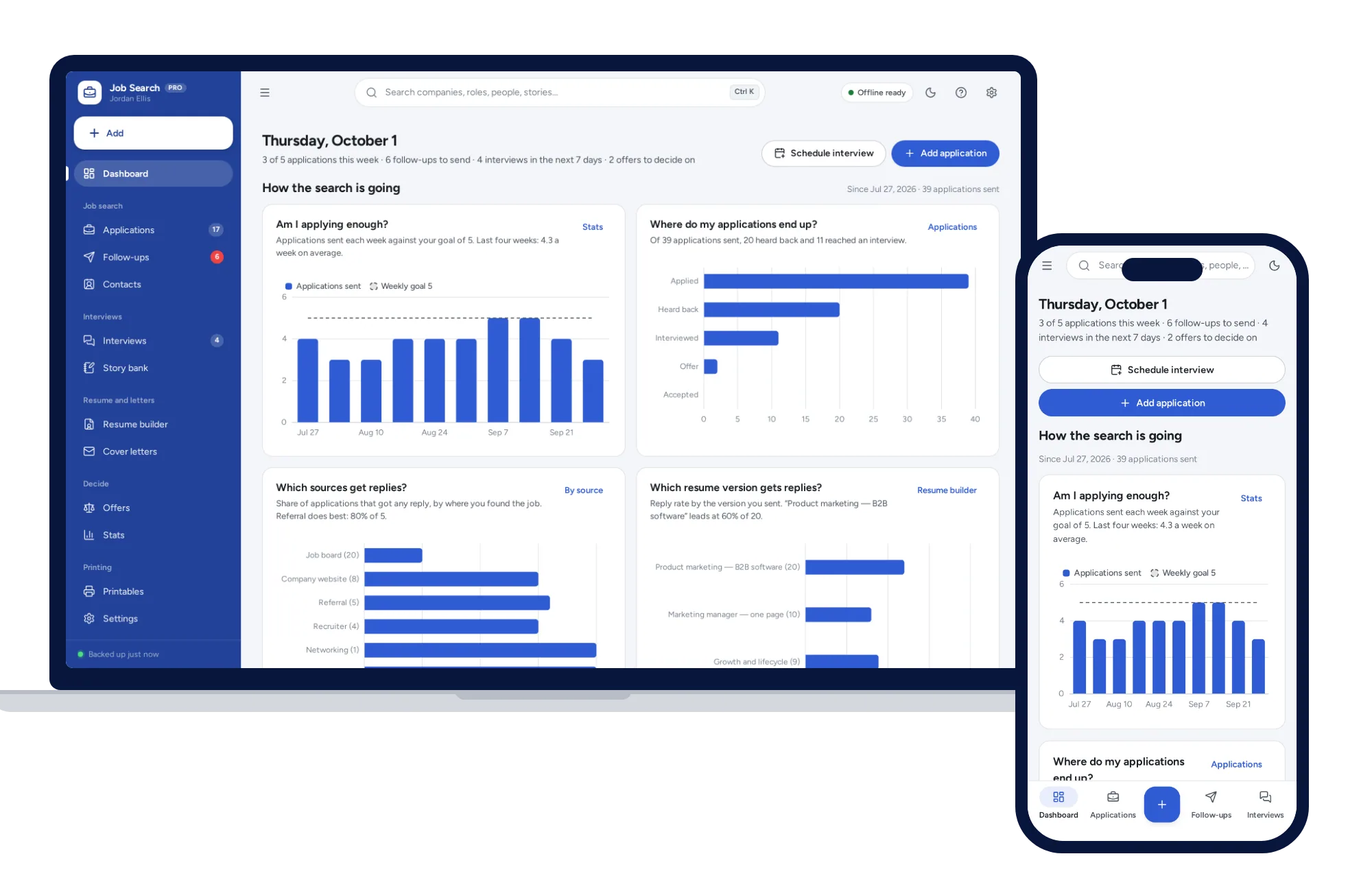
Work & side business
Track every application from wish list to offer, with follow-ups that schedule themselves and a resume builder that prints three clean layouts.
$24.99one-time
Work & side business
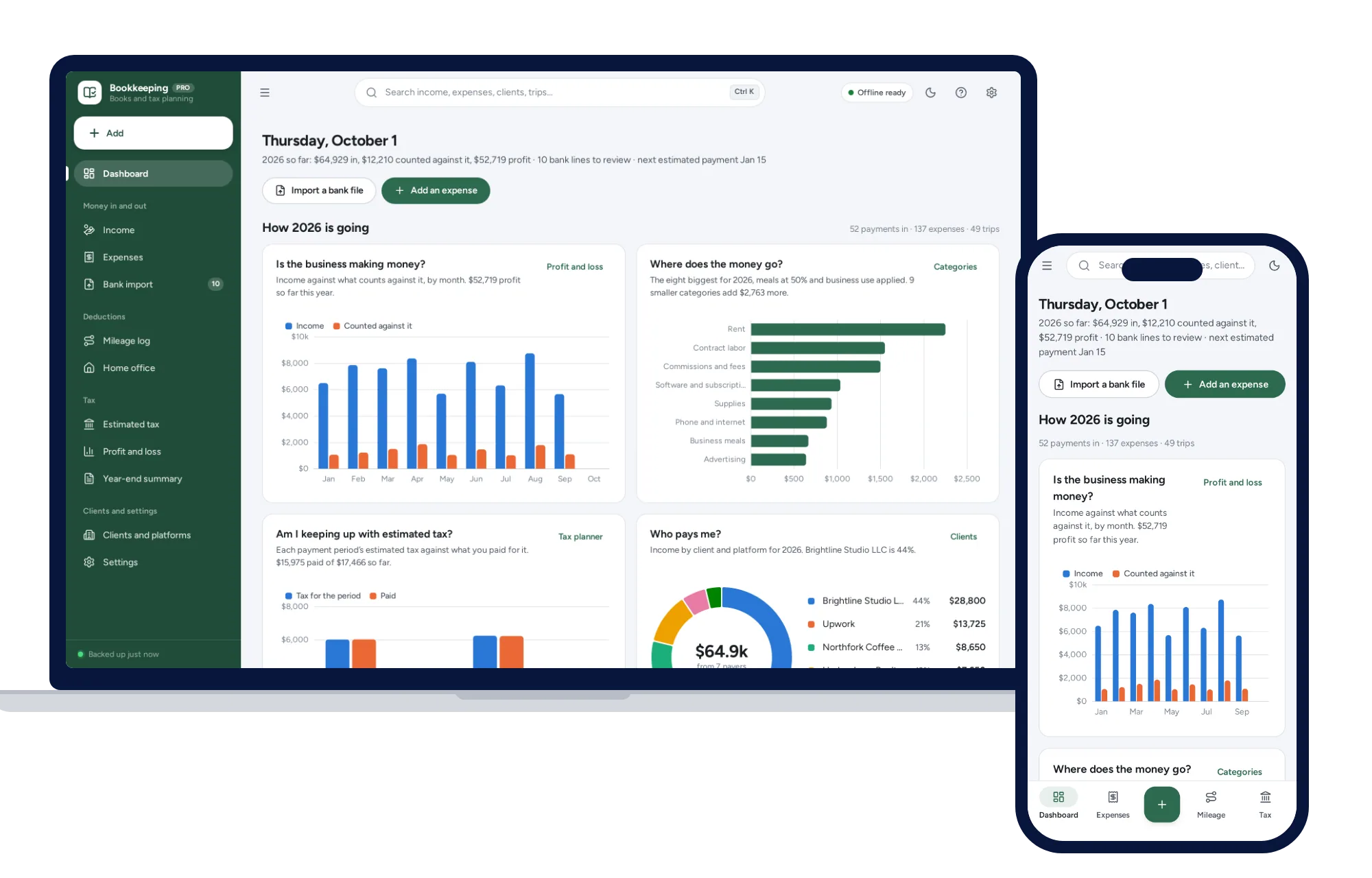
Import your bank CSV, sort it with your own rules, log mileage and see the quarterly tax to set aside.
$39one-time
Work & side business
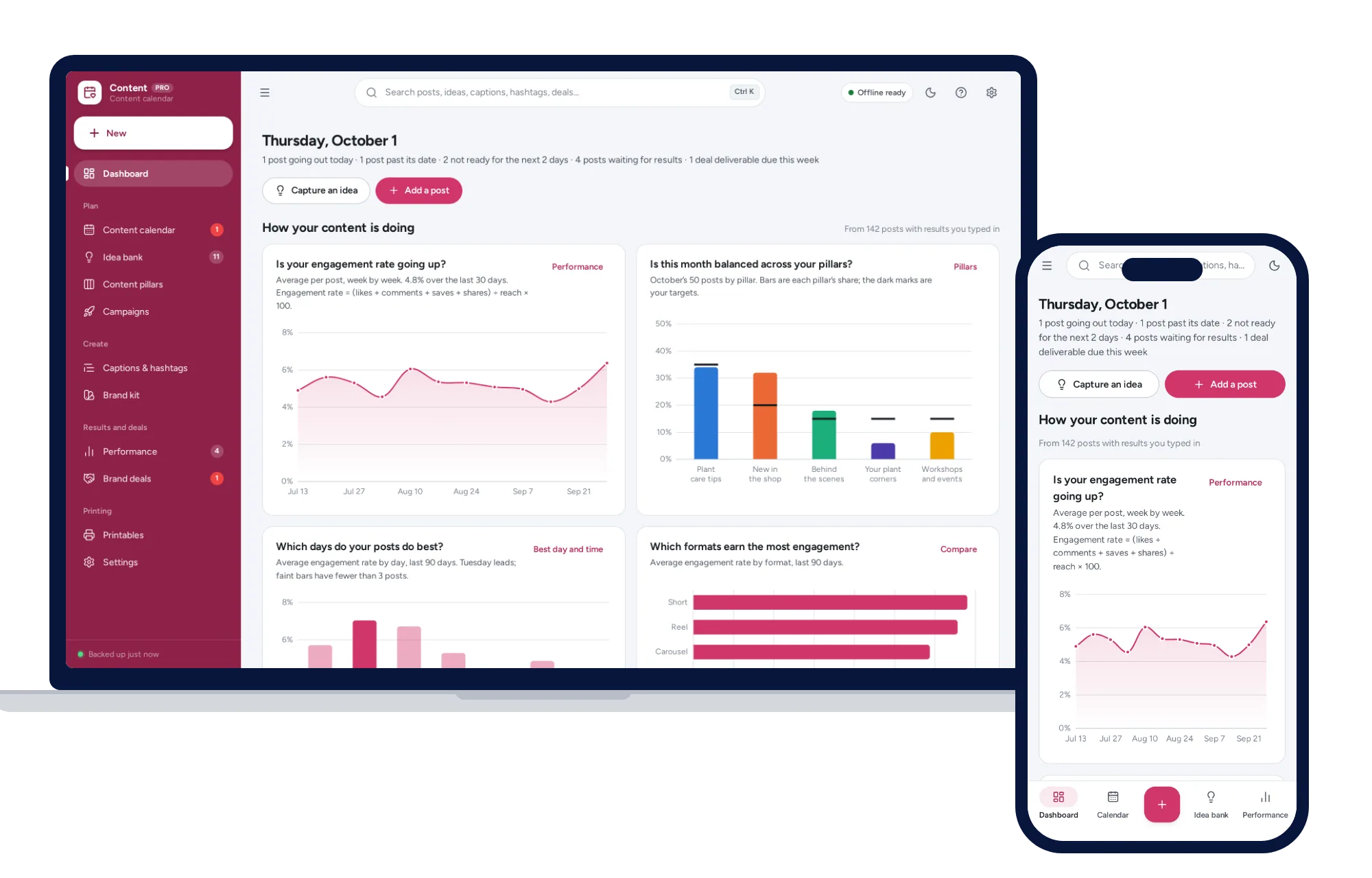
A content calendar you can drag, balanced content pillars, a caption bank and the days and formats that perform best.
$24.99one-time
Work & side business
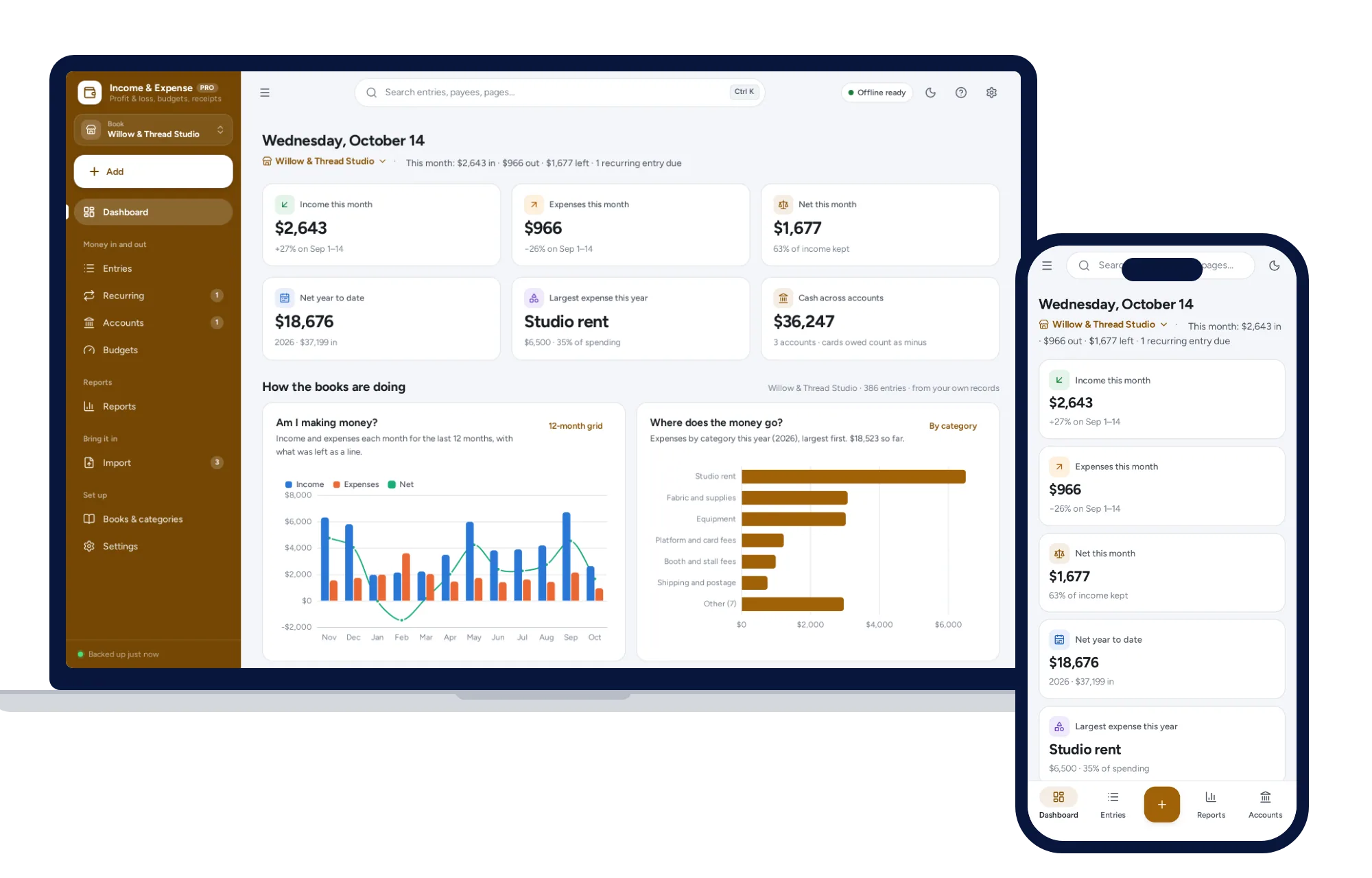
Money in and out with a receipt for each, separate books for a business, household or club, and a profit and loss or treasurer’s report in one click.
$24.99one-time