
Weekly lesson planner
Every child’s week, lesson by lesson
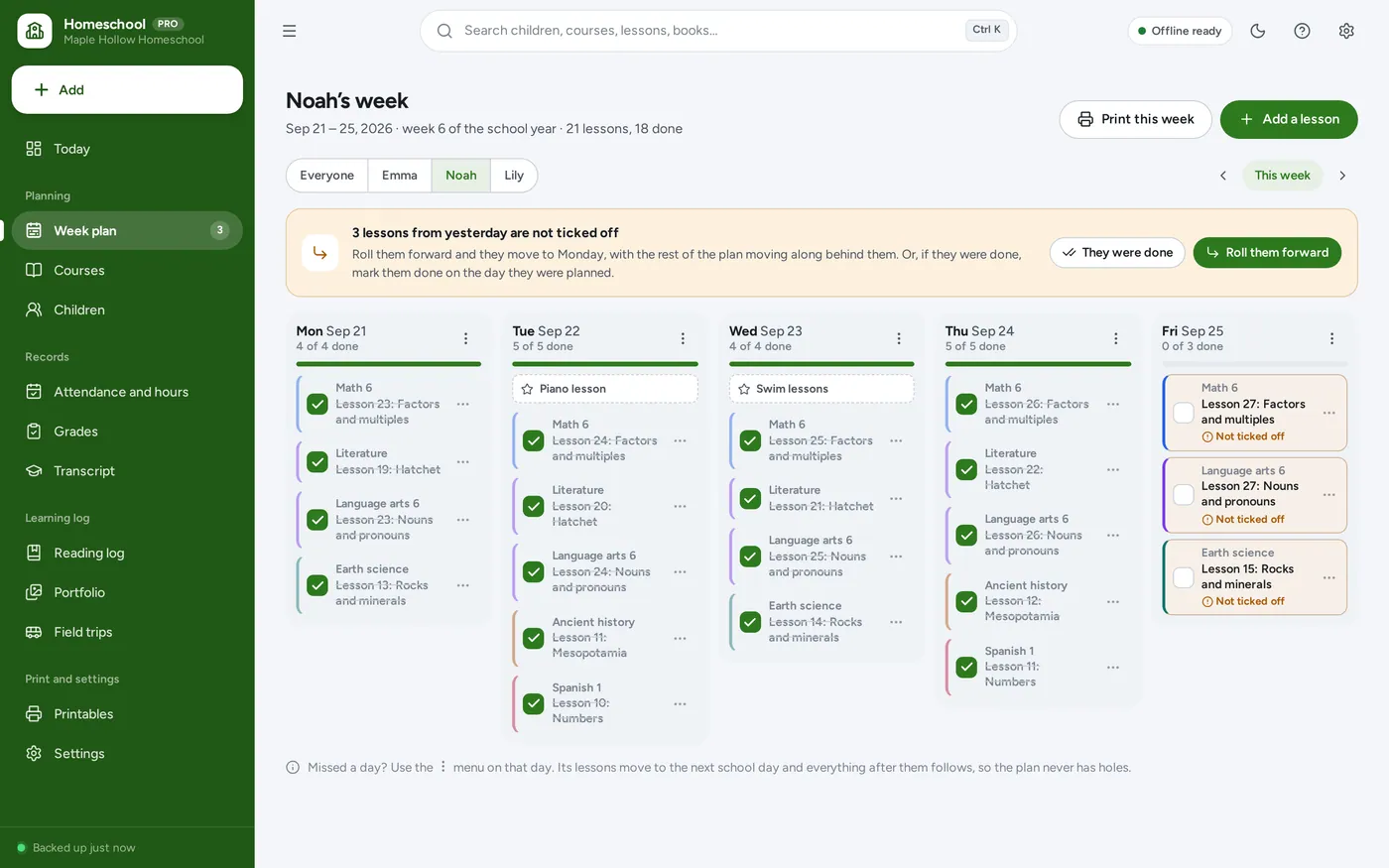
- A column for each day, a box to tick for every lesson
- All your children on one page, or one at a time
- Print each child’s weekly plan for the table
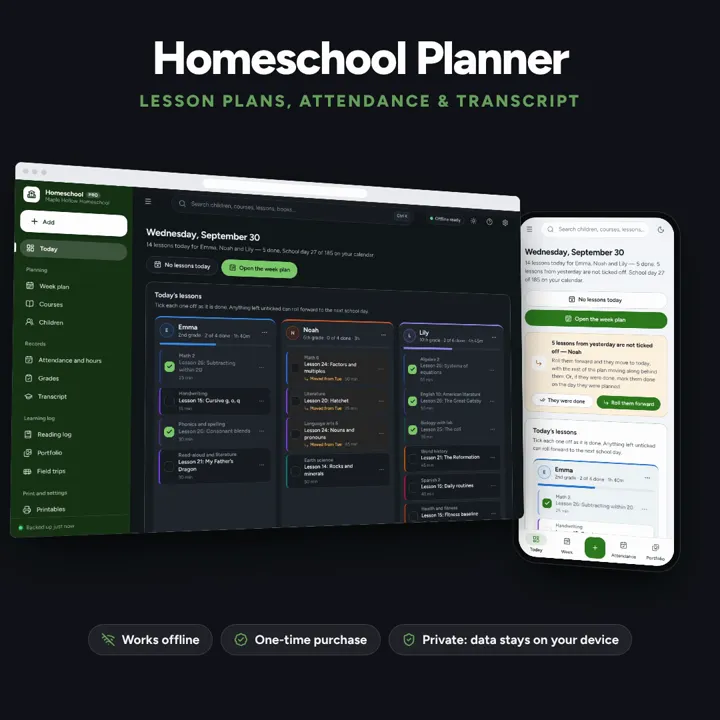
Weekly lesson plans for every child that roll forward when a day is missed, an attendance and hours tracker, and a transcript with GPA. No subscription.
No subscription. Pay once and keep it.
Checkout by Paddle. Tax is added where it applies, and you download straight after paying.
Made for Parents homeschooling several children who want each child’s week planned lesson by lesson, the days and hours counted for them, and a transcript for their high-schooler — without rewriting the plan every time a day is missed
A homeschool planner for several children: weekly lesson plans that roll forward when a day is missed, attendance and hours counted against the requirement you enter, a gradebook and a high-school transcript with GPA, a portfolio, a reading log and field trips — offline, no formulas to break.
Weekly lesson planner
Missed a day?
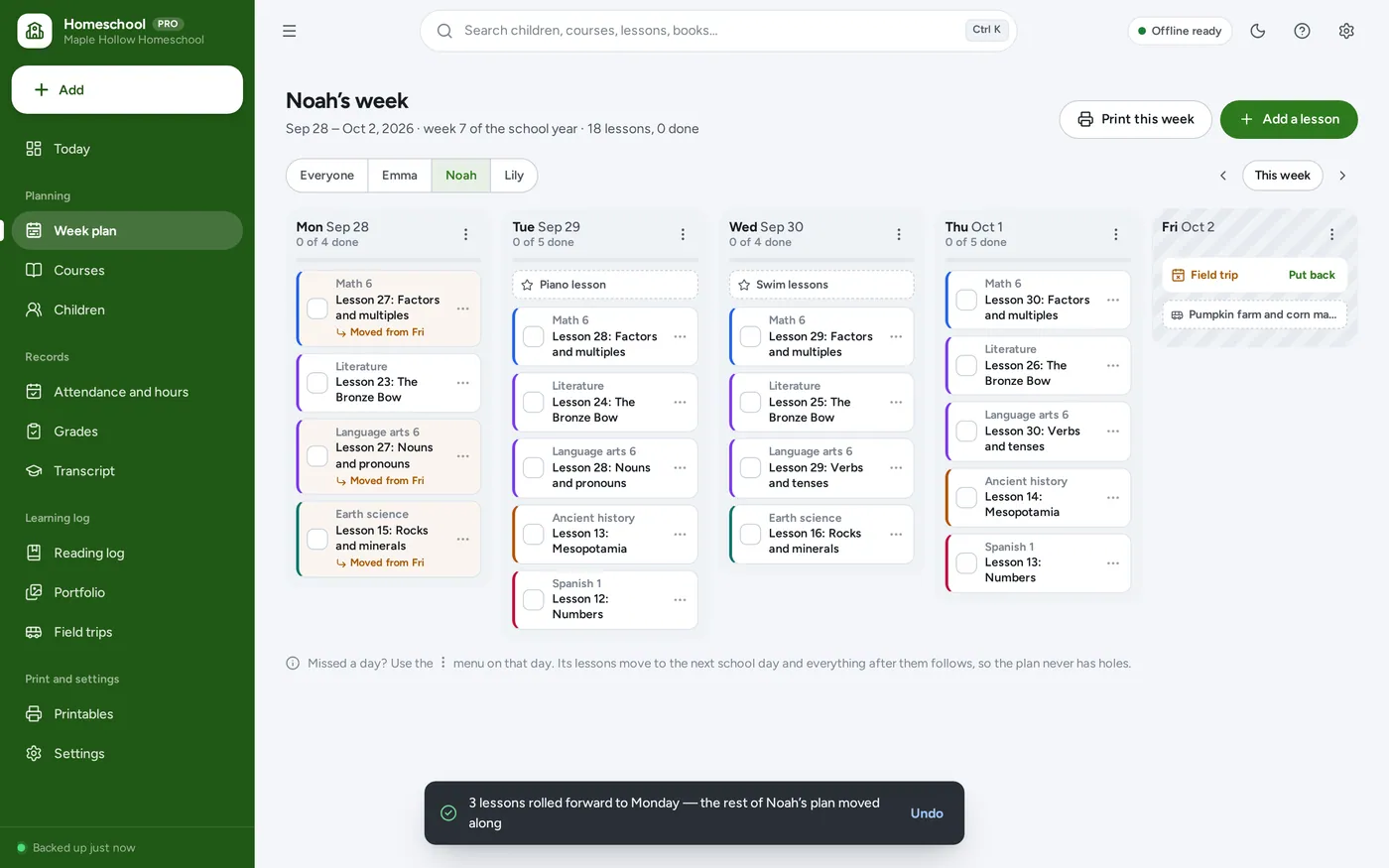
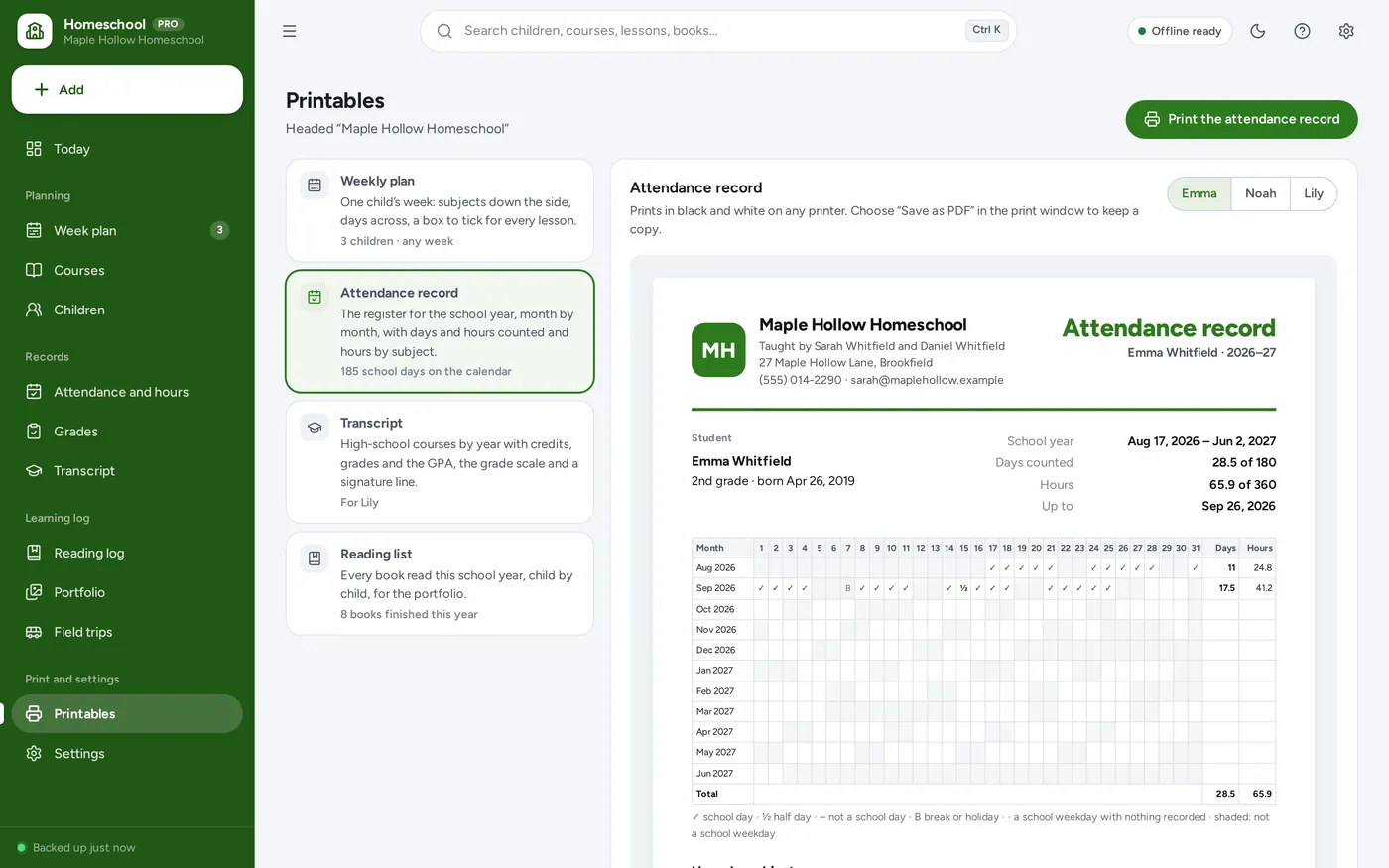
Attendance and hours tracker
High school transcript
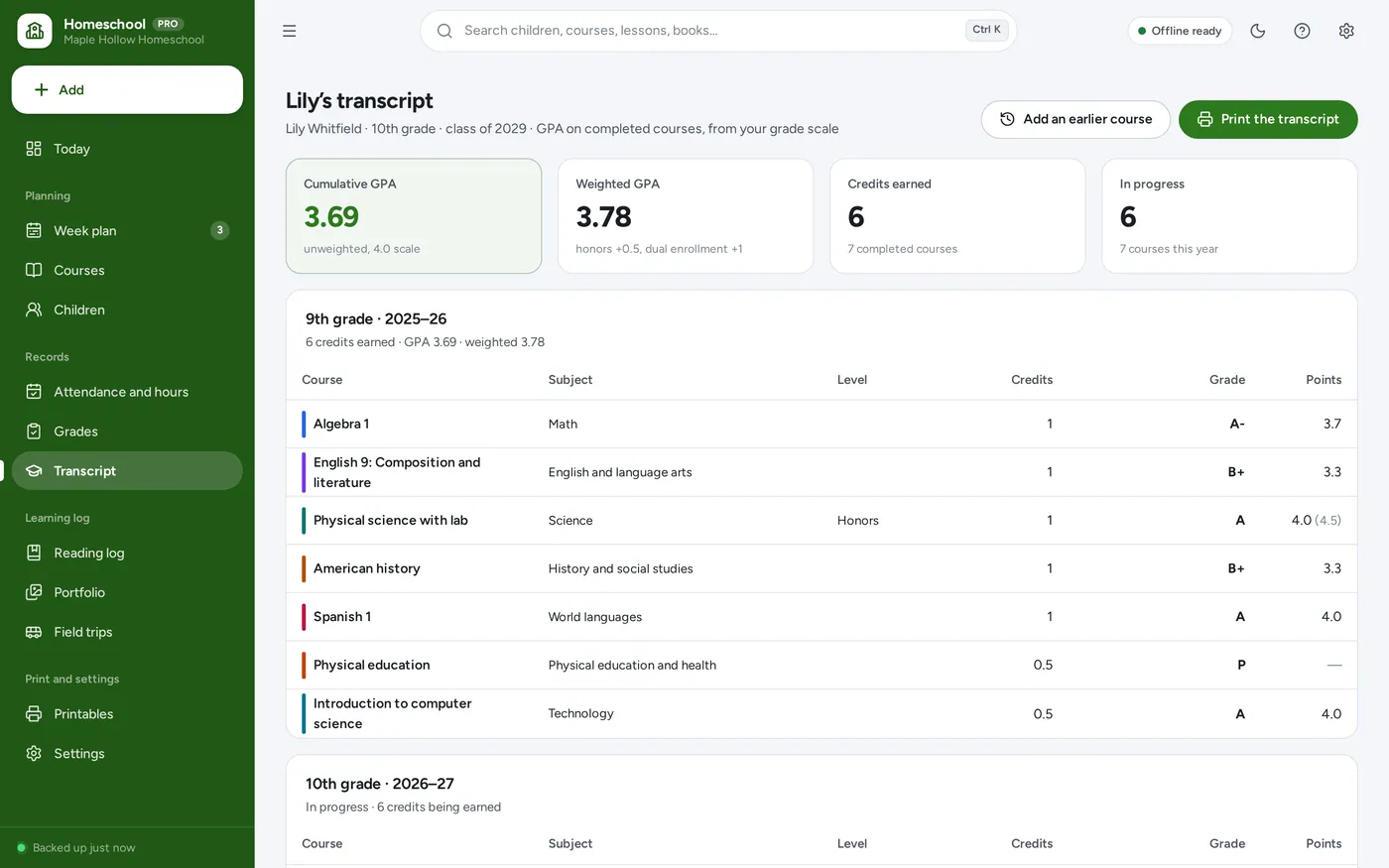
Curriculum planner
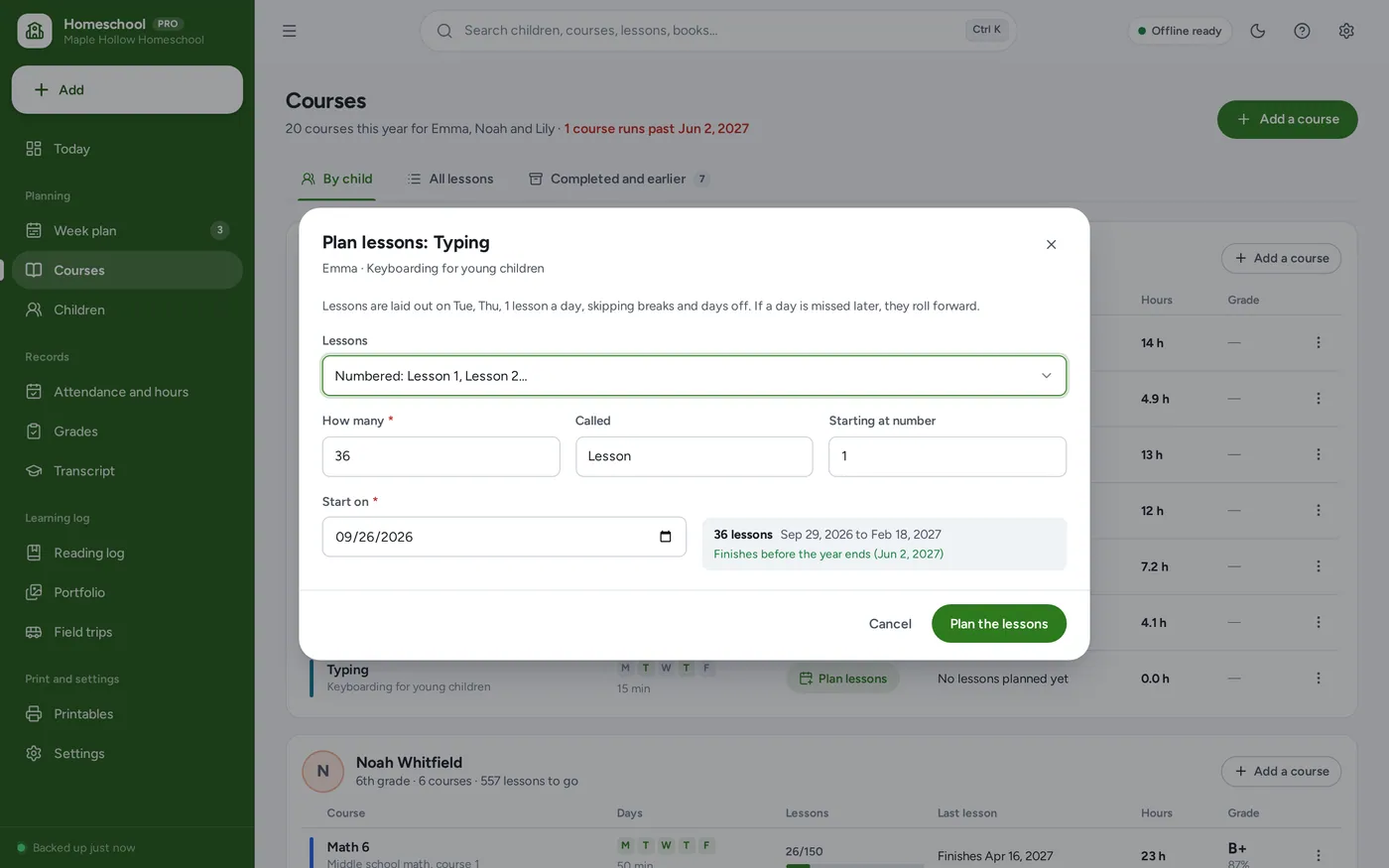
Portfolio and printables
For a parent teaching several children at home, from the early grades to high school — the dashboard, lesson planner, attendance tracker and transcript a homeschool binder promises, without the formulas.
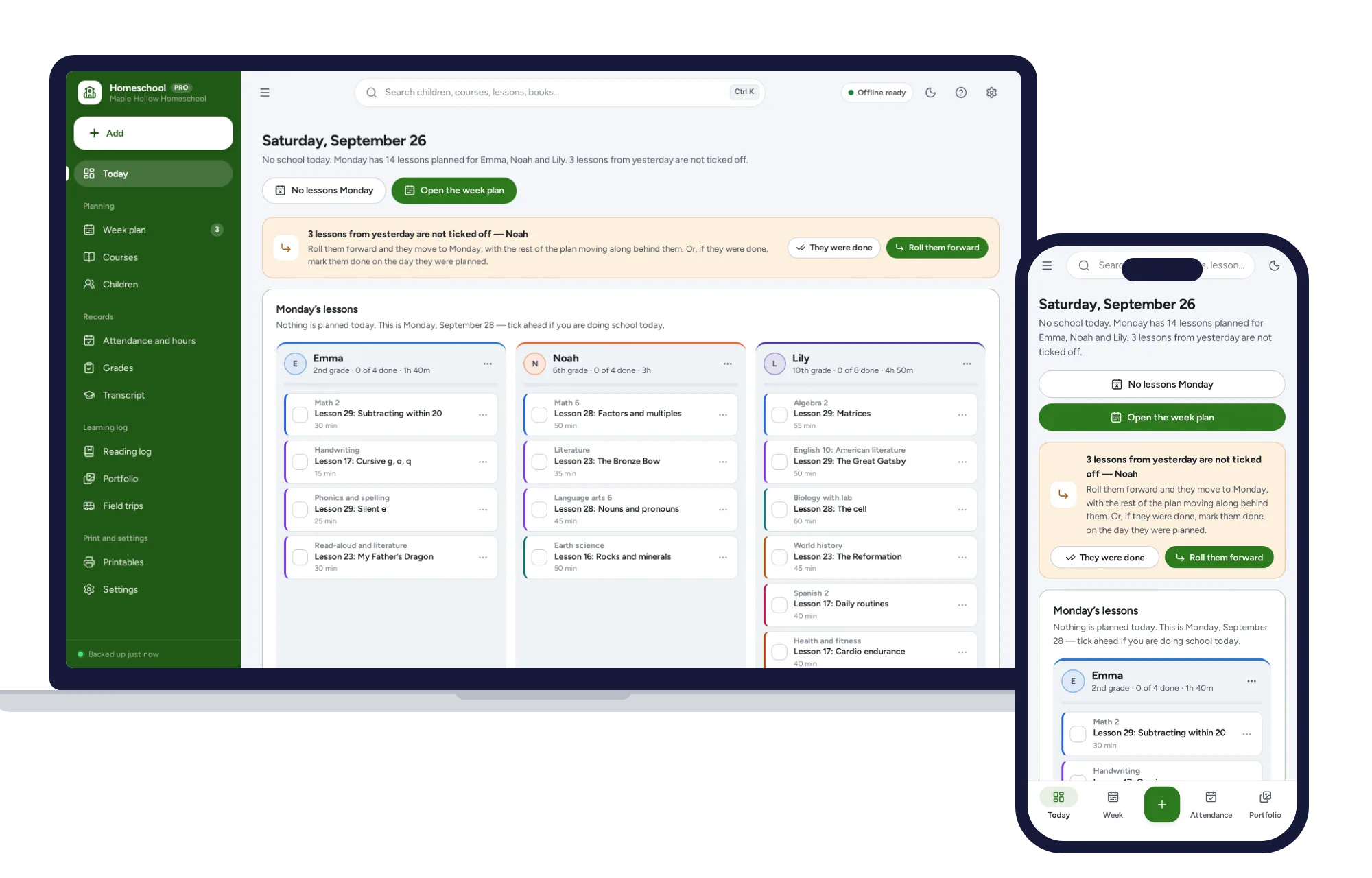
Homeschool spreadsheets break when a formula gets typed over, and a paper planner leaves a hole every time a day is missed. This opens from a double-click, works offline and keeps your children’s records on your own device.
What it needs, and what it does not do.
Homeschool Planner is an offline app from ColadoSystems that runs in your web browser from a folder on your own device. It costs $24.99 once, with no subscription and no account, and includes 12 tools, sample data to explore and a PDF guide. Your records stay on your device and are never uploaded.
Something else? Email us and we'll answer before you buy.
Everything is saved inside your browser on this device. Nothing is uploaded and there is no account, so no company holds a copy of your children’s records. They are not encrypted, though: anyone who can use this device and browser can open them, so keep the device locked. Download a backup regularly (Settings → Data & backup → Back up now) and keep it somewhere as safe as the records themselves.
Yes. Open index.html and it runs fully offline. You can also host the folder on any website and choose “Install app” in Chrome or Edge to get a desktop or phone icon that works offline.
Yes. The layout adapts to phones and tablets with a bottom navigation bar. Each device keeps its own data, so use Back up / Restore to move records between devices.
Go to Settings → Data & backup → Erase records. Every sample record is removed, and so are the sample school’s name, dates and requirement, so nothing of theirs ends up on your printouts. Your other settings are kept.
No. Every state sets its own rules, and many set none. The app counts days and hours against the numbers you type into Settings → School year, so check your state’s requirements and enter them there. Nothing in it is legal advice, and it does not claim to meet any law.
The lessons planned on that day move to the next day each course is taught, and every later lesson in those courses moves along one place, skipping weekends, breaks and other cleared days. Nothing is deleted and no lesson is skipped. Each moved lesson shows the day it came from, and each course’s finish date updates. You can undo it straight away, or put the day back later.
A day you mark yourself counts as you marked it: a school day, a half day, or not a school day. Otherwise a day counts as soon as a lesson is ticked off or an activity is logged on it — you can switch that off in Settings → School year. Only days between the first and last day of your school year are counted.
Each completed transcript course’s grade is turned into grade points using the scale in Settings → Grades and transcript, multiplied by the course’s credits, added up, and divided by the total credits. Courses in progress and pass/fail courses are left out. A weighted GPA, with extra points for honors and dual-enrollment courses, can be switched on beside it.
As many as you teach. Today shows each child in a column, four side by side on a wide screen, and wraps the rest; the week plan shows one child or everyone.
Neither. It is for a parent teaching their own children at home. A teacher planning lessons for classes is better served by our Teacher Lesson Planner, and a student keeping track of their own coursework by the Homework & Assignment Tracker.
Each device keeps its own copy of the records, so there is no live sync between two computers. Most families keep it on one laptop and print the weekly plans, or move the records with Back up now and Restore.
No. It is made for one person on one device, and records do not sync between devices. To move to another device, save a backup and restore it there.
Teaching or running a school? These systems are close cousins. Here is who each one is for.
The school office: students, attendance, grades, report cards and fees.
One teacher: lesson plans, cover sheets, marks and contact with home.
Homeschooling parents: weekly plans per child, attendance hours and transcripts.
The schools & learning bundle has every system in this category for one price.
From running a school office to planning a homeschool week.
$119.99for 8 systems, $219.92 if bought one by one
You save $99
Schools & learning
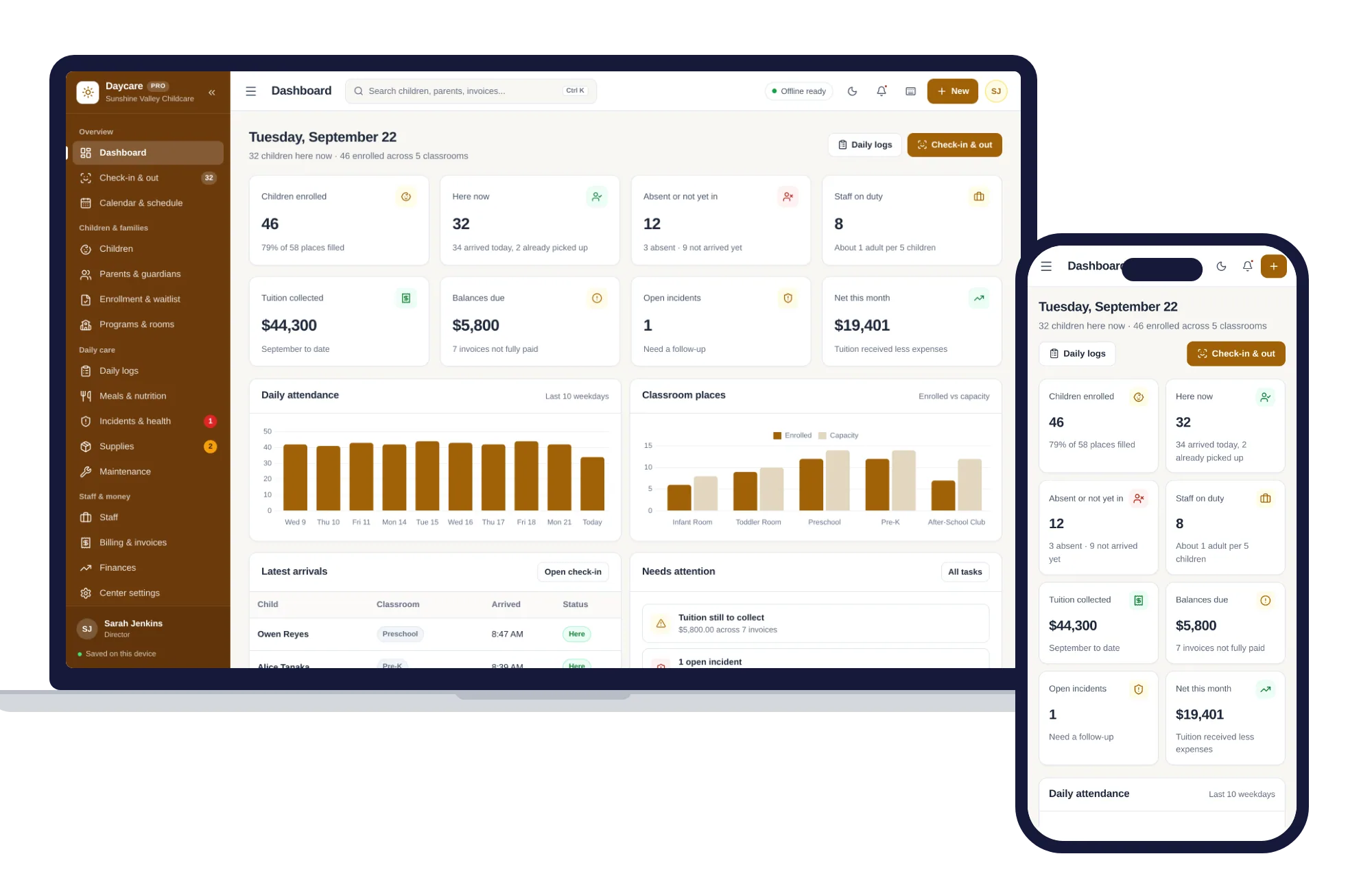
Check-in and out, children and families, daily logs, meals, staff and tuition billing — one offline app.
$29.99one-time
Schools & learning
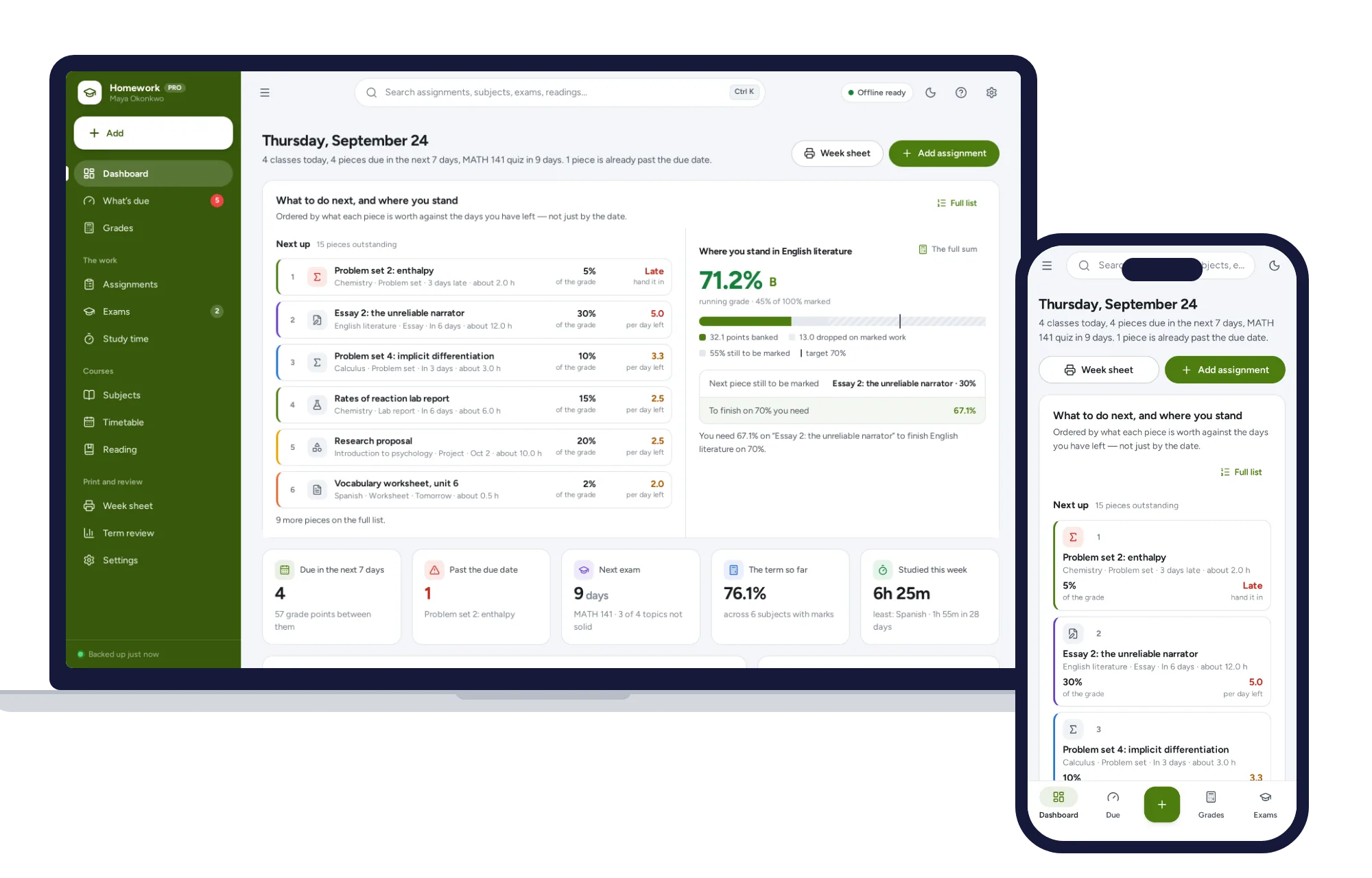
What’s due by what it is worth, the running grade in every subject, and the mark you need on the final — offline.
$24.99one-time
Schools & learning
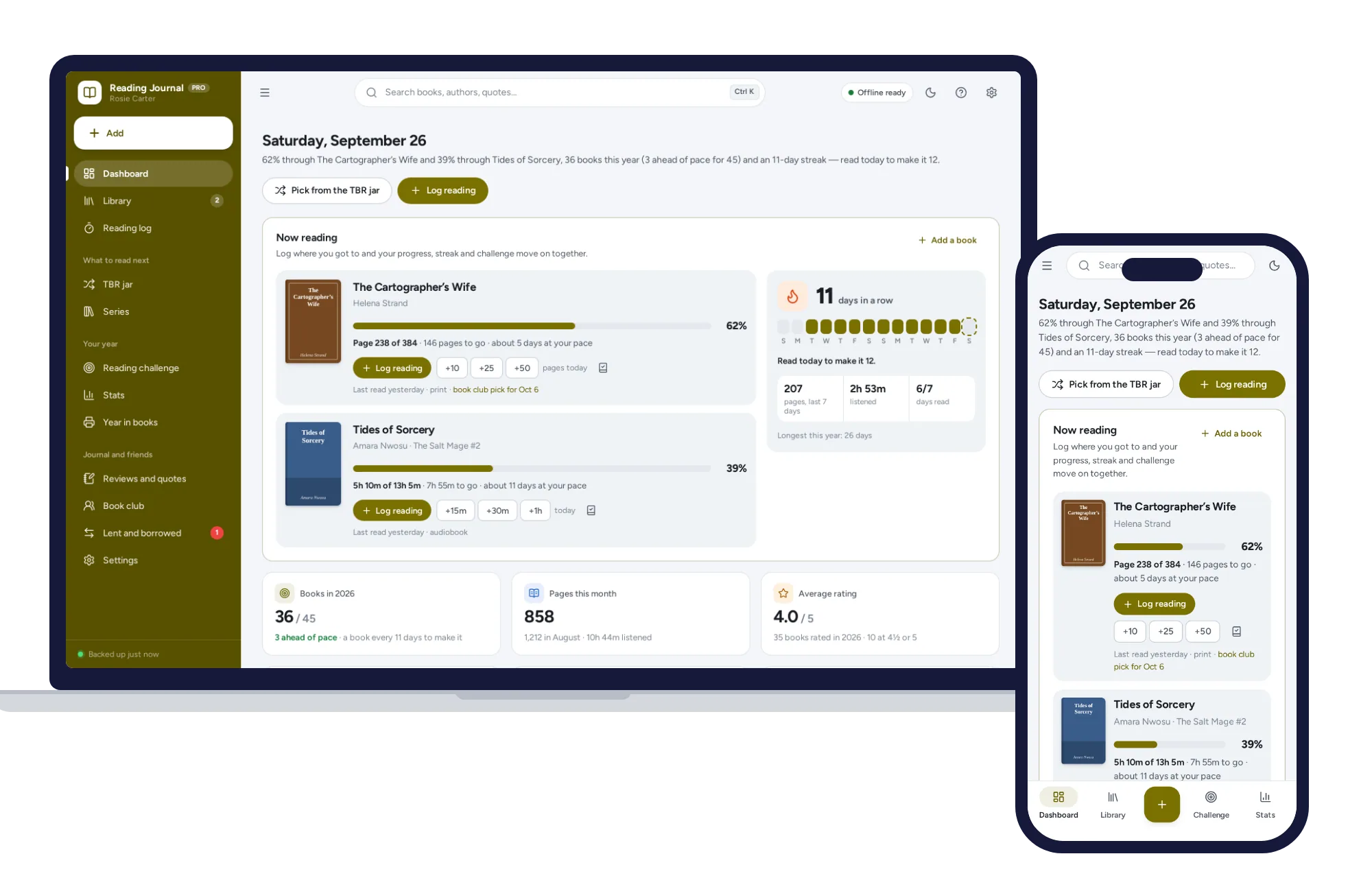
Log the page you reached and your progress, streak and reading challenge update. No formulas to break, no subscription.
$24.99one-time
Schools & learning
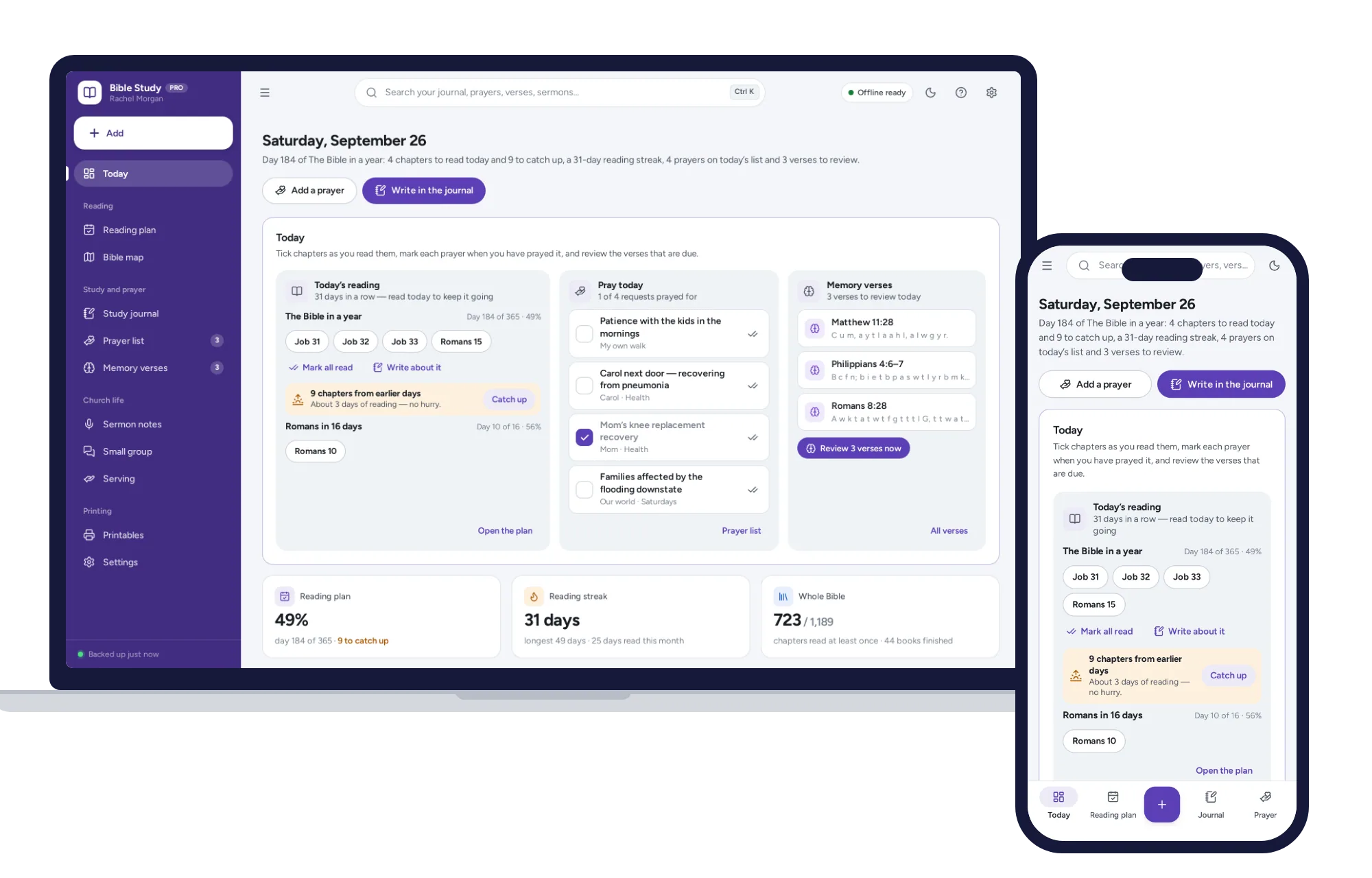
A Bible reading plan that catches you up when you miss a day, a SOAP journal and a prayer list on one dashboard. No subscription.
$24.99one-time