
Appointment book
Drag an appointment to move it
- A day view with a lane for each team member
- Week and month views, coloured by service
- Repeating appointments for your regulars
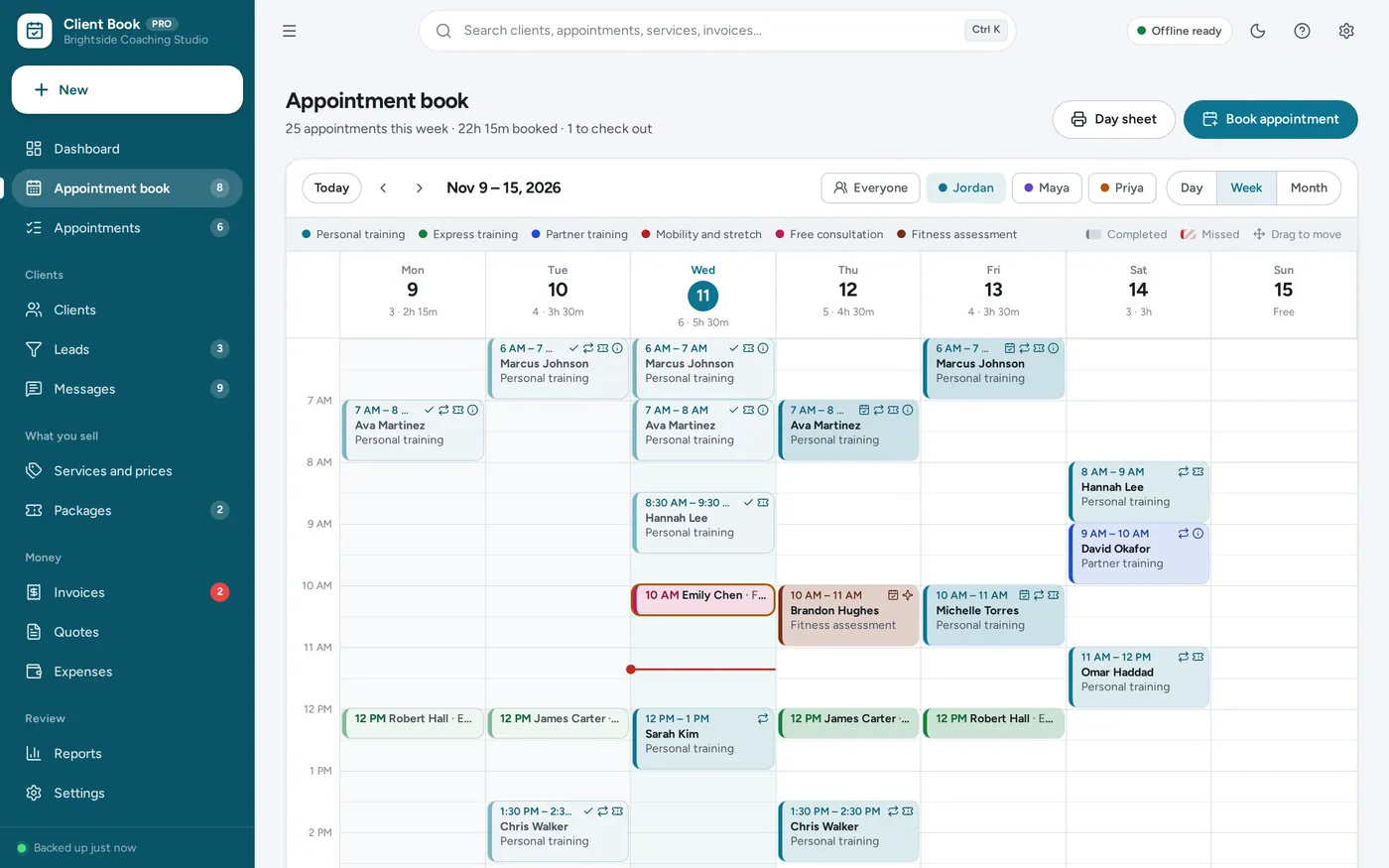
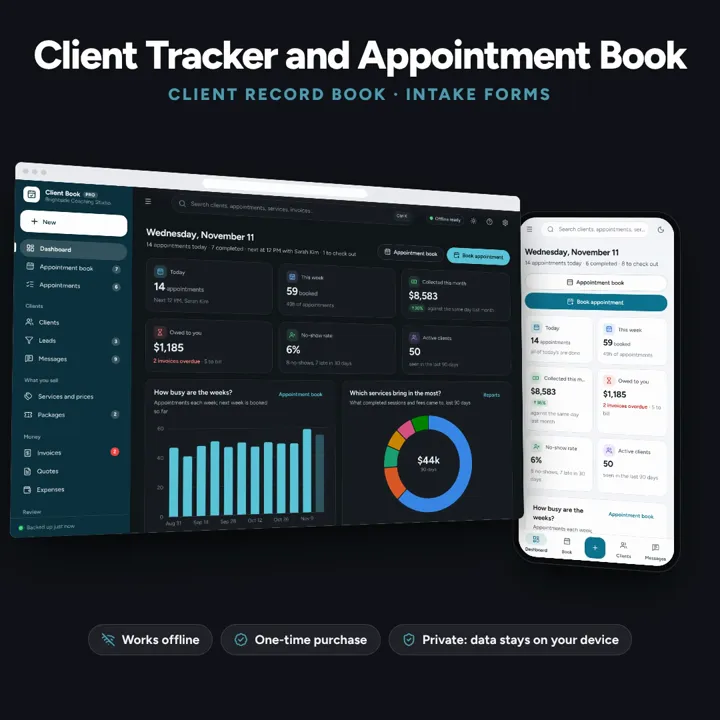
A day and week appointment book you drag to reschedule, a record for every client with session notes and a signed intake form, packages with sessions left, no-show fees and reminders written for you. Works offline, no subscription.
No subscription. Pay once and keep it.
Try the live demoWith sample data, right in your browserCheckout by Lemon Squeezy. Tax is added where it applies, and you download straight after paying.
Made for Appointment-based businesses run by one person or a small team: personal trainers, coaches, tutors, consultants, photographers, dog trainers, wellness and home-service pros
A client tracker, appointment book and client record book for appointment-based businesses: personal trainers, coaches, tutors, consultants, photographers, dog trainers, wellness and home-service pros. A day view with a lane for each team member, week and month views, drag to reschedule, repeating appointments, client records with session notes, a customisable intake form printed and marked signed, packages and memberships with sessions left, check out with payment, no-show and late cancellation fees, reminders and follow-ups to send by text or email, a leads pipeline, invoices, quotes, expenses and reports — offline, no subscription.
Appointment book
Client tracker
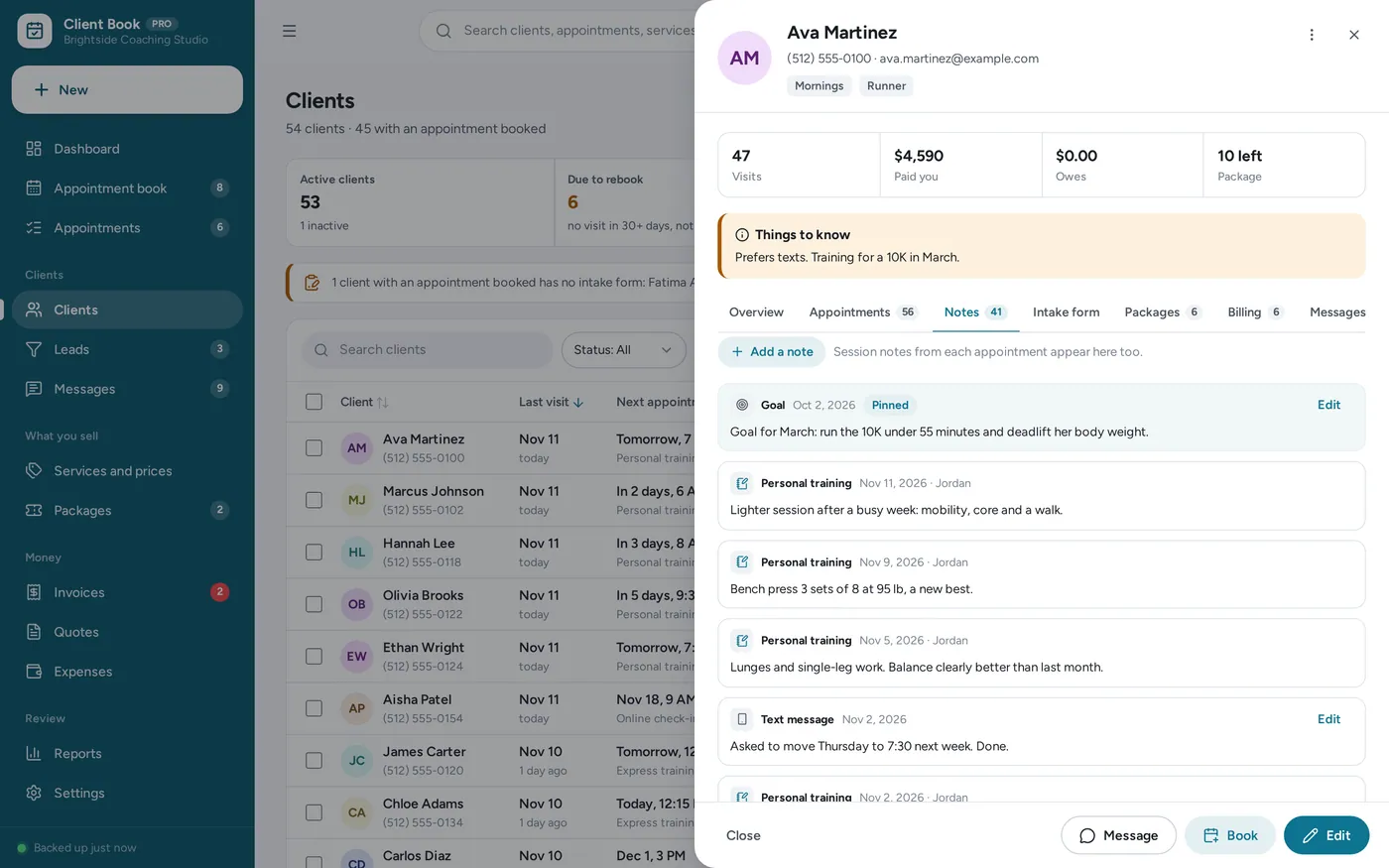
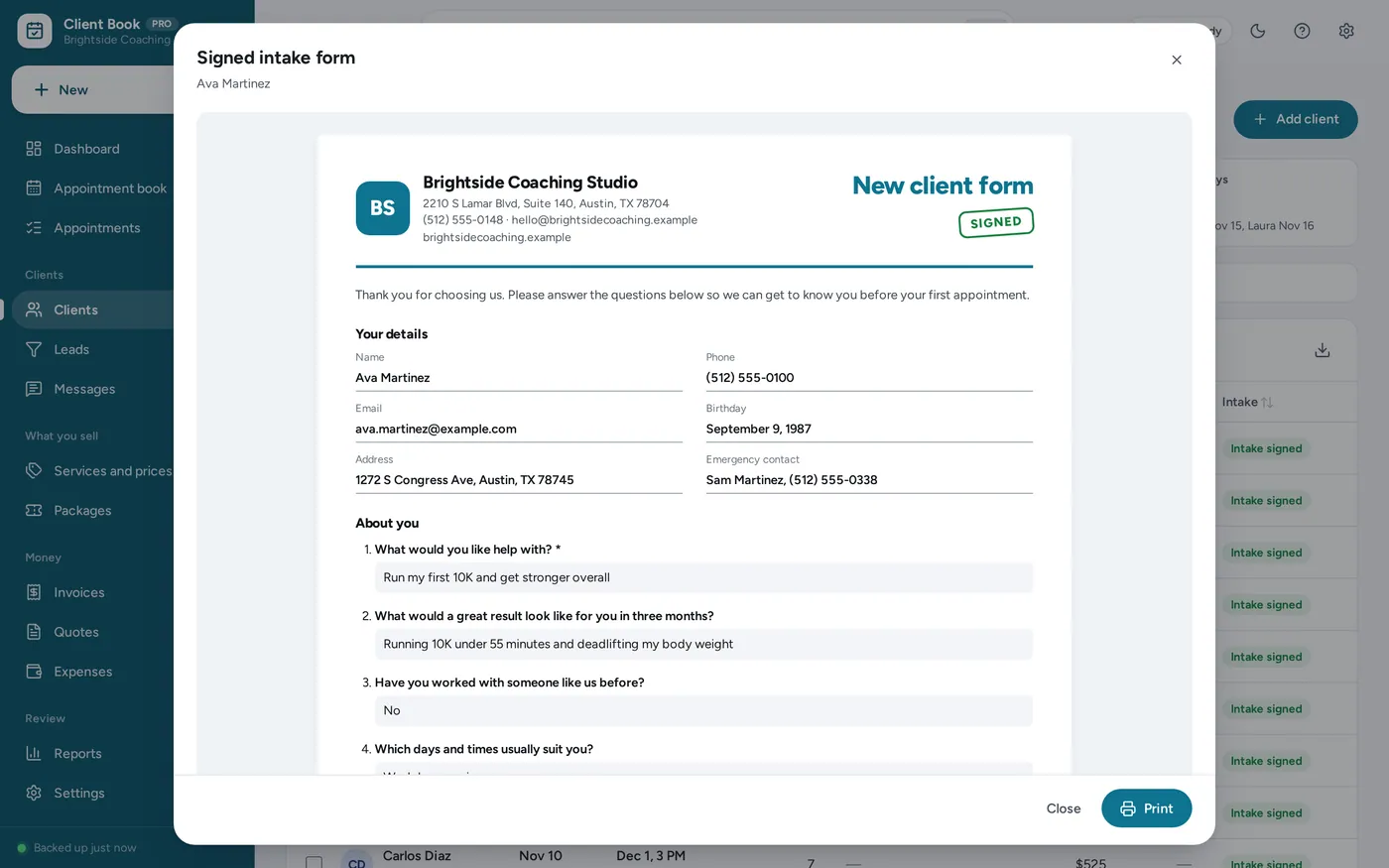
Client intake form
Packages and payments
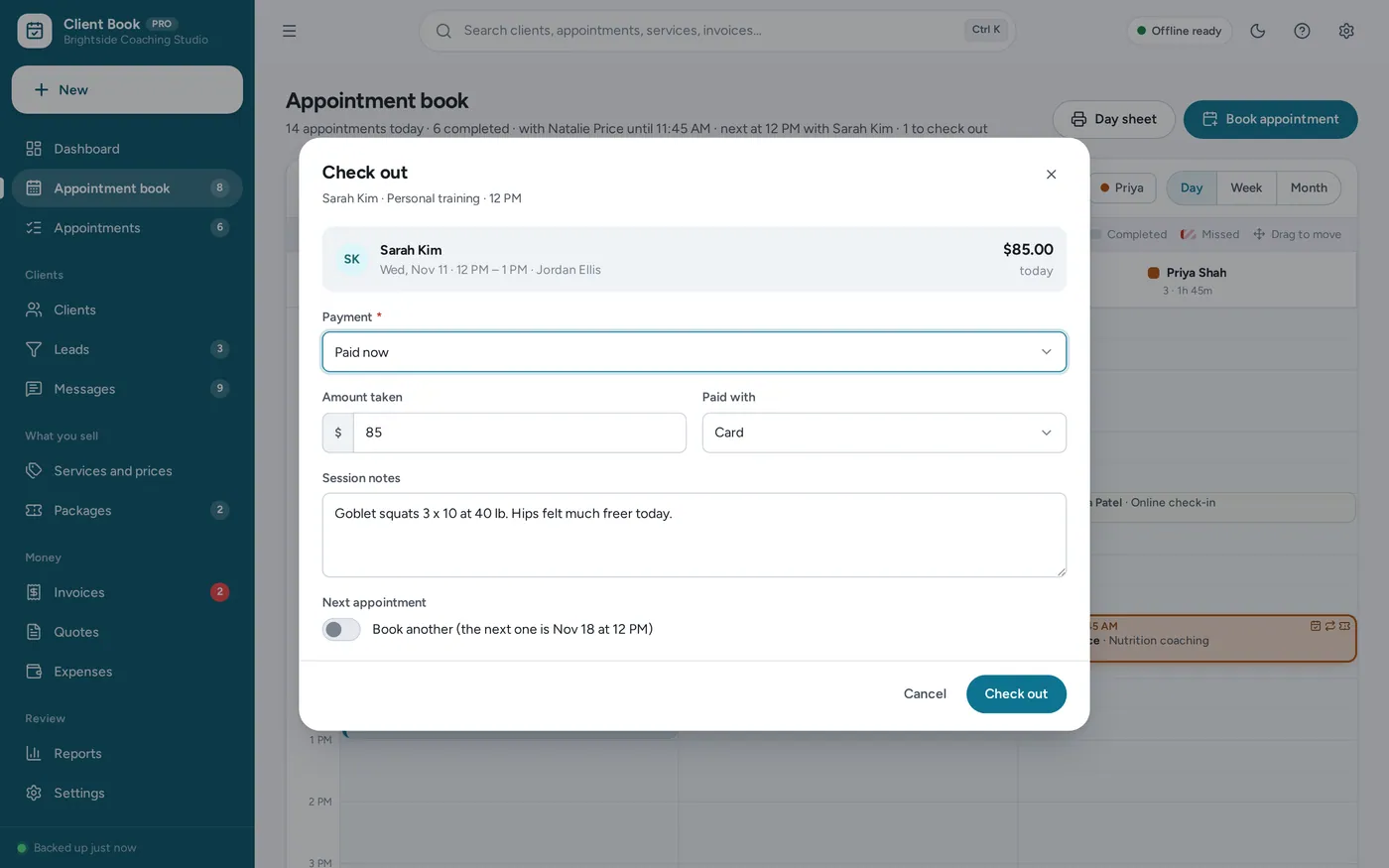
Reminders and follow-ups
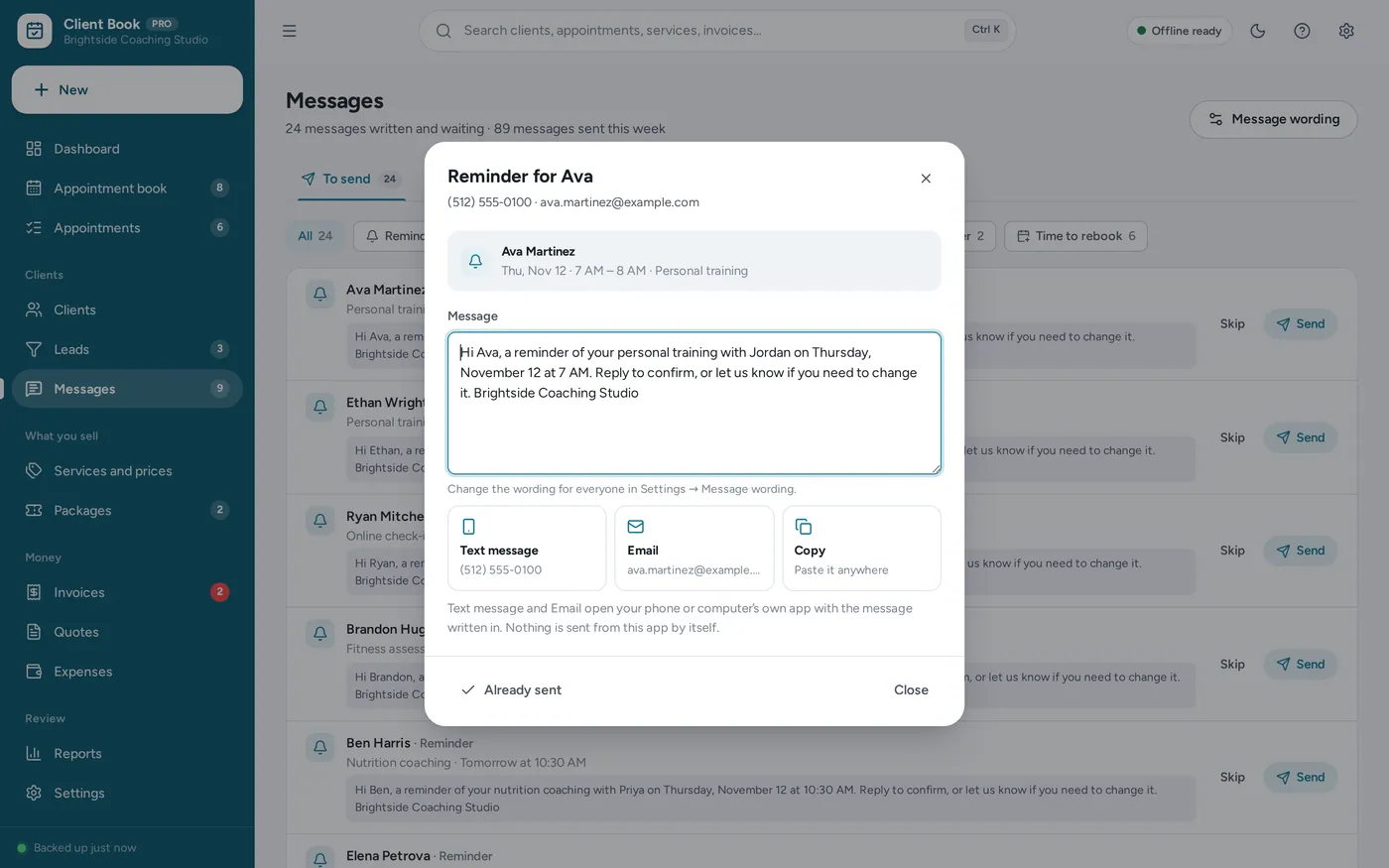
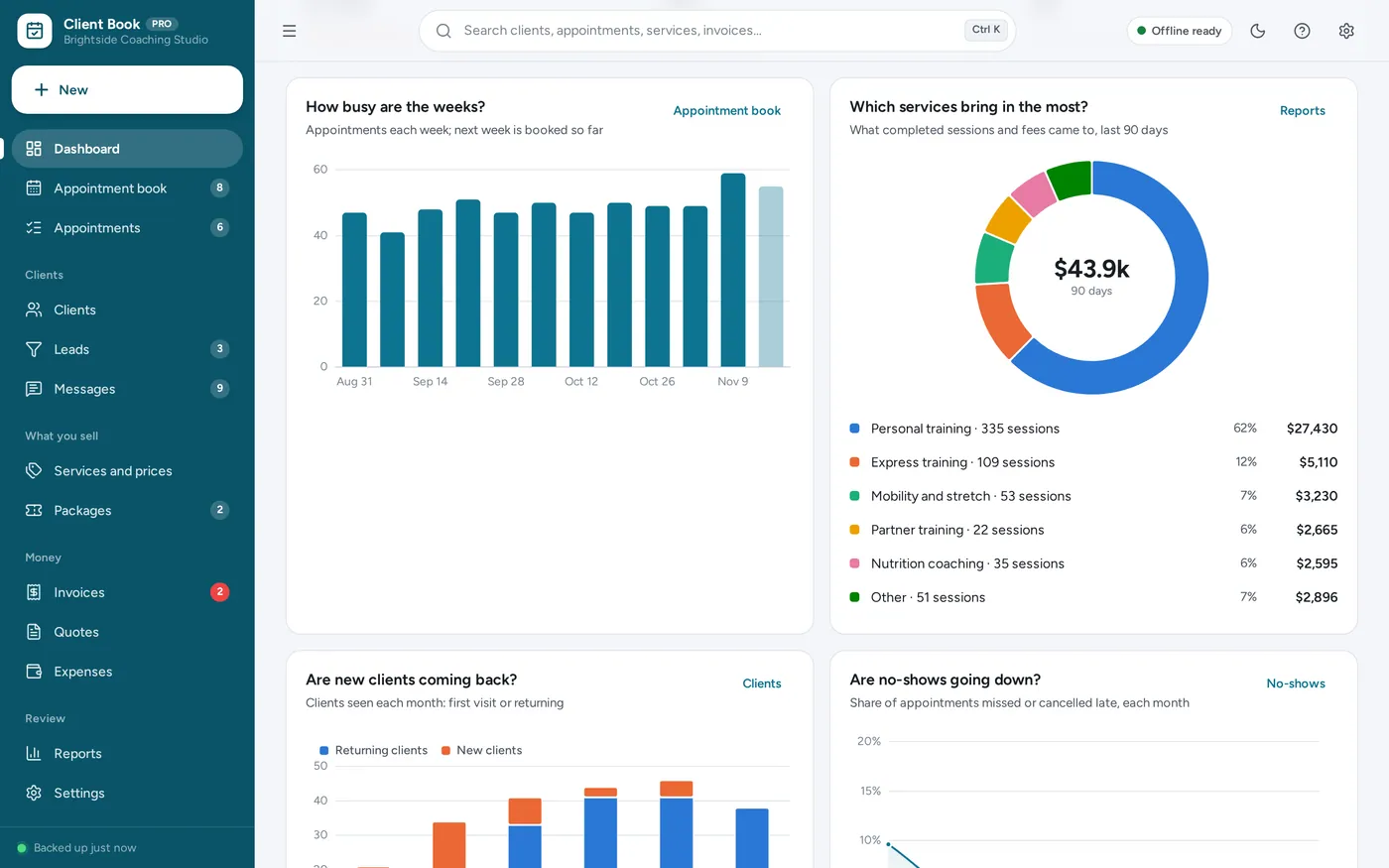
Client tracker dashboard
For personal trainers, coaches, tutors, consultants, photographers, dog trainers, wellness and home-service pros, on your own or with a small team: the client record book and the appointment book in one, plus the packages, reminders and reports a spreadsheet leaves to you.
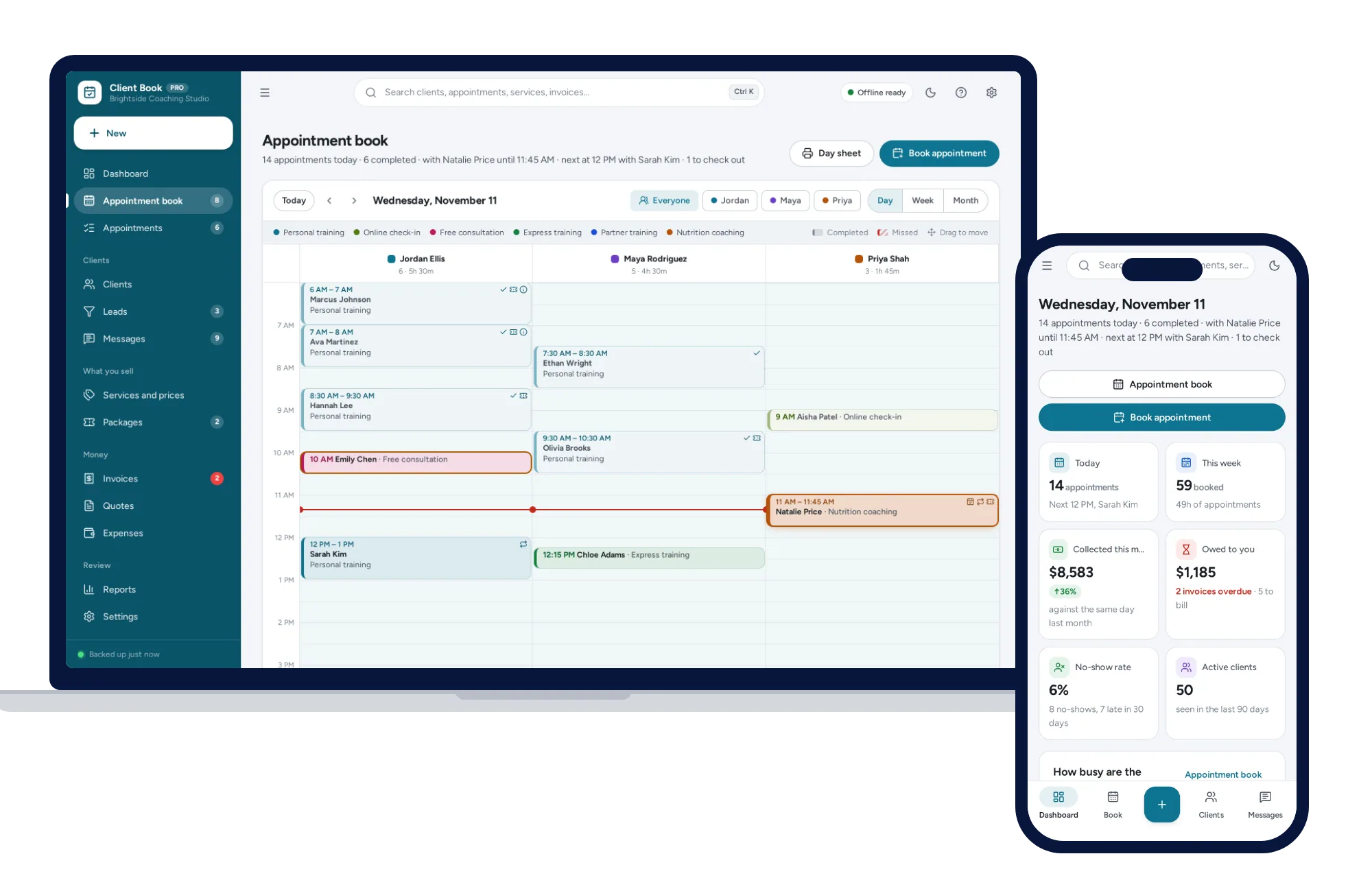
A paper appointment book cannot move an appointment or count package sessions, and a client tracker spreadsheet breaks when a formula is typed over. Booking apps charge every month. This works offline on your own computer, paid for once, and your client records stay on your device.
What it needs, and what it does not do.
Client & Appointment Manager is an offline app from ColadoSystems that runs in your web browser from a folder on your own device. It costs $39 once, with no subscription and no account, and includes 16 tools, sample data to explore and a PDF guide. Your records stay on your device and are never uploaded.
Something else? Ask us and we'll answer before you buy.
Everything is saved inside your browser on this device. Nothing is uploaded and there is no account, so no company holds a copy of your client and appointment records. The app has no password of its own, though: anyone who can use this device and browser can open them, so keep the device locked. Download a backup regularly (Settings → Data & backup → Back up now) and keep it somewhere as safe as the records themselves.
Yes. Open index.html on a Windows or Mac computer and it runs fully offline. You can also put the folder on any website and choose “Install app” in Chrome or Edge to get an icon that works offline.
Yes, opened from a web link (see “How do I put it on an iPad?” below). The layout adapts to phones and tablets with a bottom navigation bar. Each device keeps its own records, so use Back up and Restore to move them between devices.
Go to Settings → Data & backup → Erase records. Your business profile and settings are kept; all sample records are removed, including the sample services and team, so add your own on Services and prices and Settings → Team.
No. This is your own appointment book: you (or your team) book the appointments. There is no booking page for clients and nothing is online. Reminders and other messages are written for you to send from your own phone or email.
No. The app has no internet connection of its own, so it cannot send anything by itself. Every reminder, follow-up and birthday message is written for you on the Messages page; one tap opens your phone’s Messages or your mail app with the text ready, or copies it.
No. It keeps business records: appointments, session notes, intake answers, packages and invoices. It is not designed or tested as a medical or health record system. If your work has special rules for client records, check them before using it.
Yes, from one device: the day view gives each team member a lane, and reports show who did what. Each device keeps its own records, so if several people use their own devices, choose one as the main one and move records between devices with Back up and Restore.
Each package or membership counts the completed appointments paid by it (and, if you choose, no-shows and late cancellations). Packages show what is used, what is left and what is booked ahead; memberships count the sessions used this month.
Set your fees and notice period in Settings → No-shows and cancellations, as an amount or a percent of the service price. When you mark a no-show, or a client cancels inside your notice period, the fee is filled in for you; change it, use a package session instead, or let it go. Fees appear in To bill like any other charge.
Yes. Open the invoice and tap Send, then Share: the iPad’s share sheet opens with the invoice PDF attached, so you choose Mail or Messages, pick the client and send. The same works on an iPhone and in Chrome or Edge on Windows and Mac. Where a browser cannot share files, the app downloads the PDF and starts an email for you instead.
An iPad cannot open the app from a downloaded file, so it has to be opened from a web link. Put the app folder on a website or free static host, open the link in Safari, then tap Share → Add to Home Screen. From then on it opens from its own icon and works without internet. Records stay on the iPad; nothing is uploaded.
Only what you put in Settings → Business profile: your business name, logo, address, phone, email, website and tax number if you have entered one. Nothing is invented. Leave the profile blank and documents simply say “Your Business Name”.
Yes. On the Clients page, the import button reads a CSV file saved from a spreadsheet or another app, and you match its columns to name, phone, email and the other fields.
Booking appointments? These systems are close cousins. Here is who each one is for.
Coaches, trainers and other service businesses: appointment book, client records, intake forms and packages.
Salons, spas and barbershops: stations, staff commissions, memberships and retail checkout.
Solo nail, lash and brow artists: fill reminders, client records and deposits.
Practical how-tos from our blog, useful with or without the system.
Salons, studios & events
Yes, salon software can come without a monthly fee. Compare paper, spreadsheets, booking apps, free platforms and buy-once software, with the trade-offs.
Salons, studios & events
Seven steps for every new client, from inquiry and quote to deposit, reminders and follow-up. A client onboarding checklist for salons, studios and tutors.
Salons, studios & events
A stage-by-stage event planning timeline that keeps clients, vendors, payments and the run-of-show together, from the first inquiry to the final invoice.
The salons, studios & events bundle has every system in this category for one price.
Bookings, client records and payments for appointment-based businesses.
$179for 7 systems, $373 if bought one by one
You save $194
Salons, studios & events
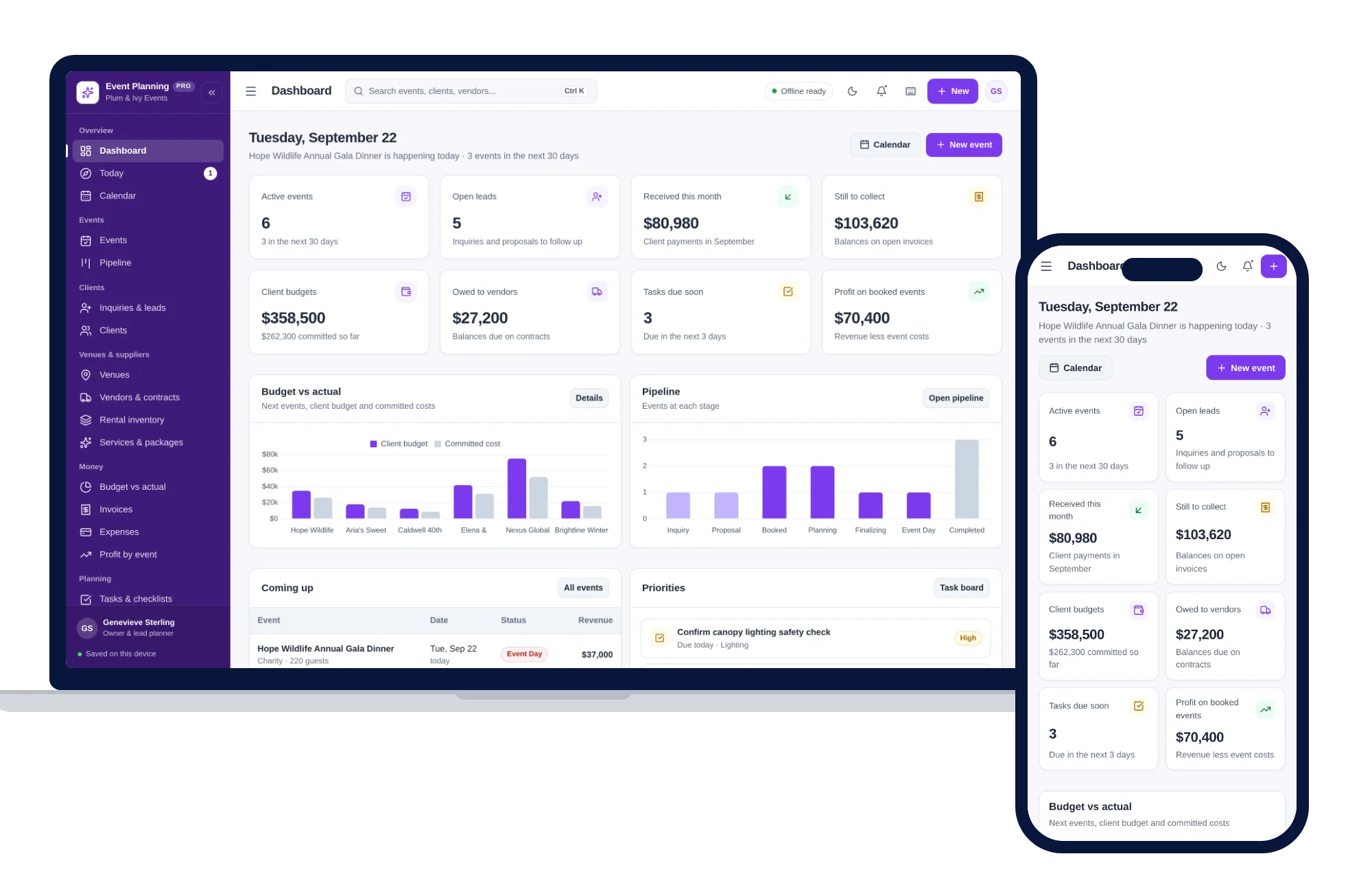
Events, pipeline, clients, venues, vendors, budgets and run-of-show timelines — one offline app.
$59one-time
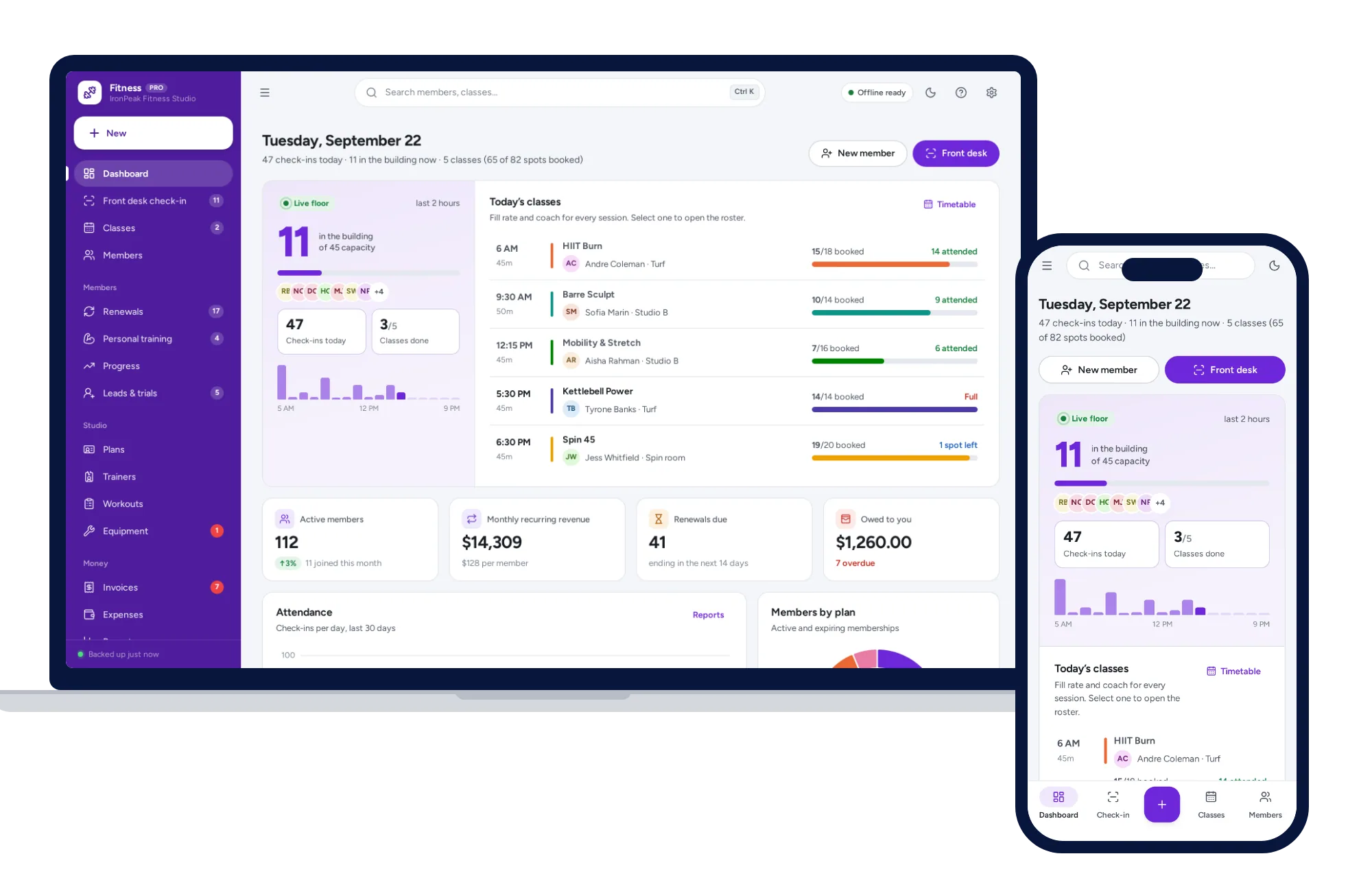
Salons, studios & events
Front-desk check-in, memberships and renewals, classes, personal training and progress — one offline app.
$59one-time
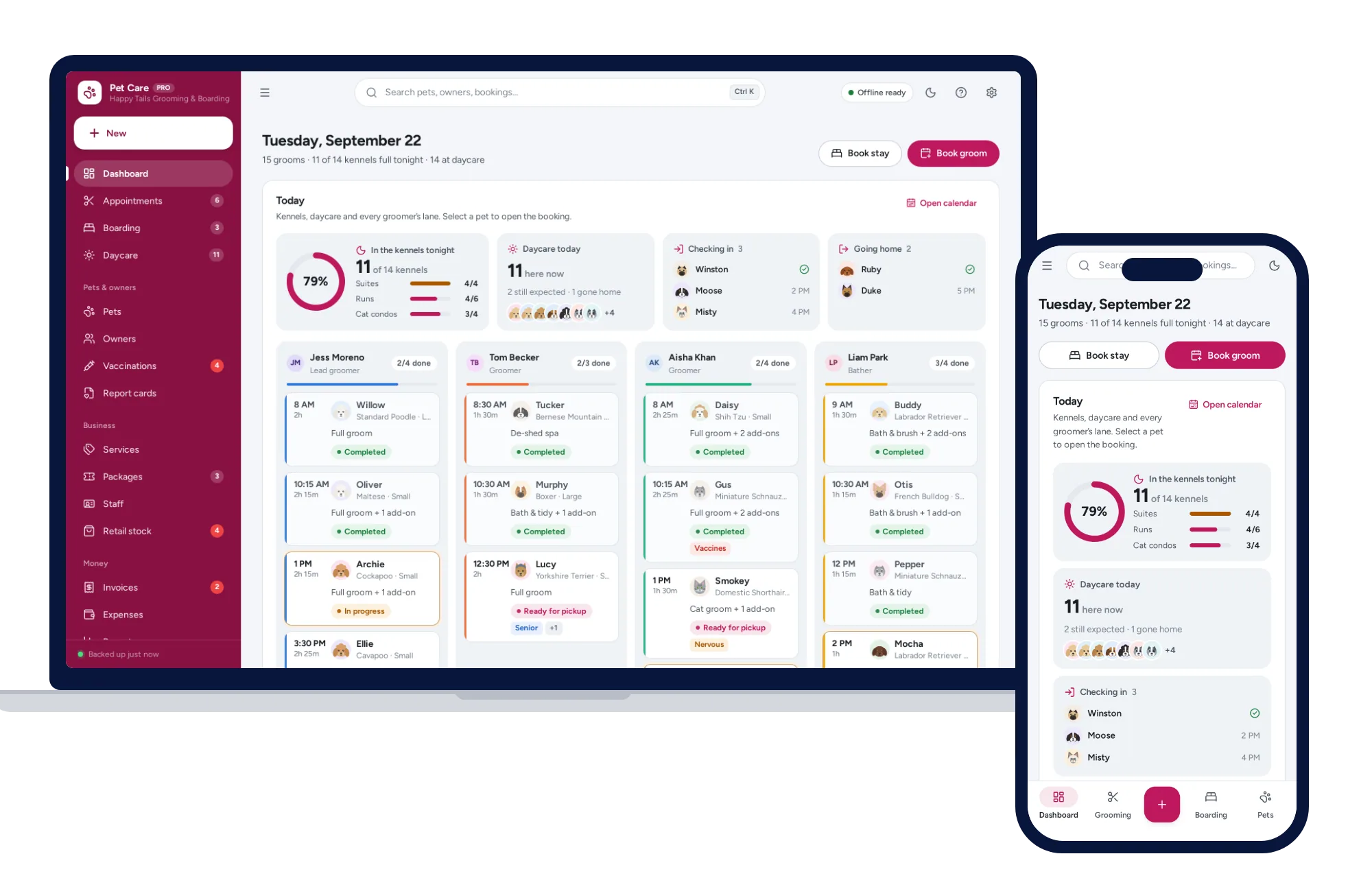
Salons, studios & events
Grooming calendar, boarding board, daycare check-in, vaccines and report cards — one offline app.
$59one-time
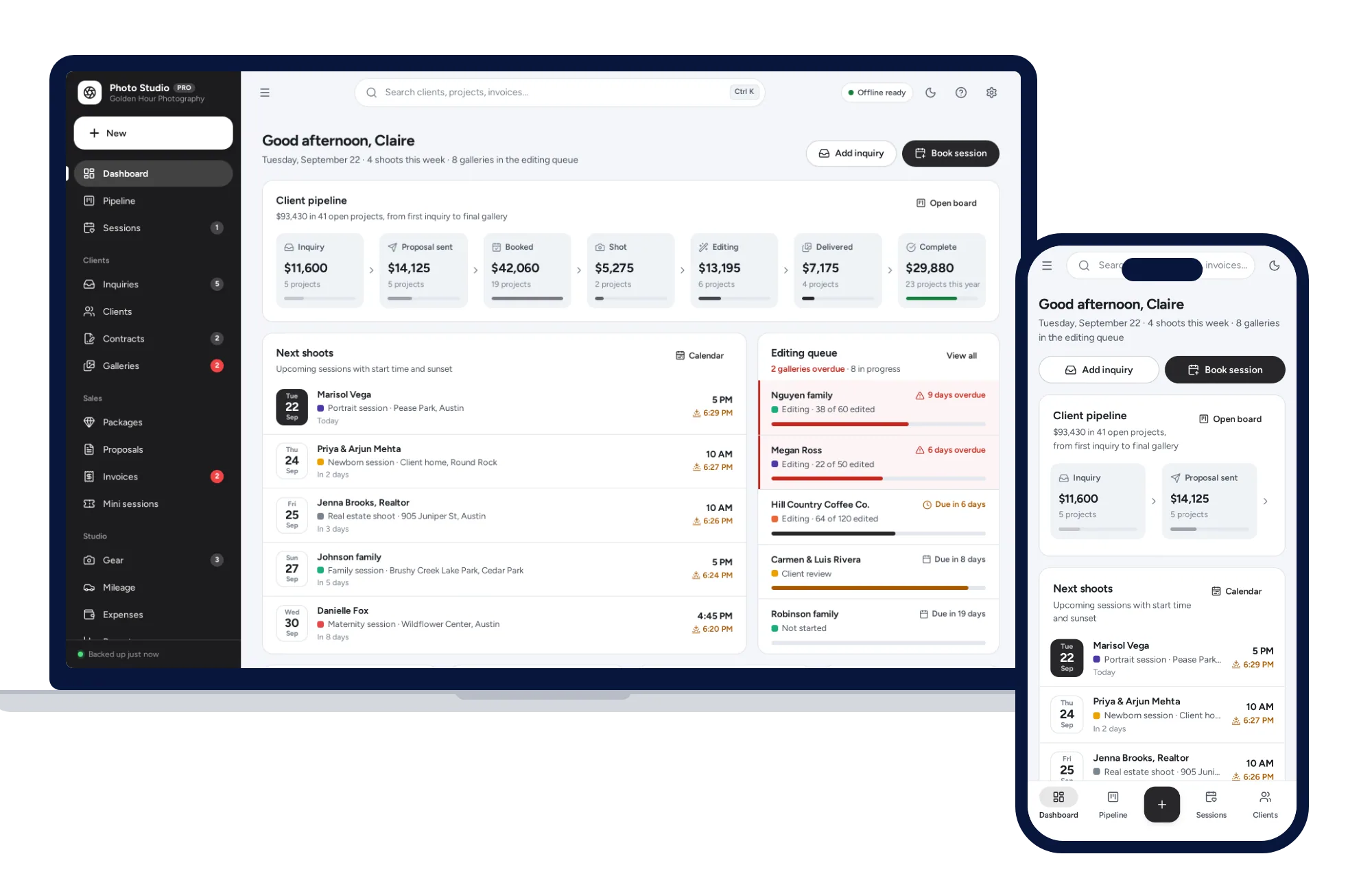
Salons, studios & events
Client pipeline, sessions with golden hour, contracts, galleries and mini sessions — no subscription.
$59one-time