
Custody calendar
A custody calendar that fills itself in
- Week on/week off, 2-2-3, 2-2-5-5, every other weekend or your own
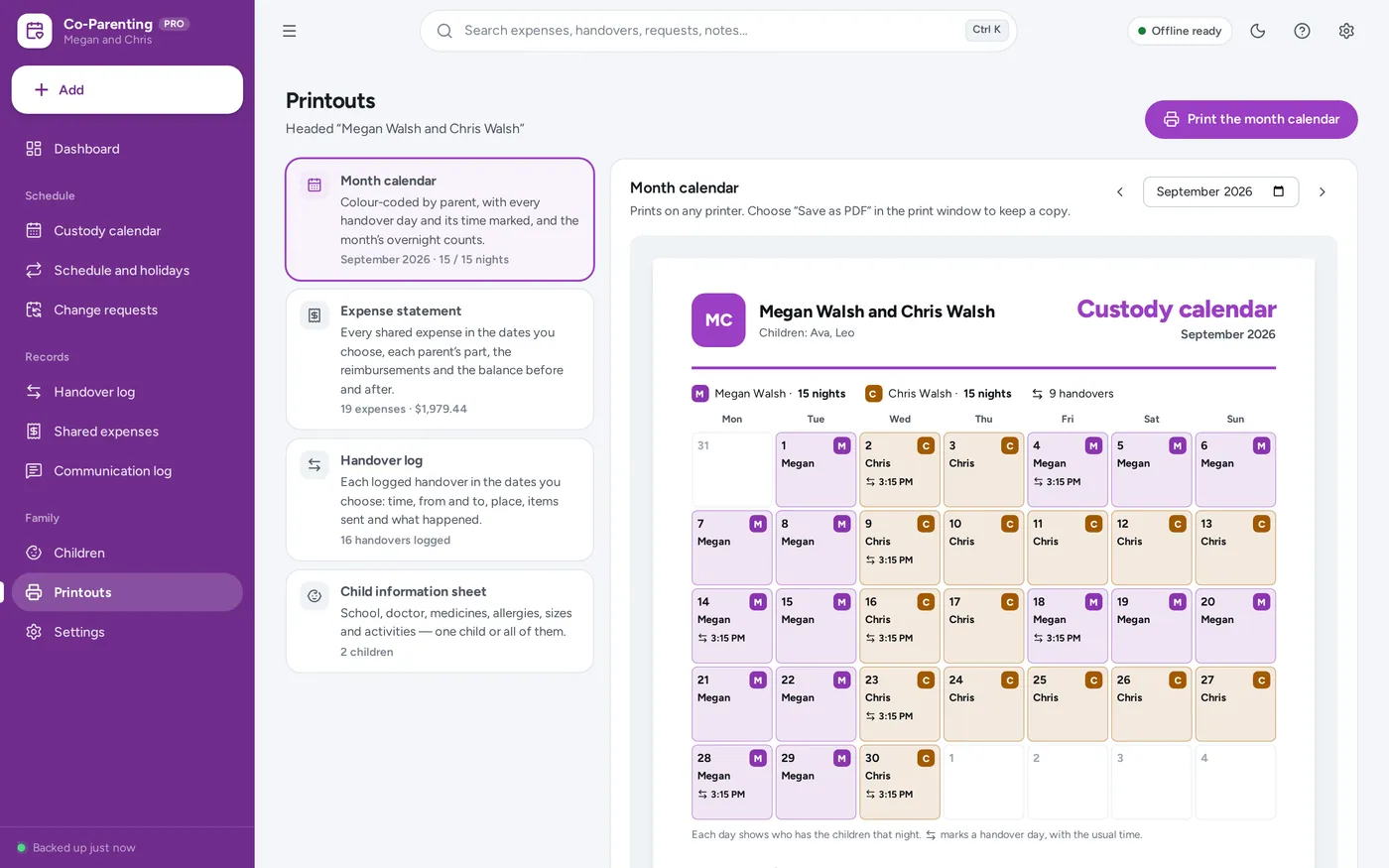
- Colour-coded by parent, with every handover day marked
- Holidays and vacations win over the usual pattern
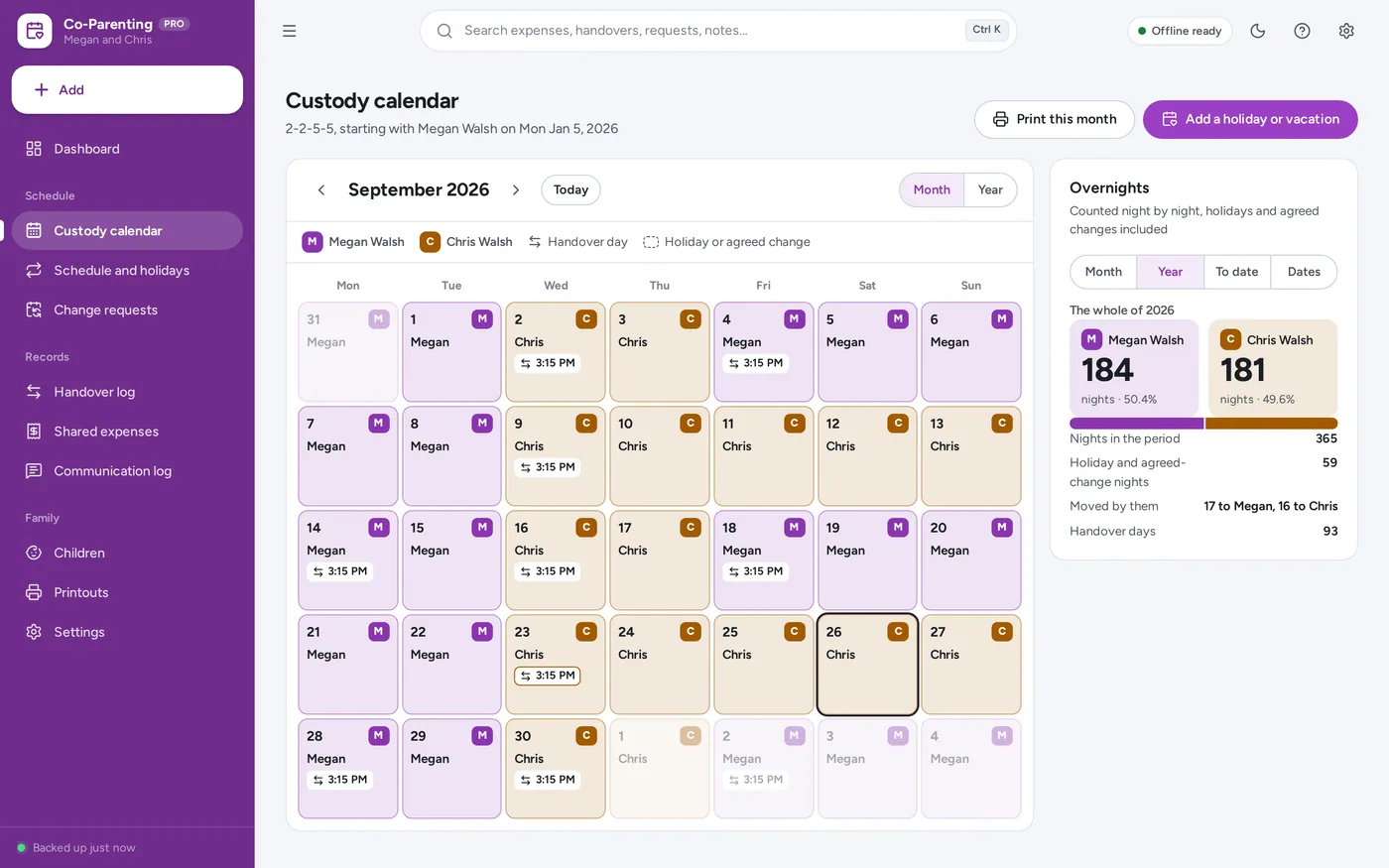
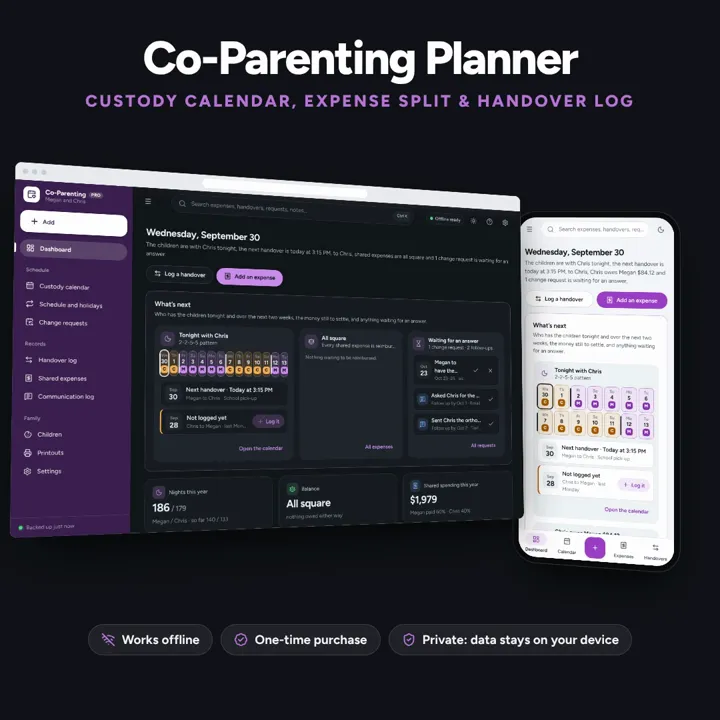
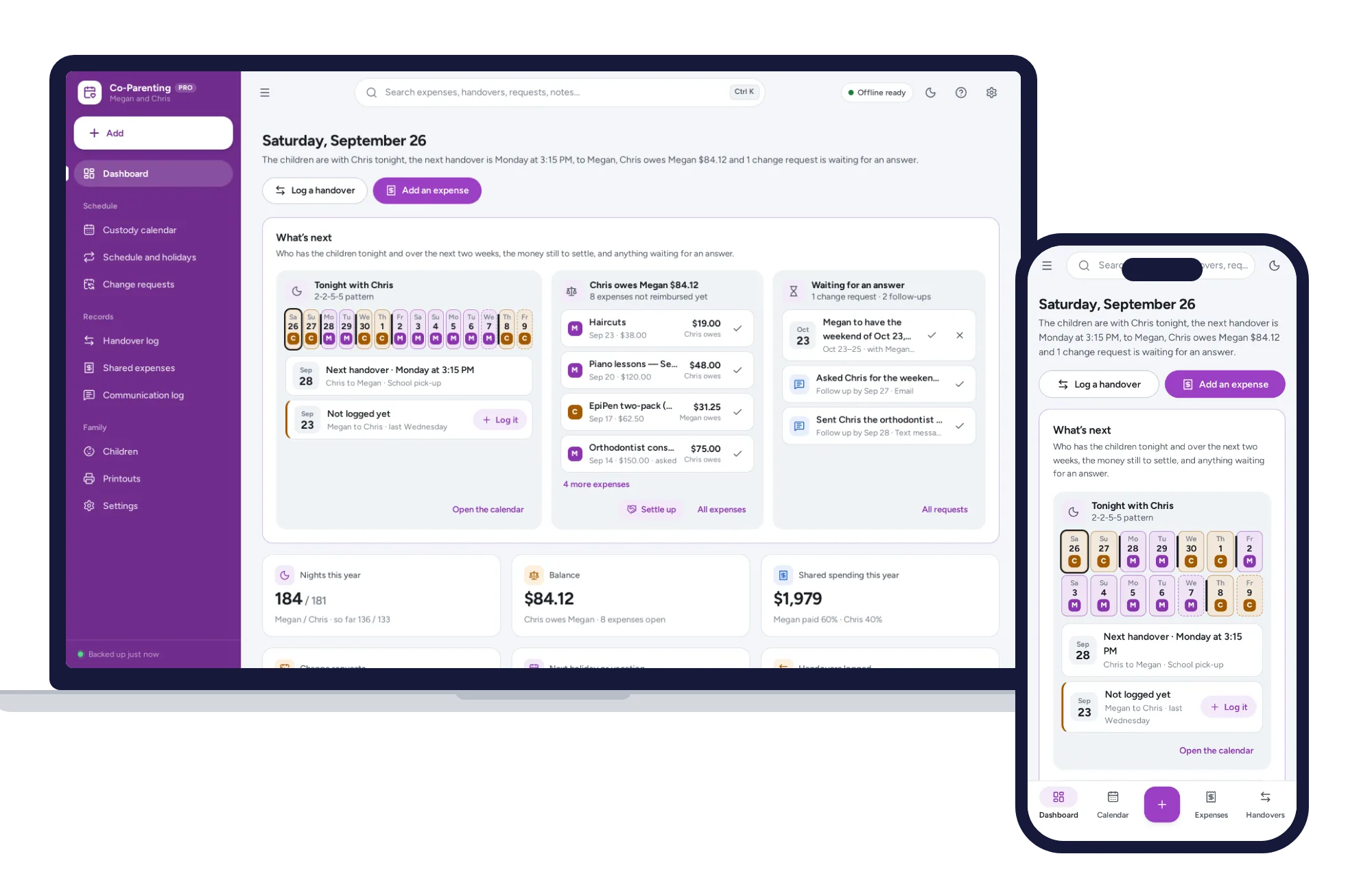
A custody calendar built from your pattern, overnight counts and a running expense balance on one dashboard. No formulas to break, no subscription.
No subscription. Pay once and keep it.
Checkout by Paddle. Tax is added where it applies, and you download straight after paying.
Made for Separated and divorced parents sharing children across two households who want the schedule, the handovers and the shared costs written down clearly in one place — without an account, a subscription or a messaging app
A co-parenting planner for two households: a custody calendar built from your pattern (week on/week off, 2-2-3, 2-2-5-5, every other weekend) with holiday overrides and overnight counts, a handover log, a shared expense tracker with a running balance, swap requests and printable calendars — one offline app, no formulas to break.
Custody calendar
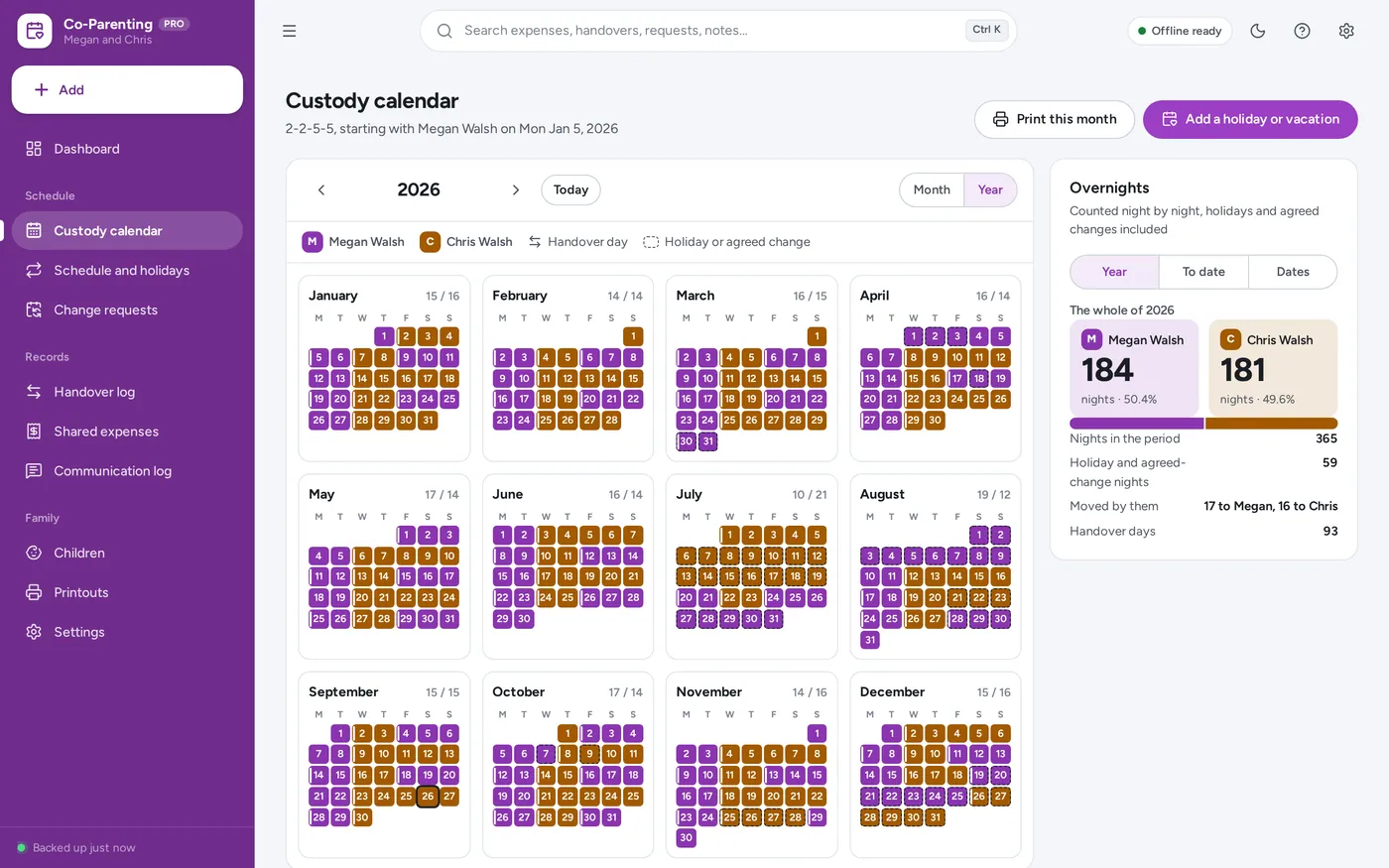
Overnight counts
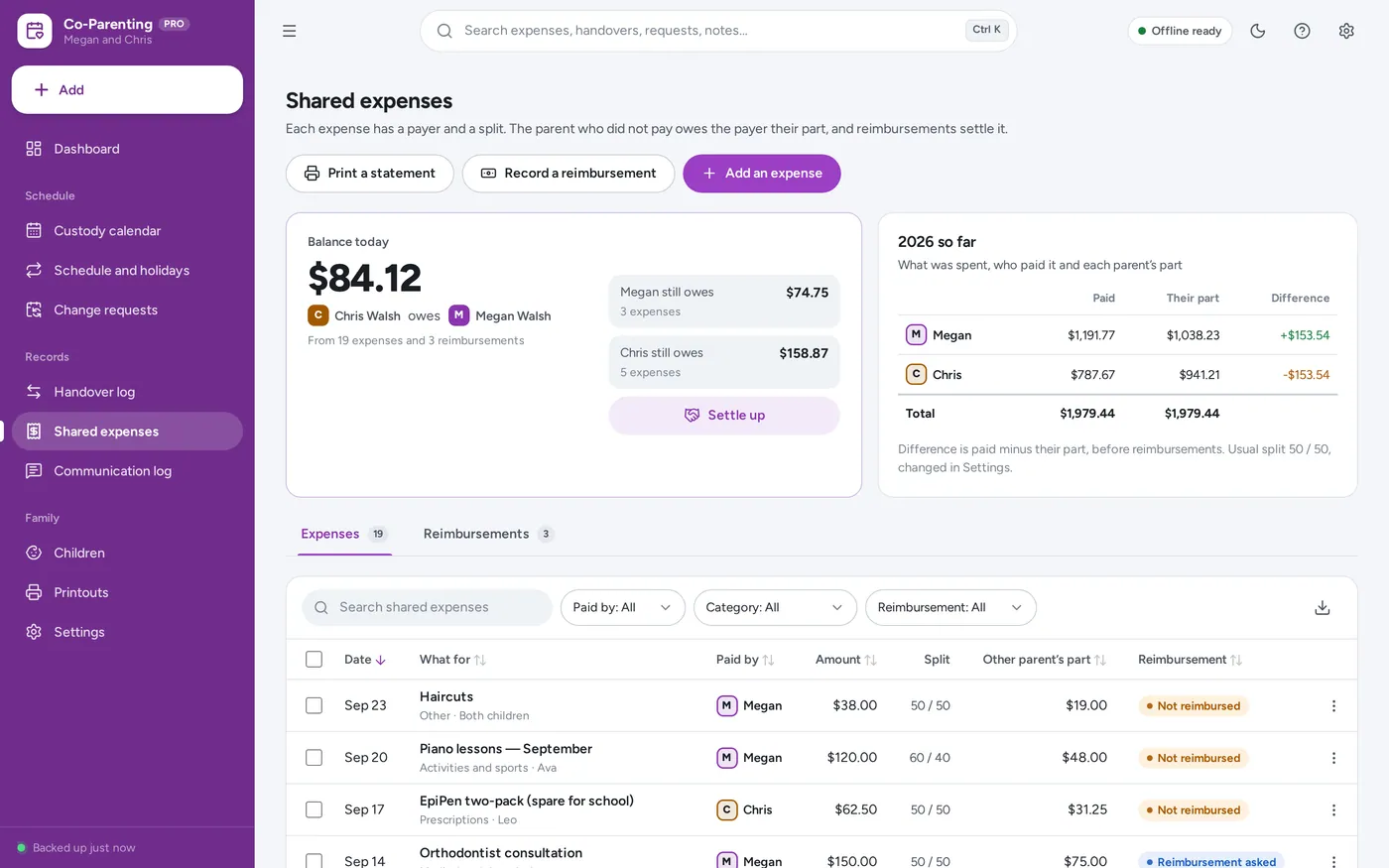
Shared expense tracker
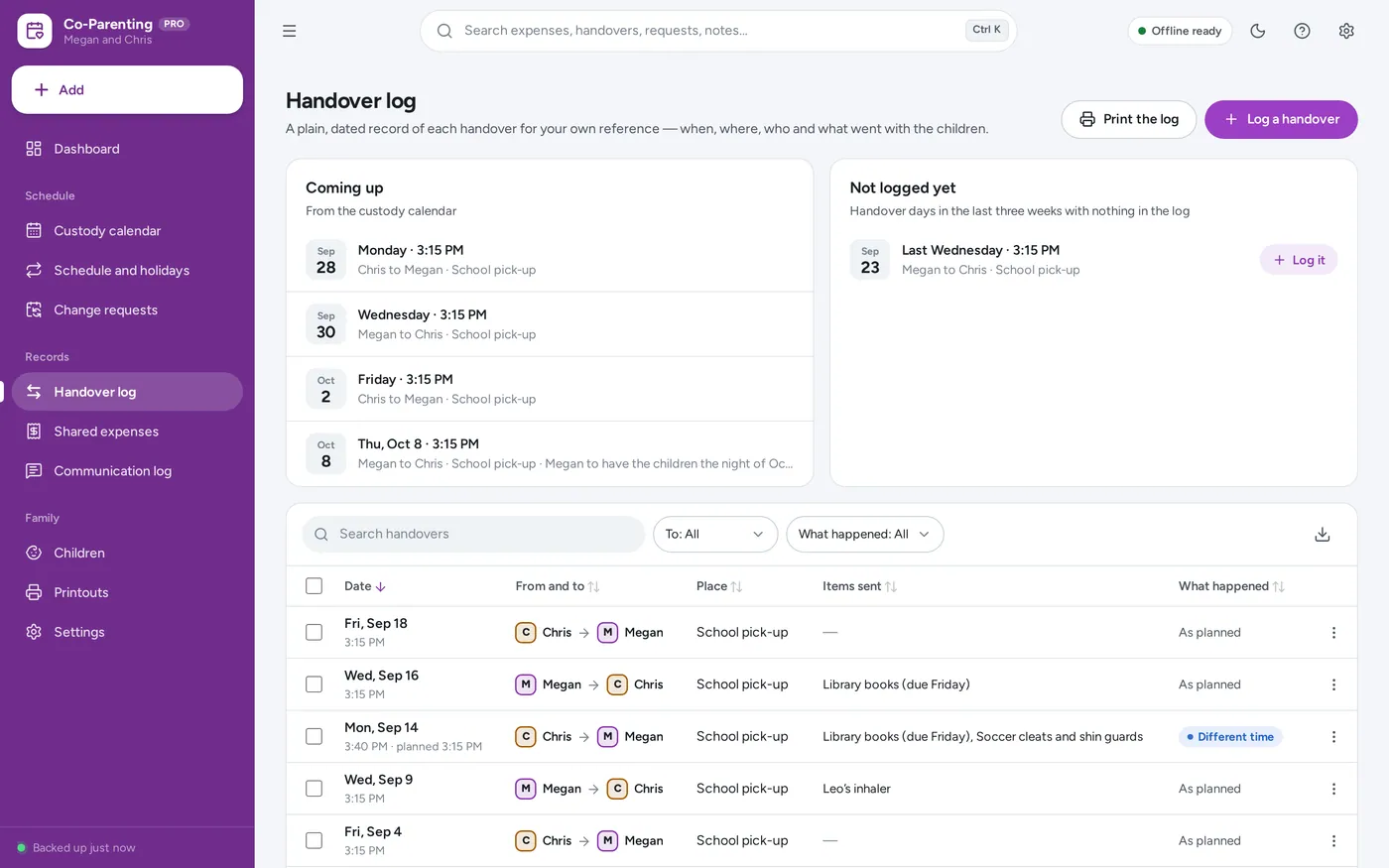
Handover log
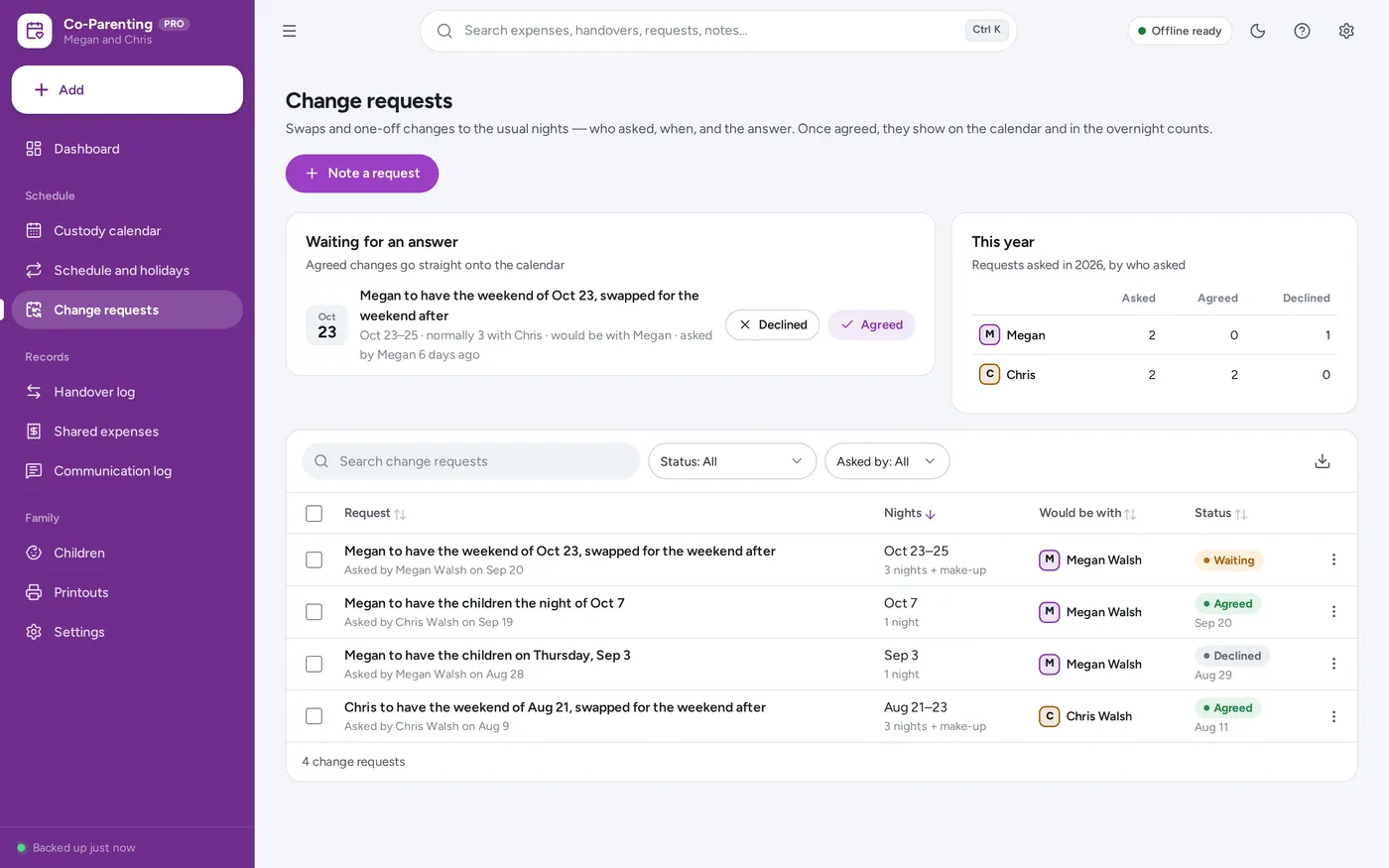
Swap requests
Printable calendar and statements
For two households sharing children: the custody calendar, overnight counts and expense tracker a co-parenting spreadsheet promises — without the formulas.
Co-parenting spreadsheets break the day a formula gets typed over, and co-parenting apps charge every month. This opens from a double-click, works offline and keeps your family’s records on your own device — nothing is sent to anyone.
What it needs, and what it does not do.
Co-Parenting Planner is an offline app from ColadoSystems that runs in your web browser from a folder on your own device. It costs $24.99 once, with no subscription and no account, and includes 12 tools, sample data to explore and a PDF guide. Your records stay on your device and are never uploaded.
Something else? Email us and we'll answer before you buy.
Everything is saved inside your browser on this device. Nothing is uploaded and there is no account, so no company holds a copy of your records. They are not encrypted, though: anyone who can use this device and browser can open them, so keep the device locked. Download a backup regularly (Settings → Data & backup → Back up now) and keep it somewhere as safe as the records themselves.
Yes. Open index.html and it runs fully offline. You can also host the folder on any website and choose “Install app” in Chrome or Edge to get a desktop or phone icon that works offline.
Yes. The layout adapts to phones and tablets with a bottom navigation bar. Each device keeps its own data, so use Back up / Restore to move records between devices.
Go to Settings → Data & backup → Erase records. Every sample record is removed, and so are the sample parents’ names, so nothing of theirs ends up on your printouts. Your other settings are kept.
No. Co-Parenting Planner is an organiser. Everything in it is what you typed in, kept for your own reference as a clear, dated record. It does not replace your parenting plan or any order that applies to you, and it makes no claim about how anyone else will view it. For legal questions, talk to a qualified professional where you live.
No. It is not a messaging app and nothing is sent to anyone. The records stay in the browser on your device. When the other household needs something, print it — the month calendar, an expense statement, the handover log or a child information sheet — or export a list to Excel, CSV or PDF.
A date always means the night of that date. For each night the app uses the custody pattern in effect on that date; a holiday or vacation override replaces it for its nights, and an agreed change request replaces both. Where two overrides overlap, the shorter one wins. Nights no pattern covers are counted separately.
For a holiday on a fixed date, add it once and choose “Every other year, same dates” — then add the other parent’s years the same way, starting a year later. For holidays that move, like Thanksgiving or Easter, add that year’s dates each year.
Settings → Your family holds the usual split, for example 50/50 or 60/40. Every new expense starts with it and you can change it for one expense. The parent who did not pay owes the payer their part. The first parent’s part is rounded to the cent and the second parent’s part is the rest, so the two always add up to the amount paid.
Each device keeps its own records, so there is no shared live copy. Use Back up now and Restore to move records between your own devices, and print or export what the other household needs.
No. It is made for one person on one device, and records do not sync between devices. To move to another device, save a backup and restore it there.
The family & parenting bundle has every system in this category for one price.
Calendars, routines and records for busy families and big life events.
$79.99for 5 systems, $124.95 if bought one by one
You save $44
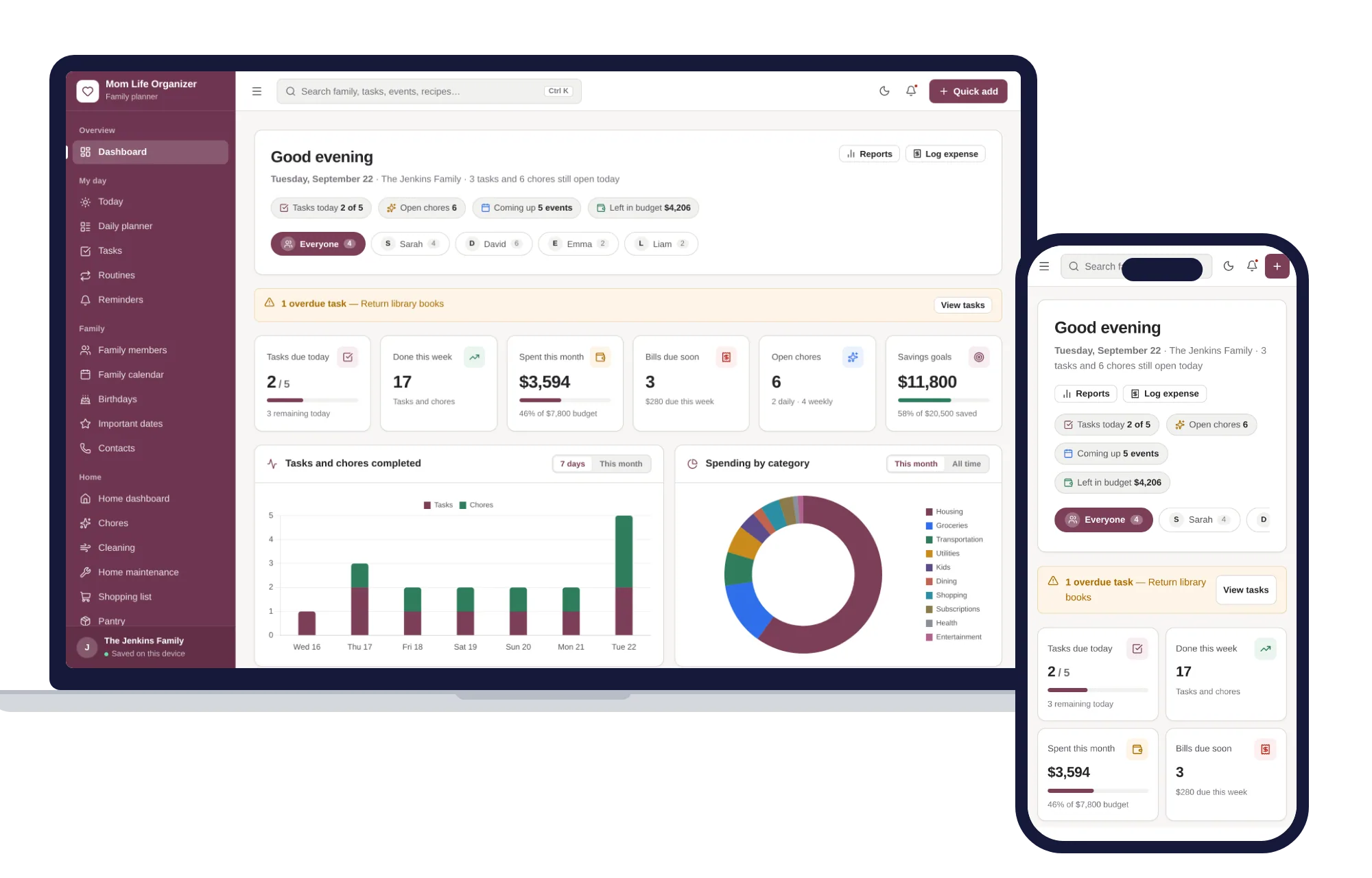
Family & parenting
Family calendar, meals, chores, school, health and budget — one offline organizer.
$24.99one-time
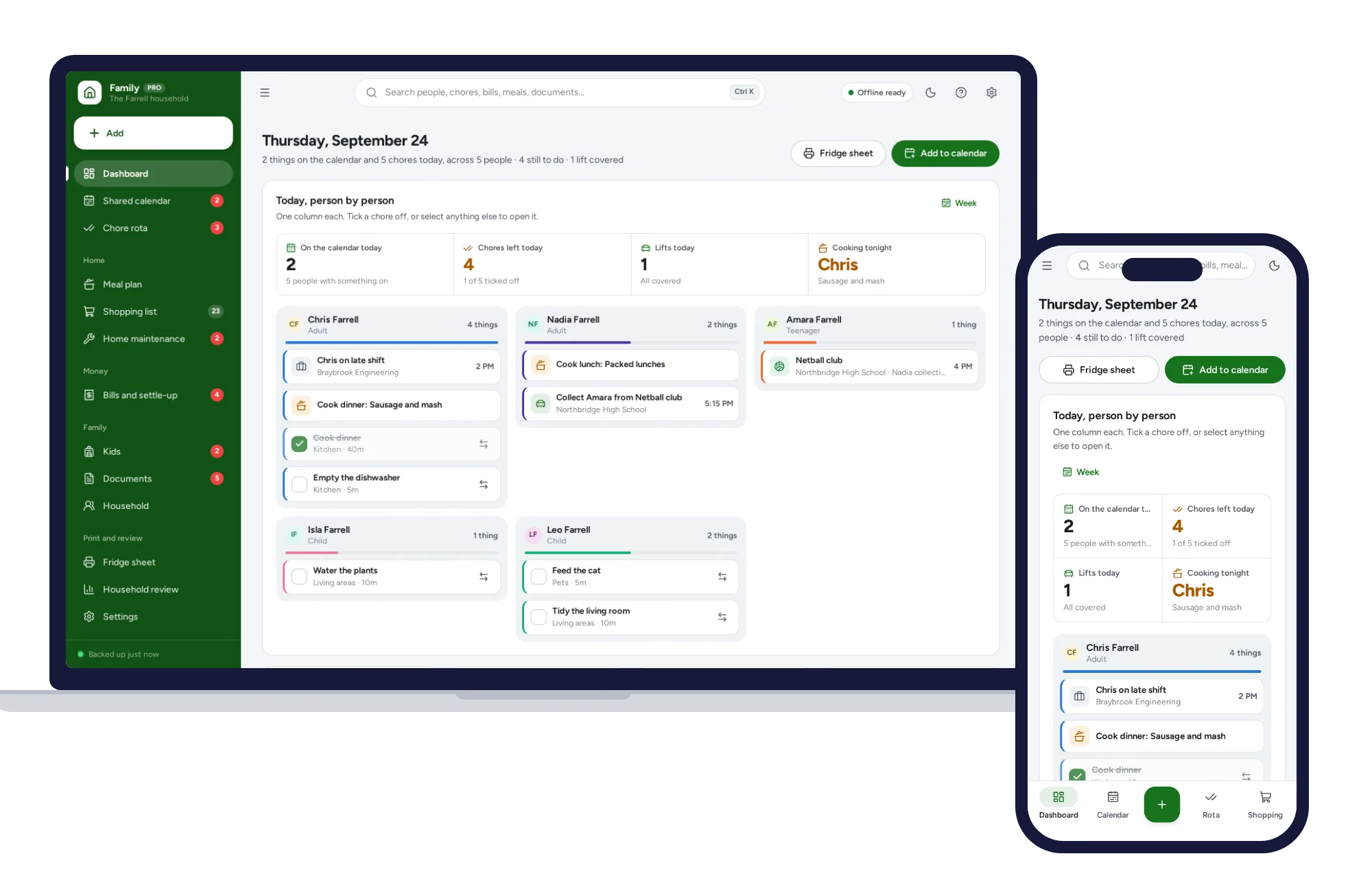
Family & parenting
Whose turn it is, who is driving, who owes whom — one shared household, offline, on your own device.
$24.99one-time
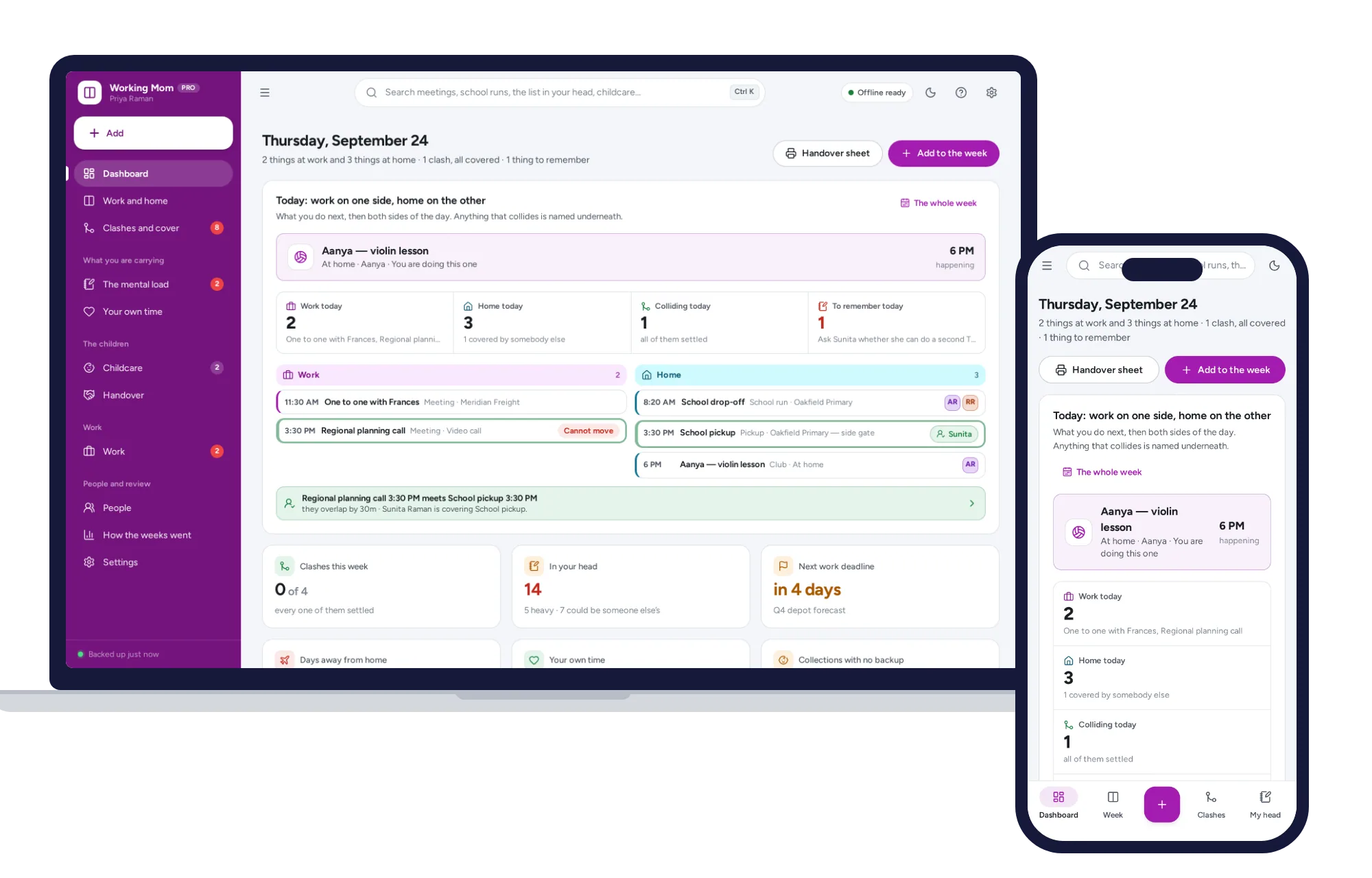
Family & parenting
Put your job and your household on one screen, name every collision, and see what your own time actually cost you.
$24.99one-time
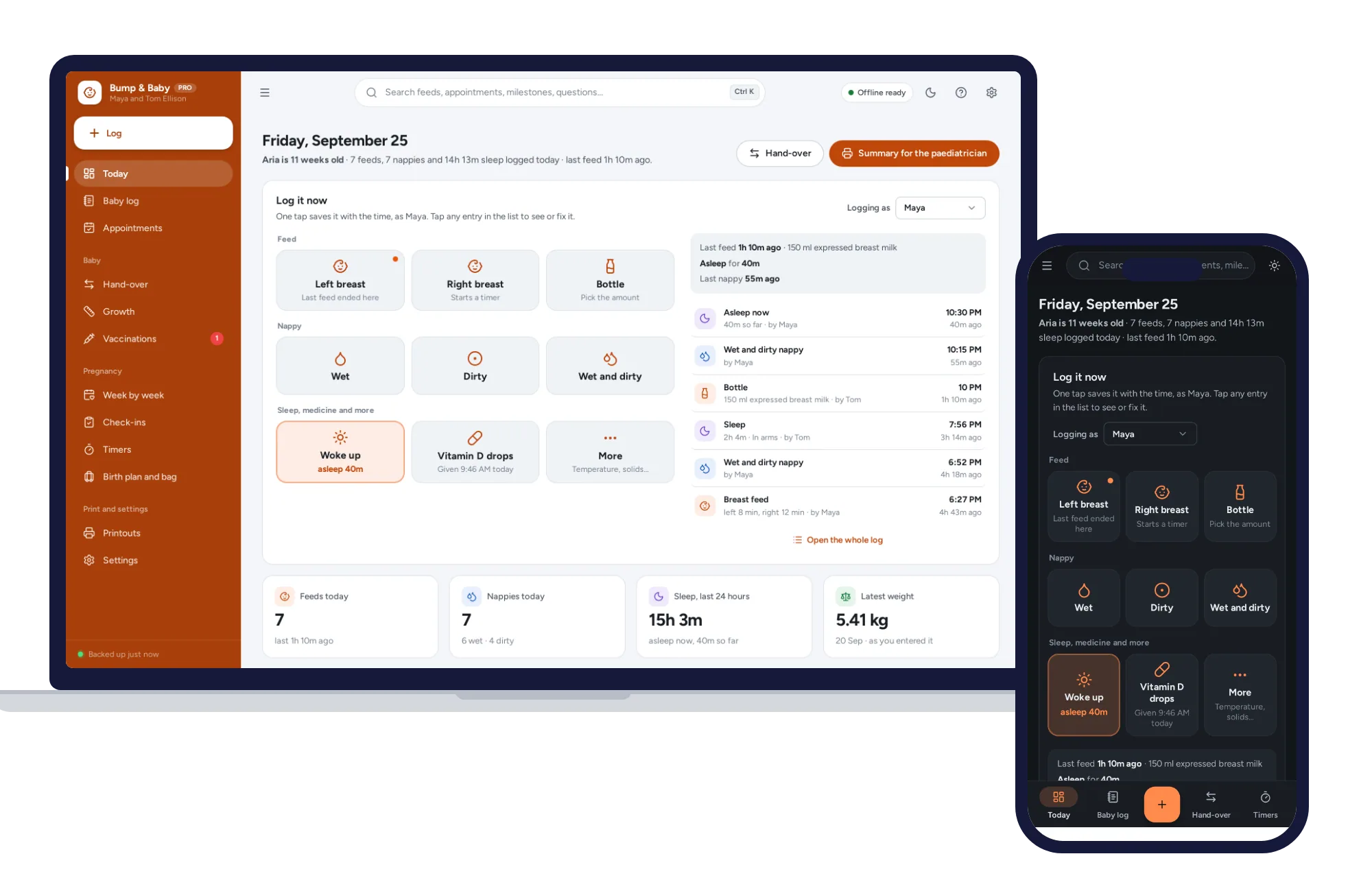
Family & parenting
One-tap feed, sleep and nappy log, a week-by-week journal, kick counter and contraction timer. Offline, no subscription.
$24.99one-time