Where do you start when you want to plan a vegetable garden? Not with the seed catalog, tempting as it is. Start with two dates: your average last spring frost and your average first fall frost. Almost every other decision about how to plan a vegetable garden hangs off those two dates, from when to sow tomatoes indoors to when to pull the last carrots. Then a garden journal turns this year’s guesses into next year’s plan.
Start with your frost dates
Your local extension service, a gardening club or a seed company’s frost-date lookup can give you the averages for your area. They are averages, so a late frost can still surprise you. Keep row cover or old sheets handy in spring.
Seed packets give their timing relative to frost: “sow indoors 6 to 8 weeks before last frost,” or “direct sow 2 weeks after.” Your job is to turn each of those into a real date.
Here is a worked example with made-up dates. Say your last frost is April 20 and your first fall frost is October 15. That gives a frost-free season of about 25 weeks.
- Tomatoes, started indoors 6 to 8 weeks before last frost: sow between February 23 and March 9.
- Beans, sown outside 2 weeks after last frost: sow around May 4.
- Fall crops: count back from October 15 using the days to maturity on the packet.
How to plan a vegetable garden, step by step
1. Choose what you will actually eat
List 6 to 10 crops for a first year. Grow what you buy often, or what tastes far better fresh. Be wary of anything that produces heavily; two zucchini plants can feed a street.
2. Pick the sunniest spot
Fruiting crops such as tomatoes, peppers, squash and beans want a full day of sun. Leafy greens and many herbs cope with some shade. Watch the spot for a day and note when the sun reaches it and leaves it. Being close to a hose helps more than you would think.
3. Size the beds
Beds about 4 feet wide let you reach the middle without stepping on the soil. Leave paths wide enough for a wheelbarrow. Two 4-by-8-foot beds give you 64 square feet, plenty for a first year.
4. Map the beds on paper
Number your beds and sketch where each crop goes. In the northern hemisphere, put tall crops like tomatoes, pole beans and corn on the north side so they do not shade everything else. Use the spacing on each seed packet.
5. Build a sowing calendar
For each crop, write the packet timing, the real date it gives you, and whether it starts indoors or outside. Add succession sowings for quick crops: lettuce and radishes every two to three weeks give a steady supply instead of one glut.
If you would rather not redo that date math every spring, a garden planner that turns seed-packet timings into real dates from your own frost dates does it for you.
How does crop rotation work in a small garden?
The idea is simple: do not grow the same plant family in the same spot year after year. Gardeners rotate to keep pests and diseases from building up in one place, and to balance what different crops take from the soil. Four easy groups:
- Tomato family: tomatoes, peppers, potatoes, eggplant
- Cabbage family: cabbage, broccoli, kale, Brussels sprouts
- Peas and beans
- Roots and onions: carrots, beets, onions, garlic
With four beds, move each group one bed along every year. In year one, Bed 1 has tomatoes and peppers, Bed 2 peas and beans, Bed 3 cabbage and kale, and Bed 4 carrots and onions. In year two, the tomato family moves to Bed 2, peas and beans to Bed 3, and so on round.
Fewer beds? Rotate within what you have, or grow the tomato family in containers with fresh potting mix. Either way, rotation only works if you know what grew where last year, which is the best argument for a garden journal.
What to write in a garden journal
For each crop, one entry covers:
- Variety, and where the seed came from
- Sowing date, indoors or outside, and which bed
- The date it came up, and the transplant date
- First harvest date, and how much you picked
- Notes on pests, weather and taste, and whether you would grow it again
Alongside those, keep a seed inventory (variety, how much is left, year bought, sow-by year), the real frost dates you saw this year, a month-by-month list of jobs, and what you spent on seed, compost and plants.
Harvest records are where the journal pays off. Say four tomato plants gave you 38 pounds over nine weeks, and two zucchini plants gave you 45 zucchini you struggled to give away. Next year’s plan writes itself: six tomato plants, one zucchini. A steady harvest also pairs well with meal planning on a budget that cuts food waste.
Notebook, spreadsheet or garden app?
- A notebook lives in the shed, survives muddy hands and is a pleasure to flip back through. It does no date math, adds nothing up, and finding when you sowed the leeks two years ago means a lot of page turning.
- A spreadsheet can work out sowing dates from a frost-date cell and total your harvests. You build every formula yourself, and it is awkward on a phone at the bed.
- A subscription garden app often has drag-and-drop bed layouts and reminders. It costs a yearly fee, needs an account, and some need a signal at the bottom of the garden.
- A ready-made offline manager is bought once, works with no signal and keeps records on your own device. It does not sync between devices, you keep your own backups, and like any tool, it only knows what you type in.
What it takes to build it yourself
A spreadsheet version needs a frost-date cell, a row per crop with its packet timing, formulas to turn each into a date, extra rows for succession sowings, a seed inventory with sow-by years, a harvest log with totals, a month-by-month job list and a costs tab. Then, every January, you check the formulas still work.
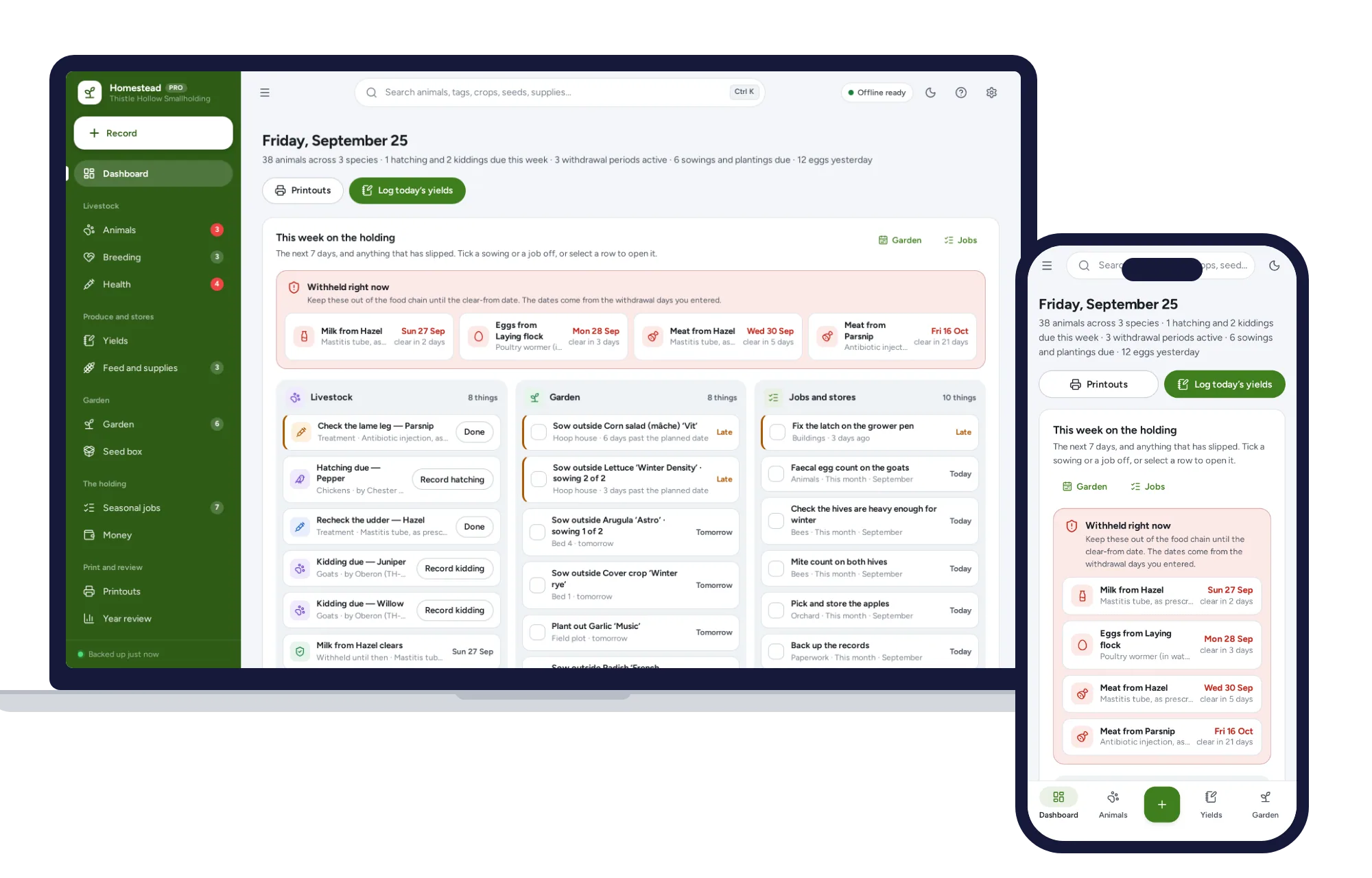
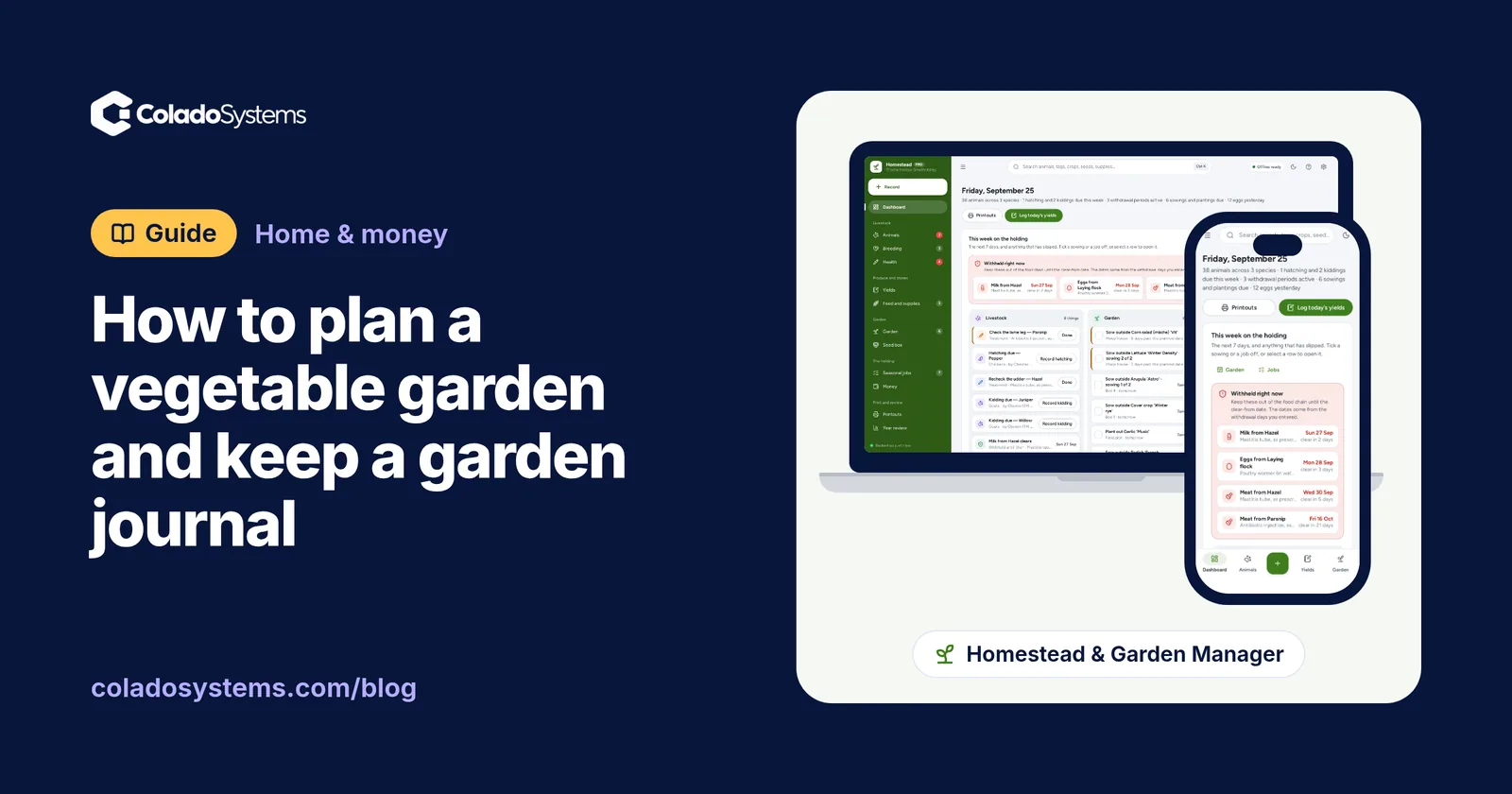
The Homestead & Garden Manager has those parts. Its crop plan works from your own frost dates, so “sow 7 weeks before the last frost” becomes a real date, and if you change a frost date, every date keyed to it moves. It handles succession sowings, and harvests add up. The seed box tracks sow-by years. Seasonal jobs are listed month by month, income and expenses can be kept by enterprise with the garden as one of them, and the sowing calendar prints. Yield logs you define let you track anything else you collect, such as cut flowers or honey, in its own unit. It works in the southern hemisphere too.
Two honest notes. It gives no growing advice: the timings come from your seed packets and the figures are yours. And it is built for homesteads, so a good part of it, such as the animal register, breeding records and withdrawal dates, is for livestock. If you only grow vegetables, you will mostly use the garden side. If hens arrive later, they have a place to go.
On cost, a garden app at, say, $5 a month is $60 a year, every year, for as long as you garden. This is a one-time price.
Keeping it all in one place
It opens with a sample smallholding, so you can look around before entering anything. There is no account or sign-up, it works with no signal at the bottom of the garden, and records stay in the browser on your own device. Each device keeps its own copy, so use backup and restore to move records between the phone in your pocket and the house computer.
Browse other planners for home and money if you want the kitchen and the budget organized too.
You can see everything inside the Homestead & Garden Manager and try it with the sample smallholding, then put in your own frost dates and this year’s crops.
Skip the setup
The Homestead & Garden Manager has the records this guide describes already set up. Works in the barn with no signal: livestock records, withdrawal dates, egg and milk logs, and a garden plan from your own frost dates.
$24.99 one-time
- Sample data to try it the same day
- Works offline, records stay on your device
- A PDF guide in the download
See everything inside the Homestead & Garden Manager. Or take the whole Home & money shelf: 7 systems for $89.99, $84 less than one by one.
Common questions
When should I start planning a vegetable garden?
Start in winter, a couple of months before your last spring frost. That leaves time to choose crops, order seed and work out sowing dates, because crops such as tomatoes and peppers are started indoors weeks before they can go outside. If you are reading this mid-season, plan a fall crop of greens and roots now and start the full plan for next year.
How do I find my last frost date?
Look up the average last spring frost and first fall frost for your area through your local extension service, a gardening club or a seed company's frost date tool. Treat both as averages, not guarantees. Record the actual dates in your garden journal each year, and over a few seasons you will learn how your own garden compares with the local average.
What should I write in a garden journal?
For each crop, note the variety, where the seed came from, the sowing date, which bed it went in, when it came up and when you first picked from it. Add harvest amounts, pests, weather and whether you would grow it again. A seed inventory with sow-by years and a record of each year's real frost dates make the next plan much easier.
Do I need crop rotation in raised beds?
It still helps. Raised beds hold the same soil from year to year, so pests and diseases that favor one plant family can build up just as they do in the ground. If you have several beds, move each crop family to a different bed each year. With only one or two, refresh the soil with compost and grow the tomato family in containers some years.